
Instructional, step-by-step articles.
Content Type: How-To
-

Stop OneDrive from Syncing a Folder on Windows 11
Learn the most effective ways to prevent OneDrive from syncing specific folders or all folders on your Windows 11 device while keeping your files…
-
Fix Screen Tearing in Mint Using NVIDIA or Intel Drivers
Resolve screen tearing issues in Linux Mint by configuring NVIDIA or Intel graphics drivers with proven methods.
-
Fix Error 0x800F0838 on Windows 11
Solve Windows 11 update error 0x800F0838 by installing required checkpoint updates and using the correct update installation method.
-
Enable Third-Party Repos and Multimedia in Fedora
Access a wider range of software and multimedia codecs by enabling third-party repositories and RPM Fusion on Fedora.
-
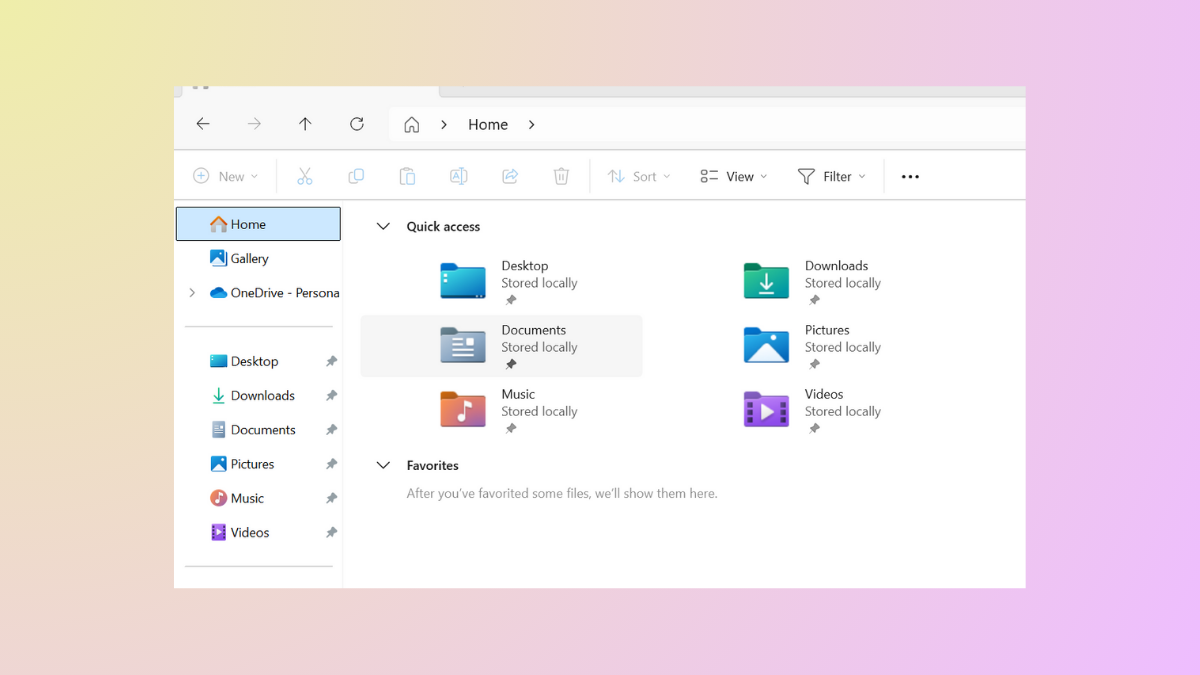
Change Folder Icons in File Explorer in Windows 11 for Better Organization
Customize folder icons in Windows 11 to streamline navigation and make files easier to identify at a glance.
-
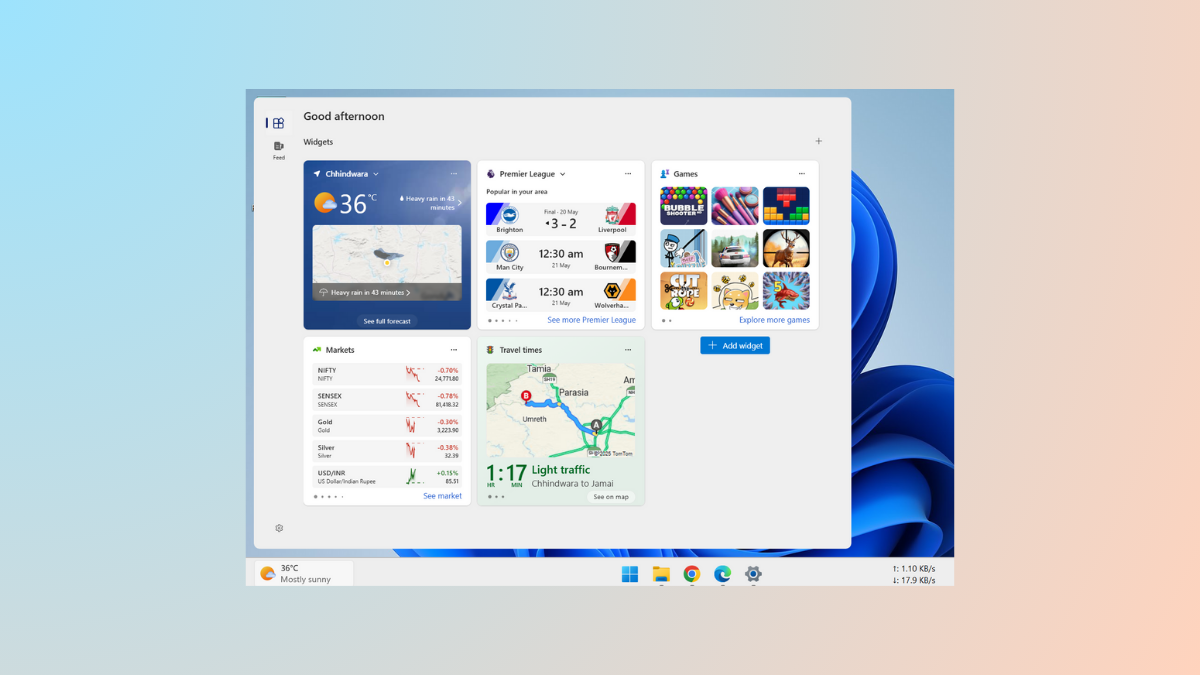
Move or Resize Widgets Panel in Windows 11
Learn how to reposition and resize widgets on the Widgets board in Windows 11, and understand the current limitations for moving the Widgets panel…
-

Set Up Fingerprint Login in Linux Mint
Enable fingerprint authentication in Linux Mint using fprintd, covering device compatibility, installation steps, troubleshooting, and configuration tips for login and sudo.
-
Restore Missing Bluetooth Toggle in Settings on Windows 11
Resolve the issue of the Bluetooth toggle disappearing from Windows 11 Settings with reliable methods, restoring device connectivity and streamlining wireless use.
-
Configure Power Saving for Laptops on Arch-Based Systems
Set up and optimize battery-saving features on Arch-based laptops using practical tools, kernel tweaks, and targeted system settings for measurable battery life improvements.
-
Turn Off Telemetry and Tracking Features in Windows
Reduce data collection and tracking in Windows by adjusting system settings, using built-in tools, and applying advanced privacy controls.