
Instructional, step-by-step articles.
Content Type: How-To
-
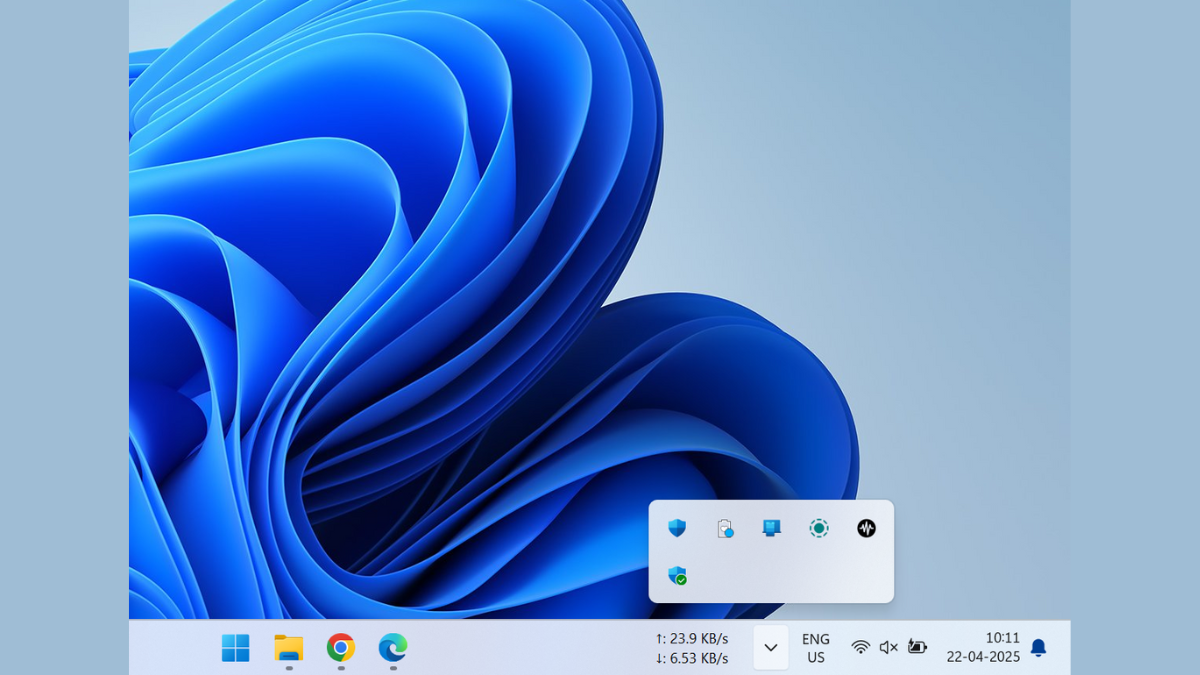
How to Fix System Tray Icon Area Needlessly Taking Up Space
Learn how to reclaim valuable taskbar space by managing your system tray icons effectively
-
How to Use Excel Troubleshooter to Fix Excel Problems on Windows 11
Resolve common Excel issues quickly using Windows 11’s built-in troubleshooting tool.
-
Fix Touchpad Not Working on Ubuntu 24 Running on Dual Boot HP Omnibook
Resolve touchpad issues quickly on your dual-boot HP Omnibook laptop using Ubuntu 24.
-
Show AM/PM on the Lock Screen of Mobile and Windows PC
Display the 12-hour clock format with AM and PM indicators on your device’s lock screen by adjusting system settings.
-
Hide Specific Folders From Another User on Windows PC
Learn practical methods to prevent other users on your Windows computer from viewing or accessing selected folders.
-

Fix Google Play Store ‘Something Went Wrong’ Error
Resolve the persistent “Something Went Wrong” message in Google Play Store with proven solutions to restore app downloads, updates, and purchases.
-
Clear Clipboard Data on Windows 11
Remove sensitive or unwanted clipboard data on Windows 11 using built-in tools, shortcuts, or command-line methods to protect privacy and free up resources.
-
Disable Location Tracking on Windows 11 Devices
Prevent Windows 11 and installed apps from collecting and sharing your device’s location data by adjusting system settings, managing app permissions, and clearing stored…
-
Install PuTTY SSH and Telnet Client on Linux
Follow these instructions to add PuTTY, a popular SSH and serial terminal client, to your Linux system using the most effective installation methods.
-
Fix Ubuntu System Hangs, Crashes, and Freezes
Resolve recurring Ubuntu system hangs, crashes, and freezes by identifying root causes and applying practical solutions for both application-level and full system lockups.