
Instructional, step-by-step articles.
Content Type: How-To
-

How to Get the Peacemaker Skin in Fortnite
Find the release time, bundle contents, prices, and step‑by‑step purchase instructions.
-

How to get the Mad Moxxi Bundle in Fortnite (offer valid till September 2026)
Two official ways to unlock Mad Moxxi, with key dates, eligibility, and step-by-step instructions.
-
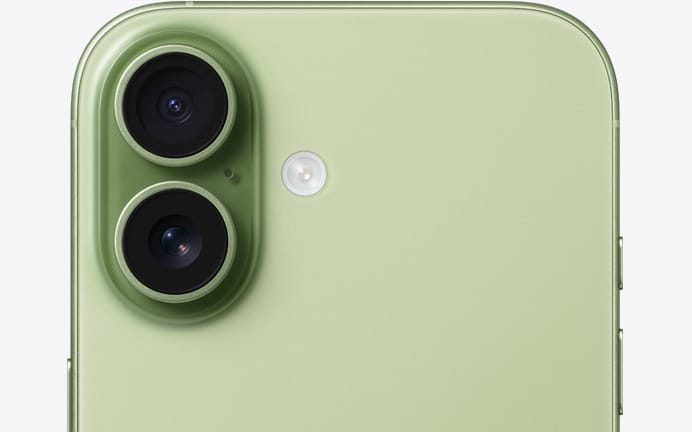
AT&T iPhone 17 trade‑in: how to get up to $1,100 off
What qualifies, which plans are eligible, how the monthly credits work, and the fine print you shouldn’t miss.
-
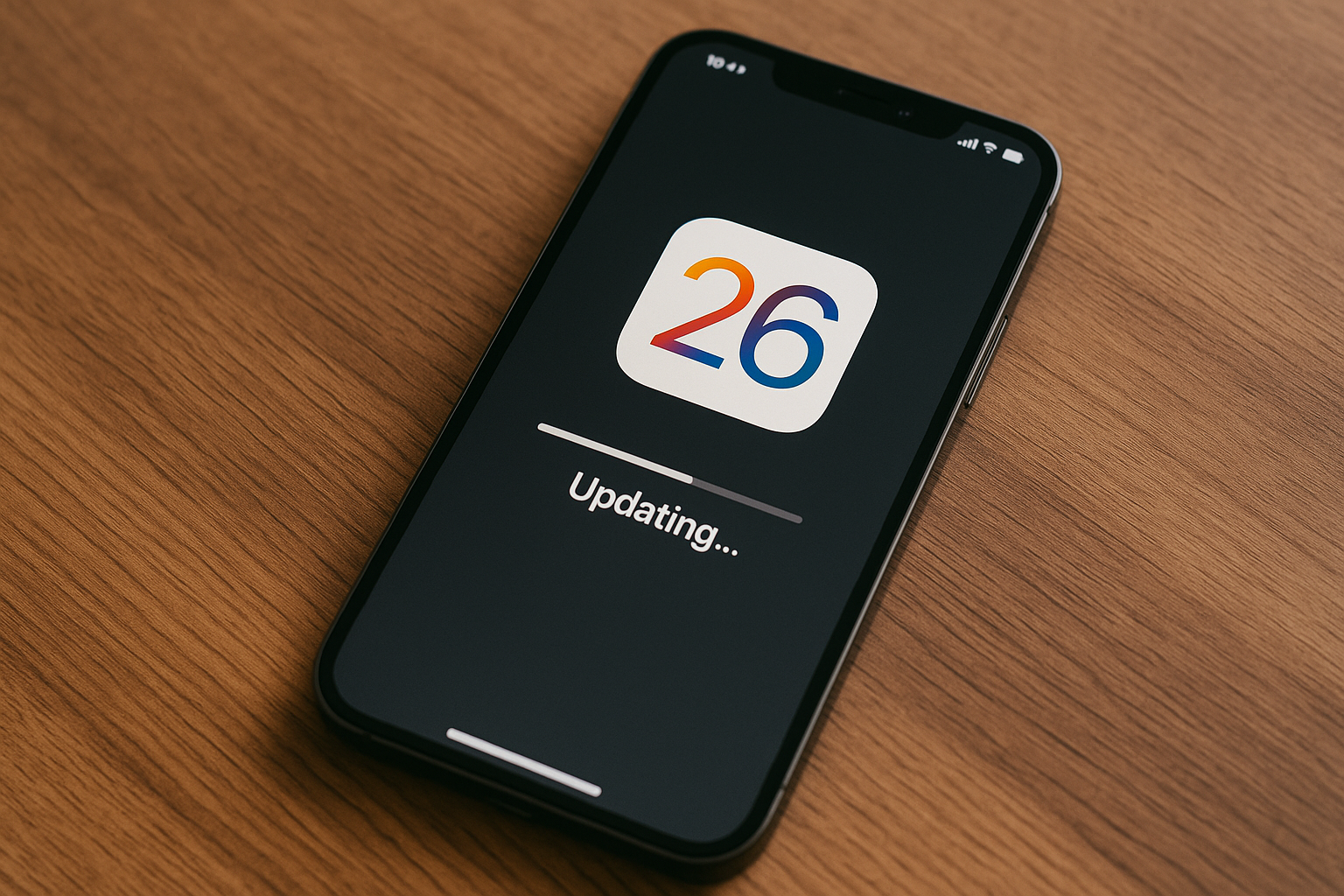
Prepare your iPhone for iOS 26
Backup, clear space, and install with minimal downtime and risk.
-
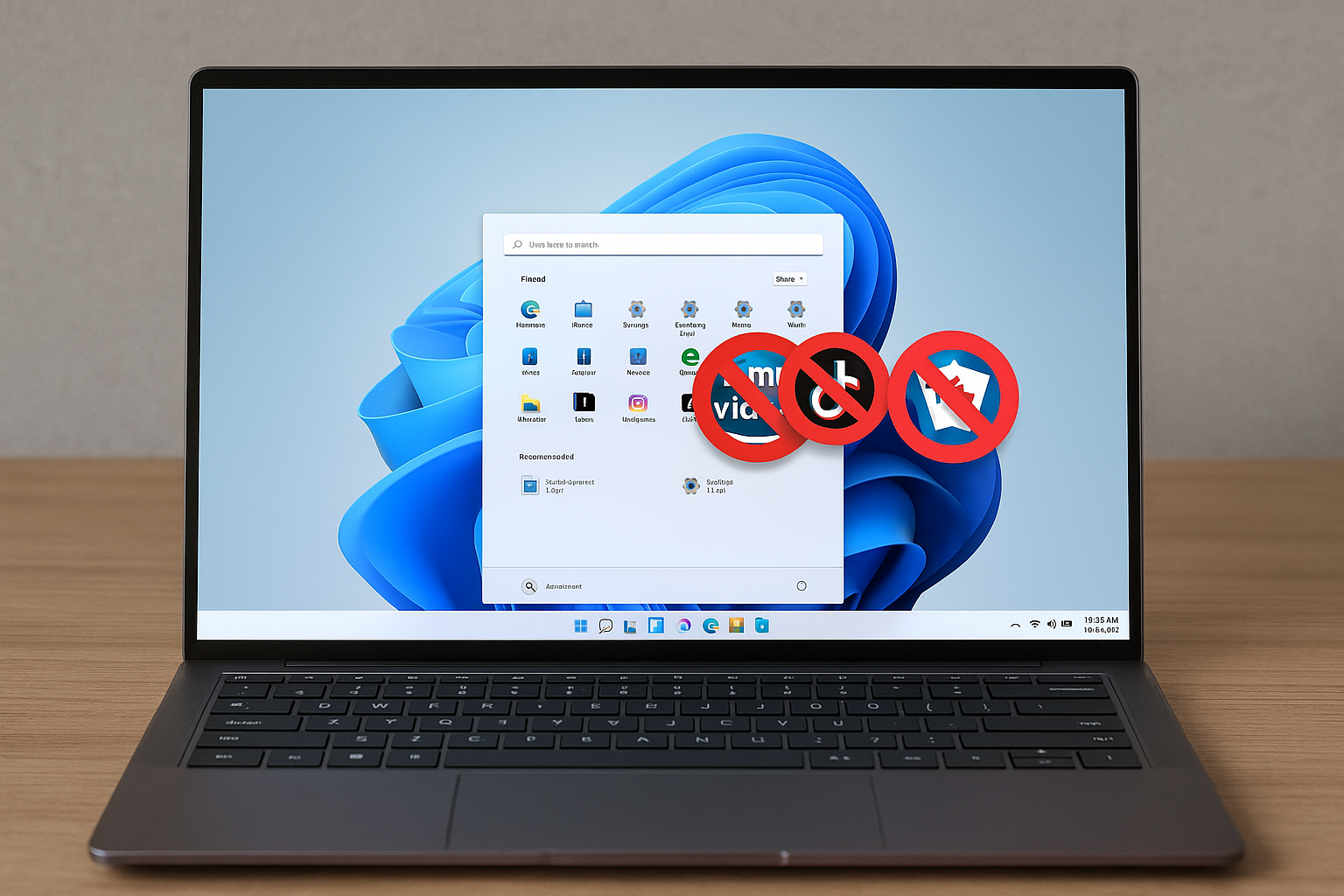
Remove Windows 11 bloatware using the built‑in policy (24H2/25H2)
Configure Group Policy or the Registry to strip default Store apps for new accounts.
-
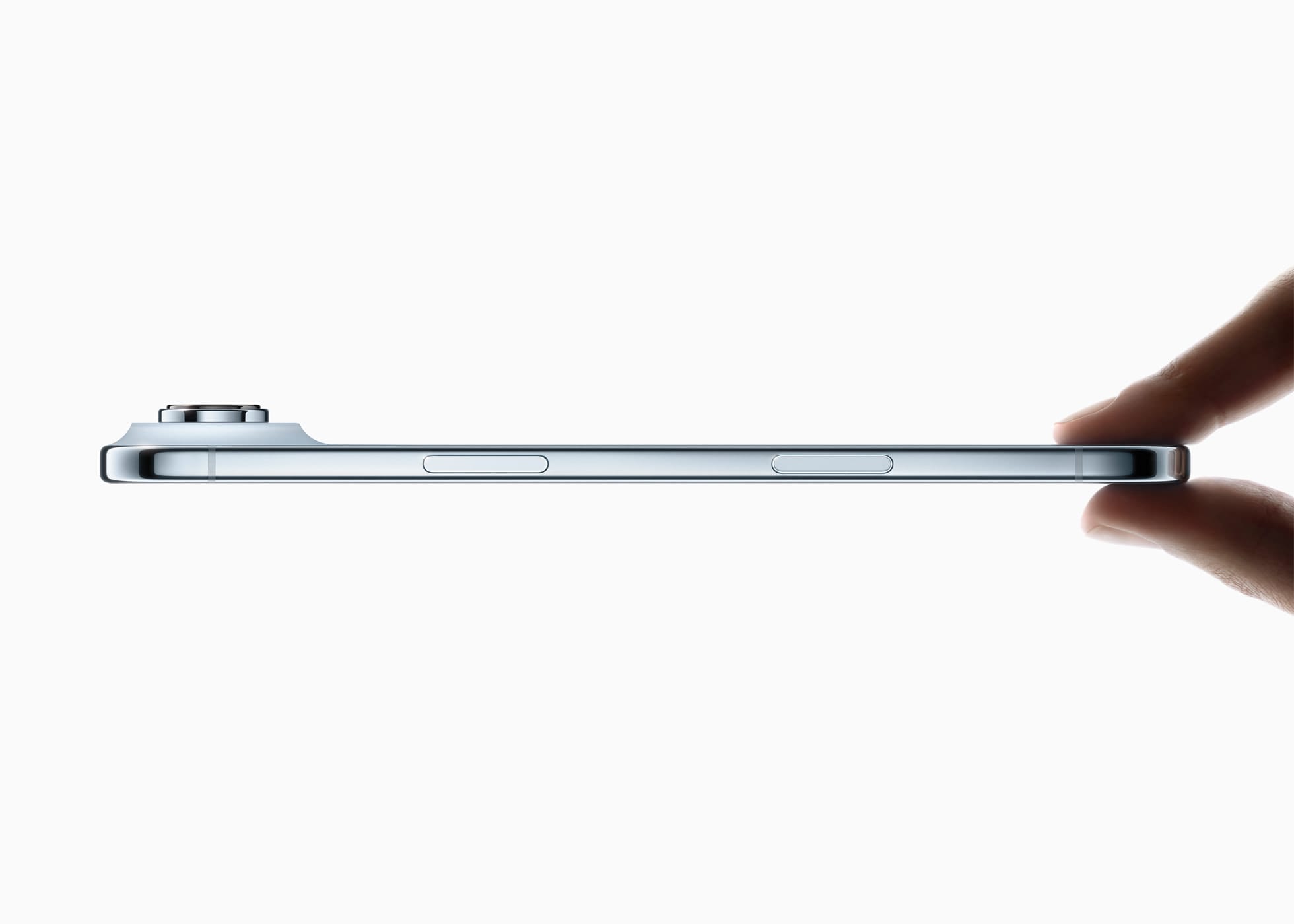
iPhone Air repair pricing — what battery, cracked screen, back glass, broken camera fixes cost
Apple’s latest repair schedule sets $119 batteries, $329 screens, and more for the new ultra-thin iPhone.
-

Silksong — Who is Loam and how to find him
How to reach the Underworks worker, what the treadmill yields, and what changes later.
-
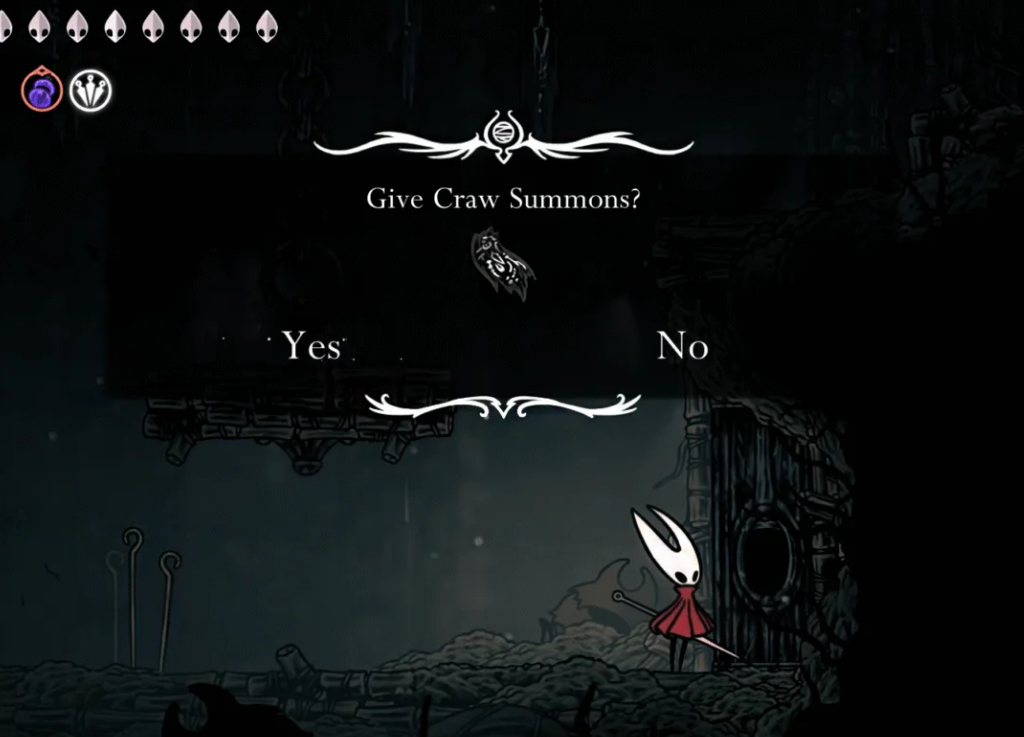
Hollow Knight: Silksong Craw Summons — How to Get and Use
Prereqs, reliable spawn tips at Bellhart, and where it unlocks in Greymoor.
-

Silksong Act 3 — how to unlock Silk and Soul
A concise checklist to move the flea caravan, finish the right boards, build the trap, and open the third act.
-
Windows 11 KB5065426 (24H2) — what’s new, what’s fixed, and how to install
September’s update brings security fixes, SMB auditing, input repairs, and AI component updates for Copilot+ PCs.