
Instructional, step-by-step articles.
Content Type: How-To
-

How to Fix .NET Framework Error 0x800c0006 in Windows 11
Resolve the .NET Framework 4 installation failure with error code 0x800c0006 on Windows 11 by following these detailed solutions.
-

How to Fix “An Error Occurred Playback ID” in YouTube
Resolve persistent YouTube playback issues with targeted troubleshooting steps to restore normal video streaming.
-

How to Fix D3dx.dll Is Missing Error on Windows 11
Resolve d3dx.dll errors on Windows 11 by reinstalling DirectX, repairing system files, and updating drivers to restore compatibility with games and graphics software.
-

How to Fix OneDrive Stuck on Preparing to Upload
Resolve the persistent “Preparing to upload” status in OneDrive with detailed methods that address common causes and restore smooth file syncing.
-
How to Fix PowerPoint Freezing or Hanging
Clear solutions to resolve PowerPoint not responding, freezing, or hanging issues and prevent future disruptions during your presentations.
-
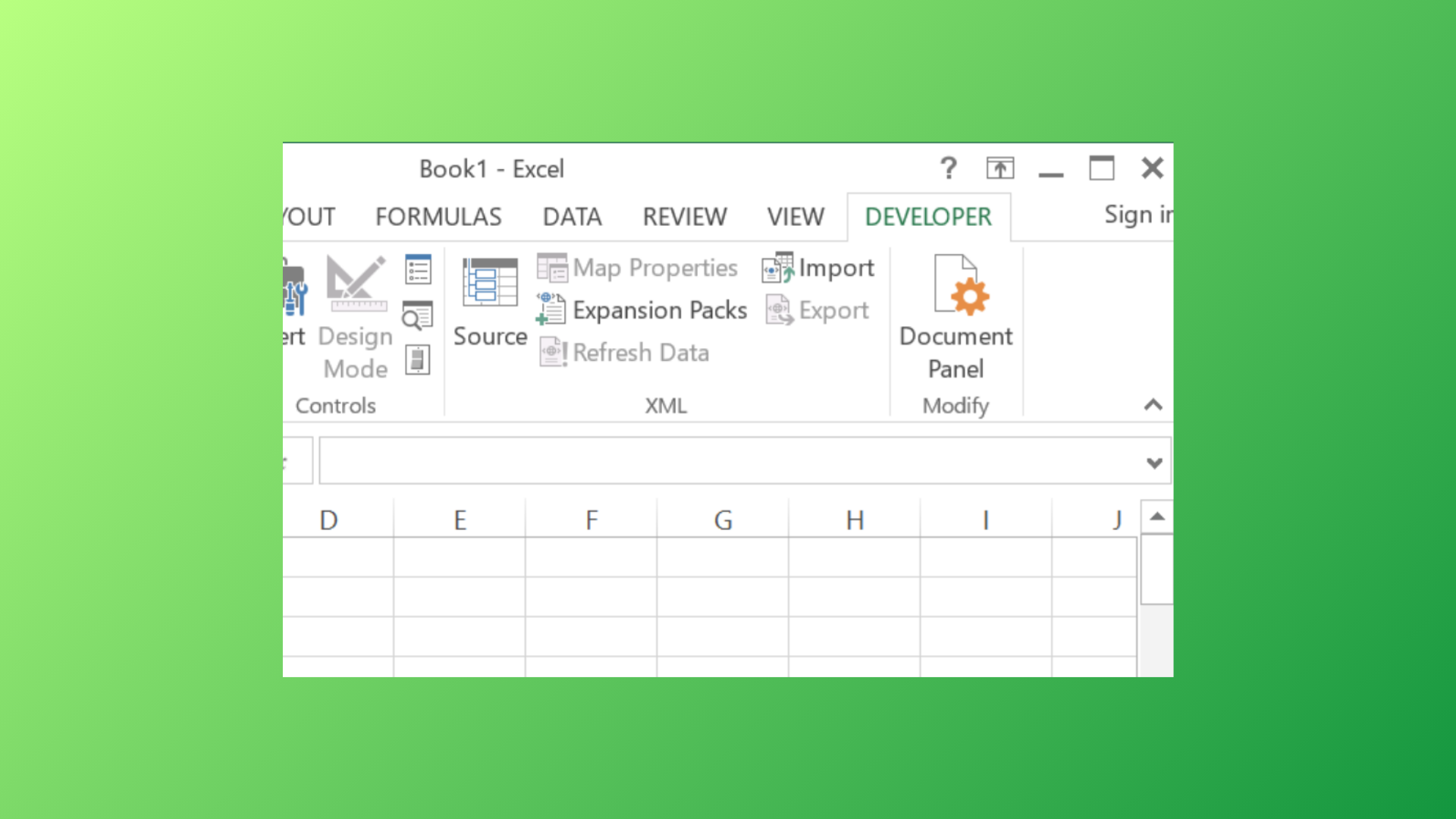
How to Enable, Use, or Remove the Developer Tab in Microsoft Excel
Access advanced Excel features by showing or hiding the Developer tab, and learn how to manage developer controls for streamlined workbook functionality.
-
How to Fix Printer Status Is Paused Cannot Resume Error in Windows 11
Resolve the “Printer Status is Paused, Cannot Resume” issue in Windows 11 by following practical solutions to restore normal printing and prevent workflow interruptions.
-
How to Fix Error Code 7: 0x3c When Installing or Updating Chrome
Resolve Chrome update failures caused by error code 7: 0x3c by closing conflicting processes, checking system settings, and following targeted troubleshooting steps.
-
How to Fix New Outlook App Not Opening or Working
Detailed steps to resolve issues when the New Outlook app fails to launch or becomes unresponsive on Windows.
-
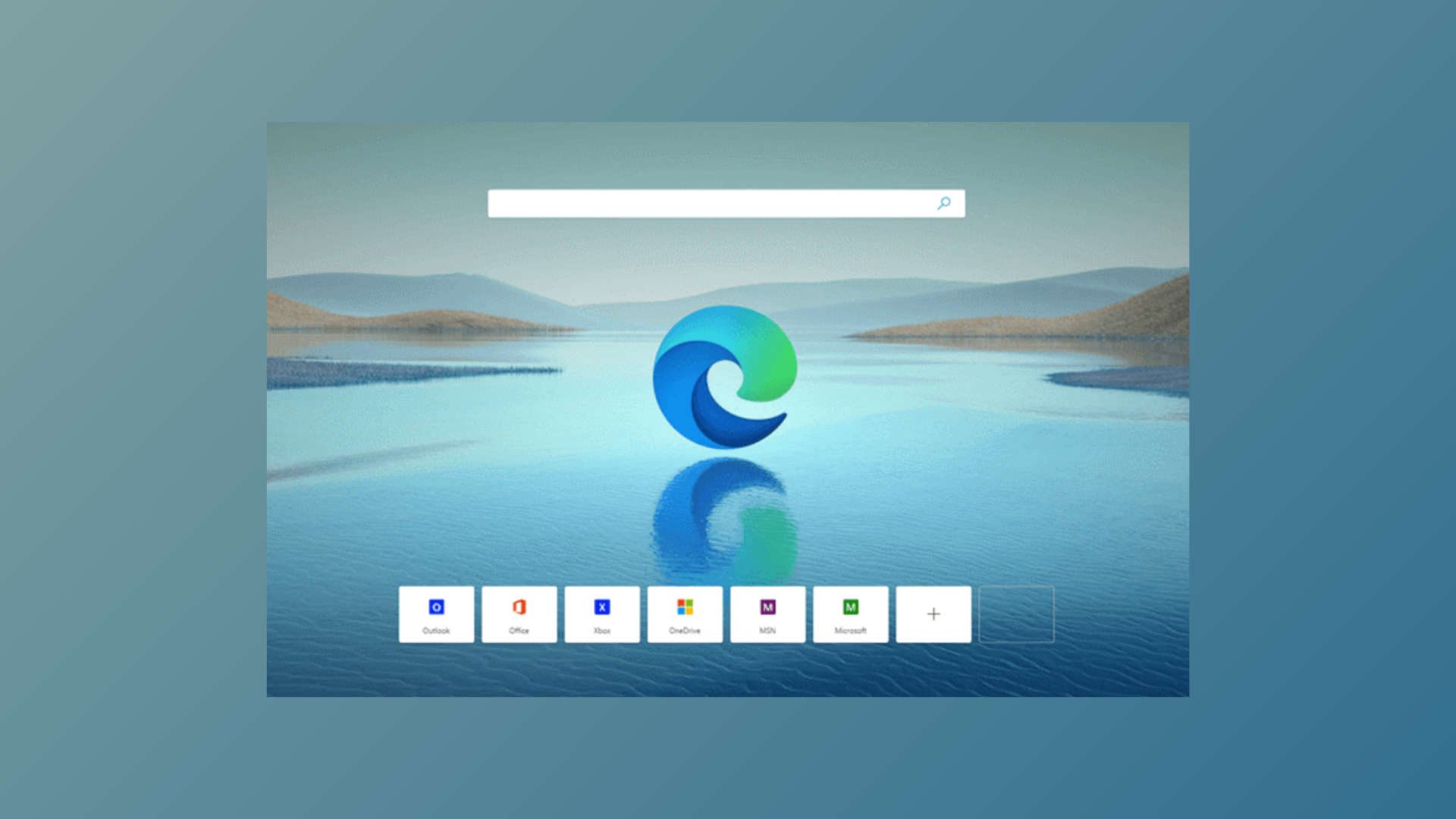
How to Enable Mica Effect in Edge Browser in 2025
Activate the Windows 11 Mica visual effect in Microsoft Edge to achieve a semi-transparent, modern interface—now available in Edge version 140 and newer.