
Instructional, step-by-step articles.
Content Type: How-To
-
Fix Error 0x80240069 on Windows 11
Resolve Windows Update failures caused by error 0x80240069 when deploying Windows 11 24H2 updates through WSUS in enterprise environments.
-
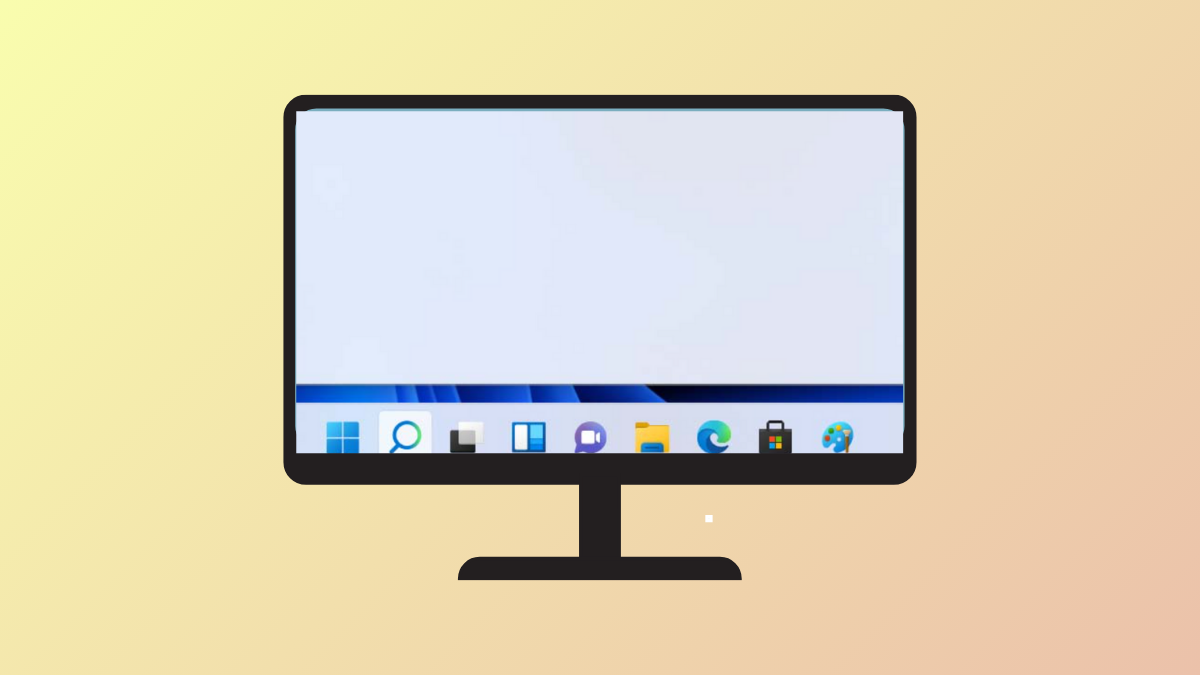
Show App Labels on Windows 11 Taskbar
Display or hide window titles on your Windows 11 taskbar by adjusting taskbar label settings for clearer multitasking.
-

Use DNF5 for Package Management in Fedora
Switching to DNF5 speeds up software installation, reduces resource usage, and prepares your Fedora system for the next generation of package management.
-
Adjust DNS Settings on Windows 11
Switching DNS servers in Windows 11 can resolve network issues, speed up browsing, and improve privacy—here’s how to configure DNS settings using the most…
-
Prevent Windows 11 From Automatically Locking Your PC
Stop your Windows 11 computer from locking after inactivity by adjusting sign-in, power, and registry settings.
-
Fix C Drive Filling Up Automatically on Windows 11 24H2
Stop unexpected disk space loss on your C drive after Windows 11 24H2 updates by following targeted cleanup and troubleshooting steps.
-
Install NVIDIA Drivers the Right Way in Fedora
Follow these instructions to properly install NVIDIA drivers on Fedora, ensuring maximum GPU performance and system stability.
-
Disable PIN Login When Windows Won’t Let You Use Password
Resolve issues with Windows 11 forcing PIN login by removing the PIN requirement and restoring password or passwordless access.
-
Enable RPM Fusion Repositories in Fedora
Unlock access to additional software packages on Fedora by enabling the RPM Fusion repositories using command-line or graphical methods.
-

Fix Common Driver Issues in Linux Mint
Resolve graphics, WiFi, and kernel-related driver problems in Linux Mint with simple solutions that restore system stability and functionality.