Gaming Codes

Unit Wars Codes (July 2026)

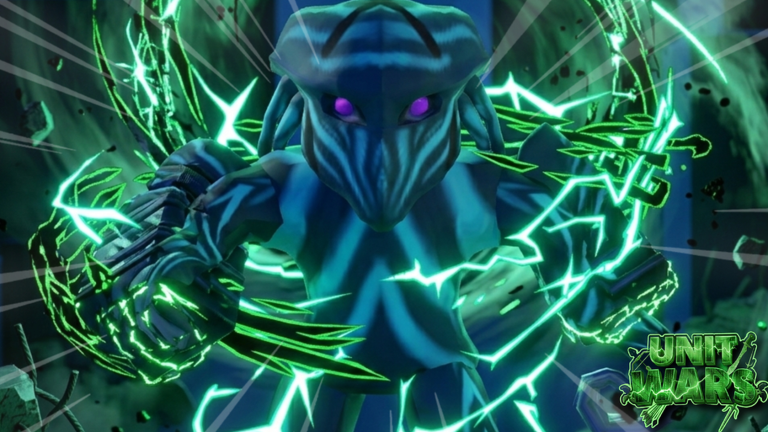
Redeem these codes for Cash, Gems, crates, and potions in Unit Wars, and check back often for the latest working list.

Redeem these codes for Cash, Gems, crates, and potions in Unit Wars, and check back often for the latest working list.

Image source: Roblox

Unit Wars rewards commanders who redeem codes with Gems, Cash, crates, and potions that speed up how fast a squad grows. The list below reflects what currently works in the game, along with the codes that have stopped functioning.

Working Unit Wars codes

Each code below can be redeemed once per account, and Unit Wars codes are case sensitive, so type them exactly as shown.

  • Season2Launch — 3 Season 2 Eggs and 1 Double Luck Potion NEW
  • Season2Hype — 5 Season 2 Eggs and 10 Power Nut NEW
  • 100kGroupMembers — 2 Golden Classic Crates, 2 Double Gem Potions, and 15 Power Nuts NEW
  • 2MVisits — 3 Raid Eggs, 1 Double Trait Luck Potion, and 10 Steaks NEW
  • 25kLikes — 1 Golden Classic Crate, 2 Double Luck Potions, and 10 Power Nuts NEW
  • ClassicEventUpdate — 1 Classic Crate NEW
  • 20kLikesAndSorry — 7.5K Gems, 3 Season 1 Crates, 2 Double Luck Potions, and 15 Power Nuts
  • 10kFavorites — 5K Gems, 3 Season 1 Crates, 1 Double Luck Potion, and 10 Power Nuts
  • 1MVisits — 7,500 Cash, 10 Food Crates, 3 Double Gems Potions, and 15 PowerNut Food
  • FoodReward — 1 Double EXP Potion and 8 Steaks
  • 10kLikes — 10 Food Crates, 1 Double Luck Potion, and 10 Power Nuts

Crates like the Golden Classic Crate and Season 1 Crate open into random units or crafting materials, while Double Luck, Double Gem, and Double EXP potions apply temporary boosts rather than permanent stat gains. Power Nuts and Steaks are food items you feed directly to a unit to raise its stats.


How to redeem codes in Unit Wars

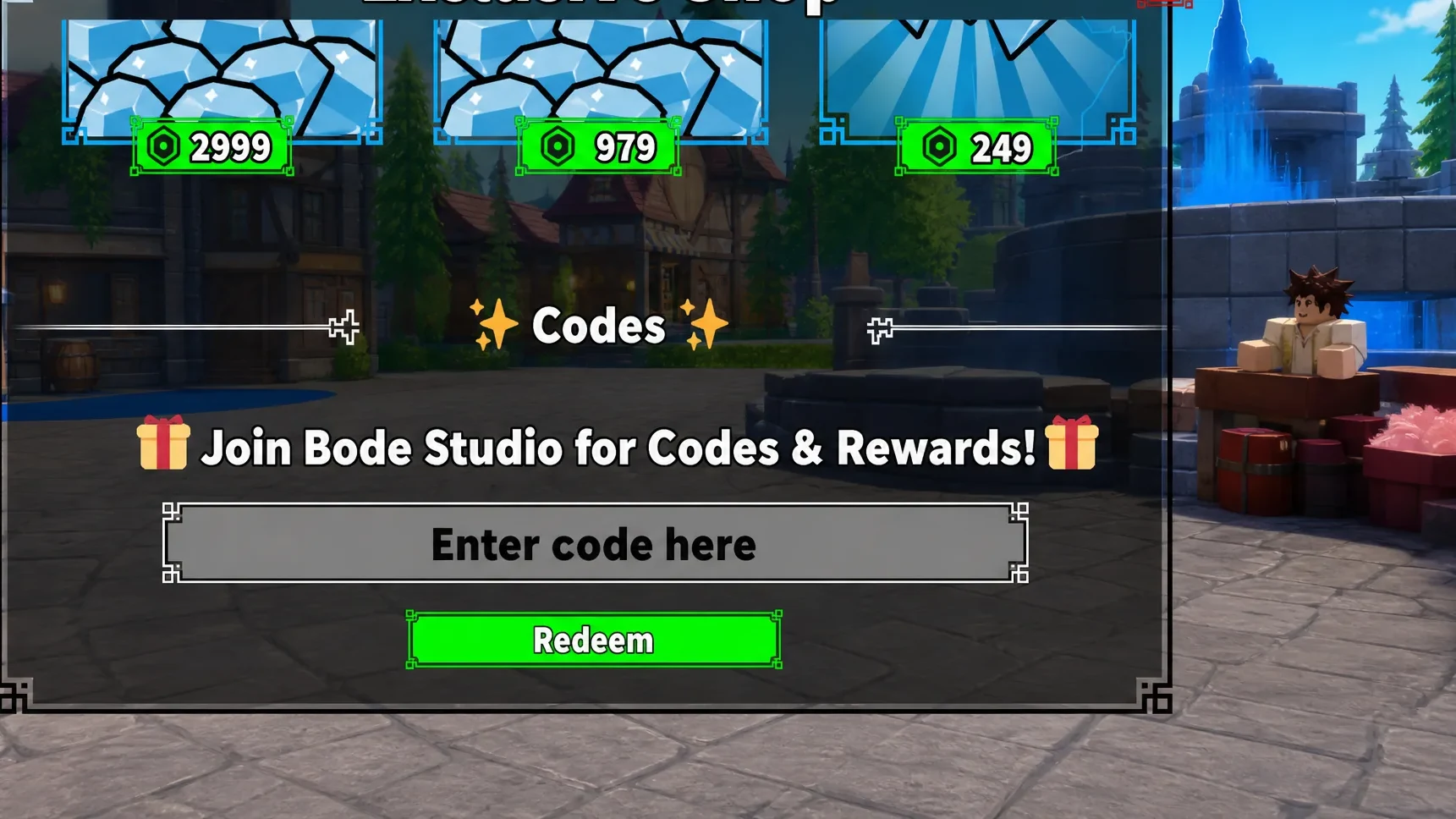
Codes are redeemed from inside the game, and you need to finish the tutorial first if you’re a new player, since the code entry box only becomes available afterward.

Open Unit Wars on Roblox and let the tutorial finish if this is your first session.
Click the Shop icon on the left side of the screen.
Scroll to the bottom of the Shop menu until the code entry box appears.
Type or paste a code exactly as it appears, matching upper and lower case letters precisely.
Press Redeem. A successful entry adds the listed Gems, Cash, crates, or potions to your inventory right away, which you can confirm by checking your Gem and Cash totals or opening your inventory for new crates and potions.
How to redeem codes in Unit Wars

Expired Unit Wars codes

These codes no longer return rewards if you enter them.

  • SoMuchLikes
  • 100kvisits
  • OrbGrind
  • FreeOrb
  • FreeCrate
  • 500kVisits
  • 20kGroupMembers
  • 200kvisits
  • 1kLikes
  • BaconUpdate
  • HappyEaster
  • ThanksForTheLikes
  • release
  • blamspotnewgame
  • PVP
  • 500Likes

Where new Unit Wars codes get announced

New codes tend to appear around updates, community milestones tied to group members, likes, or visits, and seasonal events. Joining the Unit Wars Discord server or the Bode Studio Roblox community puts you in front of announcements as soon as a developer posts them, since codes must be redeemed while the developer keeps them active.

Unit Wars codes tend to rotate quickly once a new milestone or update lands, so redeeming an active code the moment you see it is the safest way to avoid missing out on Cash, Gems, and the crates that carry rare units.