Turning on dev commands in Valheim normally locks your character out of Steam achievements, and the game does the same if it detects mods or spawned items. Since the Steam version’s Patch 1.0.12, there is a built-in way to opt back in without starting a fresh save.
Quick answer: Open the F5 console and type yesiuseddevcommandsbutiwantmyachievementsanyway, then press Enter. Achievements will unlock again despite the dev-command block.
The command that re-enables achievements
The exact string you need is long on purpose, and it is not a typo. Enter it as one continuous word in the developer console:
yesiuseddevcommandsbutiwantmyachievementsanywayYou can copy and paste it straight into the console instead of typing it out. This command exists only in Patch 1.0.12 and later on the Steam version, and it is what lets you keep collecting achievements after you have switched on cheats.
Achievements do not unlock retroactively. If you already met the requirements while cheats were blocking them, you will need to complete those feats again after running the command.
Turn on the console and dev commands first
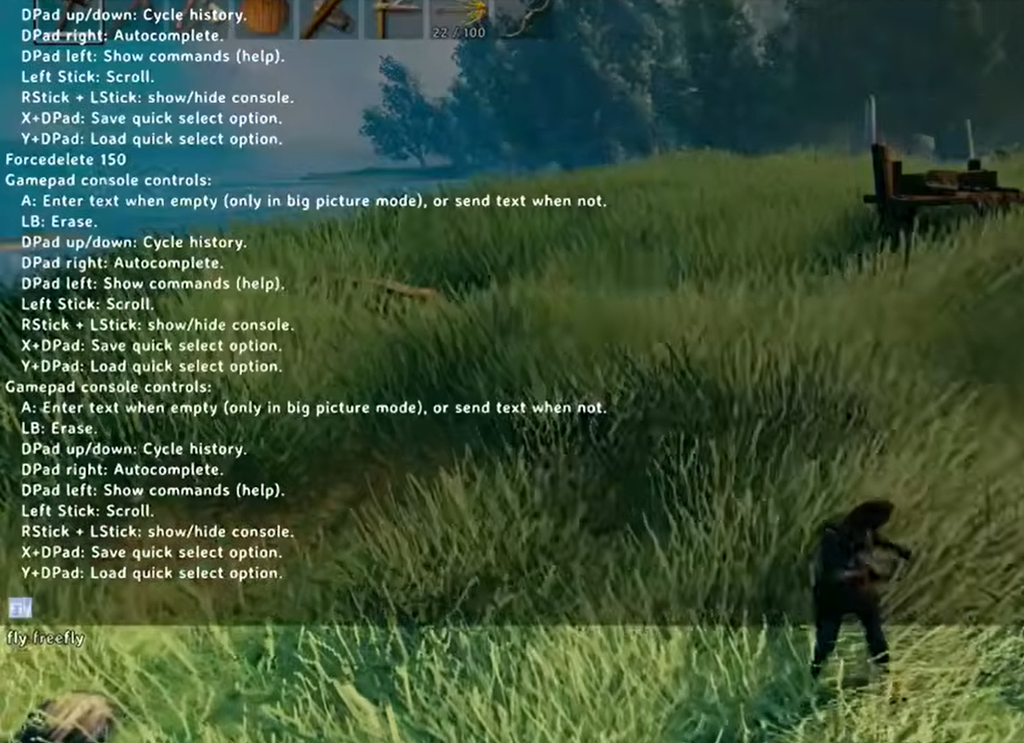
The command only works once the console is active and cheats are enabled. Set both up in order.
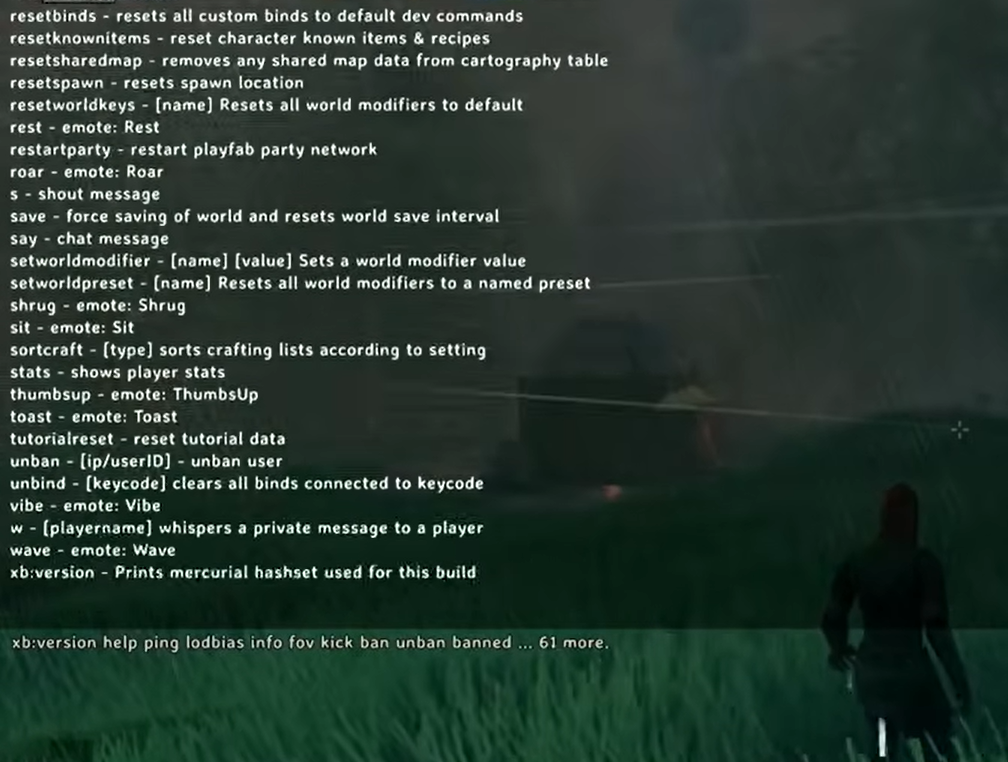
-console to Valheim’s Steam launch options, which affects only your own client.devcommands and press Enter. The first time, a warning appears about the consequences. Enter devcommands a second time to confirm and switch cheats on.yesiuseddevcommandsbutiwantmyachievementsanyway to keep achievements active for the current character.With dev commands on, you can use cheats such as god for invulnerability, fly to move freely across the map, and spawn to create items in front of you. There is also debugmode, which removes build costs and requirements; enter it in the console, then press B to toggle it.
What still blocks achievements in Valheim
Several conditions flag a character or world as cheated. Some clear on their own, while others are permanent.
| Trigger | Effect on achievements |
|---|---|
| Console cheats and dev commands | Blocked until you run the opt-in command above |
| Installed mods | Blocked while the game runs modded |
| Hammer Mode (World Modifiers) | Temporary; achievements return once you disable it |
| Cheating during early access | Permanent block on that character or world |
Hammer Mode, found under the World Modifiers menu at world selection, counts only as a temporary cheat, so turning it off restores your ability to earn achievements. In contrast, any character or world that used cheats back in Valheim’s early access period stays permanently locked out.
A few achievements are tied to World Modifiers themselves and only unlock while playing on Hard mode, so plan those runs accordingly.

Confirming it worked
You will know the command took effect when achievements start unlocking normally again during play, even with dev commands active. Because nothing is granted retroactively, the confirmation comes from meeting an achievement’s requirements after entering the command and seeing it pop as usual.