Valheim ships with a developer console that can drop almost anything in the game at your feet, from a stack of finewood to a two-star boar. It is switched off by default, and turning it on carries one permanent trade-off for the character you use it with. Once it is running, a single command handles both items and creatures.
Quick answer: Add -console to Valheim’s launch options, press F5 in-game, type devcommands, then run spawn [Name] [Amount] [Level] — for example, spawn FineWood 100 or spawn Boar 5 3.
Enable the Valheim console and turn on devcommands
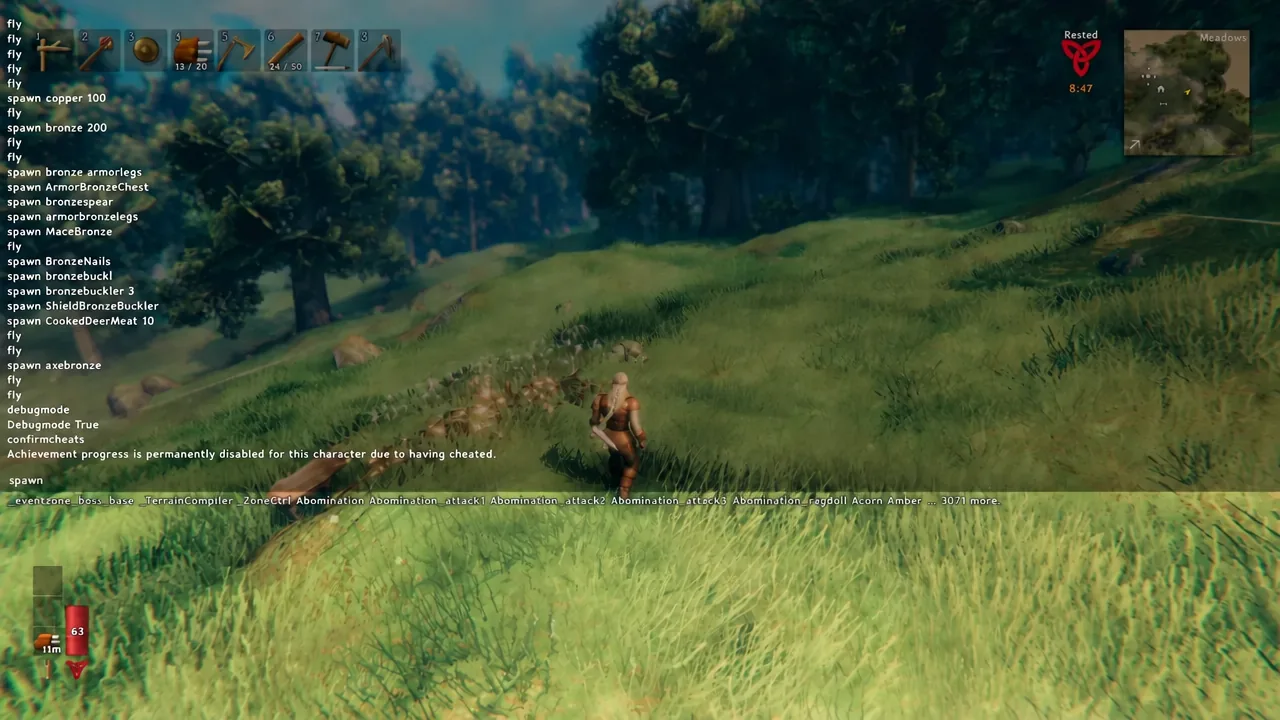
-console, then close the window. From version 0.148.6 onward the console stays disabled without this flag.devcommands and hit Enter. The console replies with Devcommands True and Cheats: True, which unlocks the spawn command and the rest of the cheat-tagged commands.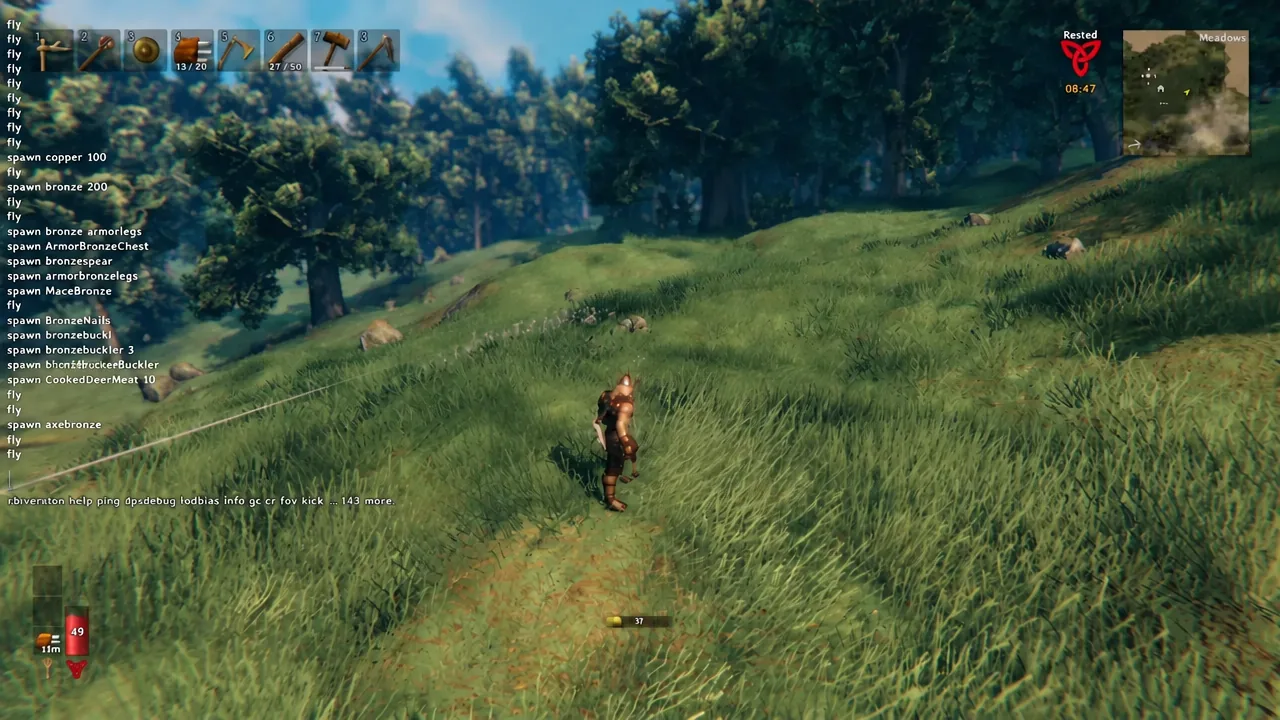
The game immediately warns that “Achievement progress is permanently disabled for this character due to having cheated.” That flag sticks to the character, not the world, so use a throwaway Viking if you still care about achievements. A handful of commands, including save, ping, and lodbias, work without devcommands at all.
spawn command syntax and arguments
One command covers everything. Items, creatures, bosses, crafting stations, and props all use the same structure, and only the name argument is mandatory.
spawn [Name] [Amount] [Level] [p/e/i]| Argument | What it does |
|---|---|
| Name | The internal ID of the item or creature, such as FineWood, AxeFlint, or Boar. |
| Amount | How many to create. Left blank, it spawns one. spawn Wood 50 drops 50 individual pieces rather than a single stack. |
| Level | Star rating for creatures only. 1 is default, 2 adds one star, 3 adds two. Very high numbers can crash the game on death because of the drop count. |
| p / e / i | Optional placement flag. p puts the item straight in your inventory, e equips or uses it, and i spawns it in front of you only if you do not already hold an identical item. |
Type IDs exactly as they are written, with capital letters intact. spawn FineWood 100 is the safe form; lowercase variants are unreliable. The console offers autocomplete suggestions as you type, which is the fastest way to confirm you have the right ID before pressing Enter.
Spawn creatures, NPCs, and bosses
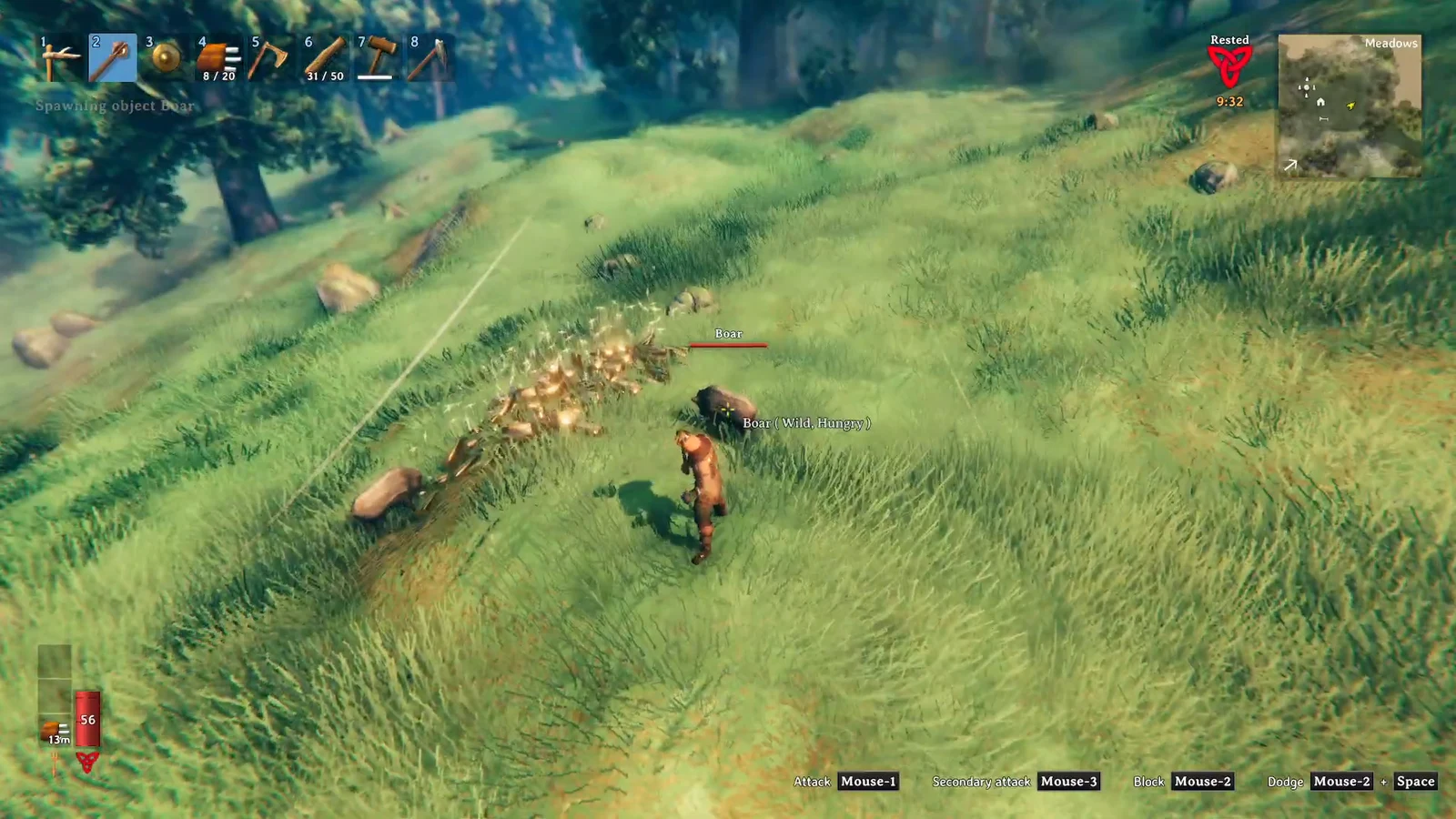
Creatures appear directly in front of your character and behave normally, so a hostile mob will attack the moment it lands. spawn Boar produces a single wild boar; spawn Deer 1 3 produces one two-star deer. Bosses work the same way, though several of them use internal names that look nothing like their in-game titles.
| Creature | ID |
|---|---|
| Boar | Boar |
| Deer | Deer |
| Greydwarf | Greydwarf |
| Greydwarf brute | Greydwarf_Elite |
| Draugr elite | Draugr_Elite |
| Bear | Bjorn |
| Fuling | Goblin |
| Wolf | Wolf |
| Seeker | Seeker |
| Haldor (trader) | Haldor |
| The Elder | gd_king |
| Moder | Dragon |
| Yagluth | GoblinKing |
Mob spawners are separate entities with their own IDs, such as Spawner_Greydwarf or BonePileSpawner. Most are single-use and stop working once the creature they produce is killed, so only the ones built as respawners keep generating enemies.
Item IDs for resources, gear, and food
Item names follow a consistent pattern once you spot it. Equipment leads with its category and ends with its material, so an iron sword is SwordIron and bronze plate leggings are ArmorBronzeLegs. Raw resources use plain names like Wood, Iron, or Coal.
| Category | Example IDs |
|---|---|
| Wood and stone | Wood, FineWood, RoundLog, ElderBark, Stone, Flint, Resin |
| Ores and metals | CopperOre, TinOre, IronOre, Iron, Bronze, Silver, BlackMetal, FlametalOre |
| Hides and cloth | LeatherScraps, DeerHide, TrollHide, WolfPelt, LoxPelt, LinenThread, Flax |
| Weapons | SwordIron, AxeFlint, AtgeirBronze, BowHuntsman, MaceSilver, SledgeStagbreaker |
| Armor | ArmorIronChest, ArmorWolfLegs, HelmetBronze, CapeLox, BeltStrength, Wishbone |
| Arrows | ArrowWood, ArrowFlint, ArrowFire, ArrowObsidian, ArrowNeedle, ArrowSilver |
| Food and mead | CookedMeat, Honey, Bread, LoxPie, MeadHealthMinor, MeadStaminaMedium |
| Trophies | TrophyBoar, TrophyTroll, TrophyEikthyr, TrophyBonemass, TrophyWolf |
| Stations and builds | piece_workbench, forge, smelter, blastfurnace, fermenter, piece_chest_wood |
| Vehicles | Cart, Raft, Karve, VikingShip |
Anything filed under miscellaneous — projectiles, ragdolls, event zones, test objects — can also be spawned, but some of those entries produce items that cannot be dropped or removed from your inventory once they land.
How to confirm the spawn worked
The console echoes a confirmation line the moment a command succeeds. Running spawn FineWood 100 prints Spawning object FineWood x100, and the pile lands in front of your character. As you walk over it, the standard pickup messages appear in the corner, such as Added Finewood x4.
If nothing is printed and nothing appears, the command did not run. That is the signal to check the spelling of the ID rather than repeating the command.
Why a spawn command fails
- The console never opened. Without
-consolein the launch options, F5 does nothing. - Cheats are off.
spawnis a cheat-tagged command and needsdevcommandsfirst in every session. - The ID is wrong. Display names and internal names often differ — a bear is
Bjorn, a drake isHatchling. Capitalization should match the ID as written. - You are not the host or an admin. On a server, your user ID has to be on the admin list, otherwise the text is treated as a normal chat message.
- You asked for too much at once. Enormous amounts will not corrupt the world, but they can stall or crash the game.
Remove spawned items and creatures
Overspawning is easy to undo. removedrops clears every item lying on the ground nearby, so stash anything you want to keep in a chest first. For creatures, killall wipes out nearby enemies, and in creative mode the K key does the same thing. Birds and fish need their own commands, removebirds and removefish.
Spawned traders are the stubborn exception. The only reliable way to get rid of one is forcedelete, which erases buildings, items, and entities inside the given radius around you — up to 20 metres. It does not discriminate, so move away from anything you want to keep before running it.
If you find yourself typing dozens of IDs in a row, debugmode is usually the faster route. It enables creative mode, where B unlocks every recipe and removes crafting costs, Z toggles flight, and K clears nearby enemies. The spawn command still wins for anything you cannot craft — creatures, bosses, trophies, and props — but for filling a chest with gear, creative mode skips the guesswork over item names entirely.