An AT Mine in WARDOGS is a one-hit answer to almost anything with wheels or rotors. Quad bikes, SUVs, up-armored Humvees, heavy trucks, mobile artillery — they all go up in a single detonation, and the driver rarely gets a warning. One vehicle in the game breaks that pattern.
Quick answer: Every vehicle dies to one AT Mine except the L2A6 tank, which survives the first hit with heavy damage and needs a second mine to finish it.
AT Mine cost, weight, and unlock requirements
The AT Mine sits on the Support progression track and does not become purchasable until you hit the level gate. It is a Lethal item that lives in your quick slot, and every kill it scores pays out Support XP.
| Detail | Value |
|---|---|
| Price per buy | $650 |
| Unlock | Support level 25, $75,000 |
| Weight | 8.6 kg |
| Inventory footprint | 2×1, 2 slots |
| Slot type | Lethal / Quick Slot |
| Trigger | Vehicle pressure only |
| XP track | Support |
You buy them from the Equipment Vendor, filed under the Utility category alongside the Claymore, Improvised Explosive Device, Ammo Crate, and Forward Operating Base.
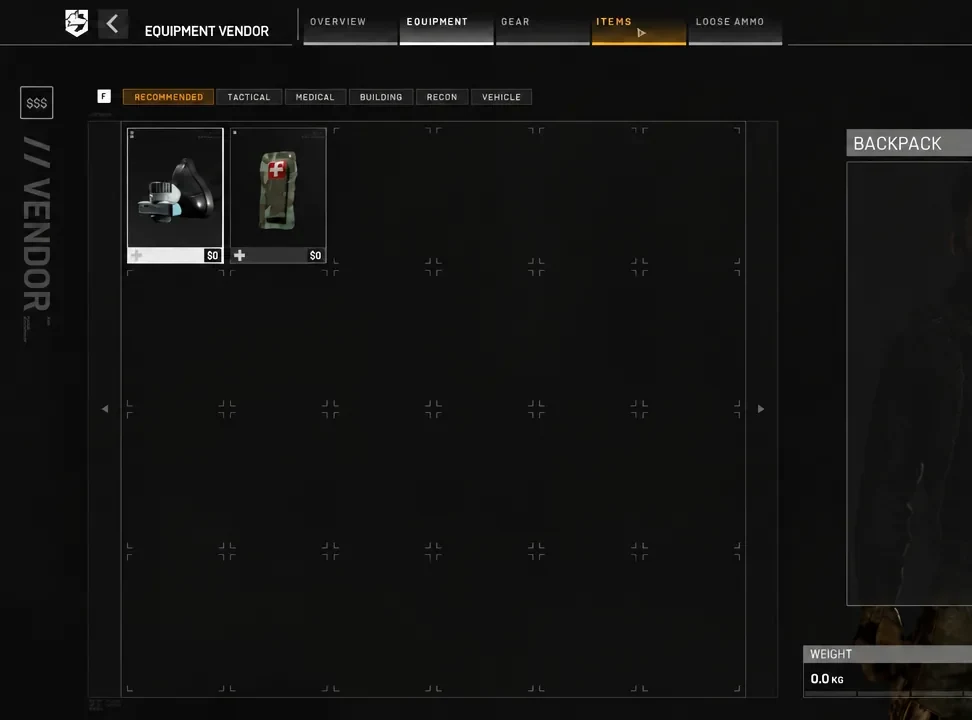
At 8.6 kg each, mines eat your carry weight fast. Stacking several in a backpack noticeably slows your movement speed, so buy the number you can actually rotate with.
Which vehicles survive a single AT Mine
Testing one mine against the game’s drivable hulls produces an almost uniform result. Light or heavy, wheeled or tracked, nearly everything is destroyed on contact.
| Vehicle | Type | Result from one mine |
|---|---|---|
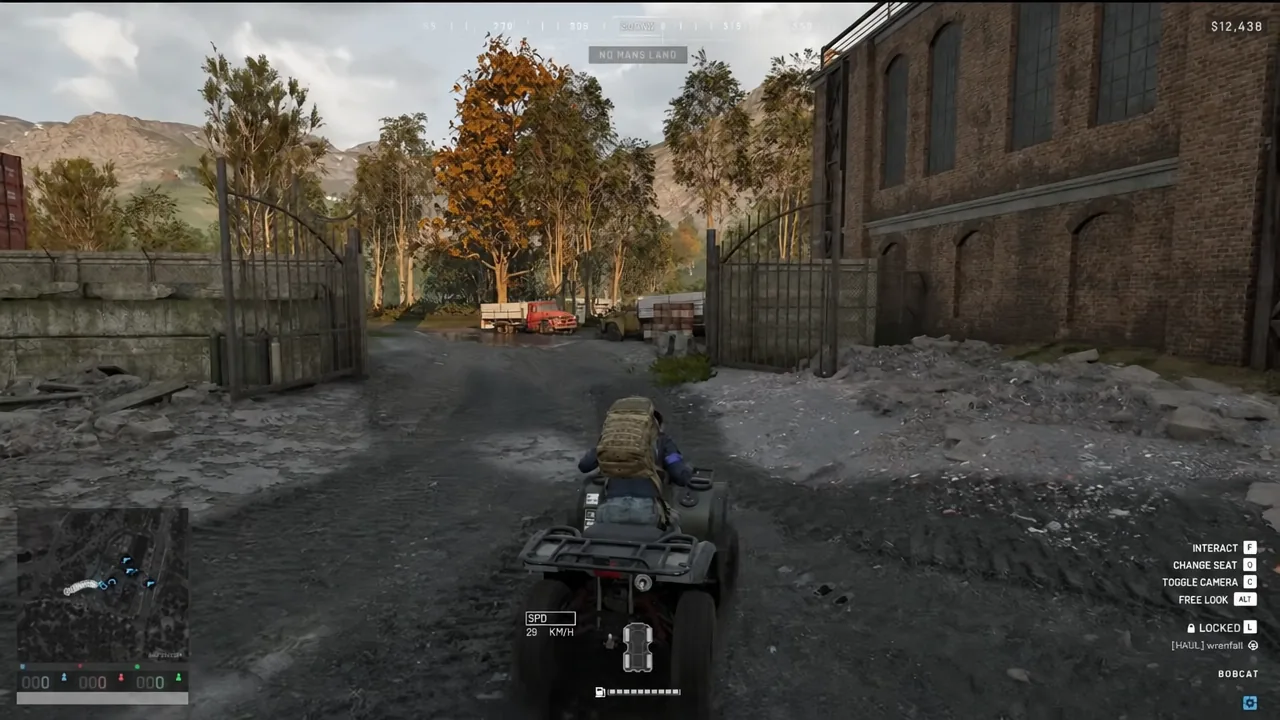
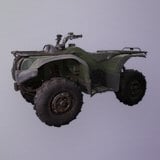 Bobcat Bobcat | Quad bike | Destroyed instantly |
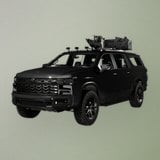 Kodiak [M249] Kodiak [M249] | Wheeled transport | Destroyed instantly |
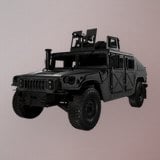 Humvee [Minigun] Humvee [Minigun] | Light-armored transport | Destroyed instantly |
| Ural Defender [M249] | Heavy truck | Destroyed instantly |
| SPH-2 | Mobile artillery | Destroyed instantly |
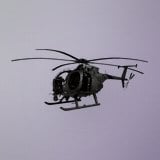 Z20 Lakota Z20 Lakota | Helicopter | Destroyed instantly |
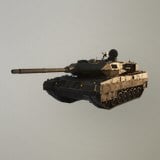 L2A6 L2A6 | Tank | Survives, heavily damaged |
The money side is lopsided in your favor. A Kodiak [M249] costs $3,750 at the vehicle vendor and a Humvee [Minigun] costs $4,500, and destroying either one pays you $500 on top of the Support XP. That is a $650 item erasing several thousand dollars of someone else’s loadout.
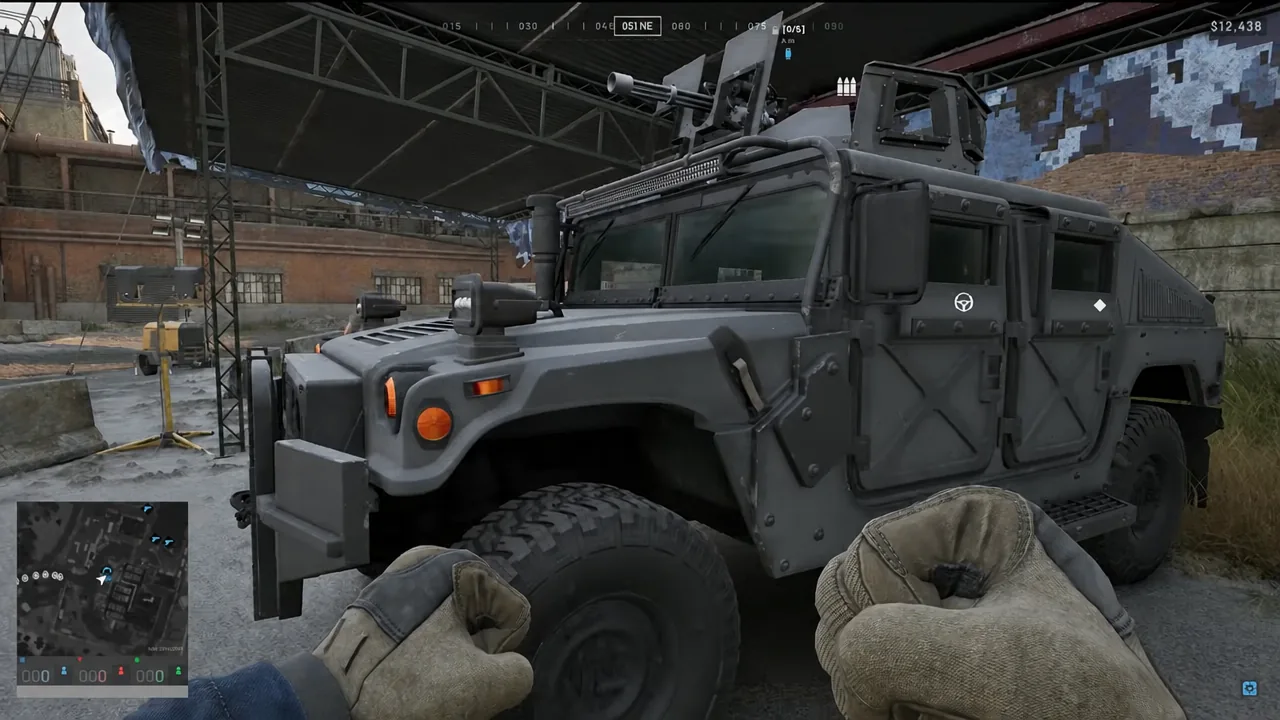
L2A6 tank: the only survivor
The L2A6 is the single hull in WARDOGS that can eat an AT Mine and keep driving. It takes severe damage from the first detonation but stays alive. A second mine finishes it. If you are trying to deny a road to enemy armor, plan for two mines on the same approach rather than one.
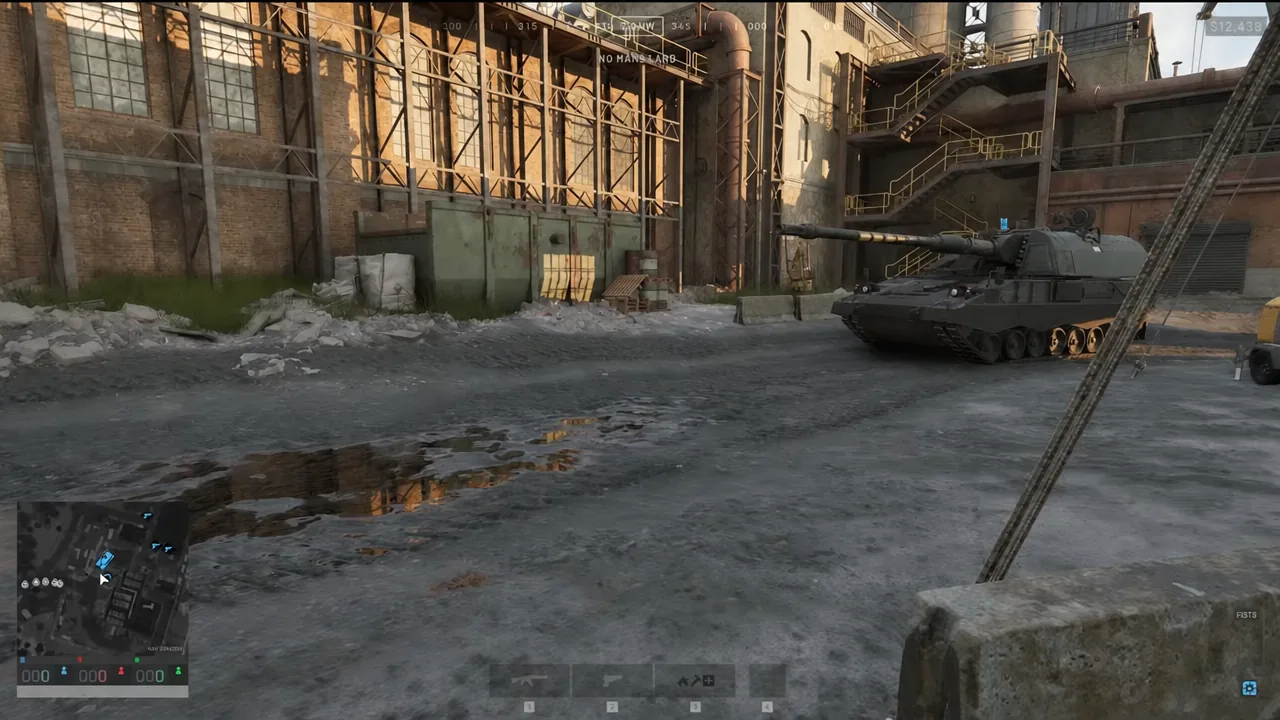
Z20 Lakota: mines reach into the air
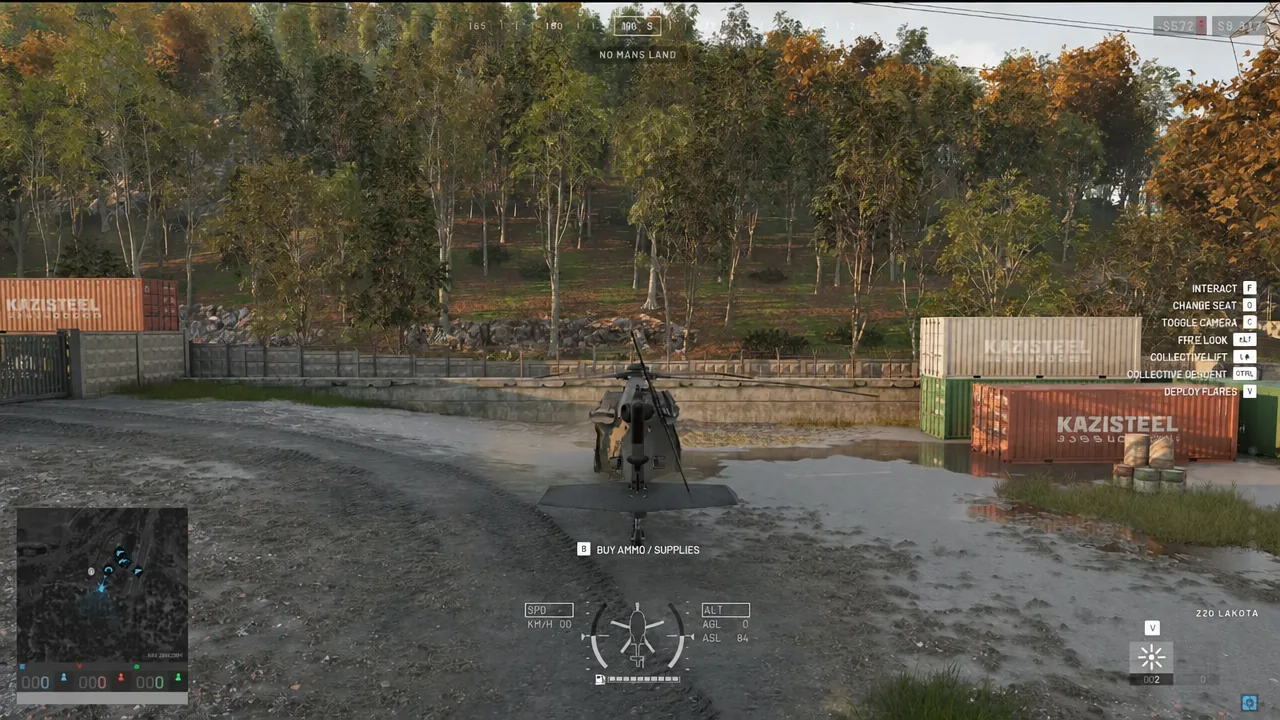
The trigger is not flat against the ground. AT Mines have a vertical trigger radius, so a helicopter hovering low or settling onto a landing spot can set one off without ever touching the dirt. A Z20 Lakota drifting over a planted mine is destroyed outright, which makes known landing zones and drop-off points genuinely dangerous ground.
What will not set off an AT Mine
The mine is pressure triggered by vehicles only, and that restriction is strict. Three things that look like they should detonate it do nothing at all:
- Infantry walking over it. Boots are safe, in both directions.
- Small arms fire. Emptying an M4 into a placed mine leaves it armed.
- A tank main gun shell fired directly at it. The blast does not cook it off.
That means an enemy who spots your mine cannot simply shoot it from cover to clear the road. They have to route around it.
How to place and pick up an AT Mine
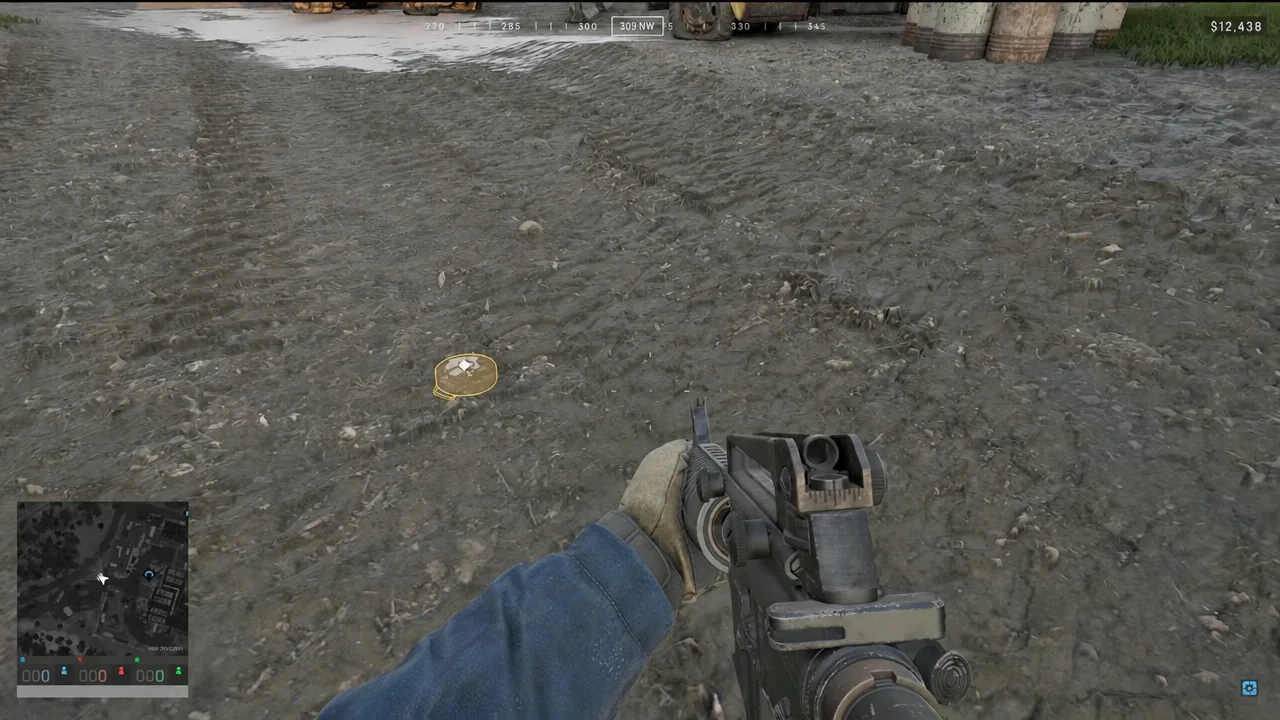
Changed your mind, or planted in the wrong lane? Walk up to your own mine and press the interact key (F) to retrieve it safely. It comes back to you rather than being wasted.
Friendly mines still destroy friendly vehicles
“Vehicles only” does not mean “enemy vehicles only”. Your own team’s Humvee driving down the same pinch point will set the mine off exactly as an enemy hull would, and that counts against you.
The game does help you avoid it. Mines planted by your side are drawn with a yellow outline on the ground and appear on the mini-map labeled FRIENDLY AT MINE, so teammates who are paying attention can route around them.
Ping the mine and call out the road in comms after planting. If your drivers cannot hear you, keep the plant off the lane your own transport actually uses, and never bury one on a landing zone your helicopters roll off of.
Used well, the AT Mine is the cheapest way to take a vehicle off the board. The catch is that it only works where hulls are forced to drive — a compound entrance, a bridge, the lip a truck has to slow down for. On a road nobody uses, it is 8.6 kg you carried for nothing.