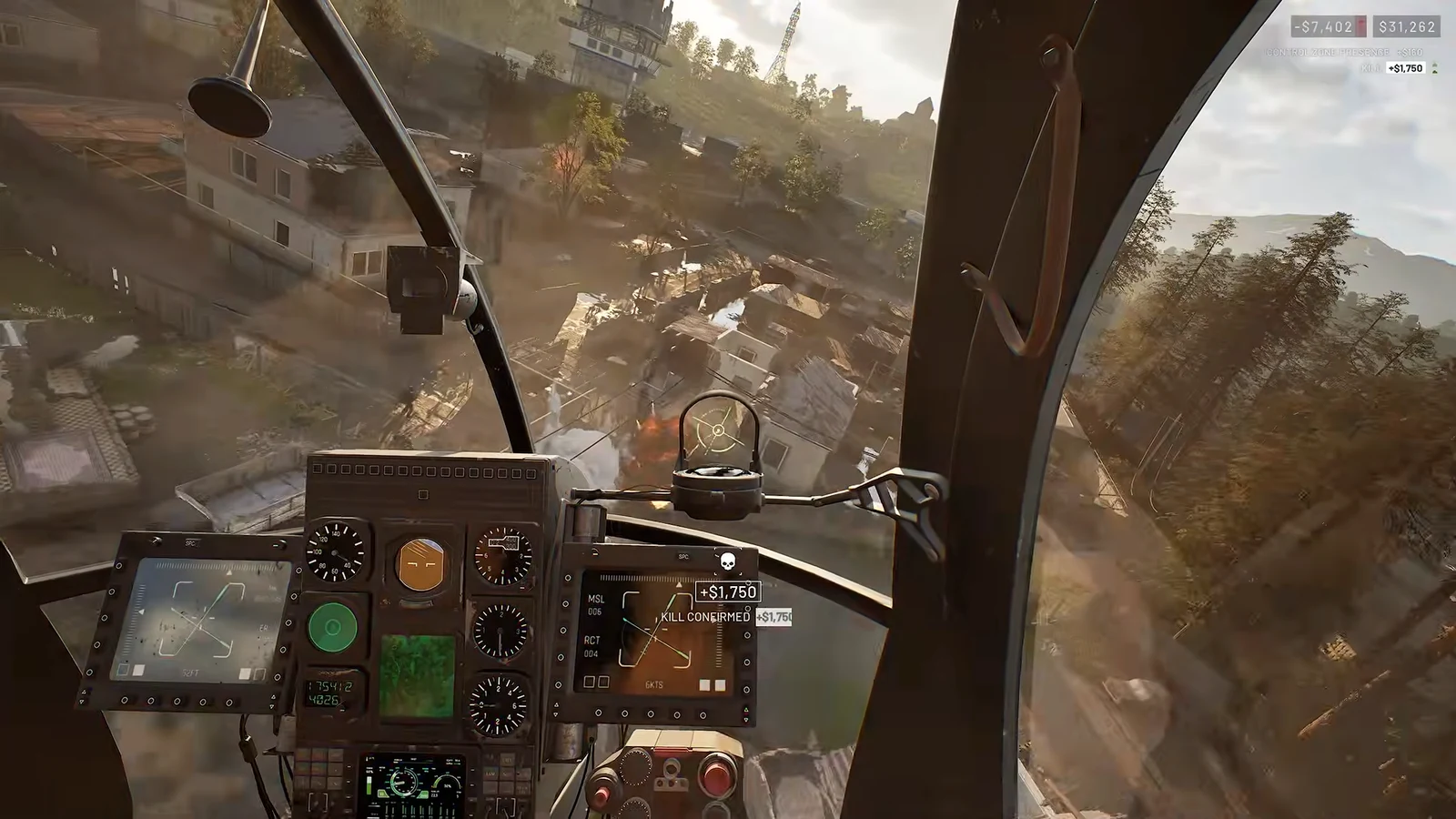
A flight stick is supposed to make a WARDOGS helicopter easier to hold steady, not harder. At first it usually does the opposite, because the game treats a plugged-in stick the way it treats the keyboard, and every twitch of your hand registers as a command. The fix is not endless fiddling with in-game numbers. It is knowing which values to leave alone and where to shape the response instead.
Quick answer: Keep roll, pitch and yaw sensitivity at 1.00–1.05 with a 0.02–0.03 deadzone, set collective to 0.80 with self-centering off, and build fine control with a non-linear curve in your stick’s own software, not the in-game slider.
How WARDOGS reads a flight stick
Keyboard-style controls assign collective up and down to W and S, yaw to A and D, and cyclic movement follows the same scheme. When a stick is connected, its axes map onto these controls. The game selects the stick as soon as you enter a helicopter, then returns to mouse and keyboard when you exit.
At the stick’s exact midpoint, the game registers no command, just as it does when no keys are pressed. Any movement away from center—even a tiny amount—counts as an input. Compared with a dedicated flight simulator, physical centering is much more important here. Learning to find and hold neutral is the biggest adjustment for stick pilots.
VKB hardware: springs out, clutches in
This setup runs a pair of VKB Gladiator NXT EVO bases plus VKB T-Rudder Mk.IV pedals. The idea on both sticks is to strip the centering force and let the dry clutches hold position, which is much closer to how a real cyclic and collective behave.
The right-hand Gladiator (EVO R) with a Premium grip is the cyclic. Remove the centering springs from both the X and Y axes, then tighten the dry clutches just enough that the grip does not droop under its own weight. That leaves it free-floating for small, deliberate cyclic movements without snapping back to center.
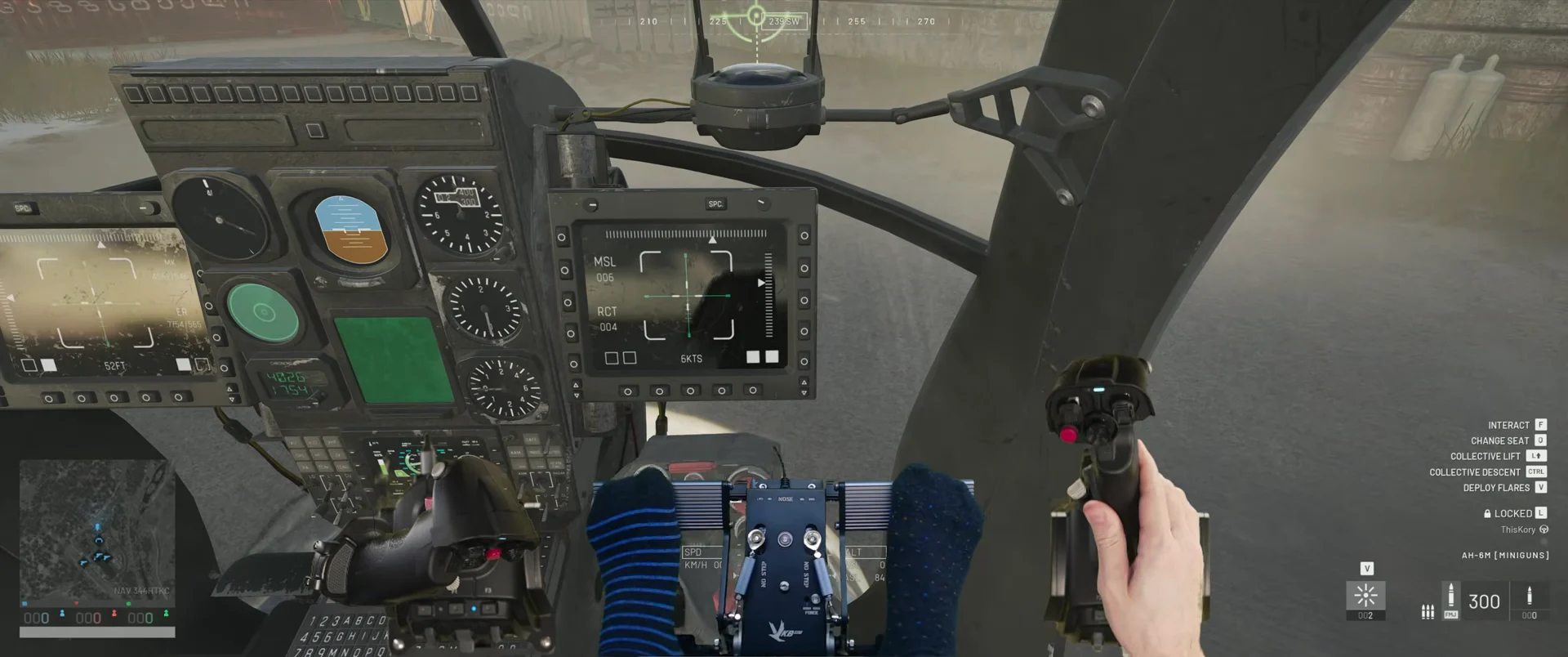
The left-hand Gladiator (EVO L) fitted with the Omni Throttle Adapter acts as the collective. Pull the centering springs off the Y-axis and tighten its clutches so the lever stays wherever you leave it instead of recentering. Keep the stiffest spring on the X-axis with slightly tightened clutches, which forgives a stray bump without adding unwanted sideways input. The T-Rudder pedals handle yaw, left in High Force mode with their default spring tension and no centering changes.
VKB DevCfg: calibration and response curves
Precision belongs to the hardware tool, not the game. Open VKBDevCfg, select each device, and confirm every axis moves through its full range in the Test area. A badly calibrated stick looks exactly like a sensitivity or deadzone problem when the real issue is the game never receiving the full physical throw.
Each axis must read 0 at minimum, 32767 at center, and 65535 at maximum. With calibration confirmed, leave the collective (EVO L) on its default linear curves. The cyclic (EVO R) is where the shaping happens: build a custom S-curve on both pitch and roll that stays flat near center for micro-adjustments, then ramps up steeply toward the edges so full deflection still reaches 100 percent output. The rudder gets an exponential curve on its X-axis for precise anti-torque corrections around neutral.
In VKBDevCfg, open the Logical Axes section, click the axis you want and open its curve editor. Enable Link and select Proportional so the points move together, keep the start of the curve flat, and let it climb smoothly to the maximum 128 output without a sudden jump halfway through the travel. Once the roll curve feels right, hold Shift and left-click to copy it straight onto the pitch axis. Switch each curve from Off to ON under the Curve column, then click Set to write the configuration into the stick’s memory so it actually takes effect.
Do not try to soften the center by lowering overall sensitivity in the software. That also cuts the response at the outer edge, which is the opposite of what the curve is for.
In-game Gamepad settings and bindings
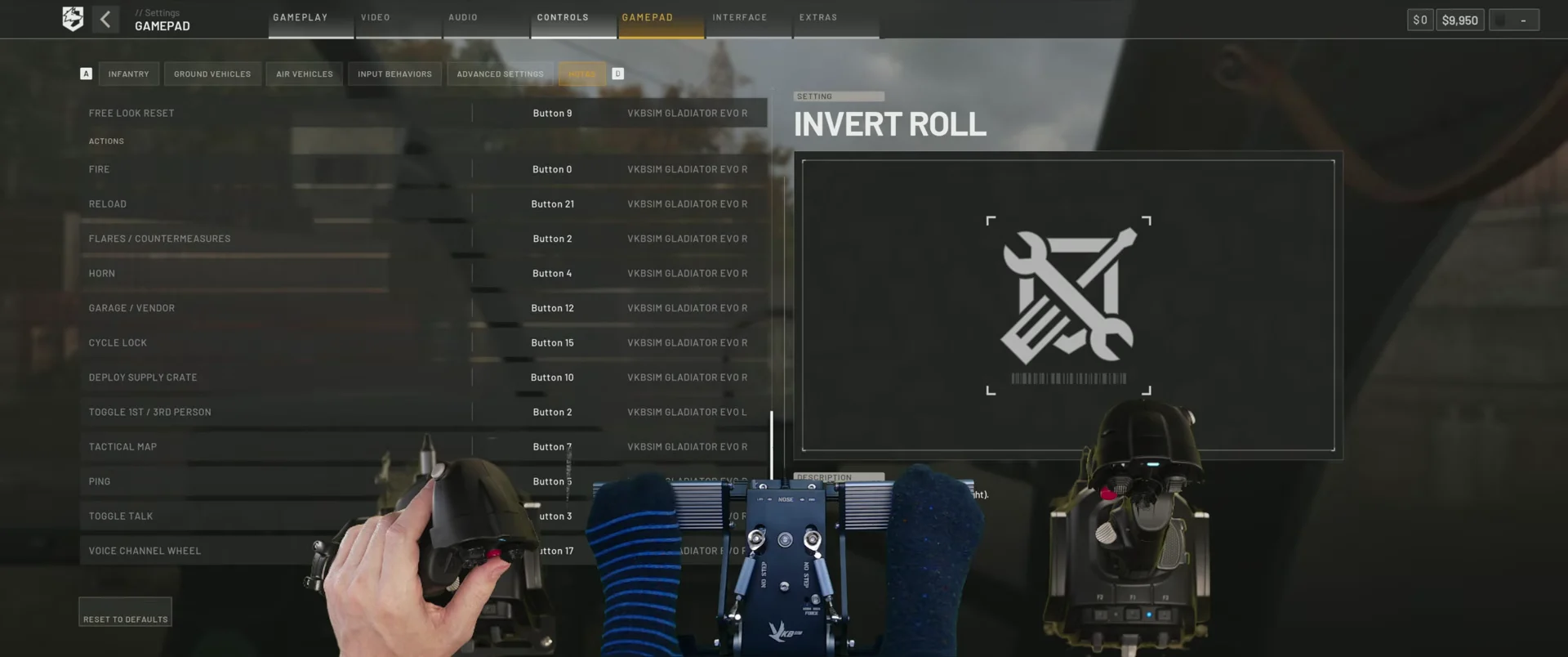
Go to the Gamepad menu under Settings. Click a control to bind it, move only the matching axis, and check both positive and negative movement on every axis while the helicopter remains parked. The reference setup below is for the springless, clutch-damped hardware described above.
| Control | Axis / device | Sensitivity | Deadzone |
|---|---|---|---|
| Roll | Axis 0, Gladiator EVO R | 1.05 | 0.03 |
| Pitch | Axis 1, Gladiator EVO R | 1.05 | 0.03 |
| Yaw (invert on) | Axis 0, T-Rudder | 1.05 | 0.00 |
| Collective (invert on) | Axis 1, Gladiator EVO L | 0.80 | 0.00 |
Set Self-Centering Collective to Disabled, since a throttle lever is built to hold its own position. If you instead run a dual-stick layout with the collective on a second stick, turn self-centering on so lift returns to a neutral hover when you let go. For buttons, this layout uses Button 2 on the EVO R for first/third person toggle, Button 8 on the EVO R for free look reset, and Button 7 on the EVO L for the tactical map. Bind flares and weapons before anything else.
Why sensitivity stays at 1.00 to 1.05, never lower
A twitchy helicopter may tempt you to lower roll, pitch, or yaw sensitivity below 1.00, but that makes matters worse. Sensitivity limits the airframe’s available response: at 0.75, full stick deflection requests only part of the possible rate. The helicopter therefore cannot bank, pitch, or yaw as forcefully as the game permits. You’ll notice the shortfall during hard deceleration or an evasive break, when the aircraft cannot rotate quickly enough.
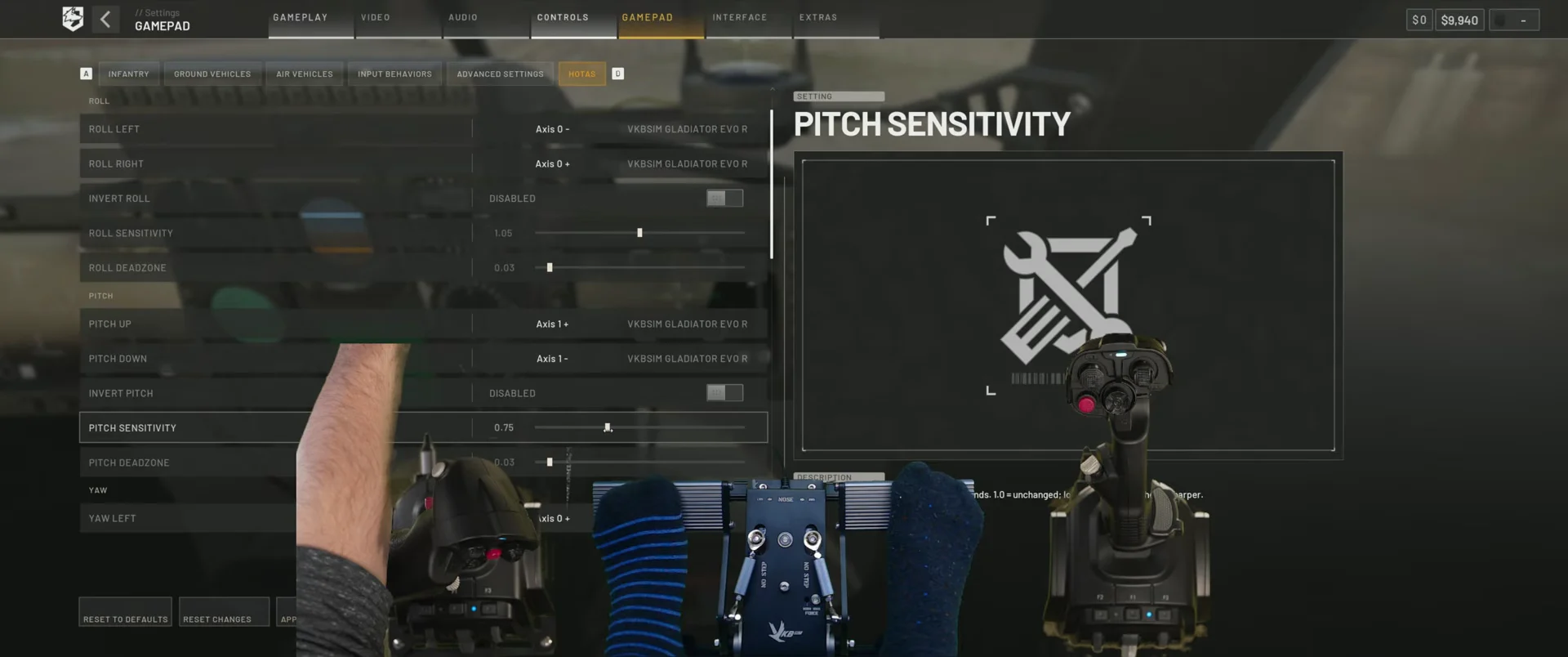
Pushing it too high is just as bad. At 2.00 the game reaches full deflection well before the stick does, creating a wide dead band at the physical end of travel. Keeping sensitivity between 1.00 and 1.05 is what makes the full mechanical throw of the stick match full in-game deflection, so nothing is clipped at either end. Solve the twitchiness with the curve in your stick software, where it belongs.
Deadzones for a springless stick
A deadzone exists to give you a reliable neutral, not to calm the aircraft down. With no centering spring, a 0.03 buffer on pitch and roll stops a slightly off-center grip from drifting while still passing fine input through. Yaw and collective sit at 0.00 here because the pedals and throttle hold their own position cleanly.
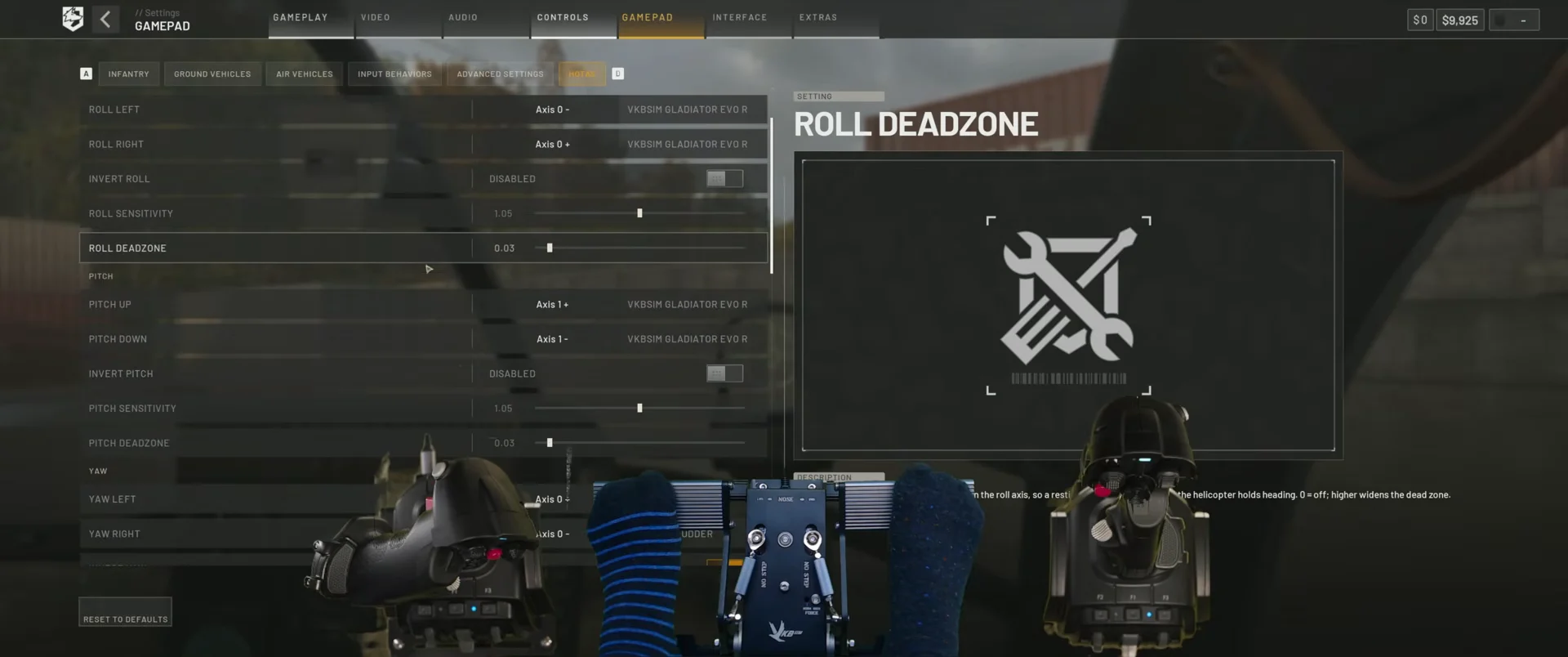
Set the deadzone only as high as your hardware requires. A sprung stick that returns reliably to center might work well at 0.02; a worn or drifting stick may need a little more. If modest stick movement still causes a pronounced lurch, flatten the curve more around center rather than increasing the deadzone.
Flight assists and camera control
Adjust flight assists in the Controls menu. With a stick, Stability Assist is useful to leave enabled because it damps the small oscillations that can develop while you’re learning to find neutral. Turn Coordination adds yaw during turns to prevent sideslip; it helps at first, but you can disable it when you’re ready to manage the tail yourself. Auto-Hover Assist is less helpful: with a well-shaped curve and a small deadzone, it tends to oppose inputs you’re already applying.
Players have reported that stick users get no flight-assist effect at all in the Lakota (Huey). If it feels entirely unaided compared with the light helicopters, your configuration is not to blame.
Open the Global tab in VKBDevCfg and configure the left analog mini-stick as a Virtual Mouse. Select Relative mode, enable Always ON, and enter 5 for Speed. The result is smooth virtual-mouse control of the third-person orbit camera that does not clash with the game’s native bindings. If free look in third person becomes unresponsive, change to first person and back, or open a menu briefly to reset the camera orientation.
Landing, J-hooks, and the counter-lean
Approach with speed already bled off, then bring the collective back toward neutral to kill the remaining momentum instead of fighting it with the cyclic. From there the descent is a collective job and the cyclic only supplies small corrections to hold position over the pad. If the aircraft starts to oscillate near the ground, reduce your input rather than pushing the opposite way, because large opposite corrections close to the surface are what turn a recoverable approach into a crash.
The aircraft’s fuel load affects how it handles: a light helicopter settles faster than a full one, so an identical collective input brings a quicker descent late in the flight. The J-hook—approaching fast, braking hard, and dropping onto the pad—puts the curve to a real test. Its steep outer section provides aggressive deceleration, while the flatter center allows fine control a moment later. When the skids make contact, move the stick back toward your direction of travel. If you don’t counter-lean, the remaining momentum can tip the helicopter over as it lands.
Verify the profile before a live flight
One quirk works in your favour. While you are sitting in the pilot’s seat, the standard Keybinds menu accepts stick buttons that the main menu and on-foot binding screens refuse. That lets you assign things like Interact and the Garage or Vendor menu directly to your hardware, so a full flight can run without reaching for the keyboard. Be aware that free look mapped to a hat turns noticeably slower than mouse or controller look, which makes spotting incoming missiles harder, and some players report a small input lag no combination of settings removes.
Helicopter stats worth knowing
Identify which helicopter you want before building a profile around it. The vehicle vendor in your faction’s safe zone sells all four combat and transport helicopters, and none spawns in the world during a match.
| Helicopter | Price | Top speed (km/h) | Unlock |
|---|---|---|---|
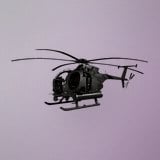 MH-6 MH-6 | $6,250 | 350 | — |
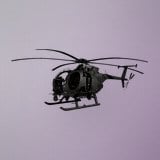 AH-6M [Miniguns] AH-6M [Miniguns] | $7,000 | 350 | Pilot level 4 |
| AH-6R [Rockets] | $12,500 | 350 | Pilot level 20 |
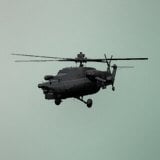 Havoc Havoc | $18,000 | 400 | Pilot level 35 |
The Havoc is the quickest of the four at 400 km/h and carries 130 litres of fuel; the MH-6, AH-6M and AH-6R all top out at 350 km/h on 105 litres, and every one of them burns 4.4 litres per kilometre. The MH-6 transport seats six, while the AH-6M, AH-6R and Havoc each seat two. The level-gated helicopters also carry a one-time unlock fee on top of their purchase price: $50,000 for the AH-6M, $250,000 for the AH-6R, and $500,000 for the Havoc.
Treat the setup as two separate responsibilities. WARDOGS determines the helicopter’s available authority, and sensitivity from 1.00 to 1.05 retains all of it. Your stick software controls how that response is distributed across grip travel, providing the precision you need. Put each job in the right place and the aircraft no longer feels like a keyboard with a handle attached.