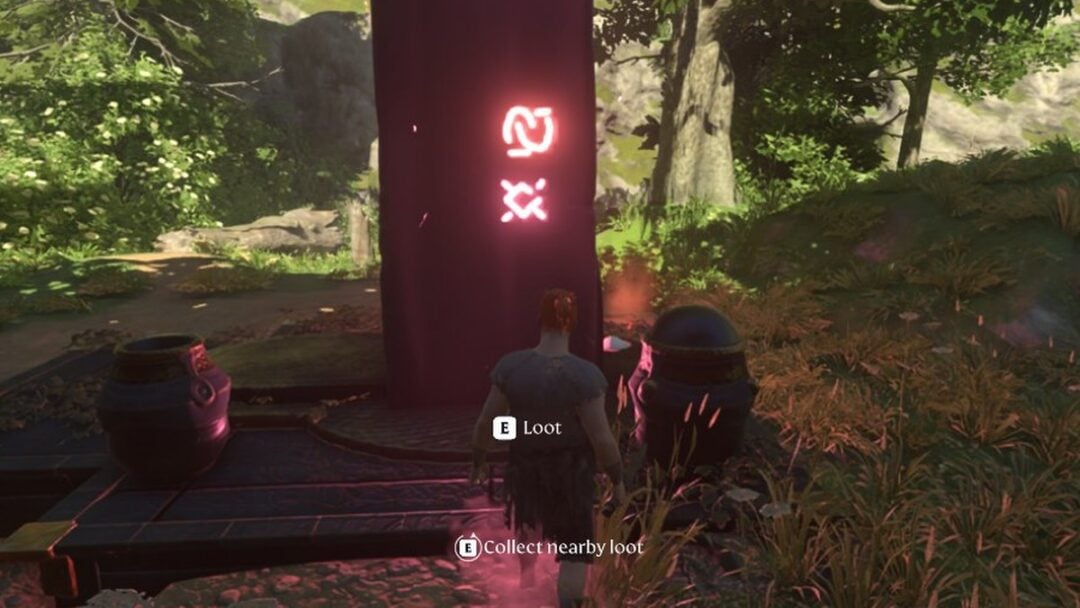
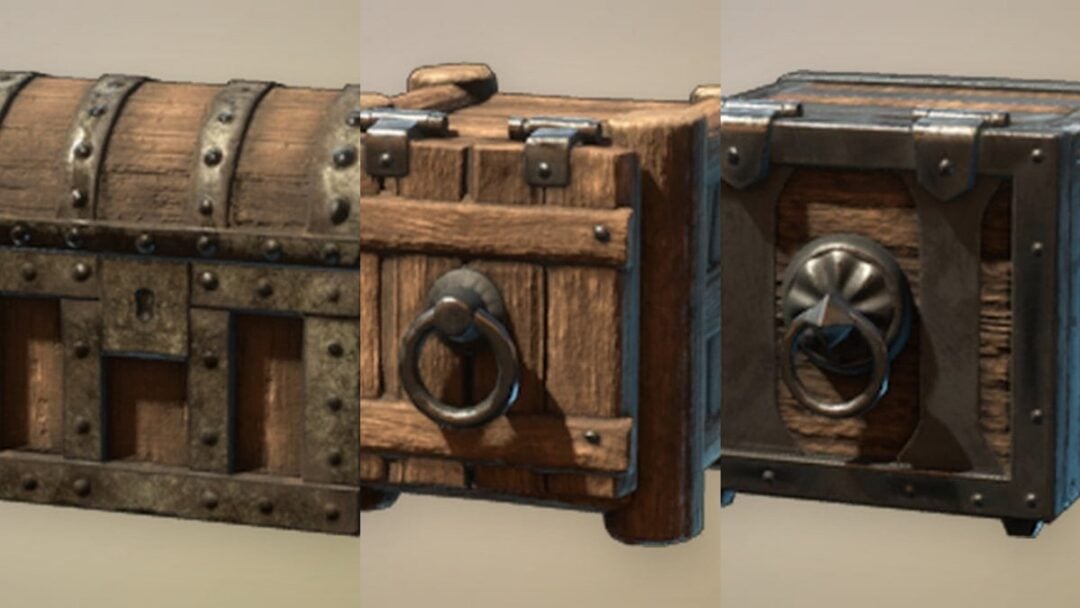
Dying in WARDOGS costs you time more than anything else. You respawn at your faction’s HQ, which sits a long way from the 2×2 km Control Zone where the match is actually scored, and jogging back is rarely worth it. The forward spawn is the fix, and it lives behind a single terminal inside your base.
Quick answer: At HQ, interact with the blue Deployment Board (the laptop case with the green light), open the map, select your team’s active forward deployment point, and press SPAWN. The option only works if your team has a spawn vehicle sitting in the Control Zone and you meet the displayed score and cooldown requirements.

The forward spawn is a vehicle, not a FOB
This trips up almost everyone. A Forward Operating Base is a construction and supply position. It holds walls, trenches, mortars, anti-air and resource structures, and it does not grant respawns on its own. The thing you actually spawn at is a separate armored spawn vehicle, an APC that your team builds, drives out and parks inside the Control Zone.
FOBs and spawn vehicles often sit in the same place, which is why people confuse them. A defended compound is a great spot to hide the APC. But seeing a friendly FOB marker on the map tells you nothing about whether a spawn is available. The Deployment Board is the only thing that does.
Requirements before the SPAWN button works
Four conditions gate forward deployment. The board tells you which one is blocking you, so read the message on the vehicle entry instead of guessing.
| Condition | What it means |
|---|---|
| Vehicle position | The APC must be inside the Control Zone. Parked at base, it reads “Spawn vehicle is not in the control zone” and cannot be used. |
| Match score | Pre-release builds show “Inactive Vehicle: Min Required Game Score: 20”. Earn score in the match before the entry becomes selectable. |
| Personal cooldown | You can only use the same asset every few minutes, roughly five in pre-release play. The board displays your current timer. |
| Cash | Deploying forward costs a small amount from your match wallet, far less than replacing a vehicle. |
Note: these numbers come from pre-release builds and can change between updates. Treat the value shown on the live board as correct, not a figure quoted from an older match.
How to deploy at a forward spawn from the Deployment Board


That deploy-inside behavior is your confirmation it worked. You will also start collecting passive income tickets, such as +$250, while you move on foot from the vehicle. If the board simply refuses and nothing happens, the fault is one of the four conditions above, not a bug.

No forward spawn available? Get the APC into the Control Zone
If nobody on your faction has delivered a spawn vehicle, the board has nothing to offer and you are taking a ride from HQ. Someone has to do the delivery job, and it pays well.
Keep the forward spawn alive after it is placed
An unattended spawn vehicle is a gift to the other two factions. Enemy players can interact with it and hack it, which can temporarily turn your own reinforcement point against you. Losing it re-lengthens every trip your whole team makes for the rest of the match.
Placement is the whole game here. Slightly further from the objective with cover, terrain masking and a teammate watching the approach beats parking beside the capture point where every enemy knows to look. The Hot Zone moves constantly inside the Control Zone, so be ready to relocate the vehicle when the fight shifts rather than defending a position that no longer scores.

Forward deployment is the single biggest time saver in a match, and it rewards the unglamorous work. One player driving an APC into cover near the zone buys their entire faction minutes of fighting time after every death. Check the board before you assume you are walking, and if the entry is inactive, check which of the four conditions is blocking it before you blame the terminal. You can find the game on its Steam store page.