Getting stranded is a normal part of a WARDOGS match. You respawn at your faction’s safe zone, the Control Zone is kilometers away, and there is no spawn vehicle waiting. Rather than walking, you can tell every friendly driver and pilot on the server exactly where you are with one command from the radial communication wheel.
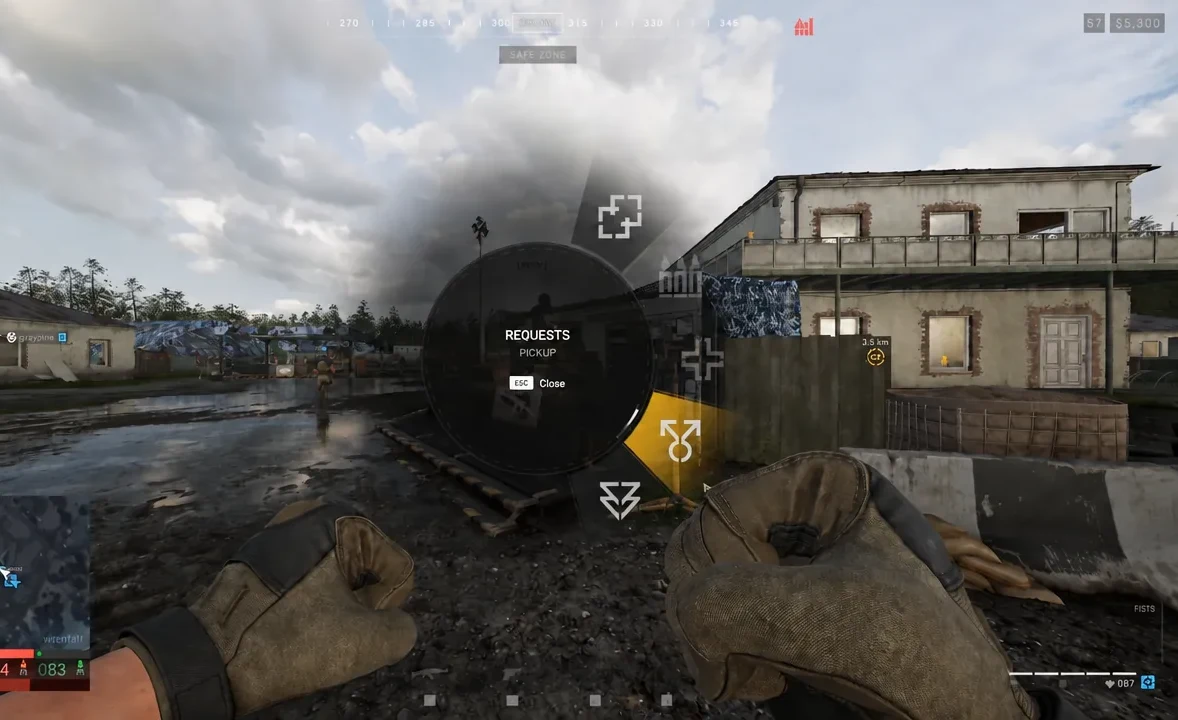
Quick answer: Hold the middle mouse button, hover REQUESTS, select PICKUP, then release. Your location is broadcast to all friendly drivers and pilots.
Send a pickup request from the radial menu
The whole sequence runs off a single button and takes a couple of seconds. You can do it on foot, in the open, or while standing at the spawn base waiting for a ride.
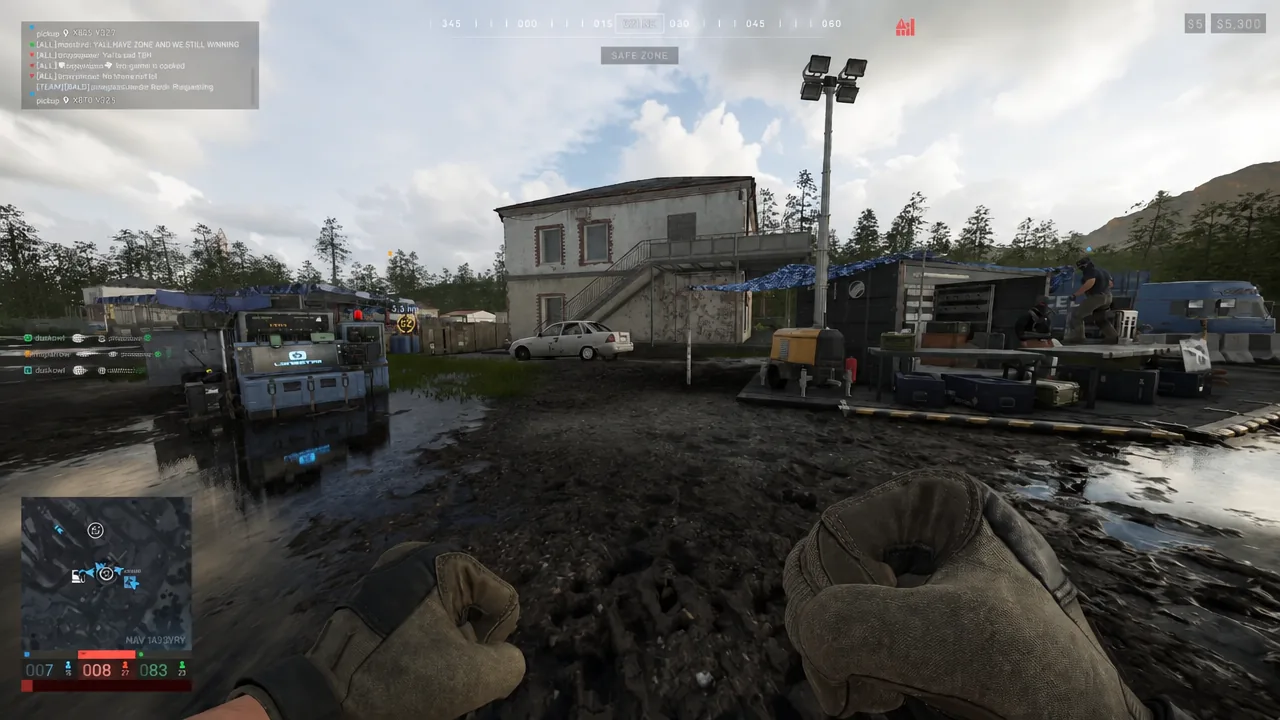
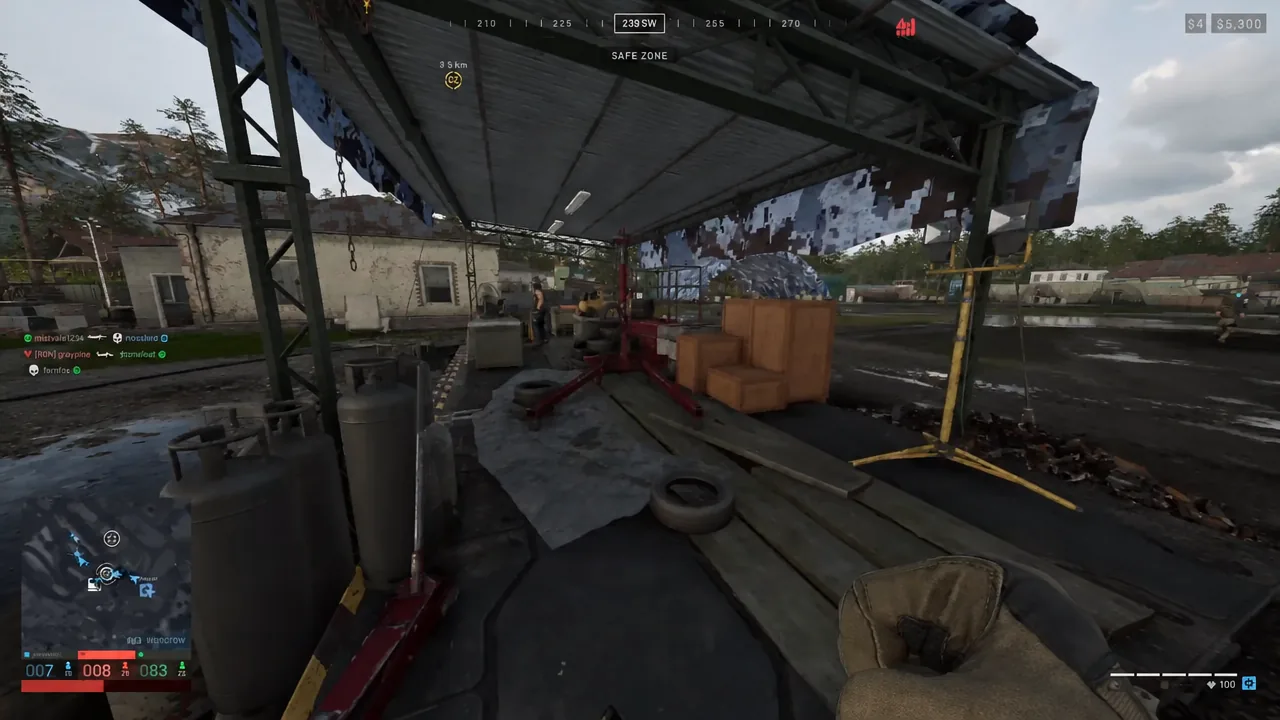
Send the request before you start walking. A driver deciding whether the detour is worth it will usually take the closer pickup, and your marker is most useful while you are still near a road or a clear landing area.
How to confirm the request went out
There is no chat box confirmation to look for. The change happens on the map: once the request is live, you show up as a pickup marker for friendly drivers and pilots rather than as an ordinary friendly infantry icon. Pinging a crewed helicopter on the map produces the same result, turning you into a double-arrow marker on both your map and the pilot’s map so the intent is unmistakable.
Once you are aboard a helicopter, the same input handles the other half of the trip. Hold the ping button on the minimap and mark where you want to go, and the pilot sees the requested drop-off point.
A request is a signal, not a summons. Nothing forces a pilot to divert, and there is no in-game way to pay or tip a driver for the detour, so a pickup near a road or open ground gets answered far more often than one deep in cover.
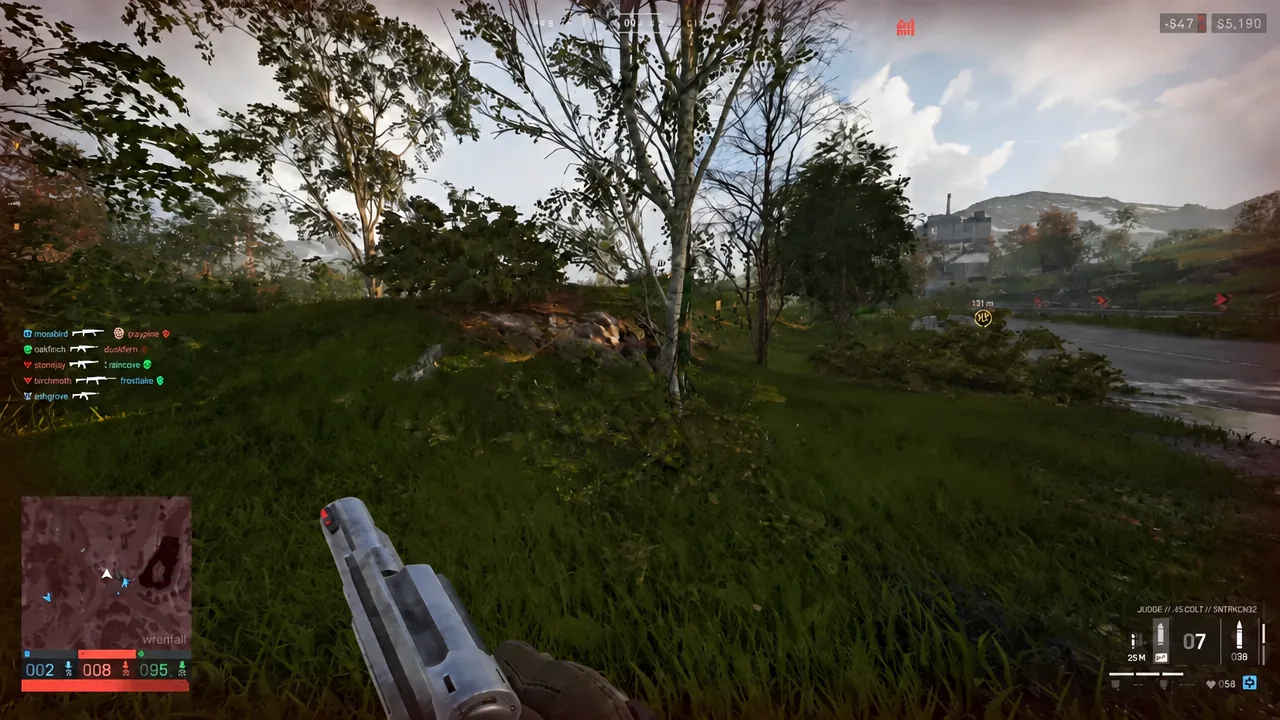
The other requests on the same wheel
PICKUP shares its sub-menu with two other calls. They work the same way, and they are worth learning at the same time because the muscle memory is identical.
| Request | What it signals |
|---|---|
| PICKUP | You need a vehicle or aircraft to collect you |
| HEALING | You need medical help at your position |
| AMMO | You need a resupply at your position |
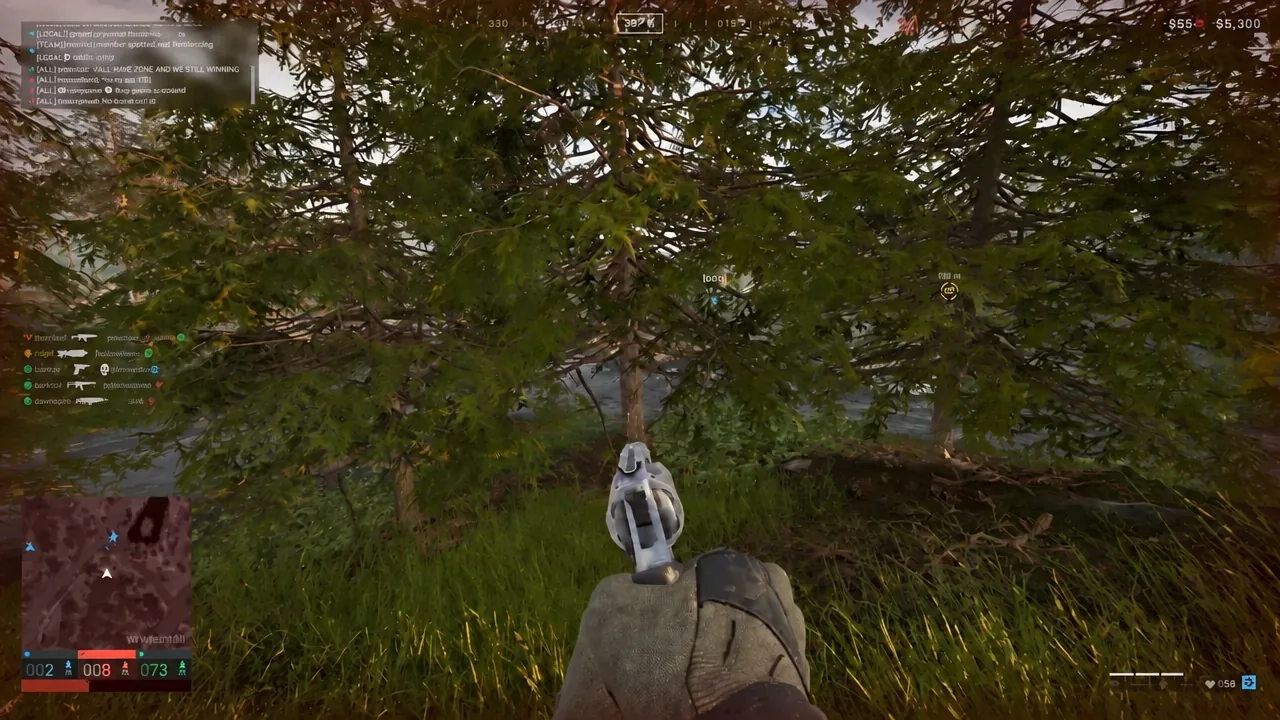
What can actually come and get you
Transport vehicles are bought from the vehicle vendor at your faction’s safe zone. They are never placed out in the world during a match, which is exactly why a stranded player has to ask someone else to drive. Two of the common wheeled options are three-seaters, so a single answered request usually means one or two passengers, not a full squad lift.
| Vehicle | Price | Seats | Top speed |
|---|---|---|---|
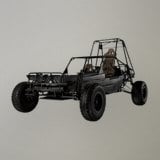 Dune Buggy Dune Buggy | $1,500 | 3 | 130 km/h |
| Ural Defender | $6,000 | 3 | 79 km/h |
The Dune Buggy is a rapid three-seat wheeled vehicle that unlocks at Driver level 8 with a one-time fee of $25,000, and it burns 5 litres per kilometre from a 68-litre tank. Destroying one pays out $300 to the attacker, which is worth remembering before you take a shortcut through contested ground.
The Ural Defender is the armed large multi-capacity wheeled attack vehicle. It unlocks at Driver level 18 behind a one-time fee of $75,000, carries 85 litres of fuel, and uses 4 litres per kilometre. It is slower, but a driver already running supplies in one is a realistic candidate to swing past a pickup marker on the way to a Forward Operating Base.
Why drivers answer at all
Moving friendly players is one of the named ways to earn cash in WARDOGS, alongside reviving squadmates and holding the objective. That cash persists between matches and pays for your next loadout, so a pilot running a taxi circuit is not doing charity work. The reward is tied to useful delivery rather than to the pickup itself, which means a driver is most likely to accept when your marker sits somewhere on the way to the fight.
If nobody comes, resend the request after you move to clearer ground and use local voice chat when a friendly vehicle is close enough to hear you. The wheel is fast enough that calling twice costs you nothing.