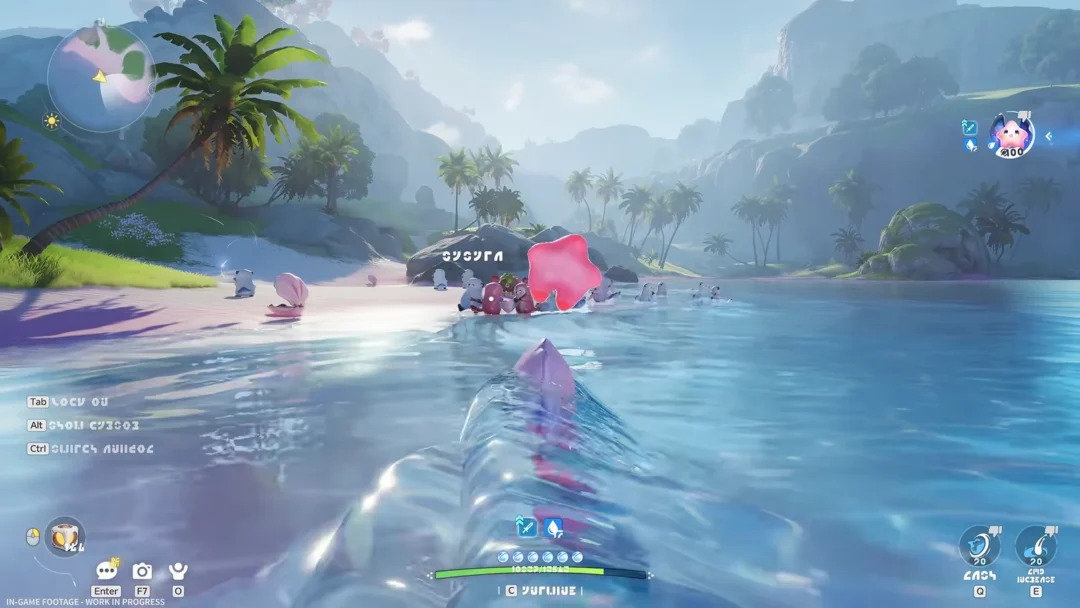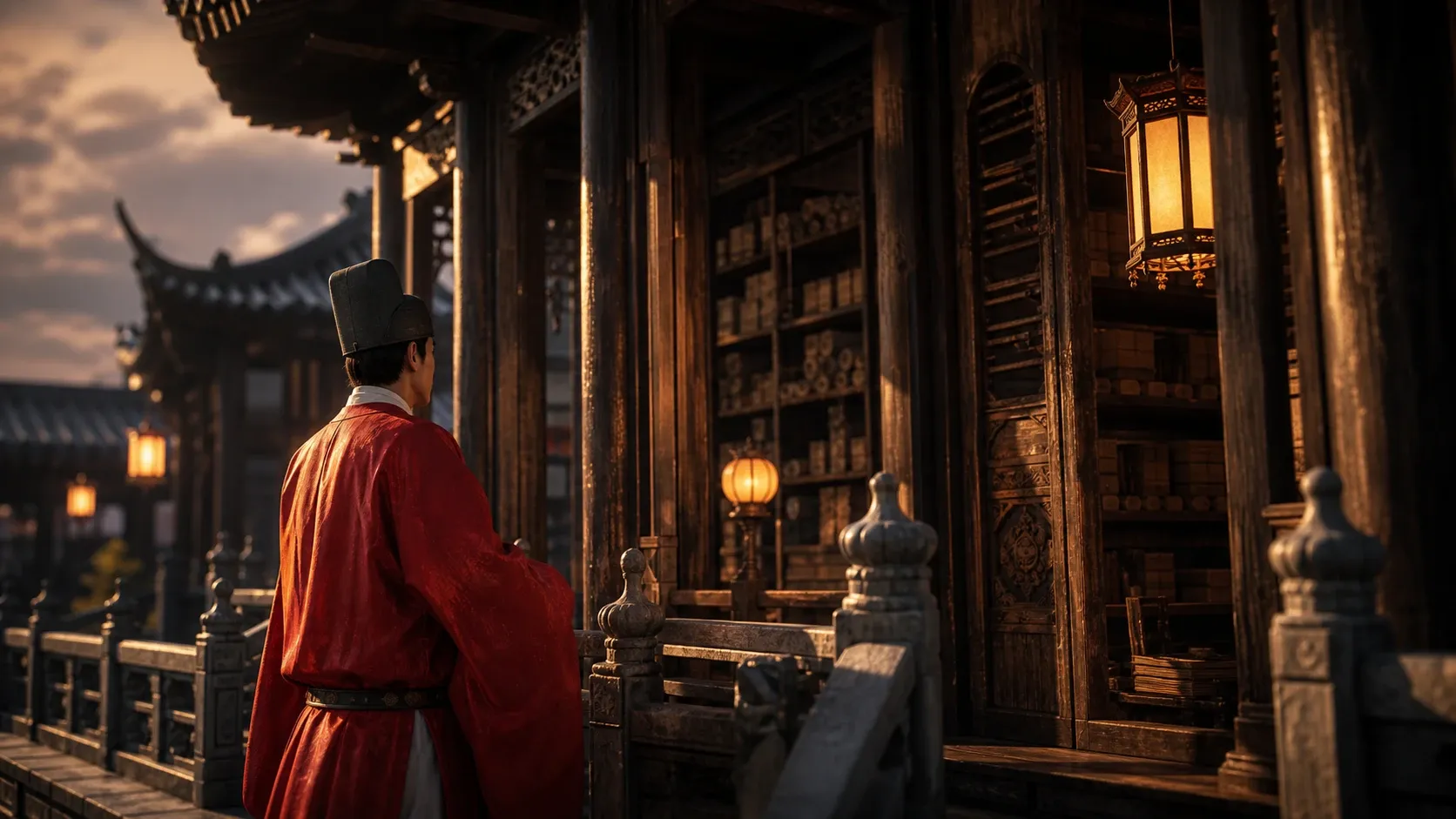
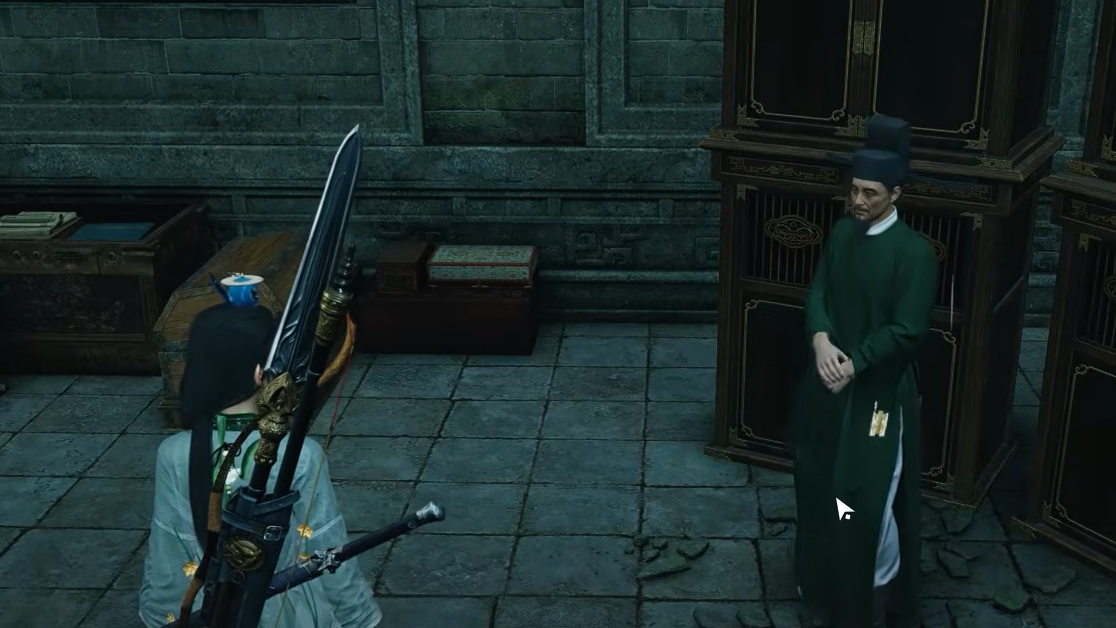
Reserve Archives is one of the exploration zones in Where Winds Meet, the open-world Wuxia ARPG from Everstone Studio. Pushing it to full completion comes down to two things readers usually get stuck on: finishing the Familiar Faces exploration activity tied to the area, and understanding what happens when you archive the quest items you pick up along the way.
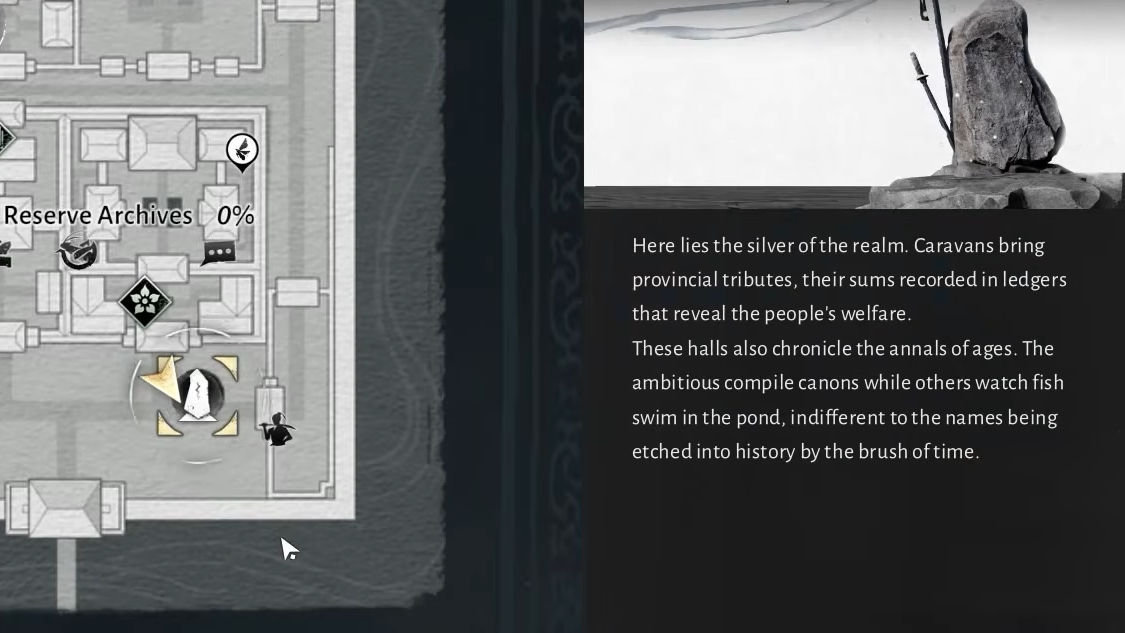
Familiar Faces: The Reserve Archives exploration activity
The exploration objective attached to Reserve Archives is the Familiar Faces activity. Completing it is the main task that advances your progress in this zone, so it should be your priority when you are aiming for full clearance.
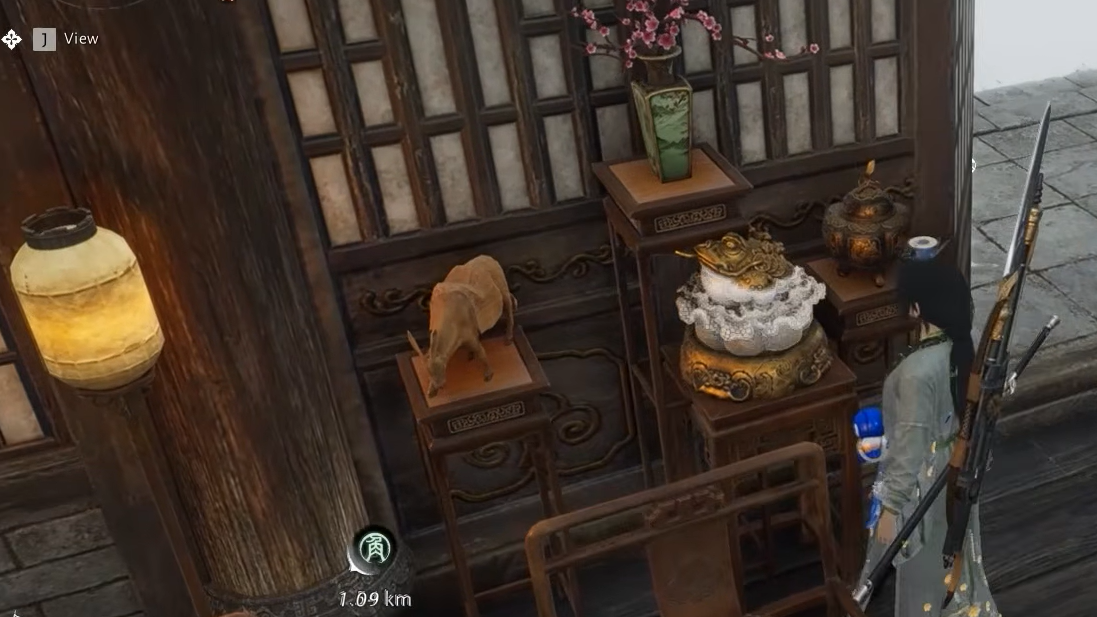
Archiving quest items without losing anything
A common worry is that archiving a quest item will cost you a reward or a hidden interaction. It does not. When you archive an item, it leaves your inventory and is added to your compendium, where you can still read it whenever you want. In most cases the item is simply moved rather than destroyed.
The one thing to watch is the prompt itself. Choose the option that says Archive, not anything labeled Remove. Archiving preserves the entry in your records; removing discards it.
A good example is Lei’s Last Words, found beneath the Northern Vow Ruins. The note hints that the writer’s family may still be waiting, but archiving it does not lock you out of any associated interaction. The text remains accessible in the compendium afterward.
How to confirm Reserve Archives is complete
You know the work registered when the Familiar Faces activity shows as finished on your map and your exploration tracker for Reserve Archives updates. Items you collected and archived will appear in the compendium, so nothing you picked up is lost even after it disappears from your bag.
If progress seems stuck, the most common cause is an unfinished objective inside Familiar Faces or a quest item that was removed instead of archived. Re-checking the activity’s remaining objectives is the fastest way to spot what is left.
With the activity cleared and your items safely filed into the compendium, Reserve Archives sits complete in your records, and you can move on to the next zone without worrying that an archived note left anything behind.