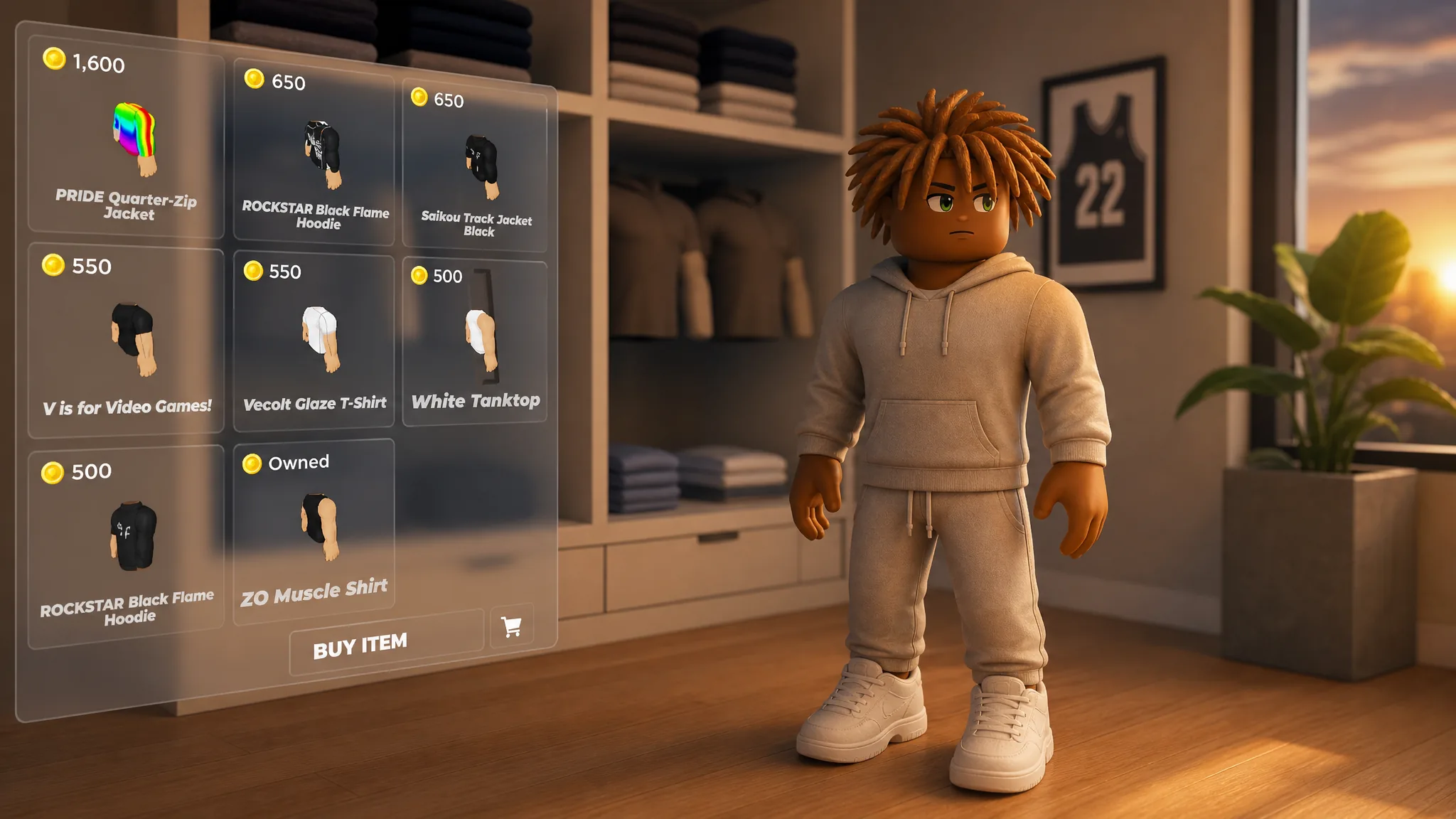
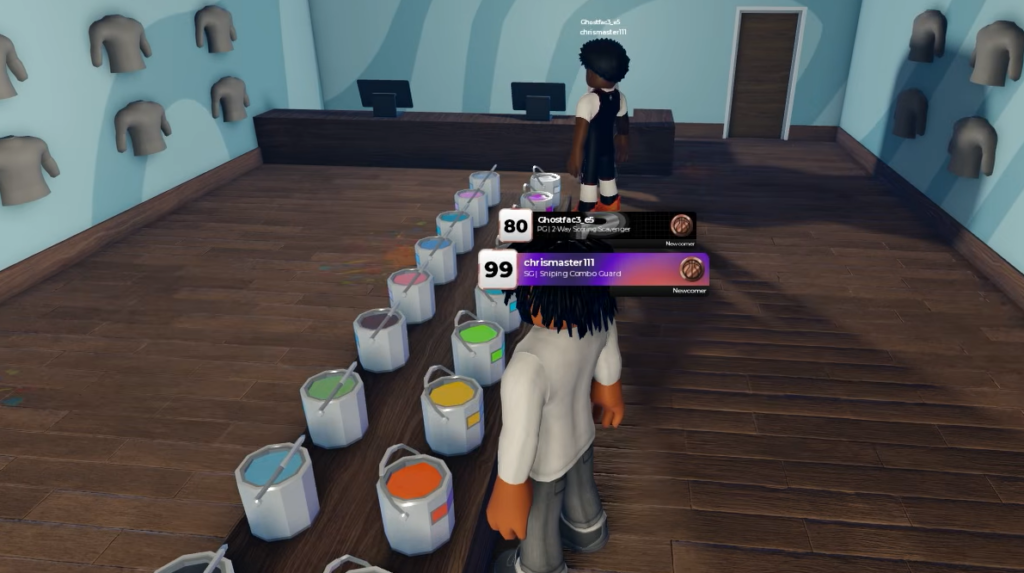
Changing your outfit in Practical Basketball happens in the Plaza, not on the court. Two shops handle the whole job. New Threads sells the actual clothing, while Too Good To Dye lets you recolor your hair, facial hair, and shoes. Both are a short walk from where you spawn once you pick the right menus.
Quick answer: Choose MYPLAYER, load a build, select PLAZA as your destination and again as your spawn, then walk to New Threads to buy clothing or Too Good To Dye to recolor hair, facial hair, and shoes.
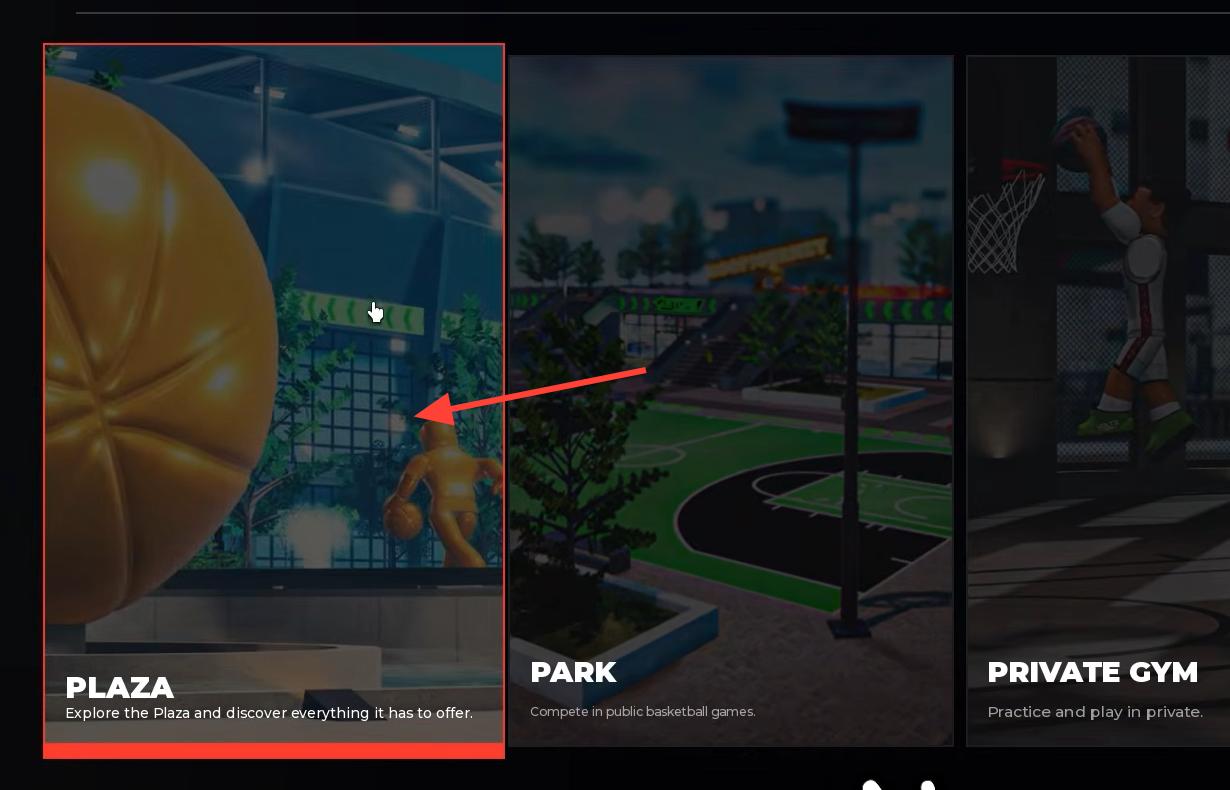
Get into the Plaza first
The customization shops only exist in the Plaza, so you have to route through the menus before you can touch any clothing. Starting from the main menu, this is the exact path.
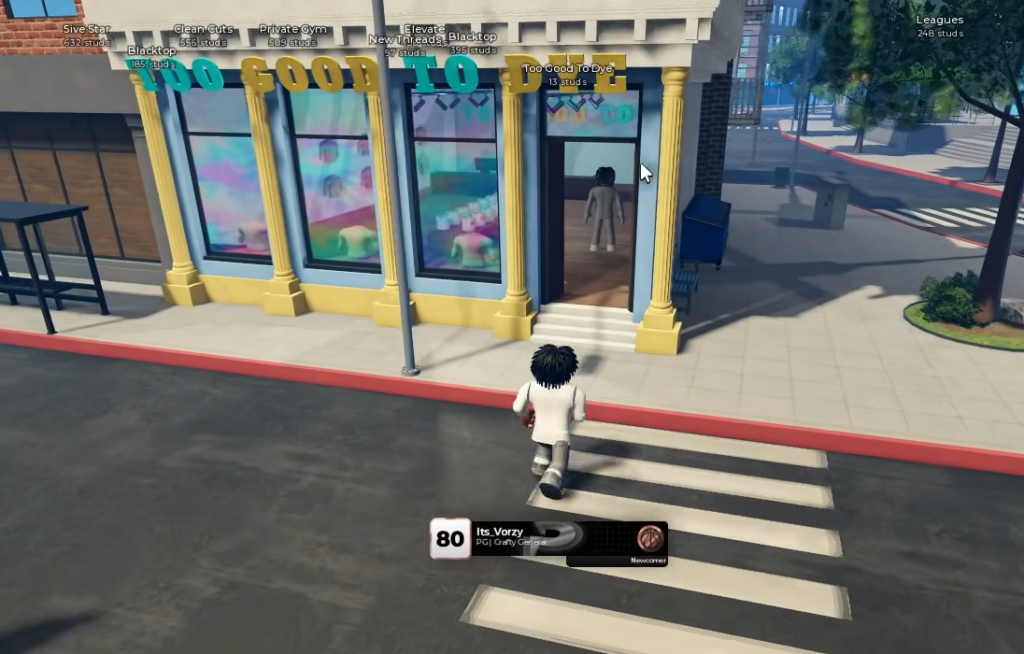
You can launch the game directly from its official Roblox page if you are not already in it.
Buy clothing at New Threads
New Threads is the retail store where you actually purchase clothing. It carries five categories, all bought with in-game cash.
| Shop | What you can change |
|---|---|
| New Threads | Pants, Shirts, Shoes, Hats, Glasses |
| Too Good To Dye | Hair color, Facial Hair, Shoe color |
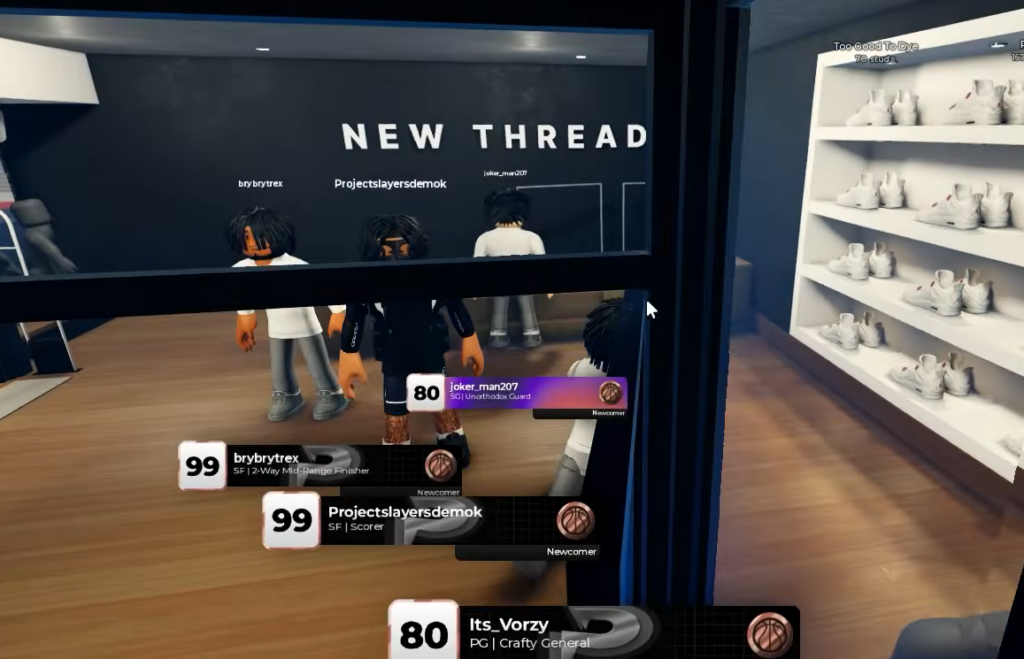
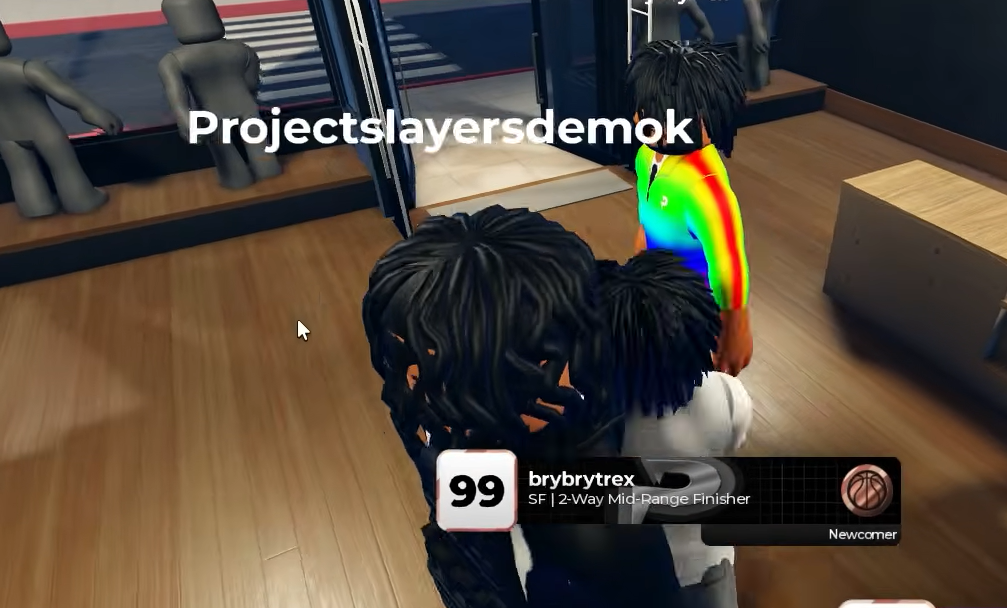
You need enough cash for the item you want. If your balance is too low, the purchase will not go through.
Recolor your look at Too Good To Dye
Too Good To Dye handles color rather than clothing. It uses a color wheel so you can adjust your hair, facial hair, and shoe colors to match a fit you built at New Threads.
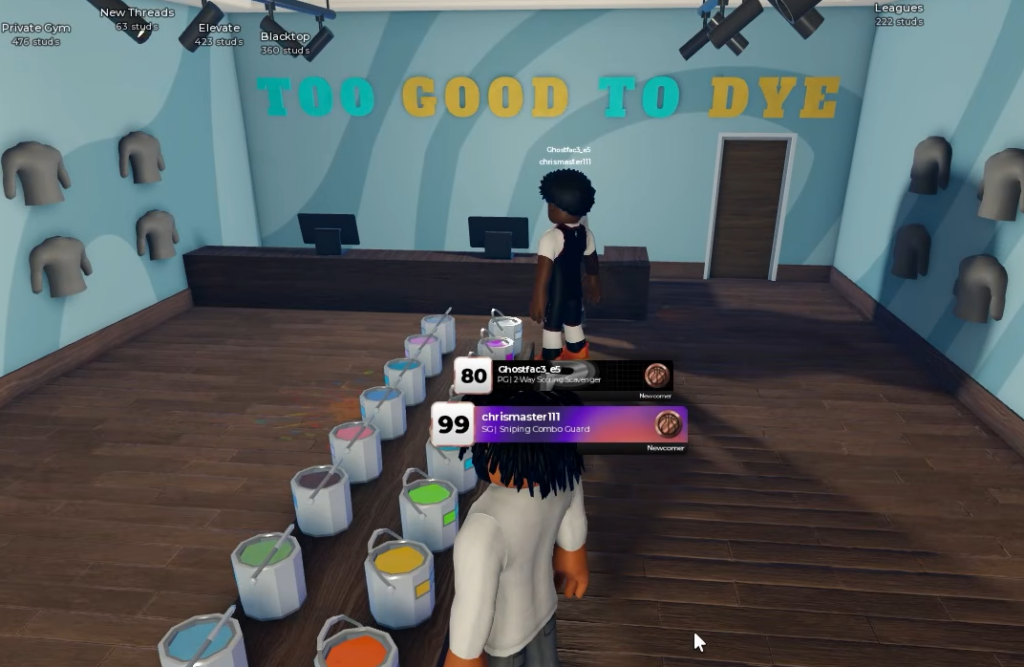
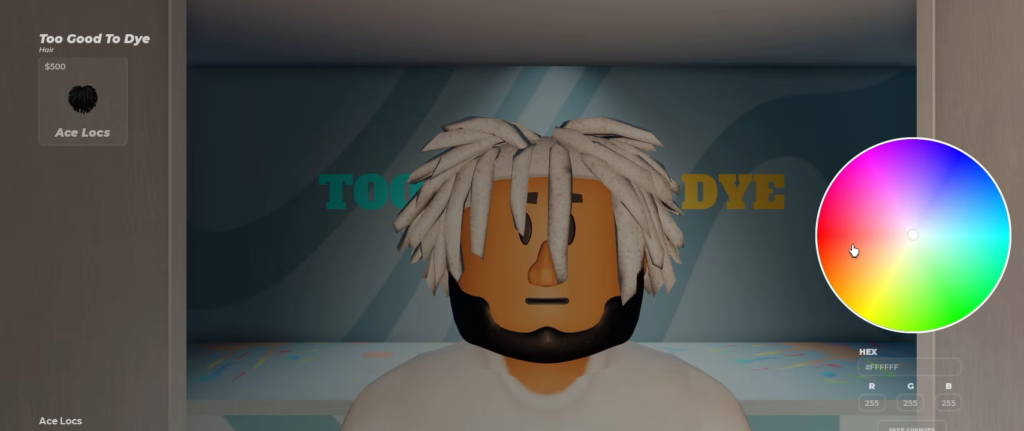
Shirt color changes are not active in this shop, so handle full garments over at New Threads and use Too Good To Dye only for these three color options.
Round NYC is closed for now
You will pass a third storefront called Round NYC between the two working shops. It is currently closed and marked for a future update, so it has no items to buy yet. Skip it and stick with New Threads and Too Good To Dye until it opens.
Once your purchase is confirmed and your recolors are set, your avatar keeps the new outfit when you head back to play. Between the clothing at New Threads and the colors at Too Good To Dye, that pair of shops covers everything you need to fully dress your player.