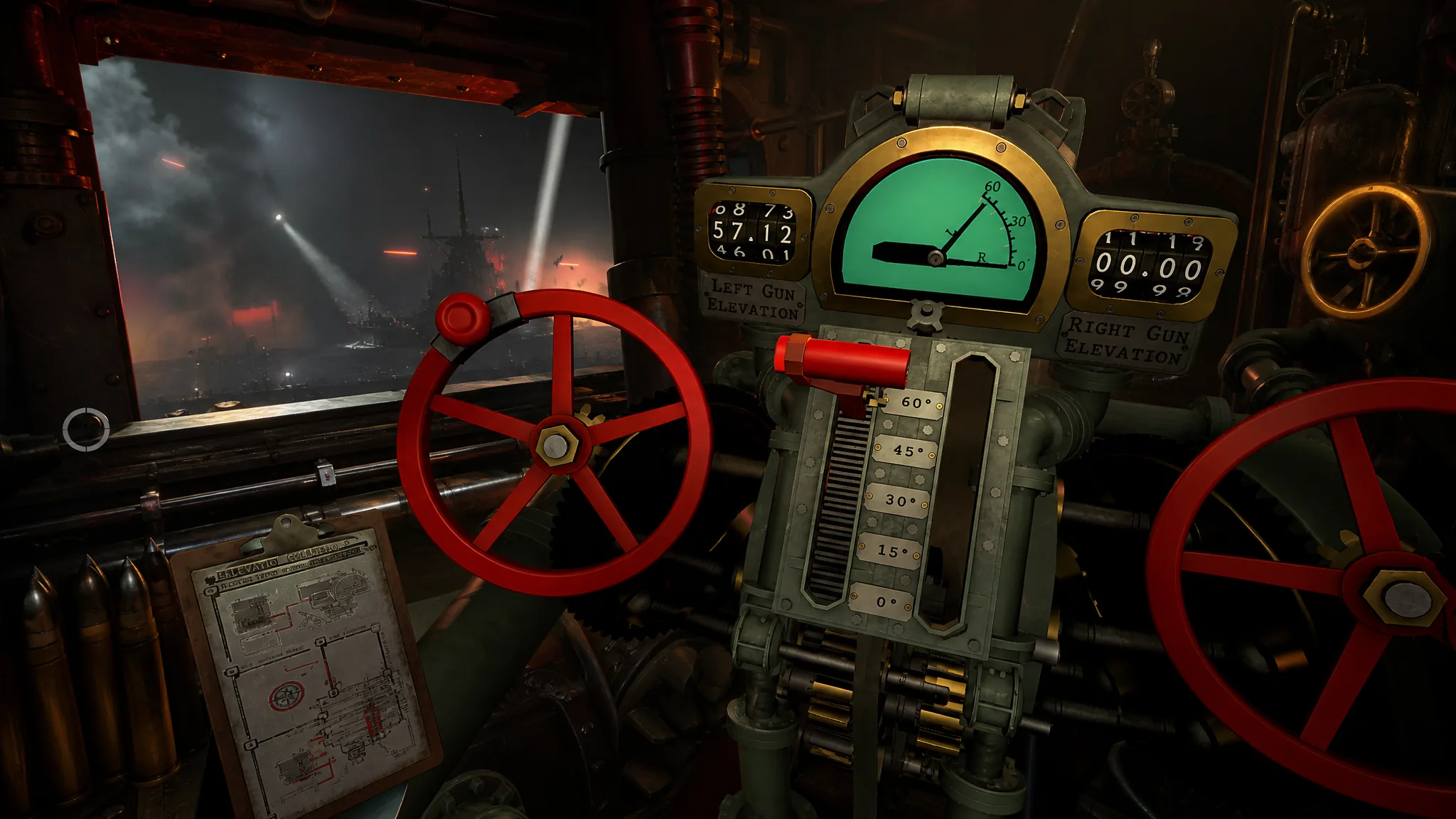
In IRON NEST: Heavy Turret Simulator, the Elevation Calculating Computer normally does the hard part of every shot. It takes your measured range and hands back the exact gun angle. When a mission damages it, you are not stuck. The game does not model real-world ballistics, so shells behave in a predictable way and you can work out the elevation yourself with a single equation.
Quick answer: Set your turret elevation to (Distance × 0.012) ÷ Number of charges. For a target 8,200m away using two charges, that is (8200 × 0.012) ÷ 2 = 49.2.
Why manual elevation works in IRON NEST
Real artillery has to account for the weight and shape of each shell, which changes how it flies. IRON NEST skips that entirely. Every round follows the same flight behavior regardless of type, so the same math applies to armor-piercing, high-explosive, smoke, or any other shell you load.
That consistency is what makes a hand calculation reliable. You only need two numbers to solve for elevation: the distance to the target and the number of propellant charges you are firing. Get those right and the angle comes out the same every time.
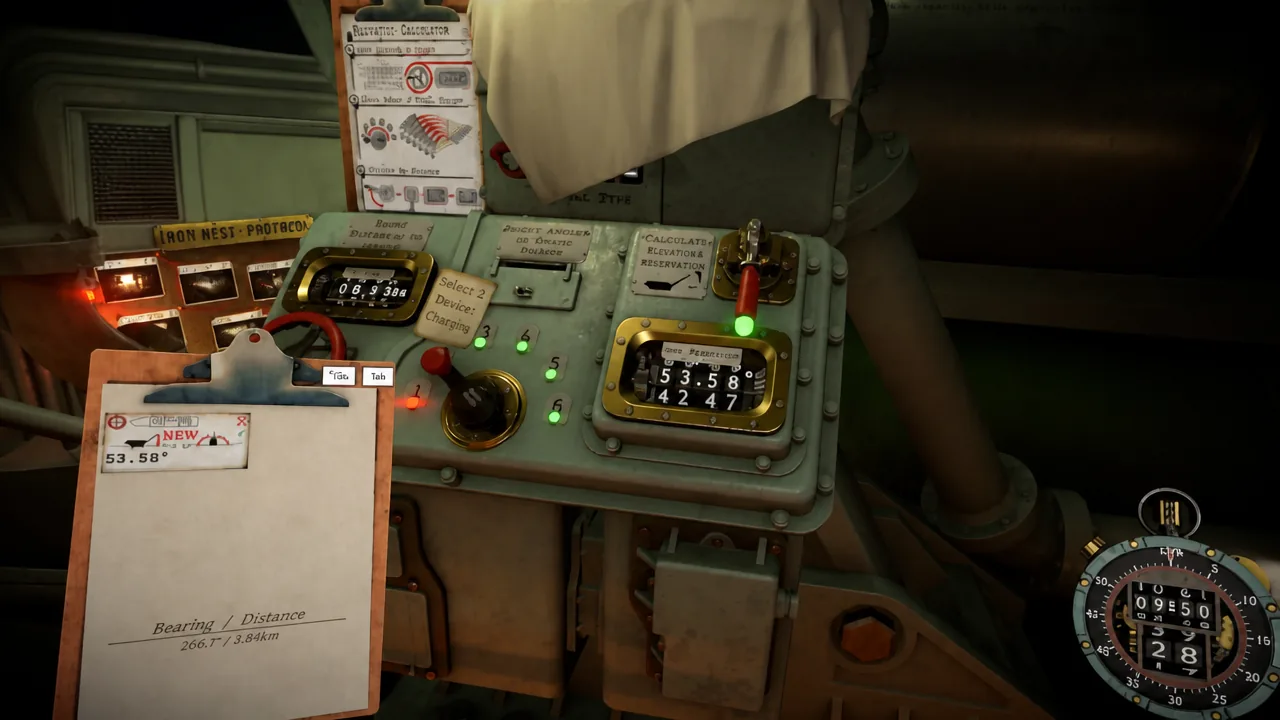
The elevation formula
The equation is short. Multiply your range by a fixed constant, then divide by how many charges you are using.
Elevation = (Distance × 0.012) ÷ Number of chargesHere is what each part means and how to source it during a mission.
| Value | What it is | Where it comes from |
|---|---|---|
| Distance | Range to the target in meters | Measured on the tactical map |
| 0.012 | Fixed multiplier | Constant, never changes |
| Number of charges | Propellant charges loaded | Your choice, based on range |
Worked example at 8,200m
(8200 × 0.012) ÷ 2, which works out to 98.4 ÷ 2 = 49.2. Dial that elevation into the gun.The result stays the same whatever shell you have chambered, as long as the distance and charge count are accurate. If either is wrong, the angle will be wrong too.
Don’t forget the bearing
Elevation only controls how far the shell travels. It does nothing for direction. Before you fire, set the bearing angle so the turret points at the target on the correct heading. A perfect elevation with the wrong bearing still lands the round in the wrong place.
Tip: Whenever the Elevation Calculating Computer is working, use it. The manual method is a fallback for missions where it takes damage, and it is slower than reading the instrument. Even half a degree off can be fatal, so the built-in computer is still the safest choice when it is available.
Once the shell lands, check the aerial reconnaissance photos to confirm the impact. If you missed, recheck your map measurement and charge count first, since those are the two inputs that feed the formula. Correct them, recalculate, and fire again.