Webbed In Style (searched most as “webbed in style dti”) is one of the round themes in Dress To Impress on Roblox. The game gives only the name, so the reading here is ours: spider-inspired glam. We went for the two classic spider colorways, black with red for a black widow and black with white for a cobweb look, with a lace corset, wide black trousers, long straight black hair and heeled boots. We built both looks in Freeplay Mode and took our own pictures of each step. Every piece and color used is free, so both work without VIP. For the other themes, see every Dress To Impress theme we have built.
Quick answer: Wear the black lace corset from the top shelf of the tops wall with part 1 black and parts 2 to 4 red, black wide-leg trousers, long straight black hair and black knee-high heeled boots.
Webbed In Style outfit ideas in Dress To Impress
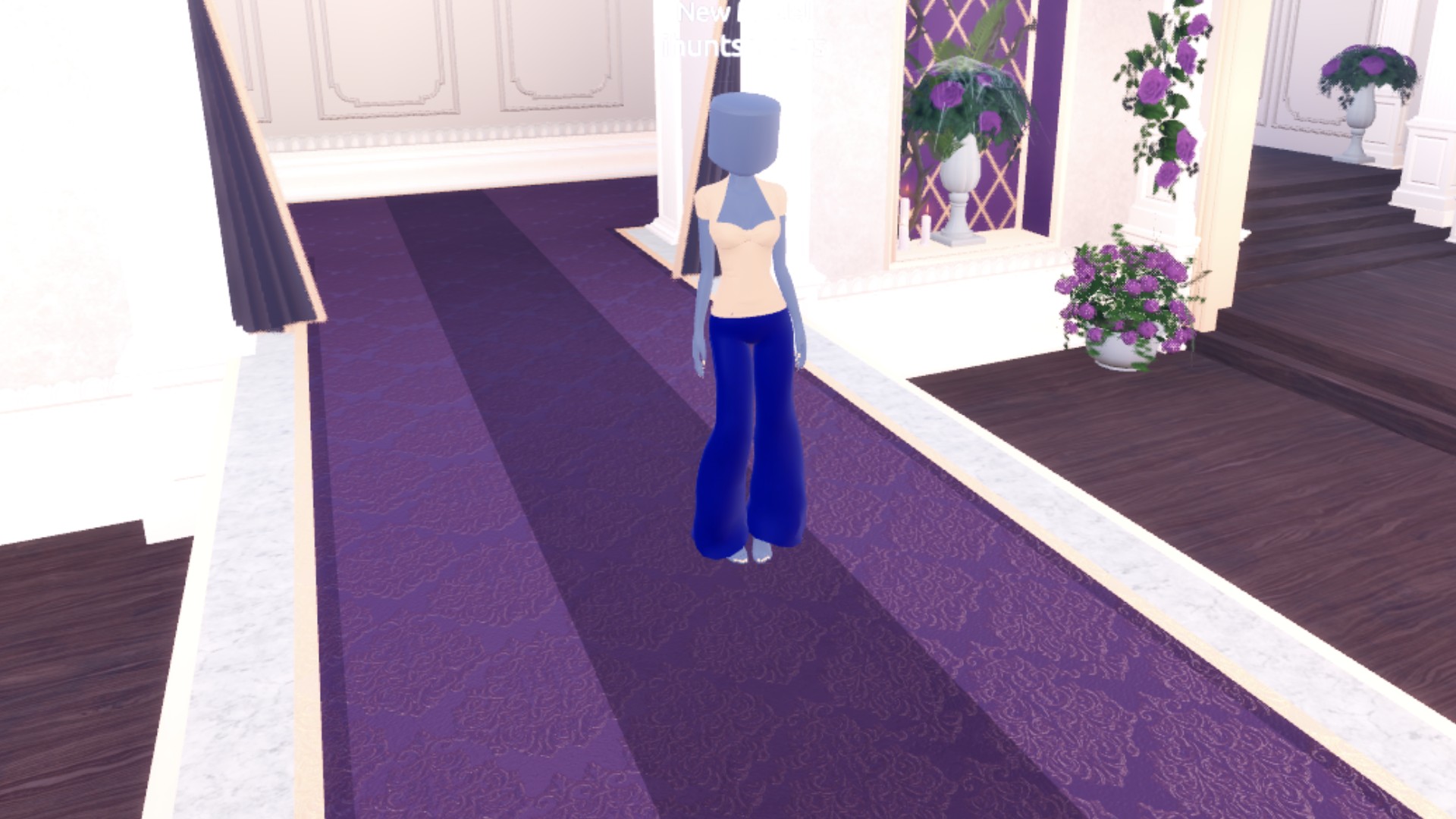
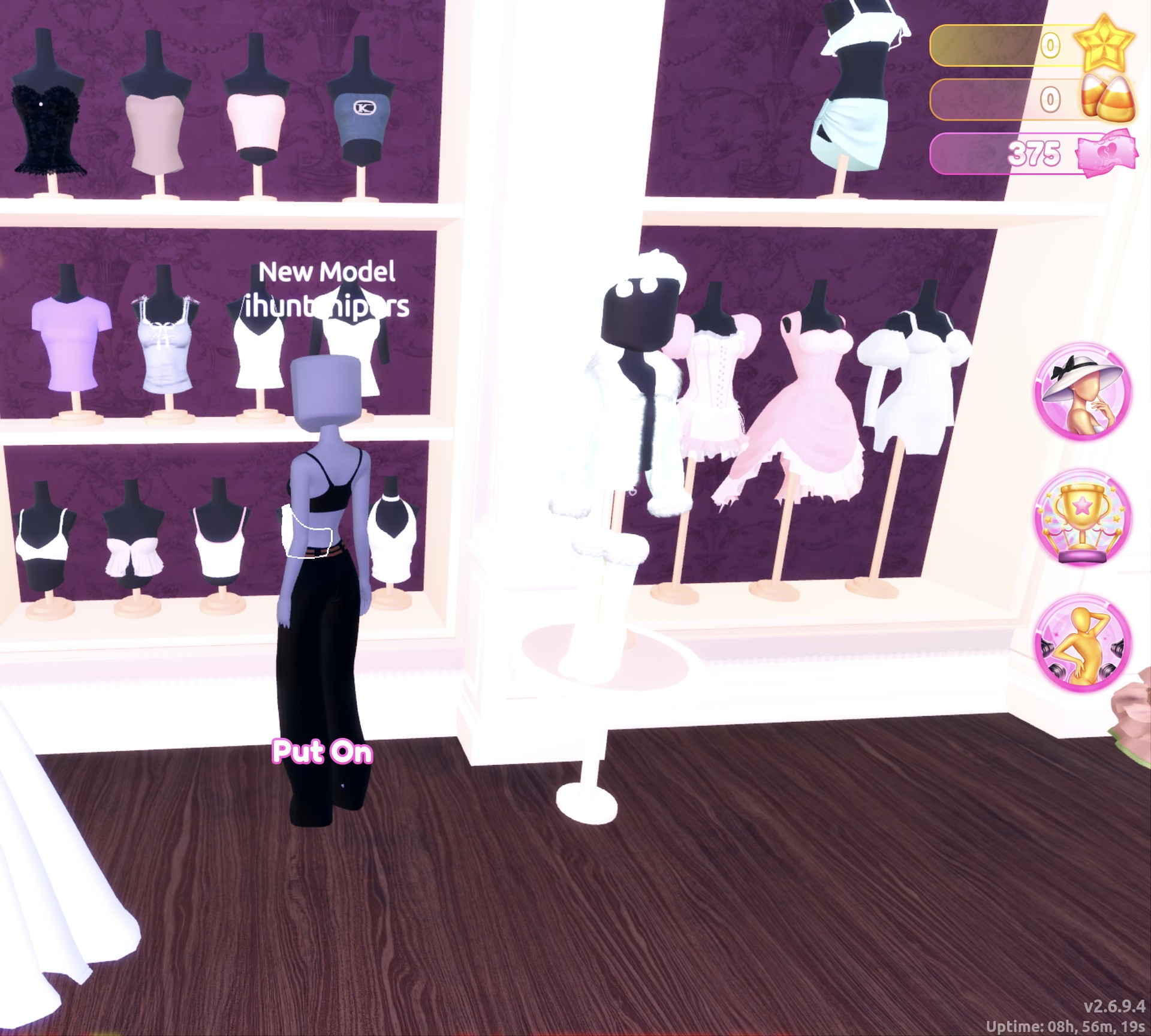
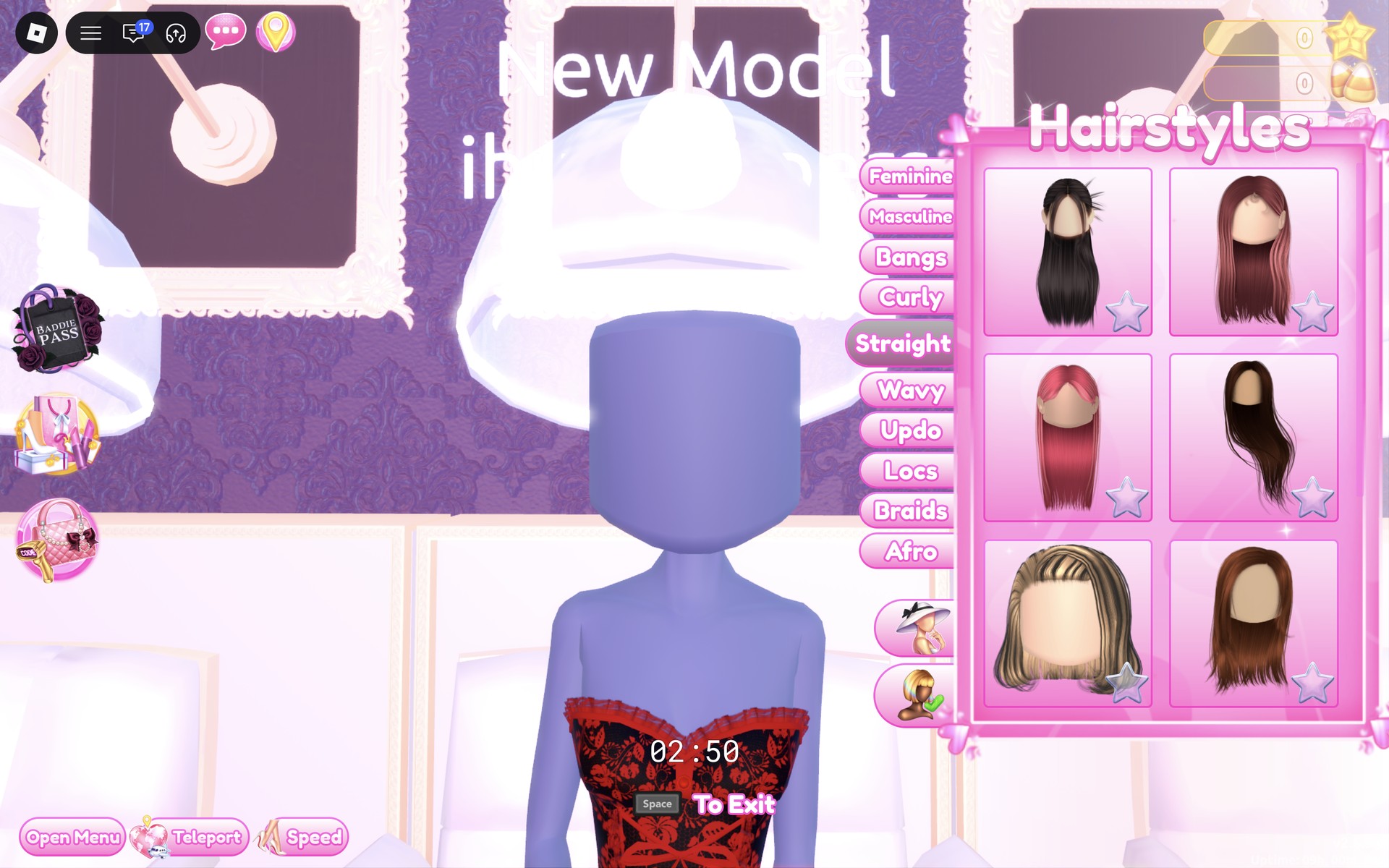
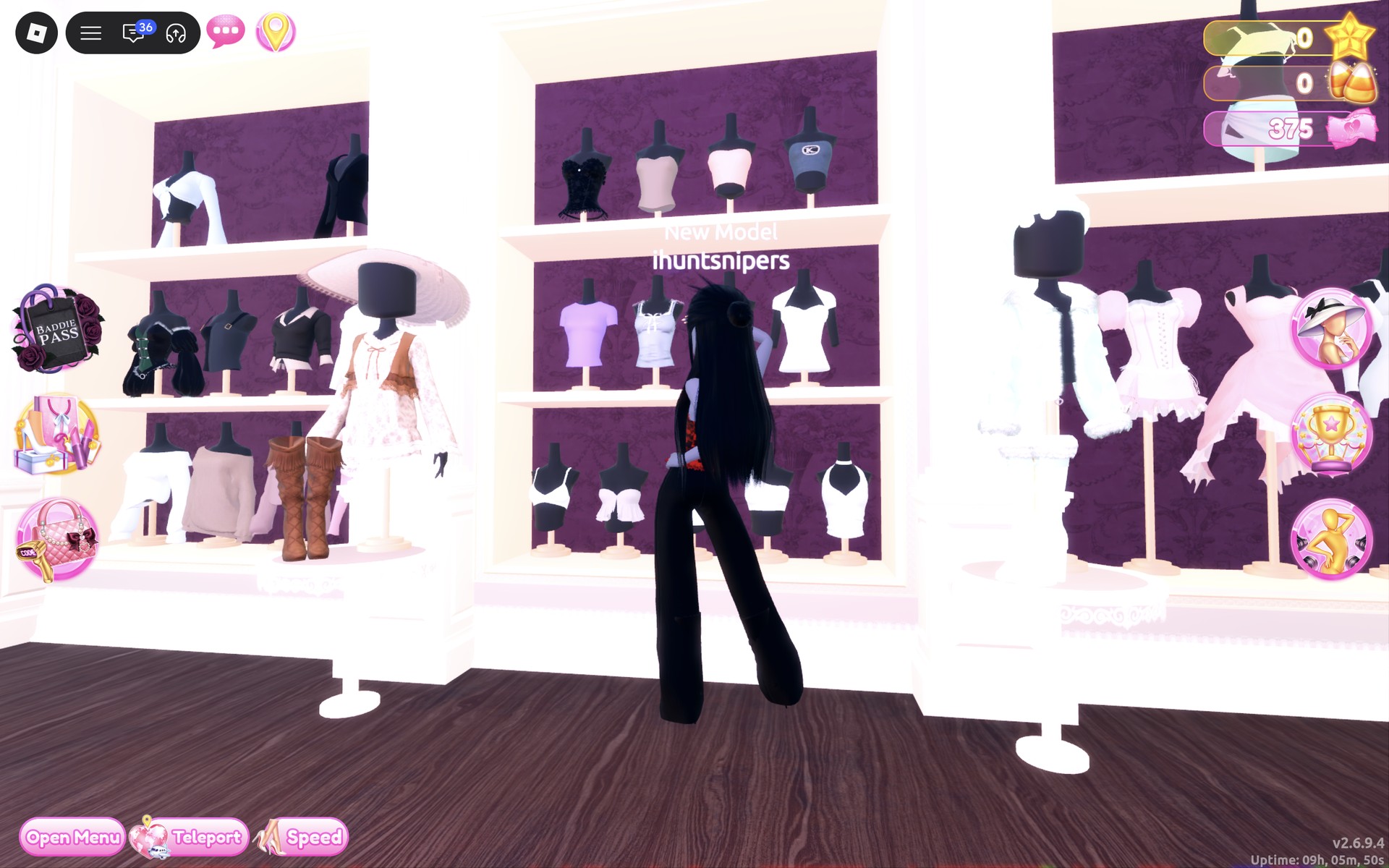
Dress To Impress shows no item names, so every piece here is described by where it sits, what it looks like and the spot we used on the Default palette (columns from the left, rows from the top). A fresh Freeplay character, “New Model”, starts in the base body: a blank, faceless head with no hair, a black top and black shorts, and bare feet. Both corsets cover the base top and the trousers cover the base shorts, so none of the base body shows in the finished looks. We added no makeup or accessories; the blank head stays under the hair.
There is no spider-web piece in either look. We did not find a web print, so the spider feel comes from the colors: black and red for a black widow, black and white for a cobweb.
Look 1: Black widow in a red lace corset
Our idea: a black widow spider, black with flashes of red, in a strapless lace corset and long dark hair.
The finished corset up close: strapless, with red floral lace over black, a red lace-up front and red ruffled trims at the top and the hem. It covers the black base top.
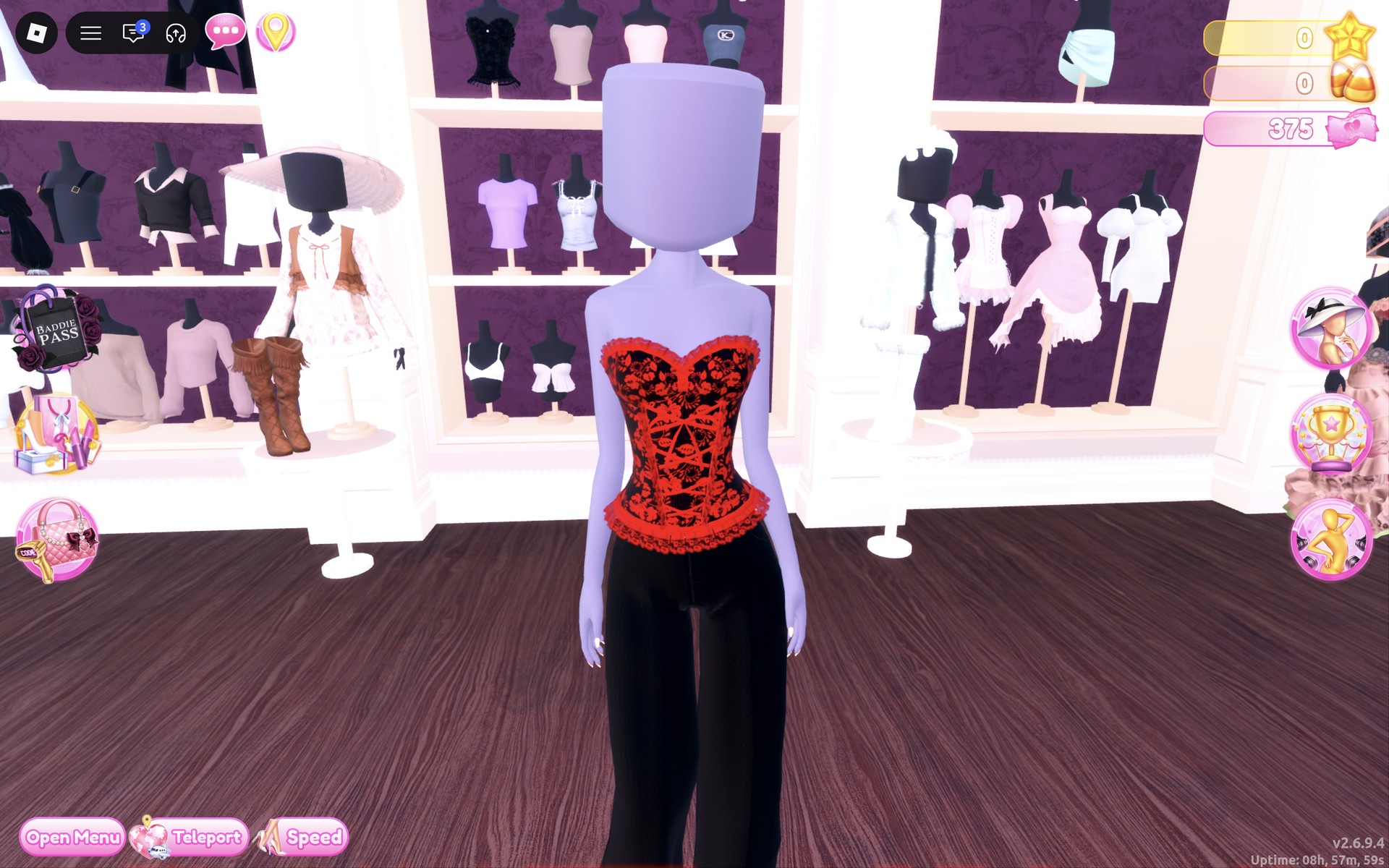
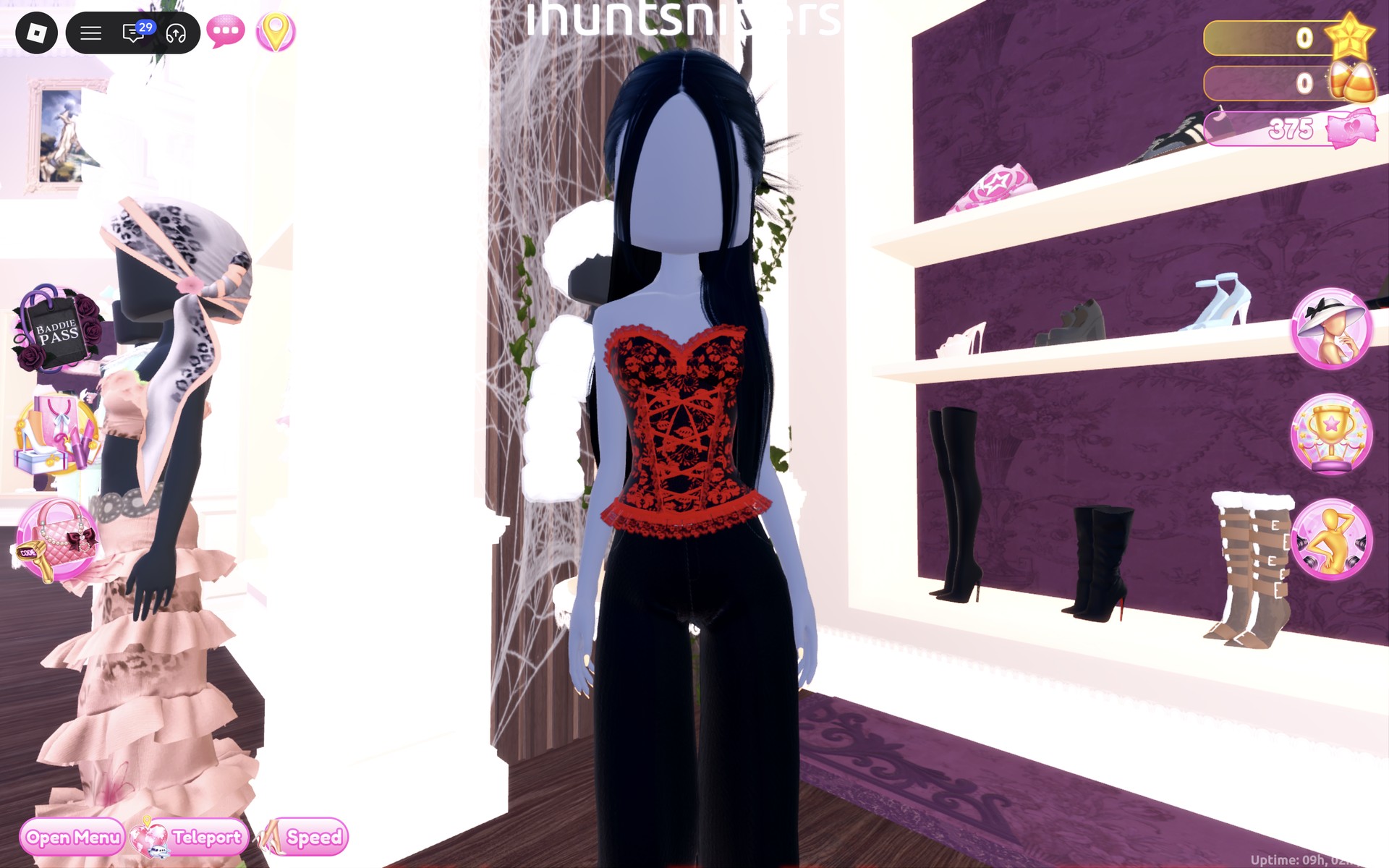
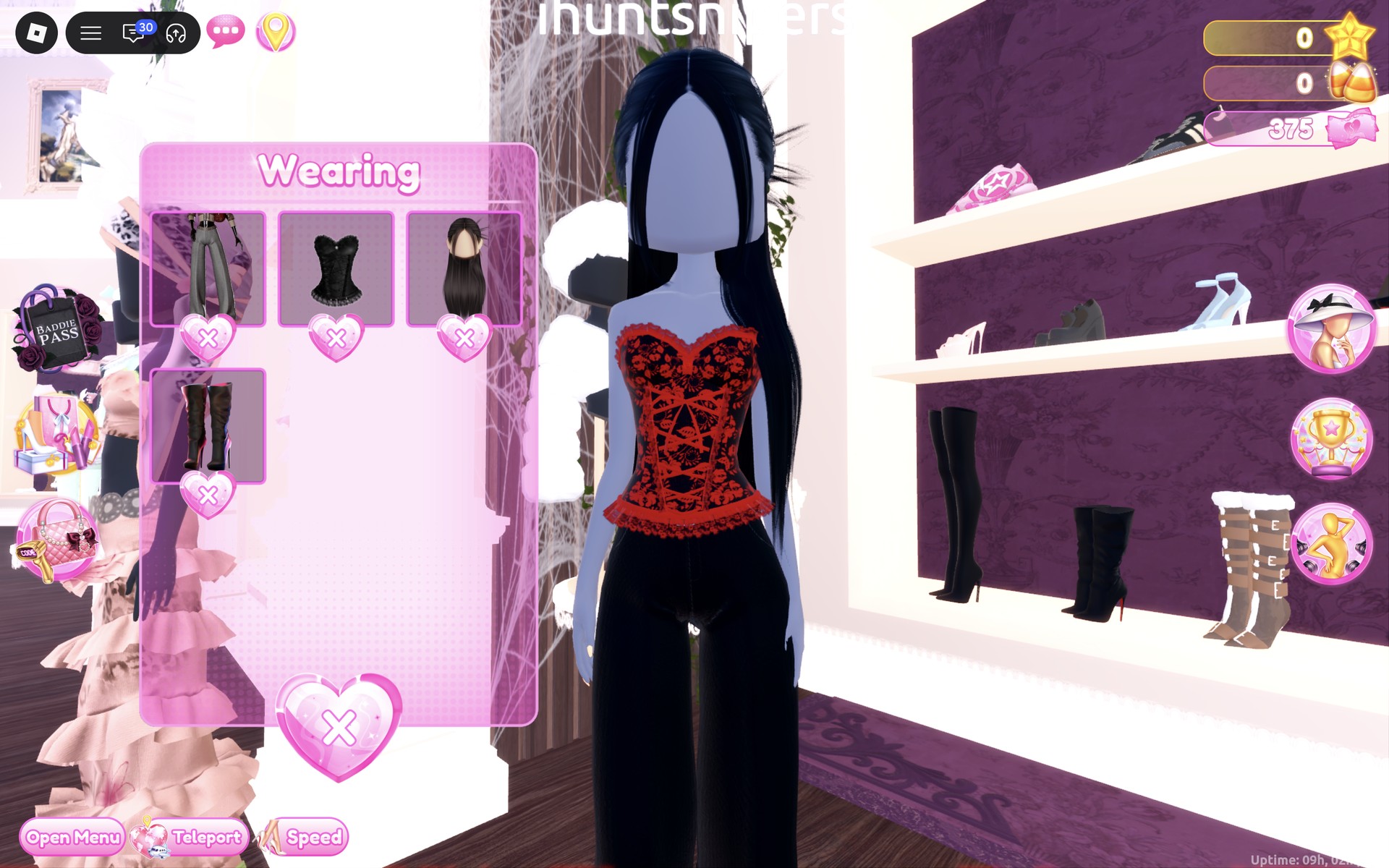
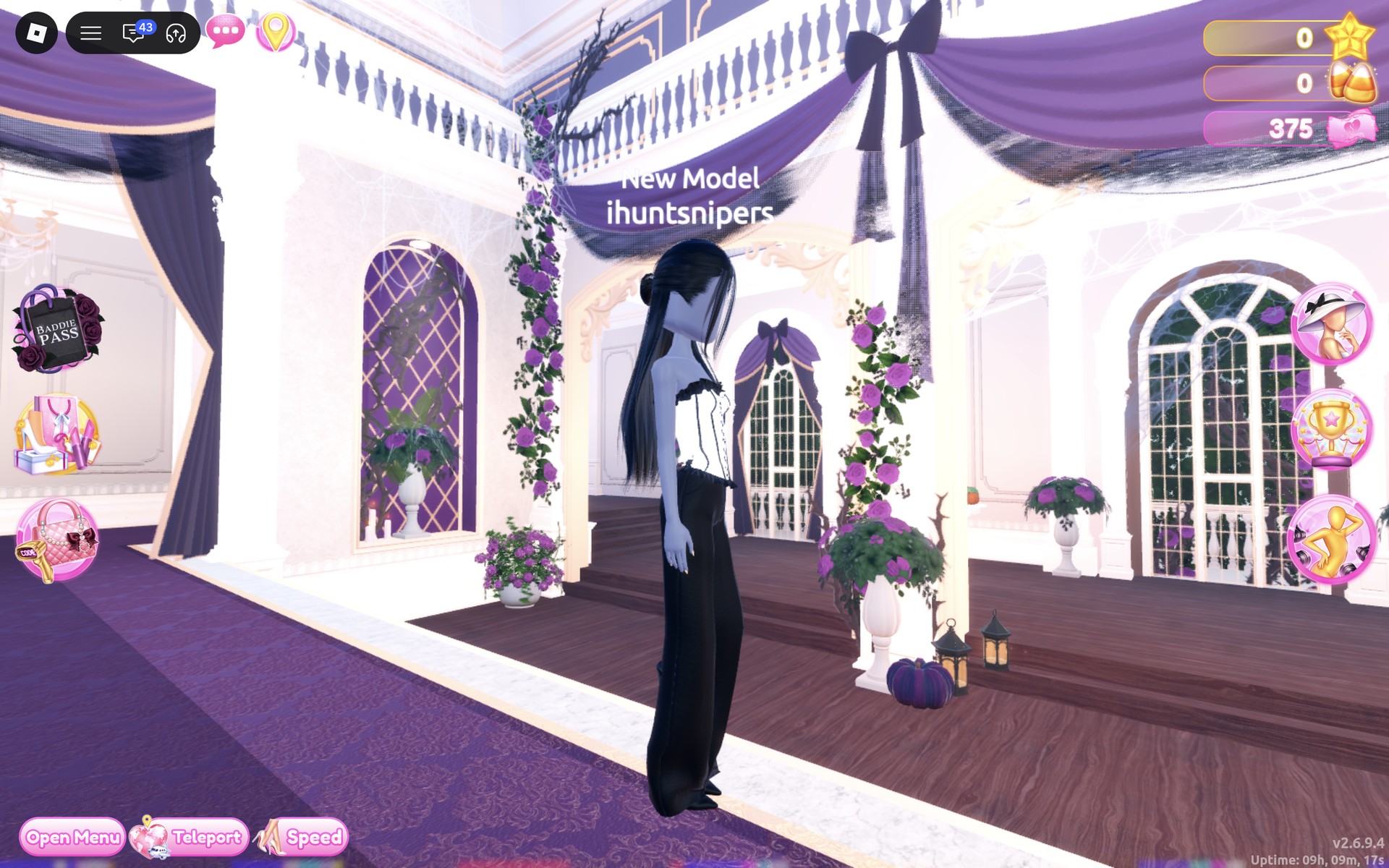
On the Freeplay Runway, the red corset is the only color on an all-black outfit. The wide trousers hide the boots except for the pointed heels.
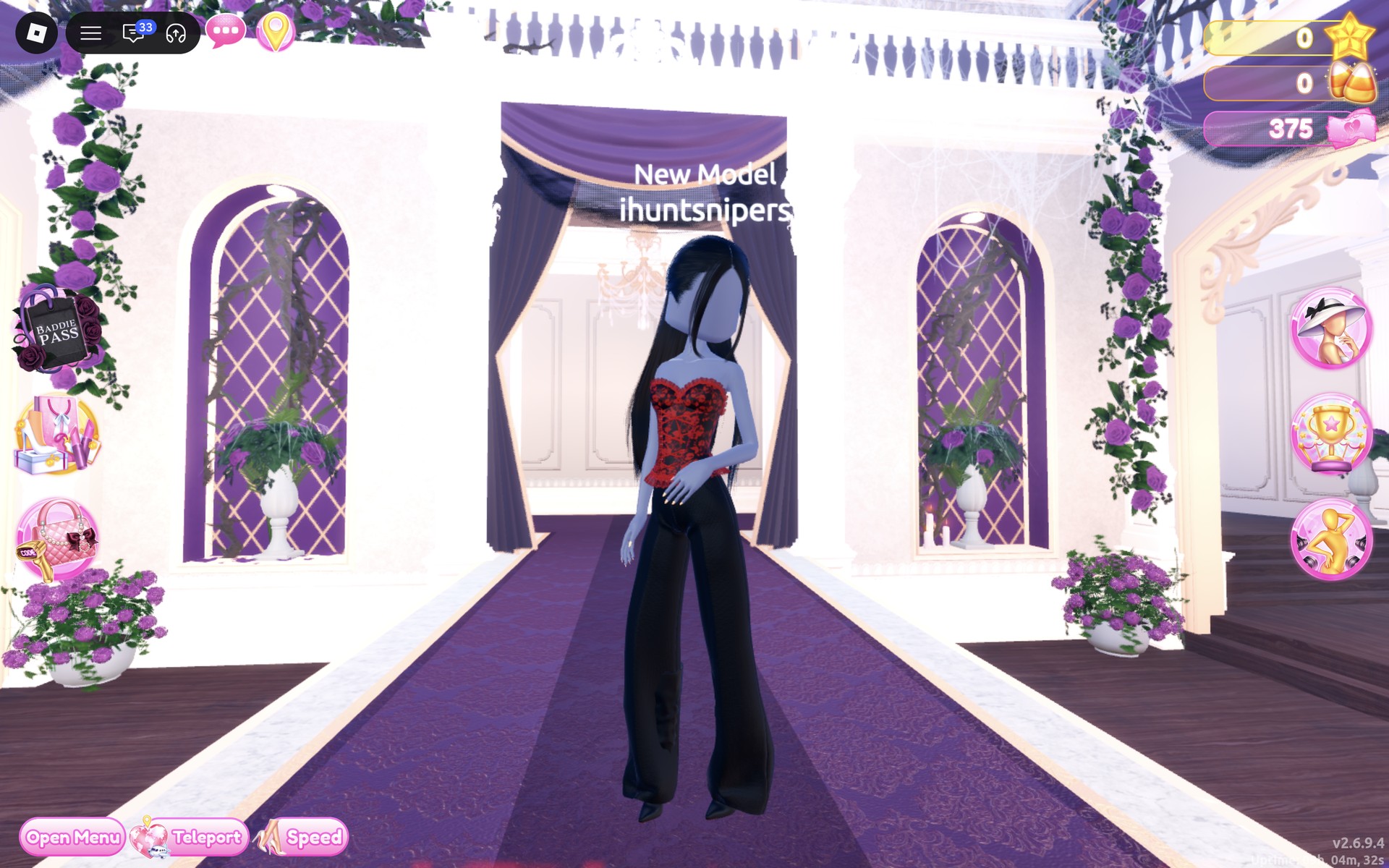
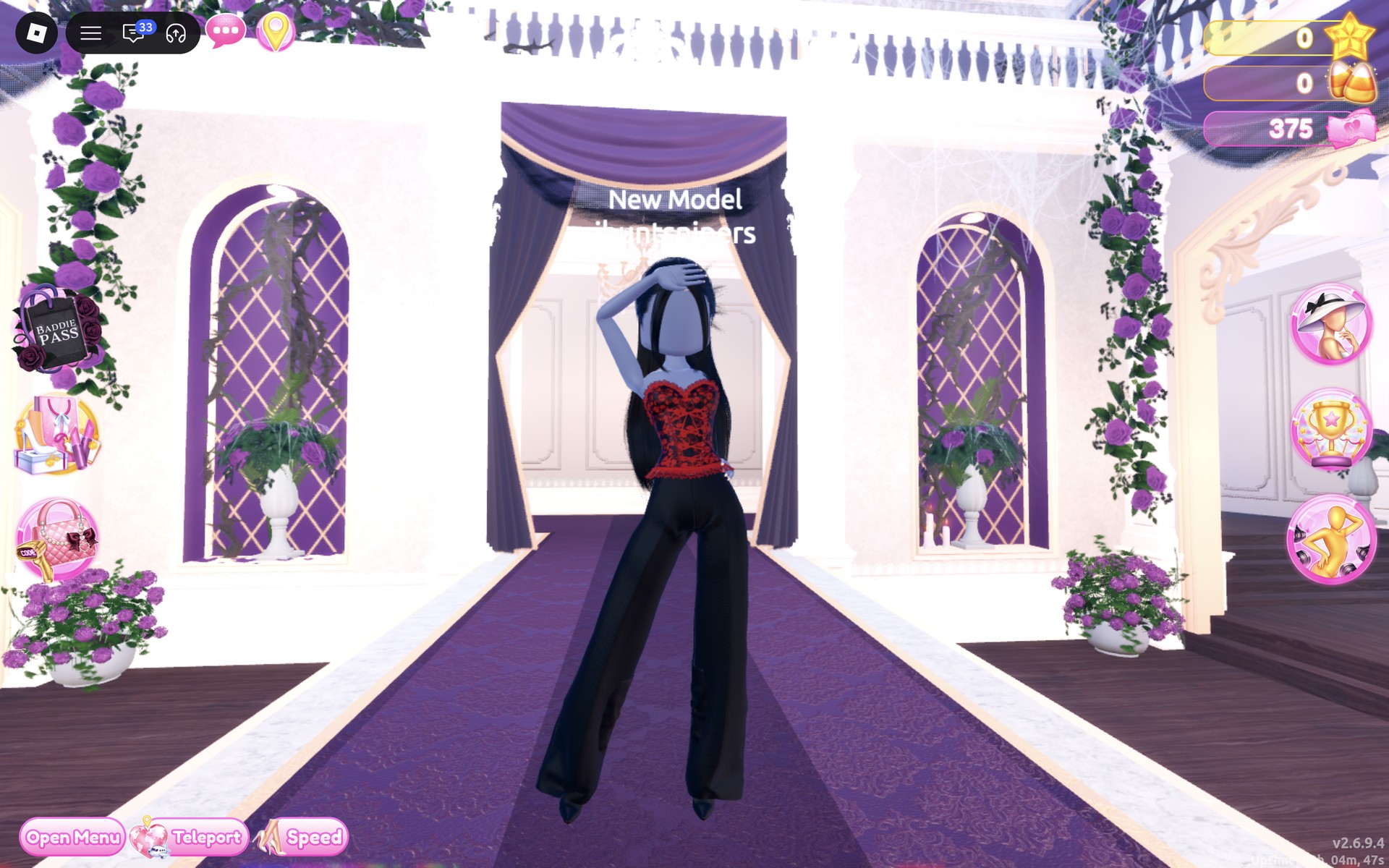
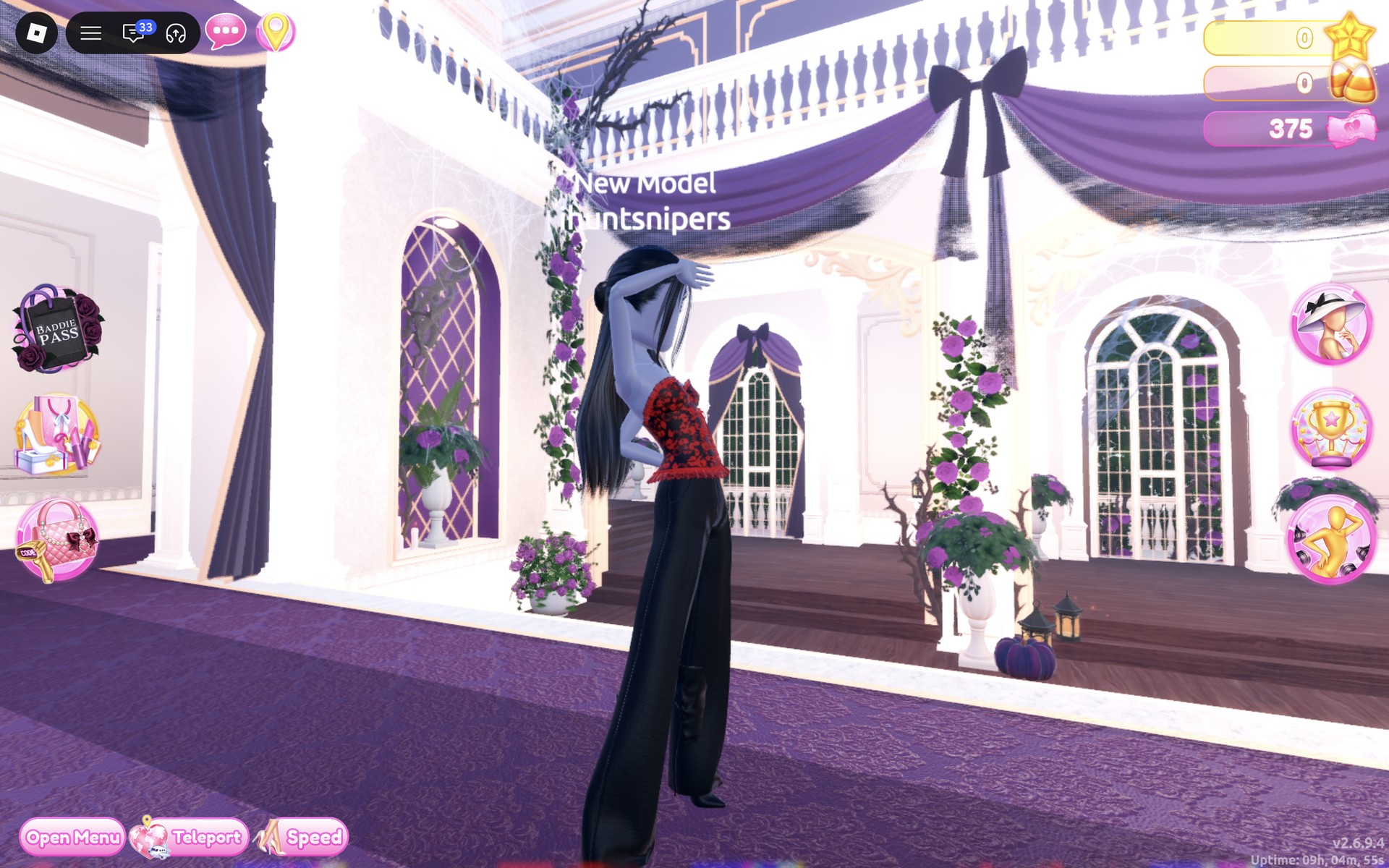
From the side and back, the hair reaches the waist, the red lace wraps all the way round, and the boot tops show as a bulge through the trousers at the knee.
Look 2: White cobweb in a white lace-up corset
Our idea: a white cobweb on black, the same outfit with a white corset laced in black. Look 2 reuses the black wide-leg trousers, the long straight black hair and the black heeled boots from Look 1, so only the top changes.
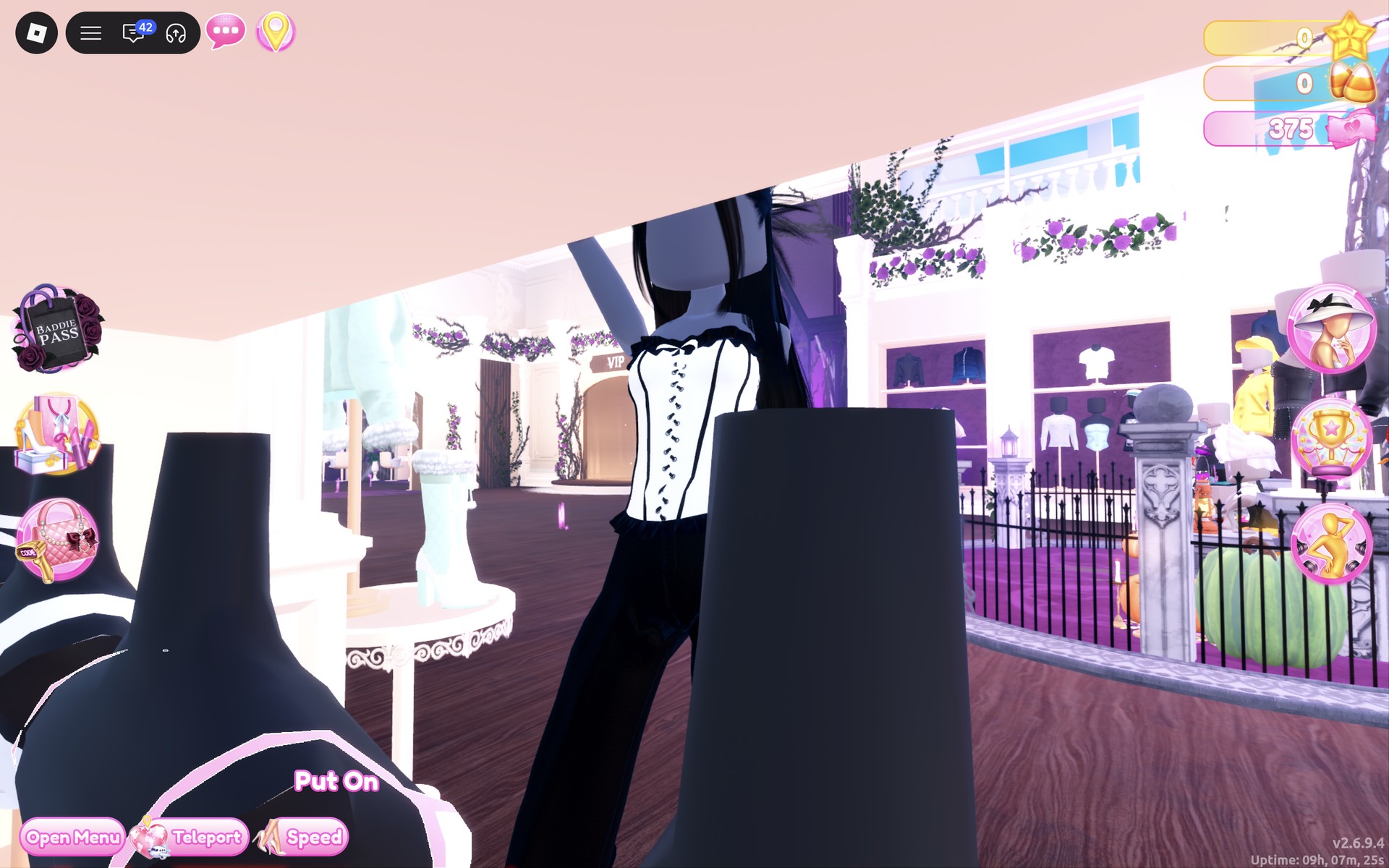
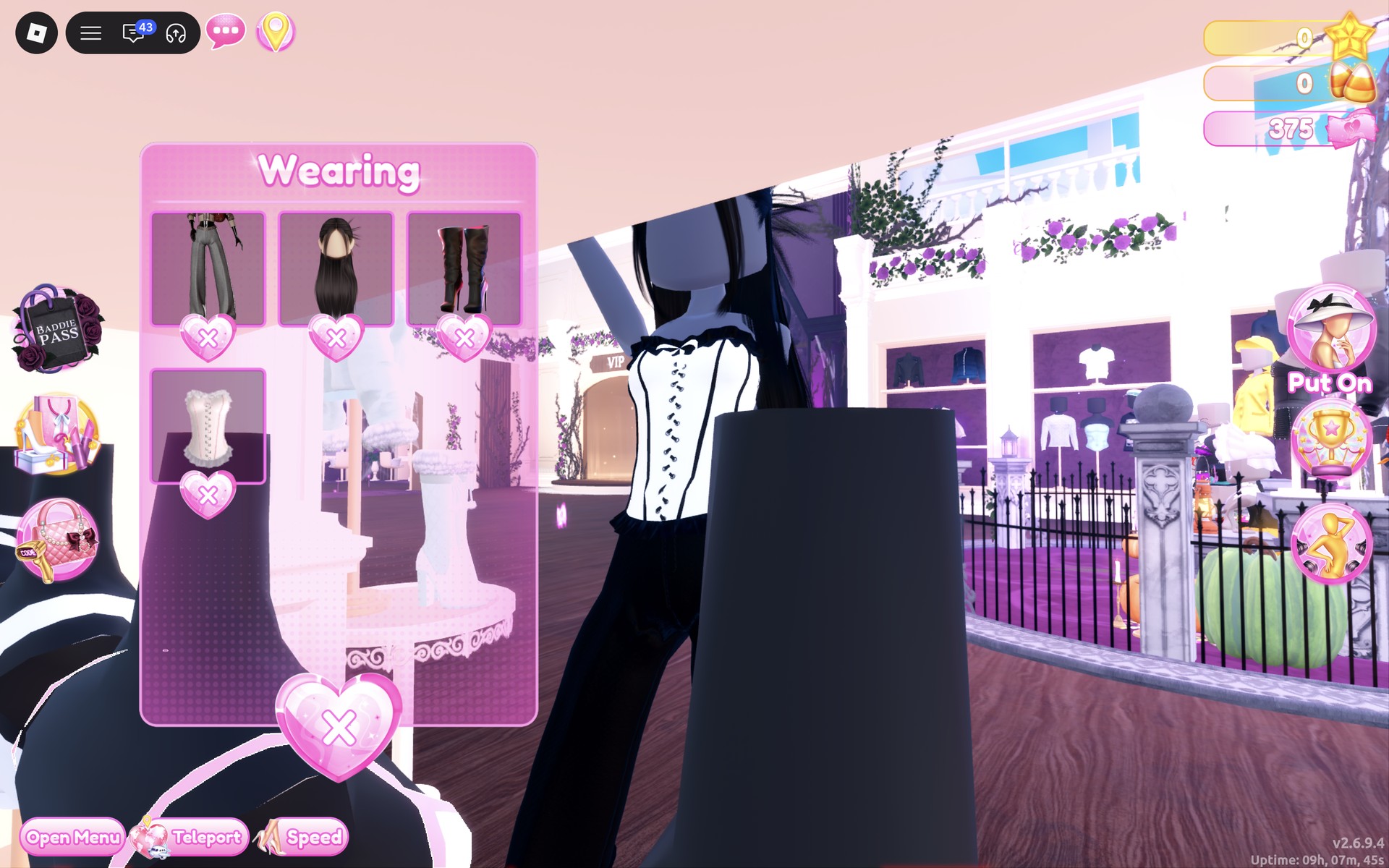
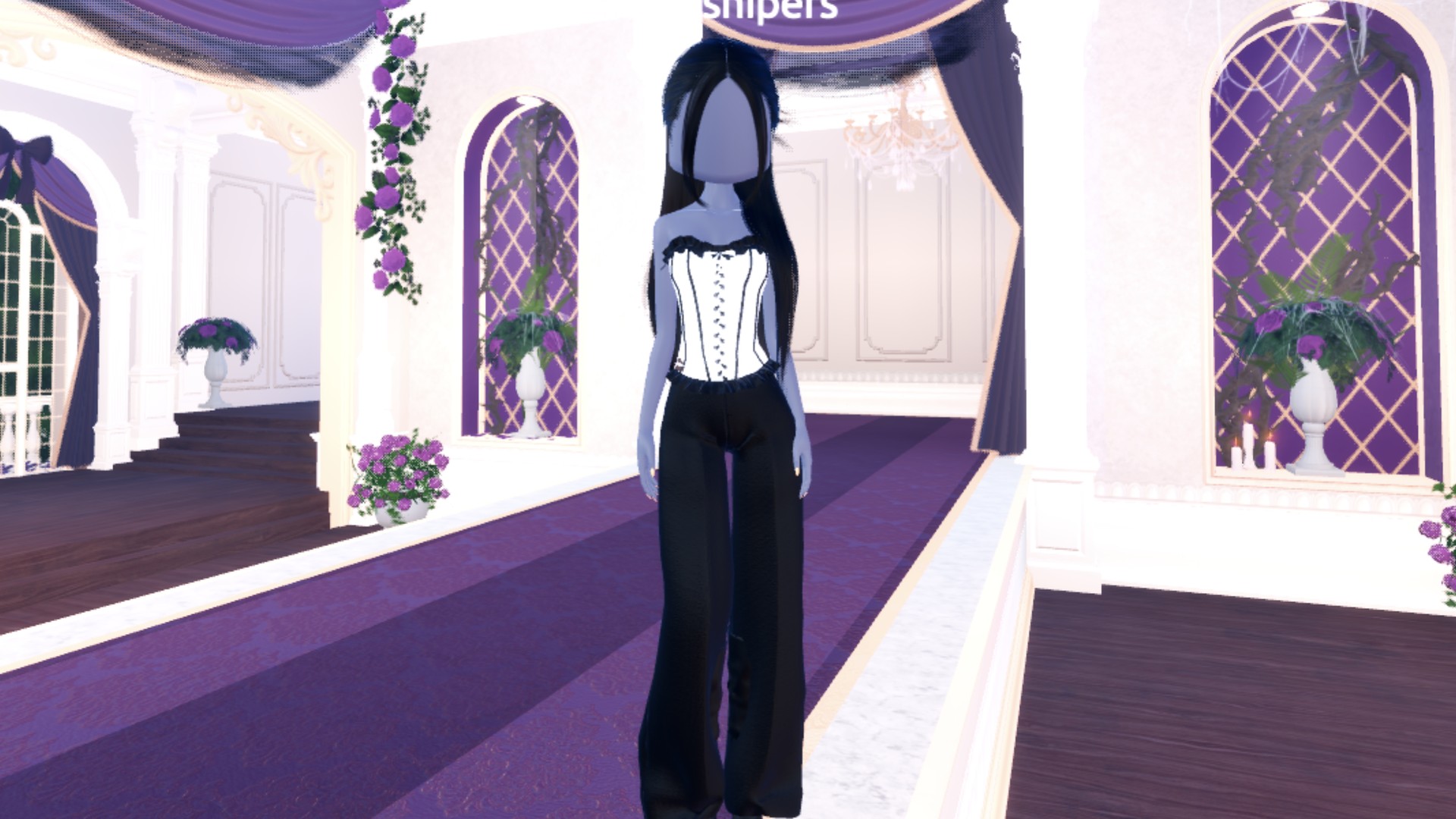
The finished look from the front: a white corset with black criss-cross lacing, black boning lines and black ruffled trims at the top and the hem, over the black trousers. Next to Look 1 it is the high-contrast version, black and white like a web.
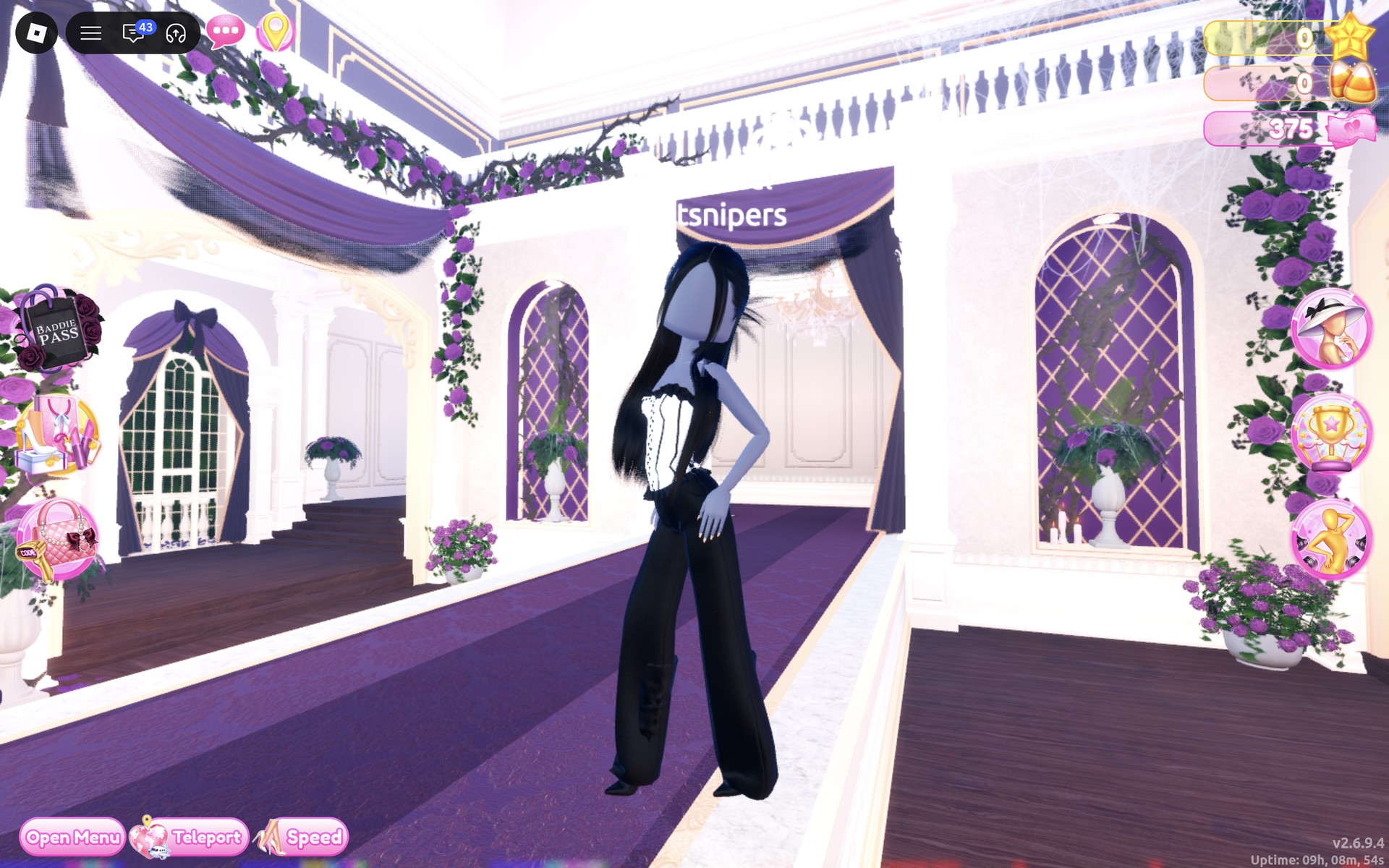
From behind, the long black hair covers most of the corset’s back, and the outfit reads as black with a band of white.
Why these looks read as Webbed In Style
Spiders and webs come in two looks most players know: the black widow, all black with red, and the cobweb, white threads on black. Look 1 is the first and Look 2 is the second. The lace on the red corset and the criss-cross lacing on the white one give both tops a woven, threaded feel, and the long straight black hair and stiletto heels keep the outline long and spindly. That is plain styling advice; we have not seen how either look scores in a real round.
For other dark looks built from the same Dressing Room, see our Trad Goth outfit ideas, Possessed outfit ideas and Monochrome Mood outfit ideas. The trousers wall in the spawn hall also turns up in our NPC Core outfit ideas.
How to recolor a corset part by part
- Click the piece on the shelf so it shows on you as a preview and its color panel opens.
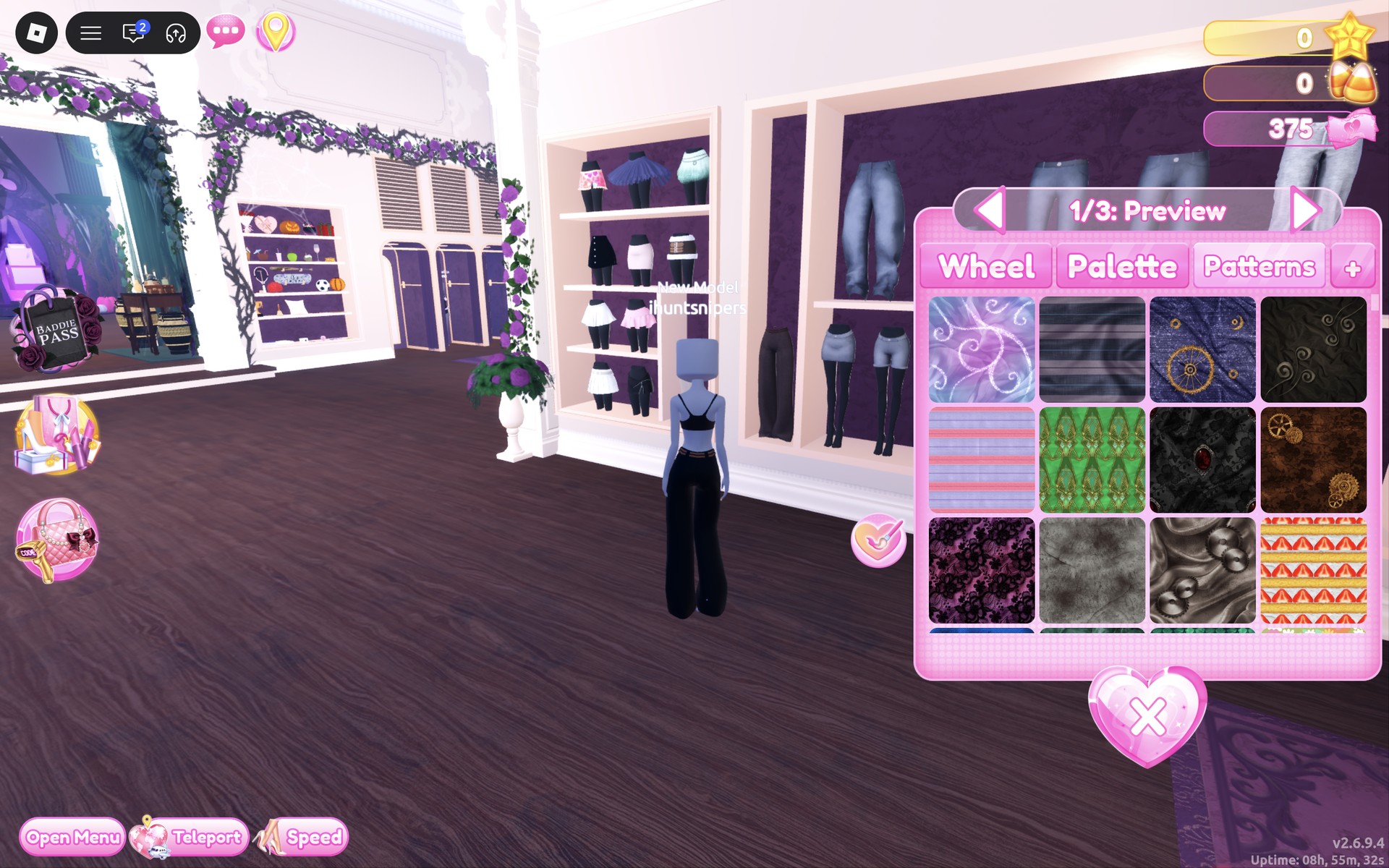
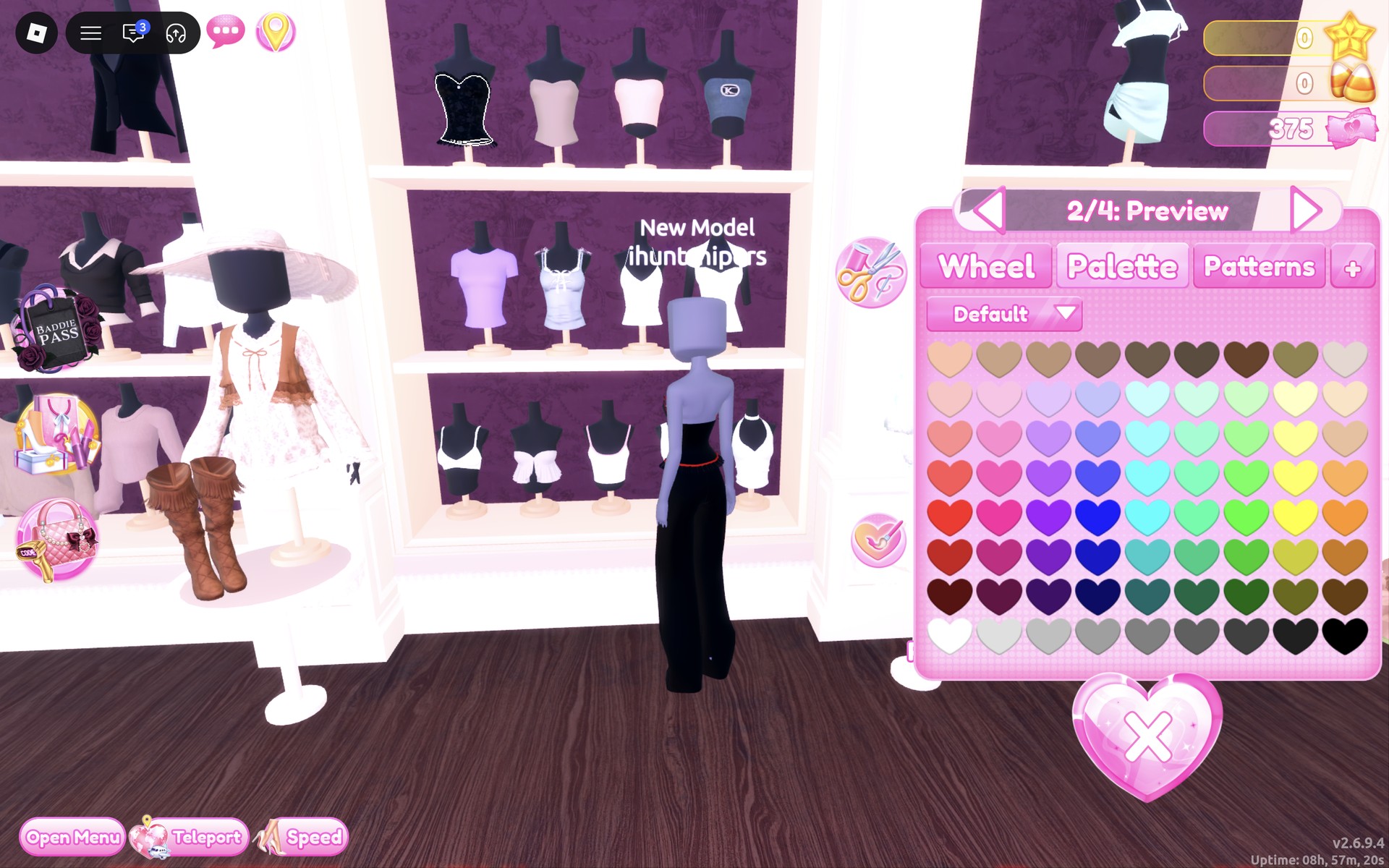
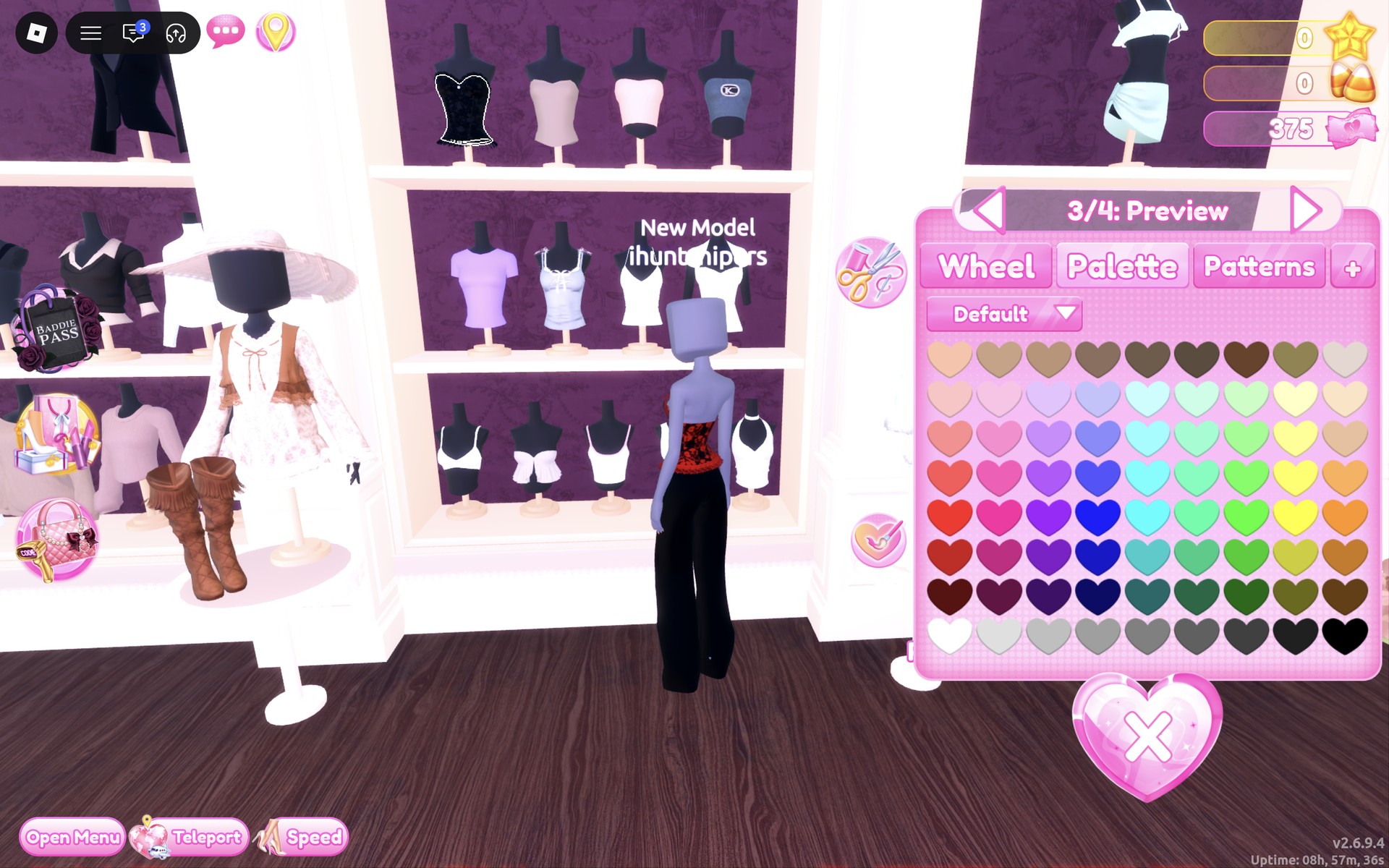
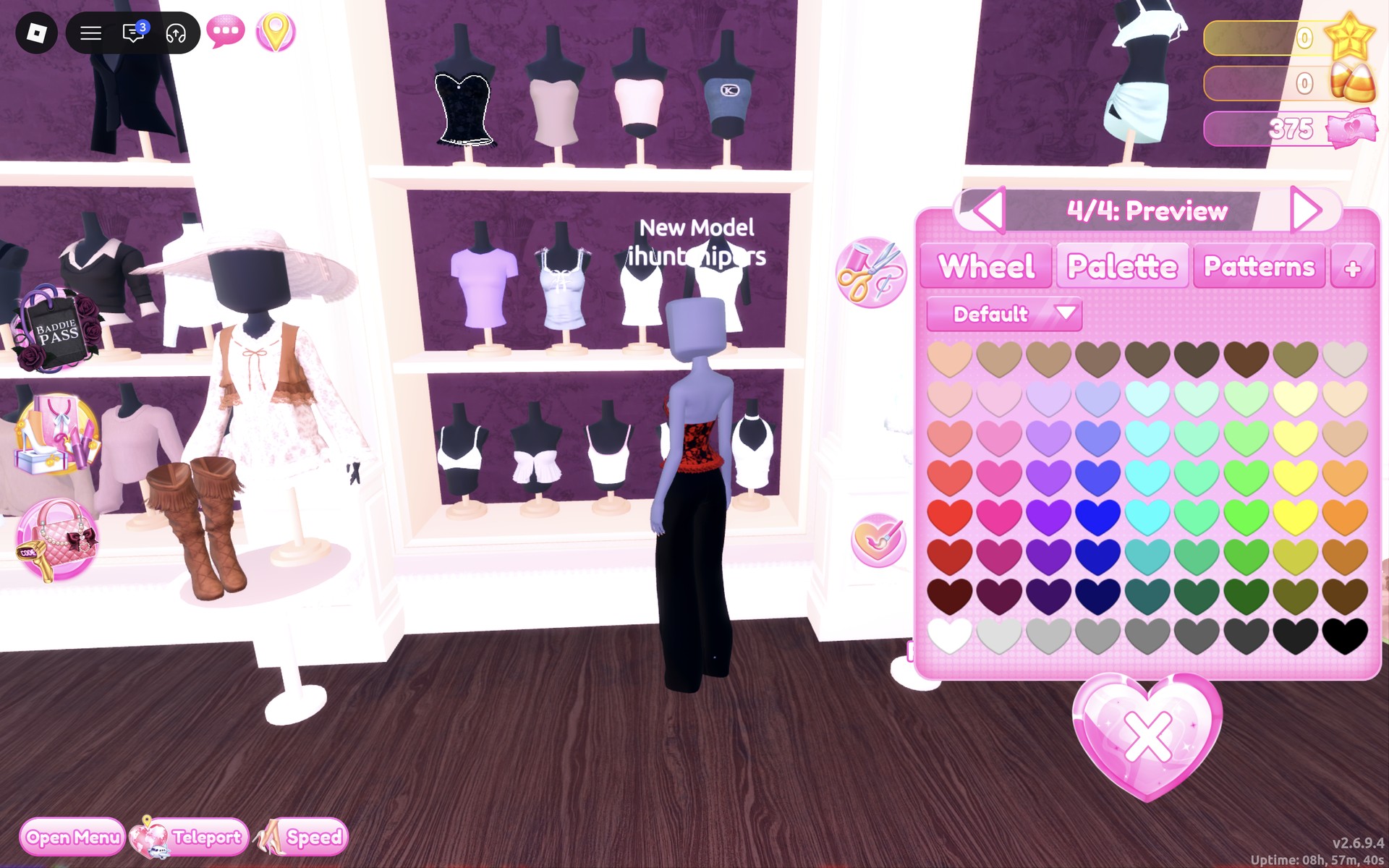
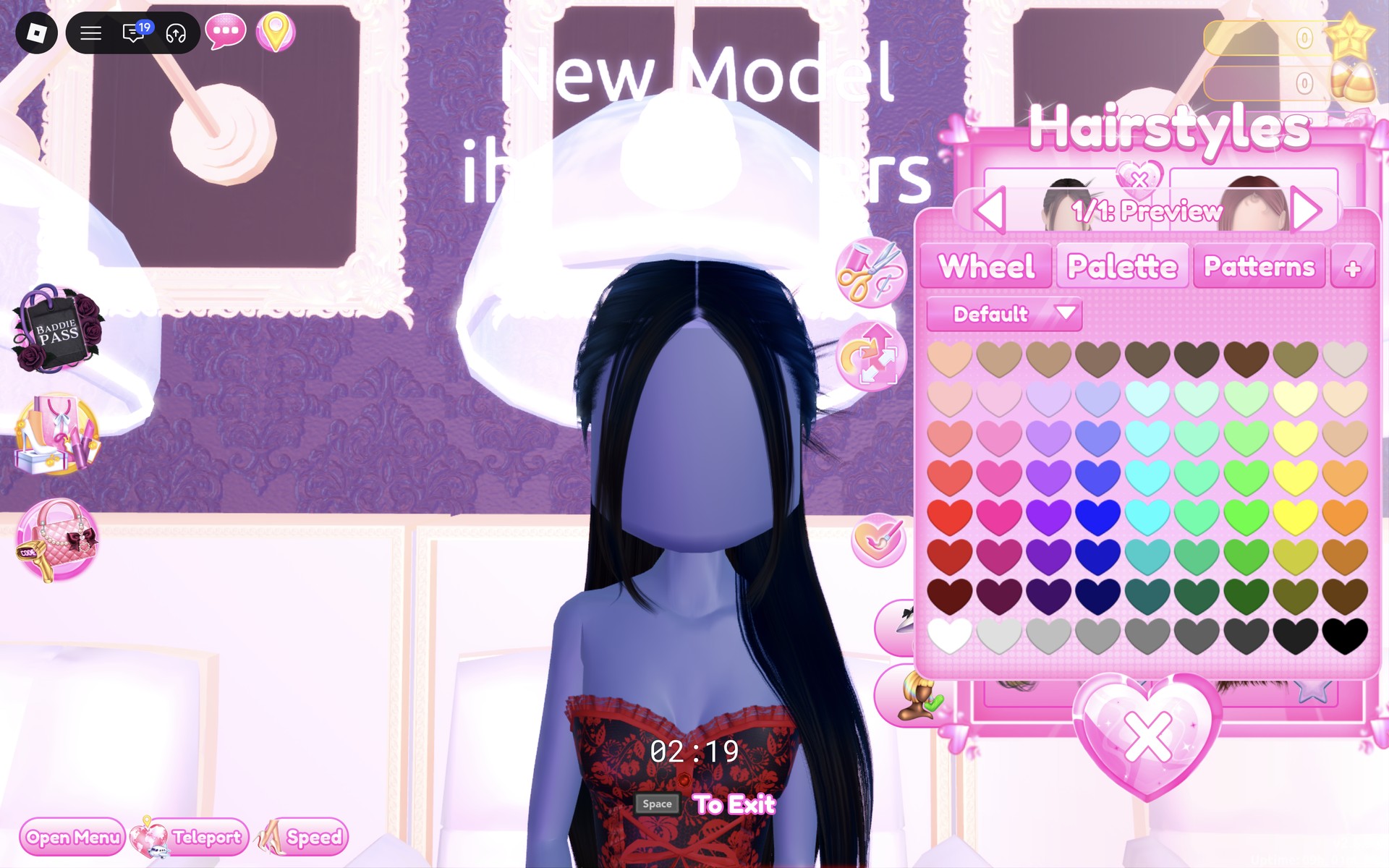
- Pick the part with the arrows beside the part name (“1/4: Preview”, “2/4: Preview” and so on). Each part takes its own color.
- Choose the color on the Palette tab (the Default palette: columns are hues, rows run light to dark, and the bottom row runs from white to black).
- Watch the piece on you after each part: on the red lace corset, nothing changed after part 1, the hem turned red after part 2 and the lace turned red after part 3.
- Set every part, then press “Put On”. Colors set while previewing stay on the piece you wear.
To take a piece off, click the heart X under its picture in the Wearing panel.
Webbed In Style colors on the Default palette
Rows count from the top of the palette, columns from the left. These are the spots we used.
| Color | Column | Row | Used for |
|---|---|---|---|
| Black | 9 (far right) | 8 (bottom row) | Trousers part 1; corset part 1 (Look 1); boots part 1; hair; white corset parts 2, 3 and 5 (Look 2) |
| Dark red | 1 | 7 | Corset parts 2, 3 and 4 (Look 1); boots part 2. It reads as a bright red on the character in the hall’s light. |
| White | 1 | 8 (bottom row) | White corset parts 1 and 4 (Look 2) |
Webbed In Style pieces to look for
None of these pieces has a name in the game, so look for them by place and shape. All of them are free and worked on our account with no VIP and 0 stars.
| Piece | Where | Colors we used |
|---|---|---|
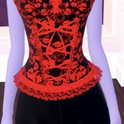 Strapless corset with a lace-up front and ruffled trims (four parts), black lace on the shelf | Dressing Room tops wall, top shelf, left end | Look 1: part 1 black, parts 2, 3 and 4 red: red floral lace over black with red lacing and red ruffles |
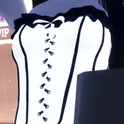 Corset with criss-cross lacing down the front and ruffled trims (five parts), pale pink on its stand | Dressing Room tops wall, right unit, on a stand next to the white fluffy jacket | Look 2: parts 1 and 4 white, parts 2, 3 and 5 black: white with black lacing, boning and ruffles |
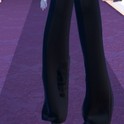 Wide-leg trousers (three parts), dark on the shelf | Spawn-hall skirts and trousers wall, right side, lower shelf | Both looks: part 1 black |
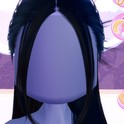 Long straight hair with a center part, falling past the waist | Lana’s Salon hair chairs, Hairstyles, Straight tab, first card | Both looks: black |
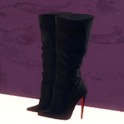 Slouchy knee-high stiletto boots with red soles (two parts) | Shoe shelf by the Dressing Room landing, lower shelf, middle pair | Both looks: part 1 black, part 2 red |
Cobweb backdrops in the Freeplay hall
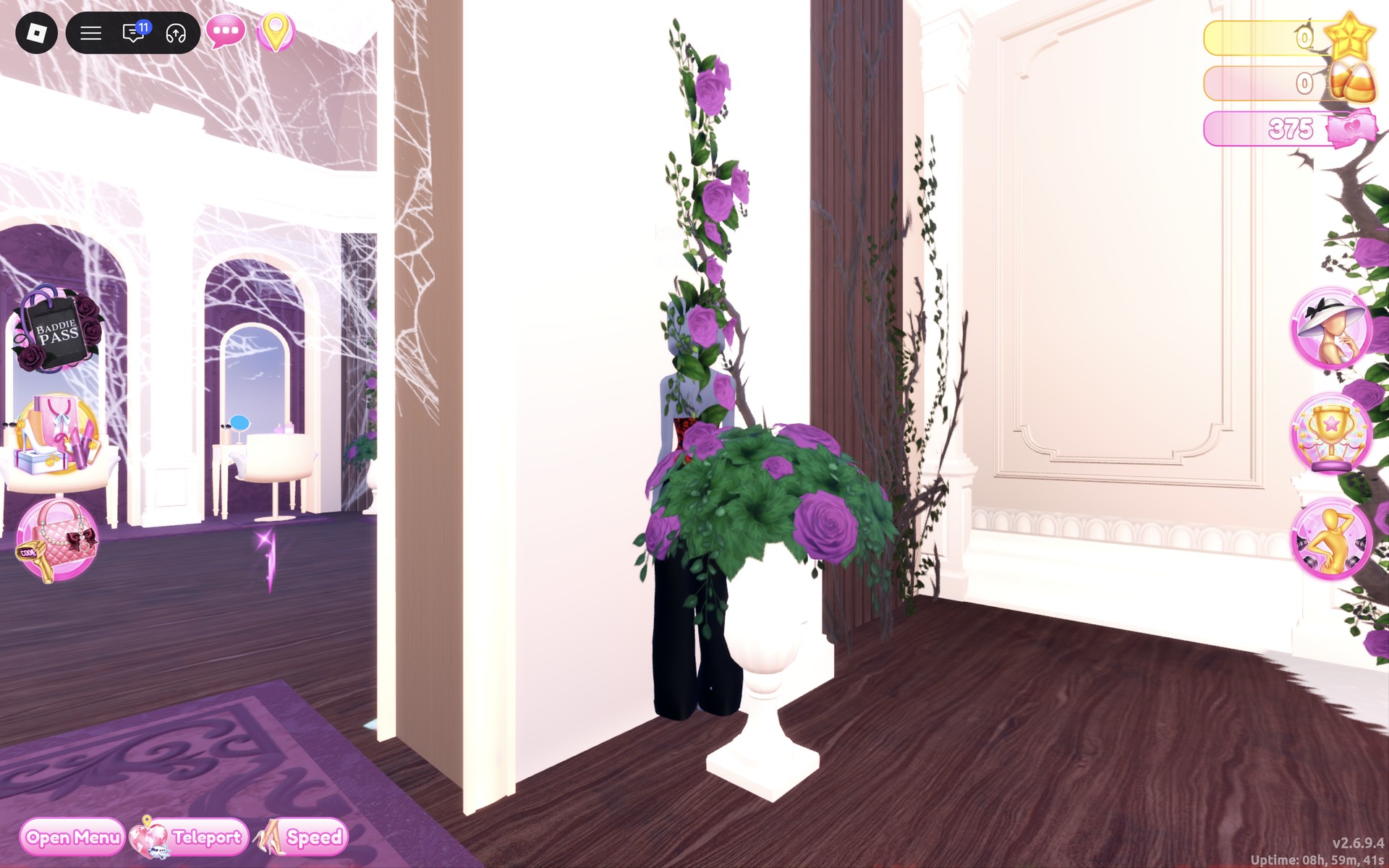
The Freeplay hall is decorated for Halloween, with white cobwebs hung on walls and arches, including the wall by the shoe shelf. For Webbed In Style photos in Freeplay, standing in front of one is an easy way to add webs to the picture without wearing them.
Poses for Webbed In Style
Any free pose from the Poses menu works; a pose with one arm raised shows off the strapless corsets. For the full list with a picture of each, see every free pose in Dress To Impress.
Building it in Freeplay Mode first
Freeplay Mode has no timer, so it is the place to find the pieces and set every part without a round running out. That matters here: the red lace only shows once the third part is red, and the white corset has five parts to set, so it helps to have done it once before a round. For more themes built the same way, see our Boho, Robot Takeover, Album Cover, Potion Maker, Monochrome Mood, Divine Beings, Drag, Sweet 16, Camouflage, Deserted Island, Summer Cruise, Favorite Show, Fairytale, Cotton Candy Couture, Cyberpunk, Birth Stones, Y2K Popstar, Video Game Character, Top Model, Fast Food Mascot, DJ, Award Show, Drama Queen, Instagram Model, Day of the Dead, Malibu Dream, Stained Glass, Summer Camp, Modern Royalty, Trad Goth, Wonderland, Trip To London, Pop Art Princess, Sugar And Spice, Paranormal Investigator, Cursed Lagoon, Complementary Colors, Galactic Glam, Dancer, Midnight Circus, Jellyfish, Garden Tea Party, Enchanted Curse, Harvest Festival, Thrifted, Lazy But Cute, Possessed, Night At The Orchard, Bioluminescent Depths, Coronation, Your Country, Reality Television, Subway Rush, Candlelit Library, Dystopia, Decora, Vaporwave, Gymnastics and NPC Core outfit ideas.
How a theme round works
We have not had Webbed In Style as a round yet; this is from ordinary server rounds on other themes. On the main lobby, the theme shows in a banner at the top with a timer under it. After dressing, each player walks the runway in turn, about 7 seconds each, while the others vote with five stars along the bottom of the screen, with a “Voting complete!” banner between players. A “Results” card then ranks the players, followed by an “Intermission” countdown.
The “Pick Theme” button next to the intermission timer lets you choose the theme, but only with Theme Props. The panel reads “You have: 0 Theme Props” and offers a “Buy More” button priced at 75 Robux. We bought none and saw no free ones, so without Robux you wait for Webbed In Style to roll.
What we have not checked
No round we joined rolled Webbed In Style, so these looks have not walked a real round: there is no score, star count or vote for them. We did not find a spider-web print or a web-shaped piece, and did not search every shelf for one. The boots’ red soles show on the shelf but not in our runway pictures, where the trousers cover them. We used no makeup or accessories and did not change the skin tone. Both looks were made with 0 stars, and nothing was bought.
FAQ
What is the Webbed In Style theme in Dress To Impress?
The game gives only the theme’s name. We read it as spider-inspired: black with red like a black widow, or black with white like a cobweb, with lace and a long, sharp outline.
Can I do Webbed In Style without VIP?
Yes. Both looks were built on an account with no VIP and 0 stars, and every piece and color used here worked on it, with no lock or price on any of them.
Is there a spider-web piece in Dress To Impress?
We did not find one. Neither look uses a web print; the spider feel comes from the black and red or black and white colors and the lace.
How do I get the red lace on the black corset?
Set part 1 of the black lace corset to black and parts 2, 3 and 4 to red while it is still a preview. The red floral lace appears when part 3 turns red; part 2 colors the hem trim.
Where is the white lace-up corset?
On the right unit of the tops wall in the Dressing Room, on a stand next to the white fluffy jacket. It is pale pink on the stand and has five parts.
Do the wide trousers hide the boots?
Mostly. On the runway only the pointed heels show below the trousers, and the boot tops make a bulge at the knee. The red soles are visible on the shelf but not under the trousers.