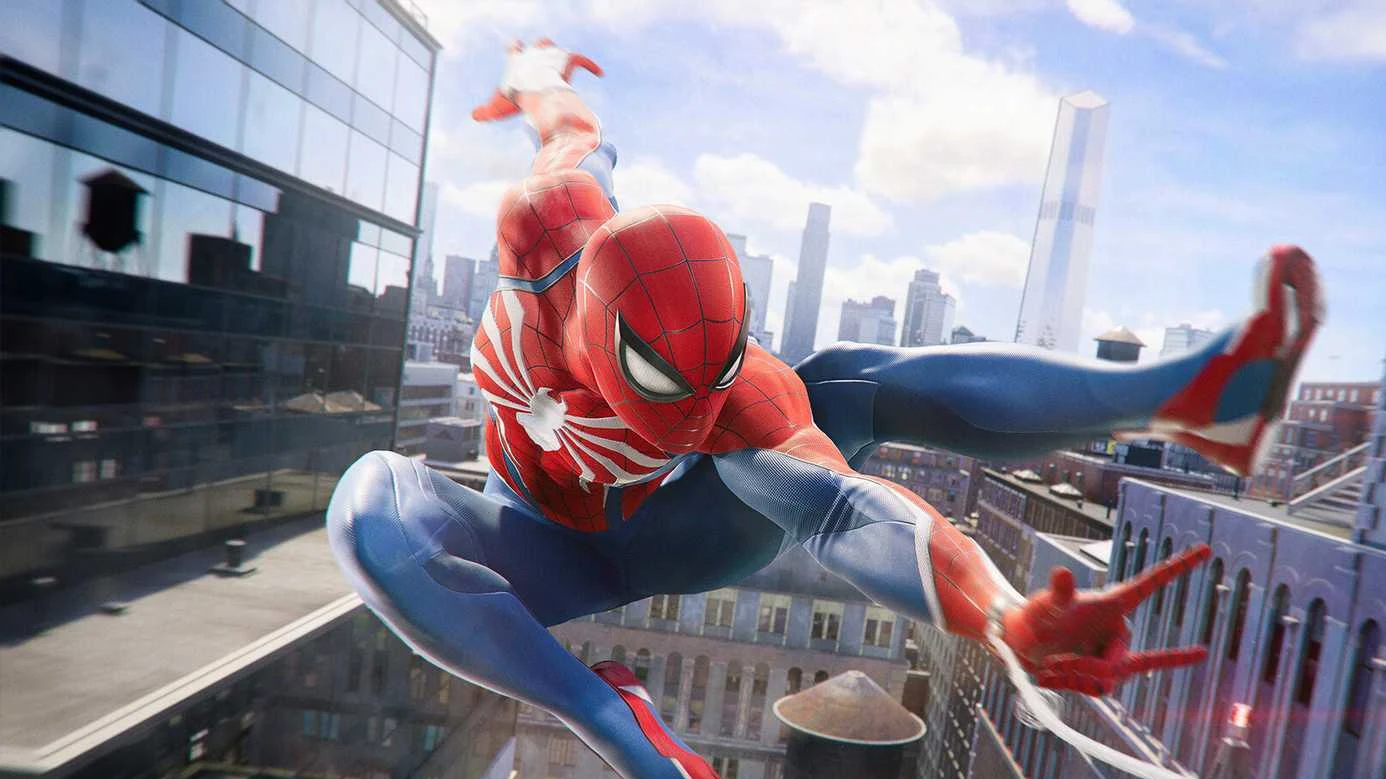
Marvel’s Spider-Man 2 puts the camera behind Peter Parker and Miles Morales, so you watch the action instead of living inside it. A community mod called First Person Camera changes that. It drops you behind the mask on PC, letting you web-swing across New York and trade punches with thugs from Spidey’s own point of view.
Quick answer: Install the Overstrike mod loader first, then install First Person Camera by Pcniado through Overstrike. Launch the game and you will see the world through Spider-Man’s eyes.
What the First Person Camera mod changes
The mod does not touch the game’s systems, missions, or combat. It only moves the camera to a first-person position, so everything you already know still works the same way. Fighting and firing webs from your wrists feels far more direct when you are looking straight ahead instead of over Spidey’s shoulder.
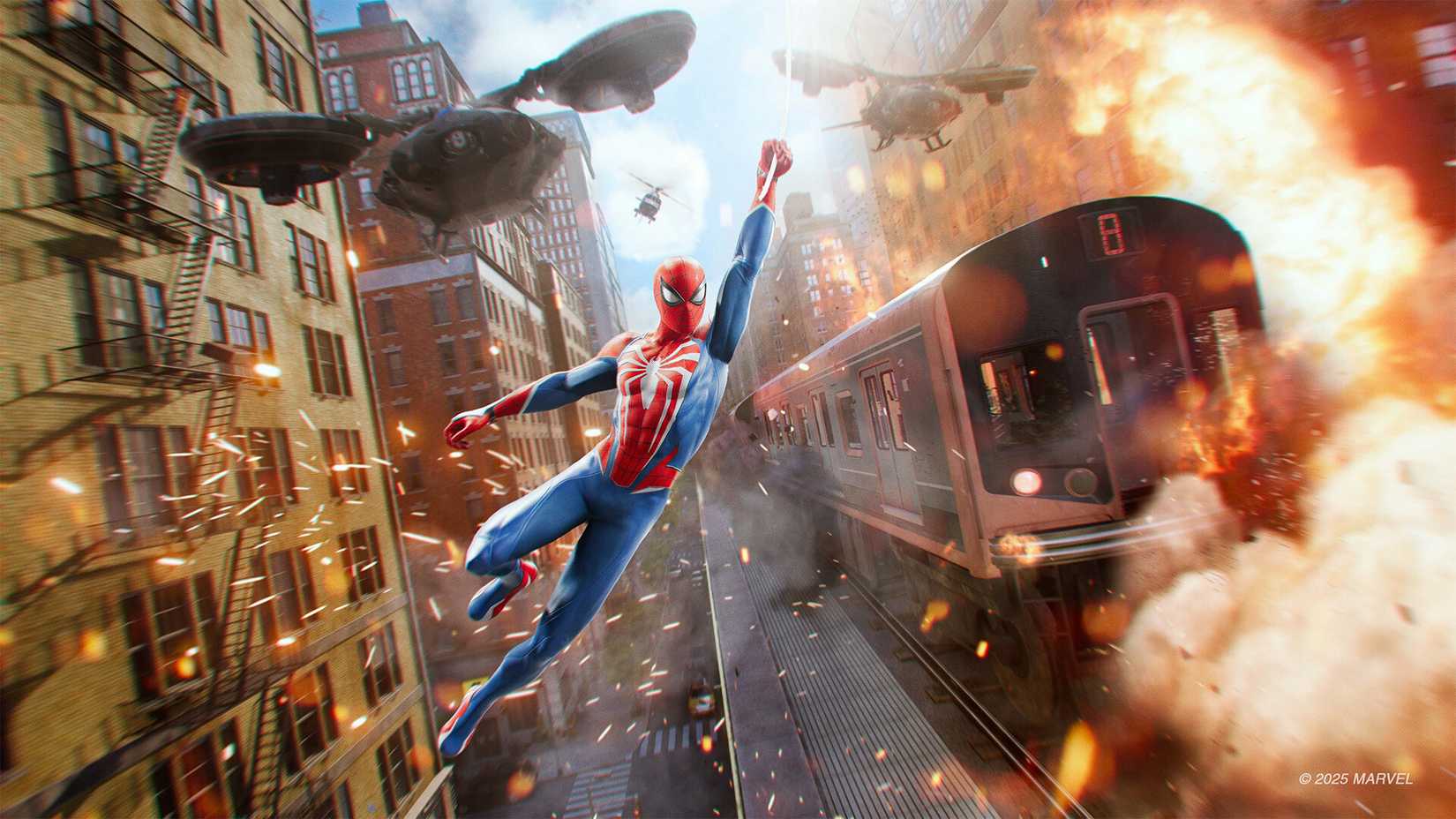
Swinging is where it gets intense. Dropping between two skyscrapers and then watching the ground fall away as the city spins around you is a very different experience in first person. Some players will love the added immersion. Others may need to switch back to the standard third-person view to keep their footing.
Requirements before you install
This mod only runs on the PC version of Marvel’s Spider-Man 2, which launched on PC in January 2025. It will not work on PS5. You also need the Overstrike mod loader in place, because the First Person Camera files install through it.
| Item | Detail |
|---|---|
| Mod name | First Person Camera |
| Creator | Pcniado |
| Version | 1.0.0 |
| Platform | PC only |
| Required tool | Overstrike mod loader |
Install the mod with Overstrike
Comfort settings to reduce motion sickness
By default the camera follows Spider-Man’s head movements, which can feel disorienting and make some players queasy during traversal. The mod ships with configurable options that calm the motion down considerably. Adjust these before a long play session if you are sensitive to fast camera movement.
| Setting | What it does |
|---|---|
| Stop head tracking | Keeps the camera from following Spider-Man’s head movements |
| Disable roll and pitch | Removes the tilting and pitching effects during motion |
| Rotation smoothing slider | Softens how quickly the camera turns |
Note: Turning off head tracking and easing the rotation smoothing makes swinging and combat much easier to control. Leaving all the head-motion options on delivers the most immersive but also the most stomach-churning ride, so start conservative and add motion back in only if it feels comfortable.
If the first-person view ever becomes too much, you can drop back to the game’s normal third-person camera at any time. The mod is a fresh way to replay a game many players are returning to on PC, and the comfort sliders mean you can dial the intensity to whatever your stomach can handle.