
Safari extensions can greatly enhance your browsing experience by adding new features and capabilities to your browser. From ad blockers to productivity tools, there are numerous extensions available on the App Store. Follow the steps below to install and enable Safari extensions on your Mac.
Installing Safari extensions
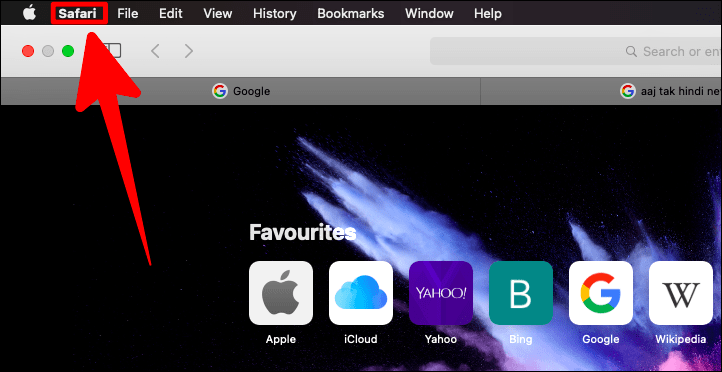
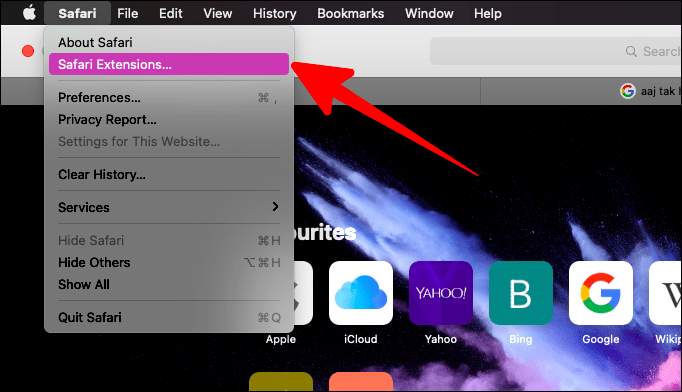
This will open the Safari Extensions page in the App Store.
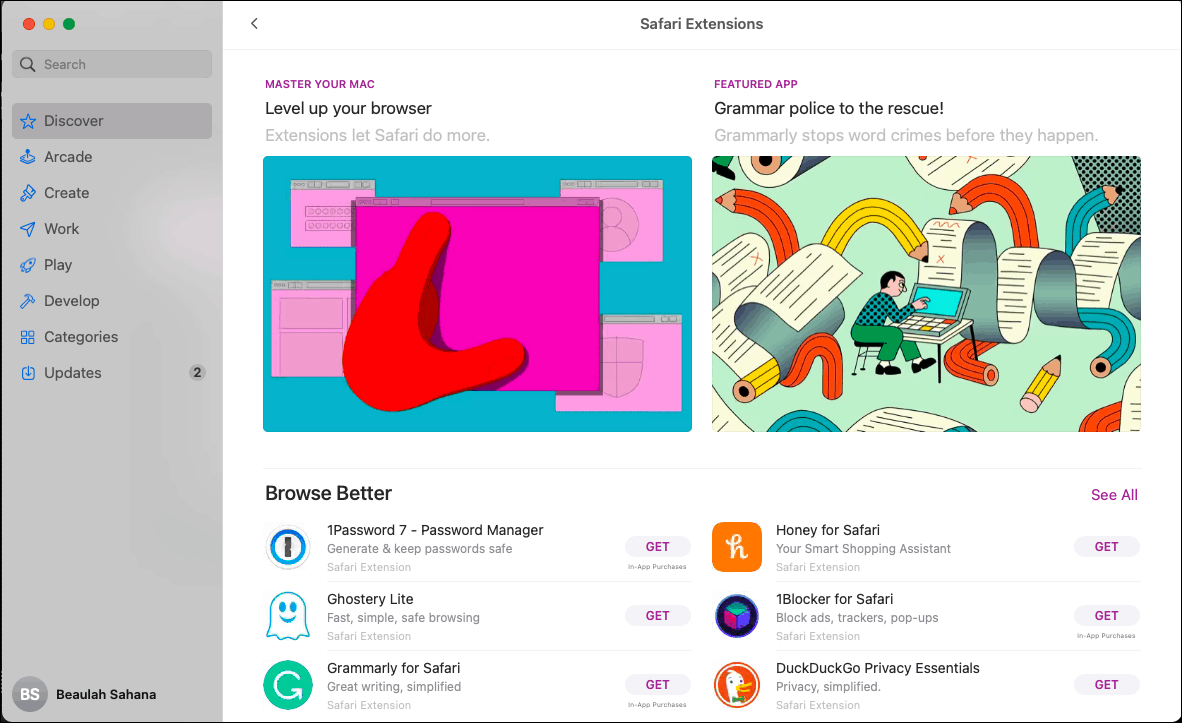
Browse through the available extensions or use the search bar to find a specific one you’re interested in. Click on the extension’s name to view more details.
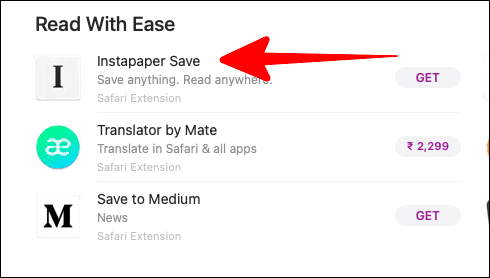
On the extension’s information page, review the description and screenshots to understand its features. When ready, click on the Get button.

The Get button will change to an Install button. Click on Install to download and install the extension.

Enabling Safari extensions
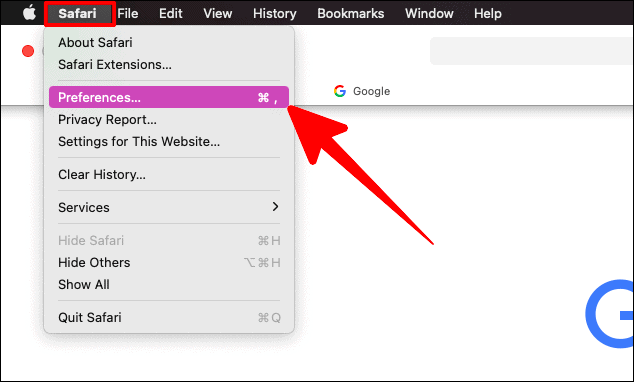
After installing the extension, return to Safari. In the top menu bar, click on Safari, then select Preferences.
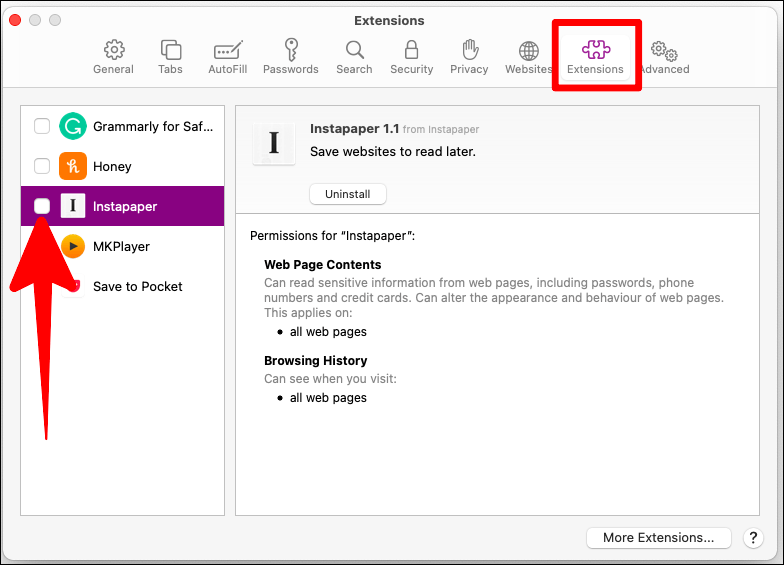
You will see a list of your installed extensions. Check the box next to the extension you want to enable.
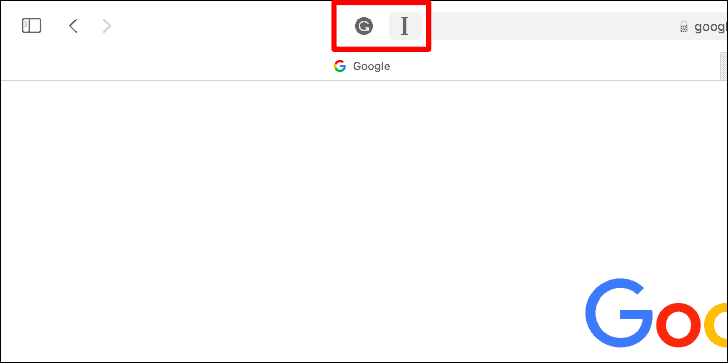
The extension will now be active, and its icon will appear next to the address bar in Safari.
By following these steps, you can enhance your Safari browser with extensions that add new features and improve your browsing experience.