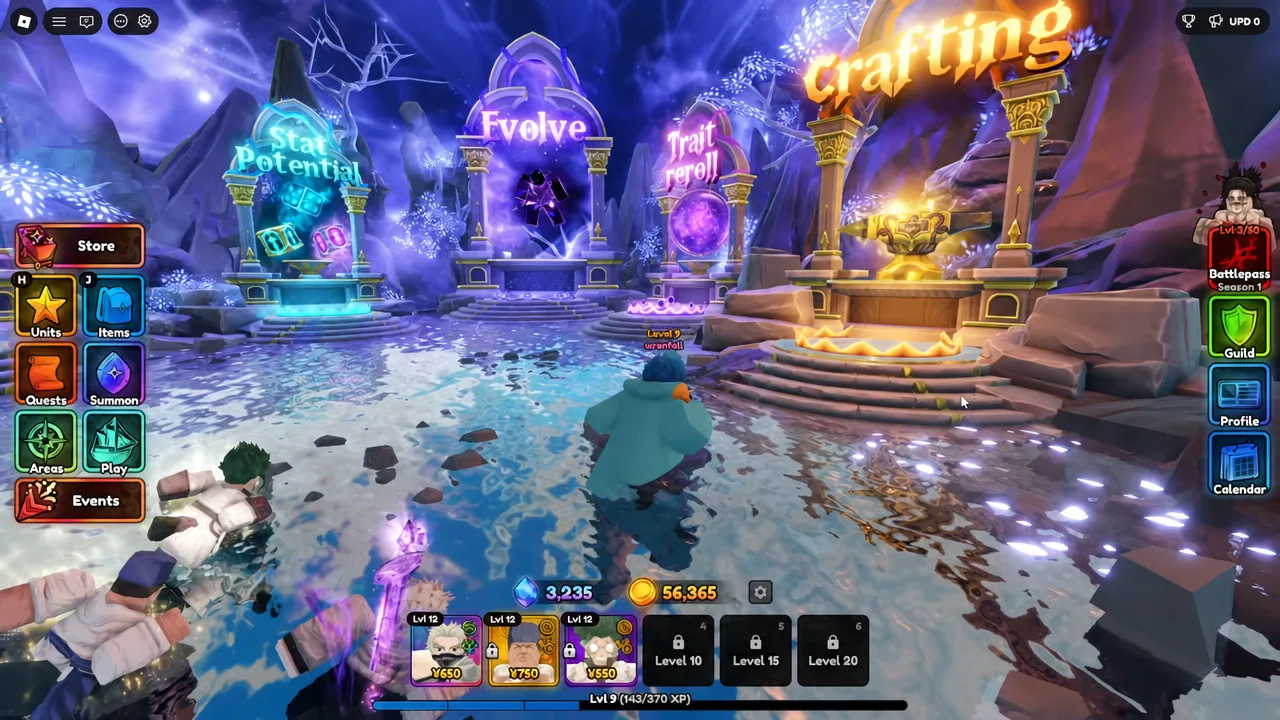
The Fiery Staff is unit-specific equipment tied to Head Captain (Char) in Anime Expeditions. It raises the unit’s Damage and Range and rewrites his “South” passive into a stronger Skeleton-summoning effect. Because it only works on that one character, it is worth chasing only if Head Captain (Char) is already in your inventory.
Quick answer: Buy the Fiery Staff from the Tidal Siege Shop for 10,000 Sand Dollars, then equip it to Head Captain (Char) from his equipment slots.
Fiery Staff requirements: Head Captain (Char) only
The Fiery Staff is Unit Equipment, so no character other than Head Captain (Char) can wear it. Spending Sand Dollars on it before you own the unit wastes currency that is better used elsewhere. Pull for the unit first, then start farming for the staff.
How to buy the Fiery Staff from the Tidal Siege Shop
The staff is a flat purchase, not a random drop. You pay 10,000 Sand Dollars, the currency of the Summer Siege Event, which comes from playing the Tidal Siege game mode.
How to farm Sand Dollars in Tidal Siege
Tidal Siege splits into two stages, and only one of them pays out Sand Dollars. The Event mode throws an endless series of enemy waves at you, and every wave you clear pushes the reward tier higher, so deeper runs return more Sand Dollars. The Portal mode instead gives the kind of loot you would see in a standard non-event stage, with no Sand Dollars attached.
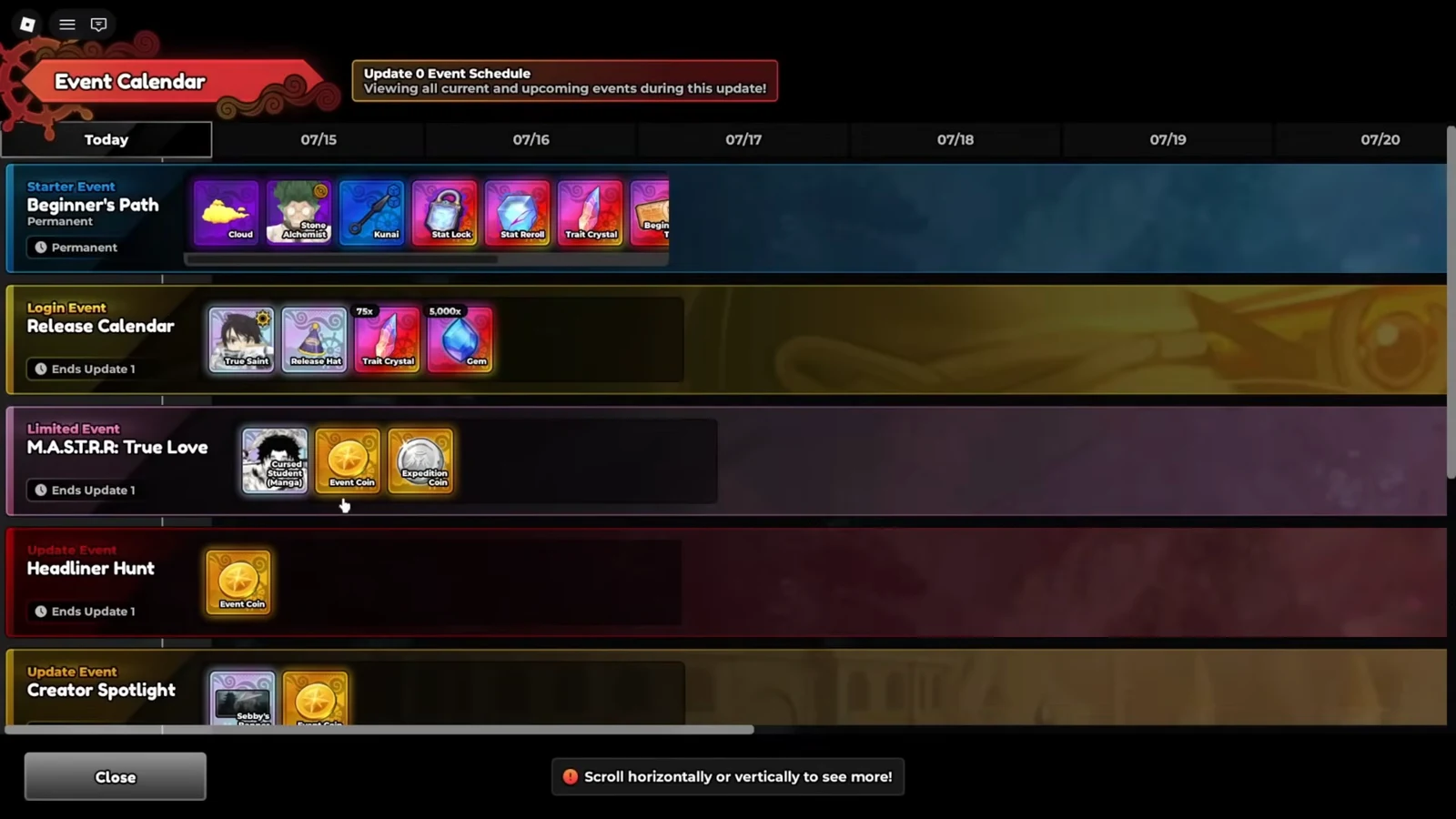
Tidal Siege-specific Quests are also easier to close out in the Event mode, and each one adds extra Sand Dollars on top of the wave rewards. Focus your runs there to reach the 10,000 total faster.
Fiery Staff stats and the South passive
The staff carries three passive slots. Two of them are rollable stats, Damage and Range, and both are assigned random values the moment you get the equipment. Each stat lands somewhere between 1% and 10%, and rolling near the top of that range gives Head Captain (Char) a clear performance jump.
| Slot | Effect | Value range |
|---|---|---|
| Damage | Rollable stat boost | 1% to 10% |
| Range | Rollable stat boost | 1% to 10% |
| South (passive) | Fixed passive upgrade | See below |
The third slot overwrites Head Captain (Char)’s standard “South” passive. Whenever a takedown happens inside his range, the defeated enemy turns into an allied Skeleton, up to a cap of five at once. Each Skeleton behaves like a Path Trap that reacts when an enemy walks into it.
- Contact deals 50% of the unit’s current damage.
- The trap explodes and applies Burn to enemies within a three-stud radius.
- Every Skeleton summoned raises Head Captain (Char)’s damage by 5%, up to a 25% total boost.
That combination of trap damage, Burn pressure, and a stacking self-buff makes the reworked passive a straight upgrade over the base version. It is the main reason the staff is treated as essential gear for the unit rather than an optional extra.
Rerolling Damage and Range for better values
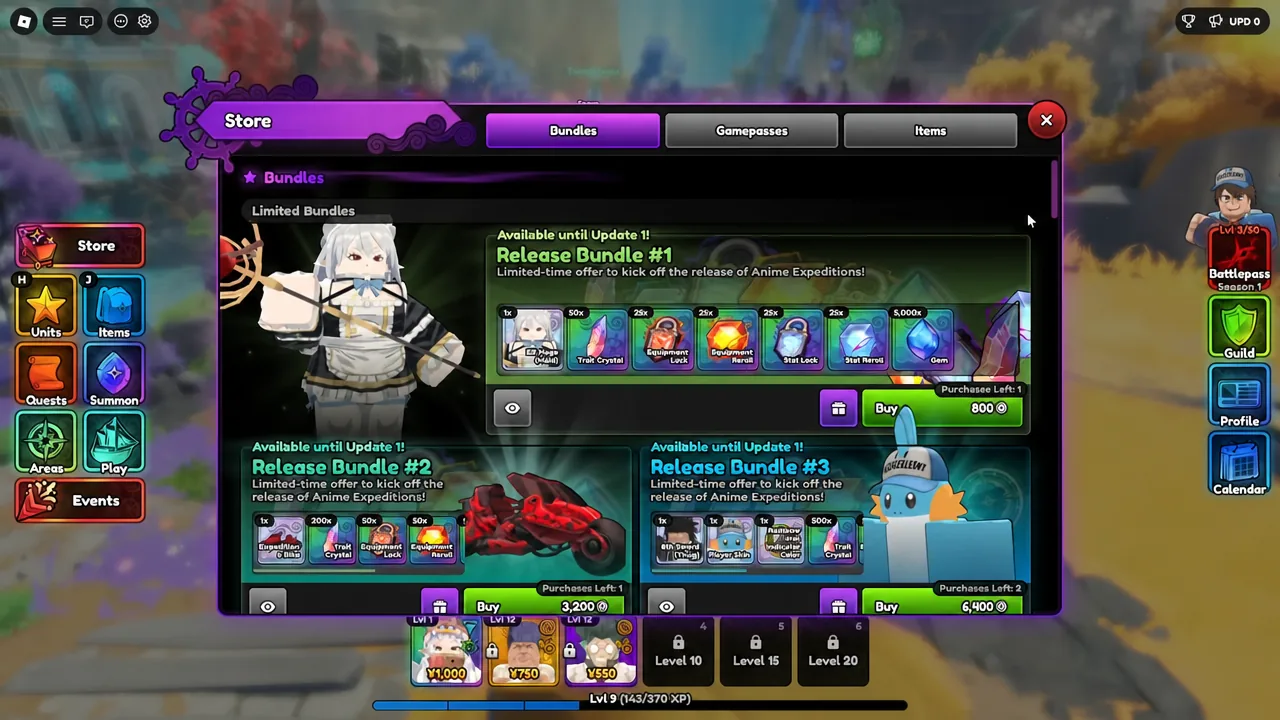
If your first roll lands on the low end, an Equipment Reroll rerolls both stat slots for a fresh chance at higher numbers. When one stat is already strong and you only want to reroll the other, apply an Equipment Lock to the value you want to keep so the reroll cannot touch it. Both items are sold as purchasable resources in the game’s shops.
You will know the staff is working once it shows in Head Captain (Char)’s equipment slots and the Damage and Range percentages appear on his stat sheet, with the South slot listing the Skeleton passive instead of the default effect. From there, the only remaining task is chasing higher stat rolls, since the passive itself is fixed and cannot be rerolled.