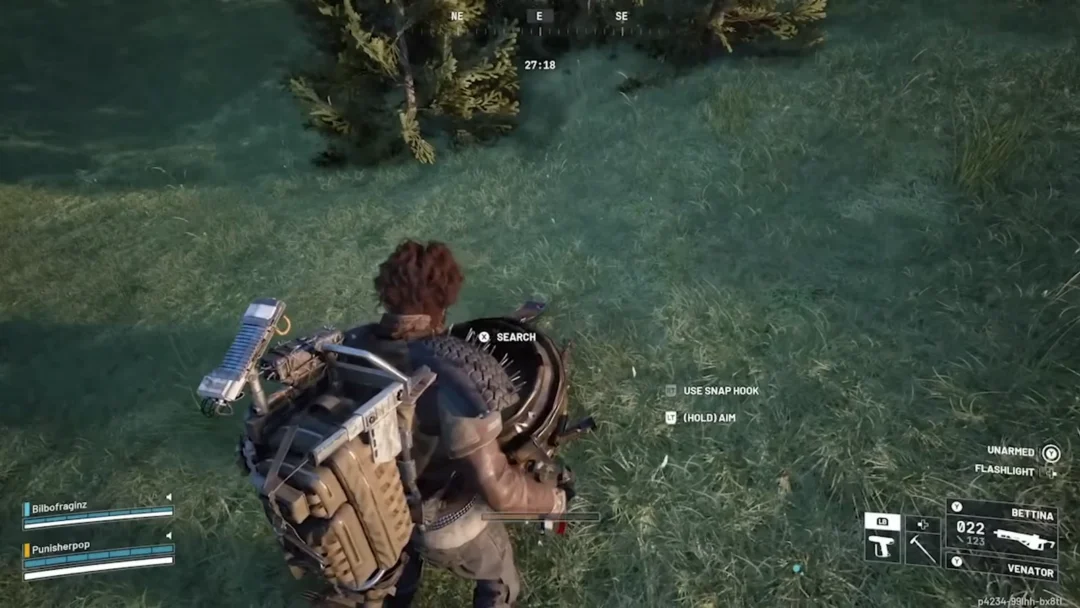
The opening minutes of Breathedge 2 gate everything behind three tools. The Scrap crowbar breaks things, the Thumper mines ore, and the Cutter opens the path forward. All three are unlocked by default, so the only thing standing between you and a full starter kit is Metal, Plastic, and Aluminum.
Quick answer: Collect 2 Metal from the crates, press I to open the crafting window, and craft the Scrap. Use it to break debris until you have 4 Metal and 2 Plastic for the Thumper, then mine an Aluminum deposit with the Thumper to gather the 4 Aluminum needed for the Cutter.
Starter tool recipes in Breathedge 2
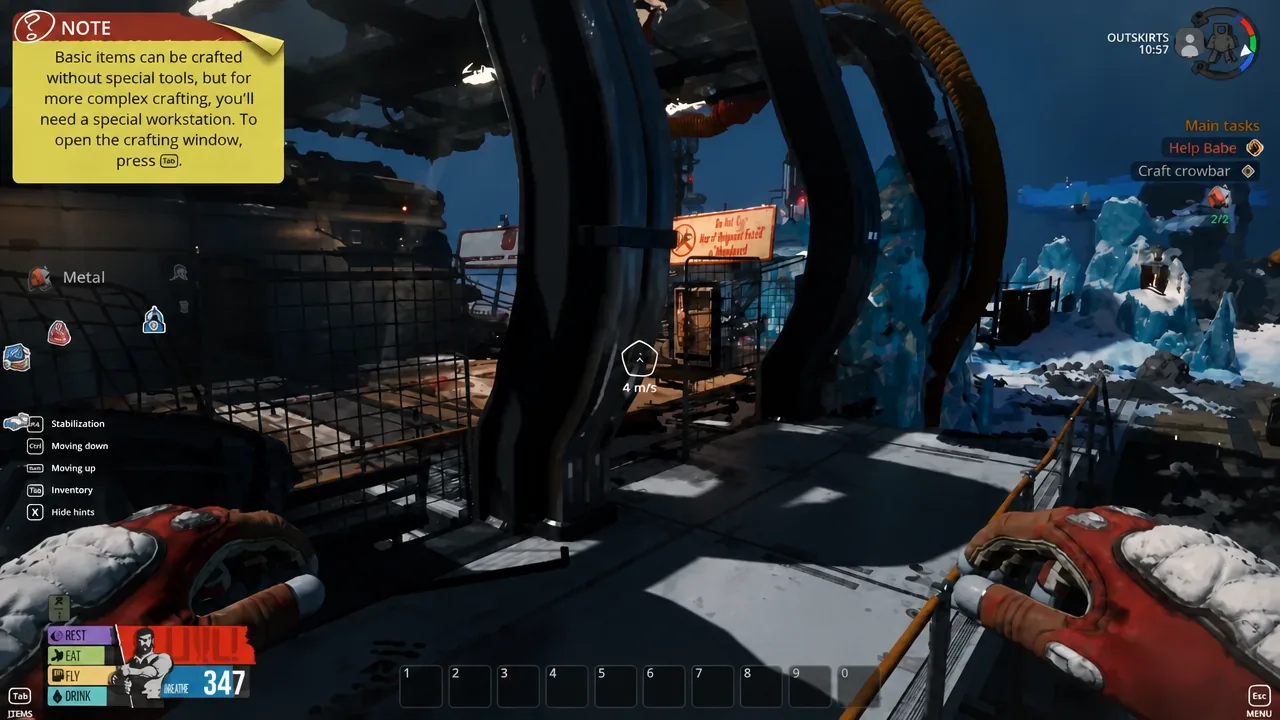
None of these three require a workstation. Basic items can be assembled straight from the crafting window, and all three blueprints are available from the start.
| Tool | Materials | What it does |
|---|---|---|
| Scrap (crowbar) | 2x Metal | Breaks ice, metal balls, and plastic debris |
| Thumper | 4x Metal, 2x Plastic | Mines Aluminum deposits |
| Cutter | 4x Aluminum, 2x Plastic, 4x Metal | Cuts through blocked routes and panels |
Note: the tutorial sequence can complete the Thumper and the Cutter for slightly less, with 1 Plastic on the Thumper and 2 Metal on the Cutter. Gathering to the higher numbers above means you never come up short.
Craft the Scrap crowbar with 2 Metal
I to open the crafting window, select Scrap, and confirm the craft. The tool appears in your inventory immediately and can be equipped right away.Gather 4 Metal and 2 Plastic for the Thumper
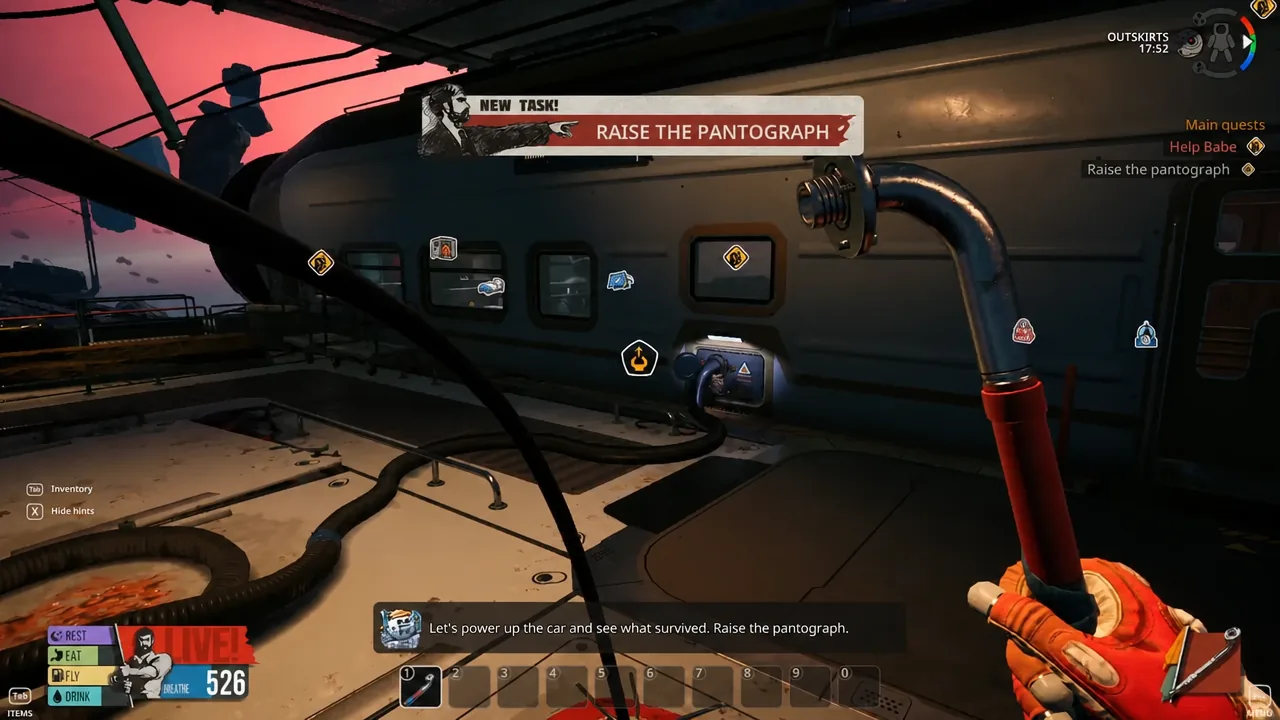
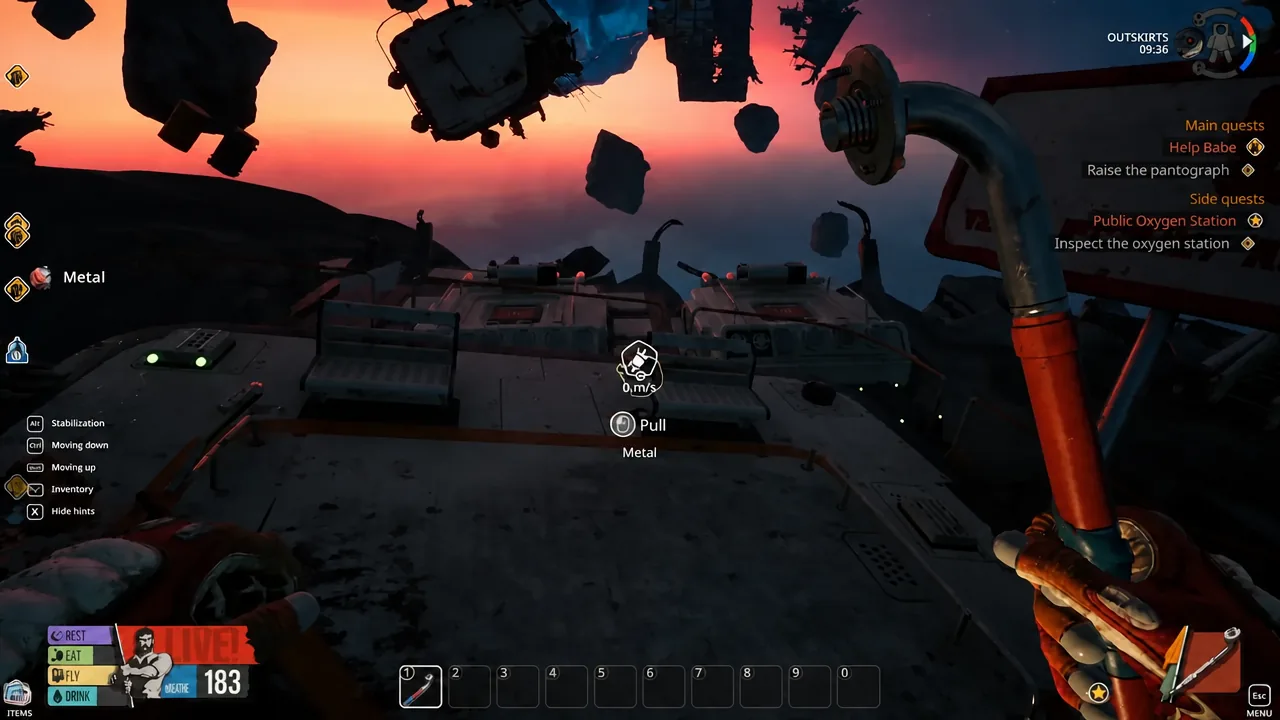
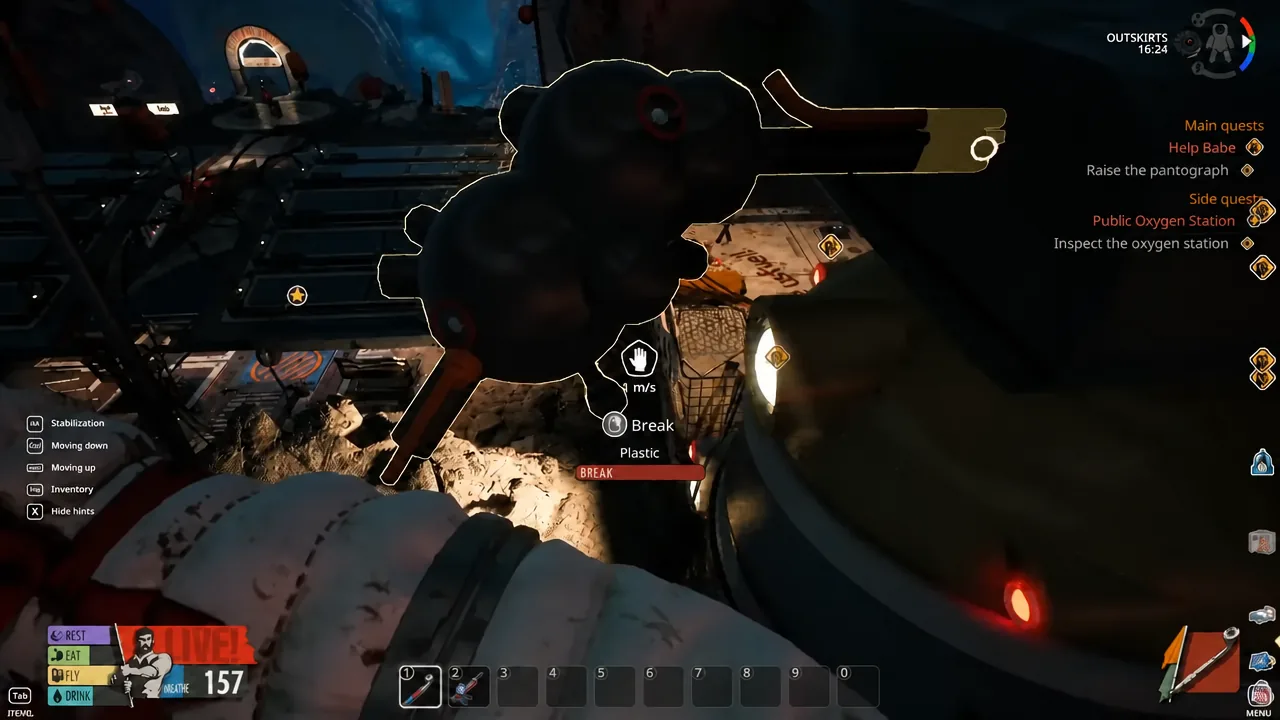
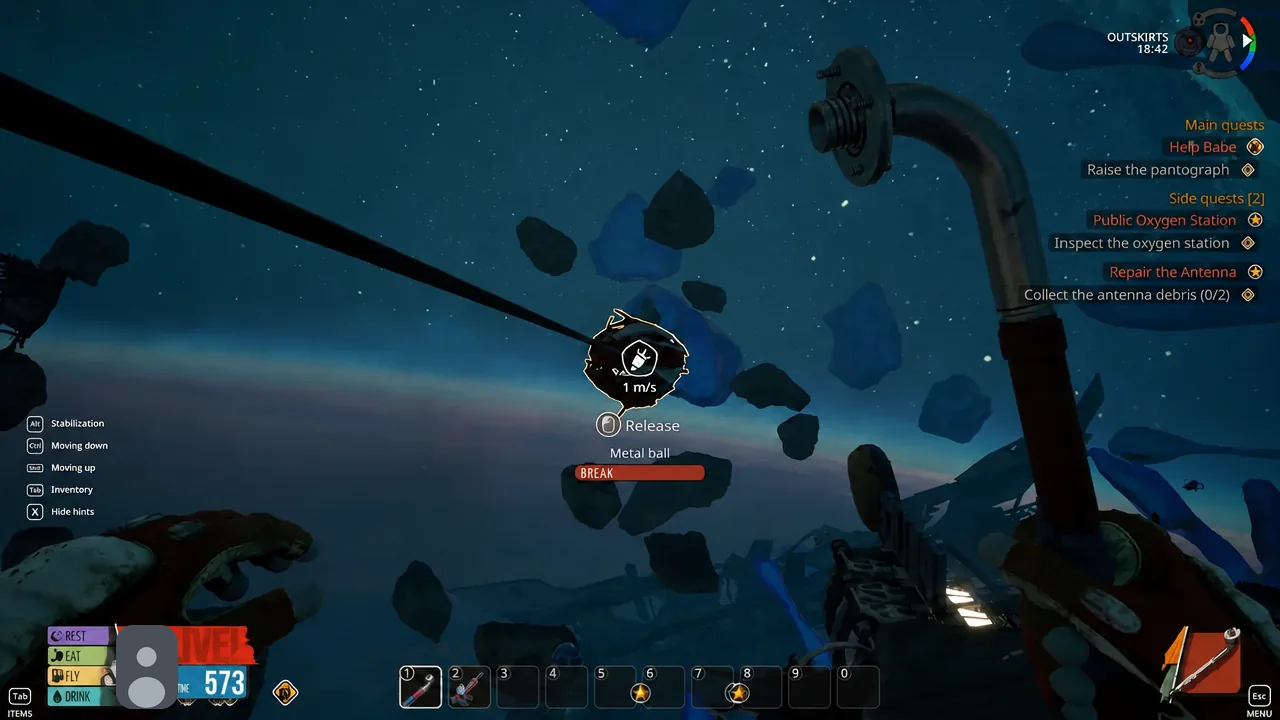
The Scrap is a harvesting tool as much as a prying tool. Everything you need for the next two crafts comes out of the wreckage around you.
F button on the crafting screen.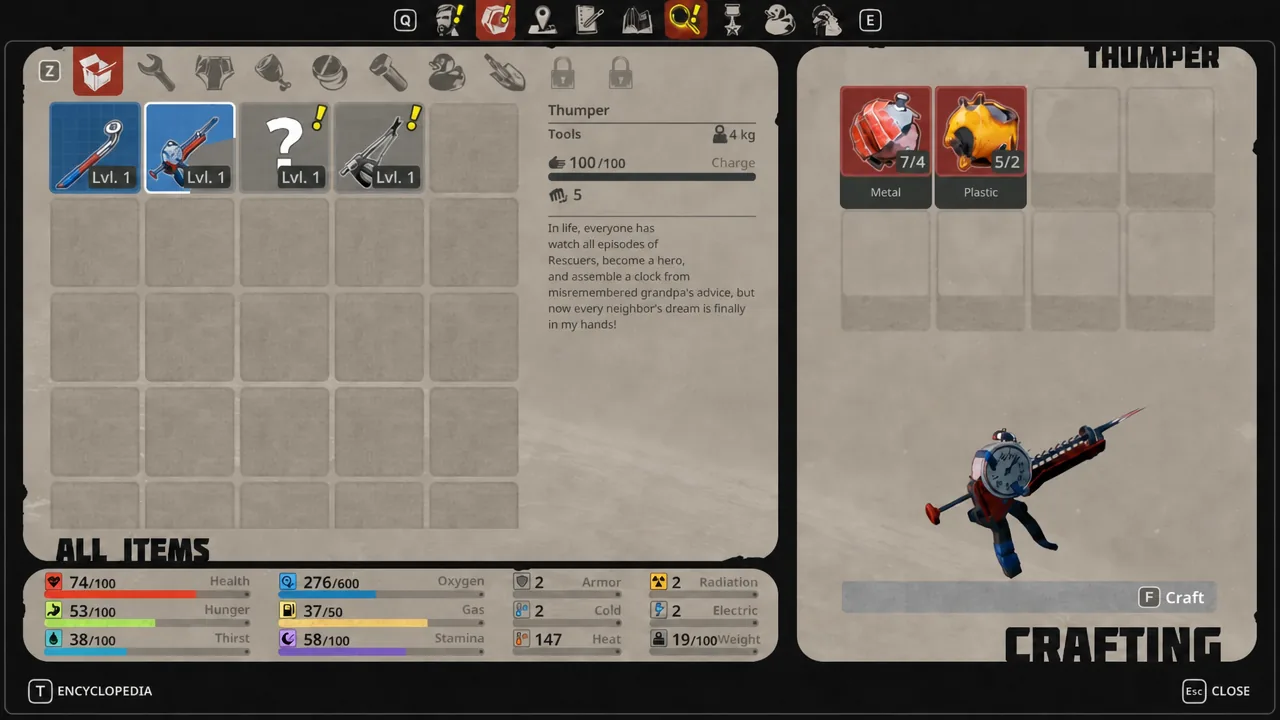
Mine Aluminum and craft the Cutter
Aluminum has exactly one early source, and the Thumper is the only way to get it. The Scrap cannot break a deposit.
Where each starter material comes from
| Material | Source | Tool needed |
|---|---|---|
| Metal | Crates, floating debris, metal balls | None for crates and floating pieces; Scrap for metal balls |
| Plastic | Floor panels, plastic debris | Scrap |
| Electronics | Floor panels | Scrap |
| Aluminum | Aluminum deposits | Thumper |
How to tell a craft went through, and why it might not
A successful craft drops the finished tool straight into your inventory and clears the objective tracker for that step, so the on-screen prompt moves on to the next task. If the tool is not in your inventory, the craft did not register.
Only two things reliably stop these three crafts. Either you are short on one material, in which case the recipe entry stays unavailable and the craft button will not fire, or you are trying to harvest something with the wrong tool. Aluminum deposits do not respond to the Scrap, and plain crates do not need a tool at all.
With all three in hand you have the full basic loop covered: pry and break with the Scrap, drill with the Thumper, and cut with the Cutter. Everything past that point, including the Twister and the first pieces of equipment, builds on materials these three tools let you reach.