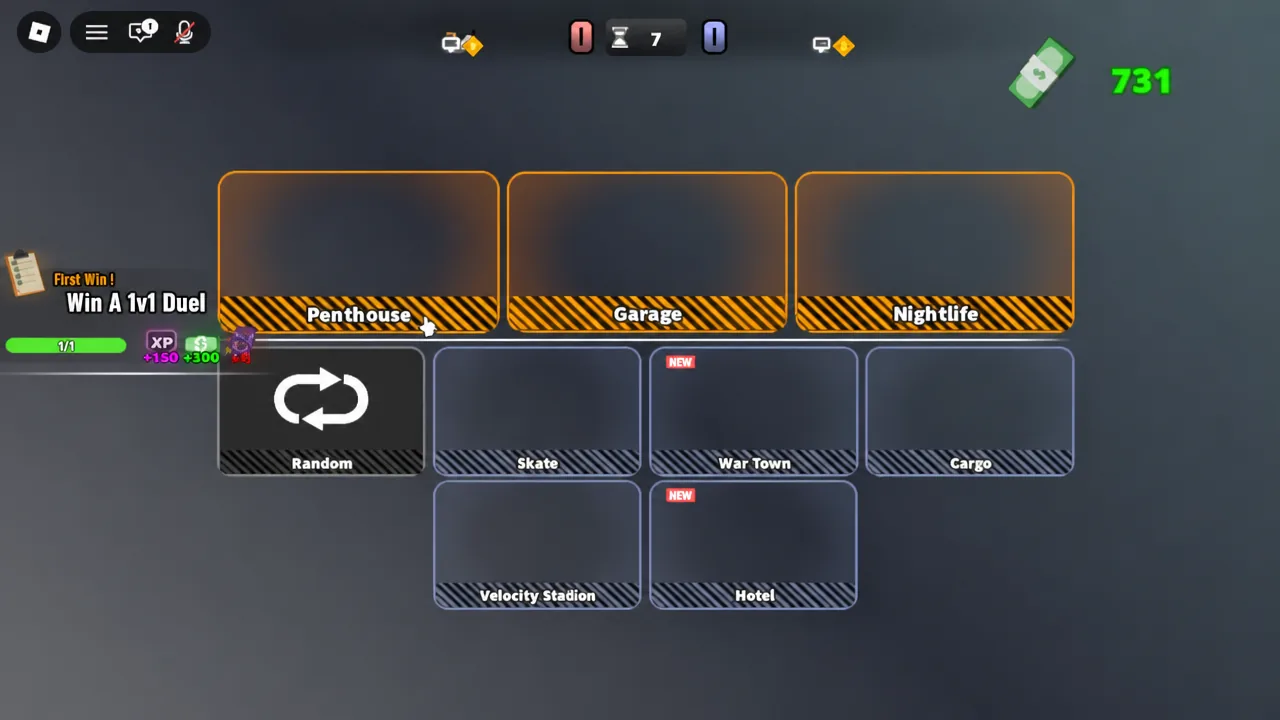
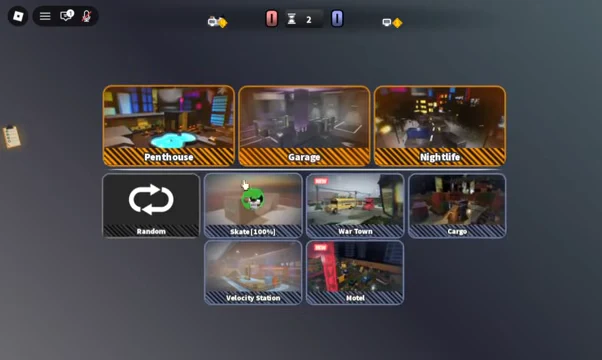
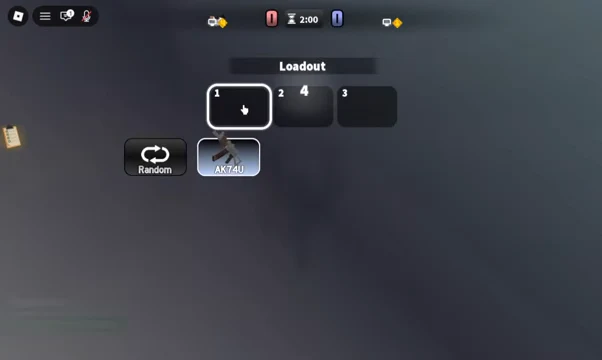
Hood Rivals is a third-person PvP shooter on Roblox built by A-Grade Productions, and it does almost nothing to slow you down. There is no tutorial to sit through and no story mode to unlock. You pick a queue, vote on a map, choose a gun, and start shooting at another player within about fifteen seconds of pressing a button.
Quick answer: Press PLAY in the hub, select a mode such as 1v1, vote for a map when the tiles appear, then confirm a loadout. Matchmaking drops you into a round-based match where the first player to hit the target score wins.
Starting a match in Hood Rivals
Everything begins in the hub, which holds the play menu, your equipment, the leaderboards, and a practice area. You can launch the experience from the official Hood Rivals page on Roblox. Servers hold up to 30 players and the experience is rated Mild for repeated mild violence, with no voice chat support.
Hood Rivals game modes and what each one asks of you
The queue you choose changes the skill being tested far more than it changes the shooting. Duels punish every mistake immediately. Team formats let you survive a bad peek if someone trades for you. Free For All keeps threats coming from angles you did not check.
| Mode | What it tests |
|---|---|
| 1v1 | Aim, peeking, and duel timing with no cover from teammates |
| 2v2 | Spacing with one partner and trading damage in crossfire |
| 3v3 | Group positioning, focus fire, and not pushing alone |
| Team Deathmatch | Staying near teammates and picking repeatable favorable fights |
| Free For All | Awareness, fast target selection, and resetting after each kill |
| Gun Game | Adapting range and playstyle every time the weapon changes |
| RANKED | Competitive placement; specific rules and rewards are not published |
Movement, cover, and the slide key
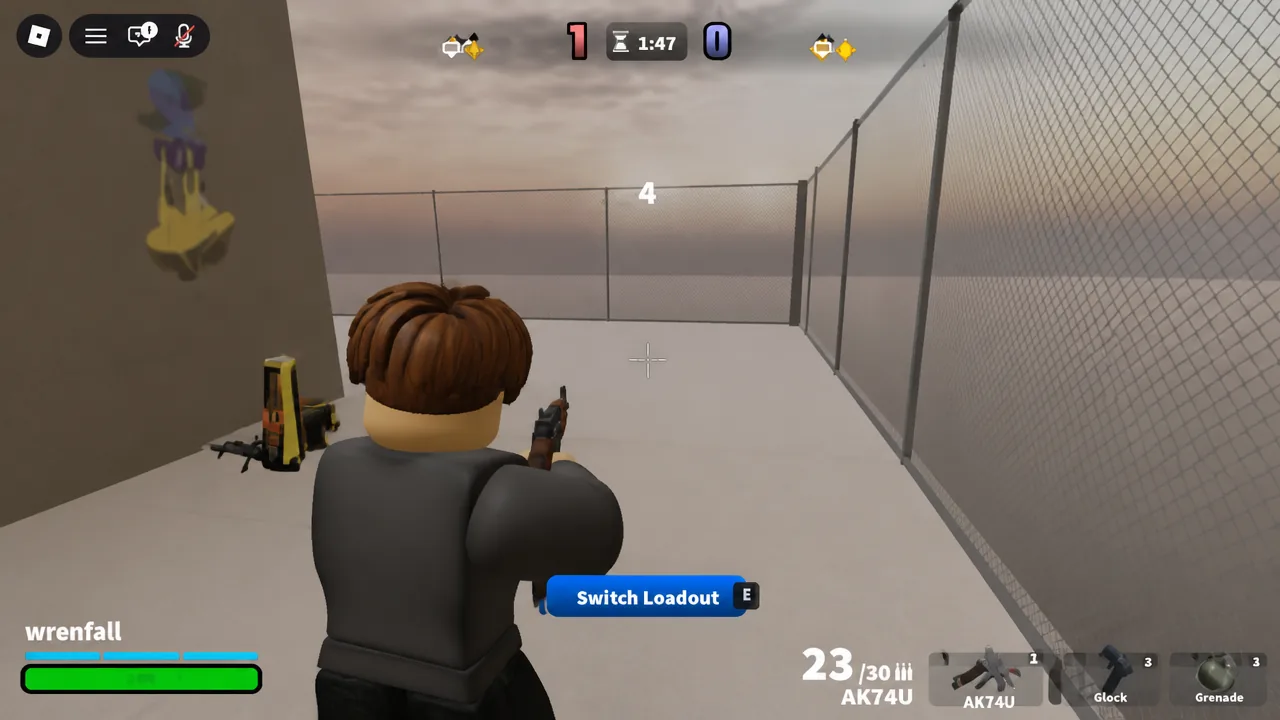
Movement is the part new players tend to ignore, and it is the reason most opening rounds end quickly. Pressing C slides while you are moving, which is useful for crossing a short gap or breaking a tracked line of fire. It is not a get-out clause once someone already has their crosshair on you.
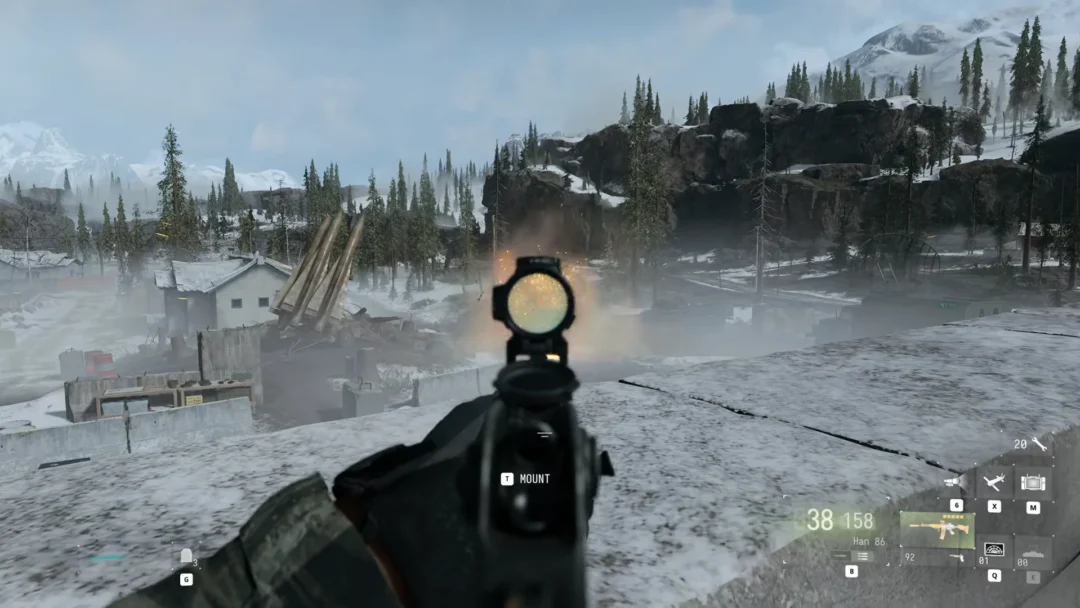
Maps like Skate are built around ramps, fences, and tight corridors, so the safest habit is to plan the next piece of cover before you leave the current one. Keep your crosshair near head height as you approach a corner rather than swinging it across the screen after an enemy appears. Fences and thin props do not always stop shots the way they look like they should, so treat them as sightline breakers rather than armor.
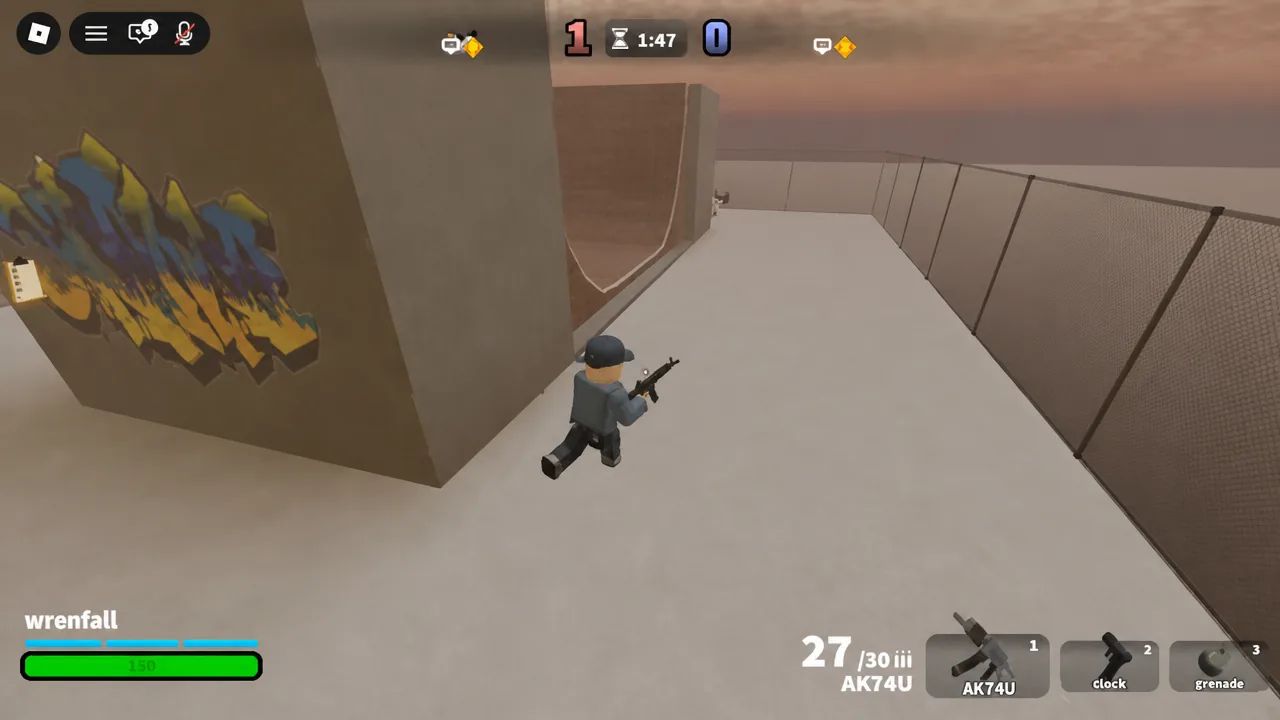
Tip: throw a grenade only when you already know what you will do with the space it creates. Utility that forces an opponent to move is wasted if you are not aiming at the exit they take.
How rounds end and what the screens mean
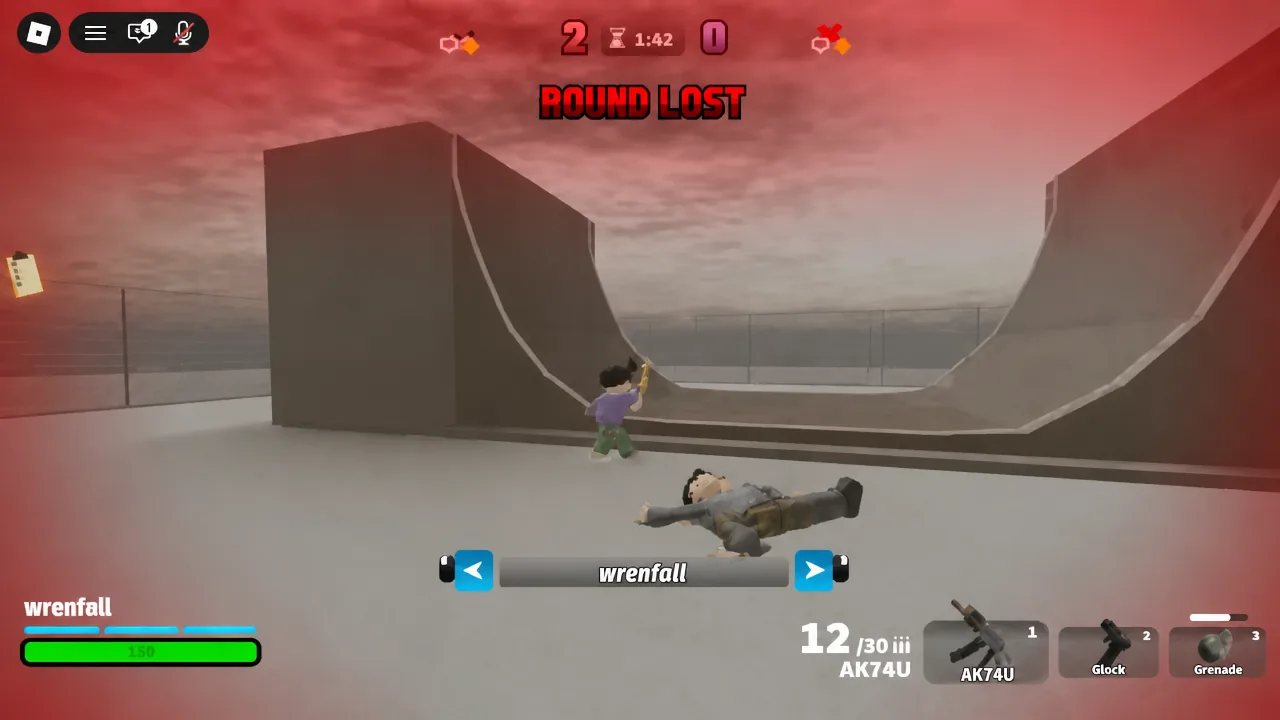
Matches run as a series of rounds toward a target score rather than a single life. When you die, an ELIMINATED banner appears with the name of the player who got you, followed by ROUND LOST if that death decided the round. You then spectate, with arrows to cycle between remaining players until the next round starts.
Opening the player list mid-match shows every username in the server along with their level, plus the option to send a friend request. It is the fastest way to gauge how experienced your opponent is before the next round begins, and it is how you add someone after a good set of duels.
Unlocking guns, cases, and leaderboard tracking
Progression runs on player level. Playing matches raises your level, and levelling up unlocks additional guns, which is the only reason to keep queueing if you are chasing new weapons. Cosmetics come from a separate track: cases hand out gun skins, shoes, watches, and tattoos, none of which change how a weapon performs.
| System | What it gives you |
|---|---|
| Player level | New guns unlock as your level rises |
| Cases | Cosmetic gun skins, shoes, watches, and tattoos |
| Global leaderboards | Rankings for Kills, Level, Wins, and Streak |
| Win streaks | Consecutive wins tracked on the streak leaderboard |
| Codes | No redemption system exists, so there are no active codes |
There is no code menu in Hood Rivals at all, which means any list of working codes for the game is fabricated. Rewards come from playing matches, levelling, and opening cases.
Bans for exploiting and stat farming
The developer’s policy is blunt. Exploiters, glitch abusers, and stat farmers are permanently banned, with no warnings issued and no appeals accepted. Since kills, wins, and streaks all feed public leaderboards, farming a friend for numbers falls squarely inside that rule.
Realistically, your first few sessions are about learning the maps and finding a weapon pairing you can control under pressure. Run duels until peeking a corner feels automatic, then move into 2v2 or 3v3 where positioning starts to matter more than raw aim. The queue button is never more than one click away, so a bad round costs you almost nothing.