Side quests in The Blood of Dawnwalker are not handed to you through a menu. They sit out in the world as marked NPCs, and the only way to pick one up is to walk over and talk. The map does the heavy lifting by showing you where those people are standing, so the real task is reading the markers correctly and choosing the right reply once the conversation starts.
Quick answer: Open the map, look for the yellow exclamation point icons, travel to one, then talk to the NPC standing under the quest icon and pick the accepting dialogue option — for Yanna in Loslea Glen, that is “I’ve got time. Let’s go.”, which starts the side quest Live Bait.
Quest markers: What the yellow exclamation point means
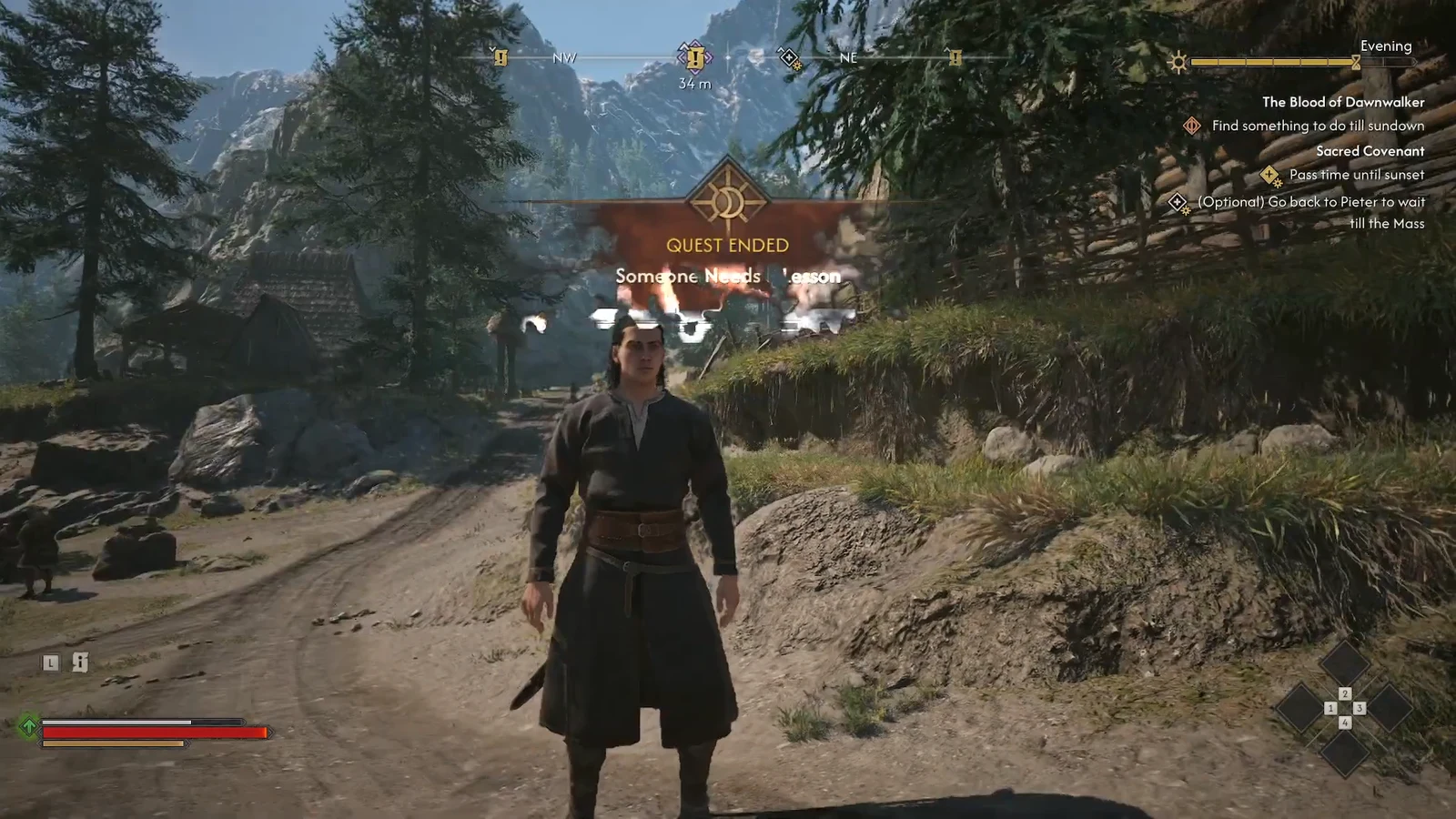
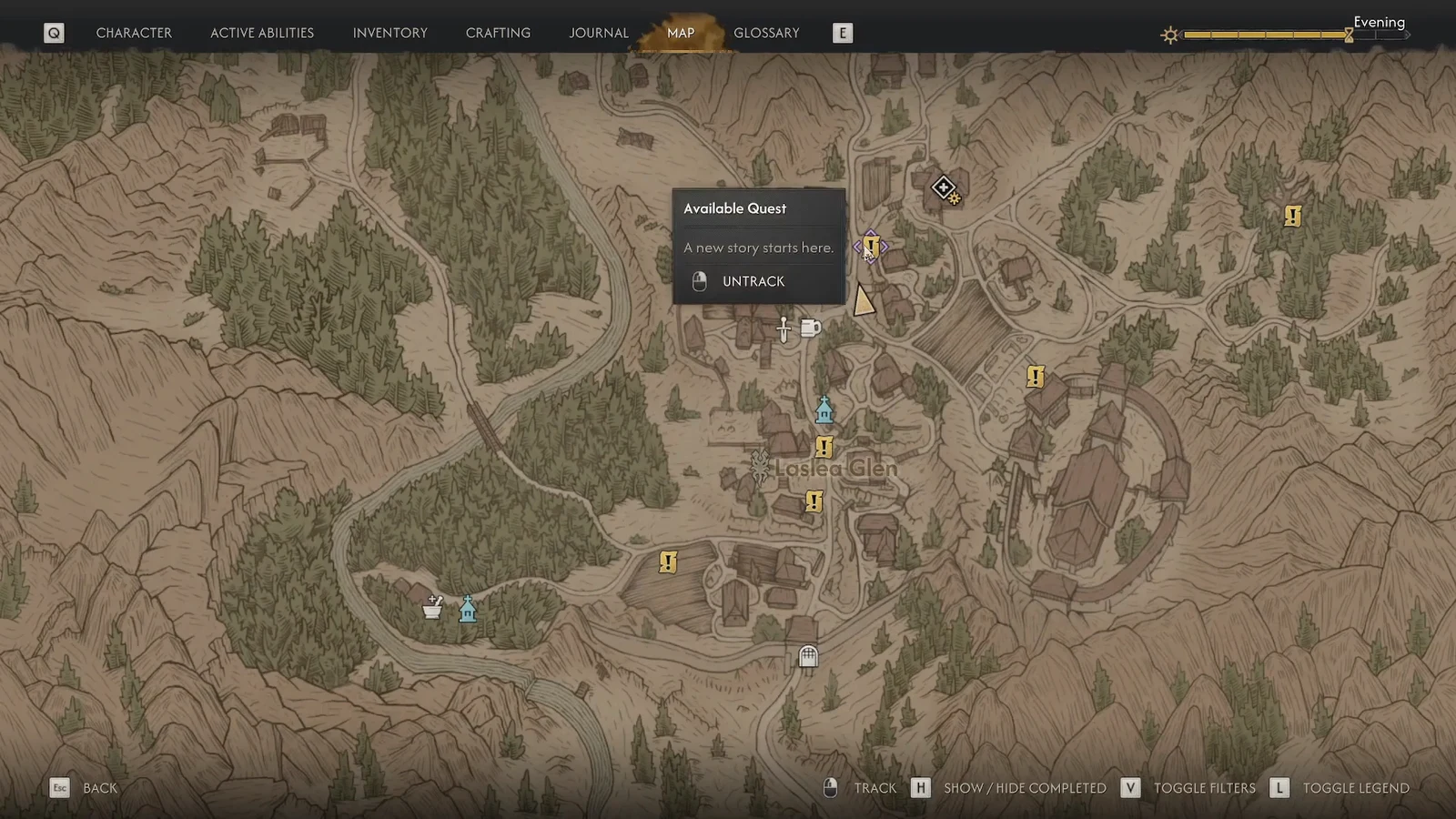
A yellow exclamation point on the map means a side quest is waiting there and nobody has spoken to that NPC yet. The same icon carries over to your compass while you move, and it appears again floating above the character’s head once you get close enough to see them. Selecting the icon on the map brings up an “Available Quest” popup with a short teaser line and a tracking toggle, so you can pin it before you set off.
Nothing is gated behind progress. There are no prerequisites on these threads, which means a marker you can see is a marker you can go start right now, in whatever order you like.
How to start a side quest
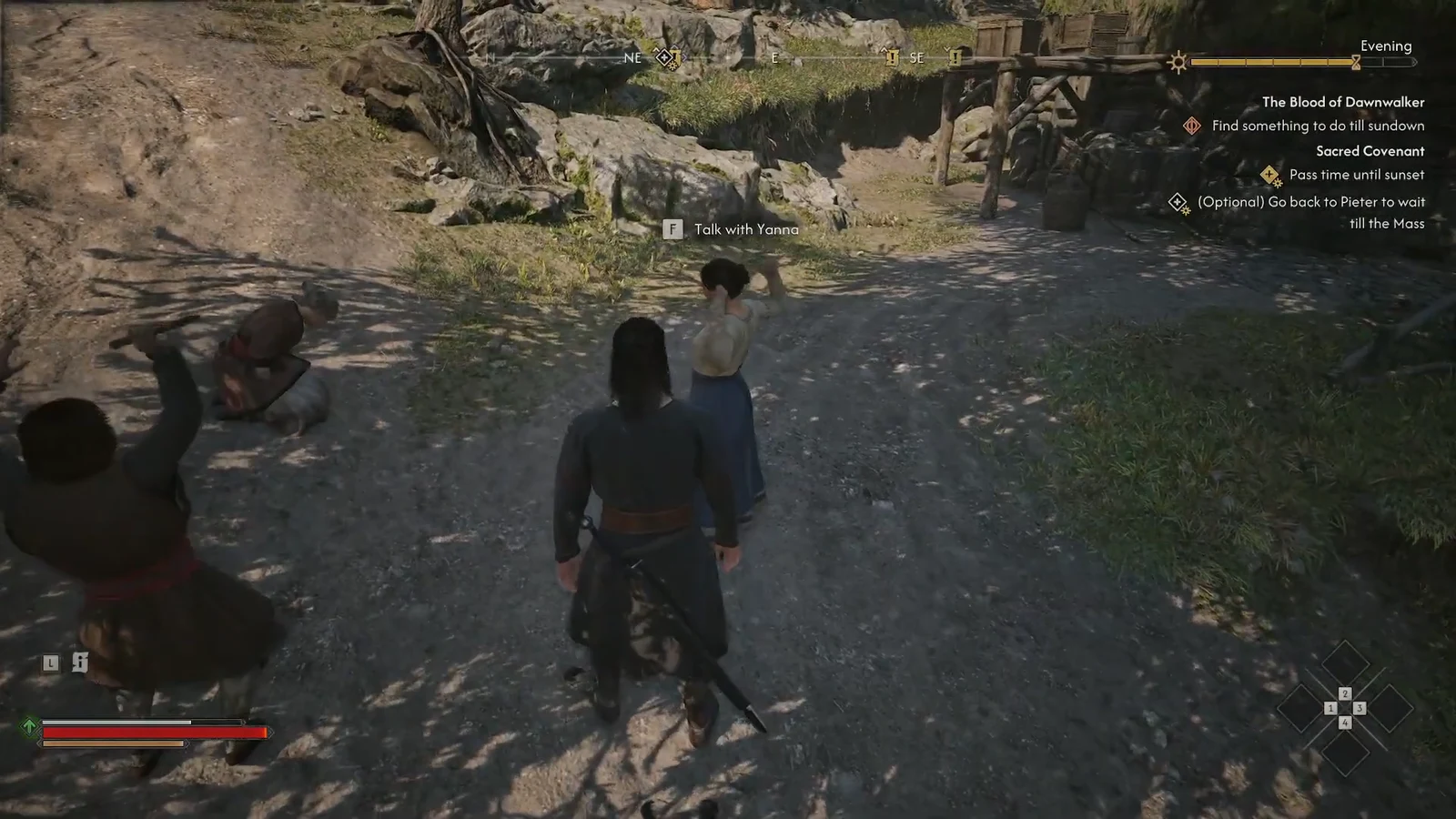
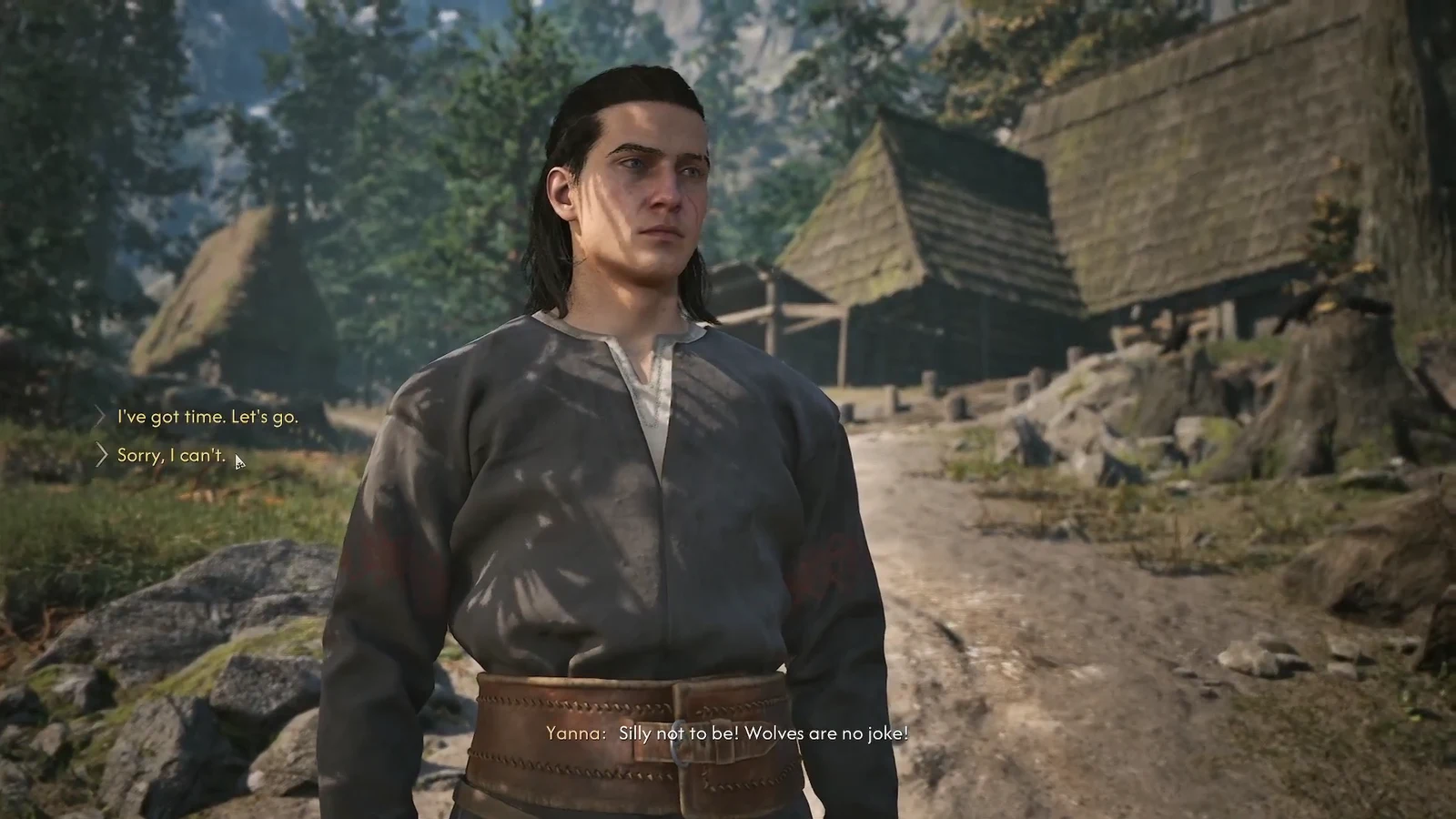
How to confirm the side quest actually started
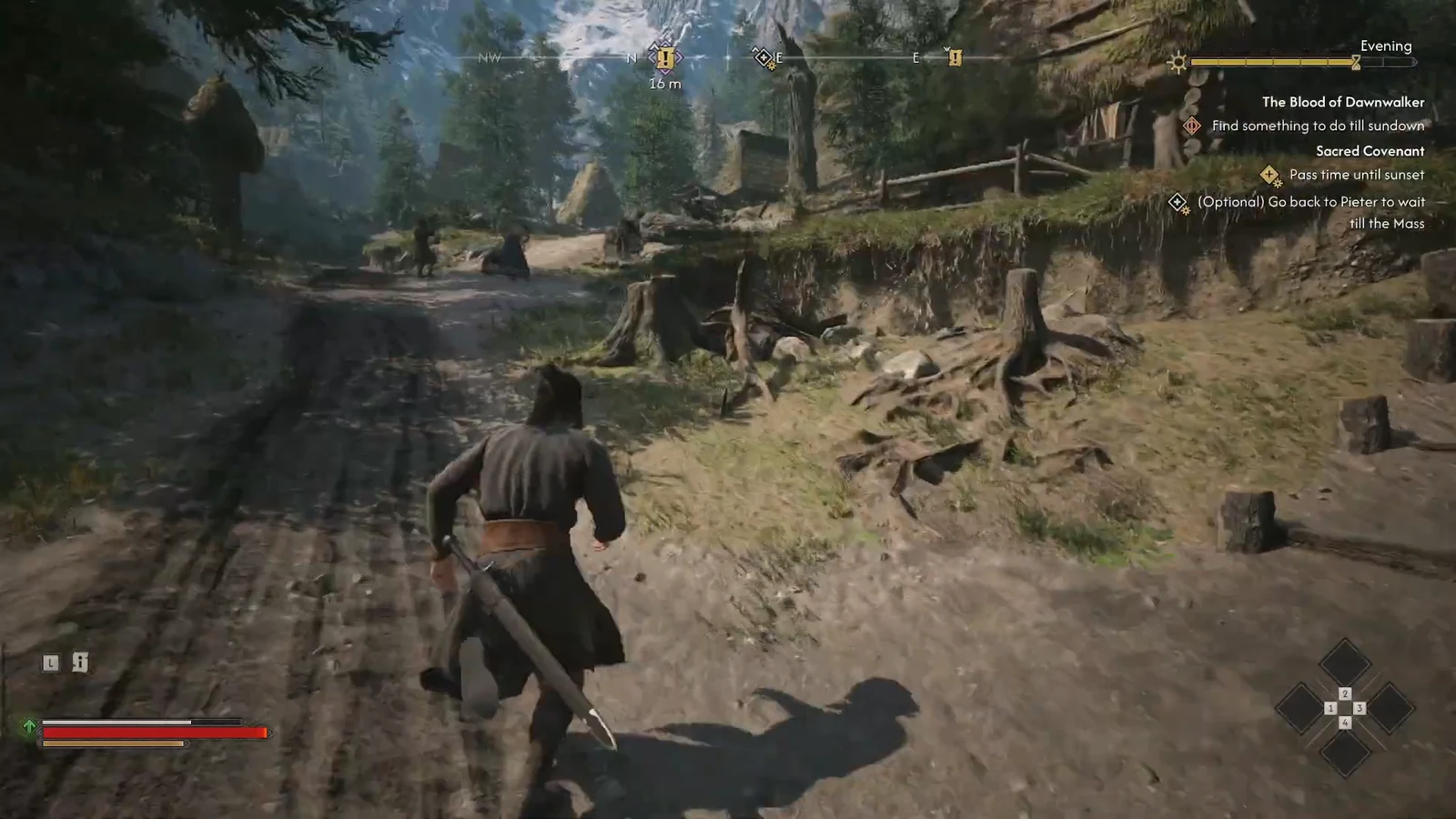
Two things change the moment a quest is accepted. The exclamation point over the NPC disappears, and a tracked objective shows up in your quest tracker on the HUD with a marker pointing at the next location. If the tracker still lists only your previous objective after the conversation ends, you picked the declining line and the quest was never added.
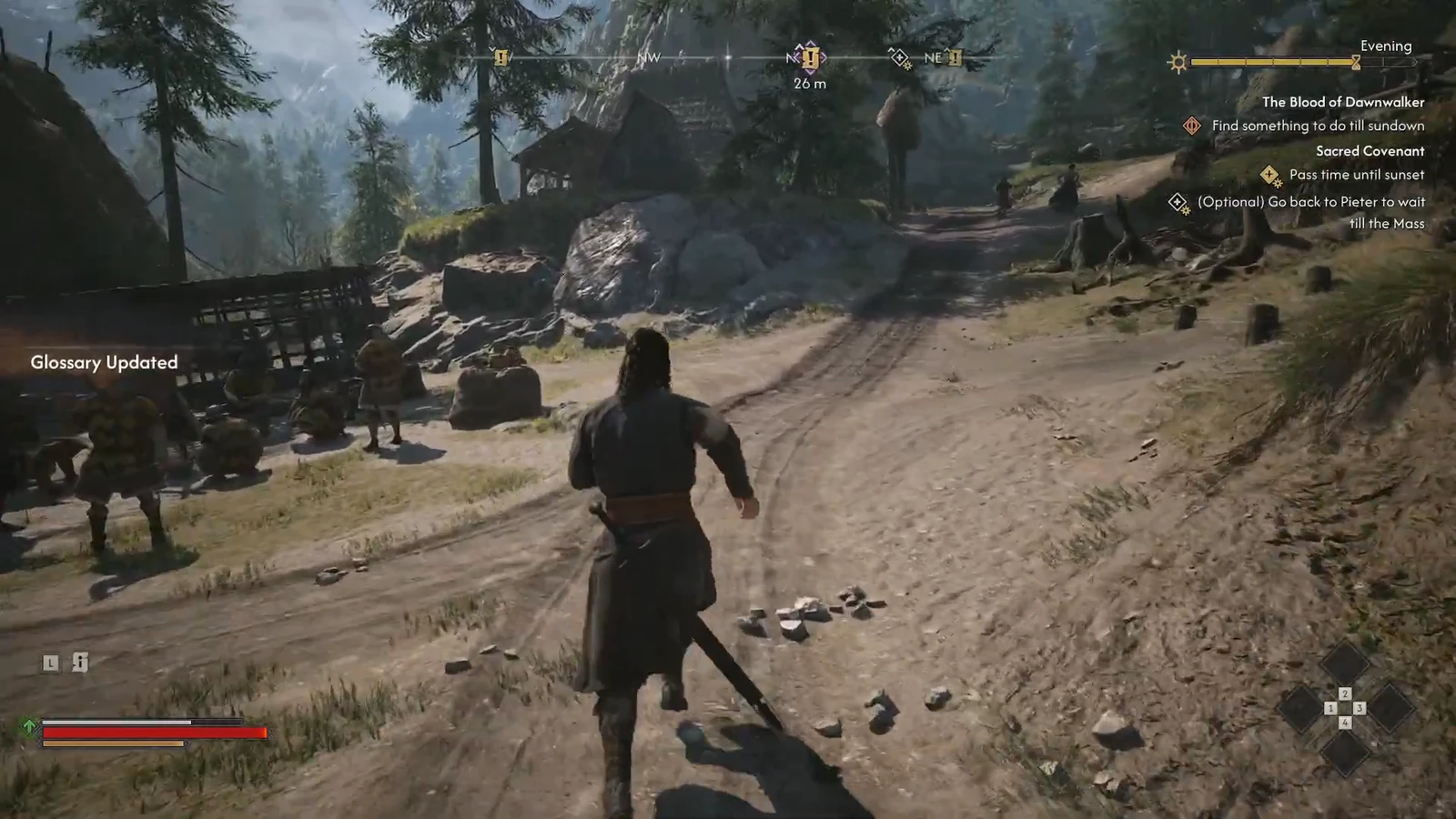
Why a quest marker won’t turn into a quest
There is no level requirement or story flag blocking these, so a marker that refuses to convert usually comes down to one of a few concrete reasons.
- You chose the refusing dialogue option instead of the accepting one.
- You talked to a nearby villager rather than the NPC carrying the icon.
- It is the wrong half of the day-night cycle — NPCs sleep at night, and some quests only open up in one form.
- The quest giver is dead, either by your hand or as a consequence of something you did or ignored, which removes the whole thread.
Time and the day-night cycle: What accepting a quest costs you
Coen has 30 days and 30 nights to free his family, and taking on work moves that clock forward. Picking up markers freely is fine, but finishing quests is what spends the resource, so it is worth knowing which actions cost you and which do not.
| Action | Effect on the clock |
|---|---|
| Exploring and travelling | Does not consume time |
| Taking on and completing quests | Advances time in days or units |
| Missing the 30-day deadline | The game continues, but the outcome for your family changes |
Note: some objectives are built around one form only. Daytime gives you a sword, magic, crowded streets to question, and the ability to speak with the dead for extra leads. Night hands you vampiric abilities like Shadowstep for reaching places you cannot otherwise get to, but shuts merchants and sends most NPCs to bed.
Because every one of these threads is optional, the practical approach is to sweep a region’s map, note where the exclamation points sit, and accept the ones that fit the form you are currently in. You will not have enough days for all of them, and that is by design — the quests you skip are the ones a later playthrough is for.