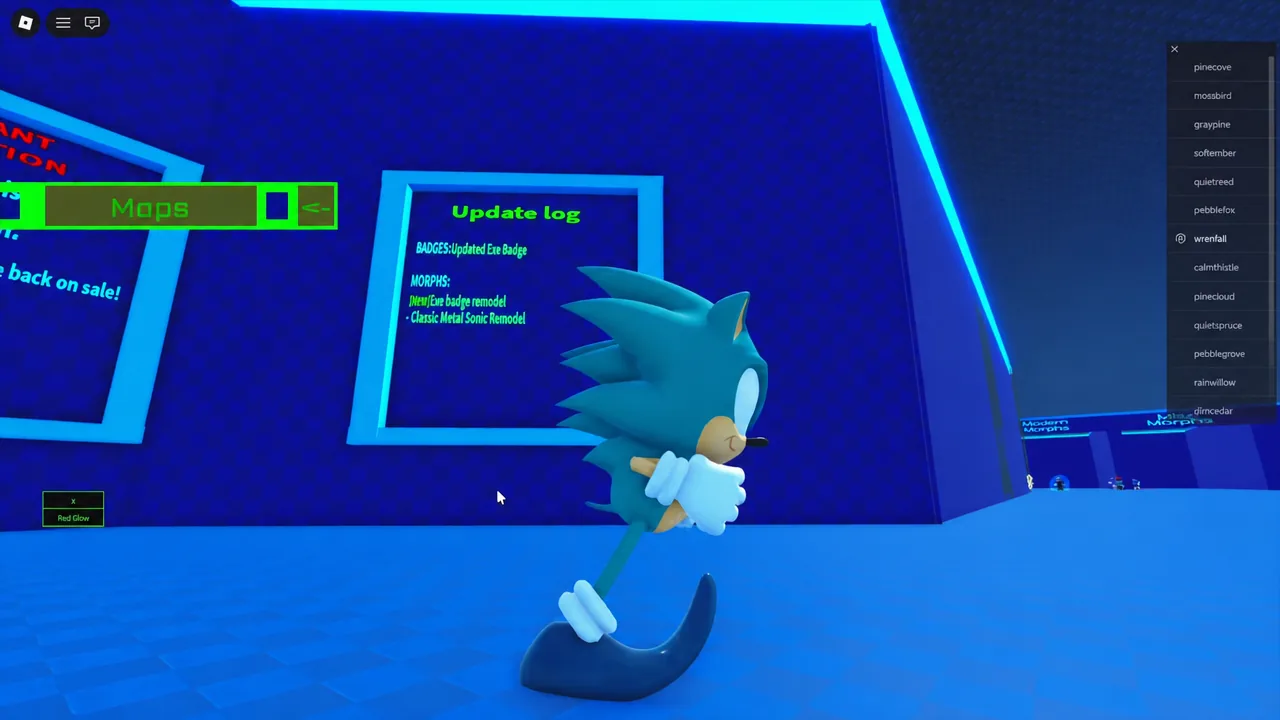
The Sonic.Exe badge in Sonic RP: Mobius Megadrive is a free unlock tied to a single object hidden in the Green Hill map. Claiming it adds the remodeled Exe morph to the Badge Morphs room, which now comes with its own toggles and animation set. The lobby’s update log lists the change directly under BADGES as “Updated Exe Badge,” alongside a Classic Metal Sonic remodel.
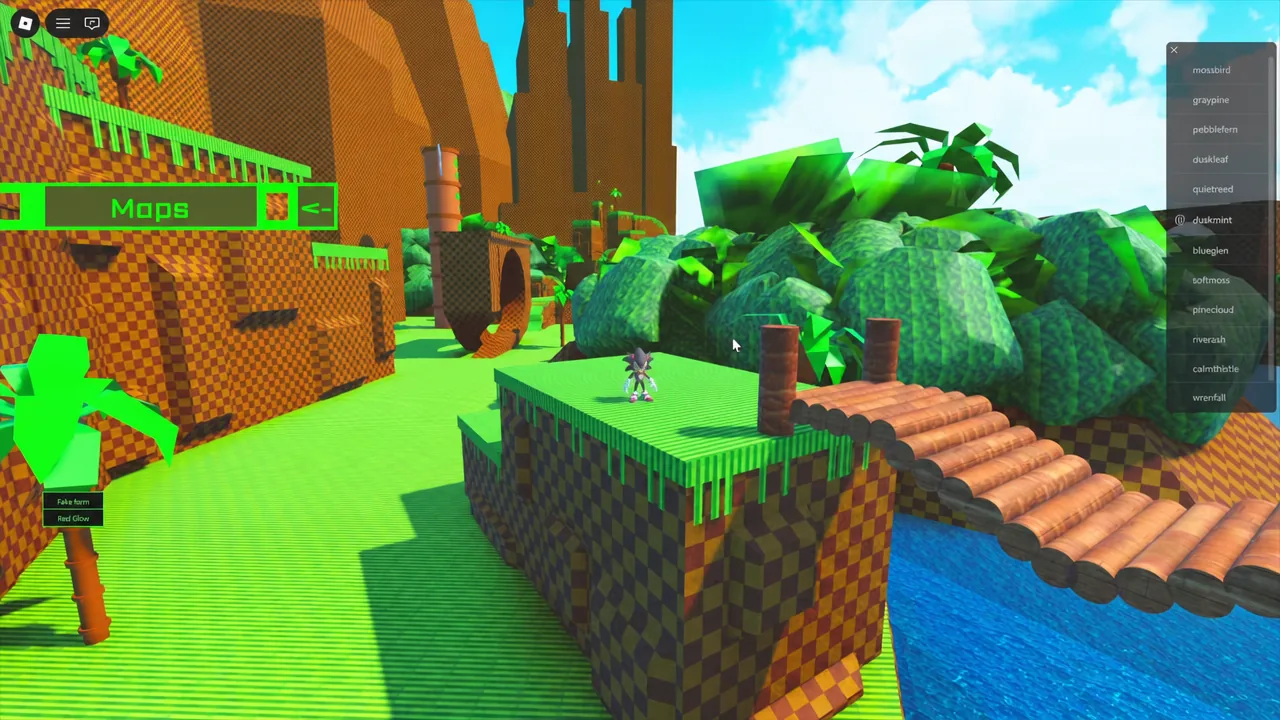
Quick answer: Open the Map menu, teleport to Green Hill, run down toward the lower canyon and waterfall area, and walk through the giant red ring standing on the grassy platform. The badge awards on contact.
Where the giant red ring is in Green Hill
The ring is not in the lobby and cannot be reached by walking out of spawn. You have to teleport into the Green Hill map from the Map menu, then move away from the starting area and drop toward the lower part of the zone, where the canyon and waterfall sit. The ring is oversized, bright red, and stands upright on a patch of grass, so it reads clearly against the terrain once you are on the right level.
Green Hill is one of several destinations in the same menu. The full list includes Lobby, Green Hill, Houses, Marble Zone, Sky Sanctuary, Chemical Plant, Angel Island, Death Egg, Stardust Speedway, Hill Top, Winter Wonderland, and Egg Reverie. Only Green Hill matters for this badge.
How to get the Sonic.Exe badge
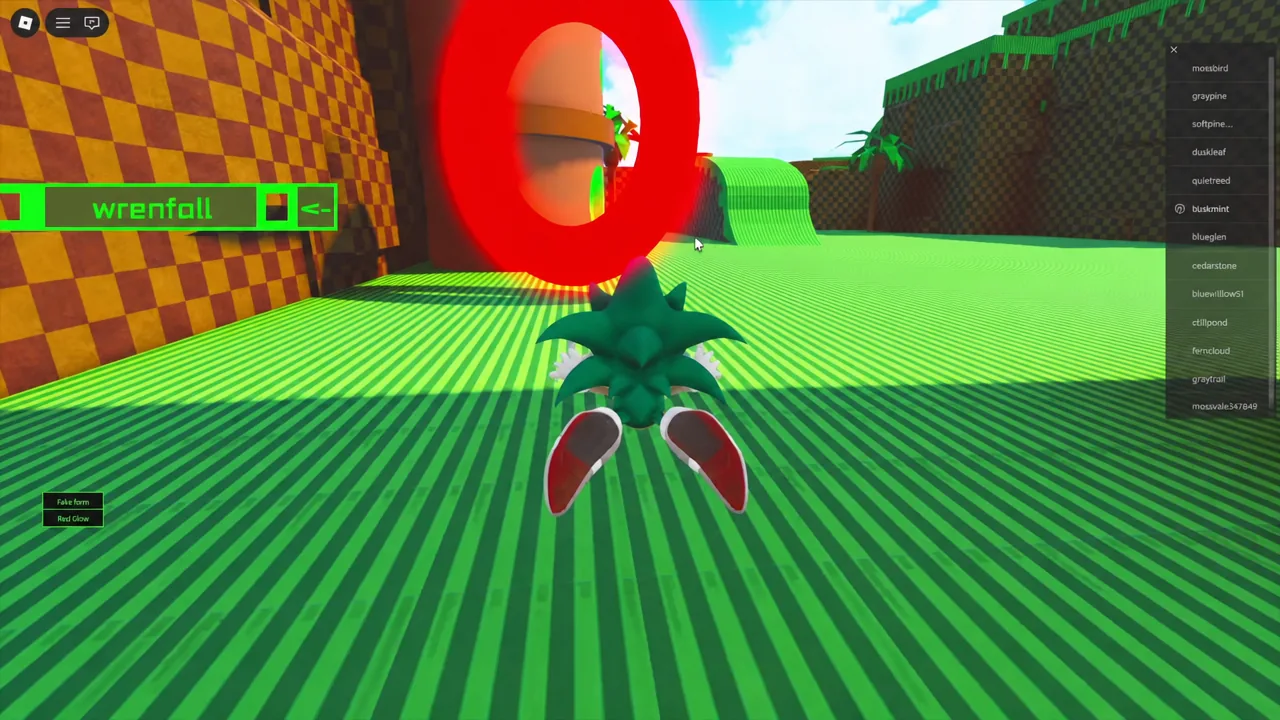
Note: touching the ring is the only trigger. Wearing the Exe morph beforehand does nothing, and no other map contains a duplicate ring for this badge.
How to confirm the badge unlocked
Roblox pushes a badge award notification on screen the moment you pass through the ring. The permanent confirmation is in the game itself — return to the lobby, open the Badge Morphs room, and the Sonic.Exe morph will be available on its pedestal. If the morph is selectable, the badge is on your account and the ring will not need to be touched again.
Badges only award once per account. If you already claimed the Exe badge before the remodel, no new notification appears — the updated model simply replaces the old one in the morph room.
What the remodeled Exe morph includes
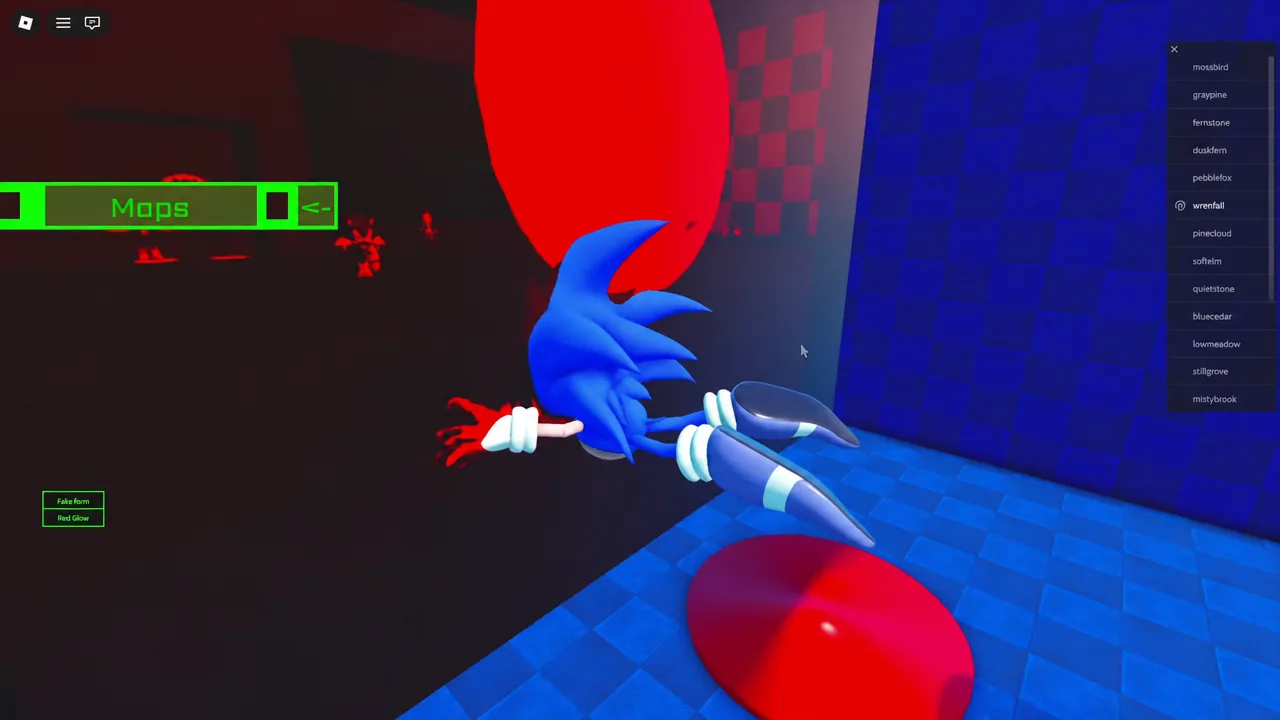
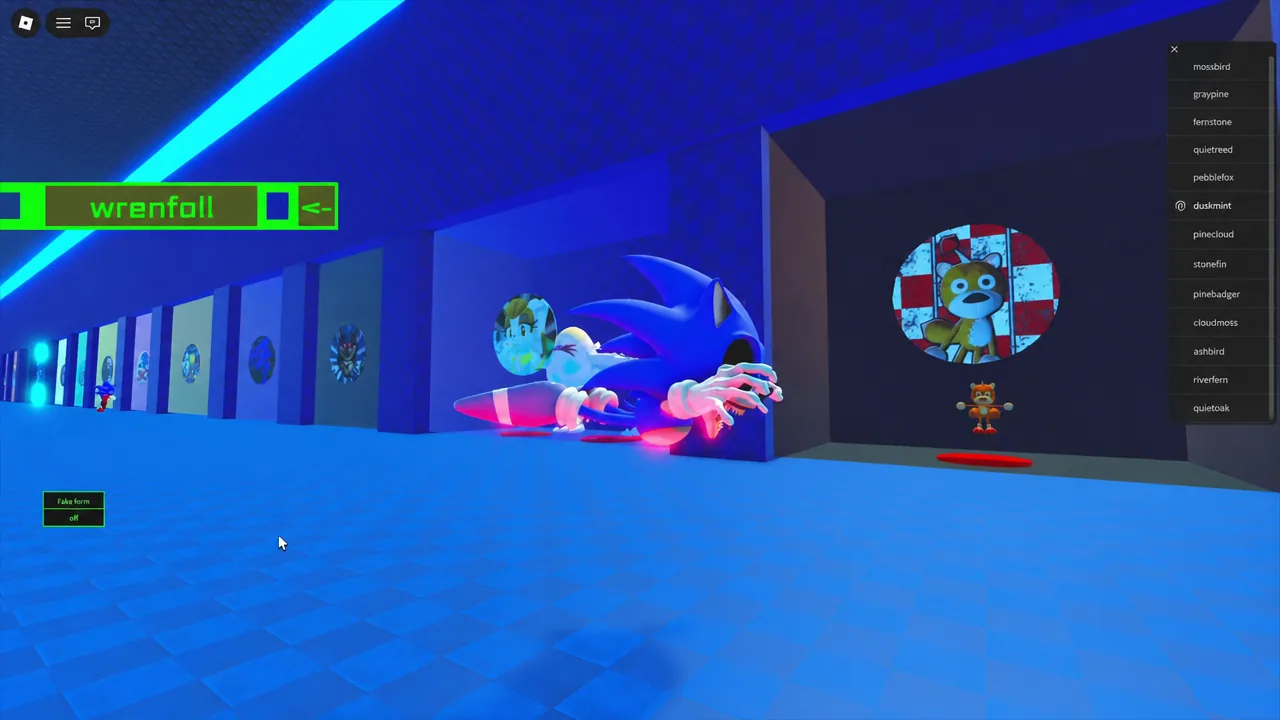
The morph is more than a skin swap. Once equipped, it carries its own idle stance, a flying pose, and transition animations that play when you switch in and out of the model. Two options sit on top of that, both toggled from the morph interface.
| Option | Effect |
|---|---|
| Fake Form | Switches the model to a classic Sonic appearance while the morph stays equipped. |
| Red Glow | Adds the red glow effect to the character. |
Both toggles can be flipped freely in the lobby, and the model plays its transition animation each time. Other players see the change on your character, so the Fake Form swap reads correctly in the player list and in roleplay scenes.
The whole run takes about two minutes if you go straight from the Map menu to the ring, and nothing about it is gated behind a purchase, a level, or a timed event. The update that shipped the remodel also brought a Classic Metal Sonic remodel, so if you are already in the Badge Morphs room, that pedestal is worth a look too.