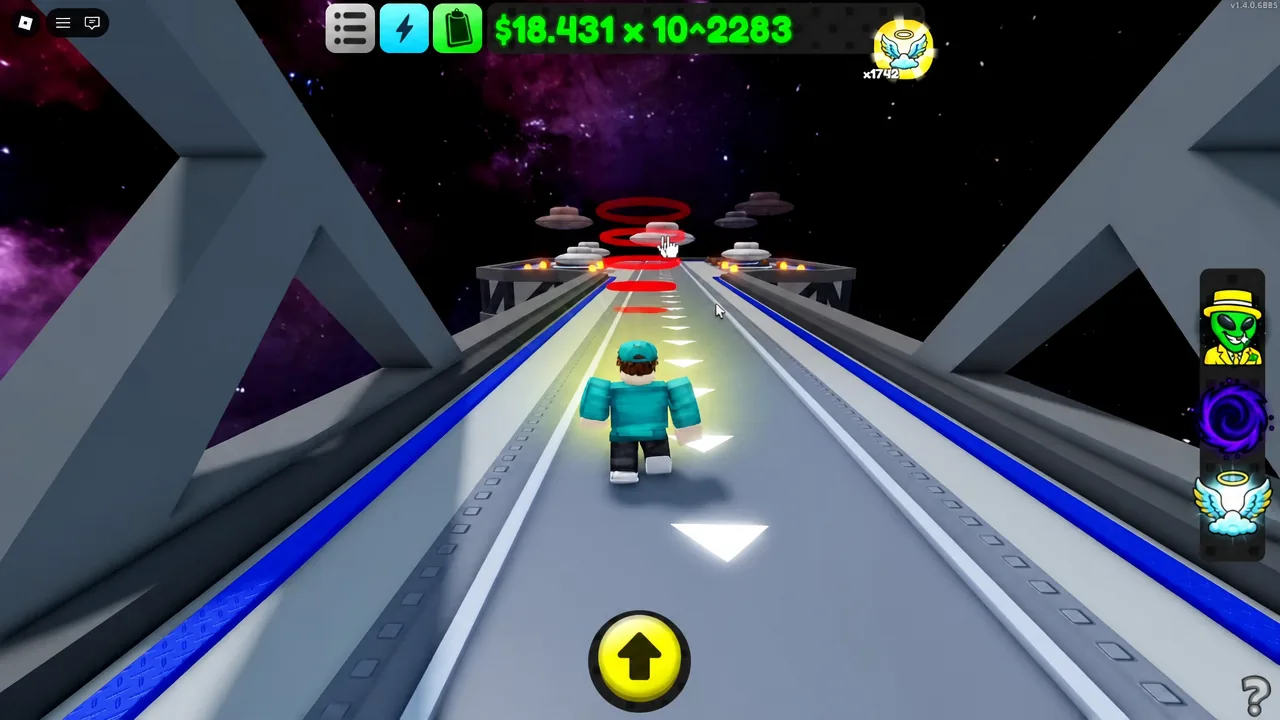
The Stargate is now open in Sell Lemons, and it turns Ascensions into a second currency. Instead of prestiging purely for cash multipliers, you now spend Ascensions to construct a facility in space, then spend them again — fast, against a clock — to bank World Energy. That energy feeds a global multiplier and unlocks two new companions.
Quick answer: Travel to LimeX, take the entrance beside it to reach the Stargate, buy all 15 build components with Ascensions, then ascend repeatedly while the World Energy timer is running — each Ascension banks 100 Energy.
How to reach the Stargate in Sell Lemons
The Stargate sits above LimeX, the space-station area at the top of the progression chain. Open your teleport menu and pick LimeX, then walk to the entrance next to it to move into the Stargate zone. Once you have been there, Stargate appears as its own teleport destination alongside Orchard, Lime Stand, LimeDash, Lime Depot, Lime Trading, Lime Labs, Lime Robotics, Lime Republic and The Staircase.
You arrive at a bare installation floating in space. Nothing works yet — the bridge, the interior, the portal and the Ascend machine all have to be paid for with Ascensions before anything switches on.
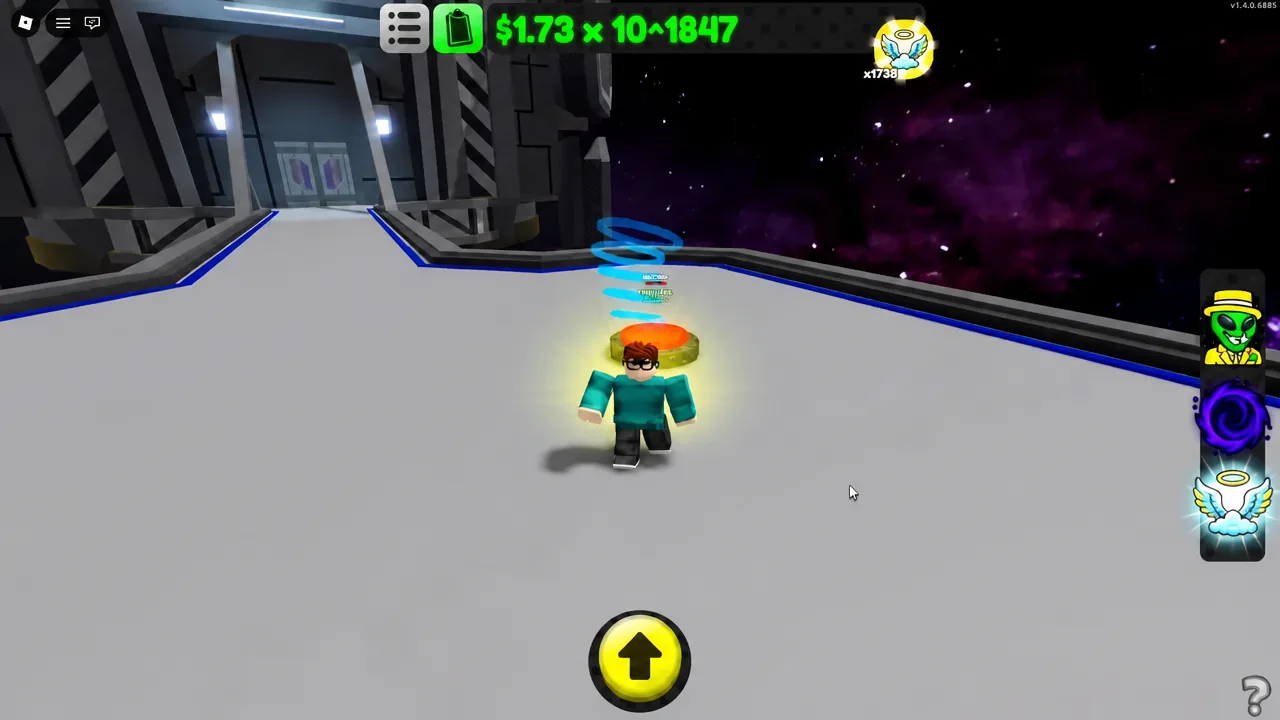
Stargate build costs: every component and its Ascension price
Each build button charges Ascensions rather than cash. The six cheapest pieces cost one Ascension apiece, which means the outer structure goes up quickly if you are already prestiging regularly. The back half of the list is where the real bill lands — the Frequency Locker alone is 18 Ascensions. Buying every component costs 65 Ascensions in total.
| Component | Ascensions |
|---|---|
| Walkway | 1 |
| Bridge Supports | 1 |
| Upper Body | 1 |
| Ring Segment | 1 |
| Antenna Array | 1 |
| Main Power | 1 |
| Stargate Second Floor | 2 |
| Support Beams | 4 |
| Support Cables | 4 |
| Purity Guard | 4 |
| Purity Shard | 4 |
| Ceiling Bracing | 5 |
| World Reactor | 8 |
| Floodlights | 10 |
| Frequency Locker | 18 |
Build the walkway and bridge supports first — they are what physically connect the platforms so you can reach the facility interior. The second floor, ceiling bracing and interior power pieces come next, and the portal itself only becomes usable once the structure around it is finished.
Turn off Low Gravity to move faster
The Stargate area uses a floaty space-gravity effect that makes crossing the platforms slow. Open the settings menu and switch off Low Gravity (space) — you will move at normal speed and stop drifting past build buttons. The same menu holds Skip Cutscenes, Show Phone Offers and Toggle Sprint (PC only), all of which are worth checking before a long ascension grind.
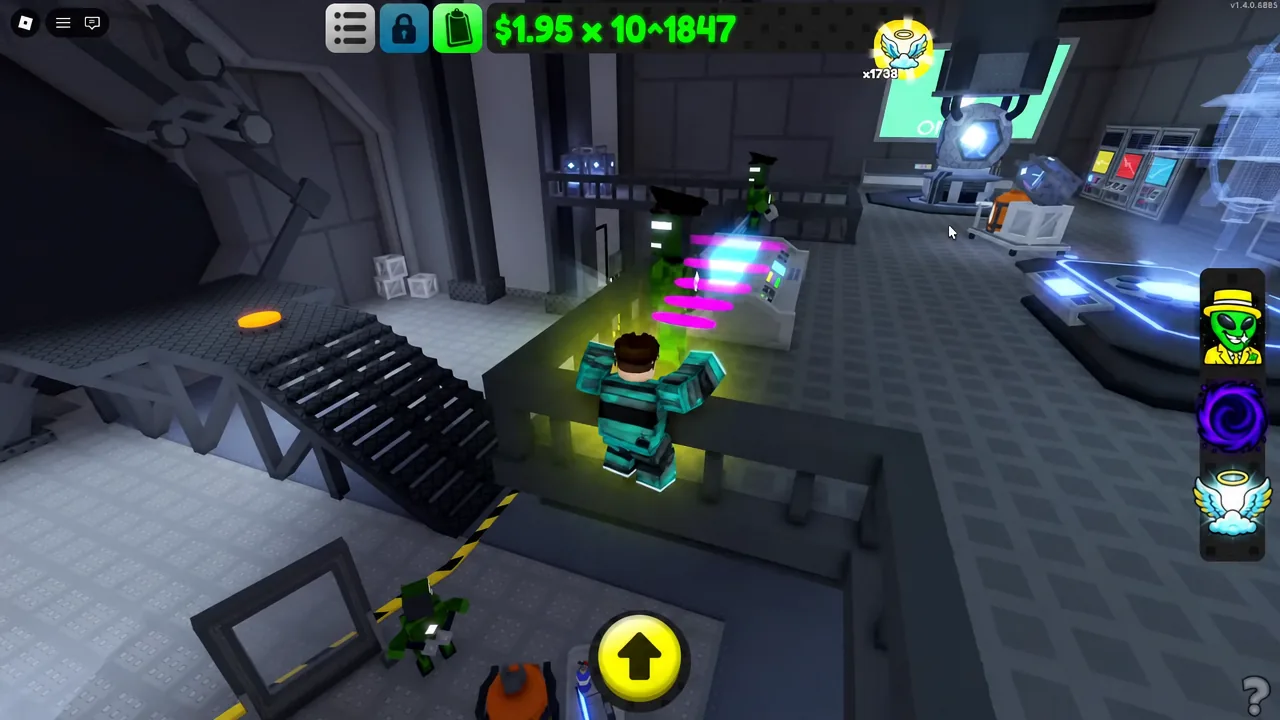
The Ascend machine and the entity trigger
Inside the finished facility is a second Ascend machine, locked when you first find it. Follow the green waypoint marker to it — the game points you there once the interior is complete.
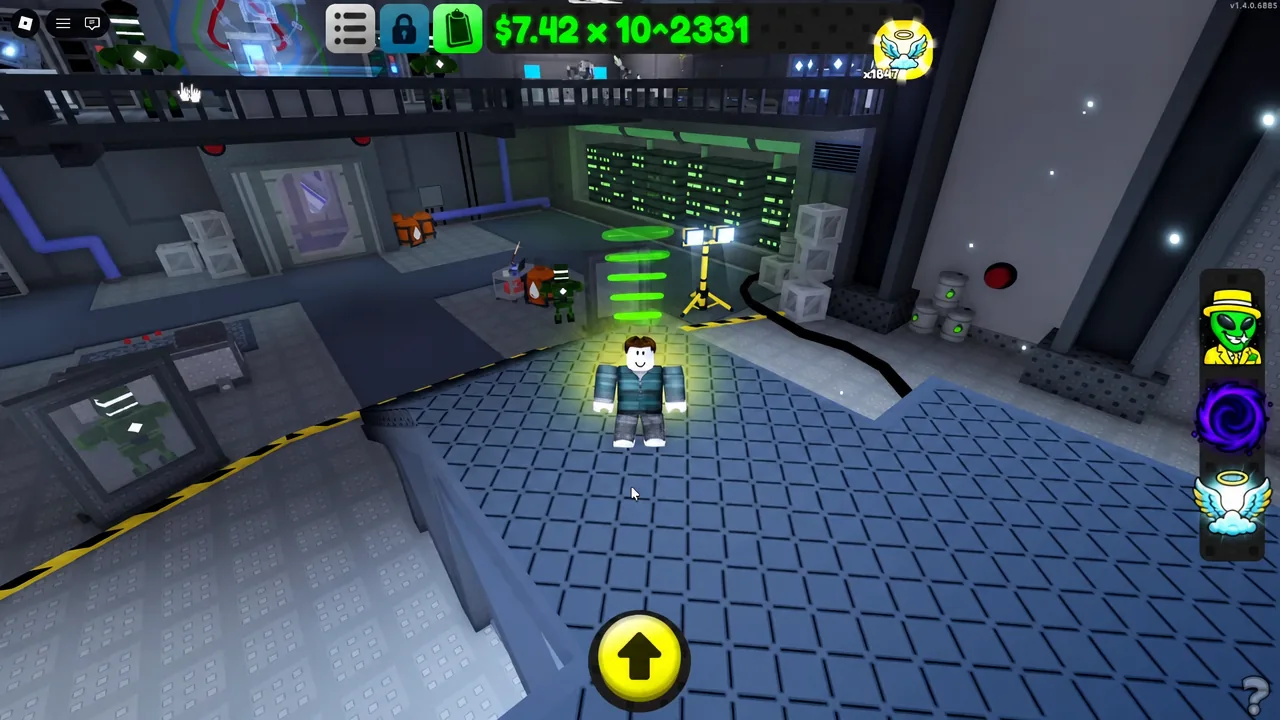
Performing an Ascension is what starts the story beat. You get a message reading “THE ENTITY HAS WORK FOR YOU BEYOND THIS REALM,” followed by two blunt instructions: “you need energy.” and “speed up your Ascensions.” That is the cue that the World Energy system has come online.
Ascension rewards themselves are unchanged. Each one still gives +1 halo, +1 forever purchase, and a permanent x7.77 cash multiplier at the cost of x3.33 higher prices.
How the World Energy timer works
World Energy is not earned passively. The screen states the rule plainly — “Ascend within the time limit to gain more energy!” — and every Ascension you complete before the countdown runs out pays 100 Energy. Each new Ascension restarts the timer, so a fast, uninterrupted prestige loop keeps the window open indefinitely. Let the clock hit zero and the run ends.
Use the PIN TIMER button to keep the countdown on screen while you play; UNPIN TIMER hides it again. The panel also shows your GLOBAL MULTIPLIER, which scales with total energy banked. For reference, 9,300 World Energy corresponds to a 6.01x global multiplier.
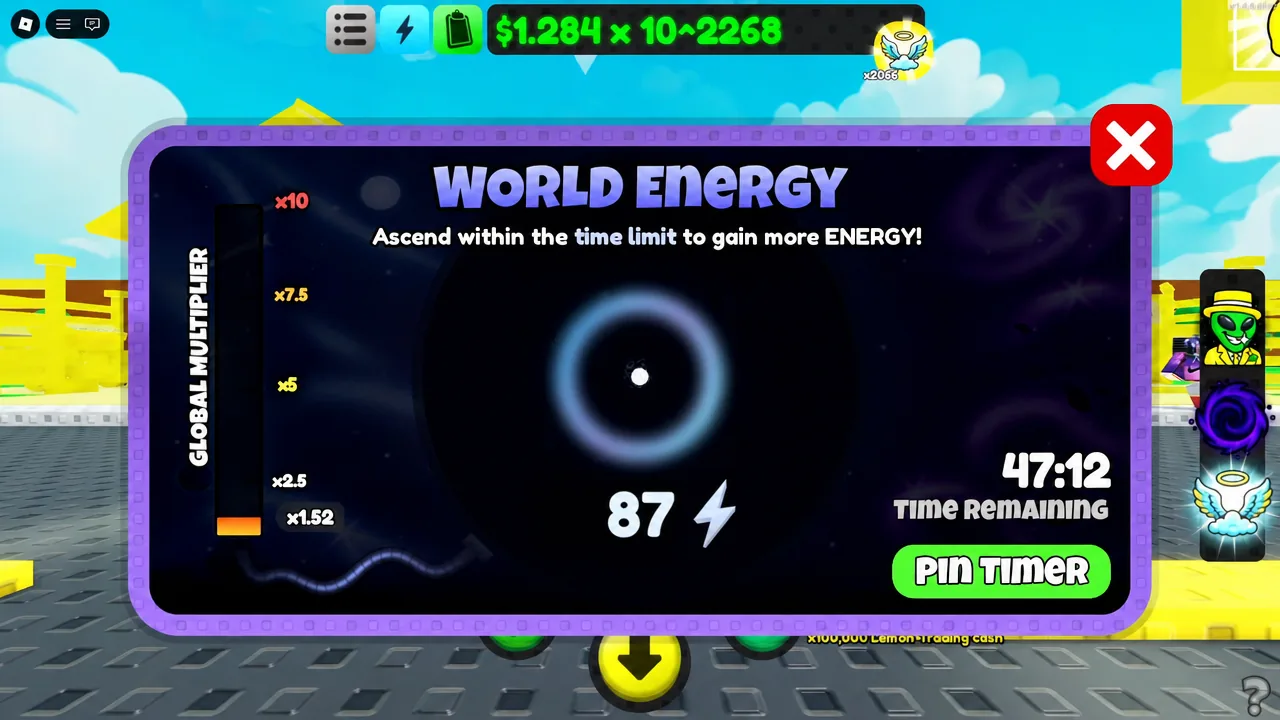
Note: because the payout is a flat 100 per Ascension, the only variable that matters is how many Ascensions you can chain before the timer expires. Optimising cash speed, not cash totals, is what raises your energy count.
Companions unlocked with World Energy
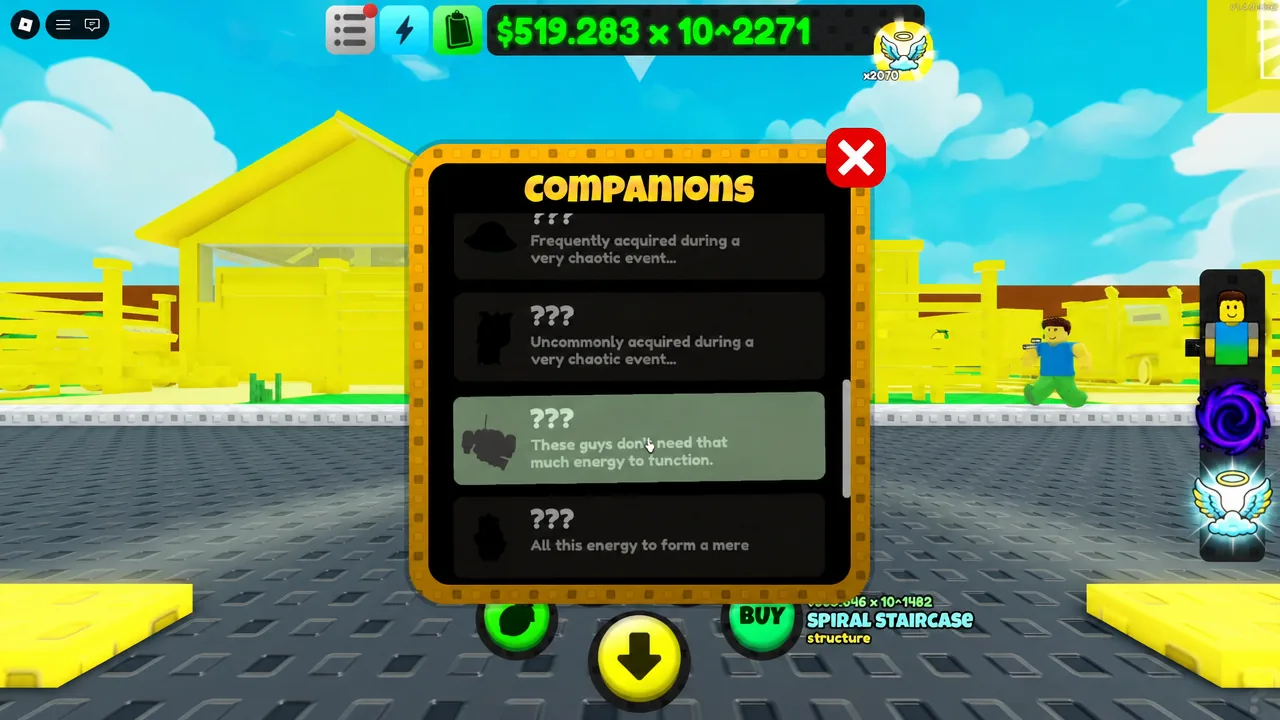
Two companion slots are tied directly to energy thresholds. They appear in the Companions menu alongside the existing set — Mysterious Tree, Void Mass, Fruit Aura and Angel — plus several slots still showing as “???”.
| Companion | Unlock requirement |
|---|---|
| Laser Helper | Earn 500 Energy |
| Purity Shard | Earn 2,500 Energy |
At 100 Energy per Ascension, that works out to five Ascensions inside the timer for the Laser Helper and 25 for the Purity Shard companion. The Purity Shard name also appears as a 4-Ascension Stargate build component, so do not confuse the structure piece with the pet.
World 2 and what the portal currently does
Interacting with the finished portal opens a SELECT WORLD menu containing two entries: World 1, which is where you already are, and ???, which is locked. That second slot is World 2, dated for release on September 18th, 2026 as version 1.5.0. Until then the portal has no destination to send you to.
The World Reactor behaves the same way. Approach it after building it and you get the line “There is much still to be done… (not unlocked yet)” — confirmation that the structure is placed correctly, not a bug.
How to confirm the Stargate is working
Three checks tell you the sequence has fired correctly. The portal opens the SELECT WORLD screen rather than doing nothing. The World Energy panel appears with a live countdown and a GLOBAL MULTIPLIER value. And your energy total climbs by exactly 100 the moment an Ascension completes.
If energy is not increasing, the usual cause is the timer. Energy only pays out for Ascensions completed while the countdown is still running, and it re-enables when you ascend again — so if the clock has expired, ascend once to restart the window before grinding further. The other blocker is an incomplete build: components you have not purchased leave the portal and the interior Ascend machine inactive.
The Stargate is running on version 1.4.3.0001 in live servers, and for now it functions as a multiplier engine and a companion tap rather than a destination. That changes when World 2 arrives, at which point the 65 Ascensions you sank into the build become the price of admission to a whole new area.