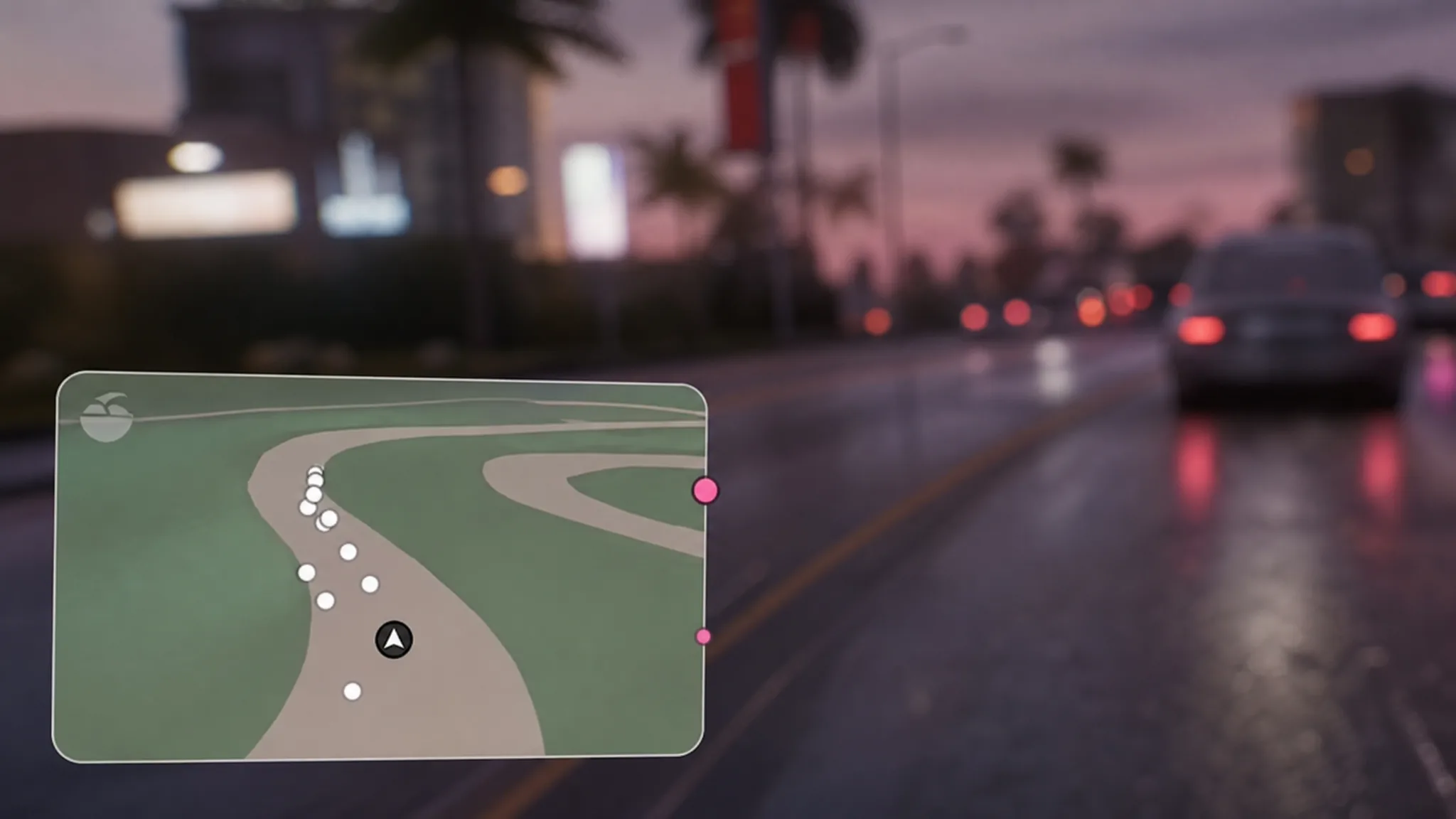
The mini-map in GTA 6 behaves less like a radar and more like a phone navigation app. It carries the iFruit logo, sits in a rectangular frame, and drops the health and armor rings that wrapped around the old circular map. The biggest shift shows up during police chases, where the map deliberately stops telling you where the cops are.
Quick answer: The mini-map does not show exact police or enemy positions. During a chase it flashes red and blue and highlights only the general search or heat area, so you have to track pursuers by looking at the world itself.
What the map shows during a police chase
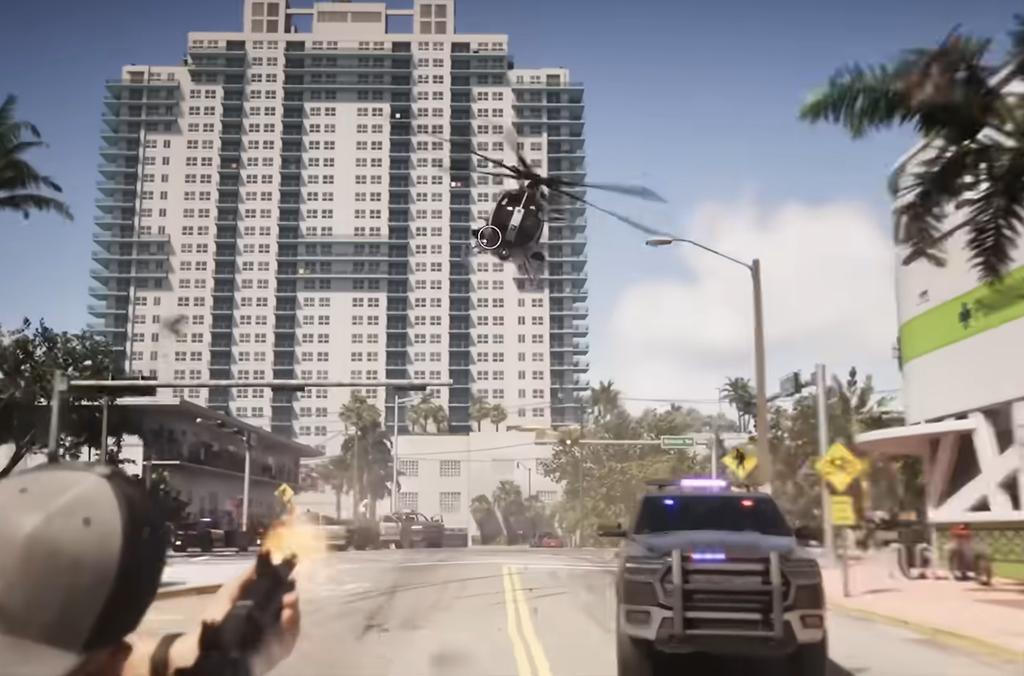
In earlier games you could watch the mini-map to see every police blip and plan your escape without looking up. That option is gone. Instead of plotting individual officers, the map marks the broad area where the police are searching for you and washes the whole frame in red and blue.
Those colors cover a large part of the map, which cuts down how much of the road layout you can read while the heat is on. Rob Nelson, head of development at Rockstar North, has confirmed the intent behind this. The team does not want you staring at a small map during every chase, so the design nudges your attention back to the streets, traffic, and pursuit around you.
One thing still helps you steer. When point-to-point navigation is active, the pink route line stays visible through the color flashing, so you can keep following a set path even while being chased.
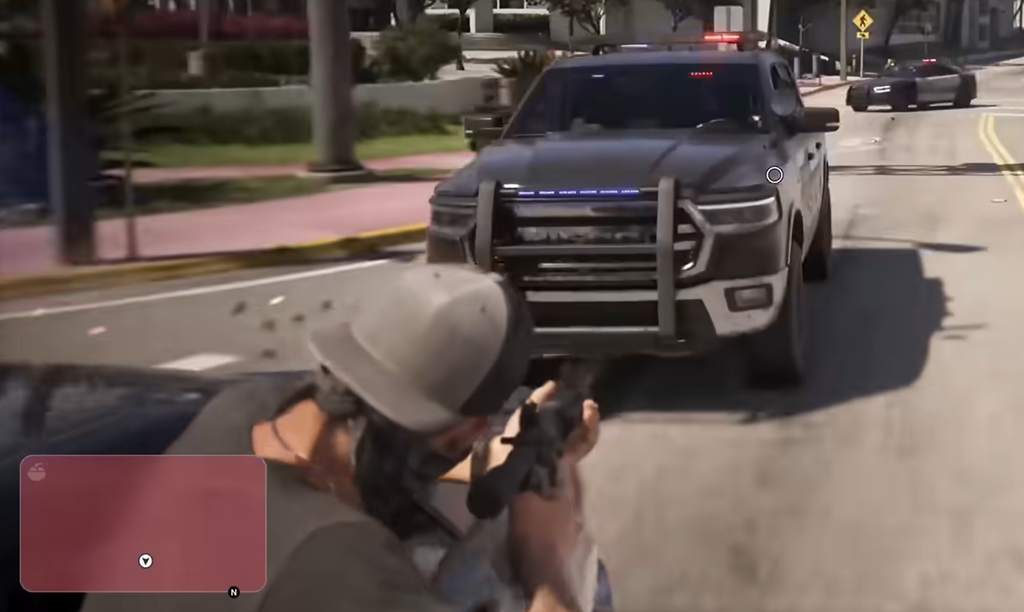
Heat zones and wanted levels on the map
Crimes create temporary heat around the spot where they happened. Police set up a perimeter and stay more alert nearby, and that pressure shows on the map rather than as individual dots.
| On the map | What it means |
|---|---|
| Solid red area | The immediate crime scene where police concentrate |
| Larger light-red region | The wider area affected by police presence |
| Full-map heat | Reached at the six-star wanted level, when heat spreads across the entire map |
Because pursuers are never pinned to an exact position, losing a wanted level depends on reading the situation directly instead of watching icons drift away.
Dot colors for allies, rivals, and waypoints
While the map hides police, it still uses colored markers for people and destinations that matter to you.
| Marker | Meaning |
|---|---|
| Pink | Story waypoints, and allies in some situations |
| Cyan | Custom waypoints you place, and allies |
| Green dot | The other playable character when Jason and Lucia are together, depending on the mission or activity |
| White dots | Competitors during races |
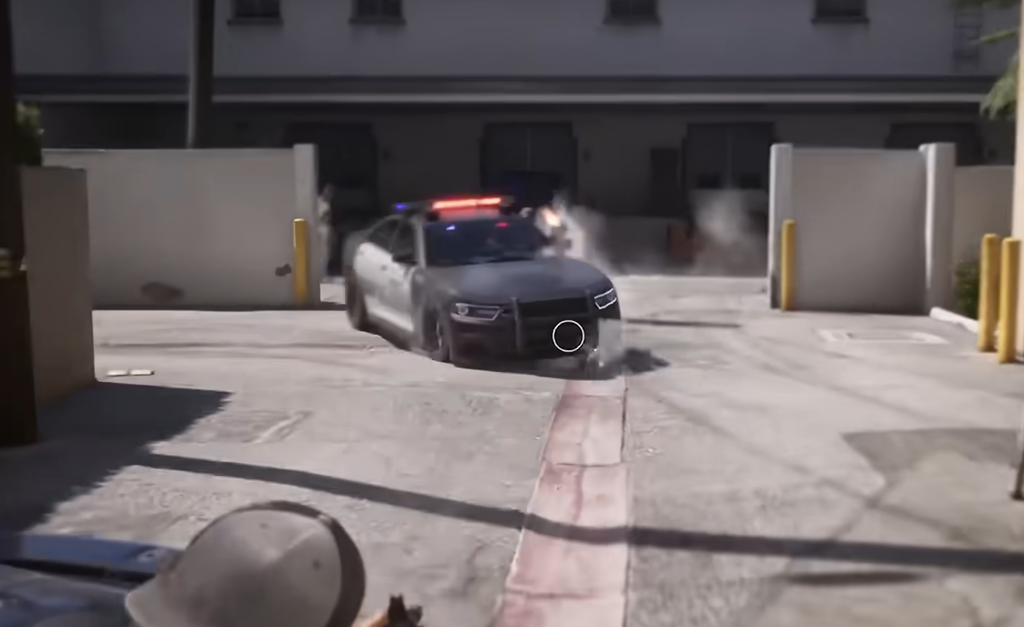
The iFruit GPS layout and display modes
The map works like an in-game GPS and shows the iFruit logo, giving it the feel of a phone map or a car dashboard system. Its look changes with the time of day and the surroundings, switching between a light version and a dark version. The dark version sits closer to the GTA 5 style, but the rectangular frame and missing health and armor rings keep it clearly different.
By default the map does not stay on screen while you walk. It appears when you drive or when a waypoint is active. If you want it visible at all times, you can switch to Classic mode. For a cleaner screen, you can move the map to the left or right, replace it with a compass, or turn it off completely.
3D buildings and enterable entrances
Buildings appear in 3D on the map, and their entrances can become visible as you get closer. This makes it easier to spot which locations you can actually walk into without covering the screen in icons.
The detail is not limited to safehouses or landmarks. Smaller structures, toll plazas, and wooden buildings with stairs also show up, so the map doubles as a way to read the layout of a place before you reach it.
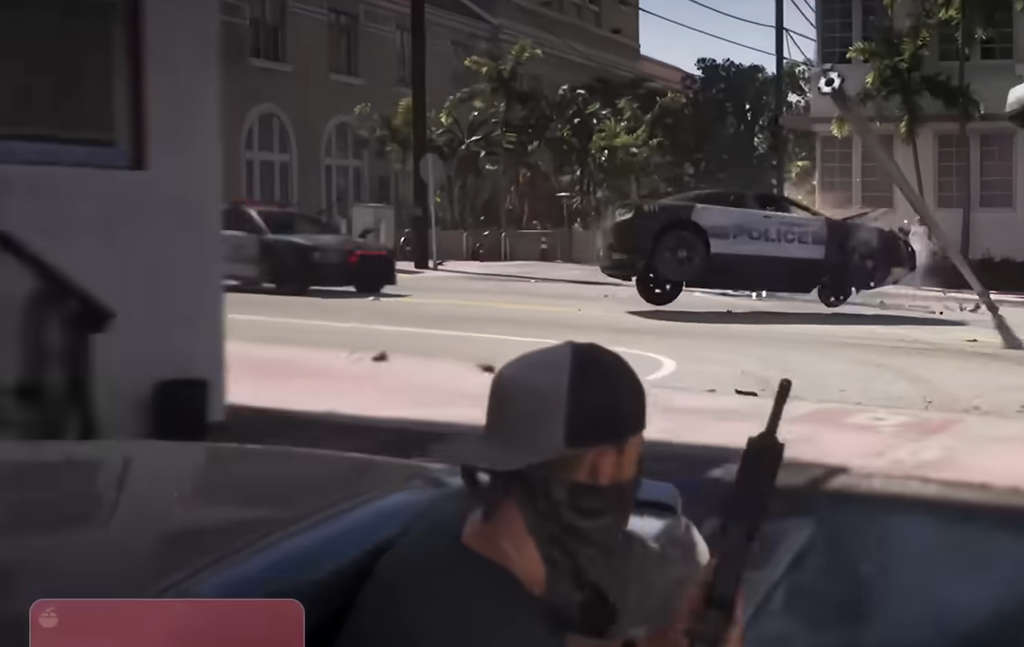
Set a waypoint without opening the full map
The overall effect is a map that guides you less and asks you to watch Vice City more. That trade-off is most noticeable when the police are on you, since the flashing colors and hidden positions turn every escape into a read of the actual streets rather than a glance at a corner of the screen. Grand Theft Auto 6 is set to release on November 19, 2026, so you will be able to test how the new map handles a chase then.