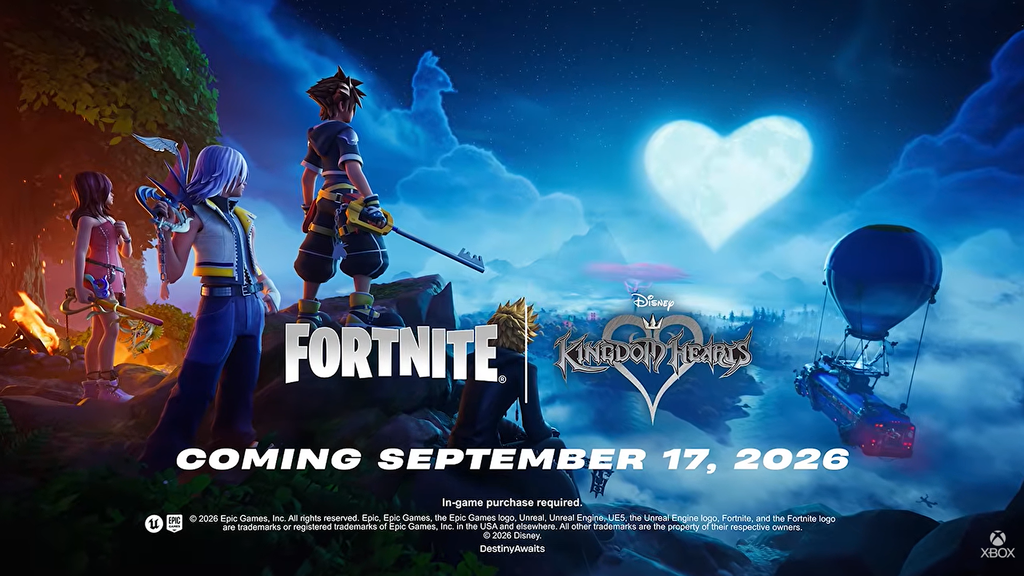
Sora, Riku, Kairi, and Roxas are joining Fortnite as part of the Chapter 7 Season 4: Override crossover with Kingdom Hearts. All four characters are sold through the Item Shop rather than the Battle Pass, and each comes paired with a matching Keyblade pickaxe.
Quick answer: Open Fortnite on September 17, go to the Item Shop, find the Kingdom Hearts section, and buy the outfits with V-Bucks. They appear at the shop reset, and the skins are not earned through the Battle Pass.
Release time: September 17, 2026 at 8:00 PM ET (Item Shop reset)
When the Kingdom Hearts skins drop
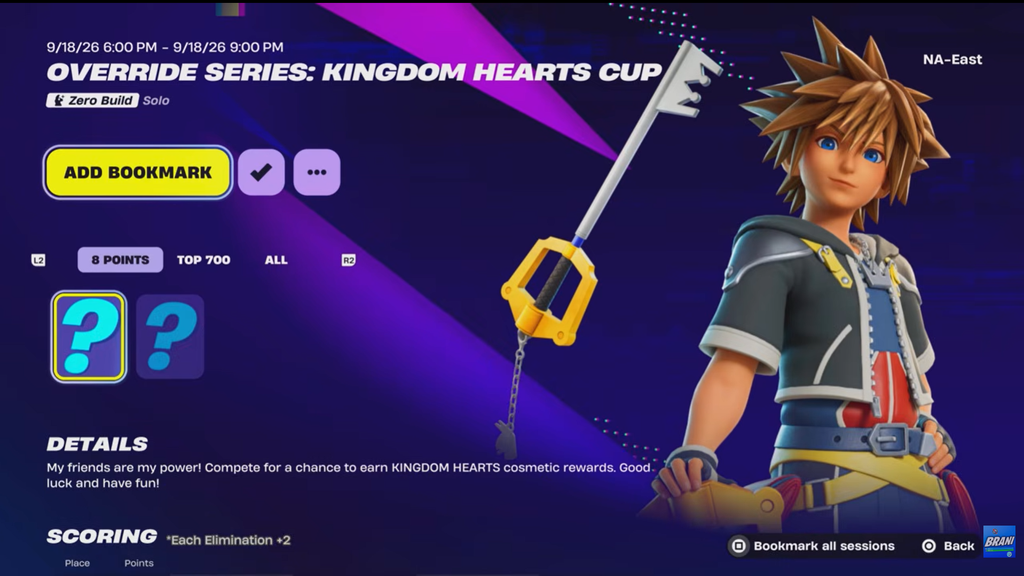
The crossover is tied to the v42.20 update, which releases on Thursday, September 17, 2026. The update goes live earlier in the day, but the outfits are expected to appear in the Item Shop when it refreshes at the daily reset. Use the times below to catch the drop in your region.
| Time zone | Item Shop reset |
|---|---|
| Pacific (PT) | September 17 – 5:00 PM |
| Mountain (MT) | September 17 – 6:00 PM |
| Central (CT) | September 17 – 7:00 PM |
| Eastern (ET) | September 17 – 8:00 PM |
The update and the shop rotation do not always flip at the same minute. If the skins are not listed the moment servers return, check again after the shop reset.
The four Kingdom Hearts characters and their Keyblades
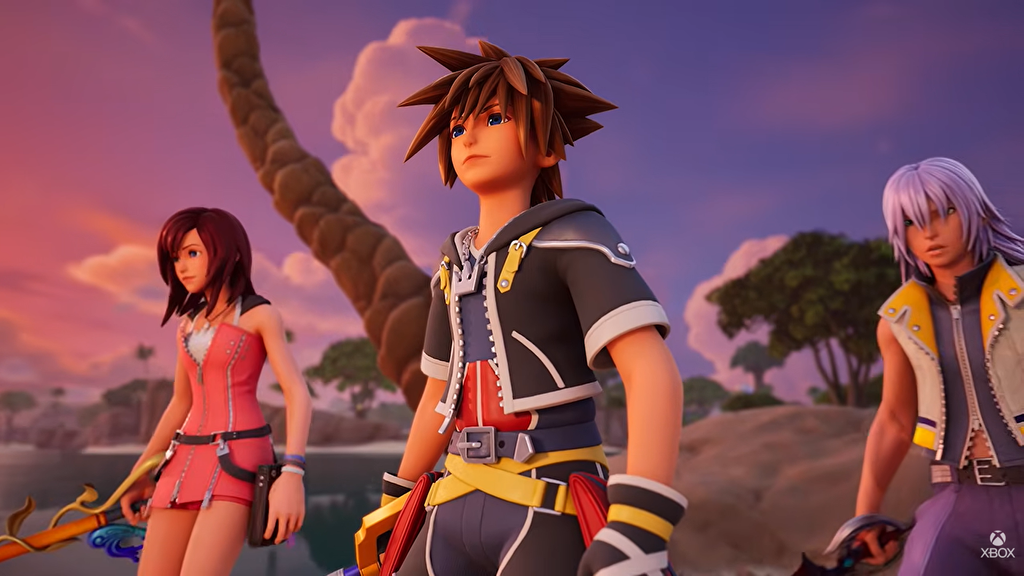
Sora, Riku, and Kairi wear their Kingdom Hearts 2 designs, while Roxas is dressed in his long black Organization XIII coat. Instead of sharing one tool, each character carries a signature Keyblade used as a pickaxe.
| Character | Outfit | Keyblade pickaxe |
|---|---|---|
| Sora | Kingdom Hearts 2 outfit | Kingdom Key (Loot Llama charm) |
| Riku | Kingdom Hearts 2 outfit | Way to the Dawn |
| Kairi | Kingdom Hearts 2 outfit | Destiny’s Embrace |
| Roxas | Organization XIII coat | Oathkeeper and Oblivion |
Sora is the face of the collaboration in his familiar red, black, and yellow outfit with spiky hair. His Kingdom Key keeps one Fortnite-specific change, with the usual Mickey Mouse charm swapped for a Loot Llama. Roxas is given Oathkeeper and Oblivion, the pair he dual-wields later in Kingdom Hearts 2, which fits his coat.
A Kingdom Key Mythic weapon is also expected to arrive with the update. That in-match weapon is part of the loot pool and is separate from the cosmetic pickaxe, so buying Sora does not unlock the battle royale Keyblade.
Kingdom Hearts cosmetics and V-Bucks costs
Beyond the four outfits, the crossover includes Keyblade pickaxes, jam tracks, a Gummi Ship vehicle, and the Shadow Hearts Kicks. Individual outfits sit at the standard 1,500 V-Bucks tier, with pickaxes and music tracks priced lower.
| Cosmetic | Type | Cost |
|---|---|---|
| Sora | Skin | 1,500 V-Bucks |
| Roxas | Skin | 1,500 V-Bucks |
| Riku | Skin | 1,500 V-Bucks |
| Kairi | Skin | 1,500 V-Bucks |
| Keyblade pickaxes | Pickaxe (each) | 800 V-Bucks |
| Dearly Beloved | Jam Track | 500 V-Bucks |
| The Other Promise | Jam Track | 500 V-Bucks |
| Shadow Hearts Kicks | Kicks | TBA |
| Gummi Ship | Car | TBA |
A full bundle covering all four characters is expected, which is usually the cheaper route if you want the complete set. Keep enough V-Bucks on hand before the shop reset if you plan to grab the whole Destiny Islands group.
How to buy the Kingdom Hearts skins
You will know the purchase worked when the items move out of the shop and into your Locker, ready to equip. If the Kingdom Hearts section is not visible yet, the shop has not rotated to it, so wait for the reset and reload the store tab.