The Slayers 2 shop is a single menu that sells temporary stat boosts, permanent resets for your build choices, and a VIP subscription. It sits behind the main menu button rather than a physical NPC, and it accepts two different payment types depending on which tab you are standing on.
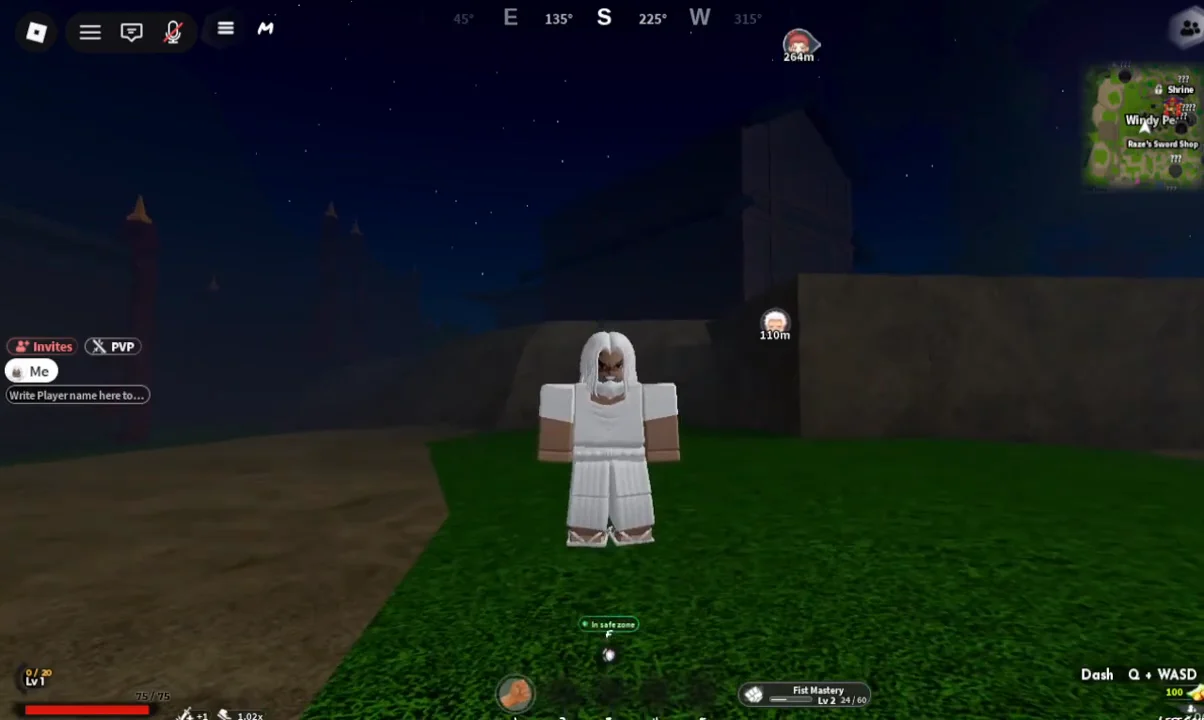
Quick answer: Click the three-line icon in the top-left corner, pick Shop, then switch between the Robux and Ore tabs at the top before clicking the boost or reset you want.
How to open the Shop menu in Slayers 2
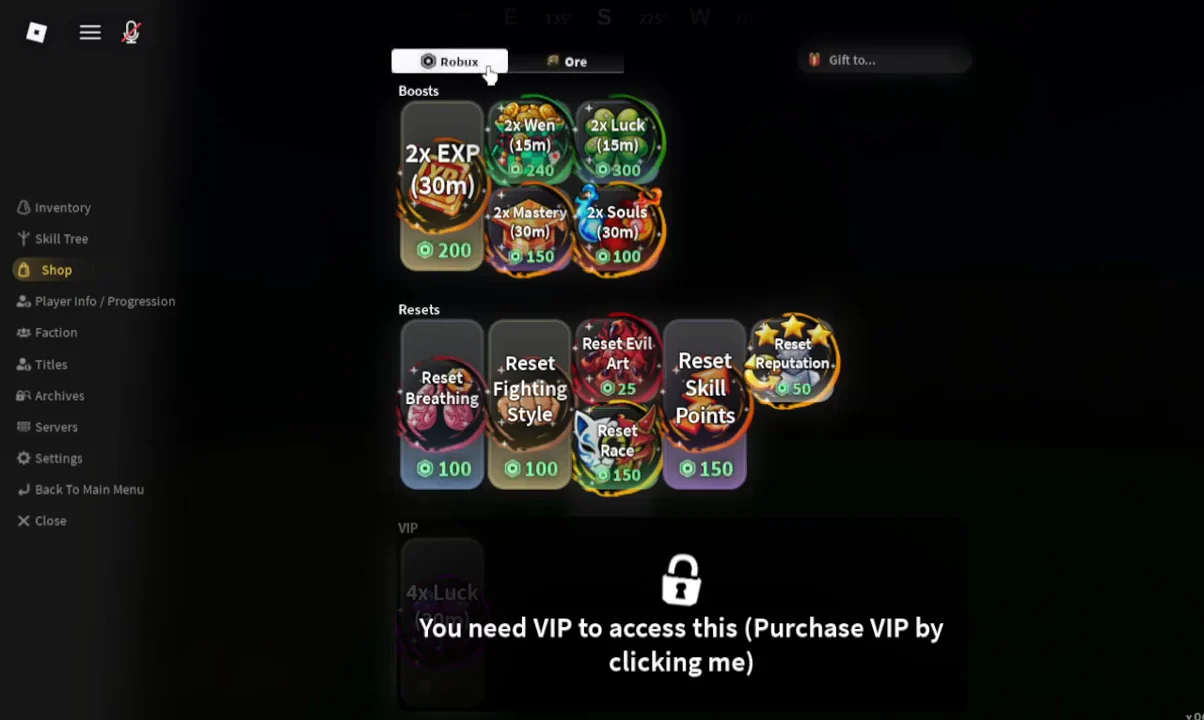
Boost prices in the Slayers 2 shop
Every boost is timed, and the timer starts the moment you buy it. The shortest ones run for ten minutes, so it is worth being in position at a farming spot before you spend anything.
| Boost | Duration | Robux |
|---|---|---|
| 2x EXP | 30m | 200 |
| 2x Wen | 15m | 240 |
| 2x Luck | 15m | 300 |
| 2x Mastery | 10m | 150 |
| 2x Souls | 10m | 100 |
A 4x Luck option also appears in the shop listings alongside the doubled boosts.
Reset options and what they cost
Resets are the other half of the catalogue. They undo a locked-in build choice so you can pick again, and they are priced separately from the boosts.
| Reset | Robux |
|---|---|
| Reset Breathing | 100 |
| Reset Fighting Style | 100 |
| Reset Evil Art | 100 |
| Reset Race | 150 |
| Reset Skill Points | 150 |
| Reset Reputation | 250 |
Reset Skill Points is the one most players end up needing, because you earn three skill points per level and nodes have their own point requirements. Check the requirements of the skills you are aiming for before dumping points into a tree.
Buying with Ore instead of Robux
The Ore tab sits directly next to the Robux tab at the top of the shop window. Switching to it lets you pay for shop entries with Ore you have earned in the world, which is how players pick up game passes and shop rewards without spending Robux directly.
Ore comes from a few places as you play:
- Chests scattered across the map, though the drop is luck-based.
- Final Selection, which awards an Ore.
- World bosses, which award four Ore.
Ore is also spent outside this menu — clan spins can be bought with it, and several weapons ask for Ore alongside Wen. Budget accordingly if you are saving toward a specific clan or a late-game blade.
VIP subscription cost in Slayers 2
Some shop entries are locked behind a padlock with the message “You need VIP to access this (Purchase VIP by clicking me)”. Clicking that lock opens the Buy Robux and Item subscription prompt rather than a normal one-off purchase window.
The VIP tier is billed monthly at 400 Robux, marked down from 500, or €5.99, and it grants 150 VIP points per month. Confirm it with the Subscribe button in that prompt.
How to confirm a shop purchase went through
For Robux items, Roblox itself shows the purchase prompt and then confirms the transaction, so a boost or reset only applies once you accept that window. For Ore purchases, your Ore total drops by the listed amount.
Boosts take effect immediately with their timer running, and resets clear the relevant choice right away — a Reset Skill Points purchase returns your spent points so the skill tree is selectable again. You can close the shop with the Close button, keep playing, and reopen the same menu at any time to check the Robux and Ore tabs again.
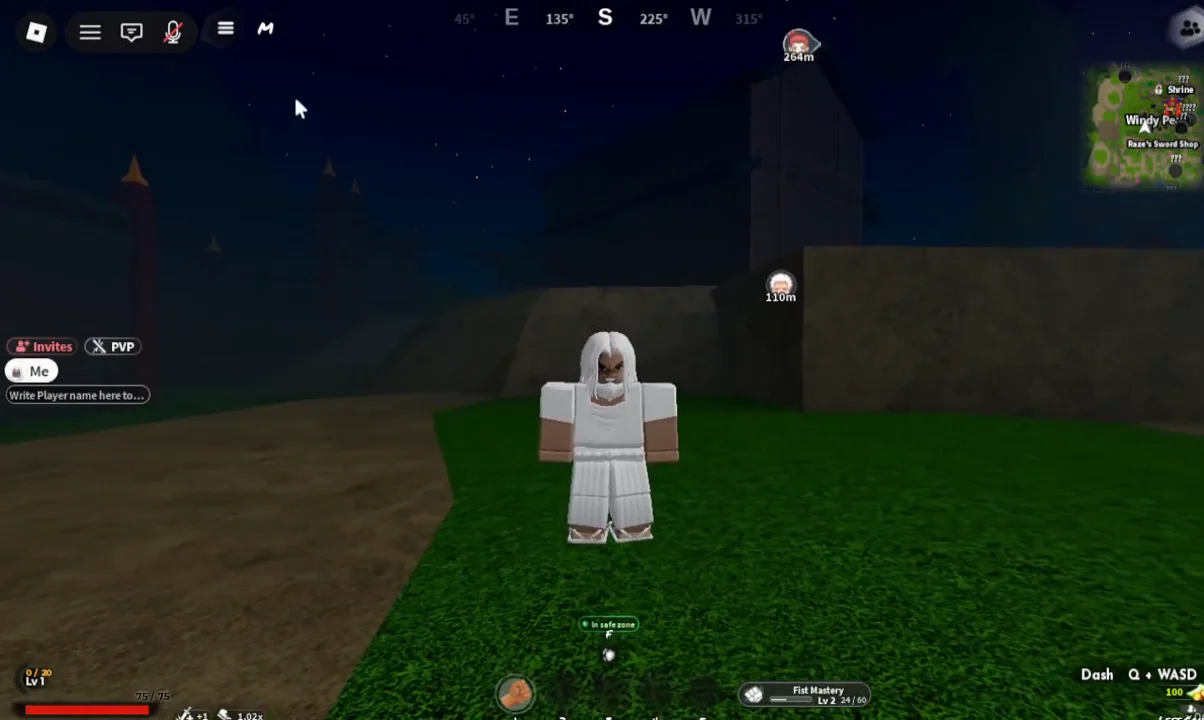
Because the shop is entirely menu-based, you never have to travel to a specific town to use it. That makes it easy to grind Ore in the field, stack a boost right before a farming run, and fix a build decision the moment you regret it.