Bounties are the PvP layer of DMZ in Call of Duty: Modern Warfare 4, and they come from one thing: killing other players’ operators. The more operators you kill in Hajin, the bigger your bounty grows and the easier you become to find. The rest of the system lets you manage that risk or cash in on someone else’s. Bounty Stations, Steel Dog Tags, and the weekly Bounty Leaderboards all build on that number.
Pay it down, or buy intel on other Wanted players, at a Bounty Station. Loot Steel Dog Tags from bodies.
How you get a bounty in MW4 DMZ
Your bounty begins when you take out another player’s operator. The first time you do, a BOUNTY WARNING box appears and displays “Killing players increases bounty. Pay off at Bounty Station.”
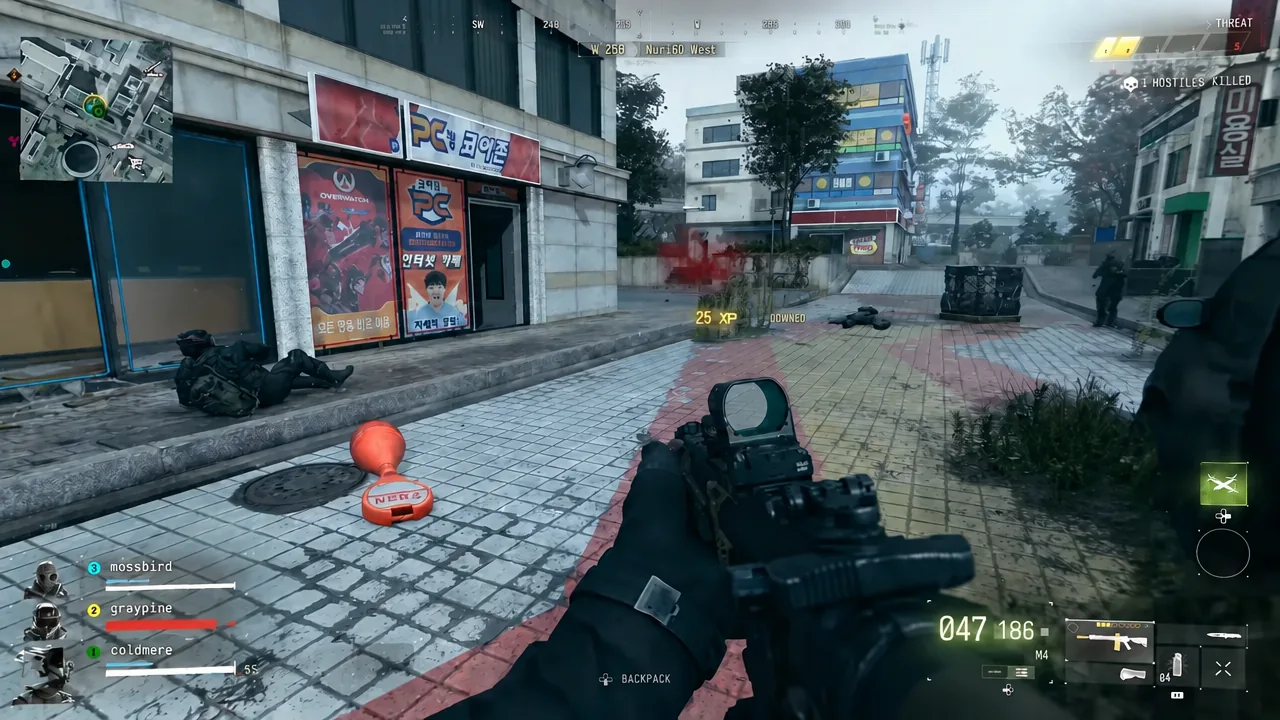
Each further player kill pushes the bounty higher. When it climbs, a “BOUNTY INCREASED – WANTED” banner pops up. It shows your operator portrait, your current bounty in a red box, and a row of red dollar-sign pips that fill as the number rises. The banner also carries the warning “You will be marked on the tacmap for nearby enemy players.”
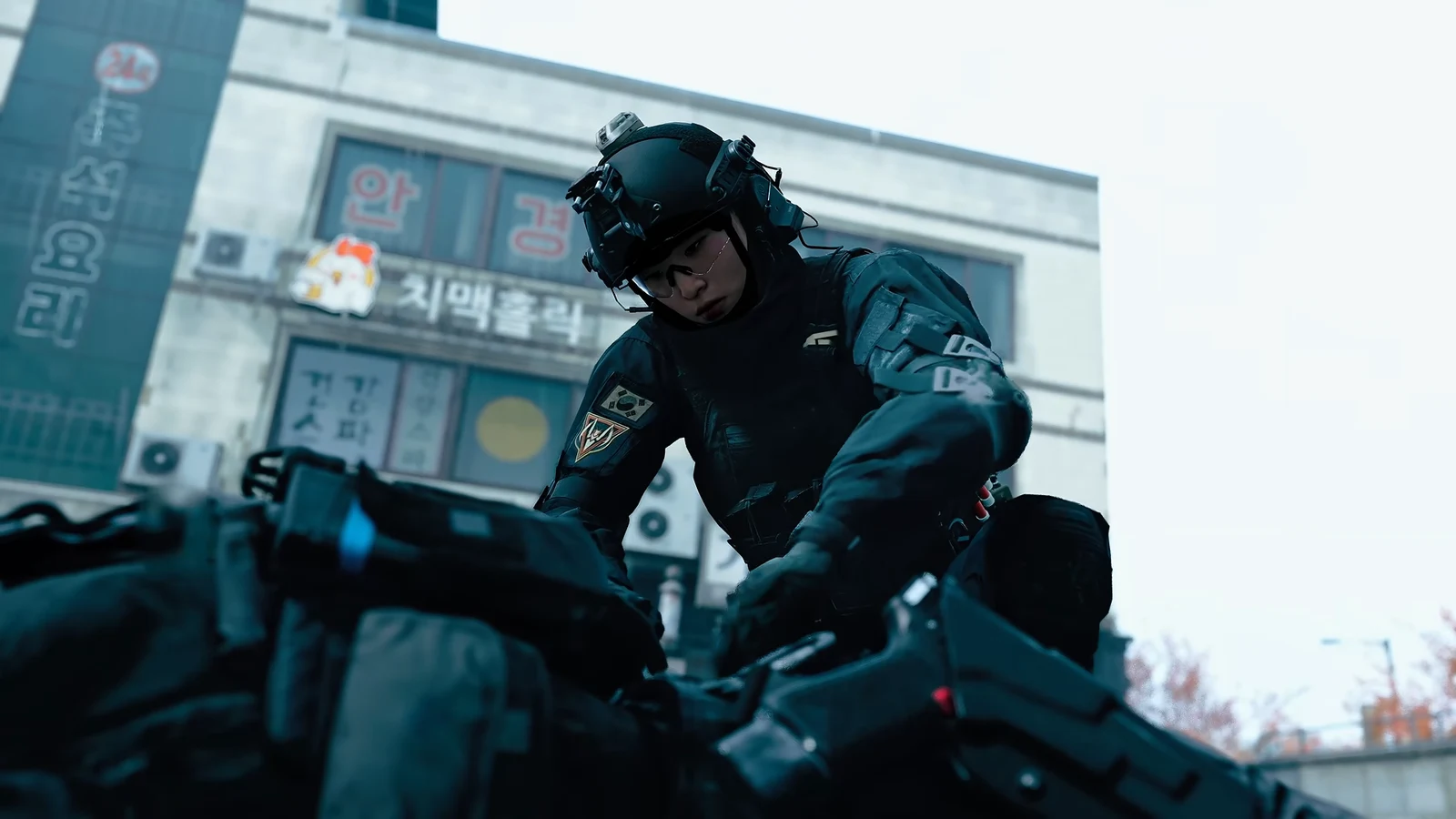
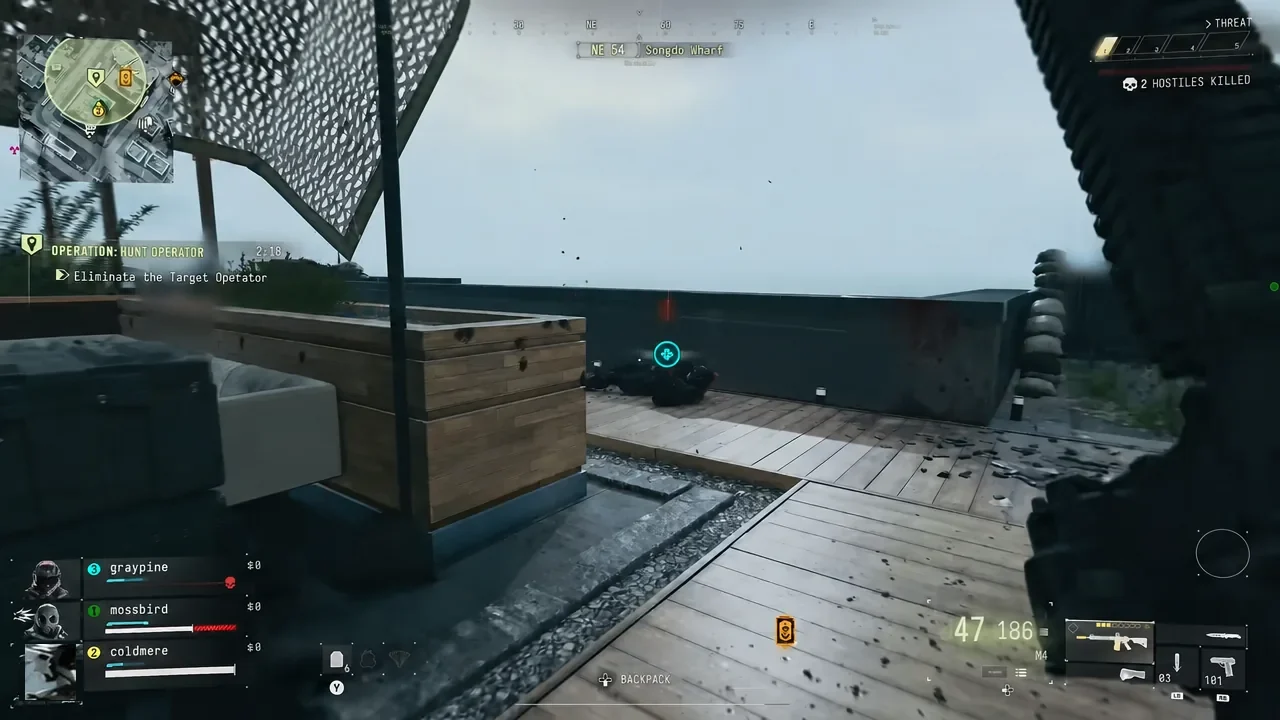
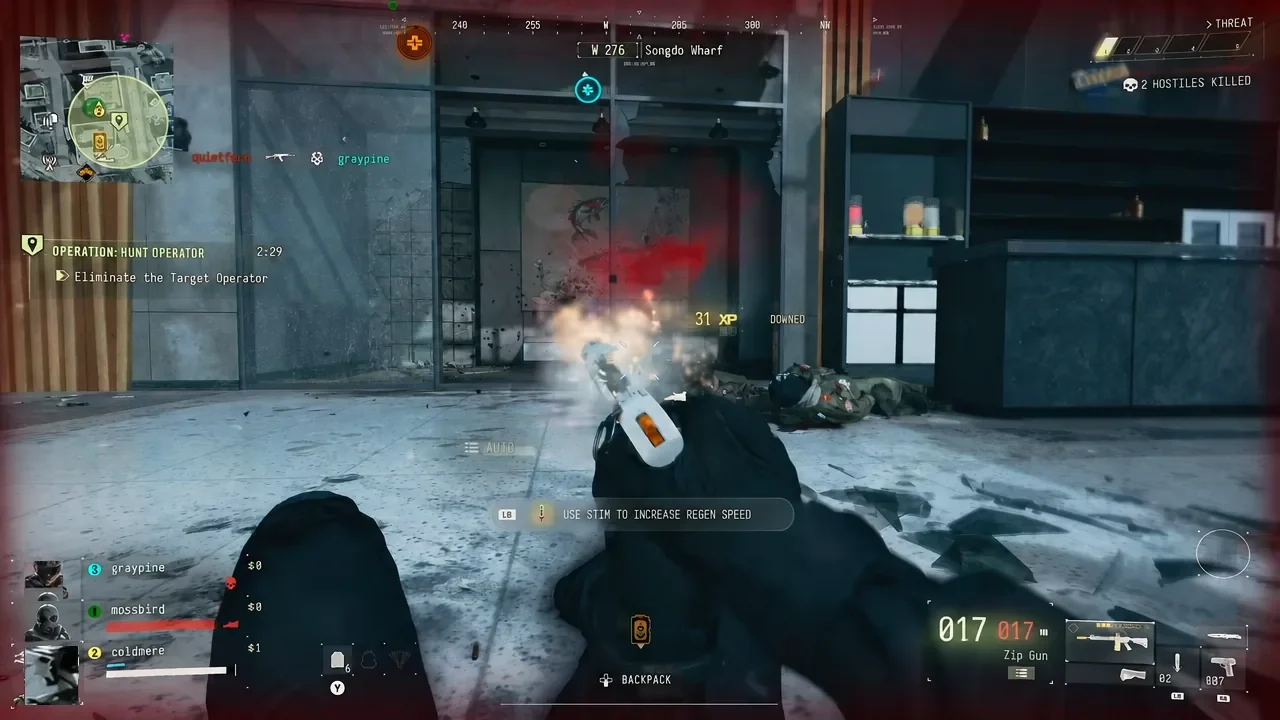
Don’t confuse this with the THREAT meter in the top-right corner. That meter fills from killing AI soldiers, shows numbered steps with a HOSTILES KILLED count, and makes the North Korean forces react harder. The bounty messages themselves refer to killing players.
What Wanted status means for other players
Being Wanted turns you into a target, which hits harder if you play DMZ solo. Two things change once your bounty is up.
- Nearby enemy players see you marked on their tac map, so expect squads to come looking.
- Other players can buy intel on you at a Bounty Station, which drops a red circle over your area on their tac map.
- The way to shed the attention is to pay your bounty down at a Bounty Station.
Using a Bounty Station to pay off or hunt
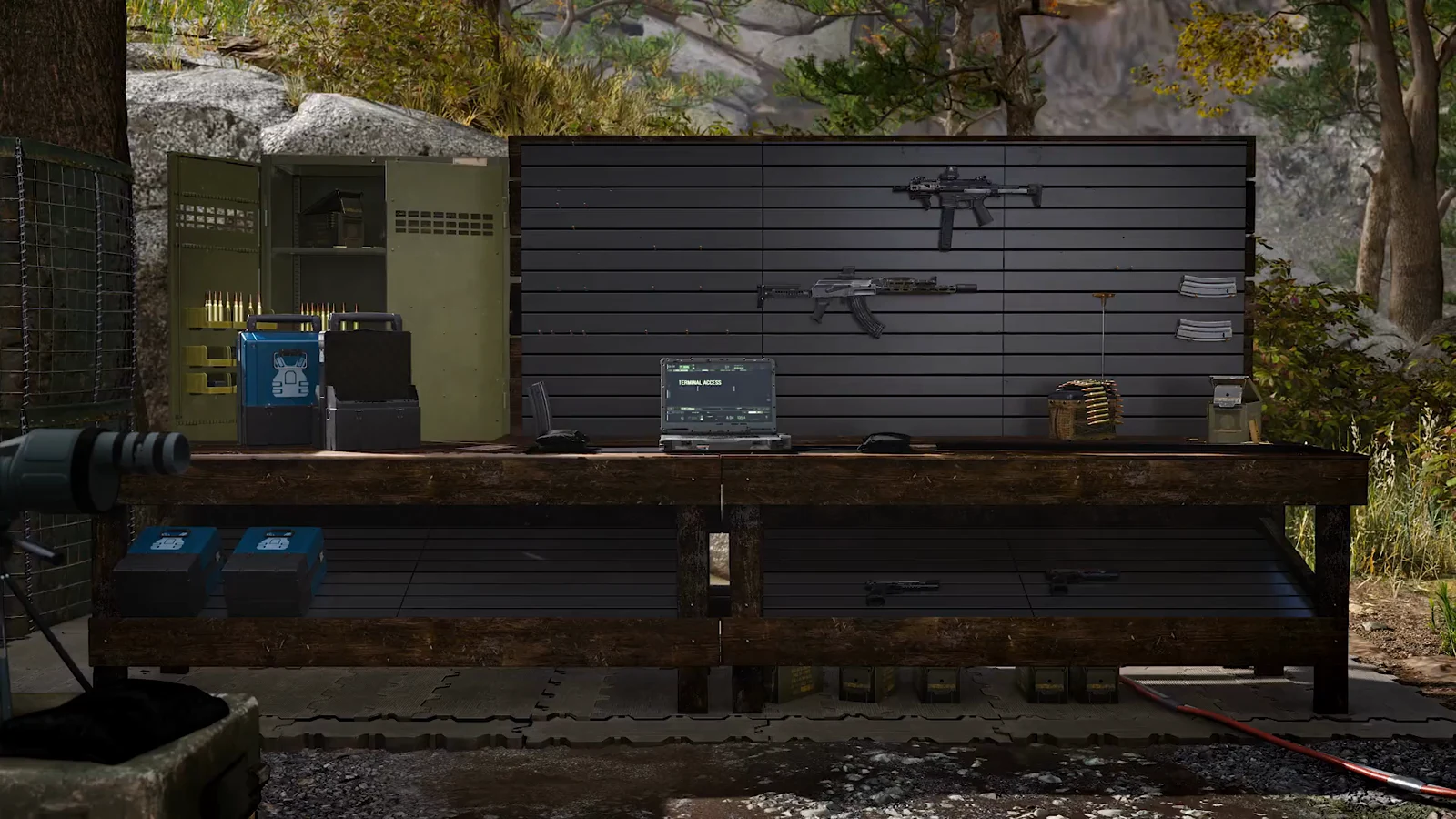
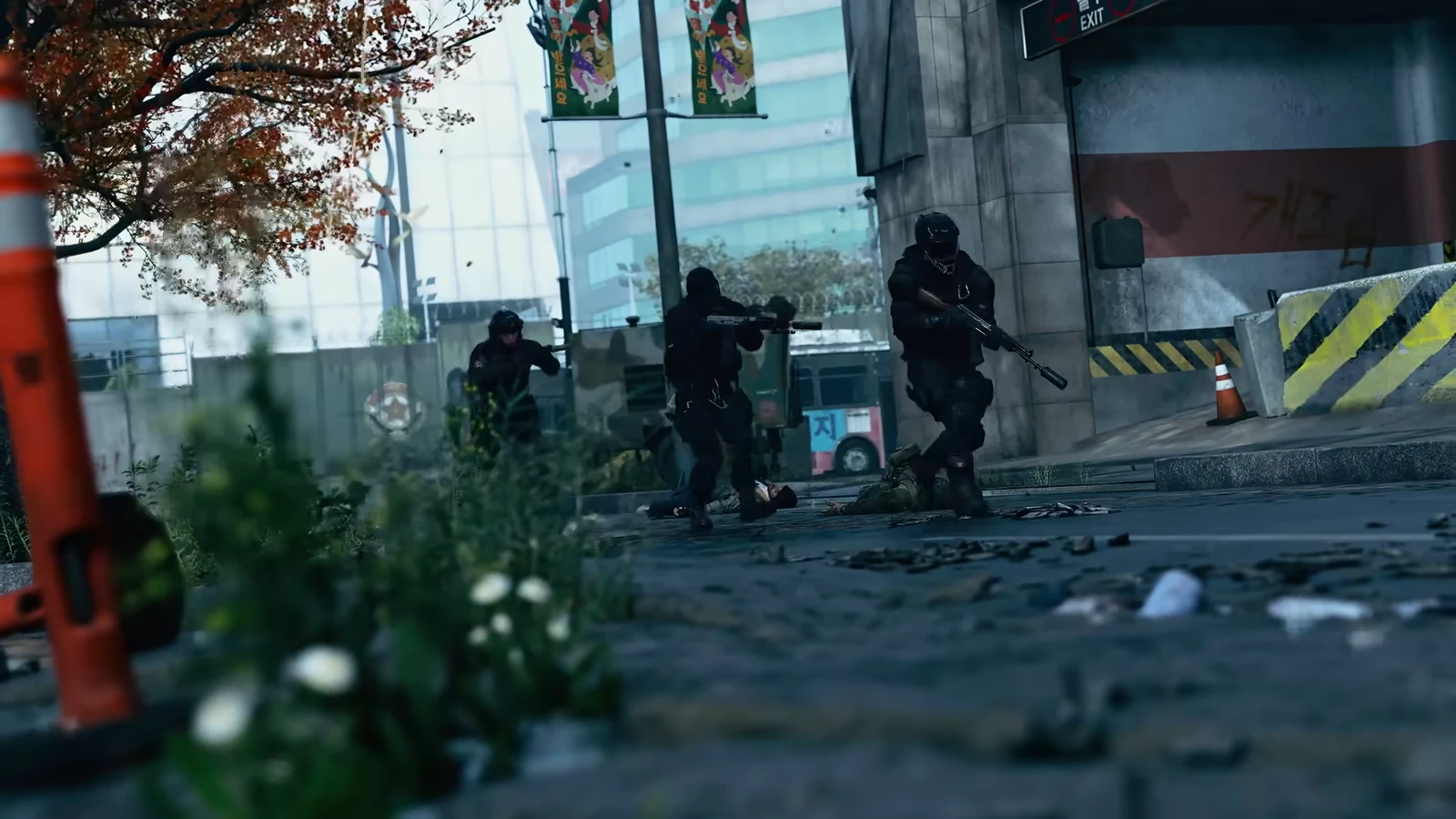
Scattered across Hajin, Bounty Stations are field radio terminals resembling rugged laptops perched on stacks of green military cases. Their tac map icon is labeled BOUNTIES. One is on a rooftop in NuriGO East.
Your BANK balance sits at the top of the BOUNTIES screen, with two sections below it.
| Section | What it shows | What you can do |
|---|---|---|
| YOUR BOUNTY STATUS | Your name and current bounty | REDUCE BOUNTY (price listed) |
| WANTED PLAYERS TO HUNT | Wanted players in your match and their bounties | Buy intel on a target |
Under your status, the screen reminds you to “Reduce or fully pay off your bounty to avoid being hunted”. Buying intel works like this.
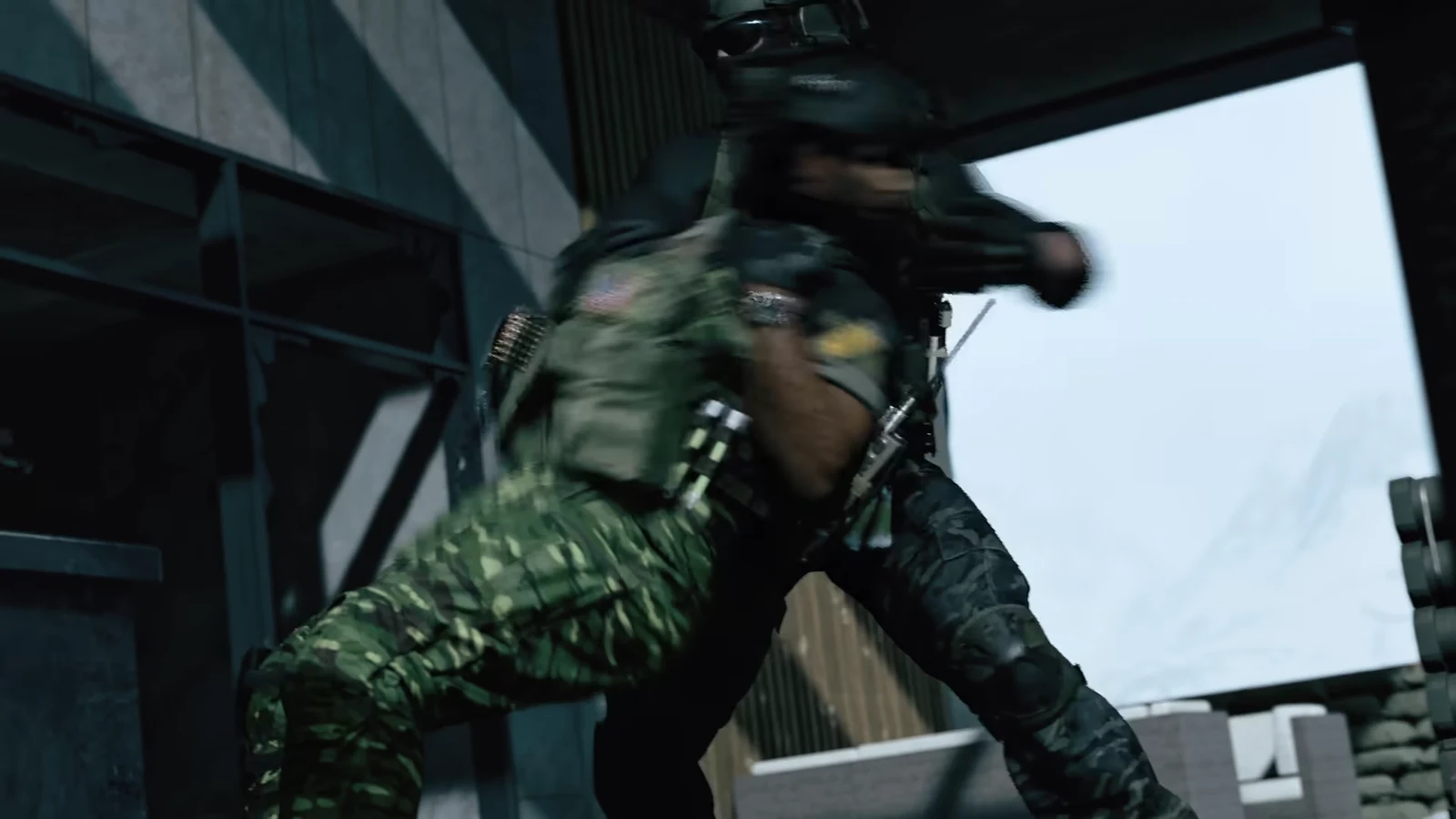
To lower your own bounty, use REDUCE BOUNTY on that same screen. If you’re Wanted and have valuable loot, pay it down before you head to exfil. For a fight and cash, purchase intel on the player with the highest bounty listed.
Steel Dog Tags and what they record
Every operator carries a STEEL DOG TAG (COMMON), and you’ll find it in the loot screen of their body next to their backpack and loadout. The tag card holds the following.
| Field or option | What it means |
|---|---|
| Name | The operator the tag belongs to |
| BOUNTY | That operator’s bounty value |
| KILLER | Who killed them |
| TIME OF DEATH | When they died |
| BACKPACK | Takes the tag |
| PING | Pings the tag |
Tags from Wanted players carry a high bounty, while plenty of others read zero. Grab one with BACKPACK, but treat it like any other loot. It only counts if you get out with it.
Low-flying vultures overhead indicate places where operators have died. Follow them to bodies and often to the squad that killed those operators.
Bounty Leaderboards: Most Wanted and Bounty Hunters
The BOUNTY LEADERBOARDS screen sits in the DMZ menu. It has two tabs, each with GLOBAL and FRIENDS views, and a NEXT REFRESH countdown in the top right because the boards reset weekly.
| Board | Ranks | Each card shows |
|---|---|---|
| TOP 50 MOST WANTED | “PLAYERS WITH THE HIGHEST BOUNTIES LAST WEEK” | The player’s WANTED bounty |
| TOP 50 BOUNTY HUNTERS | “PLAYERS WHO COLLECTED THE MOST BOUNTIES” | BOUNTIES COLLECTED and the cash total |
The two boards mirror the two ways to play the system. Building a big bounty from player kills puts you on Most Wanted, while hunting Wanted players and collecting their bounties puts you on Bounty Hunters.