
Some DMZ Orders in Modern Warfare 4 ask you to physically pick up a Dynamic Op phone somewhere in Hajin. That sounds simple, but there’s a catch. The obvious route, picking Dynamic Operations from the Deploy menu, skips the phone entirely, so the objective never registers.
Quick answer: Load into Free Roam, use the Tac Map to spot the required area’s green telephone icon, then go to the phone and hold interact. Accepting the contract completes the Order objective immediately.
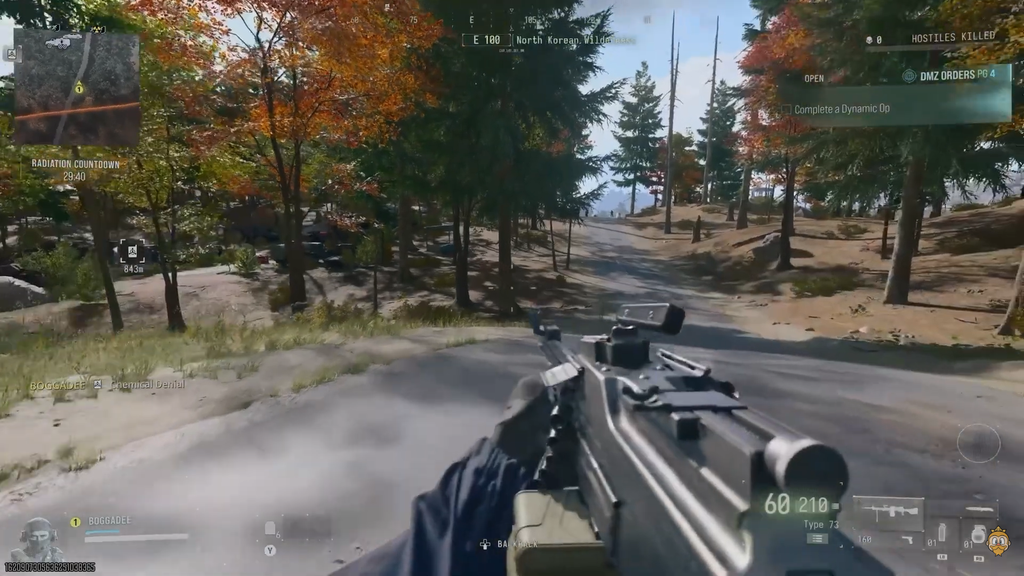
Pick Free Roam, not Dynamic Operations
The Deploy menu at the FOB offers three choices: Story Missions, Dynamic Operations, and Free Roam. If you choose Dynamic Operations, the game starts an operation for you the moment you land. You never touch a phone, so the “Collect a Dynamic Op Phone” objective gets no credit.
Free Roam drops you into Hajin with no operation running. That leaves the phones on the map available, and grabbing one yourself is the only action that ticks the objective.
How to collect a Dynamic Op phone in Hajin
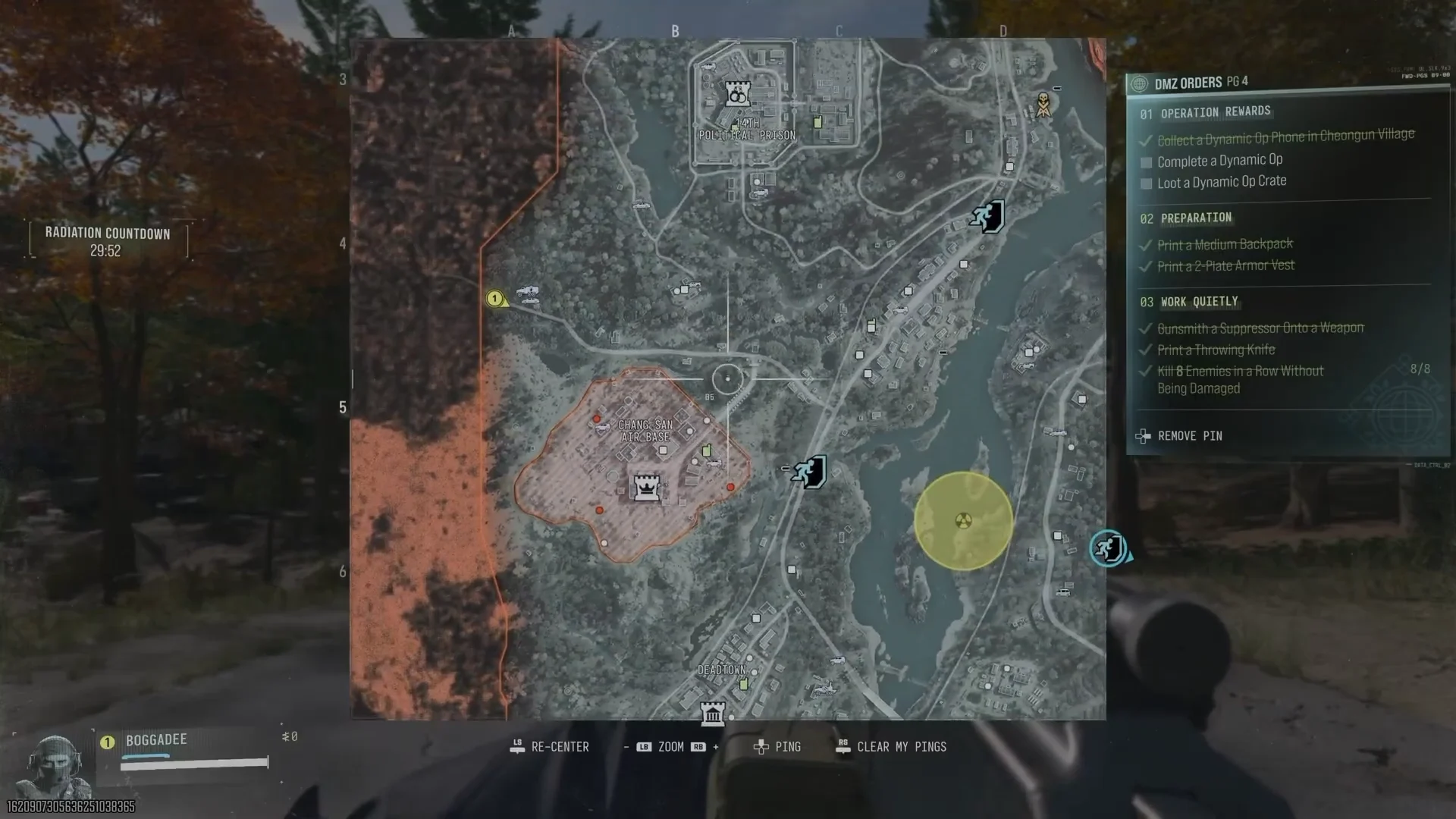
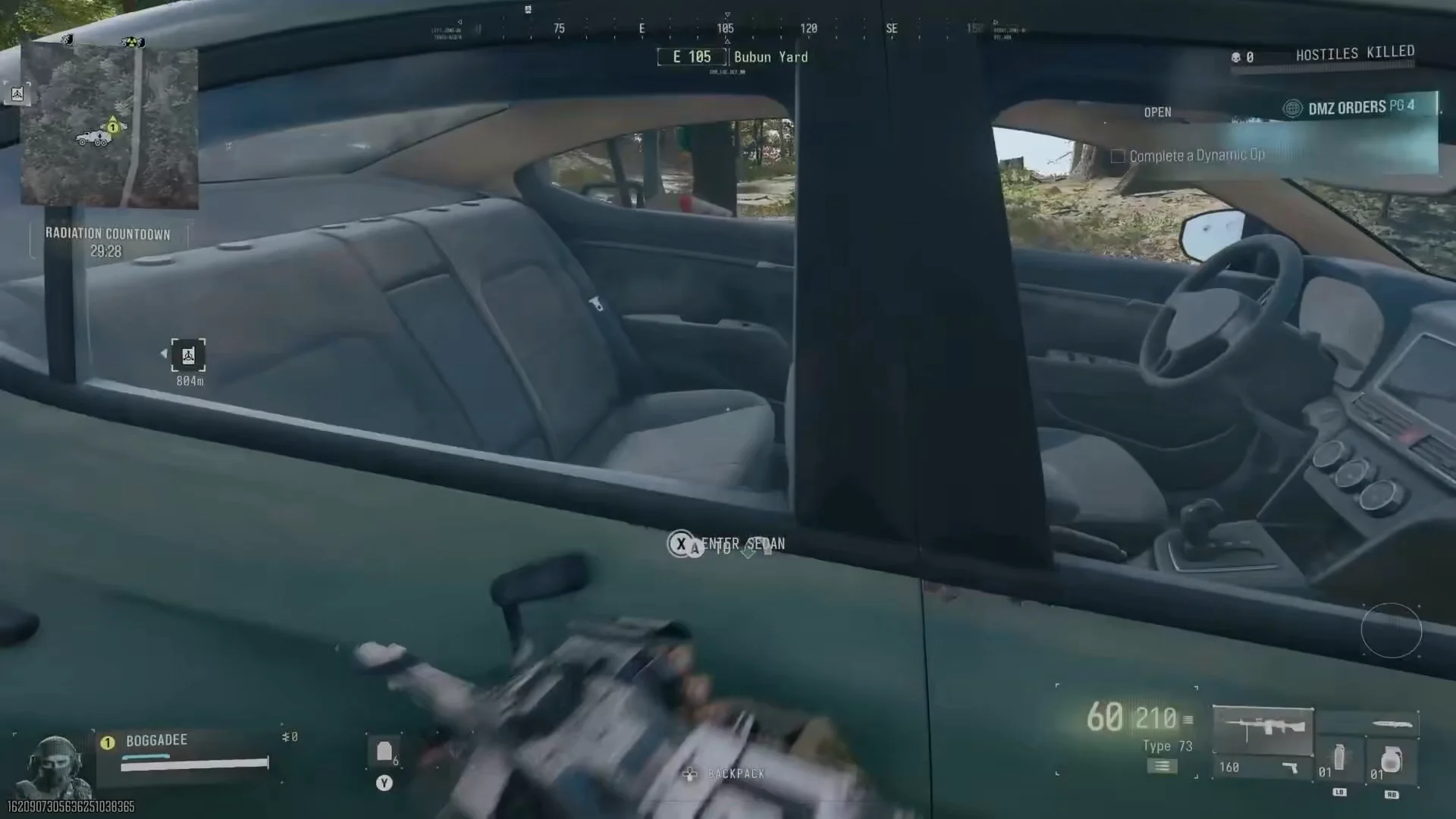
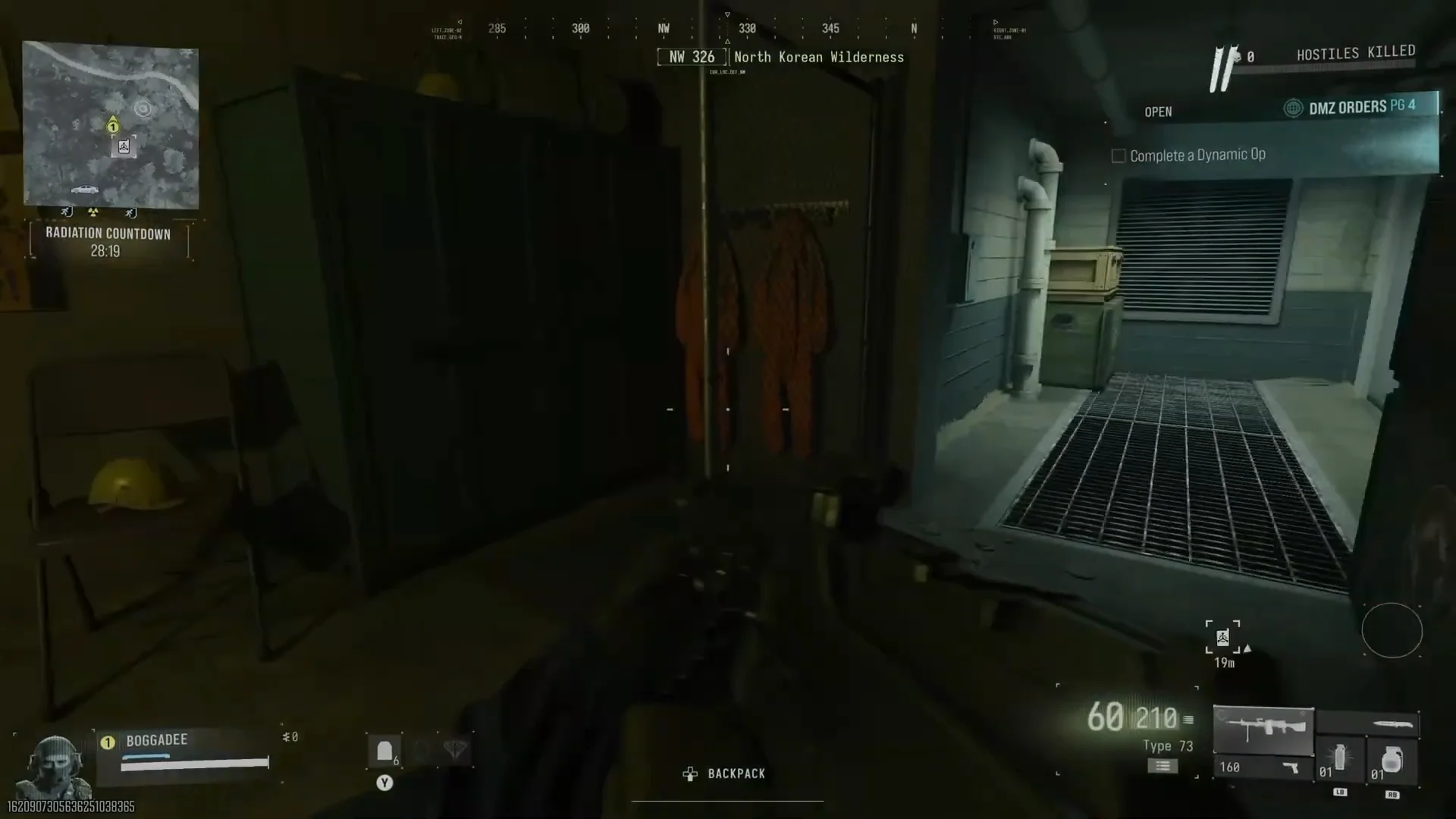
Orders that name a specific zone
Some versions of the task are location-locked. One Order reads “Collect a Dynamic Op Phone in Cheongsan Village,” and a phone anywhere else won’t count. Zoom into the Tac Map on that named region and look for a green phone icon inside its borders before you set off.
That same Order, listed as 01 OPERATION REWARDS, bundles three tasks. They chain naturally from a single phone pickup:
| Task | What clears it |
|---|---|
| Collect a Dynamic Op Phone in Cheongsan Village | Accepting a phone in that zone |
| Complete a Dynamic Op | Finishing every stage of the op |
| Loot a Dynamic Op Crate | Looting a Dynamic Op crate |
How to tell the phone objective is done
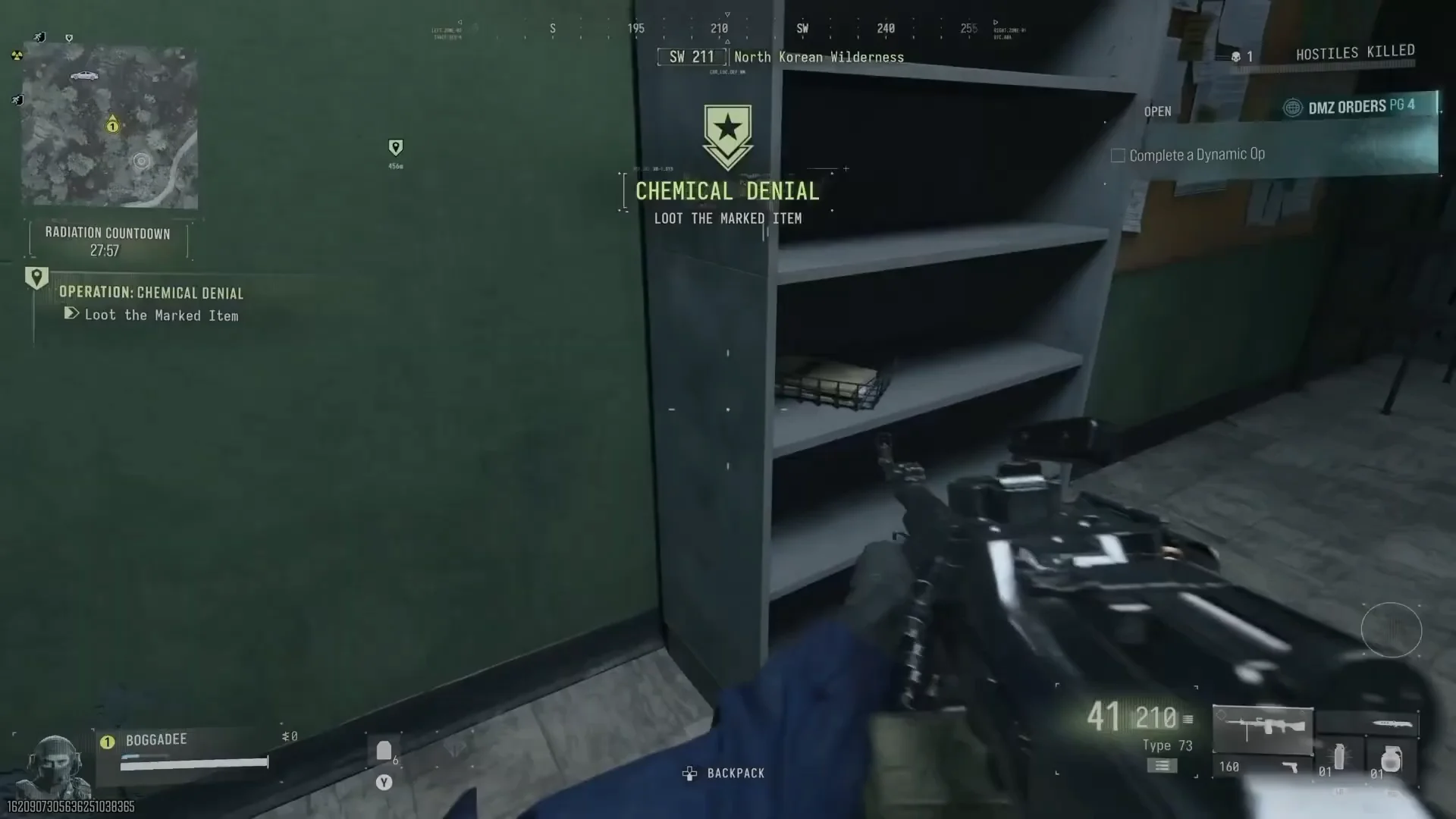
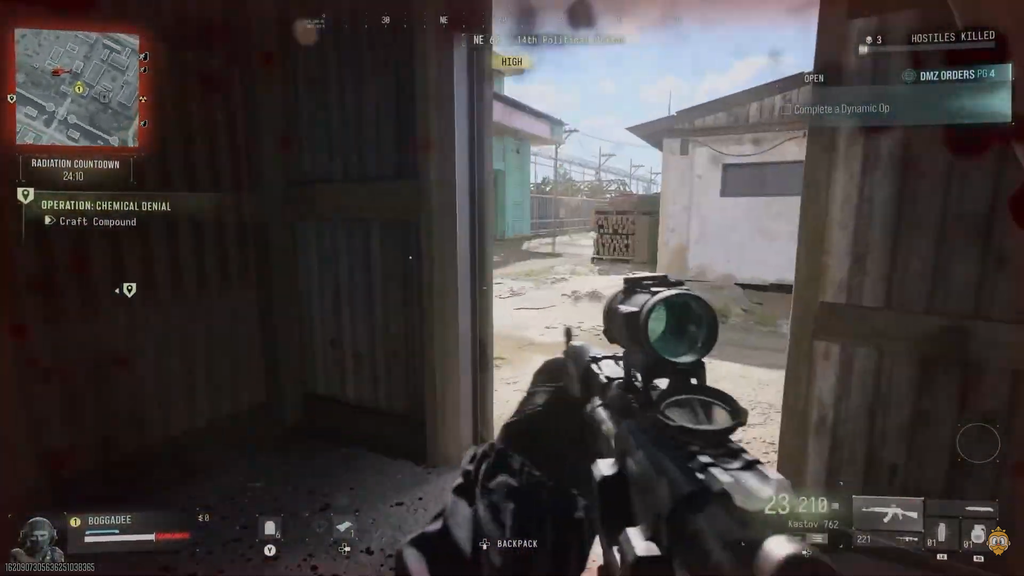
Two things change the moment you accept the contract. The Dynamic Op’s name appears on your HUD with its first task. In Operation: Chemical Denial, for example, the list reads “Loot the Marked Item,” then “Collect the Chemical Components 0/3,” then “Craft Compound.” At the same time, the phone task in your Orders list registers as complete.
You don’t have to finish the operation for the phone objective to count. Accepting the phone is enough, so you can drop the op and move on if that’s all your Order needs.
If you stay in, be aware that operations escalate. Chemical Denial sends you to collect components at the 14th Political Prison, a High threat area that fills up with enemies fast. Finishing a Dynamic Op pays $10,000 to $20,000 in DMZ Cash straight to your Bank, plus a Supply Drop. Each extra op you finish in the same deployment upgrades that drop from Common to Uncommon to Rare. That makes the run worth extending when your Order also asks you to complete one.