Gaming How-To

Enshrouded: How to Get Rid of the Wet Debuff (Dry Off by a Fire)

Rain soaks your clothes and drains your Stamina, and standing next to a fire clears the Wet debuff.

Rain soaks your clothes and drains your Stamina, and standing next to a fire clears the Wet debuff.

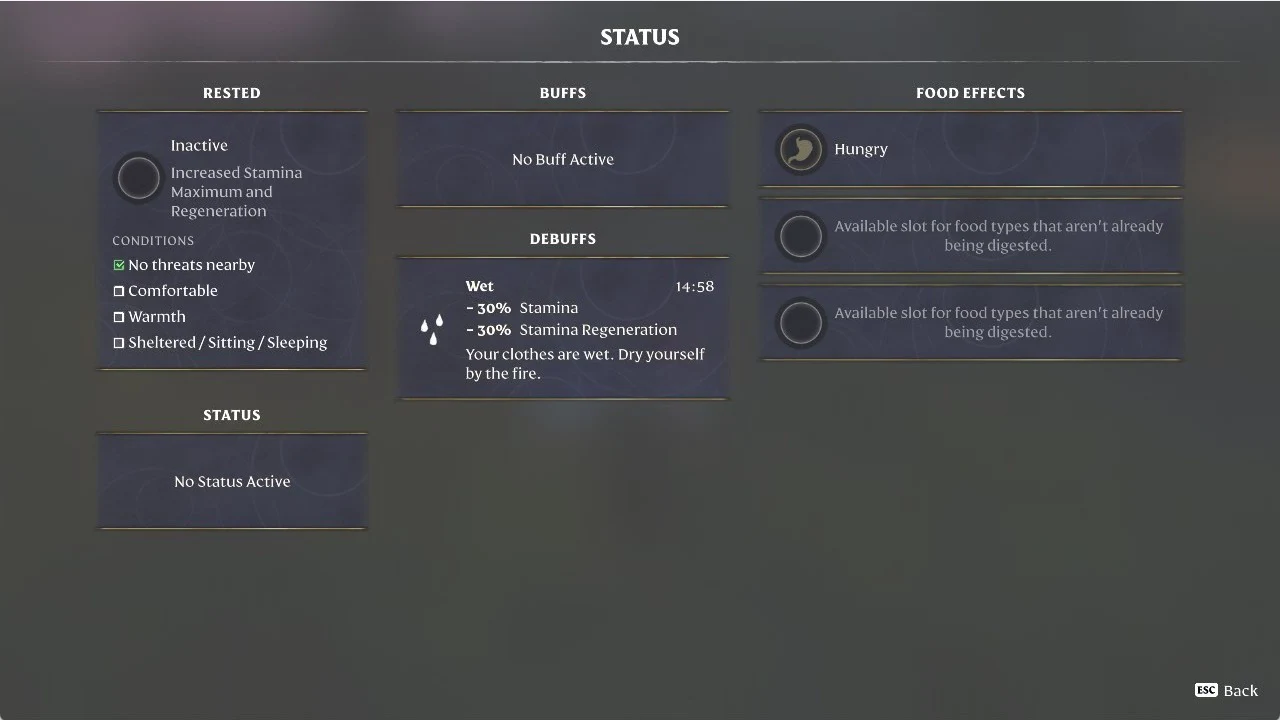
In Enshrouded, rain applies the Wet debuff. It reduces Stamina by 30% and Stamina Regeneration by 30%. The game’s prompt says, “Your clothes are wet. Dry yourself by the fire.” Stand beside a fire to clear the effect.

Quick answer: Stand next to a fire, such as a campfire. At our campfire, Warmth showed as ticked on the HUD and Wet disappeared from the HUD and from the Status screen.

Wet also wears off by itself if you can’t reach a fire. Away from any fire in our game, the HUD’s Wet timer counted down and the icon disappeared. Wet’s in-game description says it lasts 15 minutes and that “Warmth reduces the remaining duration,” so a fire clears it faster.


Wet debuff effects in Enshrouded

Wet is a timed penalty you pick up in the rain. Until it clears, you have less Stamina to spend and it refills more slowly.

  • Cause: being out in the rain
  • Stamina: reduced by 30%
  • Stamina Regeneration: reduced by 30%
  • Duration: a countdown timer (ours read 15:00)
  • Fix: stand next to a fire

How to remove Wet and dry off by a fire

No special supplies are required; just locate a fire. A campfire will do, such as the one at an abandoned camp in the Springlands beside a tent and cart.
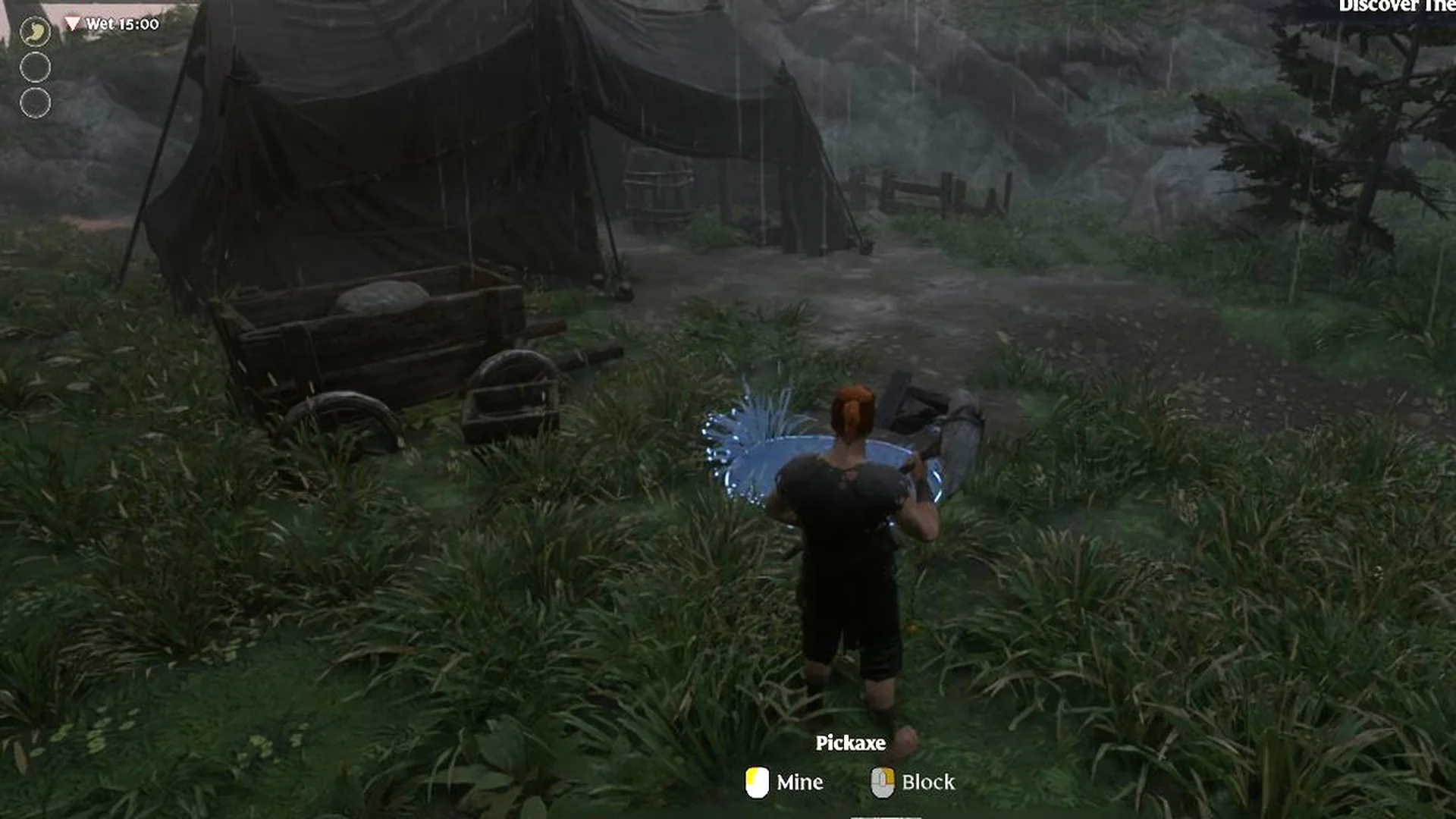
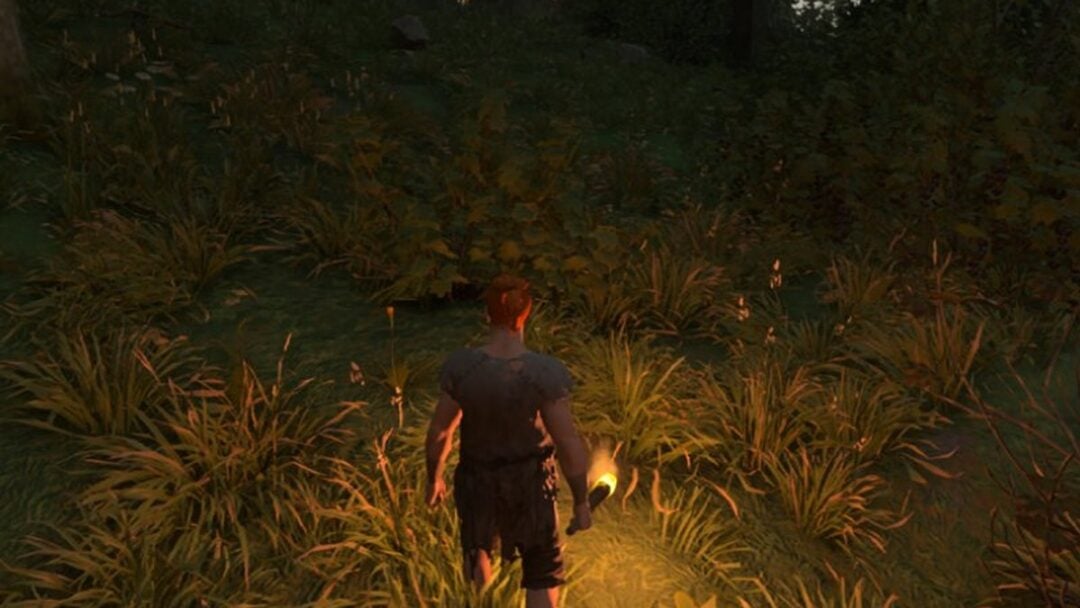
Look at the top left of your HUD after you’ve been out in the rain. A red down-arrow icon with “Wet 15:00” appears under your Health and Stamina bars.
Enshrouded rain at an abandoned Springlands camp with a tent and cart, HUD showing 'Wet 15:00'
Rain at a Springlands camp applies the Wet debuff, shown in the top left.
Open the CHARACTER tab with N and select “Status details…”. Under DEBUFFS, the Wet card lists “- 30% Stamina” and “- 30% Stamina Regeneration”, along with the line “Your clothes are wet. Dry yourself by the fire.” The timer counts down as you play.
Enshrouded Status screen with the Wet card under DEBUFFS listing its Stamina and Stamina Regeneration penalties
The Wet debuff card on the Status screen, showing both Stamina penalties and its timer.
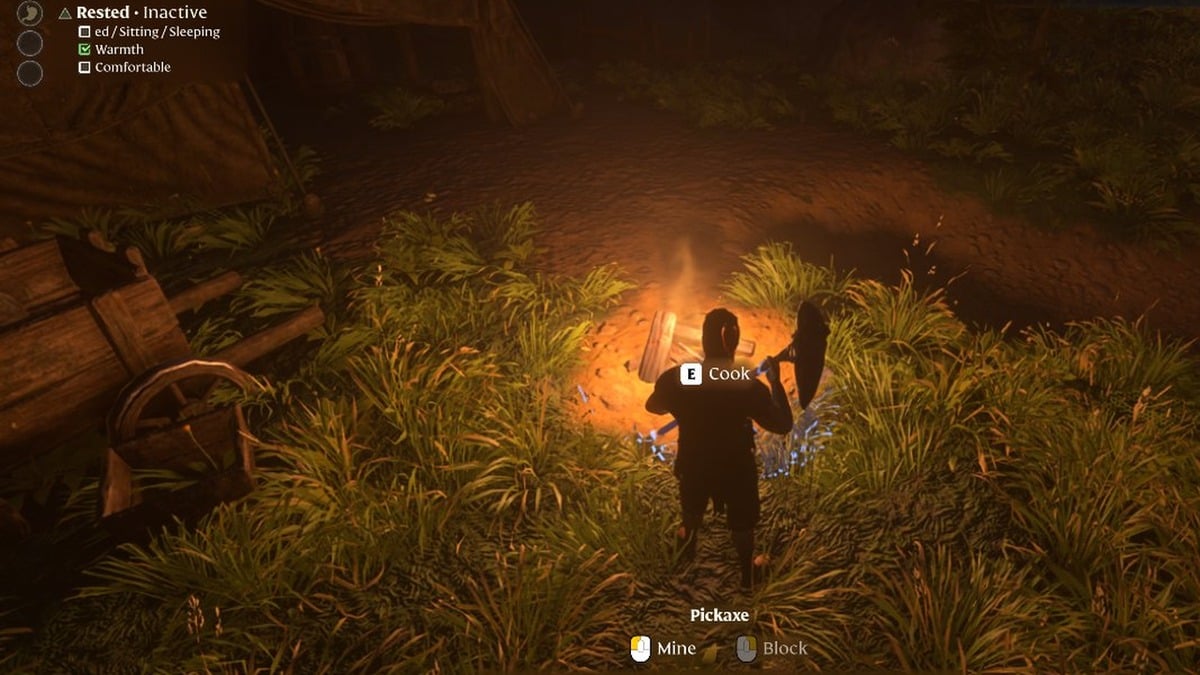
Walk to a fire and stand right next to it. At a campfire, you’ll see an “E Cook” prompt when you’re close enough. Your HUD then lists Warmth with a tick under Rested.
Stay by the fire until the Wet icon leaves your HUD.
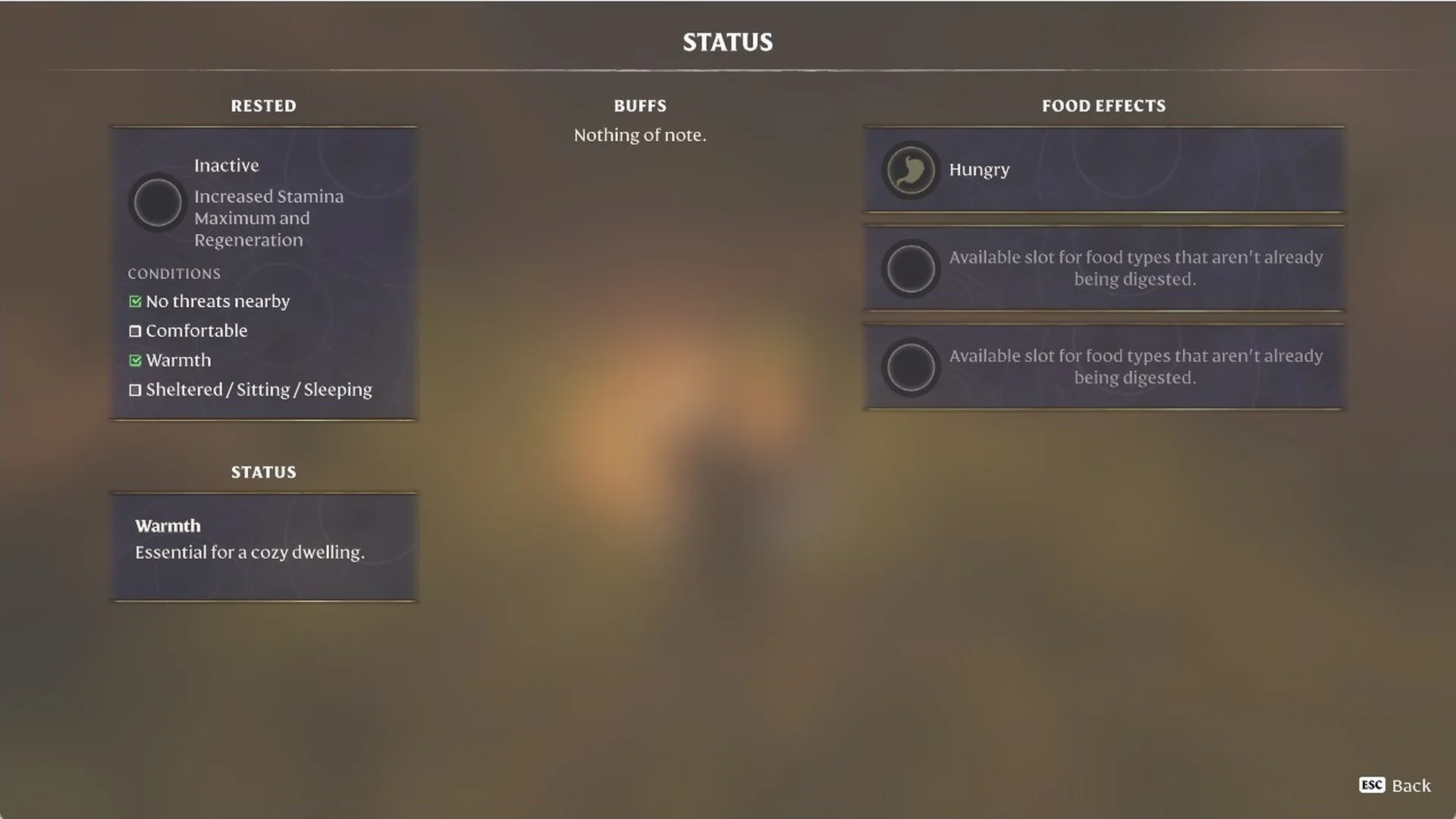
Open “Status details…” again to confirm. The DEBUFFS section is gone, STATUS shows “Warmth” with “Essential for a cozy dwelling.”, and Warmth is ticked in the Rested conditions.
Enshrouded Status screen showing 'Warmth' with no debuffs and Warmth ticked under Rested conditions
Standing at a campfire removes Wet and grants Warmth, which counts toward being Rested.