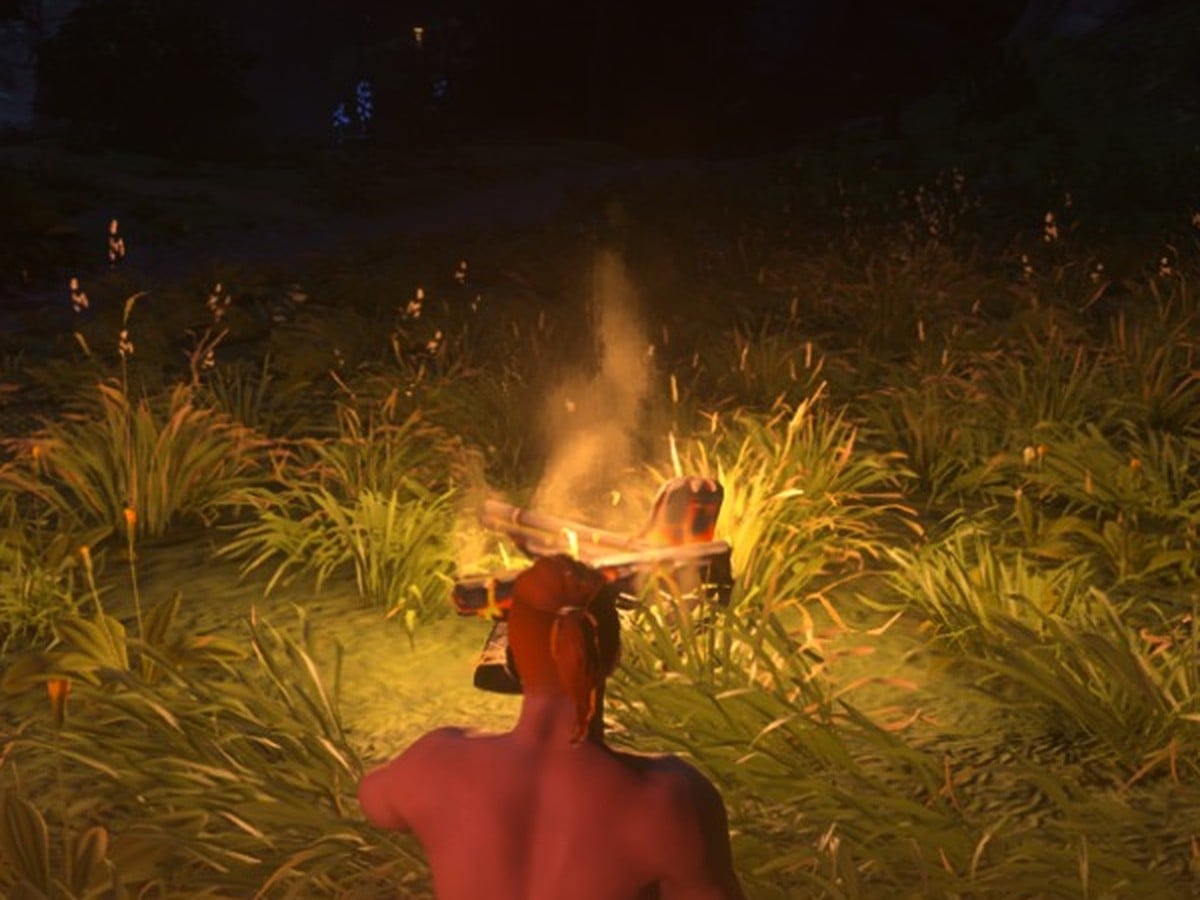
Rested is the stamina buff that sits at the top left of the HUD in Enshrouded, just under the health and stamina bars. When it is active it reads “Rested” with a timer and the line “Increased Stamina Maximum and Regeneration”. An easy way to switch it on early is a hand-crafted Campfire that you sit beside.
Quick answer: Craft a Campfire (Wood Logs 2), place it from the ALT bar, then press E on “E Cook” to sit beside it. Sitting and Warmth tick, and Rested turns on.
The same Campfire also clears the Wet debuff that rain gives you. With Warmth ticked on your HUD, Wet disappears from the HUD and from the Status screen.
The three condition lines Rested tracks
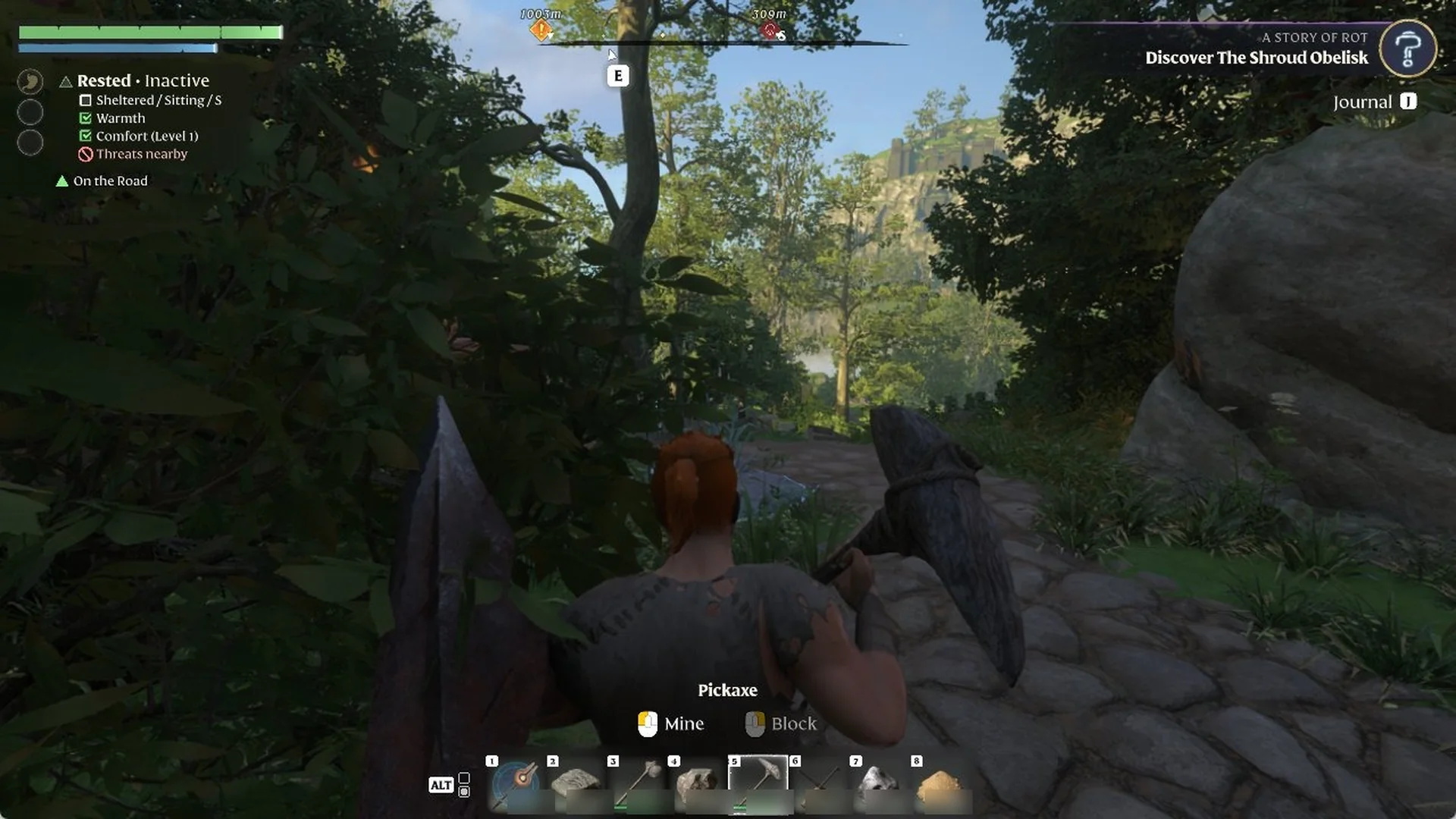
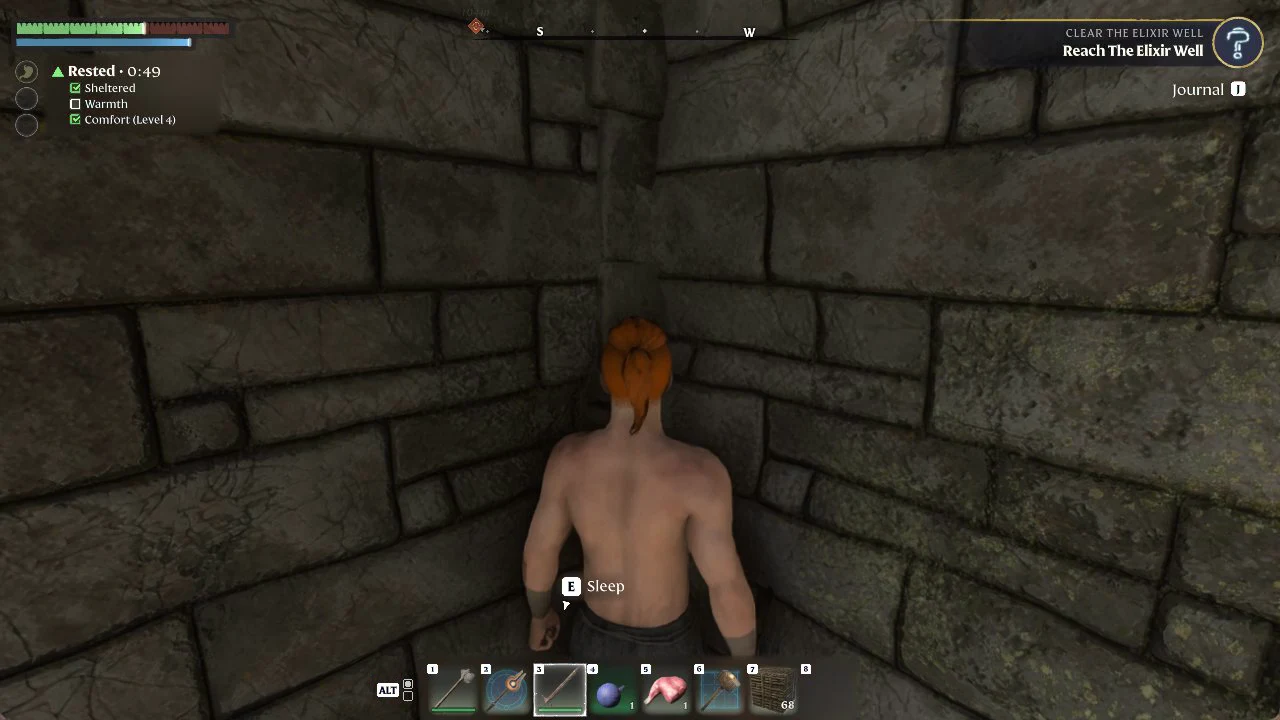
Below the Rested timer, the HUD lists a set of conditions with tick boxes. These are what the buff watches, and each one can tick independently.
- Sheltered / Sitting / Sleeping — one line that ticks when you are under a roof, sitting, or sleeping.
- Warmth — was already ticked around our base and stayed ticked while sitting at the Campfire.
- Comfortable — this line reads “Comfort (Level N)” once nearby comfort furniture counts toward it.
When none of the first line’s options are met, the HUD can read “Rested – Inactive” even if Warmth is already ticked. In our play, Rested switched on once something on that first line was ticked.
The condition list under the Rested timer can show a red “Threats nearby” line. By day on a road beside a Scavenger camp, it appeared with “Rested – Inactive”, Sheltered / Sitting / Sleeping unticked, and Warmth and Comfort (Level 1) ticked.
Craft a Campfire and sit beside it to get Rested
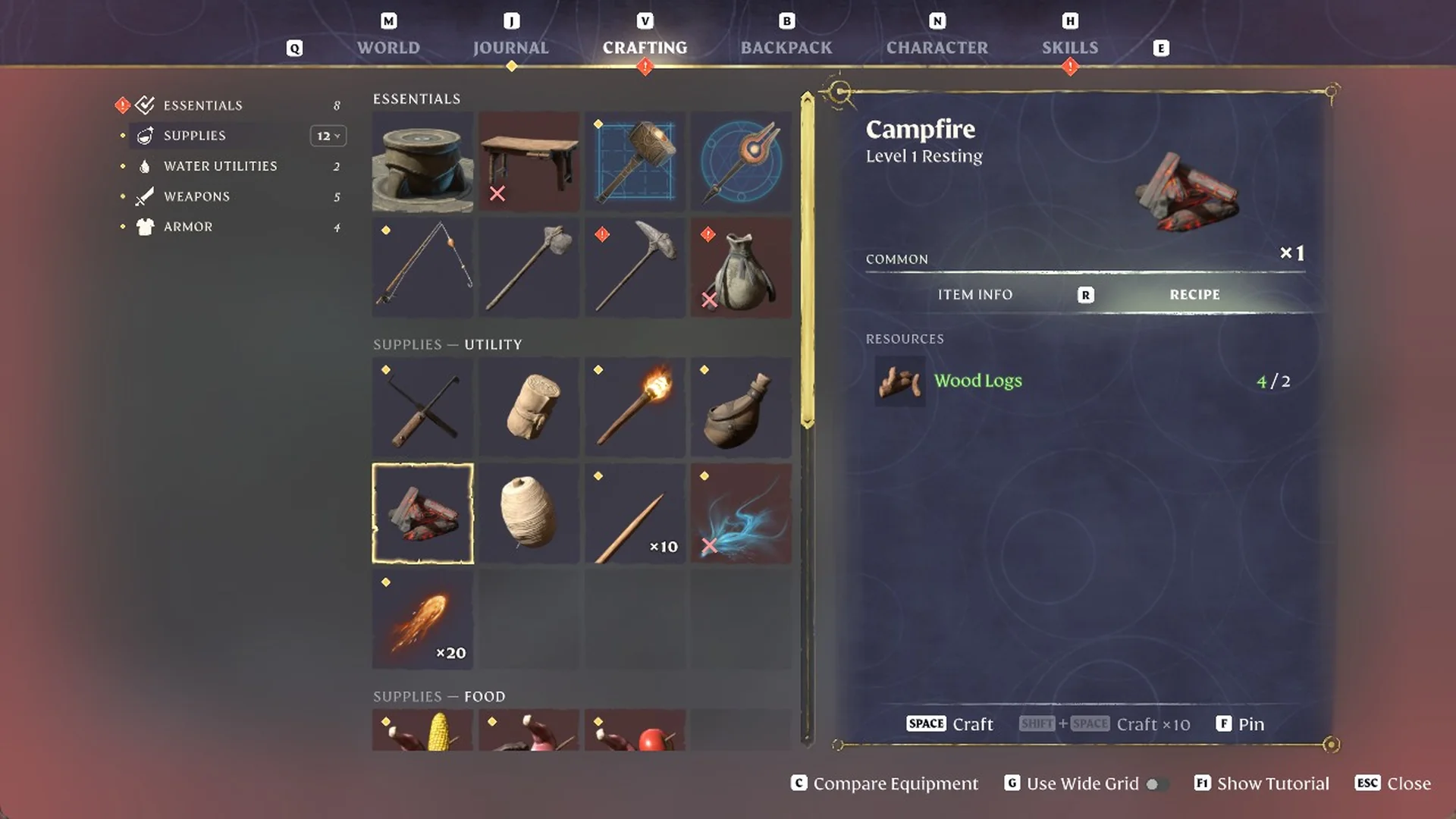
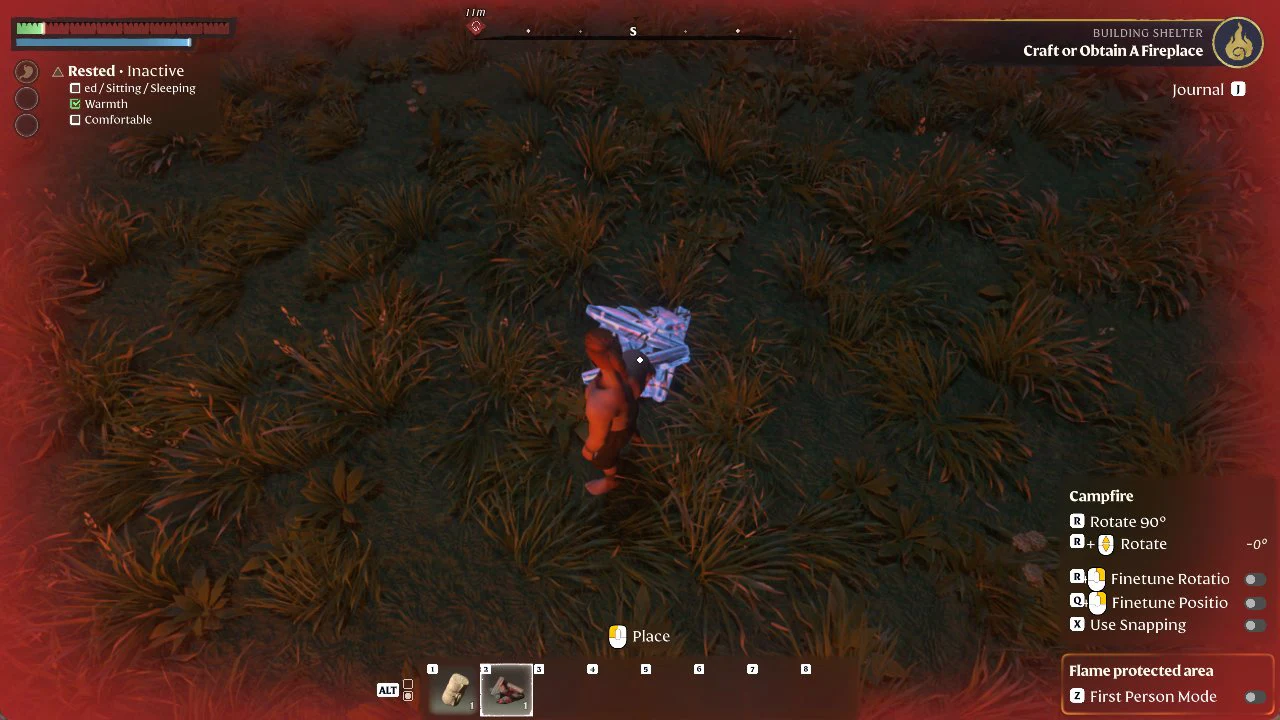
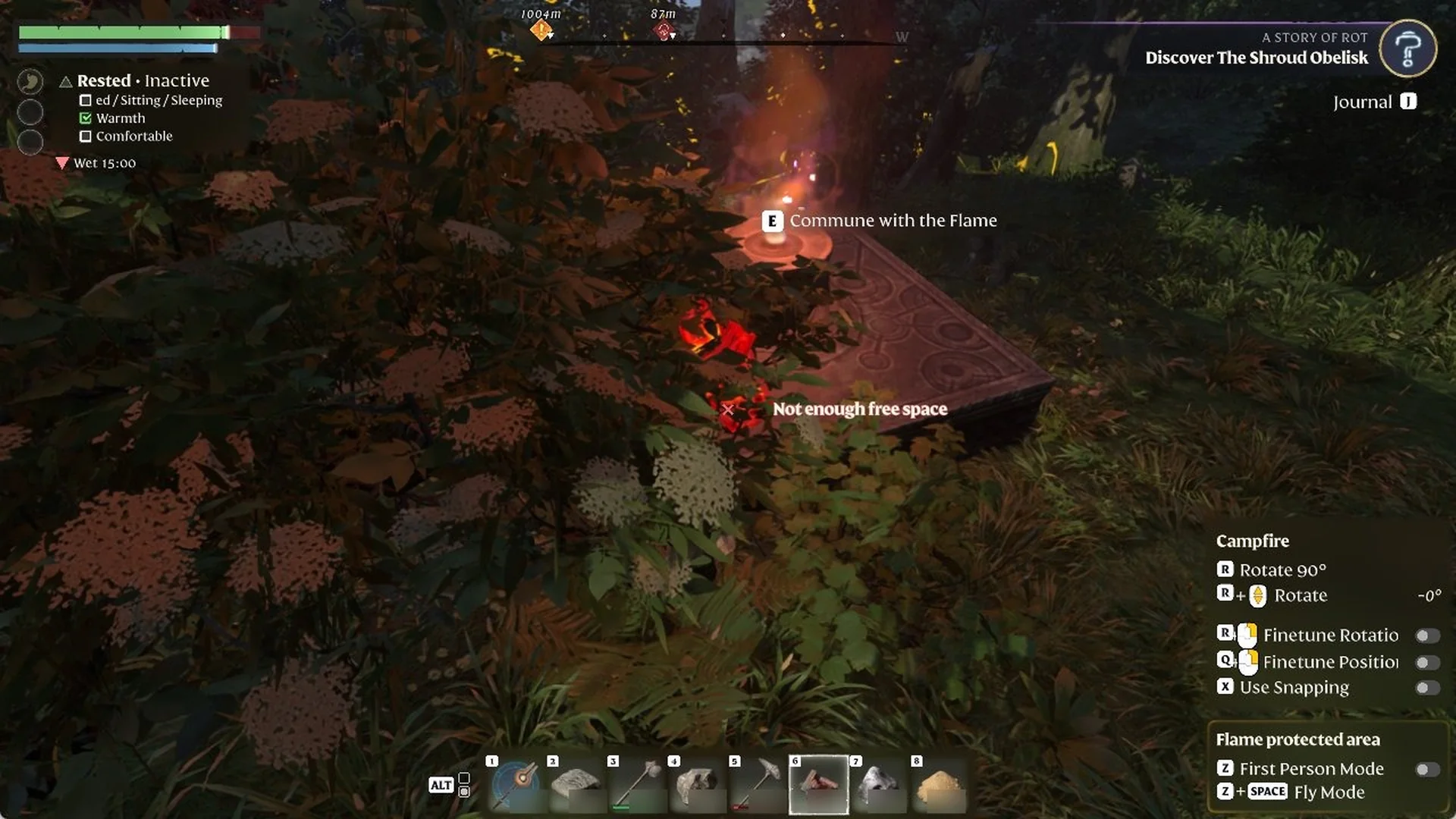
When we aimed the preview into the bushes beside our Flame Altar, it turned red and read “Not enough free space”; on open grass it turned blue, and left-click placed it. While placing, the side panel lists “Rotate 90°” (R), “Rotate” (R + mouse wheel), “Finetune Rotation”, “Finetune Position” and “Use Snapping” (X). The Campfire’s ITEM INFO card shows “+2 Frost Resistance” and adds, “It’s a great spot to take a rest and relax.”
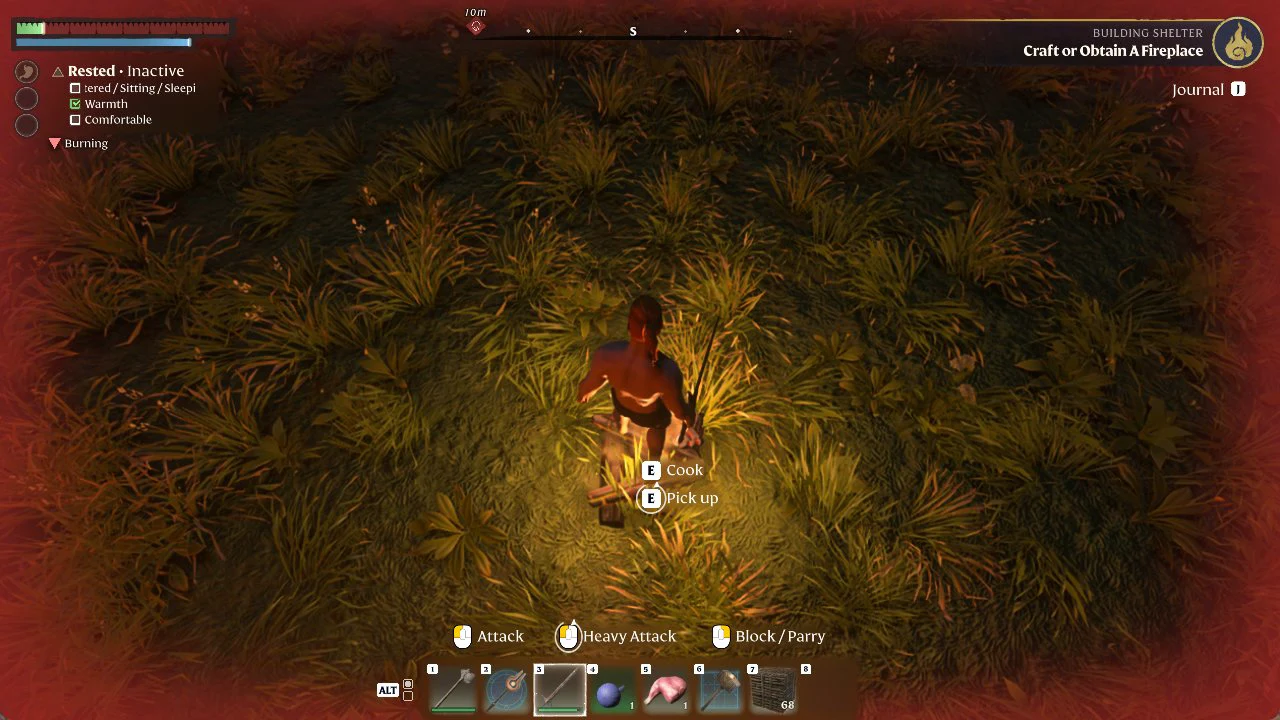
Standing directly over the flames adds a red “Burning” entry beneath the list; stay beside the fire instead of in it.
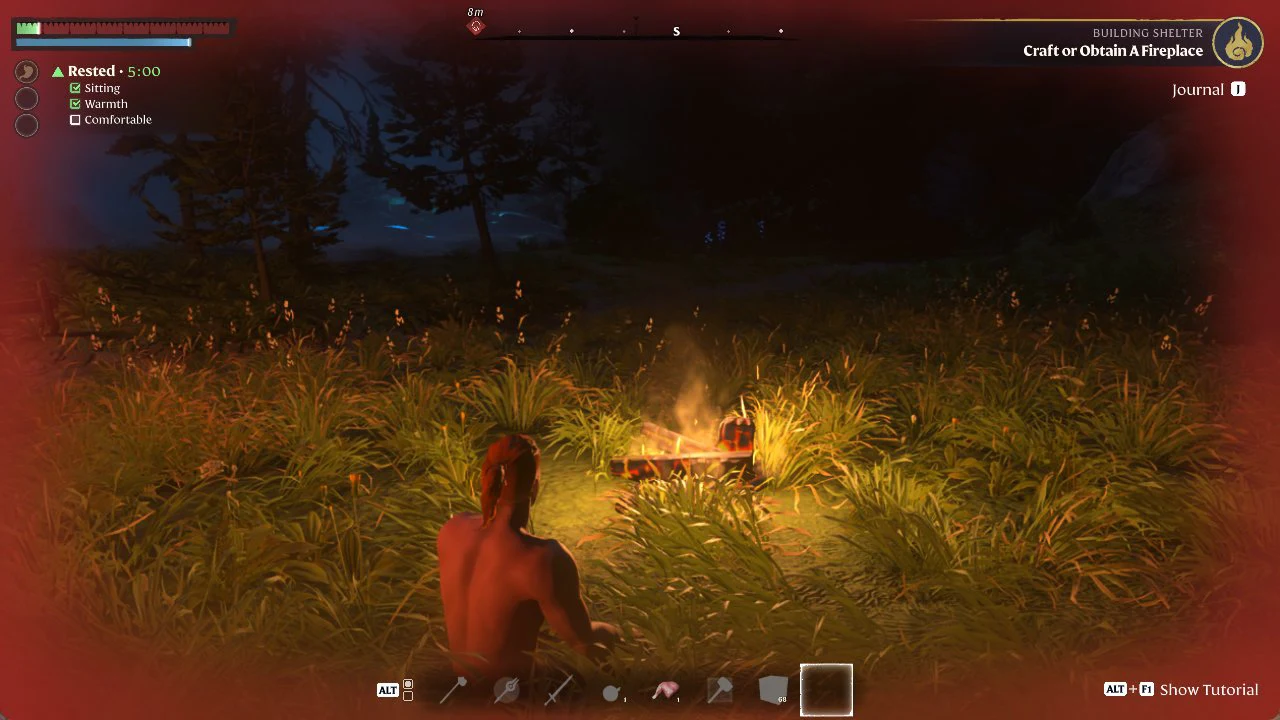
Pick up and move the Campfire
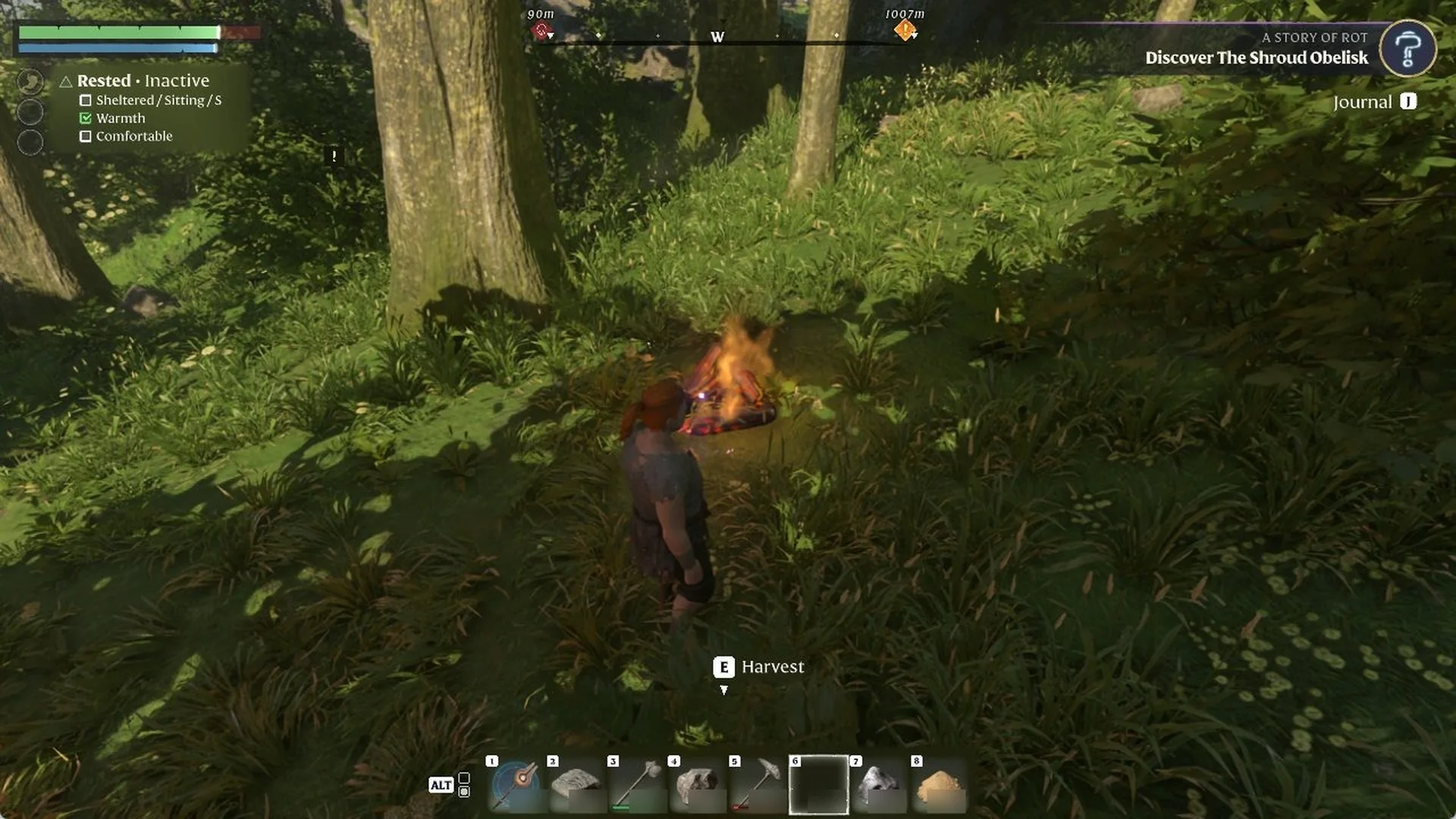
To move a placed Campfire, hold E on its “E Pick up” prompt; a tap is “E Cook”. When we held it, the fire disappeared, a “Campfire” pickup note showed on the left, and it returned to our action bar, in slot 6.
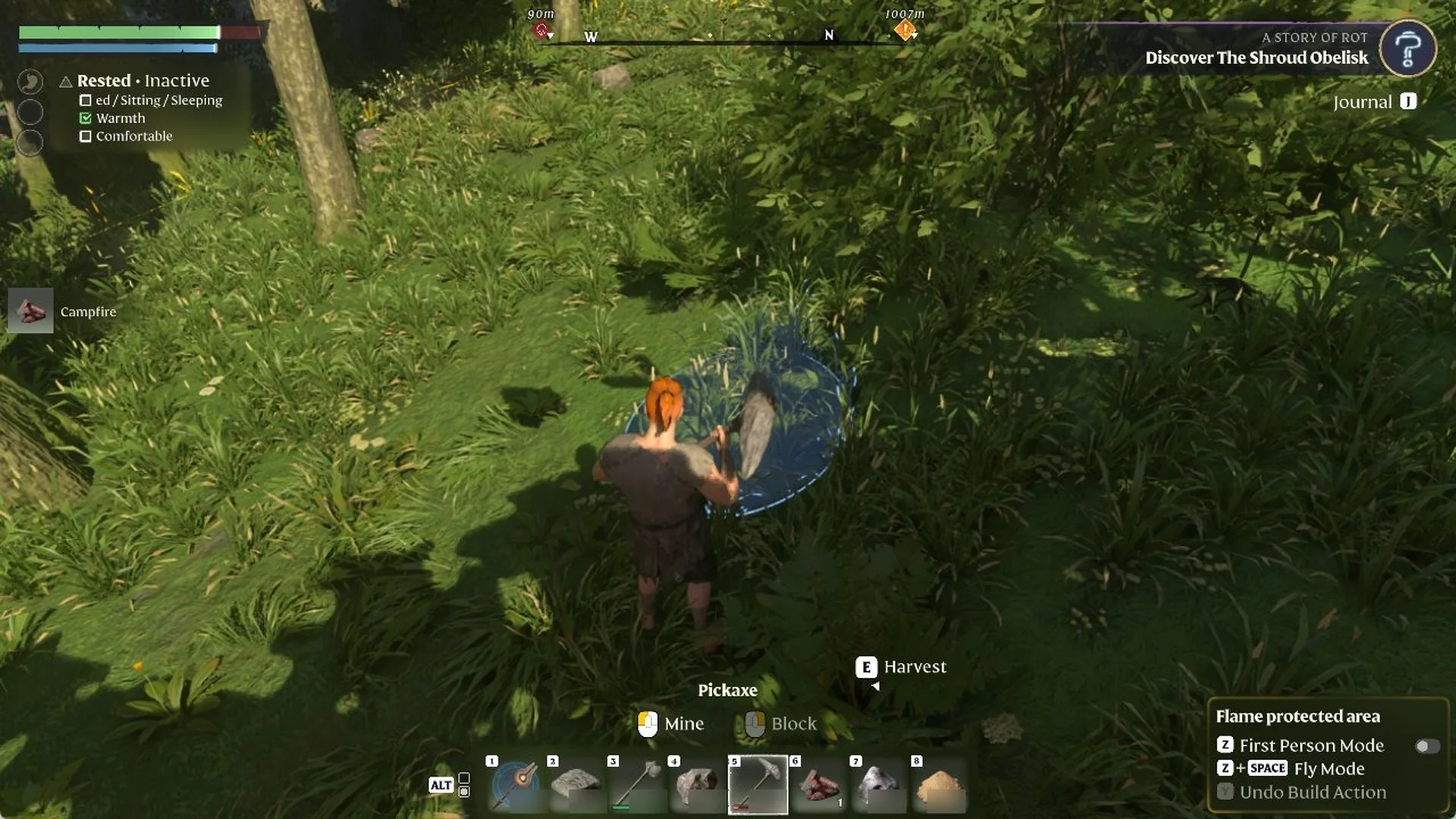
Select that slot again (we pressed 6) for the placement preview, aim it at open ground until it turns blue, and left-click to place it. Ours landed a few steps from the old spot, leaving the slot empty again.
What happens when you leave the fire
Get up and move away from the fire into the darkness, and the timer keeps running down while a red “Exposed” line appears beneath it. Rested stayed active while that timer was still running.
Raise Comfort with a Fireplace
A Fireplace at your base adds Comfort. Craft it at the Workbench under Comfort Furniture (Basic Comfort), as covered in the Fireplace guide, then place it, and the list’s final entry changes from “Comfortable” to “Comfort (Level 1)”, checked beside Warmth. This counts while you stand near the Fireplace; sitting is not necessary.
Get Sheltered under a roof
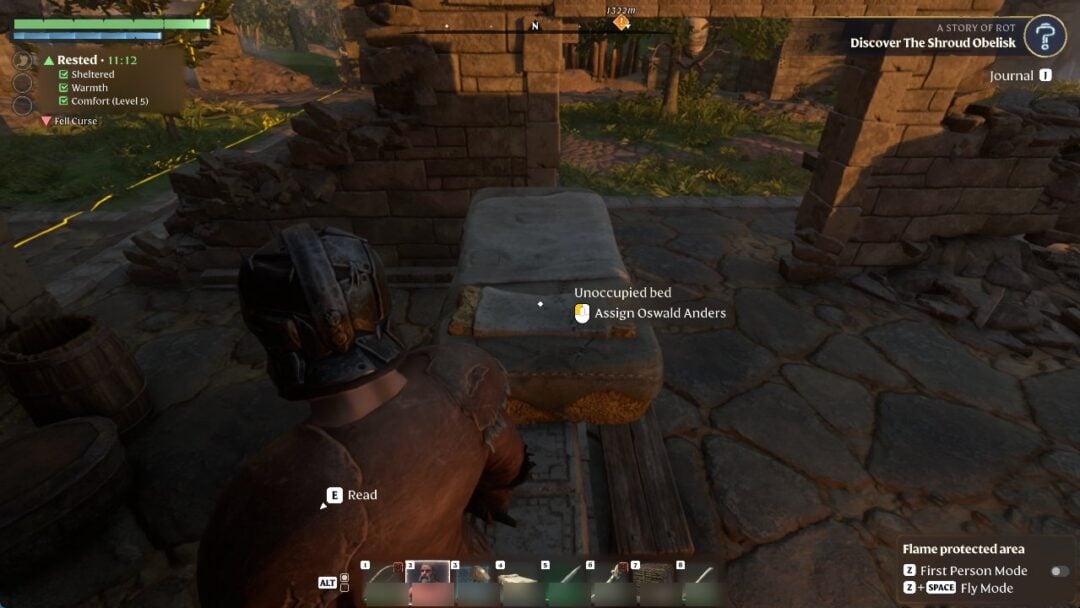
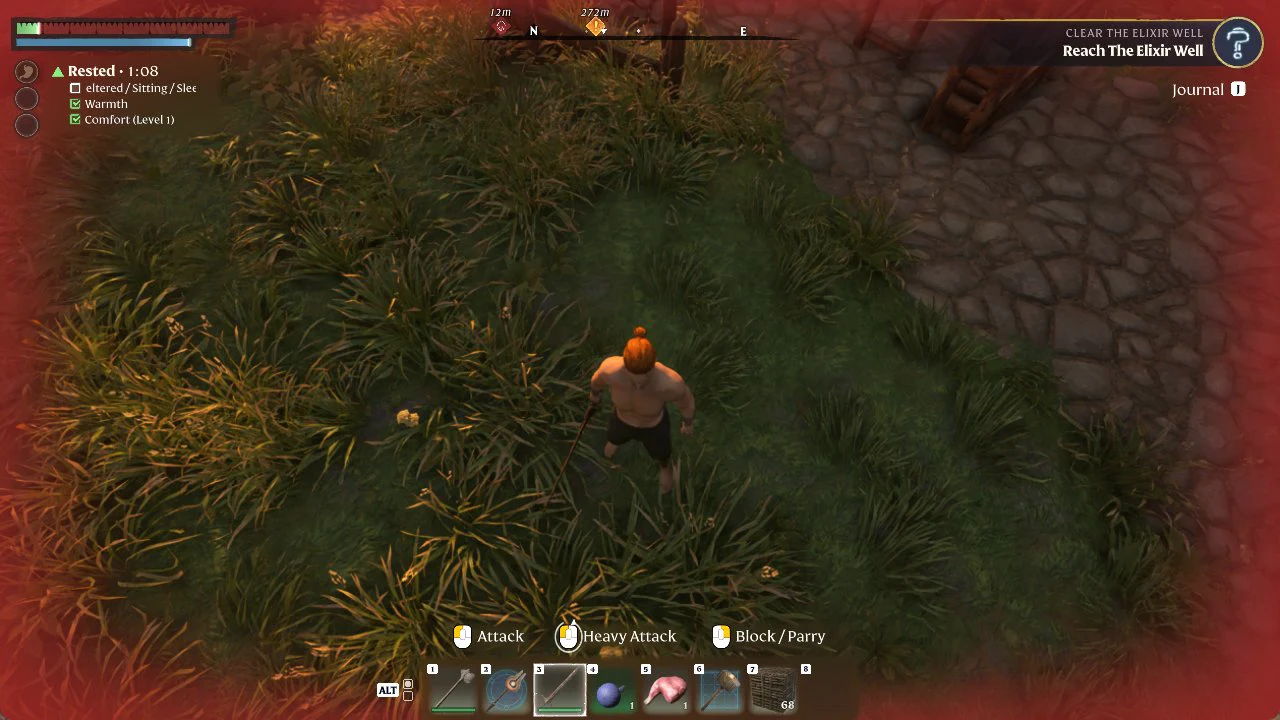
Near the base, enter a ruined stone house and approach the bed, which offers the prompt “E Sleep”. At the bed, Sheltered and Comfort (Level 4) are checked, while Warmth is unchecked and Rested is active. Being inside a roofed building ticks the first condition without sitting. Sleeping in a bed, and how it passes the night, is covered in our Crude Mattress guide.
Out in the open near the base, Warmth and Comfort (Level 1) can both tick while “Sheltered / Sitting / Sleeping” stays empty, and the HUD then reads “Rested – Inactive”.
The Flame Level 2 to 3 upgrade asks for ‘With Sheltered Beds assigned’, so survivors’ beds need shelter too. A roofed stone ruin room in a Flame Altar’s area counts; one Ceiling piece over a roof hole fixed another bed.
Sitting at the Campfire does not restore health while your character is hungry (“You are hungry”); food is what brings health back, as shown in the low health food guide.