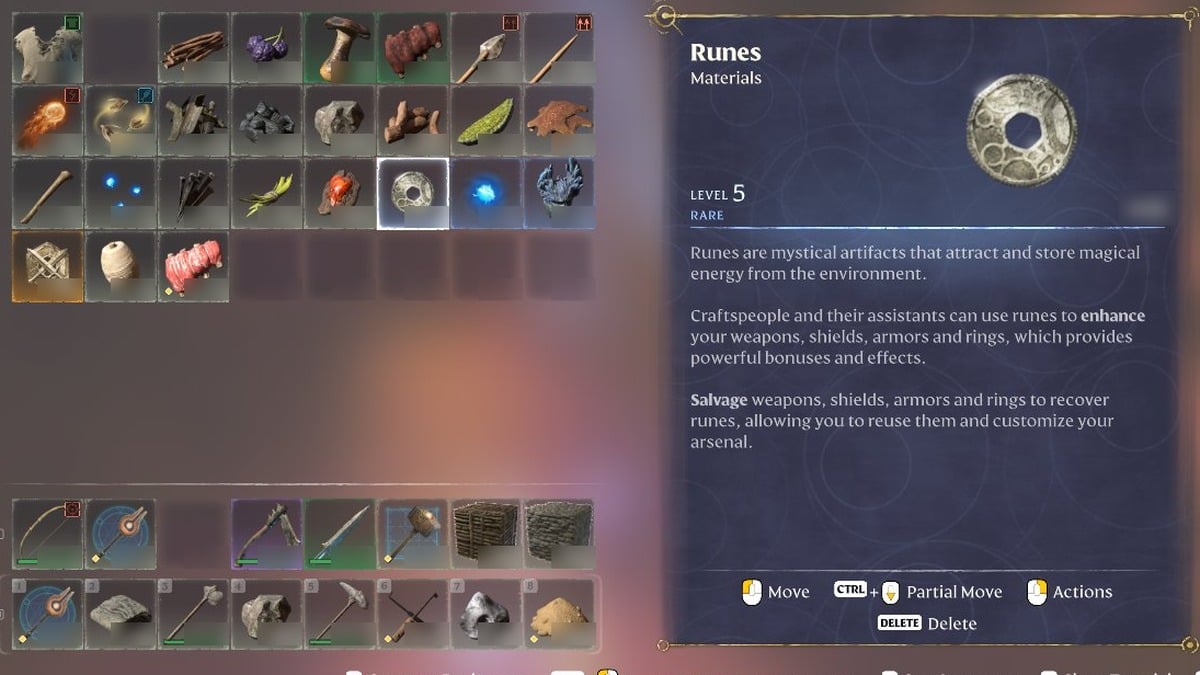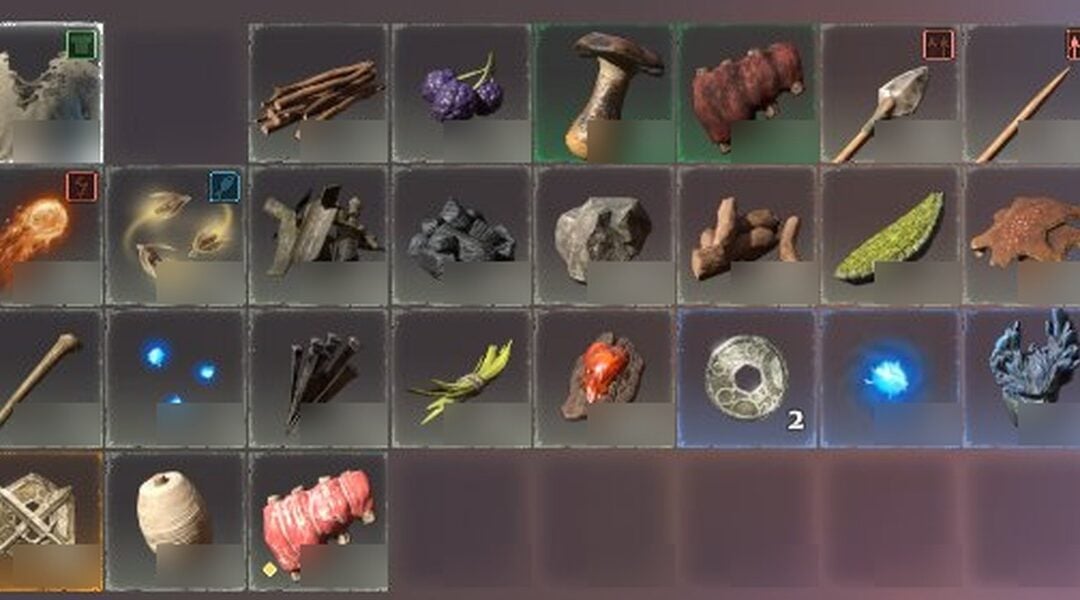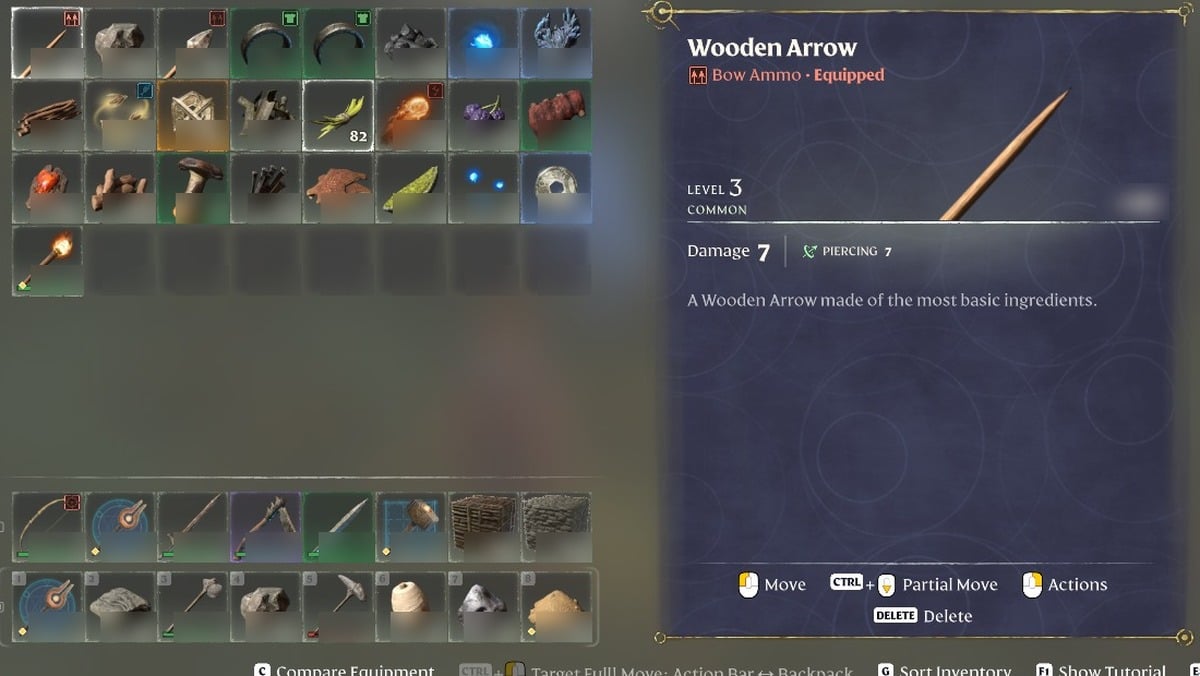
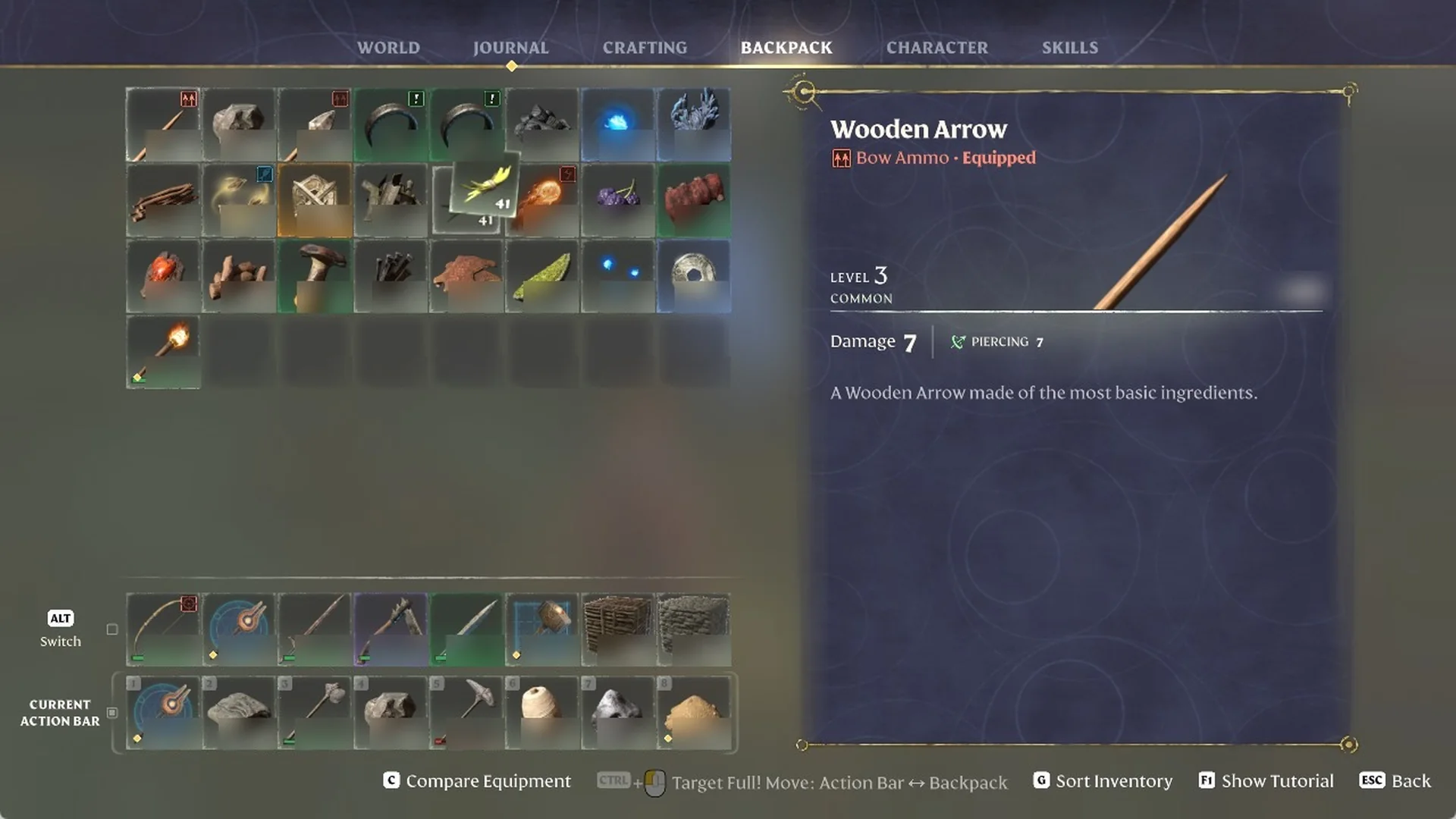
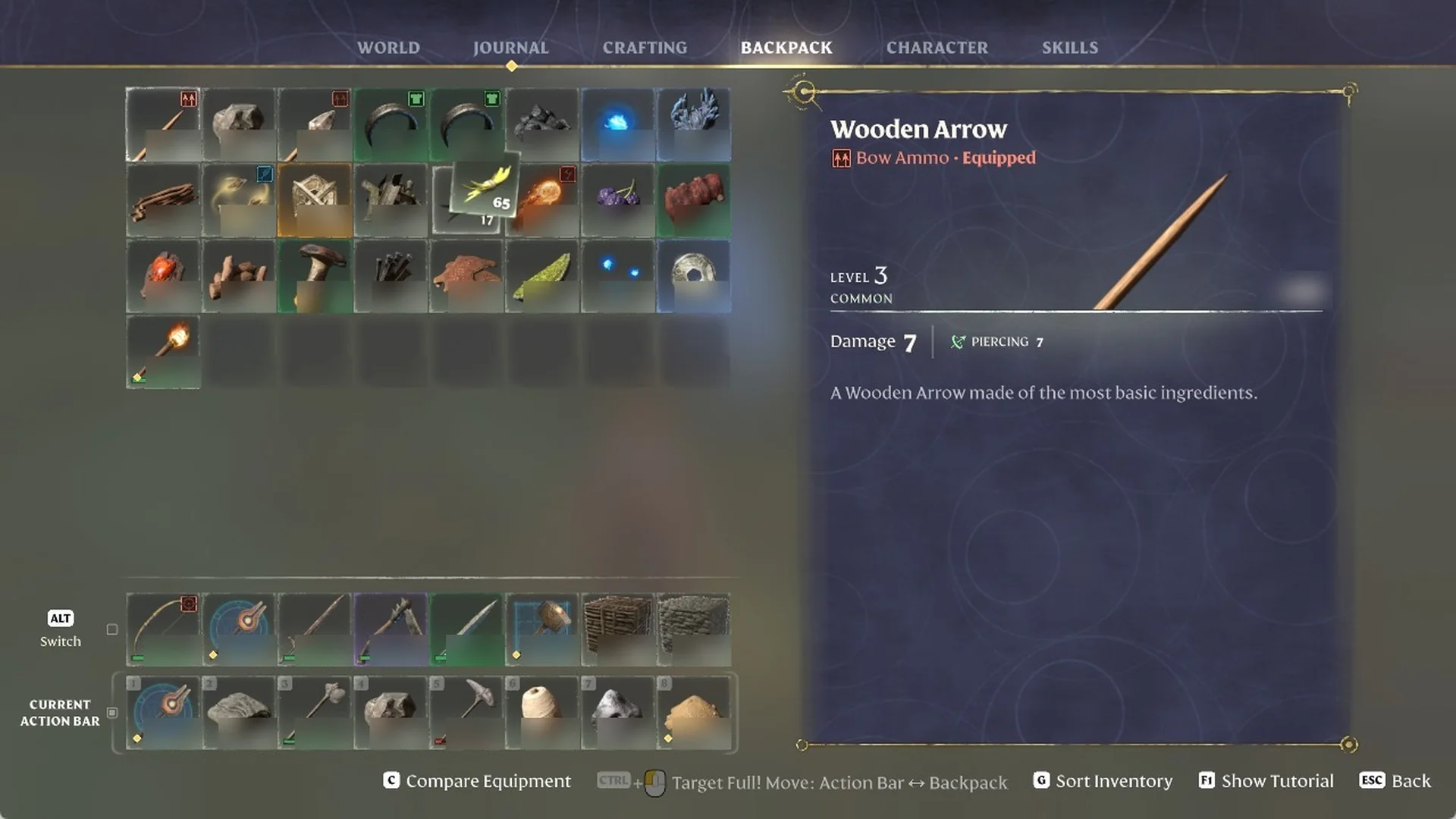
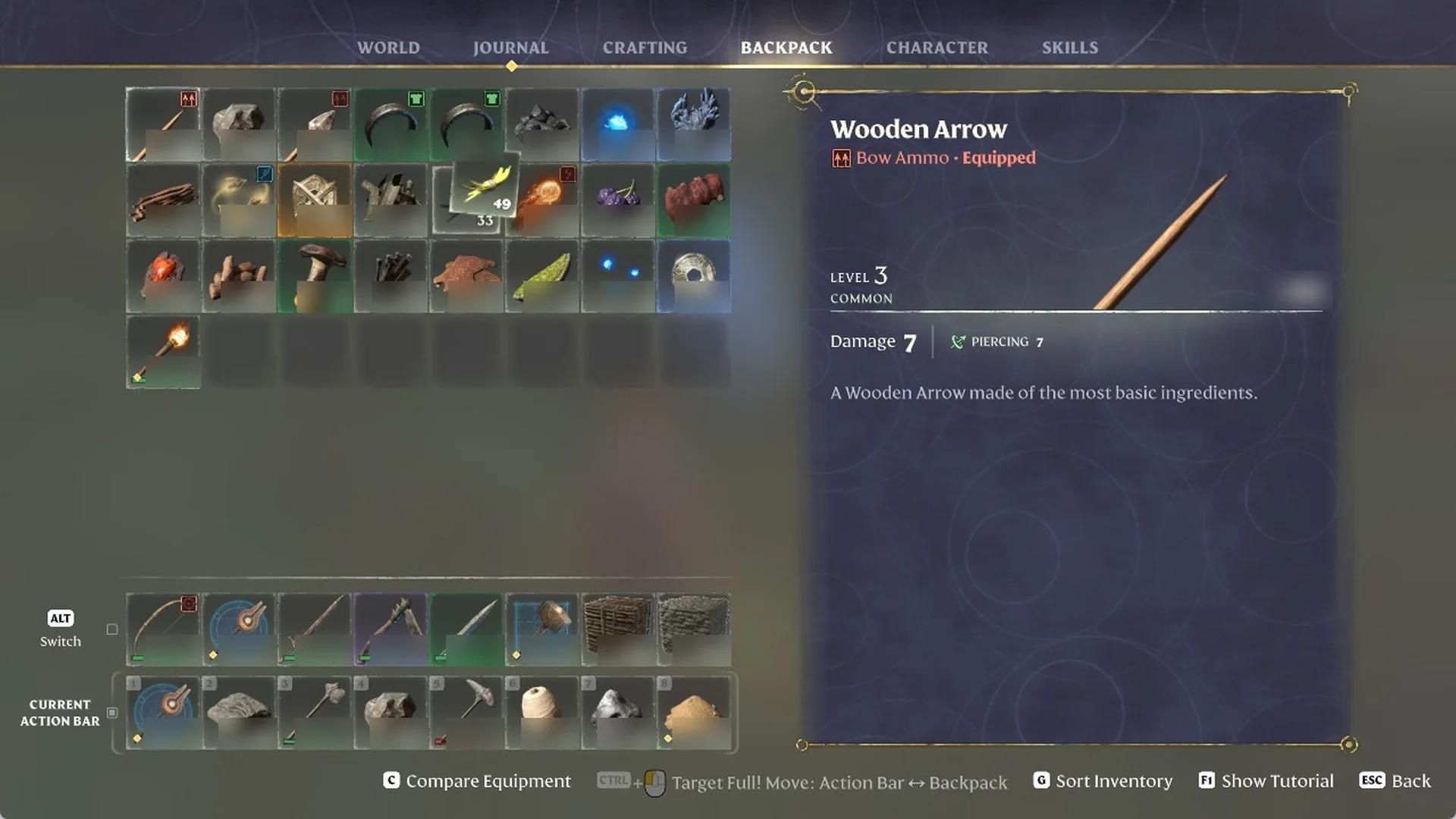
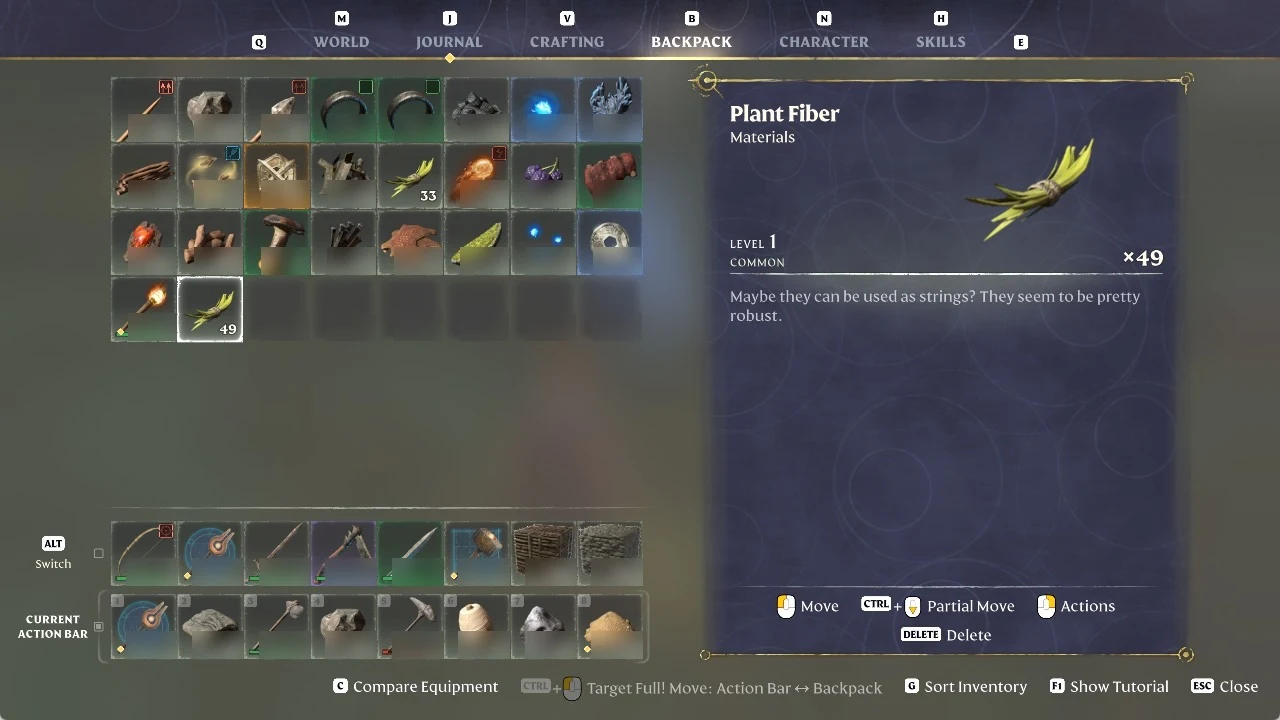
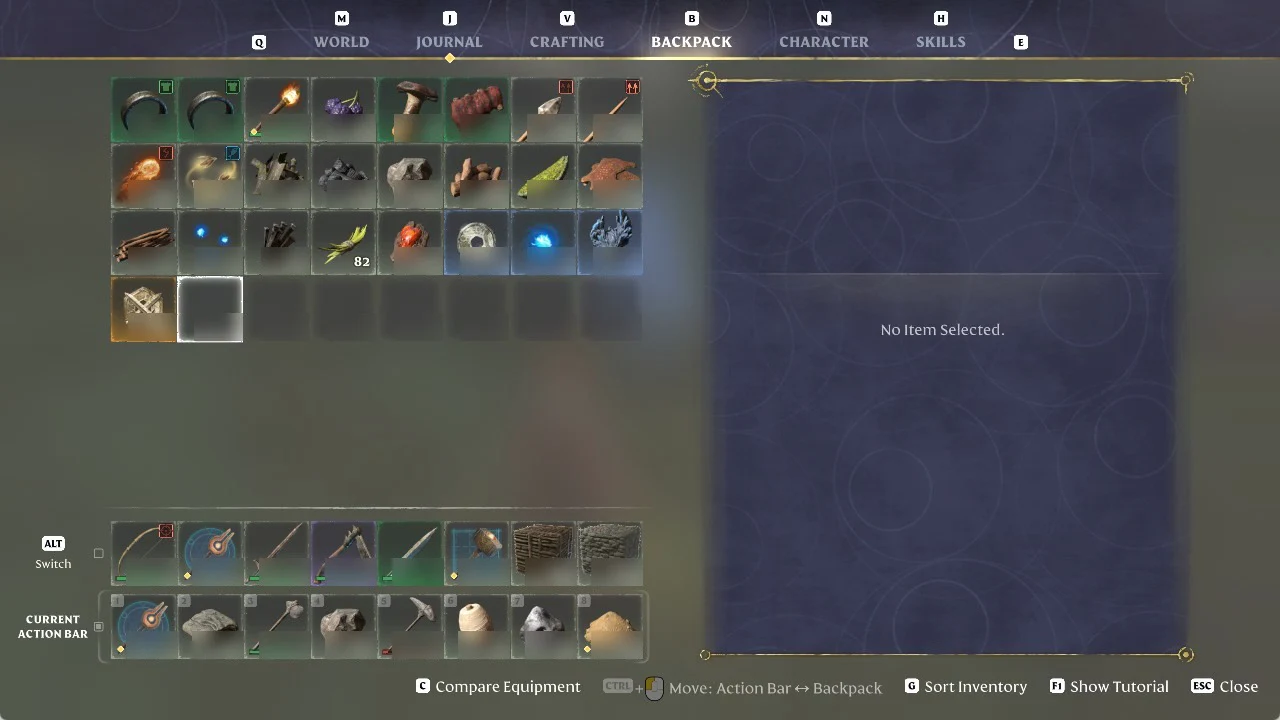
In Enshrouded, split stacks from the BACKPACK tab. Press B to open it, hover over a stack, then keep CTRL held as you rotate the mouse wheel. The footer names the command “Partial Move”. The first notch divides the stack in half; scrolling down selects a larger amount, while scrolling up selects less. Release CTRL, then click an unoccupied slot to place the separated portion. Pressing G (“Sort Inventory”) rearranges the backpack and combines the split stacks again.
Quick answer: In the BACKPACK tab, hover a stack, hold CTRL and scroll to pick up part of it, then release CTRL and click an empty slot. Press G to sort and re-merge.
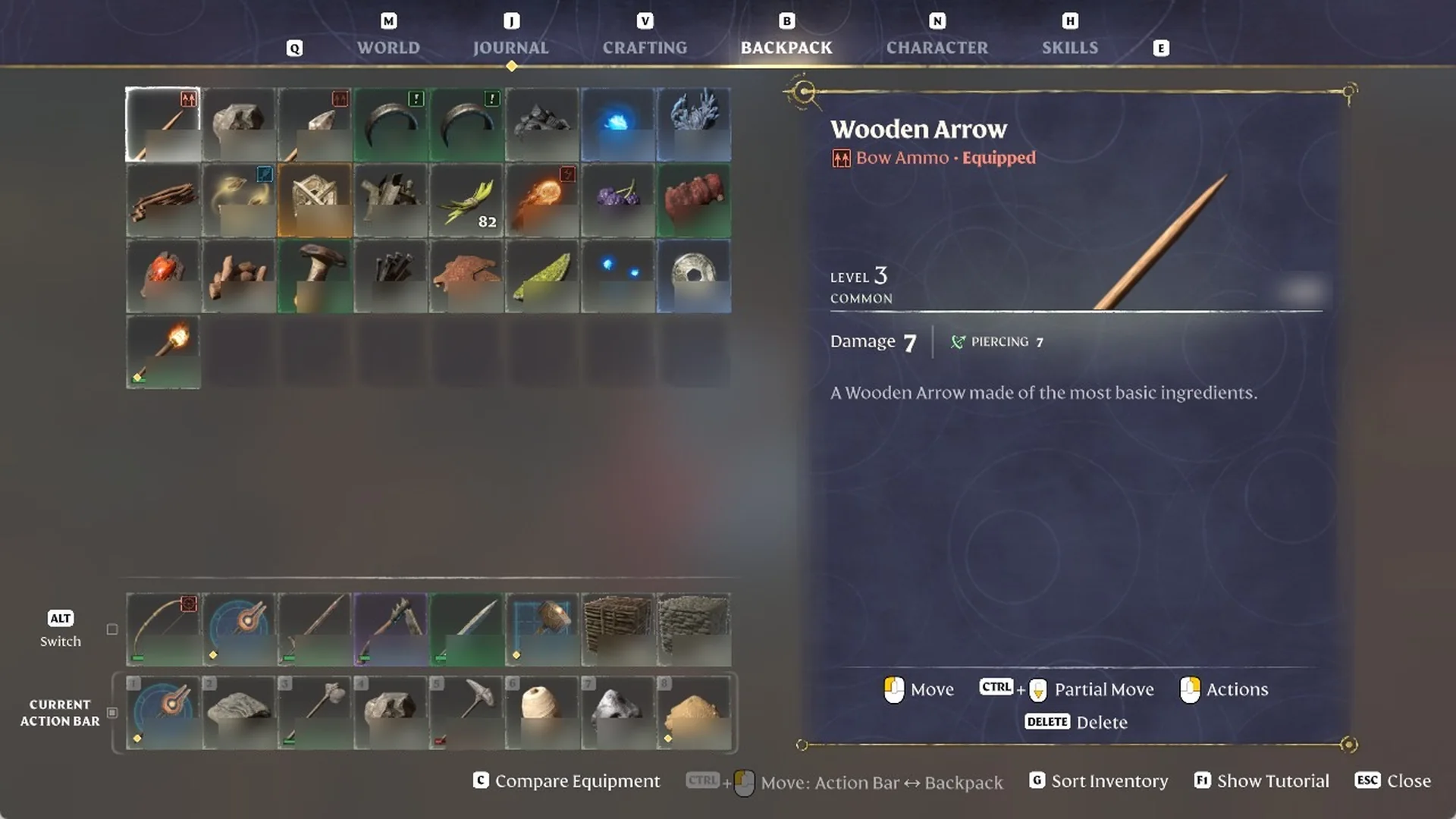
Enshrouded BACKPACK footer controls
Hovering a stack in the BACKPACK tab brings up a row of prompts along the bottom of the screen. These are the inputs that matter for splitting and sorting:
| Input | Footer label |
|---|---|
| Left mouse button | “Move” |
| CTRL + mouse wheel | “CTRL + Partial Move” |
| Right mouse button | “Actions” |
| DELETE | “DELETE Delete” |
| CTRL + click | “CTRL + Move: Action Bar <-> Backpack” |
| G | “G Sort Inventory” |
Partial Move is not a click: hold CTRL and scroll the mouse wheel. The keys for everything else are in our full controls list, and a bigger backpack gives you more free slots to split stacks into.
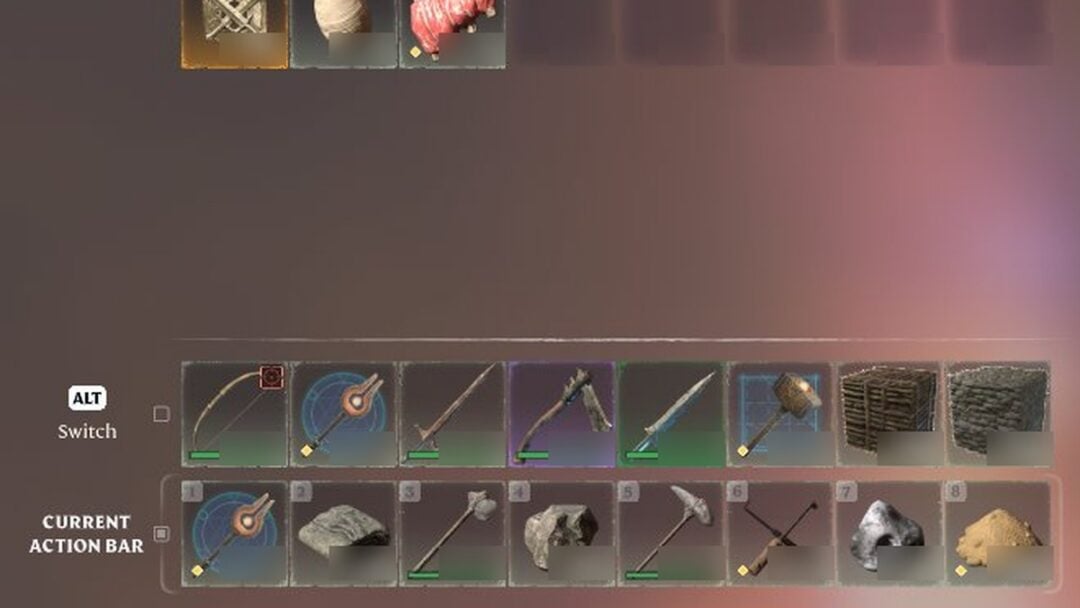
CTRL + click a stack in the BACKPACK tab to move it to a free slot on your current action bar; in the world, ALT switches between your two action bars.
How to split a stack and merge it back in Enshrouded
We used a stack of Plant Fiber.
How to delete an item in Enshrouded
In the BACKPACK tab, right-click an item and choose “Delete”, or select it and press DELETE. Both remove the item at once, with no confirm prompt. You can read more about deleting or dropping items in Enshrouded.