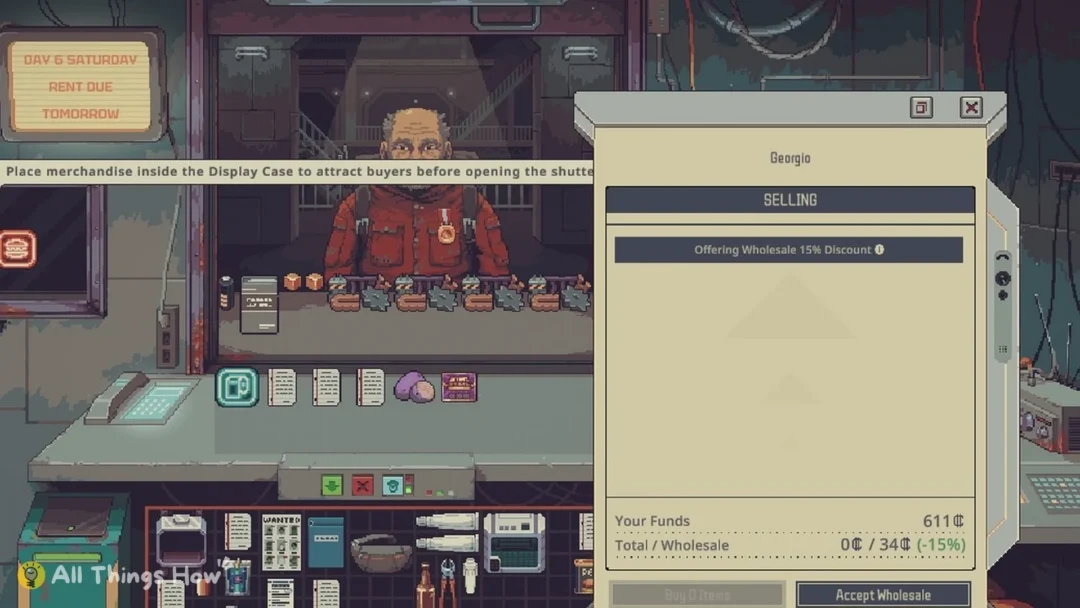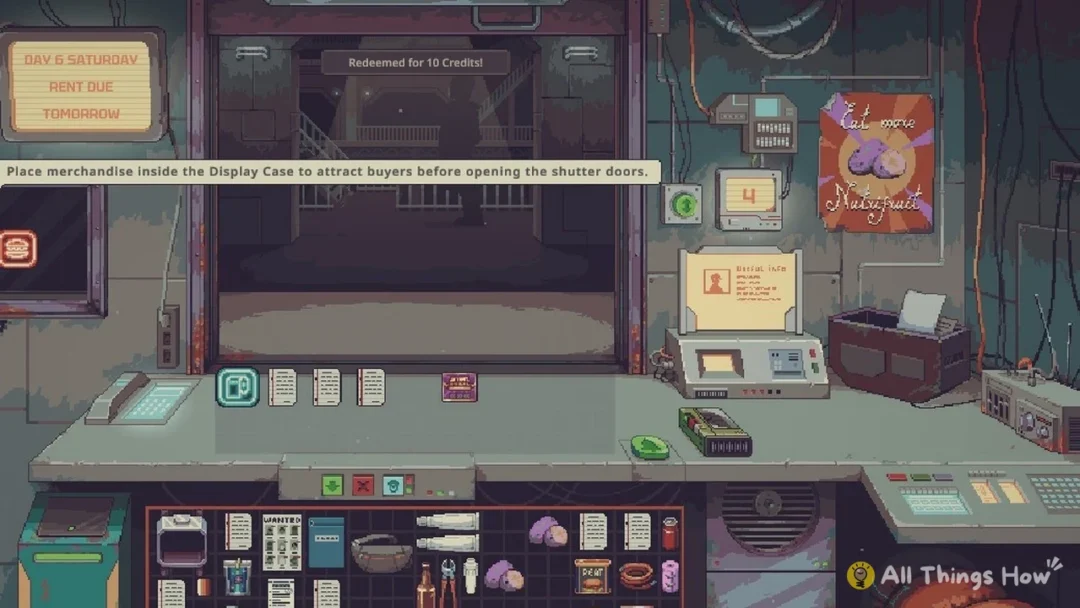
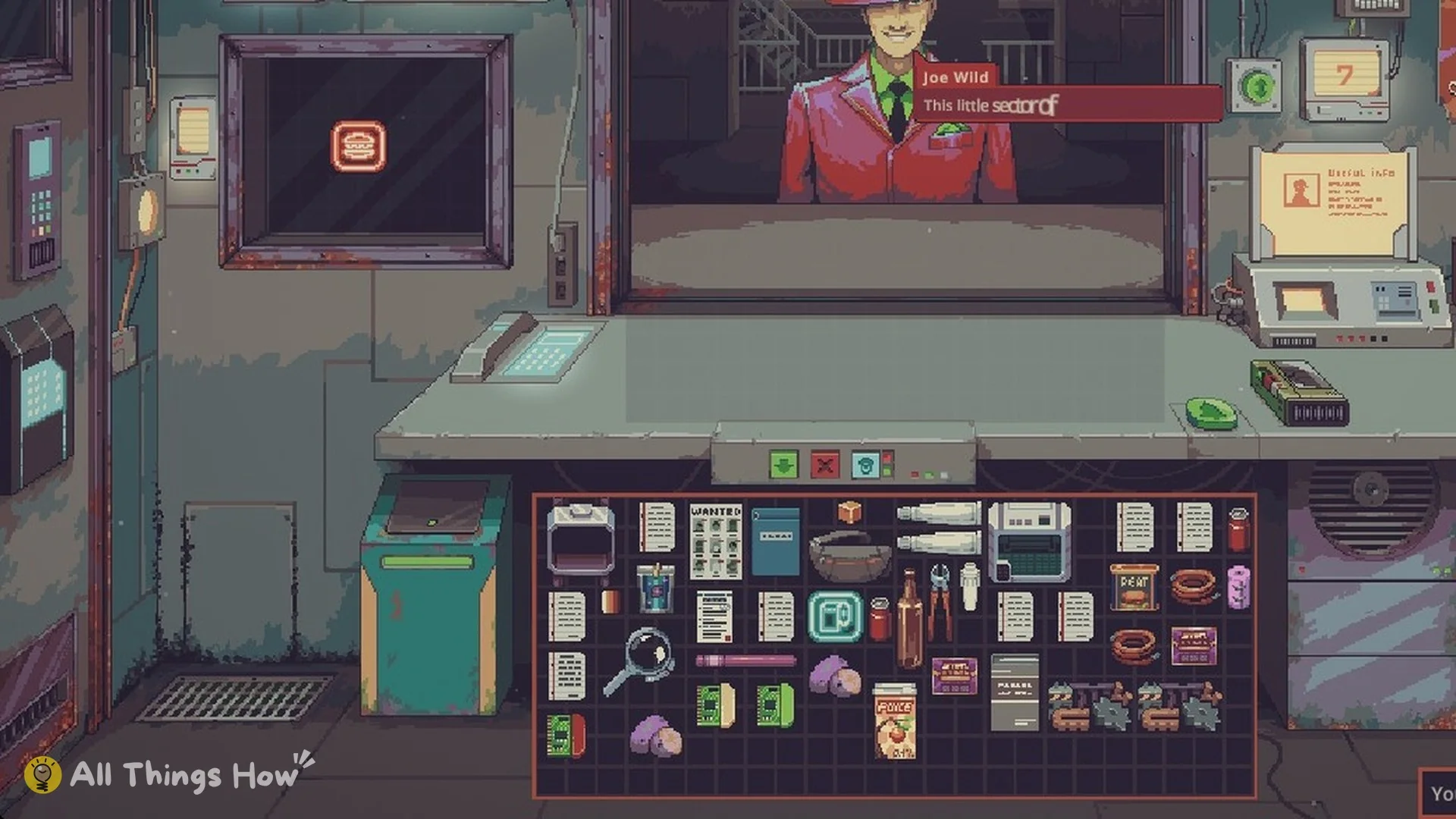
Probably Stolen: Cyberpunk Shopkeeper Sim lets you pick some of tomorrow’s customers. The Display Case on the shop wall brings in a buyer for the goods you show, and a Neon Sign inside it brings a seller, as long as you fill it before the shutter goes up.
Quick answer: Stock the Display Case, the framed case left of the shutter door, before you open: its goods bring a buyer for that item type the next day, and a Neon Sign in it brings a seller of those goods.
The case operates a day behind: its contents when you open determine who arrives the following day. The most common item type sets what that visitor wants to purchase, while the combined value of the display determines their social class.
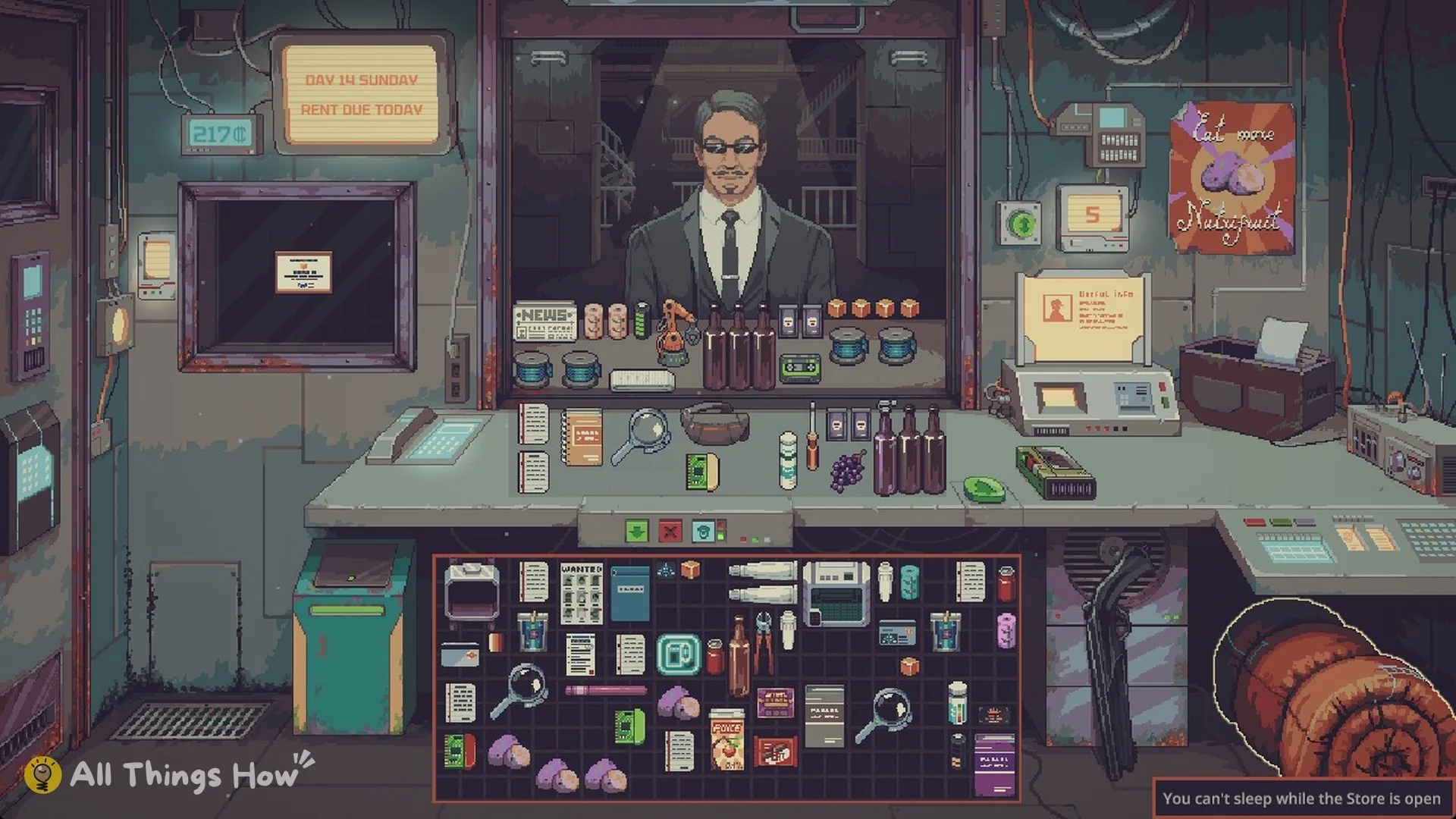
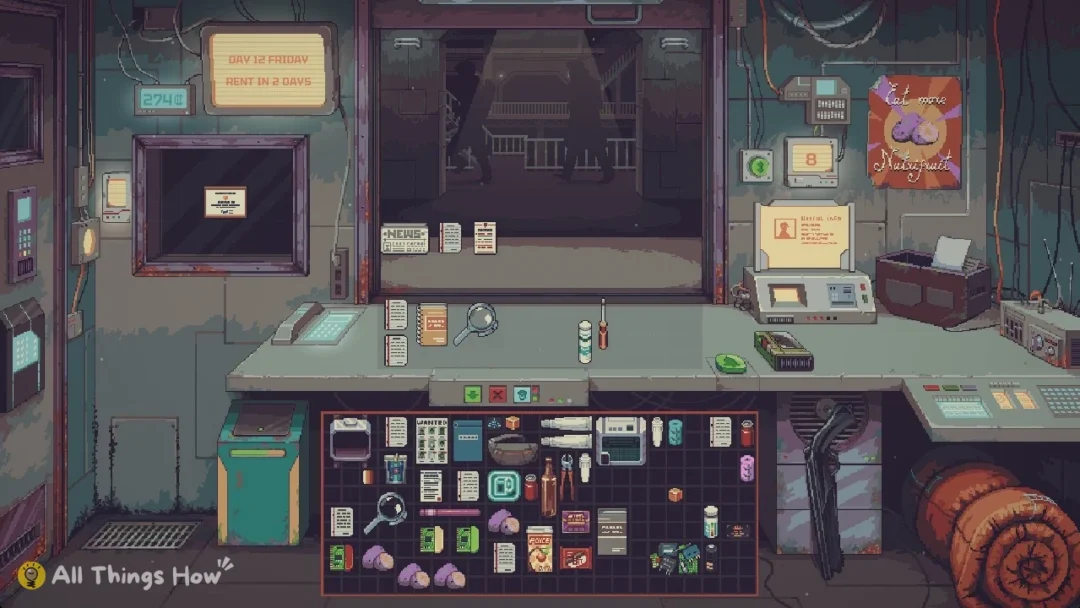
Where the Display Case is and how to stock it
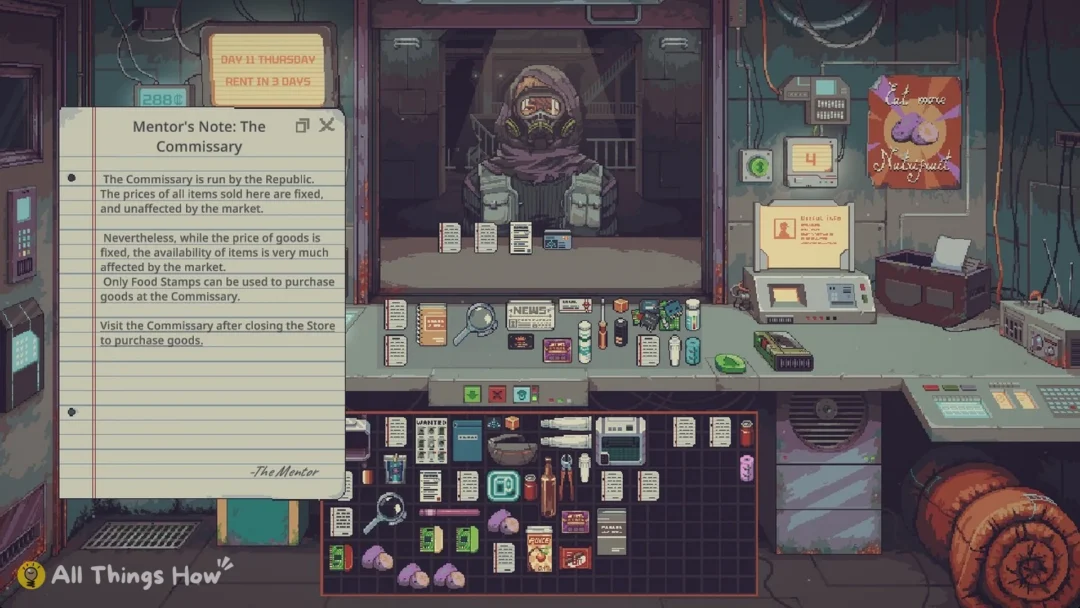
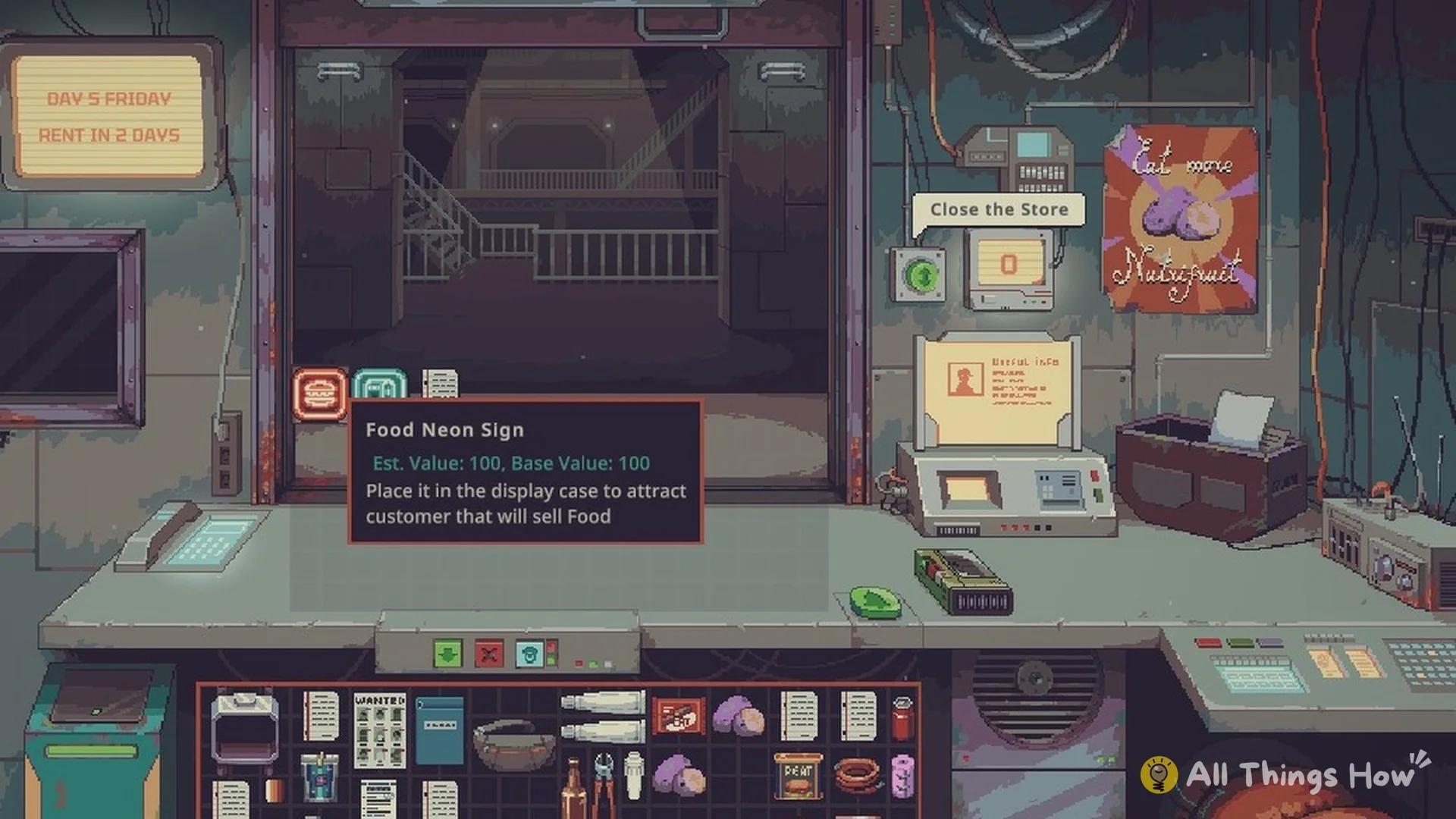
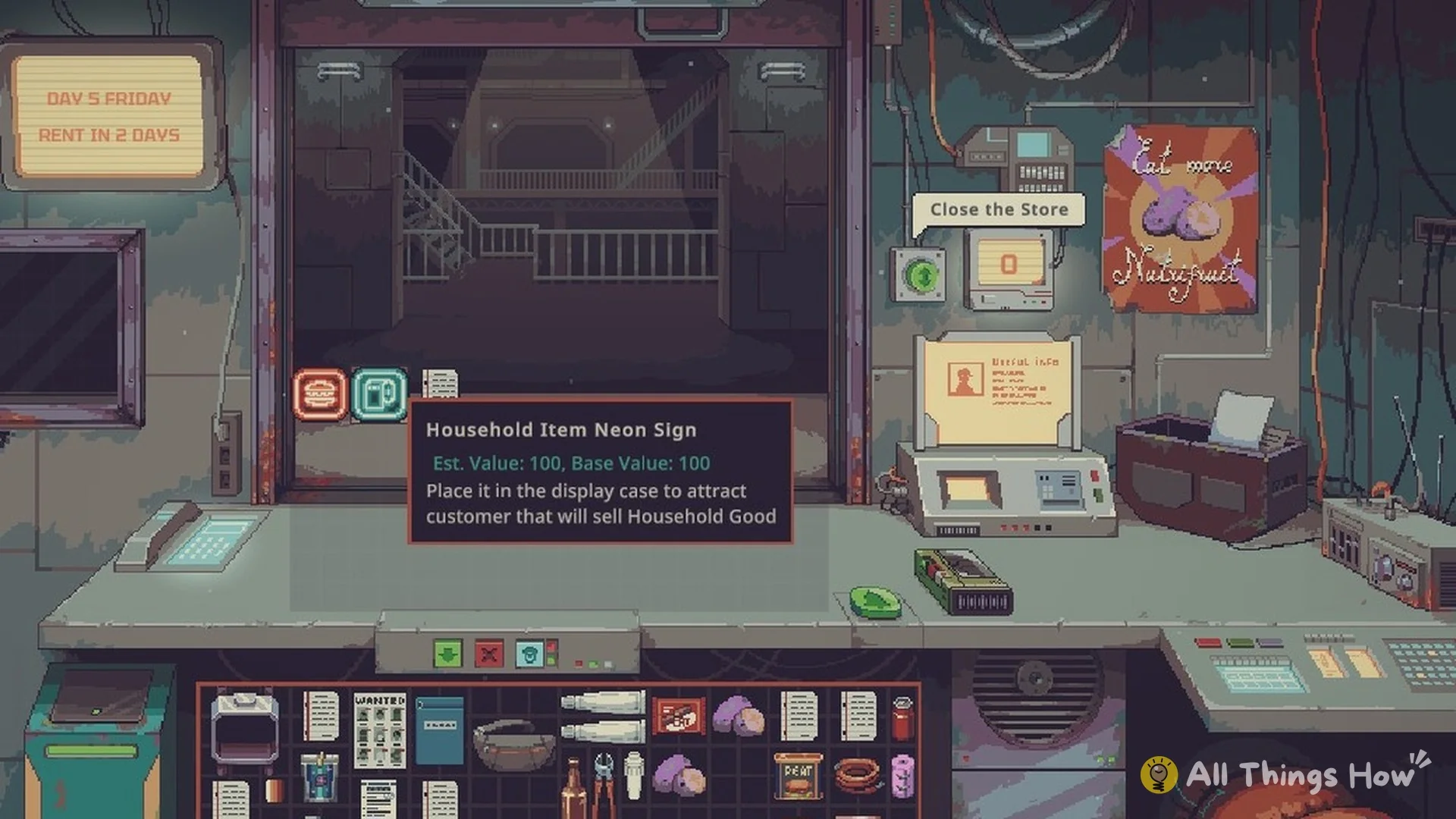
The Mentor introduces the case with a lesson. He hands you a Food Neon Sign, a Household Item Neon Sign, and “Mentor’s Note: Display Case“. While the shutter is still down, a banner across the shop reminds you of the job: “Place merchandise inside the Display Case to attract buyers before opening the shutter doors.”
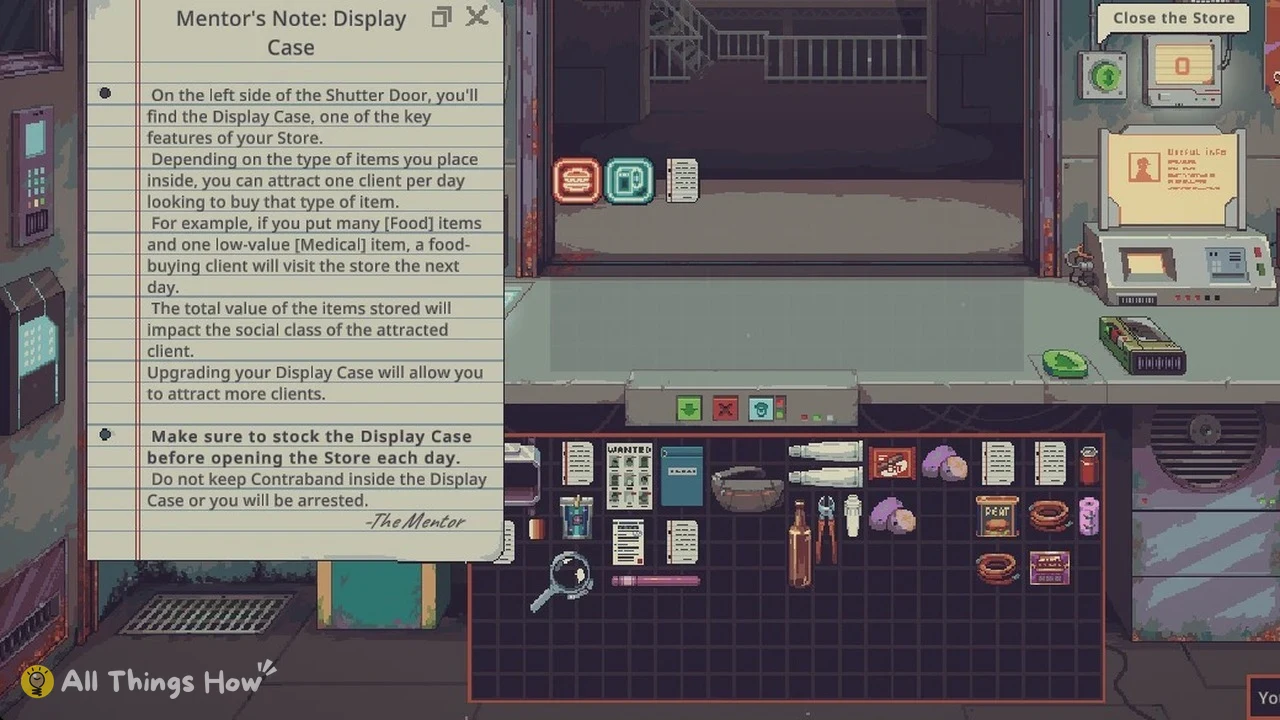
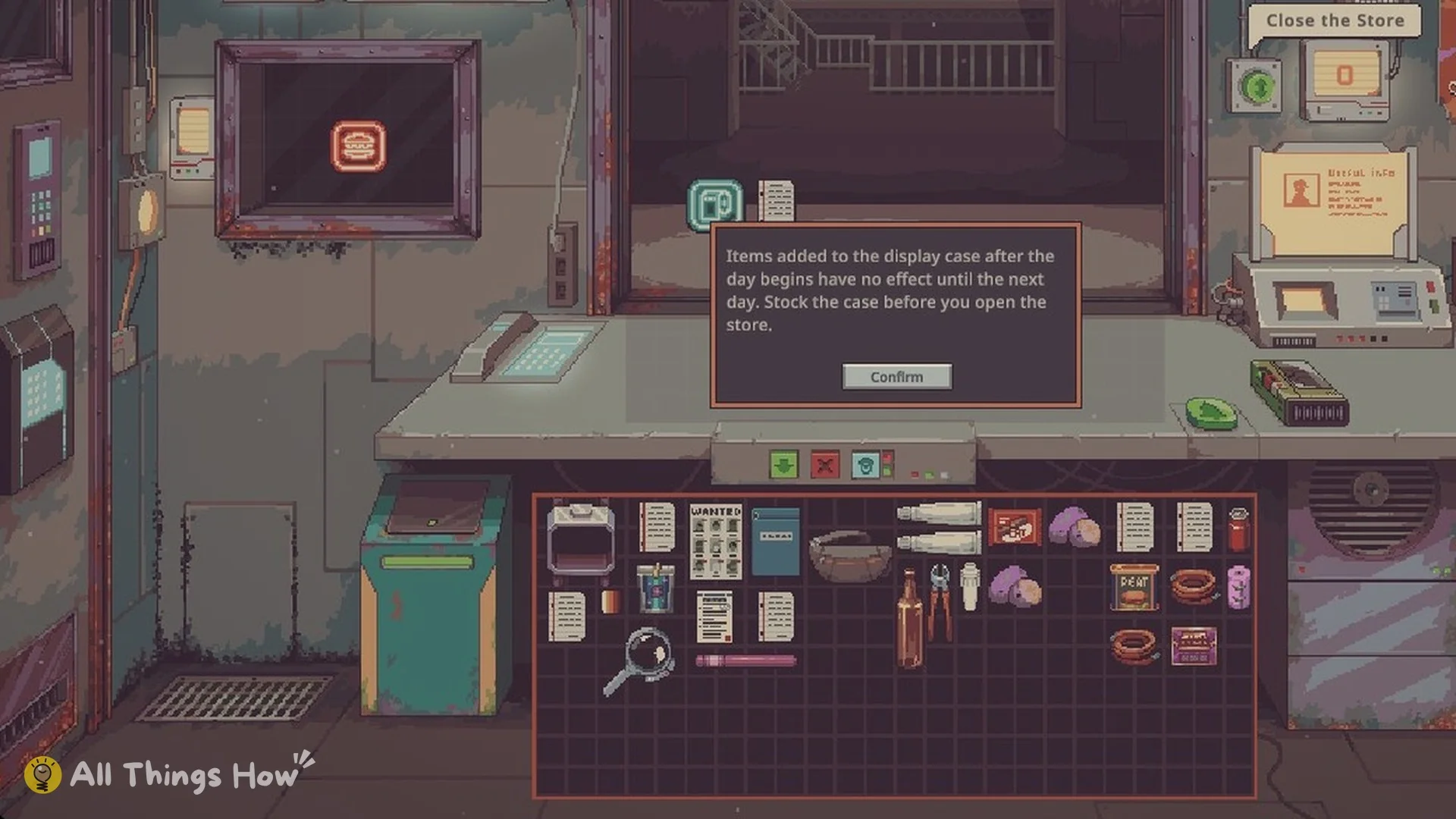
Timing matters. If you drop something in after the store opens, the game tells you: “Items added to the display case after the day begins have no effect until the next day. Stock the case before you open the store.”
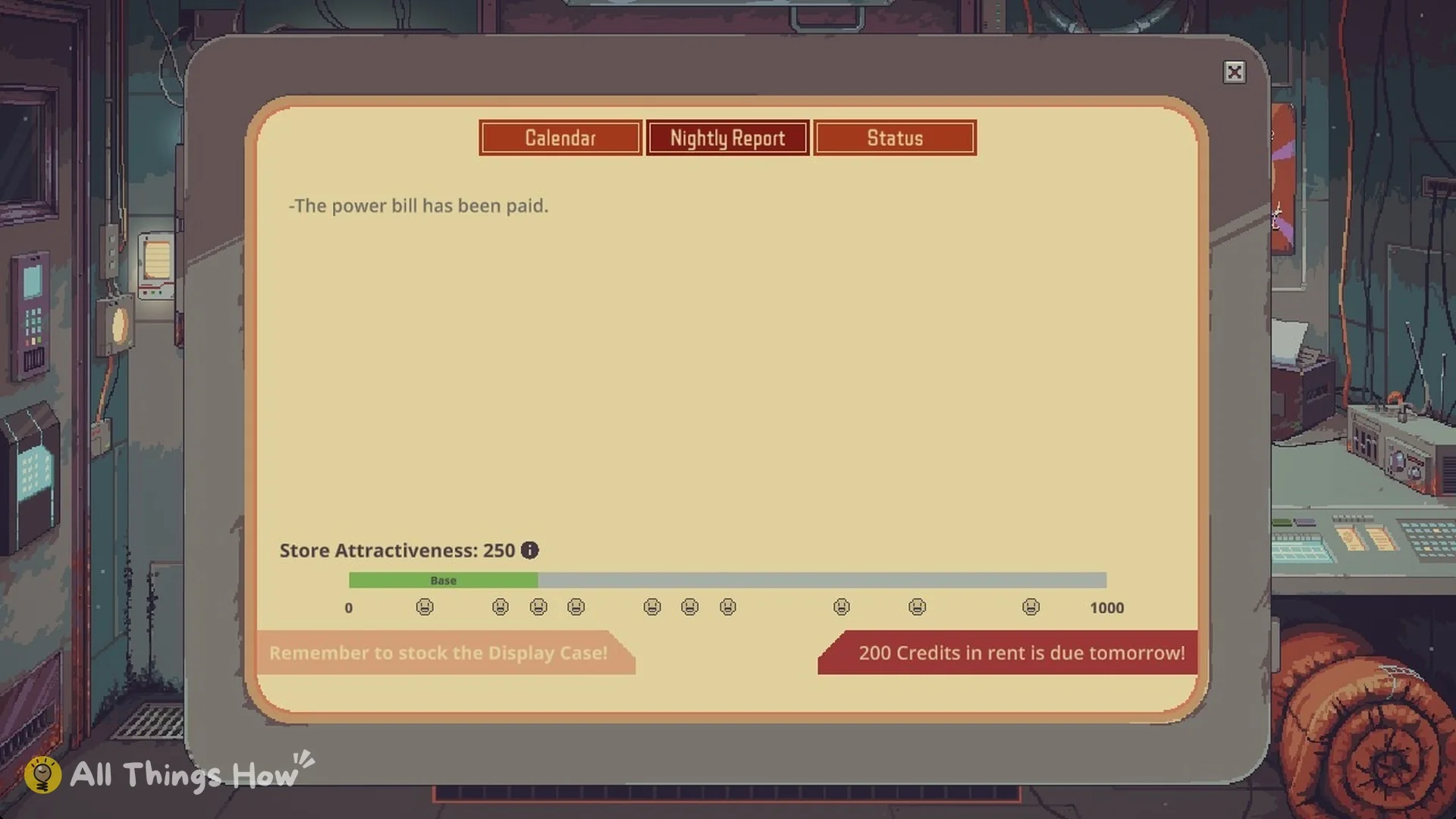
The next morning’s report screen nudges you with “Remember to stock the Display Case!”, so make it part of your opening routine.
How to take an item out of the Display Case
Items in the case can only be lifted out while the store is closed. To swap what is inside:
- Close the store (shutter down), either at the end of the day or before you open in the morning.
- Drag the item out of the case and drop it into the storage box on the right of the counter, beside the register. Dropping it onto a crowded counter did not work for us.
- With the case empty, drag the new item in from the counter or your inventory.
In our run the case also refused a second Neon Sign while the Food Neon Sign was inside, so take the old sign out before you put another one in.
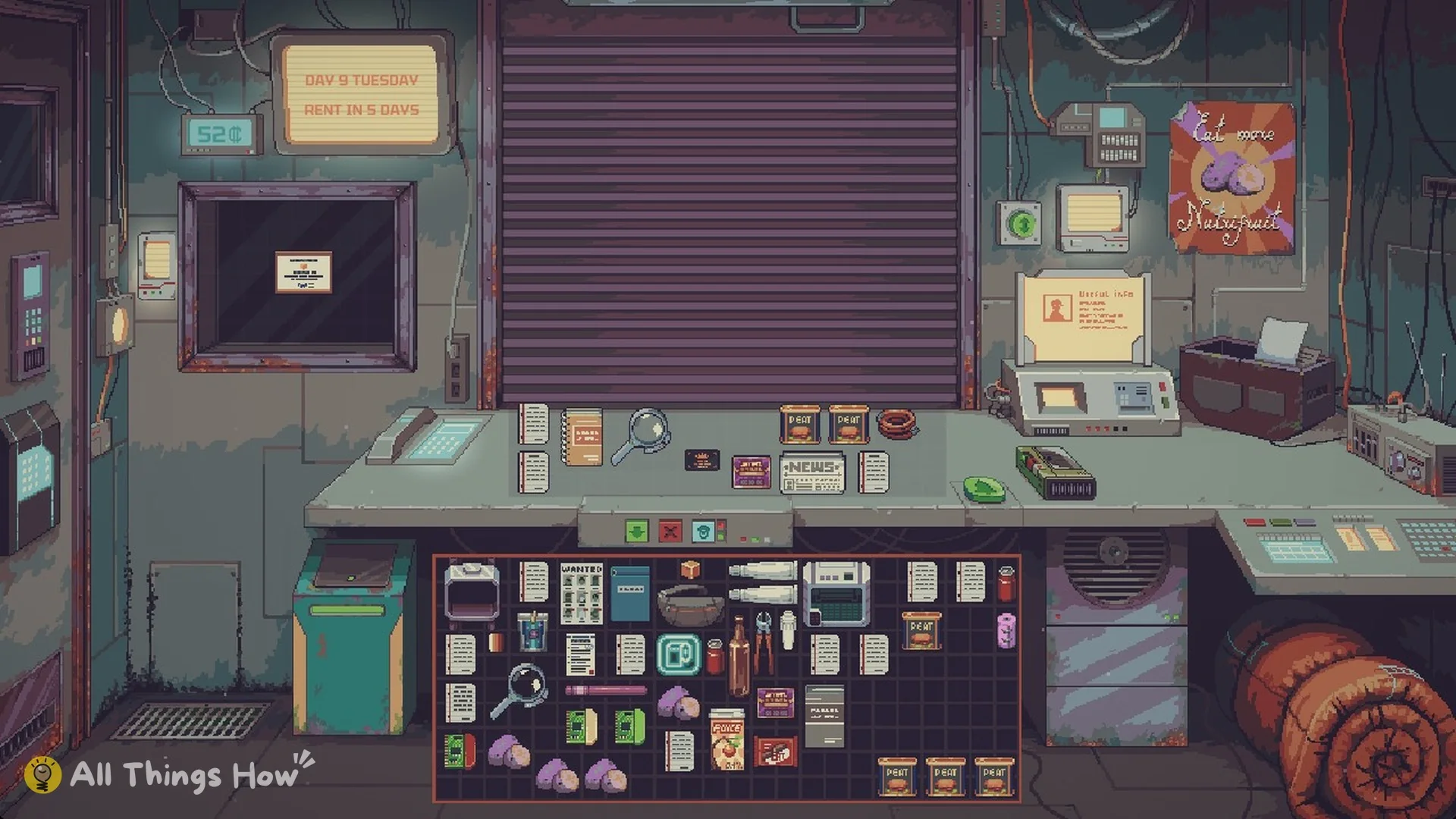
The Appraisal Board Junior Certificate from the Appraiser Board also goes in the case, but it does not count as stock: with only the certificate inside, the next Nightly Report still said “Remember to stock the Display Case!”. Keep goods in the case alongside it.
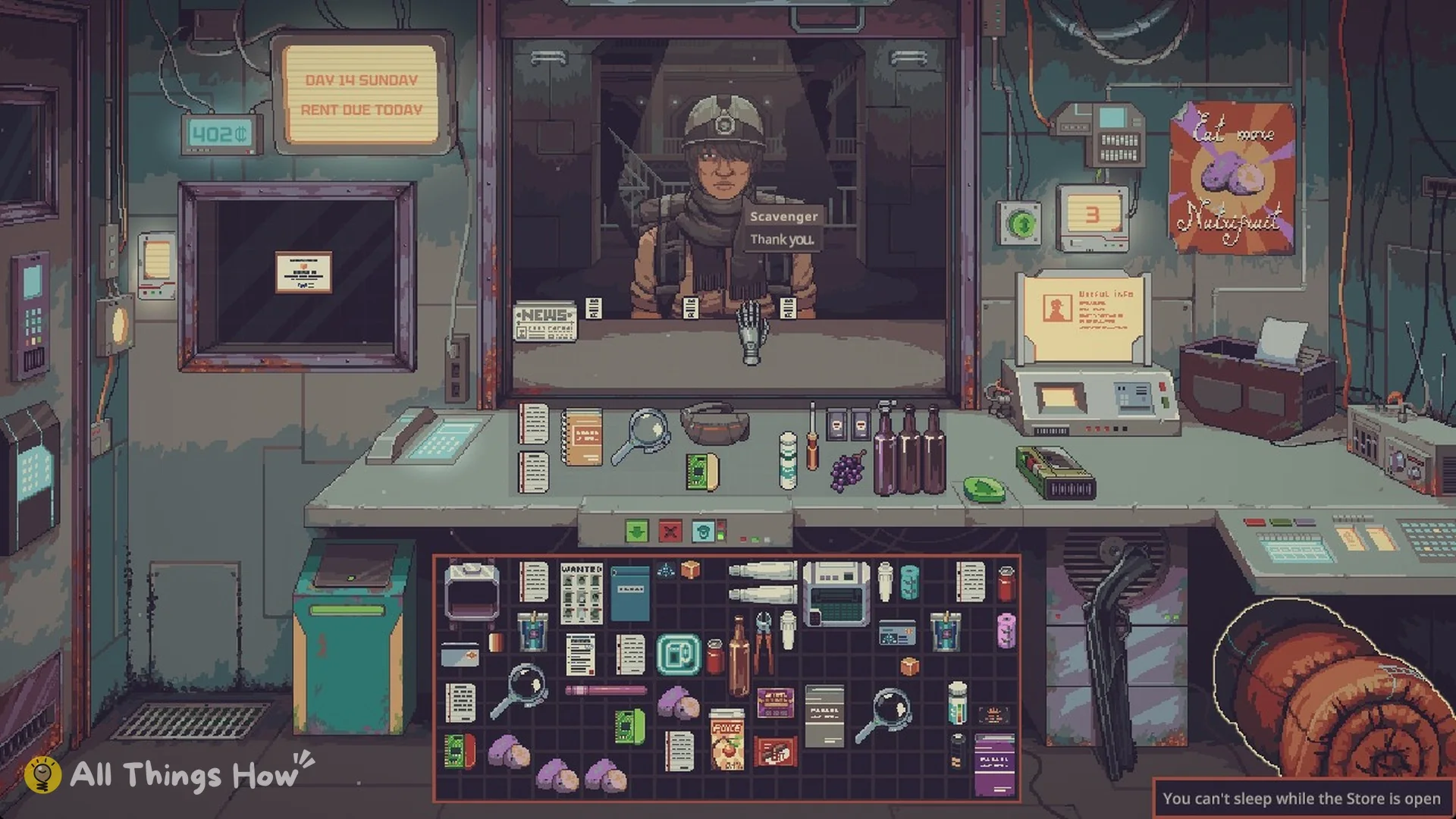
It does bring its own customer, though. On Day 14 of our Mark Up run, with the certificate in the case, a Scavenger arrived “Attracted By: Appraisal Board Junior Certificate in the Display Case” with four Cybernetic Hands to value, and the four estimates paid 214 credits. The appraisal guide walks through that job.
What items in the Display Case attract
A base case brings in one client per day who wants to buy the type of item you’re showing. When the case holds a mix, the type with more items wins. The Mentor’s example is many Food items alongside one low-value Medical item, which gets you a food buyer.
- Item type in the case decides what the visiting buyer wants.
- The combined value of the case’s contents determines the buyer’s social class.
- The buyer arrives the next day, not the same day.
- Contraband in the case gets you arrested.
Neon Signs bring sellers, not buyers
A Neon Sign is an item you place in the Display Case like any other. Instead of drawing a buyer, it draws a customer who sells that category of goods. The Food Neon Sign’s tooltip reads “Place it in the display case to attract customer that will sell Food”. The Household Item Neon Sign reads “Place it in the display case to attract customer that will sell Household Good”.
| Neon Sign | Base value | How you get it |
|---|---|---|
 Food Neon Sign Food Neon Sign | 100 | From the Mentor |
 Household Item Neon Sign Household Item Neon Sign | 100 | From the Mentor |
| Material Neon Sign | 100 | Junker starting item |
 Water Neon Sign Water Neon Sign | 100 | Water Merchant starting item |
 Firearm Neon Sign Firearm Neon Sign | 100 | — |
 Medical Neon Sign Medical Neon Sign | 200 | — |
 Heavy Firearm Neon Sign Heavy Firearm Neon Sign | 200 | — |
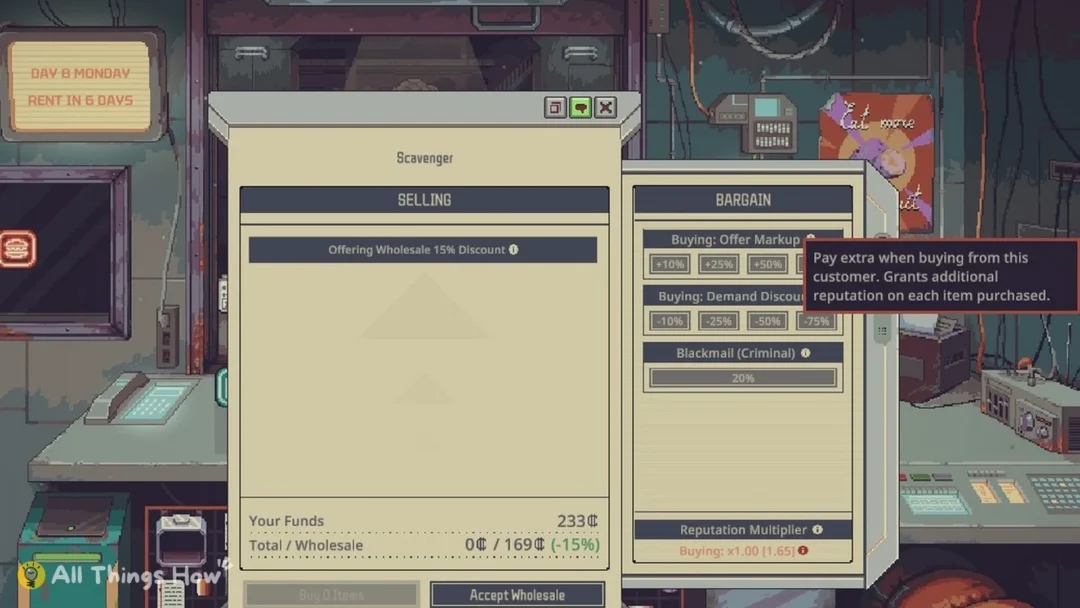
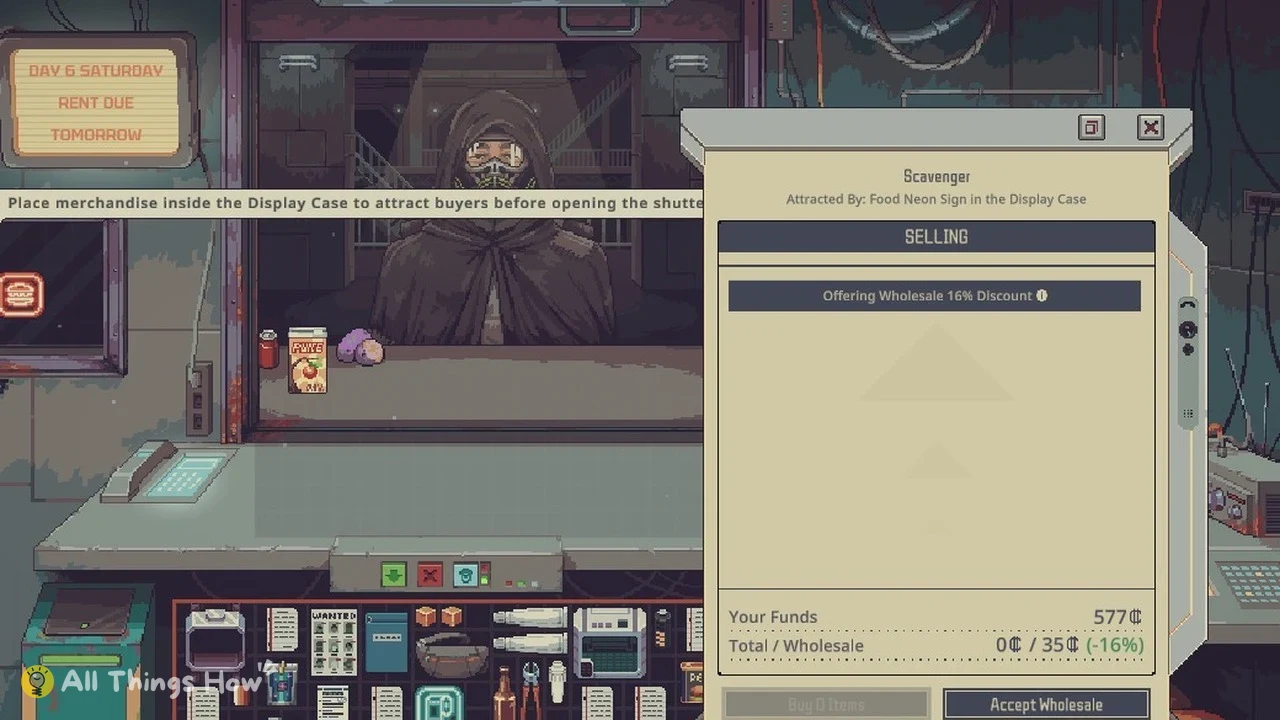
You can confirm a sign is working from the seller’s panel. With the Food Neon Sign in the case, food Scavengers show up, and their panel reads “Scavenger – Attracted By: Food Neon Sign in the Display Case”. They offer their whole pile at a wholesale discount, such as 16 or 23 percent.
How to make the Display Case bigger
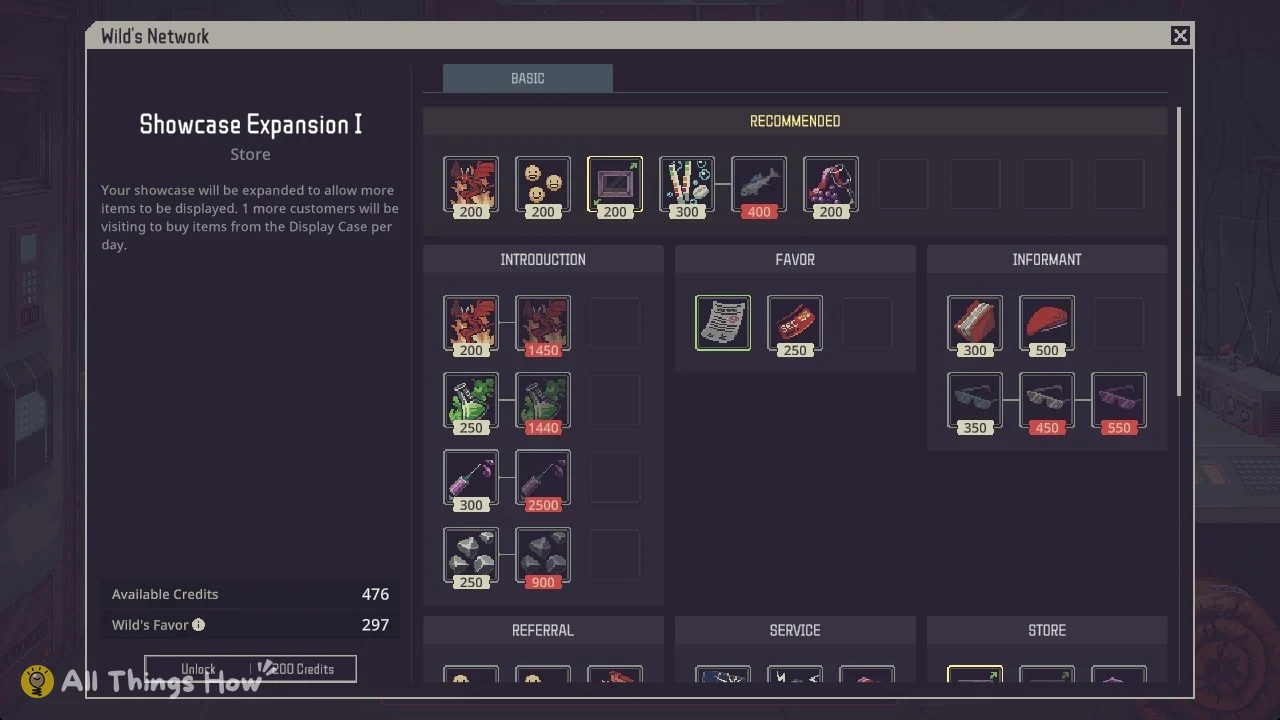
Upgrades live in Wild’s Network and are paid for with Wild’s Favor. Its description says the showcase will hold more items and that “1 more customers will be visiting to buy items from the Display Case per day.”
| Upgrade | Cost on Mark Up | Requirement | Effect |
|---|---|---|---|
 Showcase Expansion I Showcase Expansion I | 200 Wild’s Favor | — | Room for more items, 1 more buyer per day |
 Showcase Expansion II Showcase Expansion II | 500 Wild’s Favor | Showcase Expansion I | Expands the case again |
 Buyer Referral Service Buyer Referral Service | 200 Wild’s Favor | — | Buyers from Wild’s network, more customers for case items |
You’ll know it worked because the case frame on the wall gets visibly bigger. Buyer Referral Service sits under Referral. It charges a nightly fee to send buyers from Wild’s network, and it also draws more customers to what’s in your case. Favor prices go up on harder difficulties. On Red Ink, upgrades cost +100%.
Favor is spent before credits, so these upgrades usually cost no cash at all; the Wild’s Network guide lists every upgrade and its favor cost.
Display Case tips
- Fill the case every morning before you press the shutter button; anything added later only counts from the next day.
- To change what is inside, close the store and move the old item to the storage box right of the counter first.
- Choose the item type you want buyers for and put more of that type in than anything else.
- Add a Neon Sign for the goods you want to buy cheaply: food sellers attracted by the Food Neon Sign offered us their piles at a wholesale discount.
- Raise the total value in the case when you want buyers from a higher social class.
- Keep Contraband out of the case at all times; see security inspections for where it is safe.
Related guides: every Mentor’s Note and what it teaches, the specializations that start with a Neon Sign, how to make money fast and the complete Probably Stolen guide.