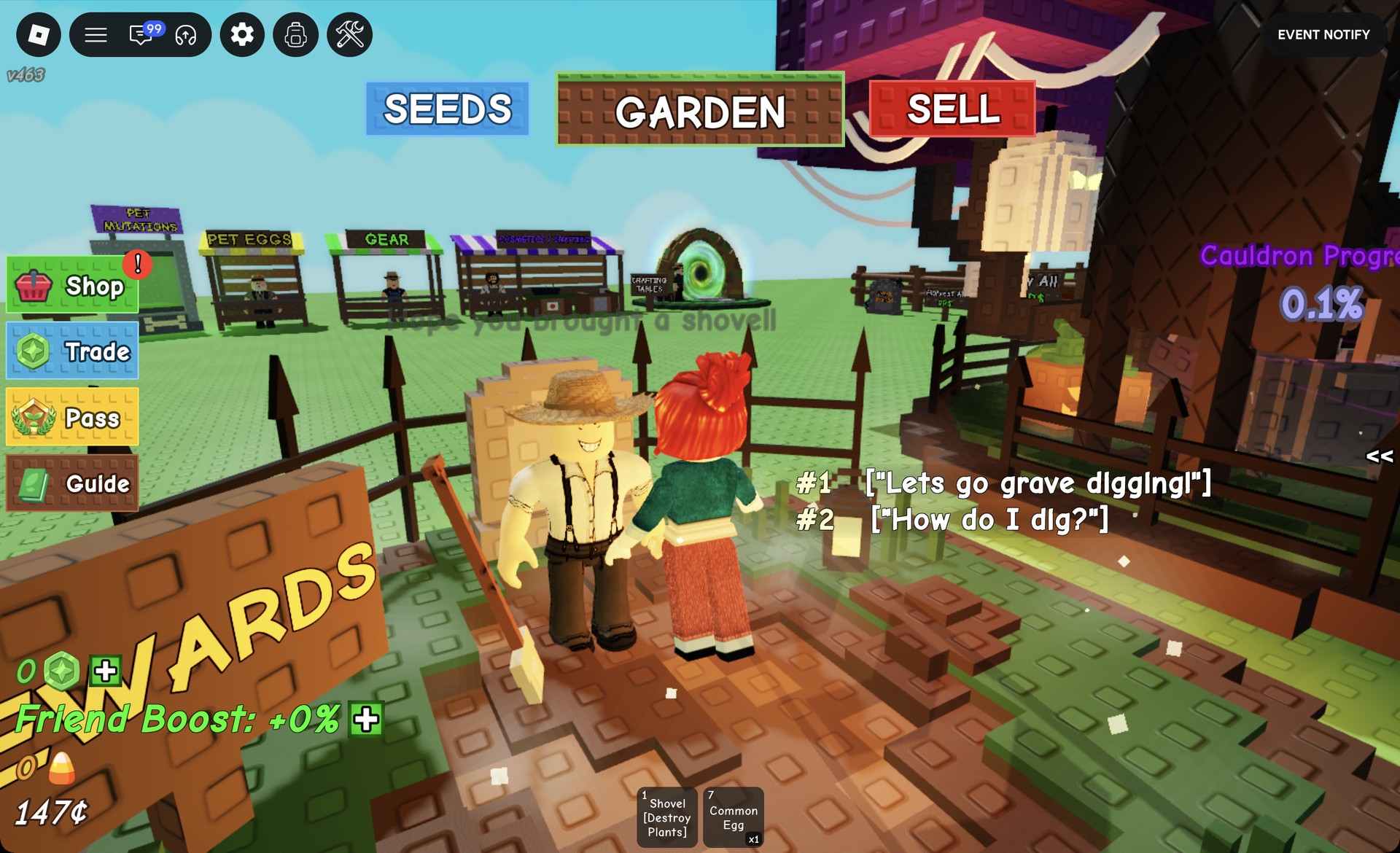
The Halloween 2026 event in Grow a Garden, the Roblox gardening game, takes place in a spooky corner just west of the market. A Witch runs a shared cauldron called Witches Brew. You feed it plants and fruit, and it pays out Candy Corn and Halloween loot. Two shopkeepers nearby sell event items for that Candy Corn.
Quick answer: Click “SELL”, walk west of the market, press E on the Witch, and pick “Submit Held Plant” or “Submit All Fruit”. Contributors get Candy Corn and a chance at a Haunted Egg, Haunted Crate or Halloween Gear Box 2026.
Where to find the Witch and the Halloween event area
Load into Grow a Garden on Roblox and click “SELL” on the top bar. That teleports you to the market. Head west from there and the scenery turns spooky. Everything for the event is in one cluster:
- A witch-hat house with a bubbling cauldron, and a “Leaderboard” sign beside it
- The Witch, who runs Witches Brew
- Wraith-ael, who runs the Frightening Fauna shop
- Eye-sack, who runs the Demonic Decor shop
- Doug Graves, a gravedigger standing at a gravestone
Doug Graves greets you with “Hope you brought a shovel!” and handles grave digging, which is a separate part of the event. A “REWARDS” board stands next to him. In the Witch’s area, a purple timer counts down to “Grave digging refreshes”.
How to submit plants to the Witches Brew cauldron
The Witch’s menu is where you hand things in and check the rewards. Bring the plants or fruit you’re willing to give up.
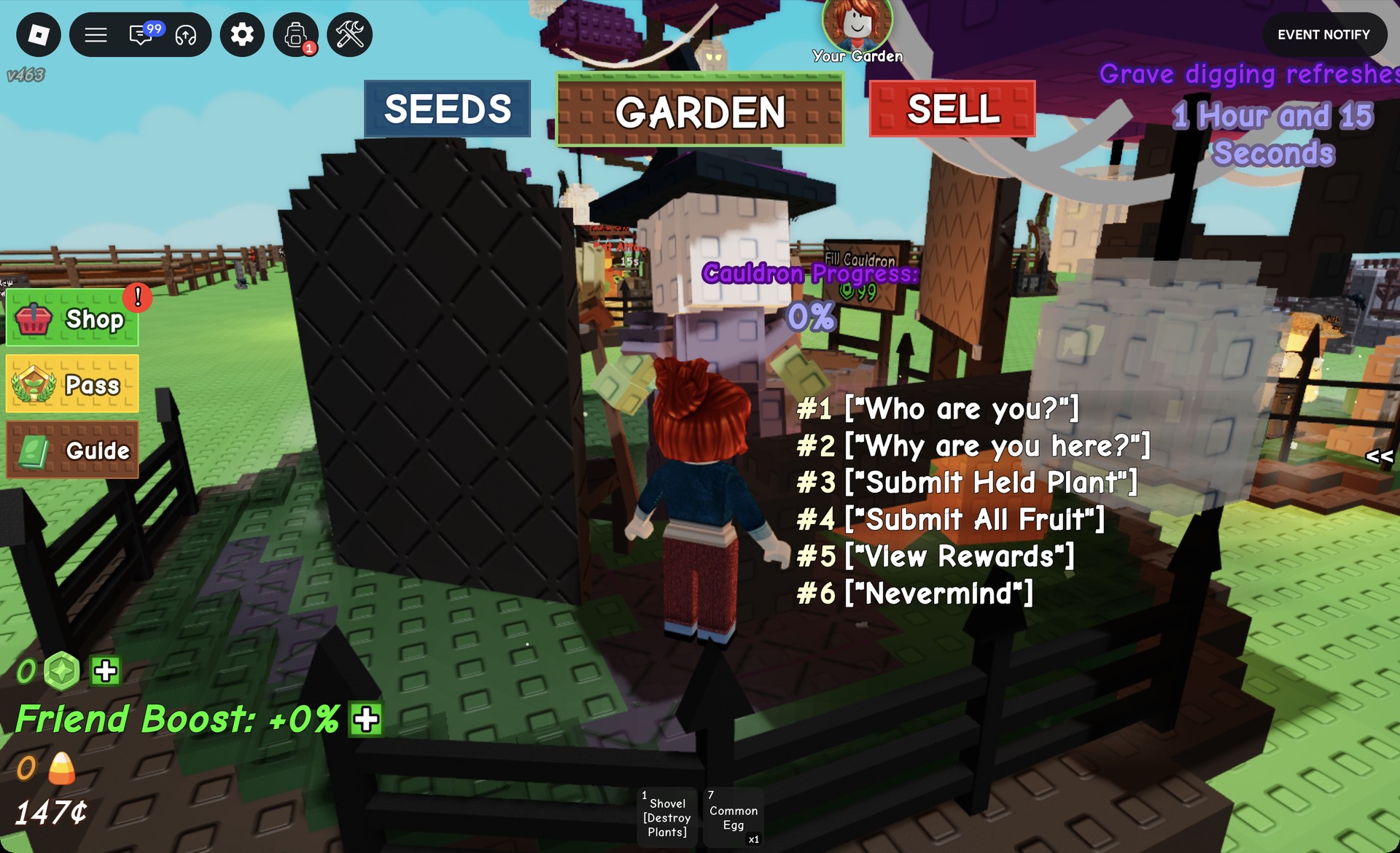
You don’t have to interact with the Witch: approach the cauldron and press E when its “E Submit to Cauldron” prompt appears.
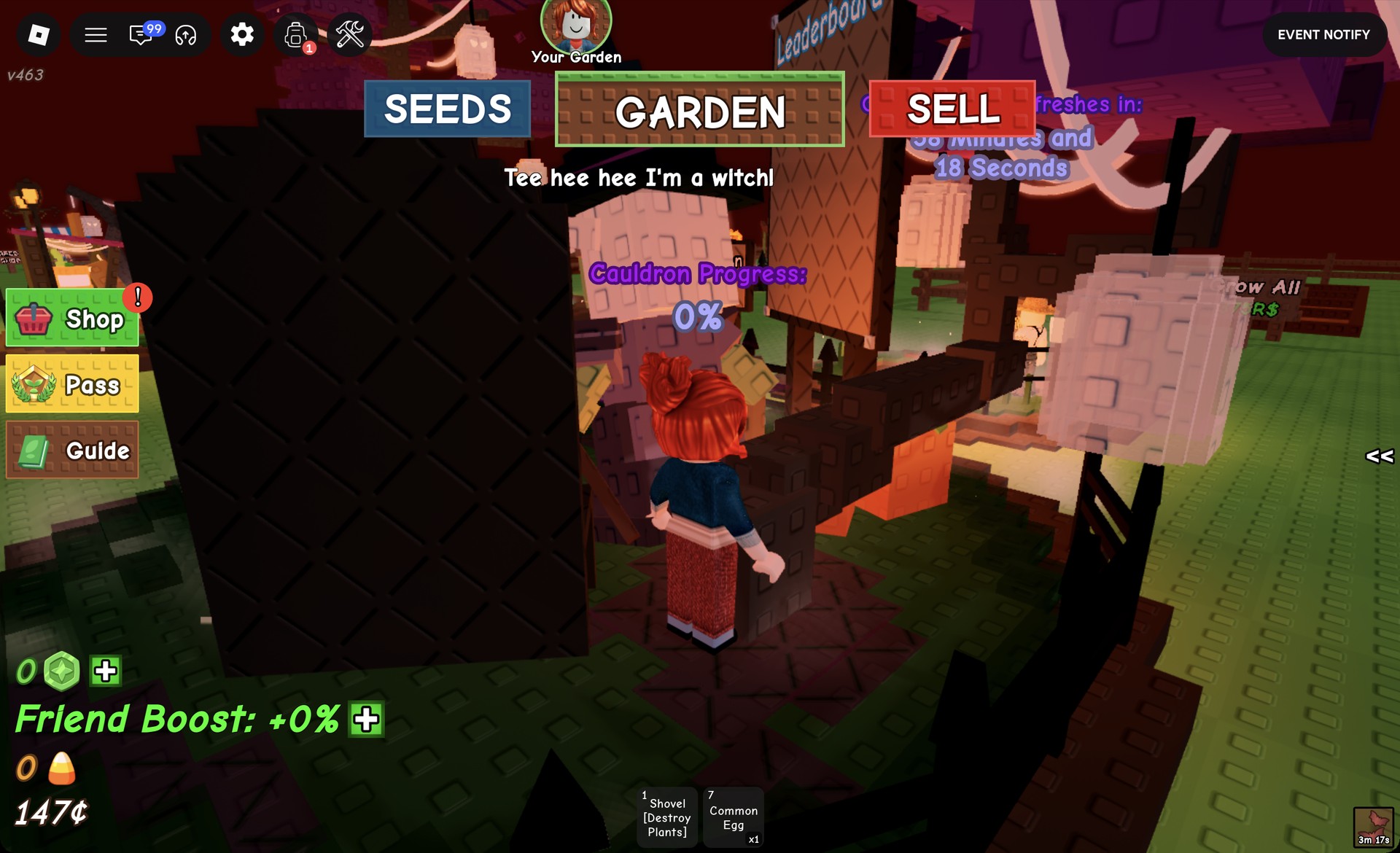
To check progress, look at the “Cauldron Progress” readout above the cauldron. It starts at “Cauldron Progress: 0%” and climbs as players hand things in. One reading was “Cauldron Progress: 0.1%”. “Who are you?” gets “Tee hee hee I’m a witch!” and tints the area red. “Why are you here?” gets “I’ve heard you’ve got yourself a Ghoul Garden now!”
Witches Brew cauldron rewards
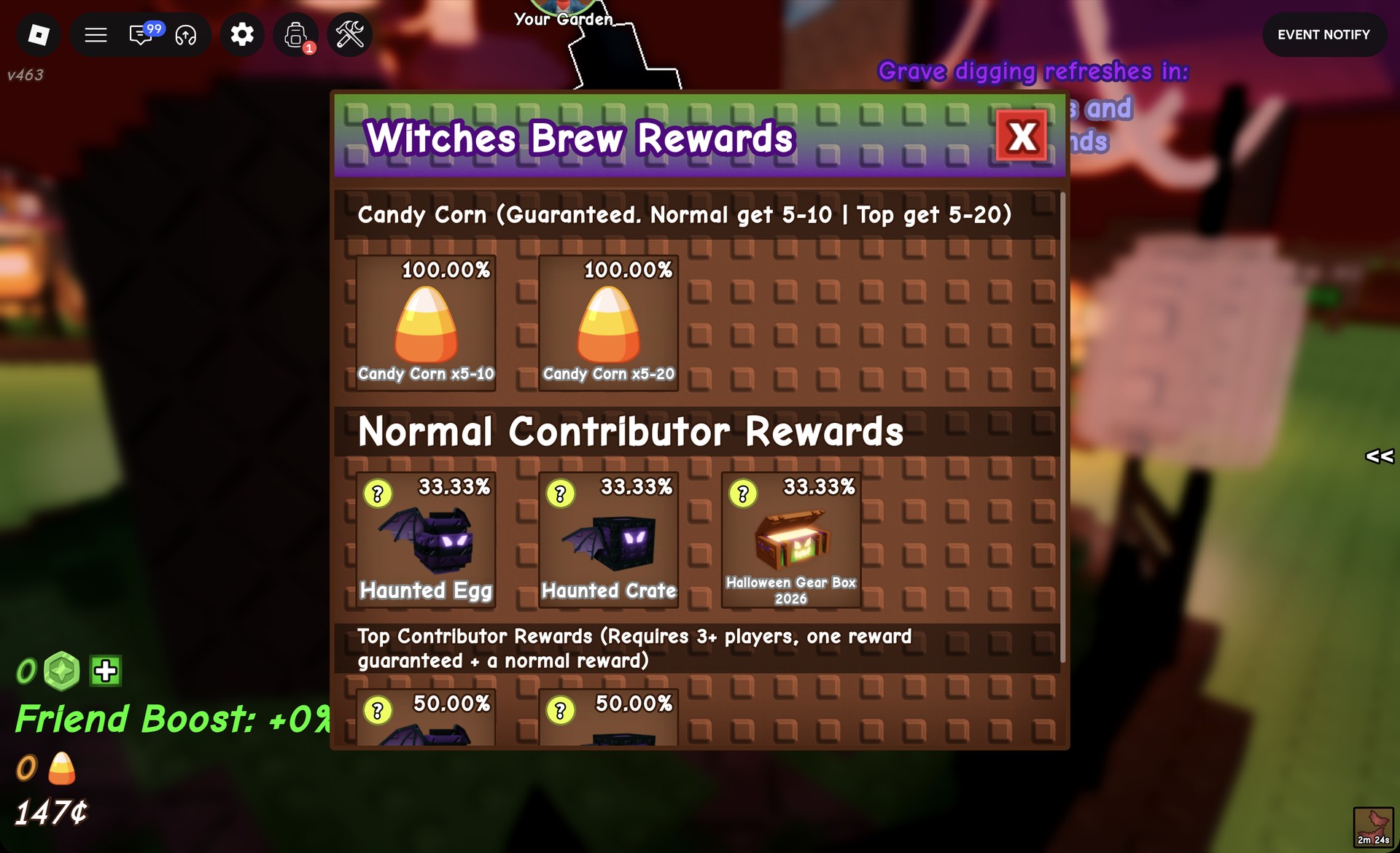
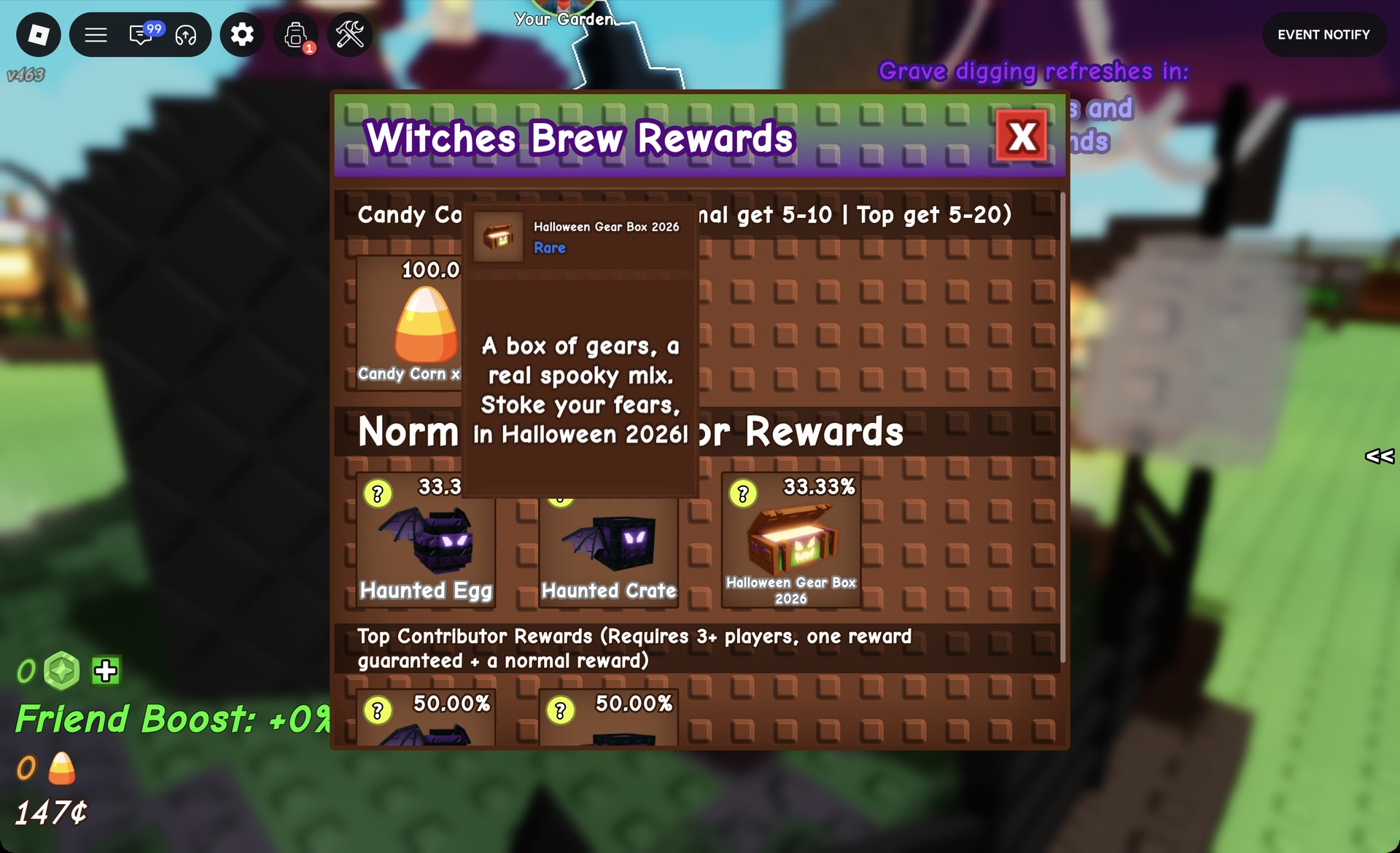
Pick “View Rewards” in the Witch’s menu to open the “Witches Brew Rewards” panel. Click the X in its top right corner to close it. The panel has three tiers:
| Tier | Reward | Chance |
|---|---|---|
| Candy Corn (normal) | Candy Corn x5-10 | 100.00% |
| Candy Corn (top) | Candy Corn x5-20 | 100.00% |
| Normal Contributor | Haunted Egg | 33.33% |
| Normal Contributor | Haunted Crate | 33.33% |
| Normal Contributor | Halloween Gear Box 2026 | 33.33% |
| Top Contributor | Haunted Egg x2 | 50.00% |
| Top Contributor | Haunted Crate x2 | 50.00% |
Candy Corn is guaranteed for each contributor. The reward panel lists “Candy Corn (Guaranteed. Normal get 5-10 | Top get 5-20)”; the top tier uses the larger range. For a normal contribution, each of three possible items has the same chance.
The top tier stacks on top of the normal tier. Its header reads “Top Contributor Rewards (Requires 3+ players, one reward guaranteed + a normal reward)”. So the top tier holds Haunted Egg x2 and Haunted Crate x2 at 50.00% each, a top contributor also gets a normal reward, and the tier needs 3+ players.
Hover over the gear box to see its tooltip. It’s a “Rare” item described as “A box of gears, a real spooky mix. Stoke your fears, in Halloween 2026!”
Candy Corn and the Halloween event shops
Candy Corn is the event currency. Its counter has a candy-corn icon and sits just above your Sheckles (¢) money in the bottom left of the screen. To open a shop, walk up to its shopkeeper and press E. Click the X to close it.
Each shop has a restock countdown in its header. Stock is shared live with everyone else in your server, so an item can sell out while you’re looking at it.
Frightening Fauna (Wraith-ael)
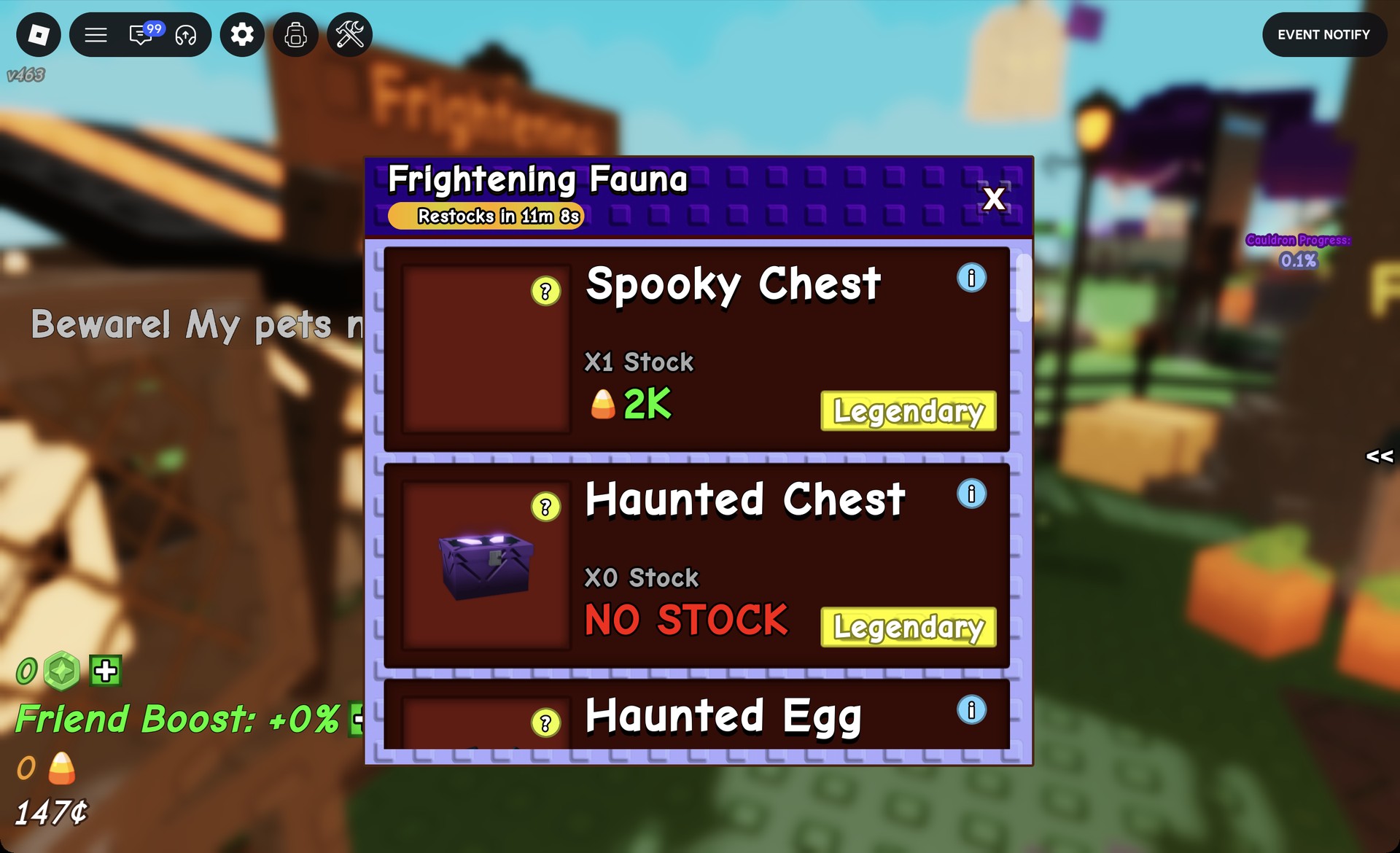
| Item | Price | Rarity |
|---|---|---|
| Spooky Chest | 2K Candy Corn | Legendary |
| Haunted Chest | NO STOCK | Legendary |
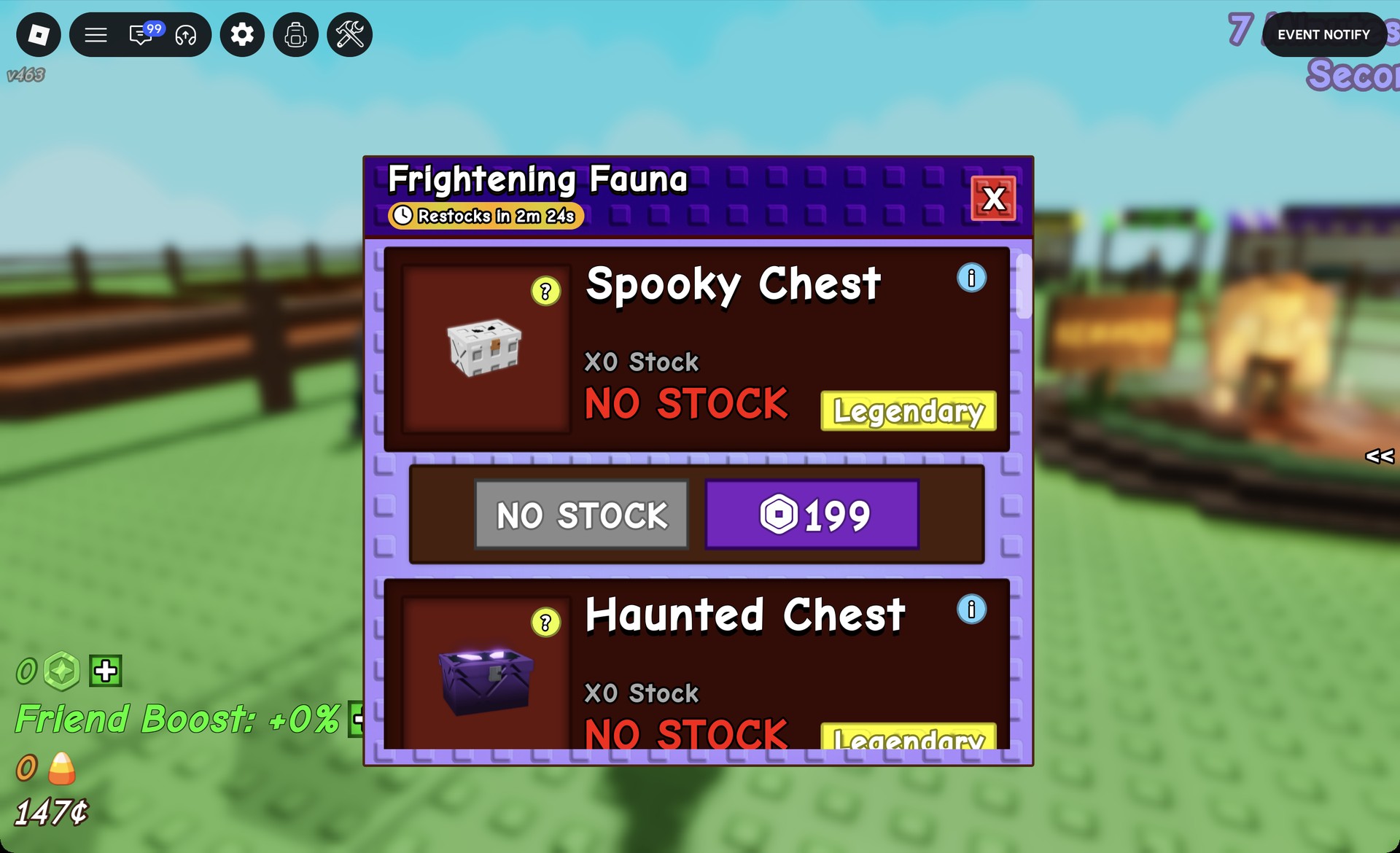
Wraith-ael’s shop also has a Haunted Egg row below the two chests. When the Spooky Chest sells out, its card says “NO STOCK”. Clicking that card opens a buy row with a grey “NO STOCK” button and a purple Robux “199” button.
Demonic Decor (Eye-sack)
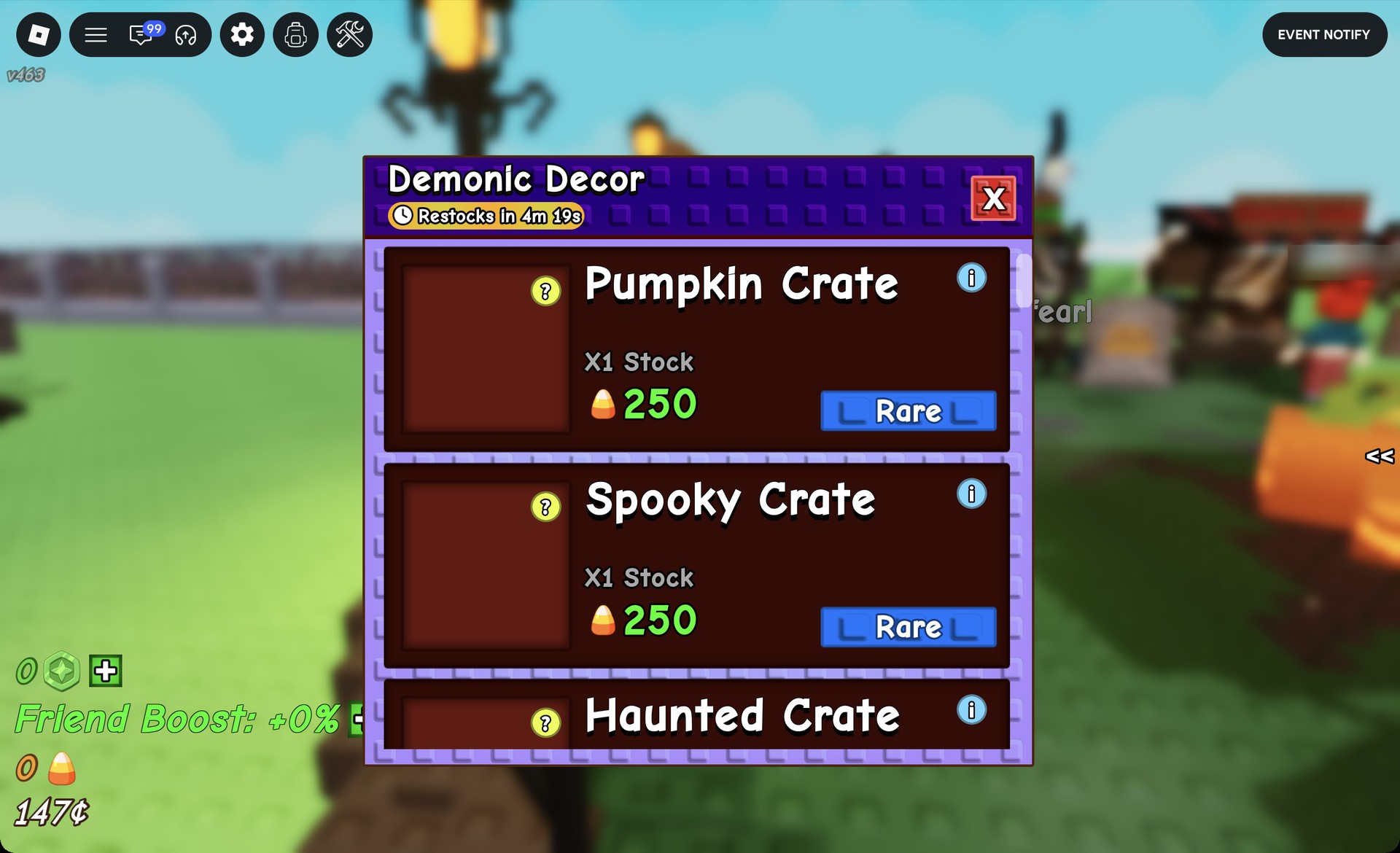
| Item | Price | Rarity |
|---|---|---|
| Pumpkin Crate | 250 Candy Corn | Rare |
| Spooky Crate | 250 Candy Corn | Rare |
Eye-sack’s shop also has a Haunted Crate row below the two crates.
Robux buttons you can skip during the Halloween event
Several buttons in and around the event area cost Robux. You don’t need any of them to fill the cauldron, collect its rewards, or shop with Candy Corn:
- The “Fill Cauldron” board next to the cauldron
- The purple Robux price buttons in the shops, such as the “199” button on a sold-out Spooky Chest
- The “Grow All” board (375R$)
- The “Harvest All” board (9R$)
- The yellow “Pass” button on the left side of the screen
For the free route, hand in plants or fruit at the cauldron, collect your Candy Corn, and spend it at Wraith-ael’s and Eye-sack’s counters.