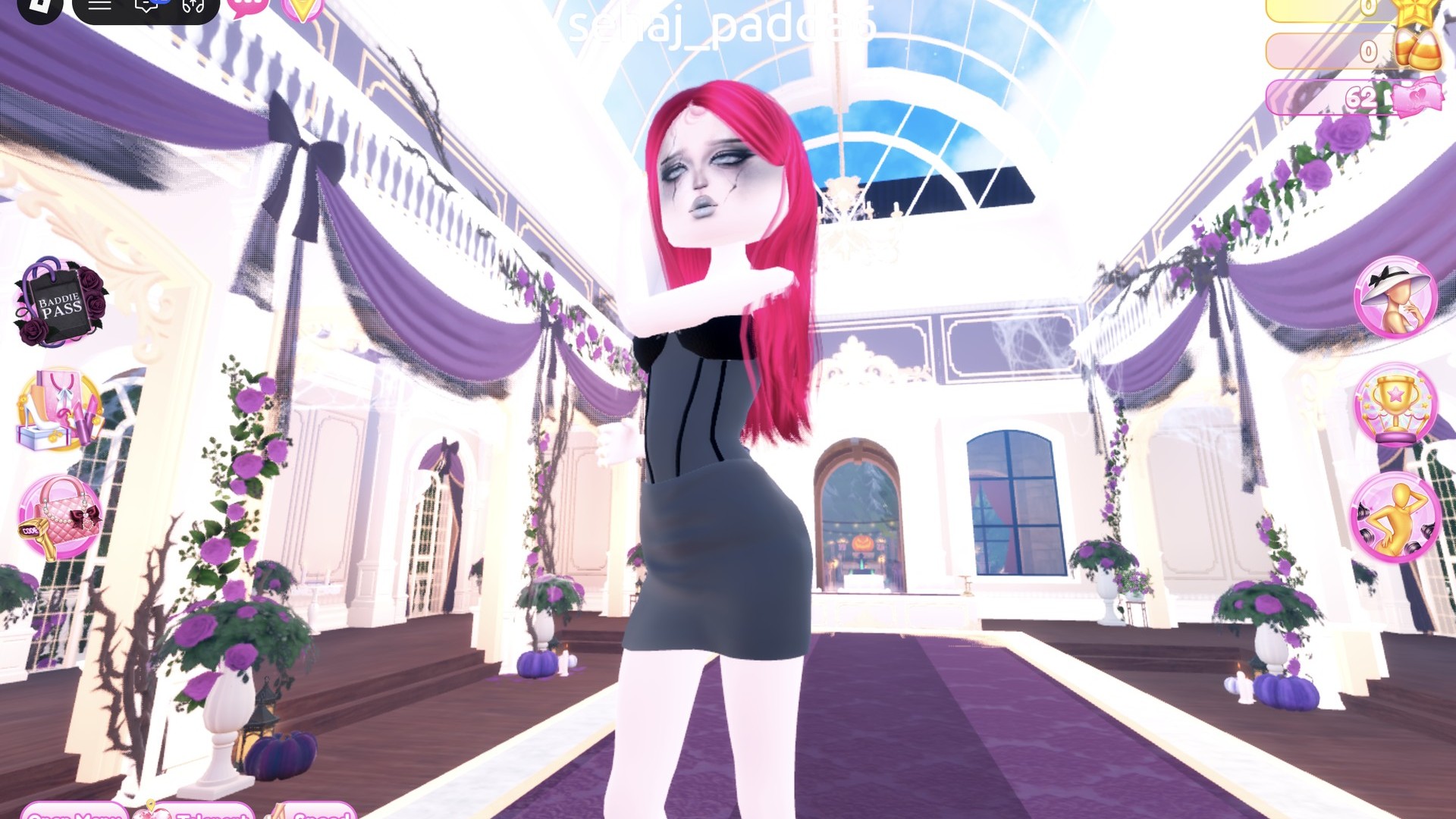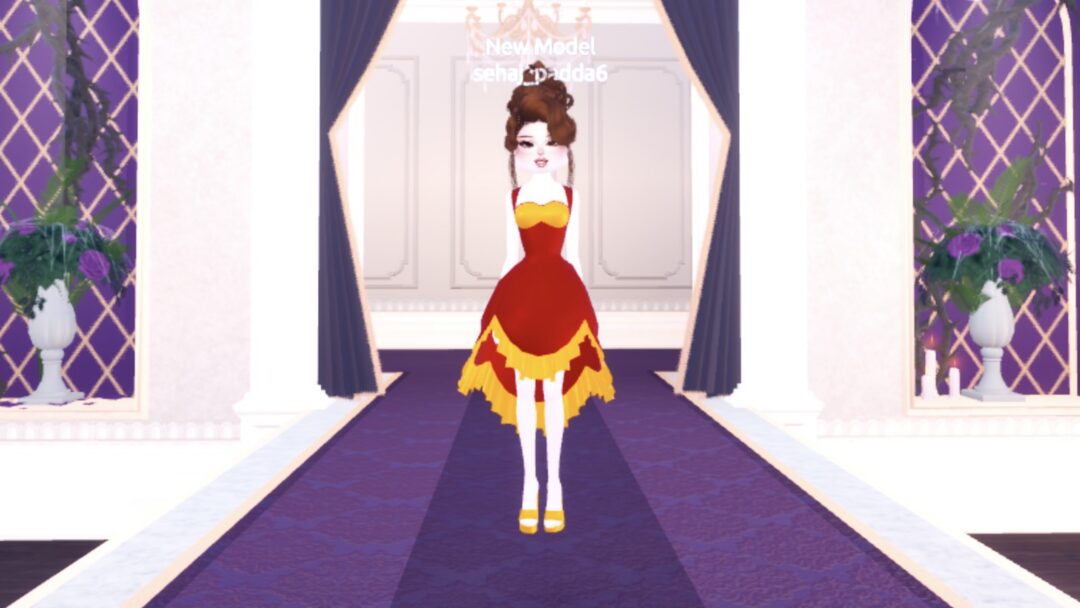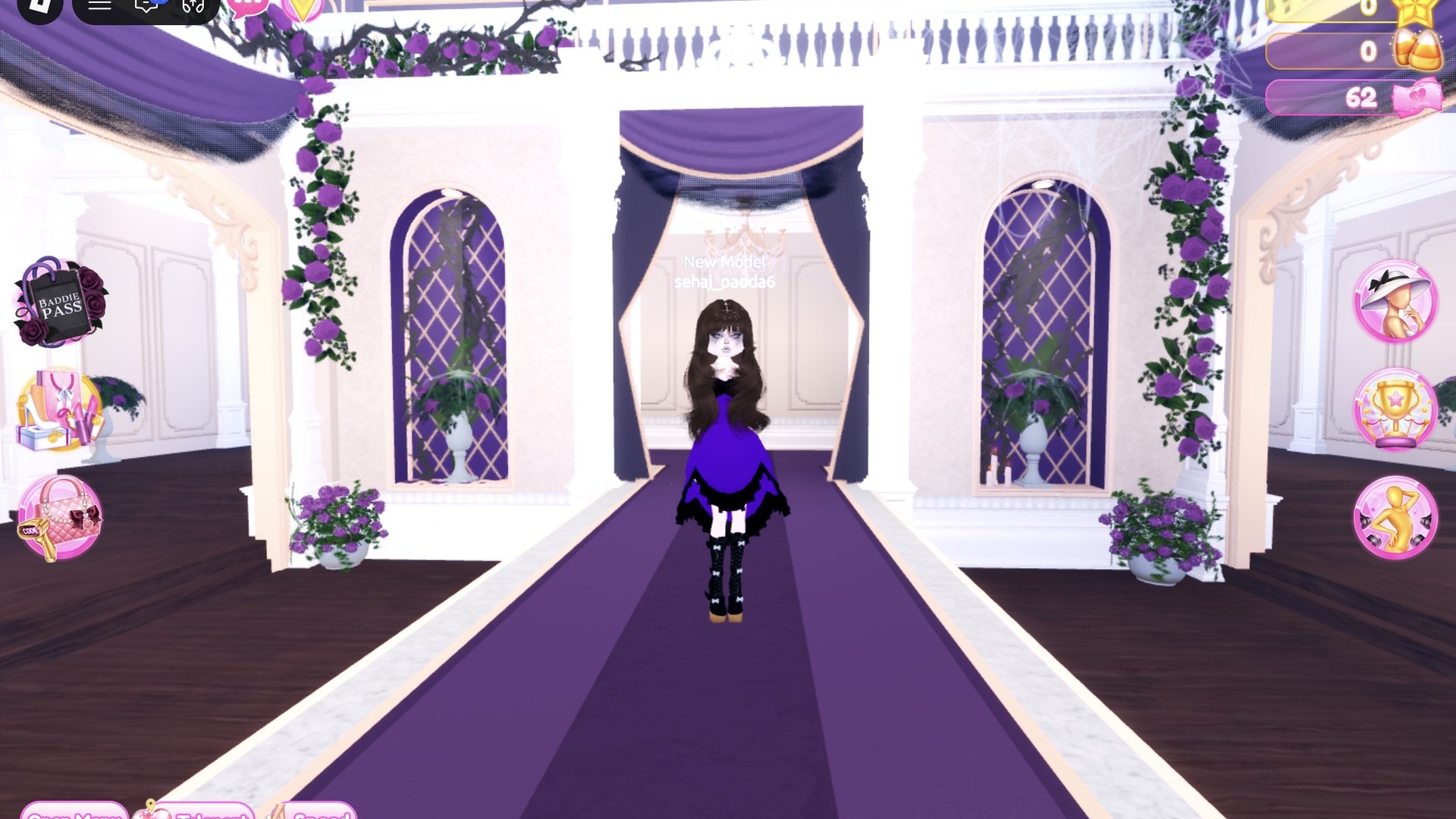
Whimsigoth is a dark, whimsical, 90s witchy style built on deep purples, plum and black, long flowing skirts, lace, velvet-looking fabric and long loose hair. For whimsigoth dti rounds in Dress To Impress, the Roblox fashion game, you can build two strong looks entirely from free pieces. One is a recolored ball dress. The other is a lace tiered gown. Both use the same skin and face, so you only set those once. More themes are in the Dress To Impress themes guide.
Quick answer: Recolor the pale pink ball dress deep purple with a black ruffle hem and add black bow platform boots, or recolor the tiered gown purple, add the lace pattern, and pair a purple and black bandeau.
Where Dress To Impress keeps hair, faces, clothes and the runway
The game doesn’t show item names, so every piece below is described by its spot in the room, its look and its color. These are the places you’ll visit.
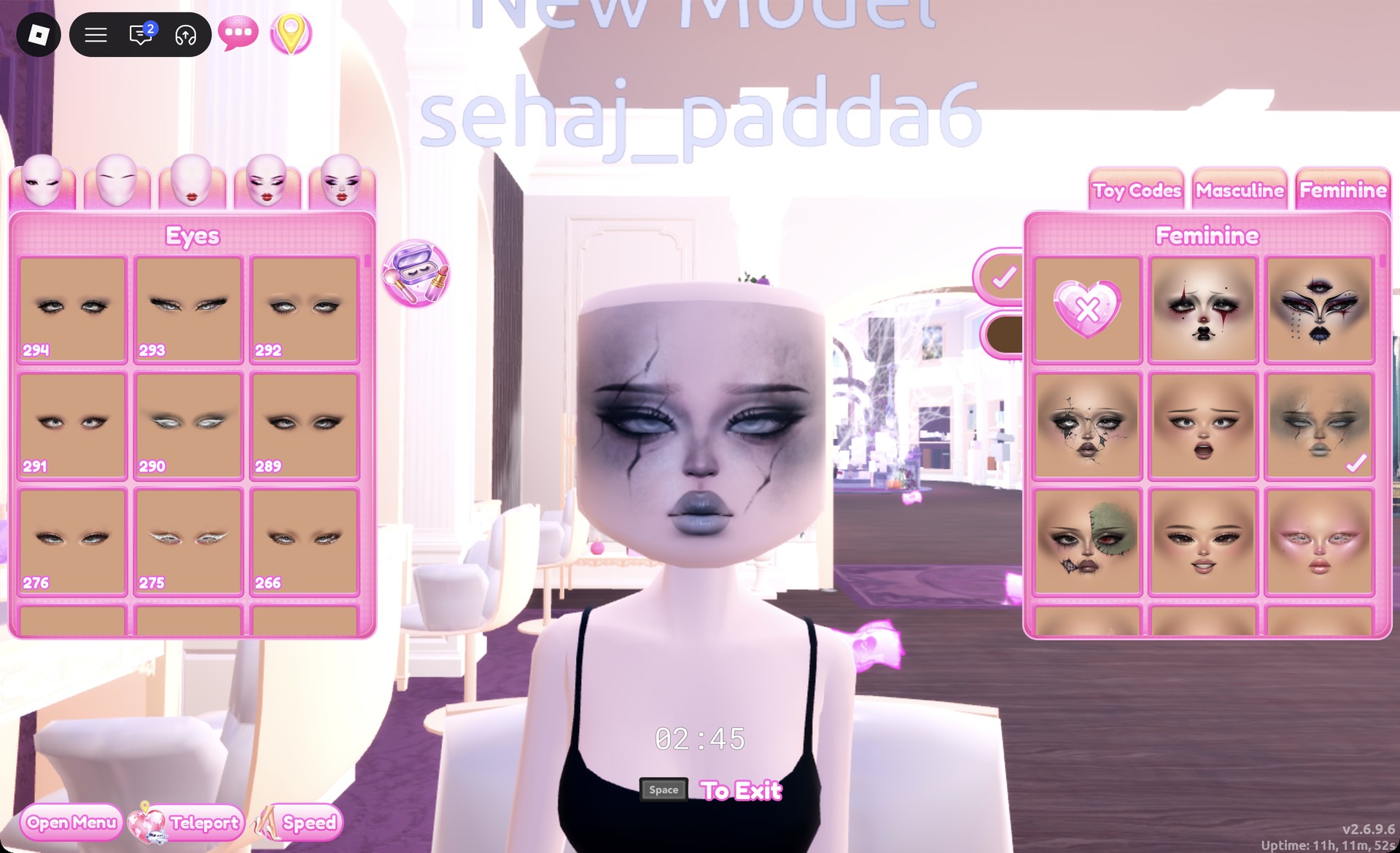
- Faces: Lana’s Salon, right arch. Sit at a vanity seat, press E, and open the Feminine tab.
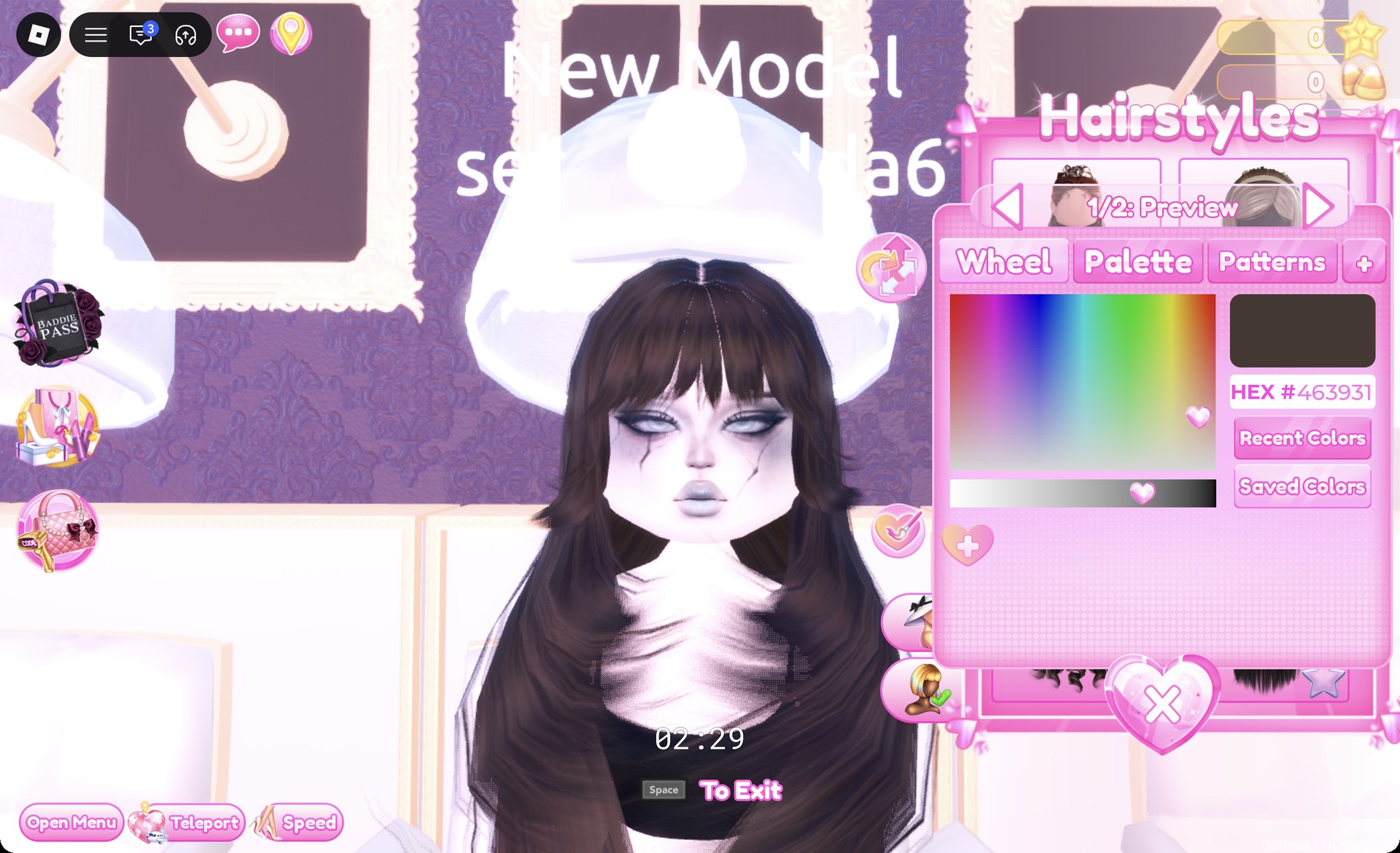
- Hair: Lana’s Salon, left arch. Use a hair chair under the hood dryers and press E to open the Hairstyles panel.
- Skin: the Skin Tones booth, Skin tab.
- Clothes and shoes: the Teleport pin at the top left, then “Dressing Room”.
- Runway: Select the Teleport pin and choose “Freeplay Runway”.
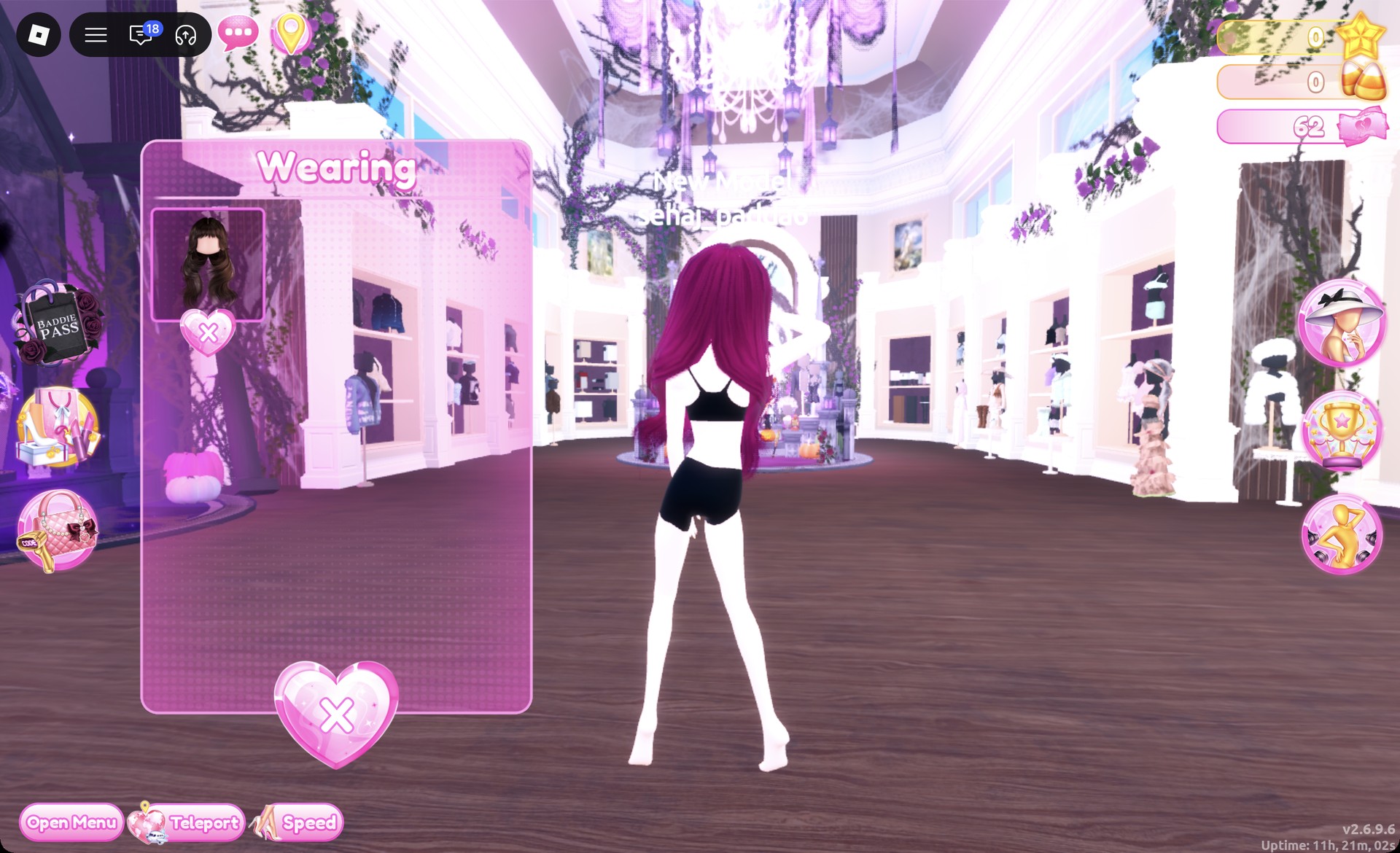
The Hairstyles panel has tabs for Feminine, Masculine, Bangs, Curly, Straight, Wavy, Updo, Locs, Braids and Afro. Both looks here use the Wavy tab.
How recoloring and lace work in Dress To Impress
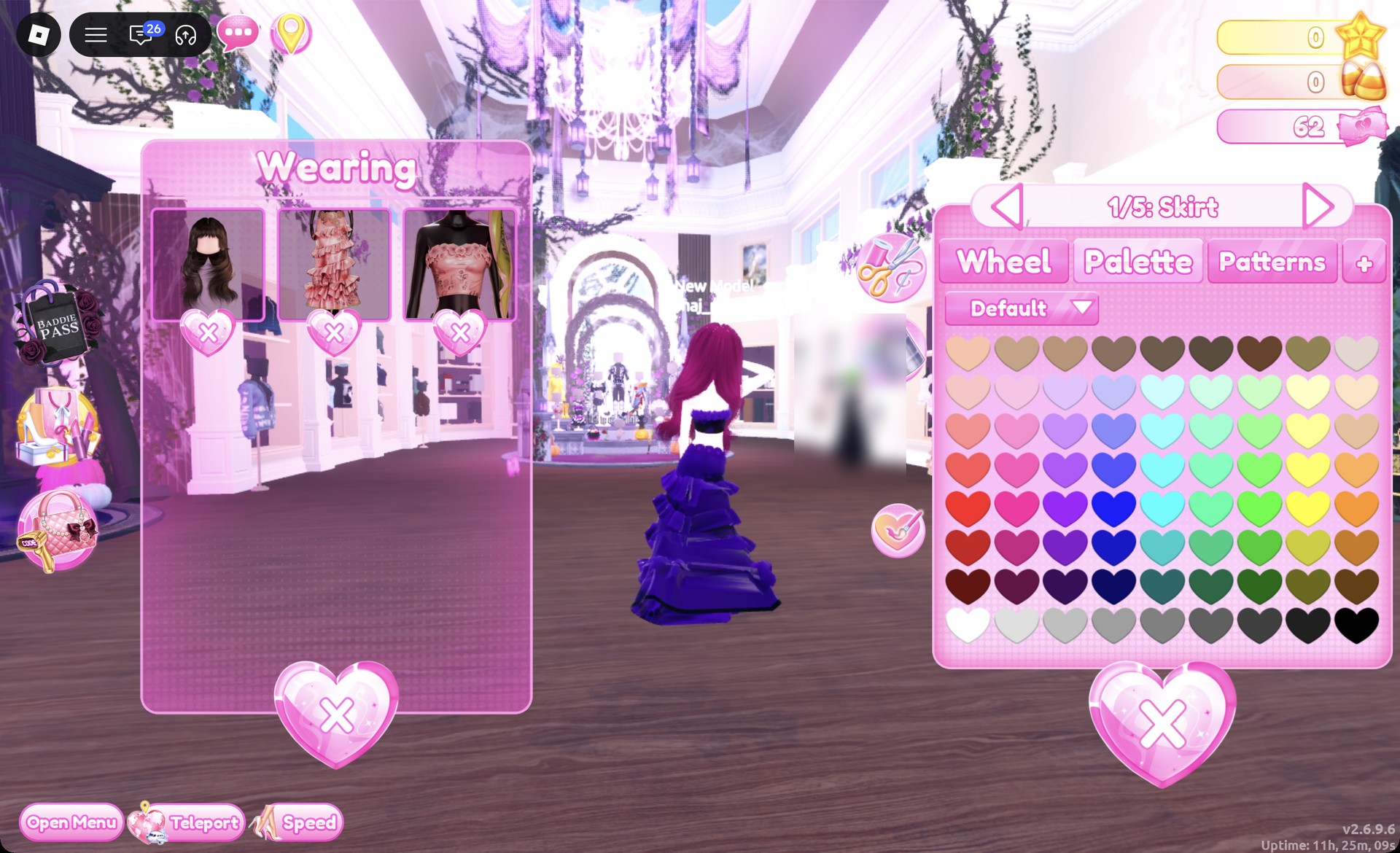
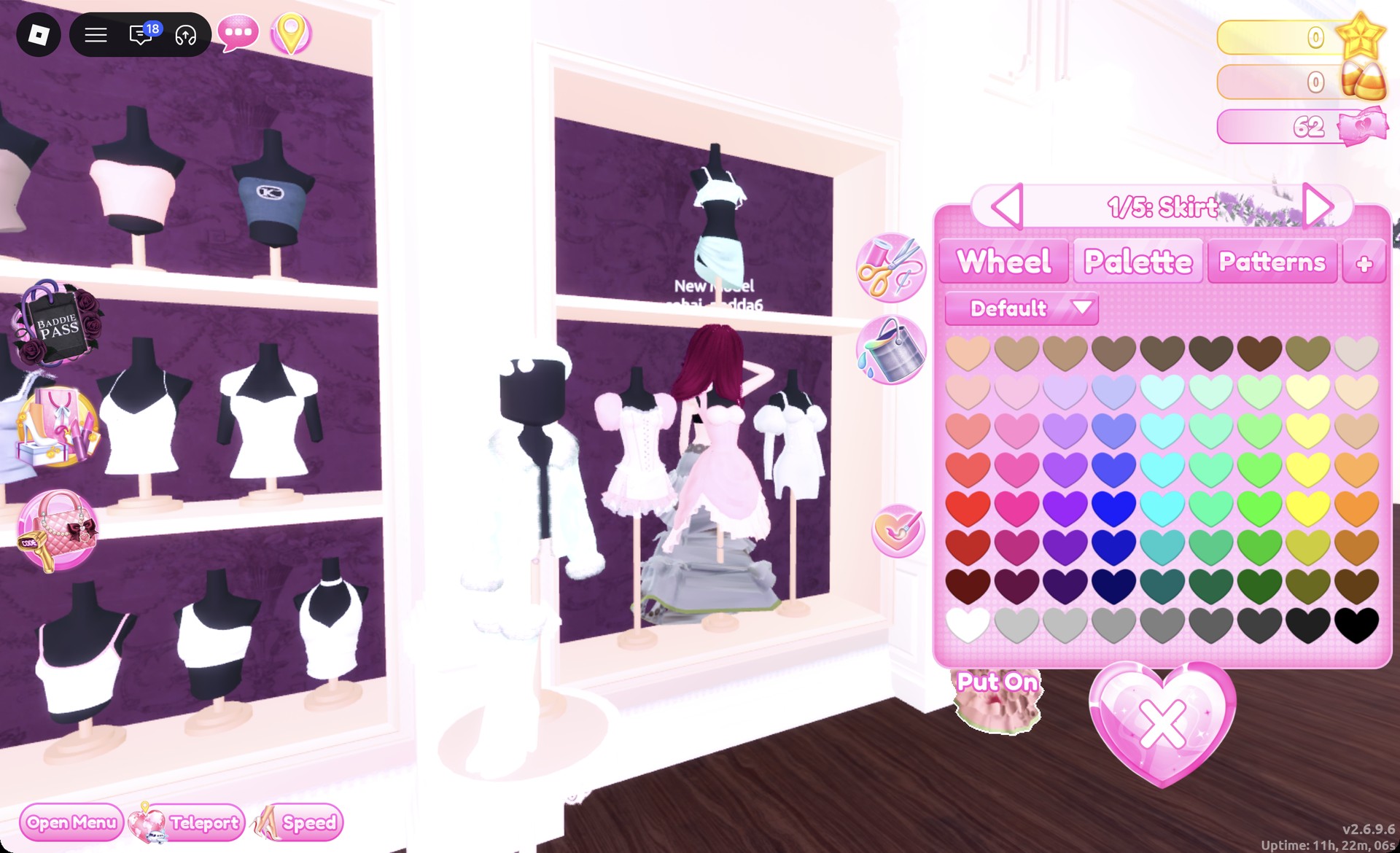
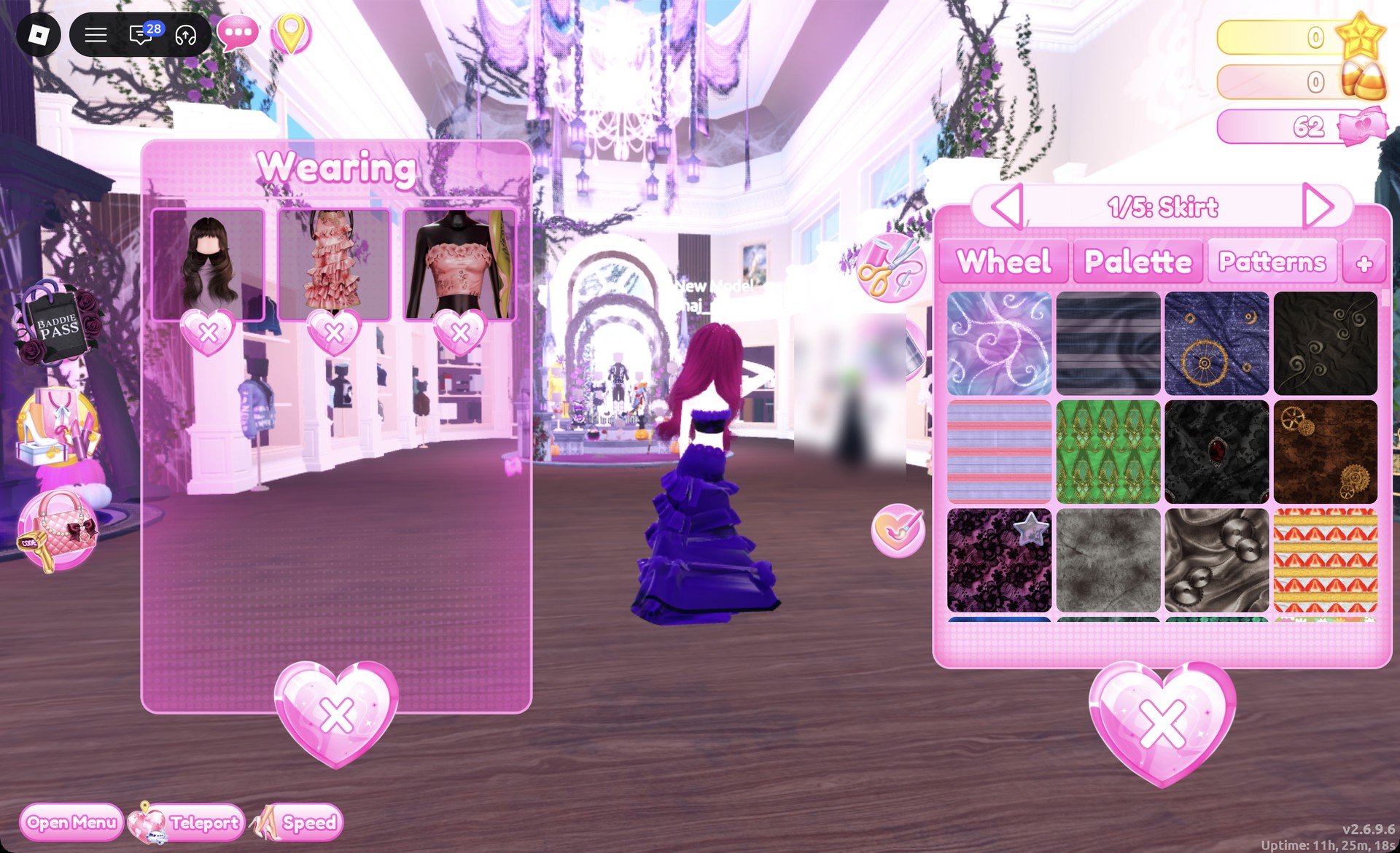
Click a piece to preview it. While it previews, the arrows step through its parts, and the panel label changes as you go, for example “1/2: Preview” or “1/5: Skirt”. For each part, pick a color on the Palette tab and, if you want, a material on the “+” tab. Then press Put On, the heart-and-tick button to the left of the panel.
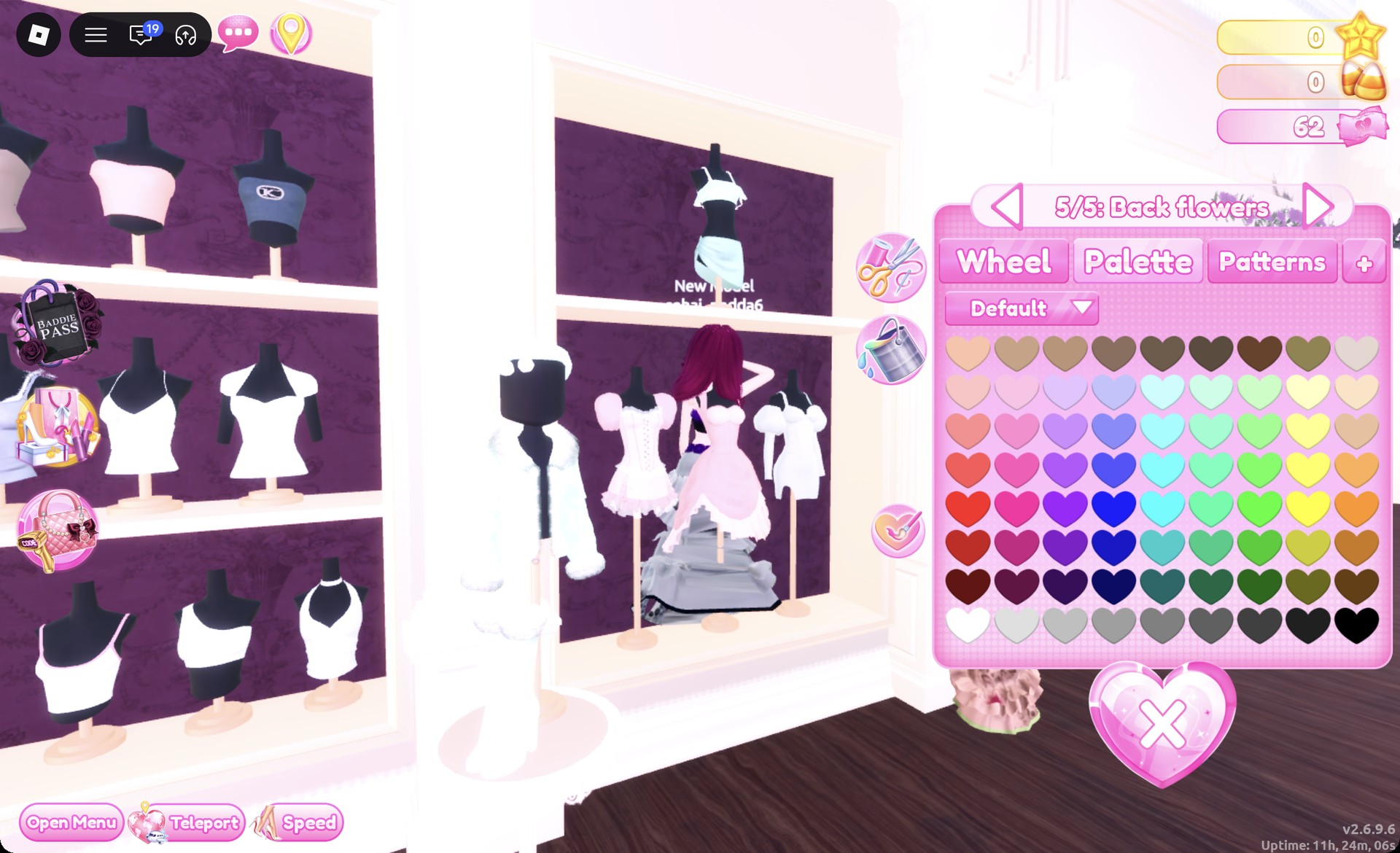
The color references use positions on the Default palette: count columns from the left edge and rows downward from the top. Row 8 shades from white through to black, with black on the final heart. To change the color of something you have on, open Wearing with the hanger button at the right and select its image.
Find the lace design on Patterns: it is the first tile across in row three, illustrated with dark lace. Put straight onto the default white skirt, the lace showed up white. Picking purple on the Palette tab first and then the lace tile gave dark purple lace. A Palette color picked after the tile replaces the pattern. A star marks the selected tile; that symbol does not mean it is locked.
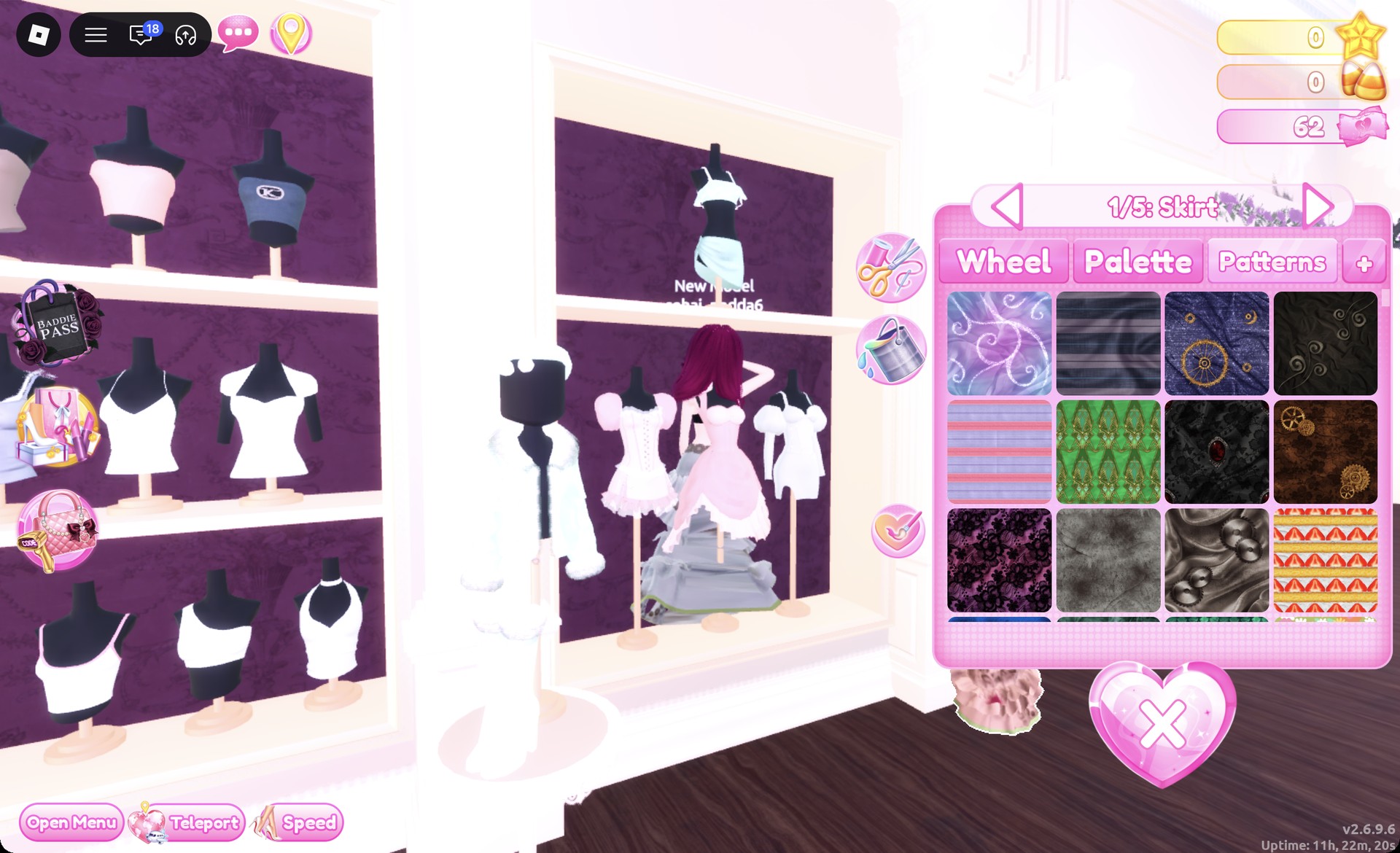
Set the color first and the lace tile second. Picking a Palette color after the tile removes the lace.
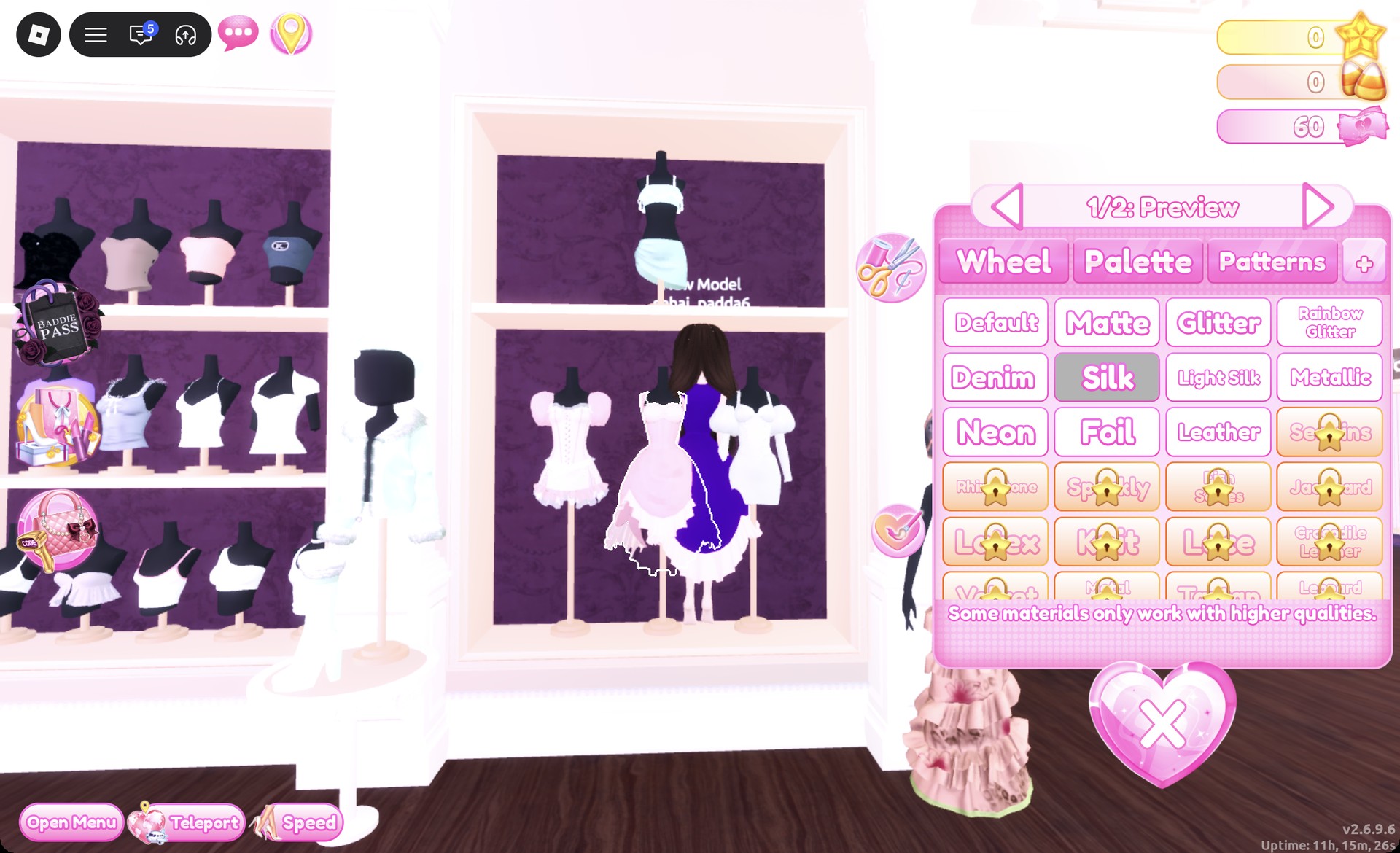
Free materials on the “+” tab are Default, Matte, Glitter, Rainbow Glitter, Denim, Silk, Light Silk, Metallic, Neon, Foil and Leather. Sequins and everything below it carry a gold star lock, and neither look needs them. The panel also notes, “Some materials only work with higher qualities.” Silk gives the purple and black a velvet-like sheen that suits the style.
Whimsigoth skin and makeup for both looks
At the Skin Tones booth, open Skin and select the second swatch in the top row for a very pale tone. For the makeup, use a vanity: open Feminine and choose the third card in row two. It gives smoky gray eyes, gray lips and subtle dark crack lines; use it for both outfits.
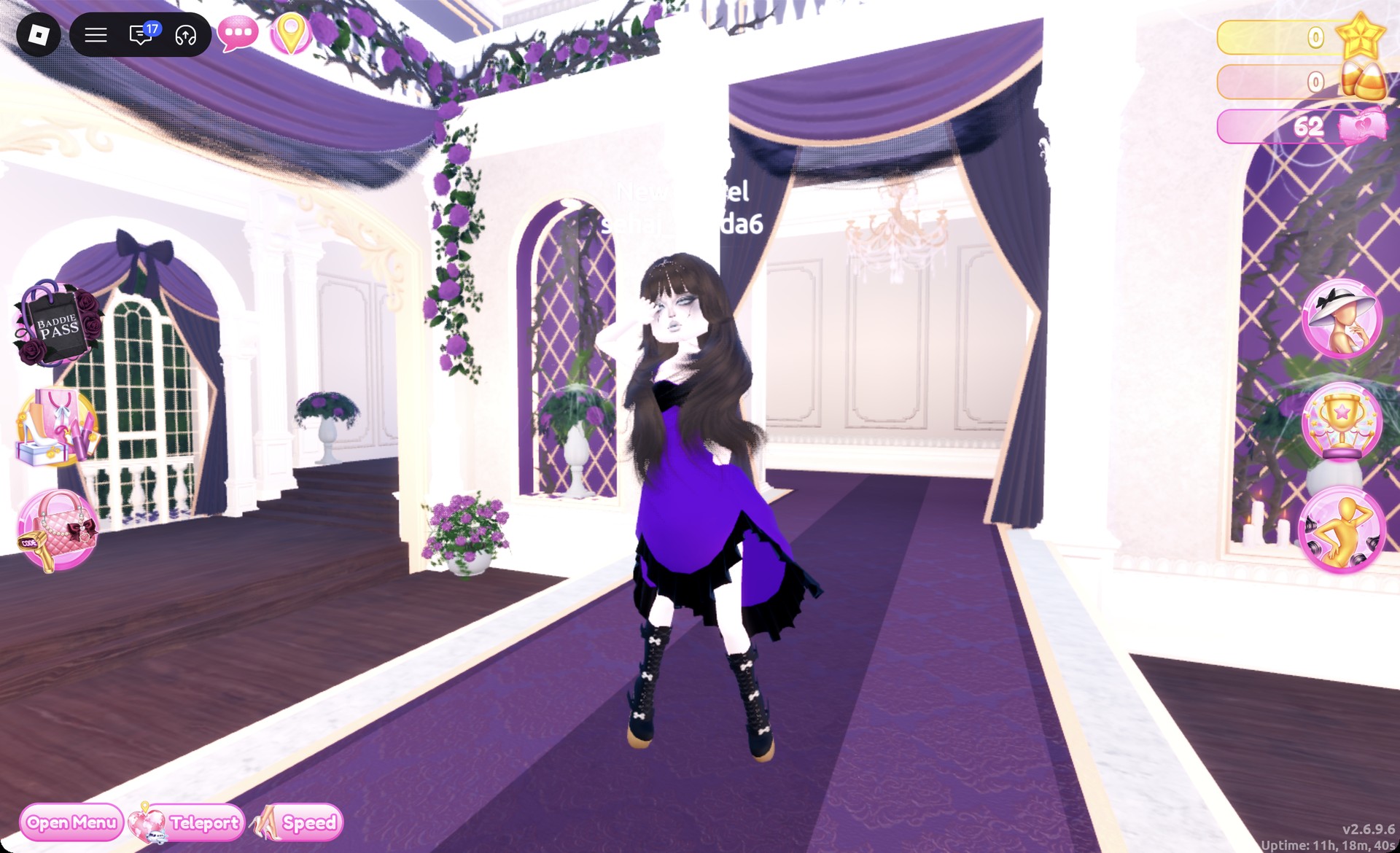
Whimsigoth look 1: Purple and black ball dress
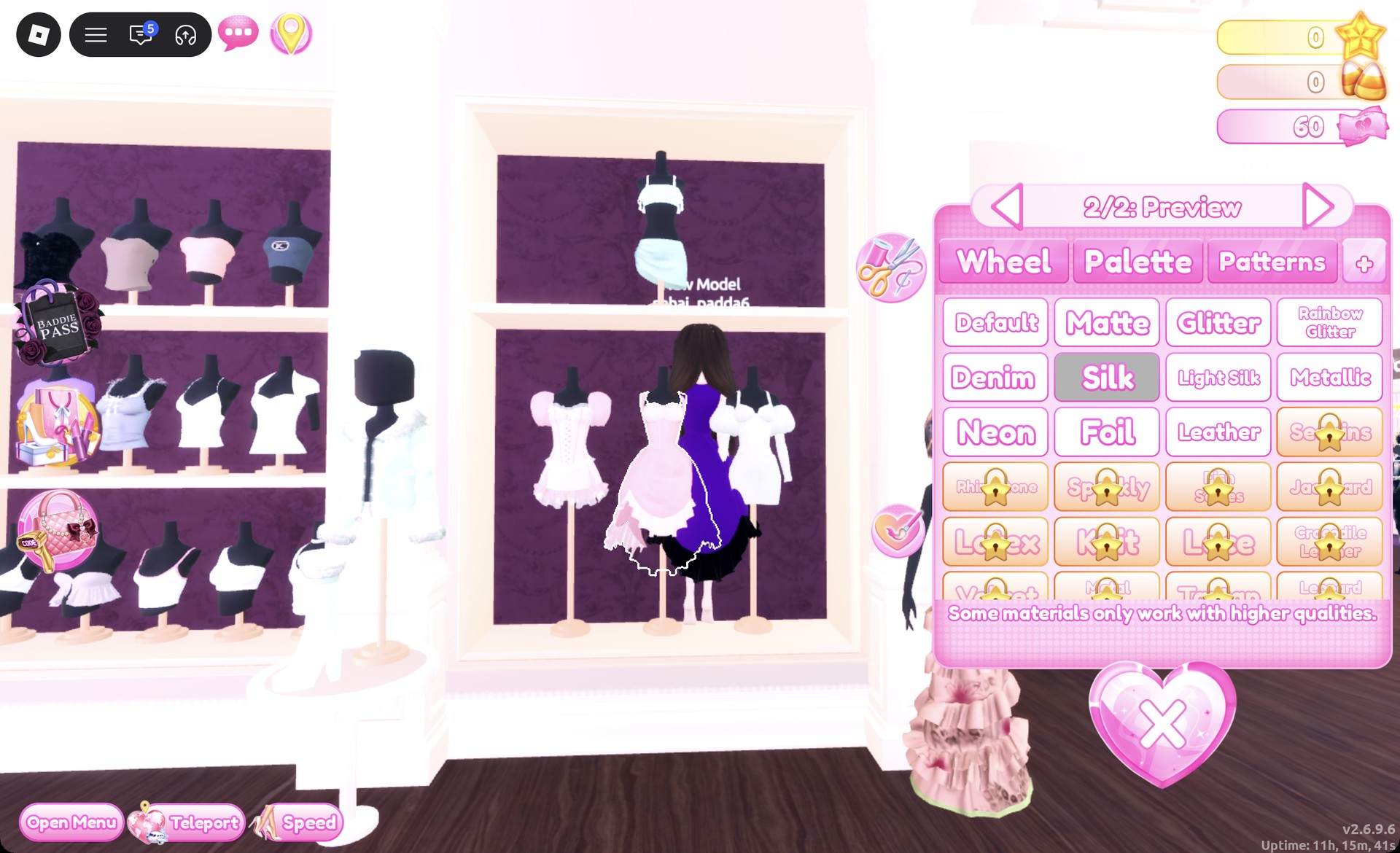
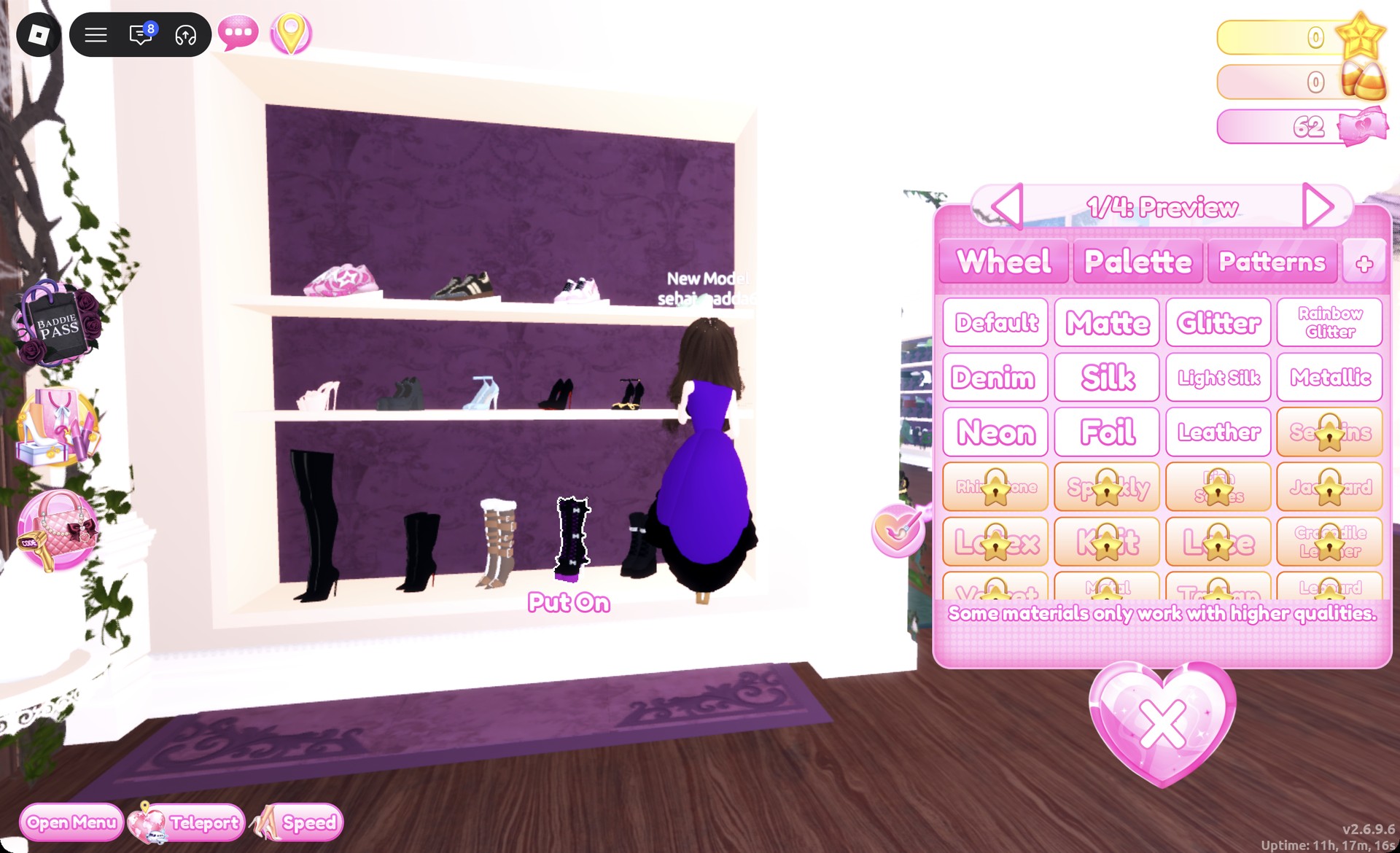
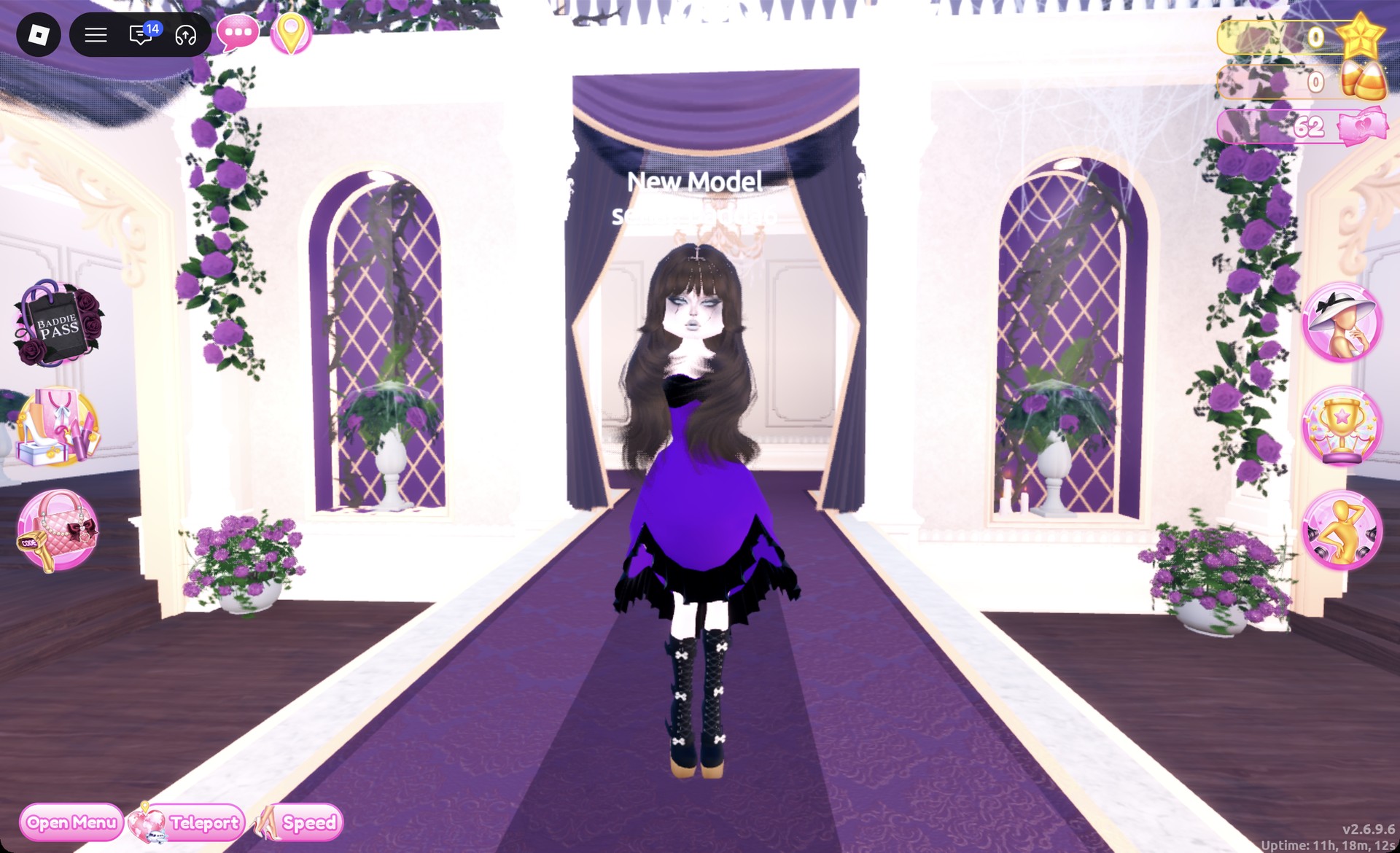
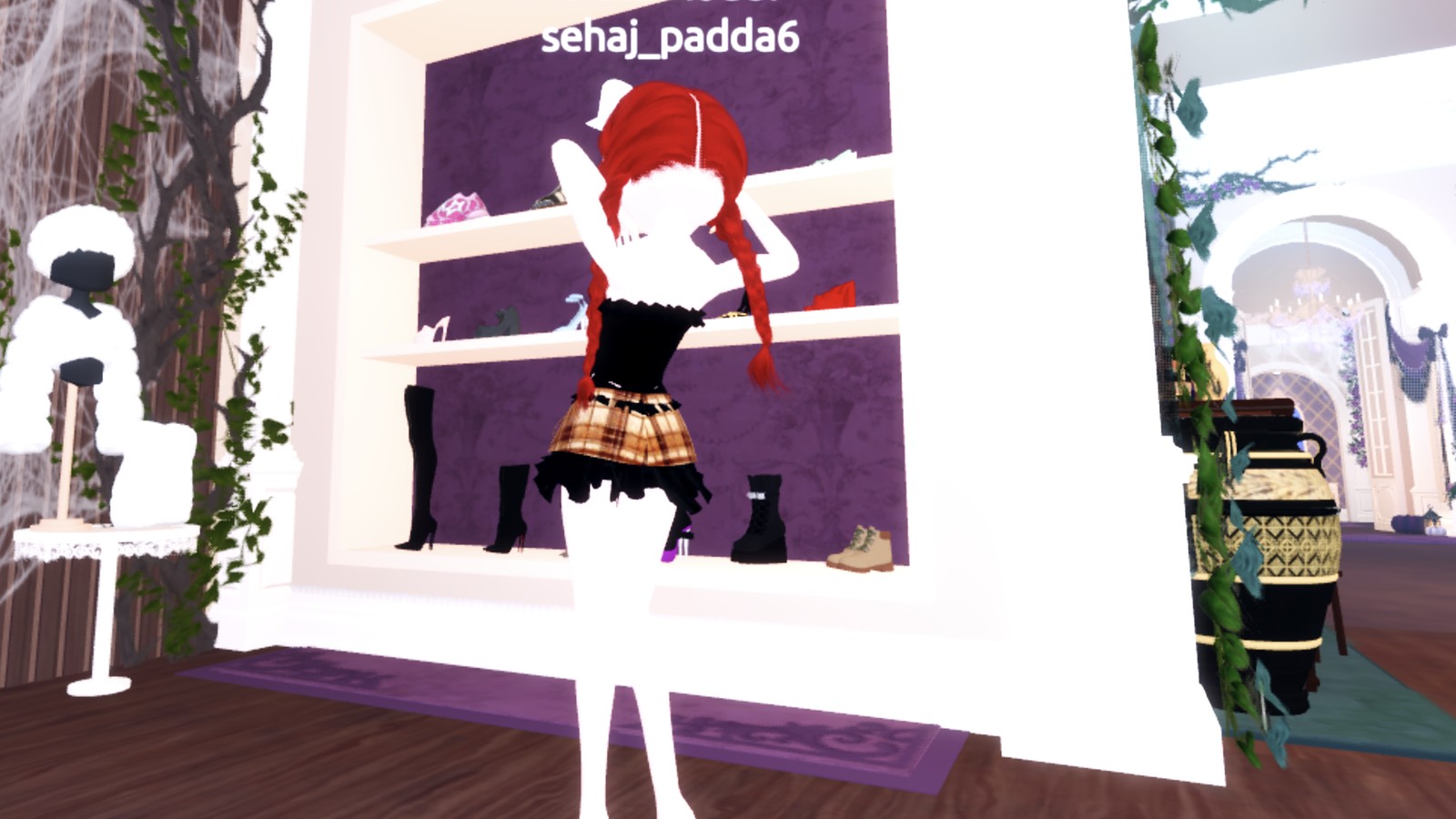
From behind, the long dark waves fall over the purple skirt and its black hem.
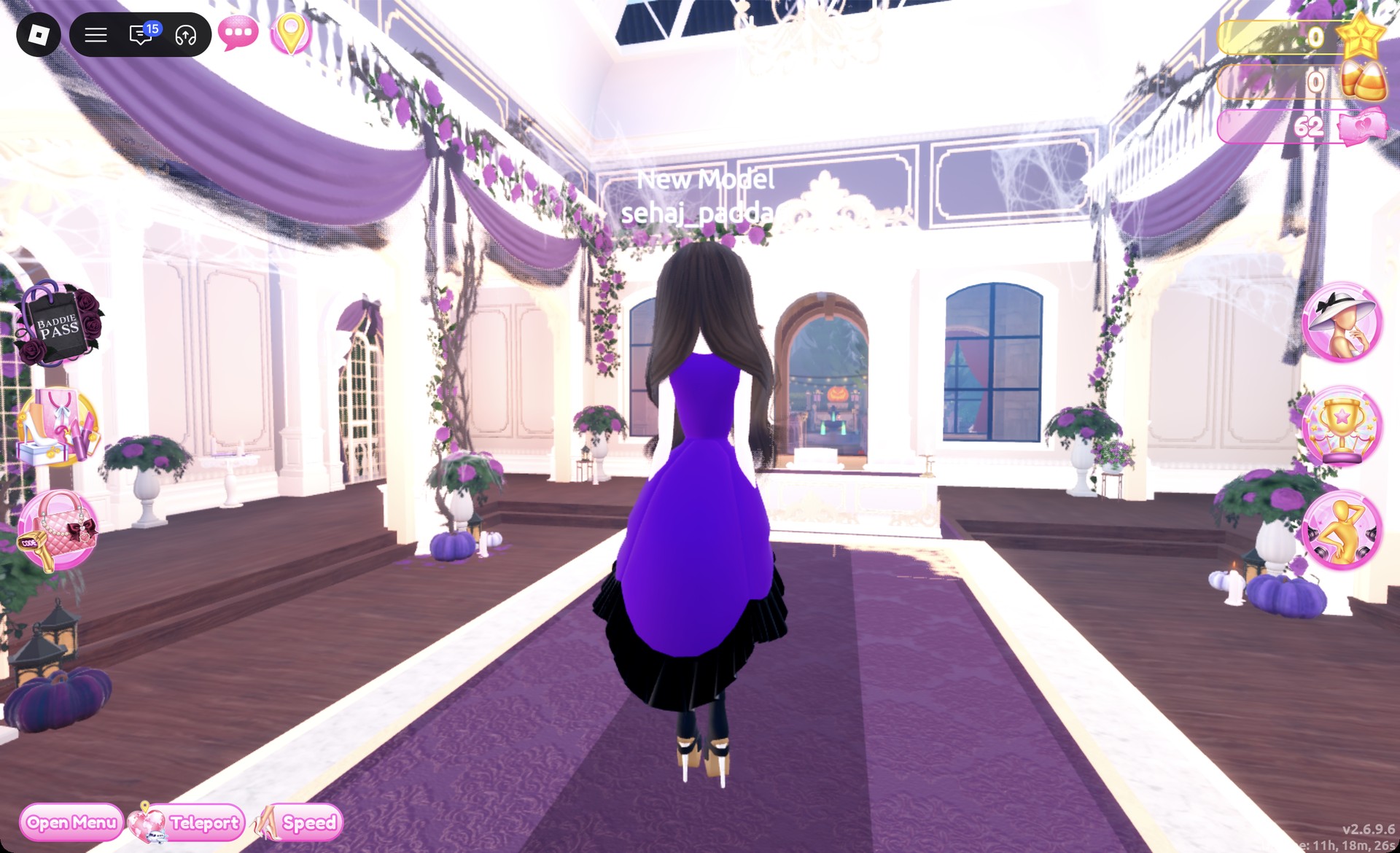
The Sparkle pose, with one hand over one eye, fits the look.
Whimsigoth look 2: Purple lace tiered gown
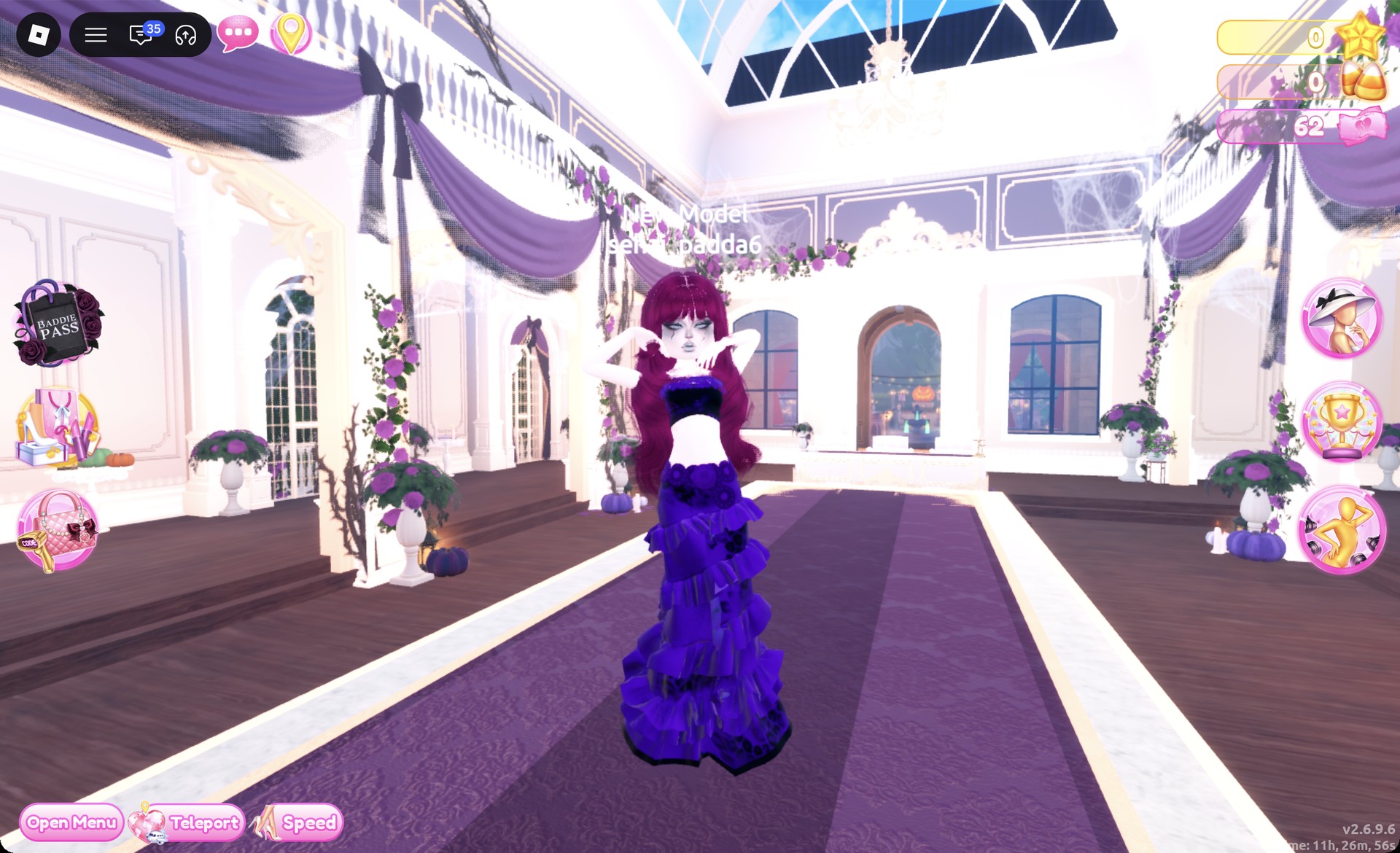
Begin with the tiered ruffle gown on the mannequin beside the party-dress unit. This is not the ball dress: it features a bandeau top and a long skirt made of tiers. The skirt is split into five parts, colored as follows.
| Skirt part | Color |
|---|---|
| 1/5 Skirt | Purple (column 3, row 7) + lace |
| 2/5 Leopard Print | Black |
| 3/5 Flower Details | Purple |
| 4/5 Hemline | Black |
| 5/5 Belt | Purple |
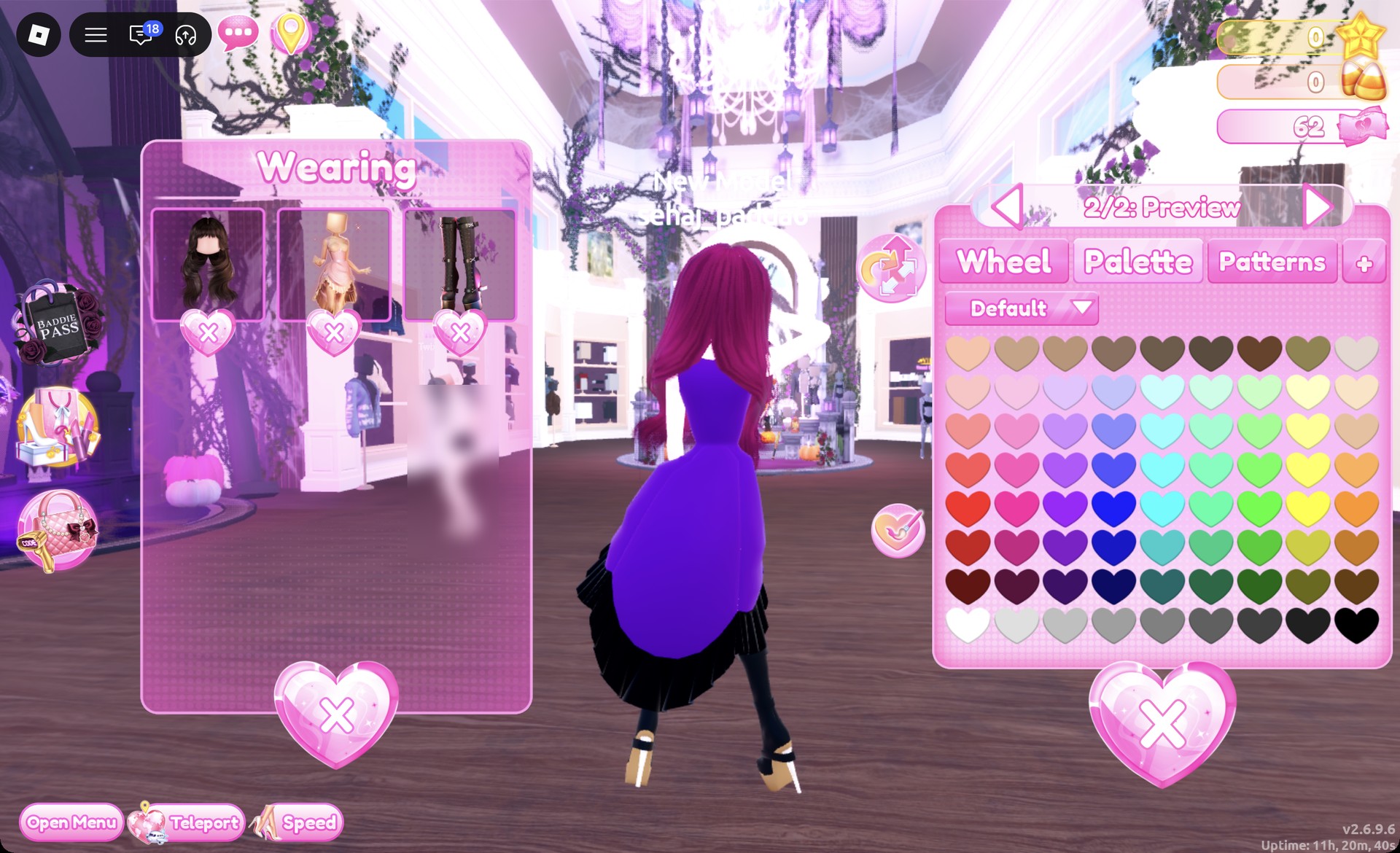
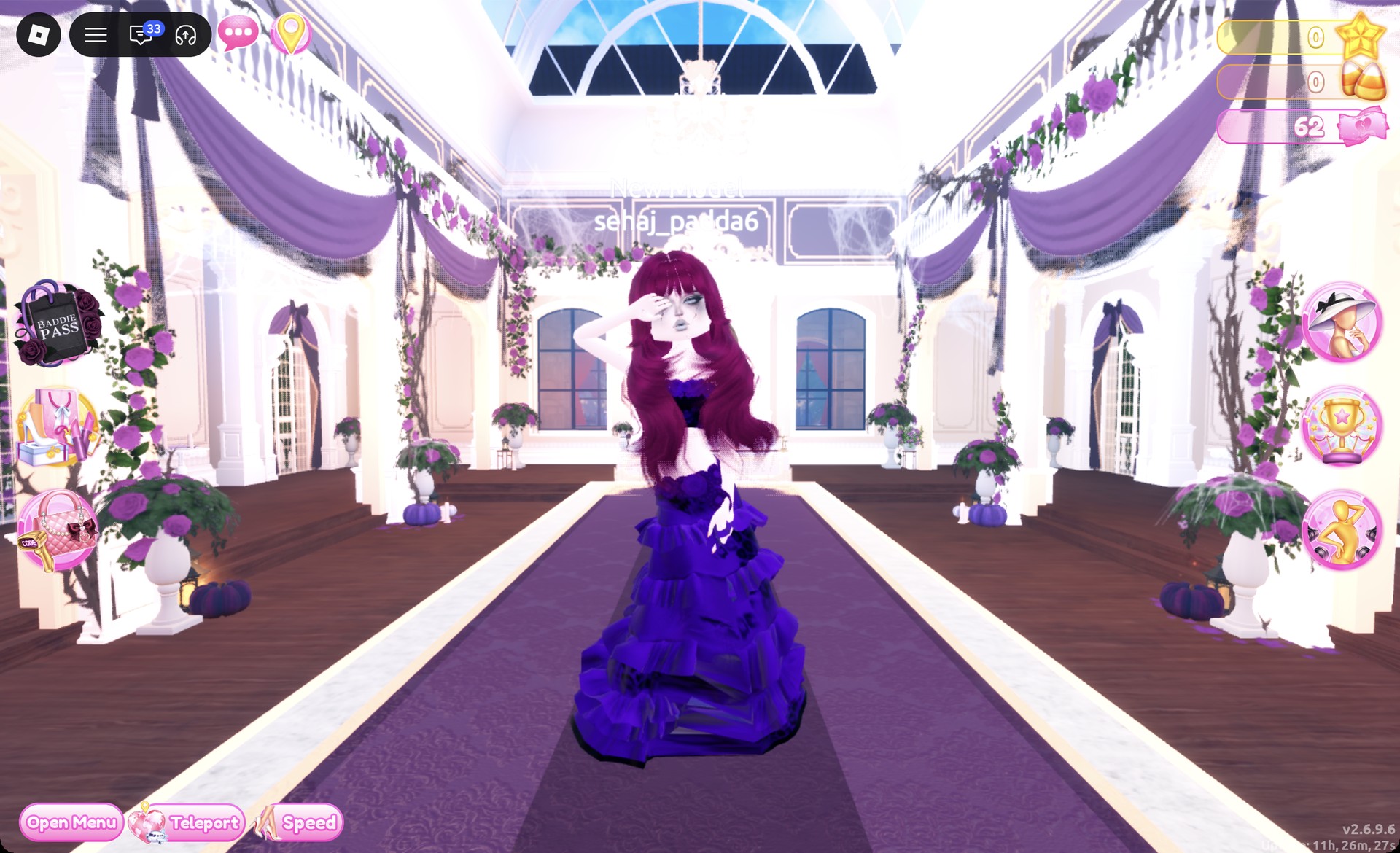
From behind, the berry hair and the purple lace tiers show.
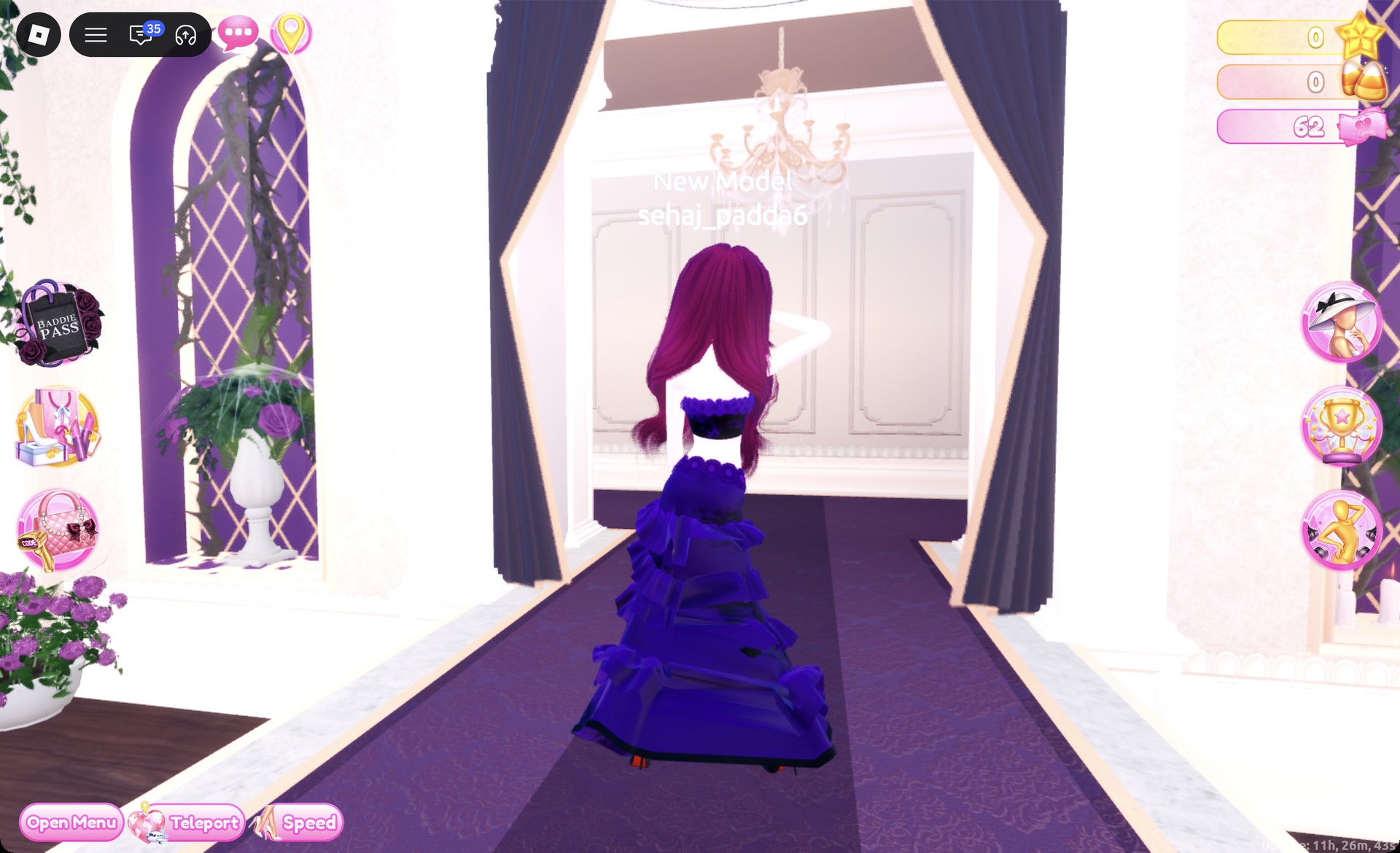
The Crystal pose, with arms raised behind the head, shows off the gown.
More dark and witchy theme ideas
- Trad Goth
- Black Lace
- Visual Kei
- Potion Maker
- Enchanted Curse
- Midnight Circus
- Every Dress To Impress theme and every free pose
Whimsigoth DTI questions
What is Whimsigoth in DTI?
It is a dark, whimsical 90s witchy style: deep purple, plum and black, lace, long flowing skirts and long loose hair.
How do I do Whimsigoth without VIP?
Both looks are free. Every piece, color, material and pattern tile in them costs nothing, so you don’t need VIP or Robux.
How do I get lace in Dress To Impress?
Open the Patterns tab and use the third row, first tile. Color the part on the Palette tab first, because the lace takes that color.
What colors and hair work for Whimsigoth?
Deep purple, black, and plum or berry tones work best, with Silk for a velvet-like sheen. For hair, go long and wavy with bangs, and pair it with the smoky gray face card from the vanity.
Which shoes go with Whimsigoth?
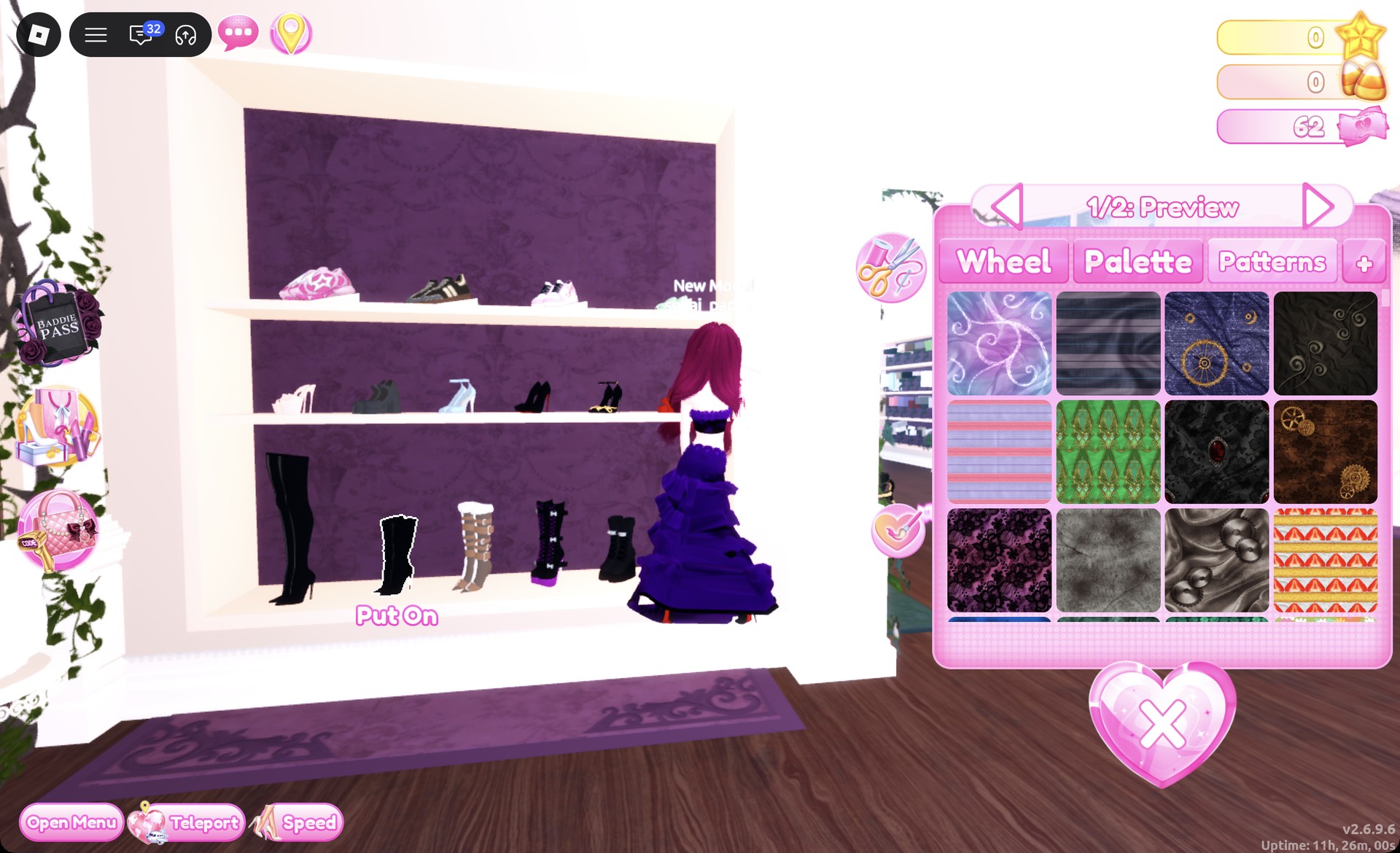
Black boots from the bottom row of the shoe shelf: the lace-up platform boots with white bows under a shorter dress, or the stiletto ankle boots under a long gown.