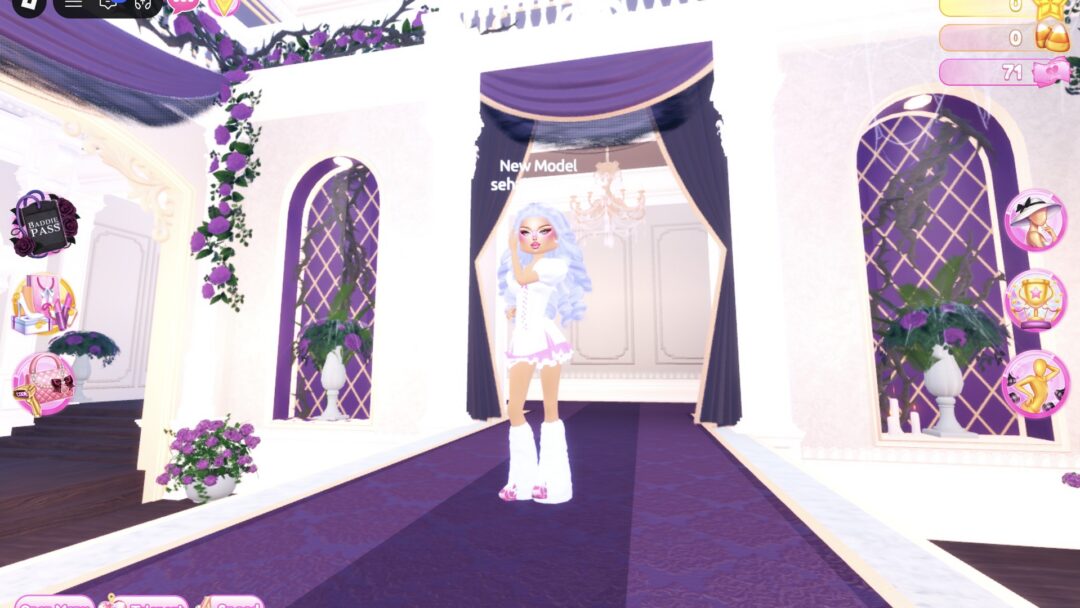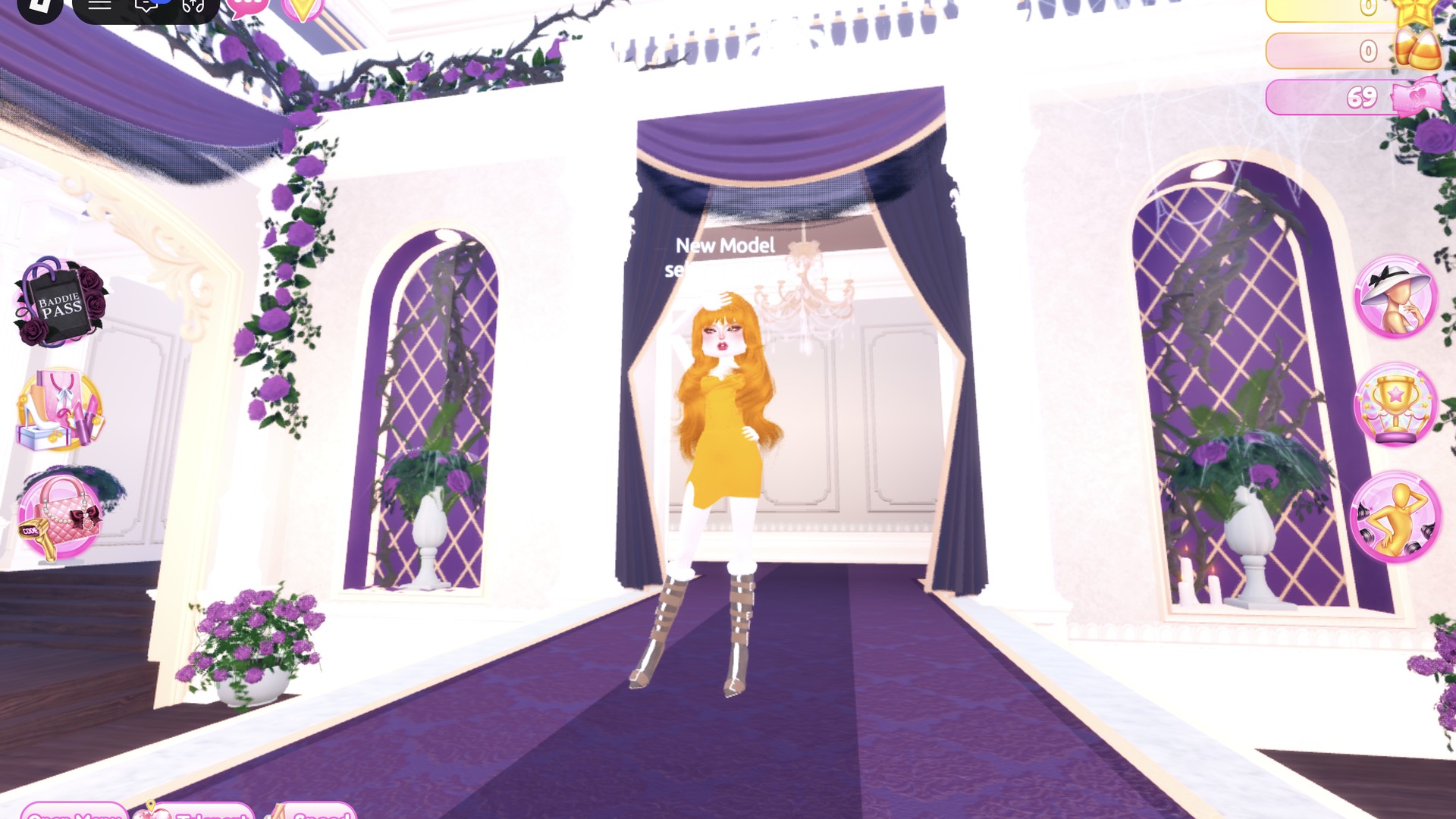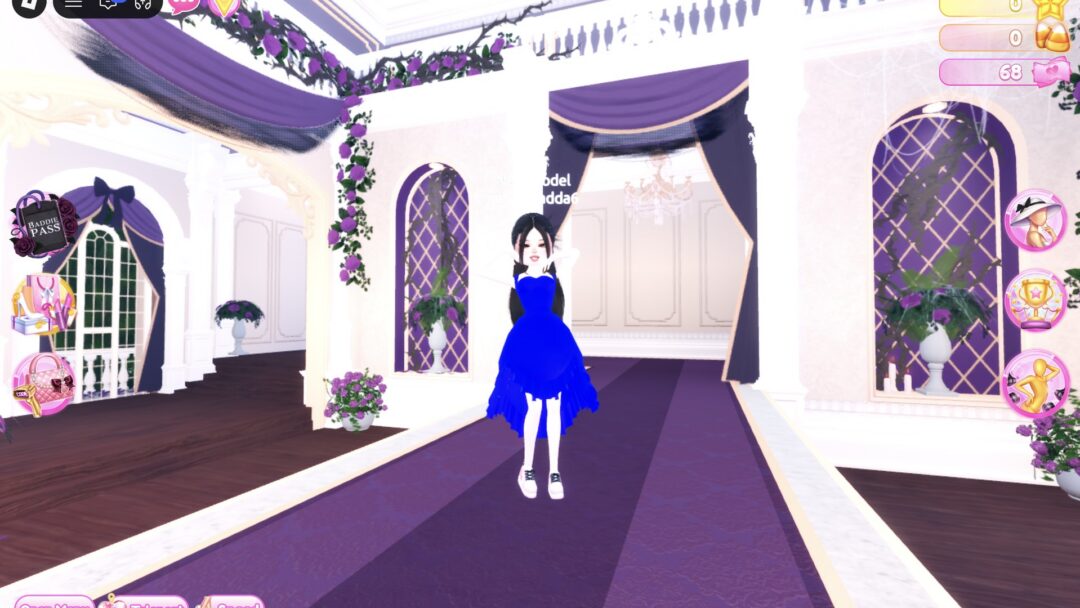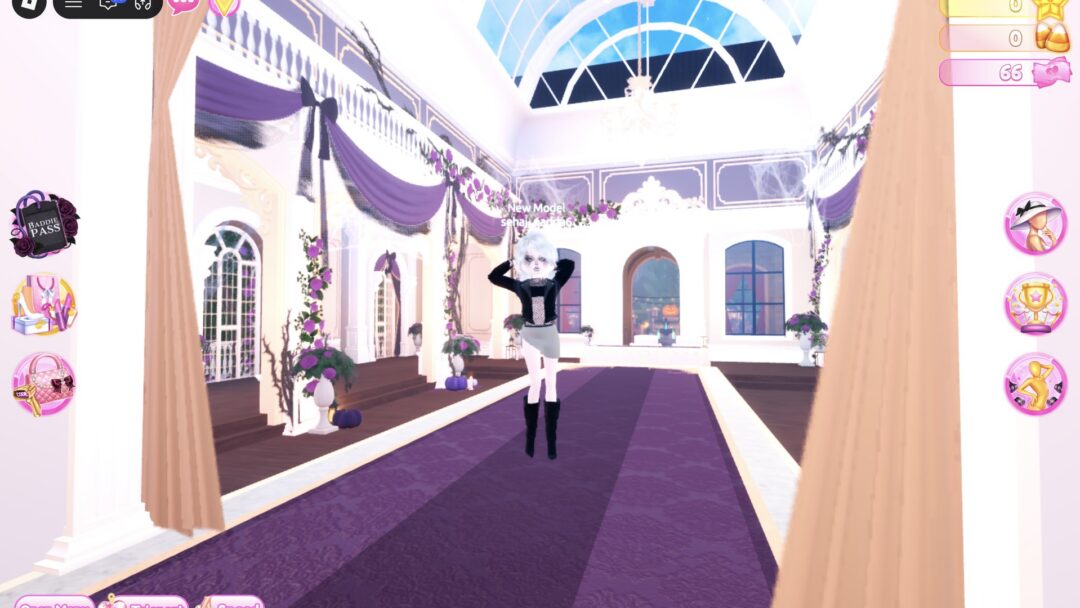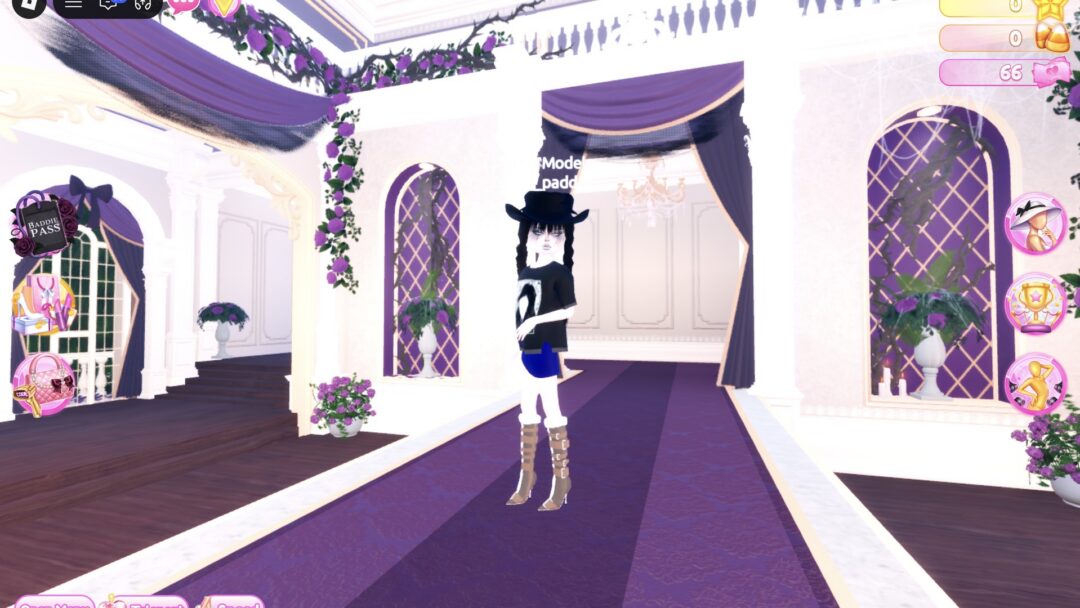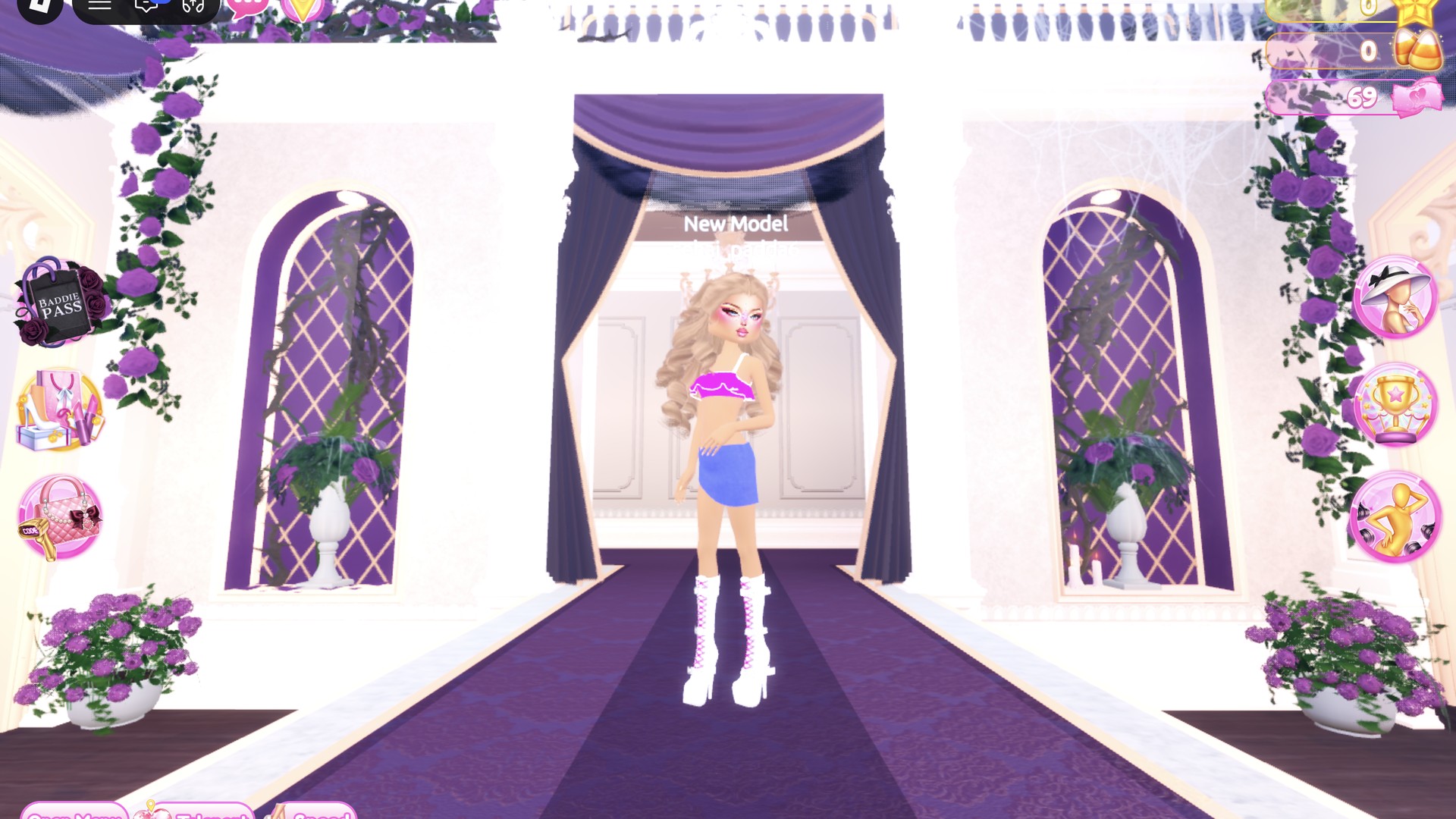
Gyaru is a Japanese street style built on tanned skin, big light-colored curls, heavy glittery eye makeup, lots of pink, mini skirts and platform boots. In Dress To Impress, the Roblox fashion game, you can build two gyaru DTI looks from the same tan, blonde and pink base. The clothing changes, and Look 2’s hair is slightly warmer. More themes are in the Dress To Impress themes guide.
Quick answer: For Gyaru, go tan, blonde and pink. Use a tan skin tone, big honey-blonde curls, a pink glitter face with gems and white platform boots. Then add either a hot pink glitter corset dress or a hot pink bandeau with a light denim mini.
Where to find each Gyaru piece in Dress To Impress
Dress To Impress does not show item names. Every piece below is identified by where it sits, what it looks like and its color. These are the stations you need:
- Skin: the row of curtained booths under the “Skin Tones” sign, near the shoe shelf. Press E, then open the Skin tab.
- Face: Lana’s Salon, right arch. Sit at a vanity seat, press E and open the Feminine tab.
- Hair: Lana’s Salon, left arch. Sit in a hair chair and press E.
- Clothes and shoes: use the Teleport pin in the top left and choose “Dressing Room”.
- Runway: use the Teleport pin and choose “Freeplay Runway”.
How recoloring works in Dress To Impress
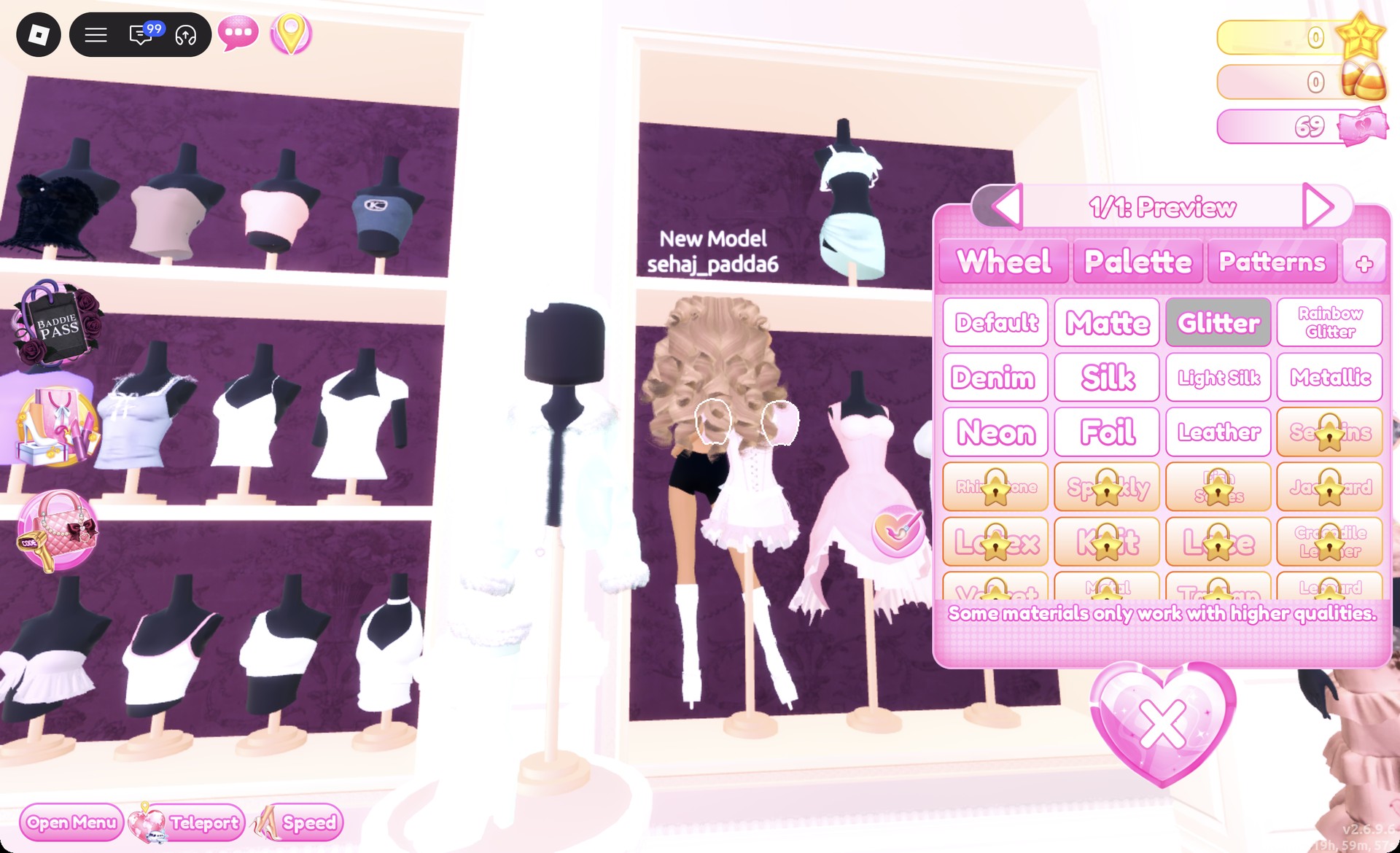
Click a piece to preview it. While it previews, use the arrows to step through its parts. For each part, pick a color on the Palette tab first, then a material on the “+” tab. Press Put On when every part is set. Always do color first and material second, one part at a time.
All colors here use the Default palette. Columns count from the left and rows from the top. Five palette positions cover both looks:
| Color | Column | Row |
|---|---|---|
| Hot pink | 2 | 5 |
| White | 1 | 8 |
| Light blue | 4 | 3 |
| Light honey tans | 2 or 3 | 1 |
You can recolor hair you are already wearing. Open the Wearing panel with the hanger button and click the hair’s picture.
Gyaru base: skin, hair, face and boots
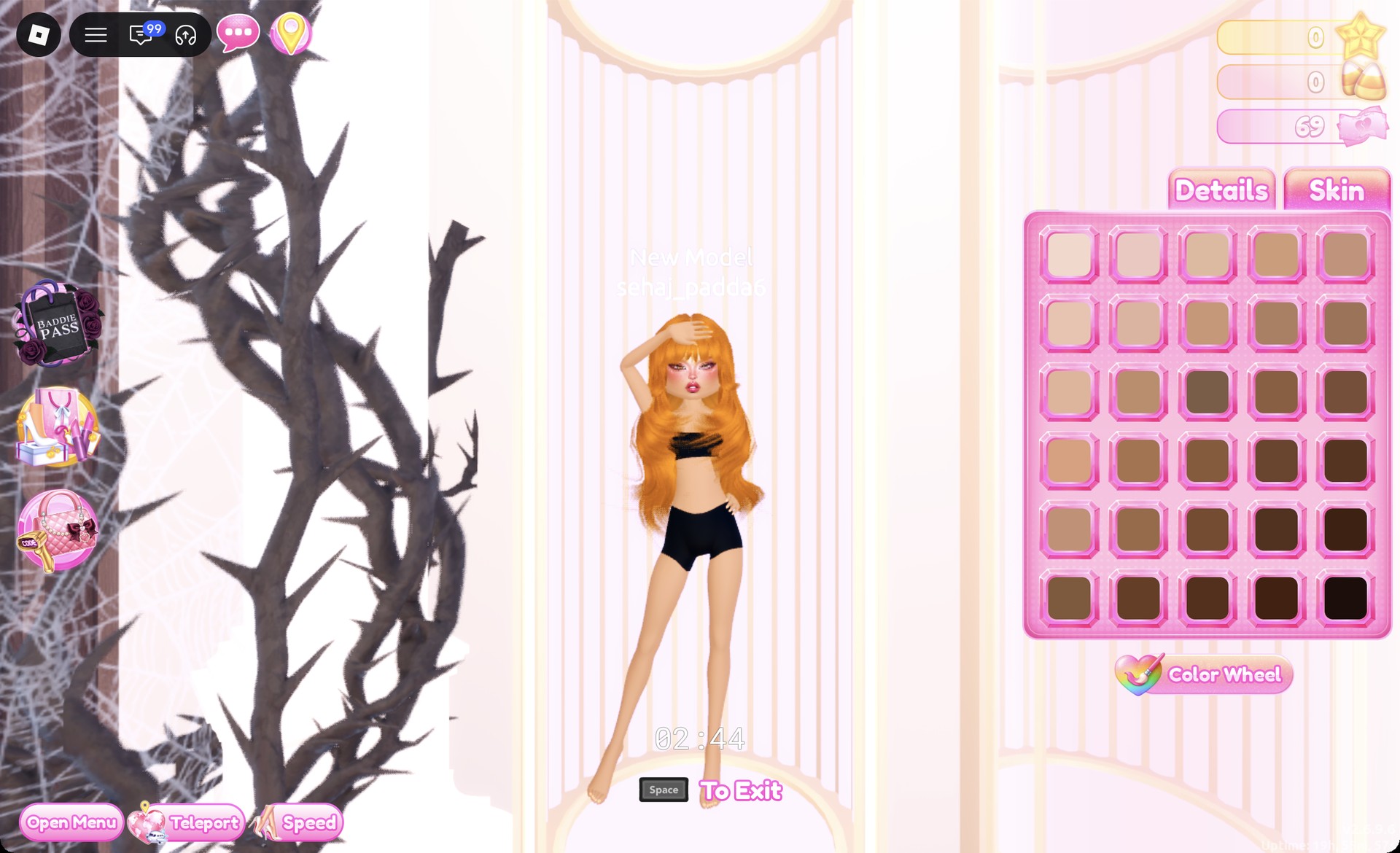
Both outfits share the same skin, face and shoes; Look 2’s hair is slightly warmer. Set these before you dress.
| Piece | Where | Pick |
|---|---|---|
| Skin | Skin Tones booth, Skin tab | Third row, third swatch |
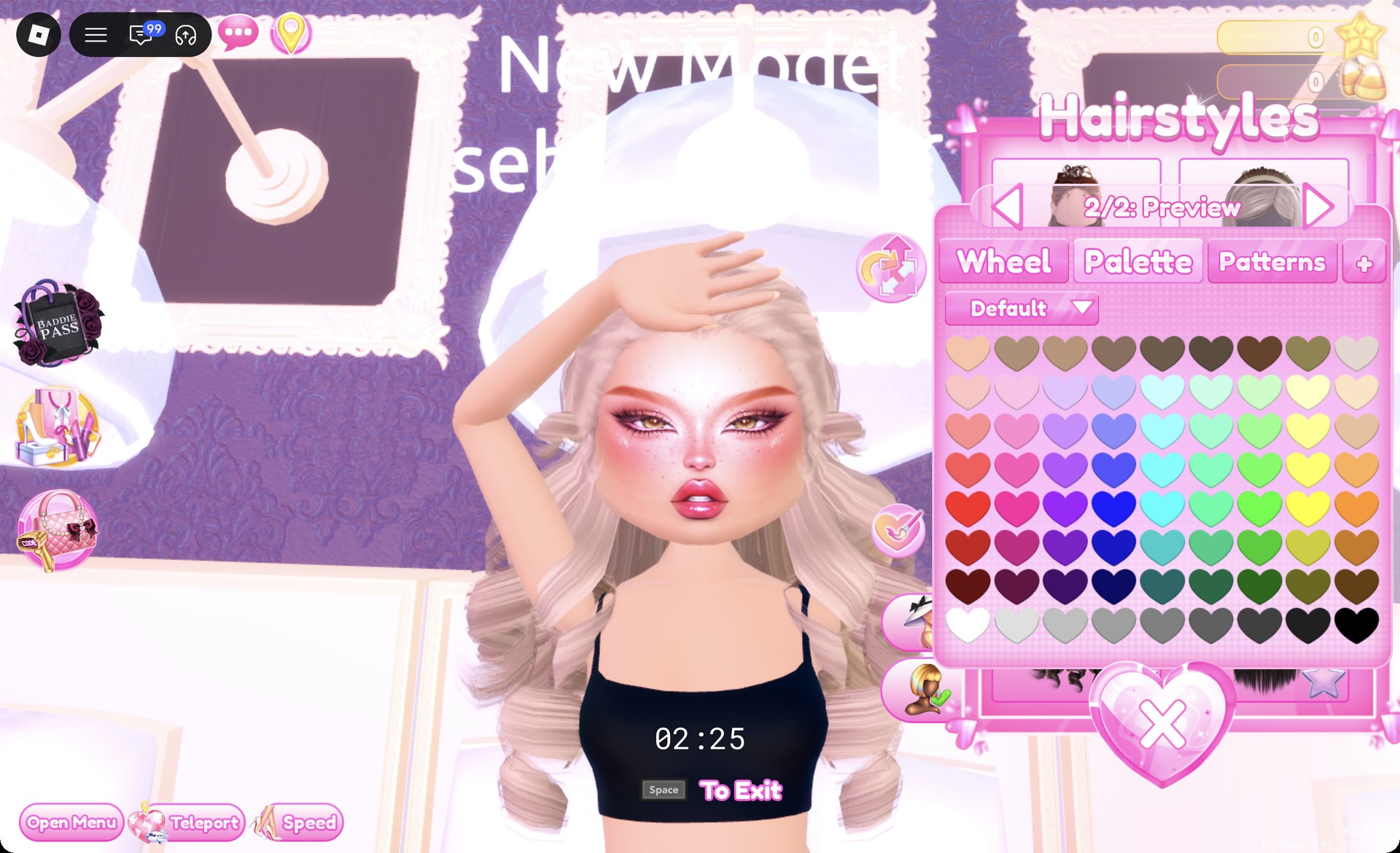
| Hair | Hair chair, Wavy tab | Third row, left card |
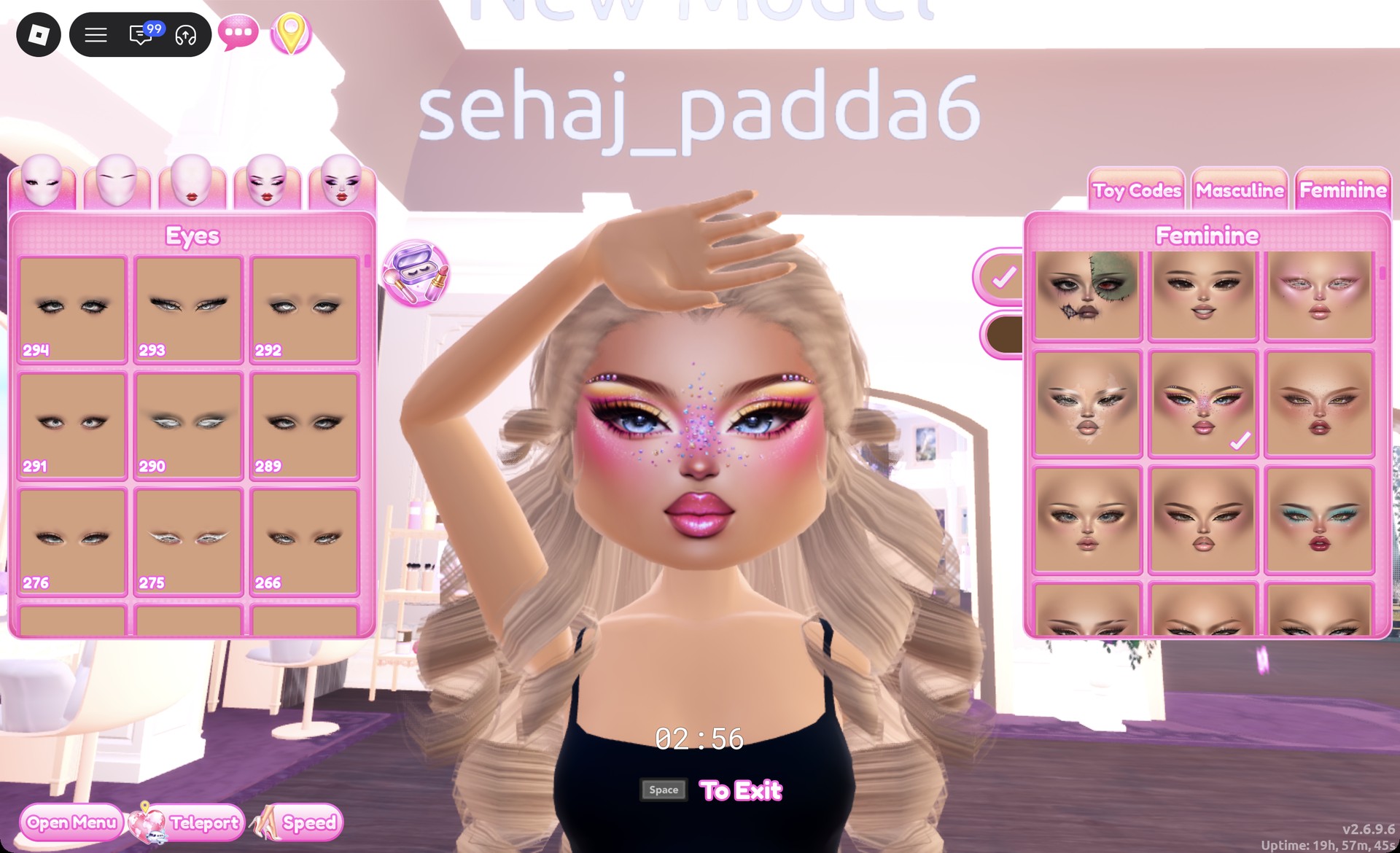
| Face | Vanity, Feminine tab | Fourth row, middle card |
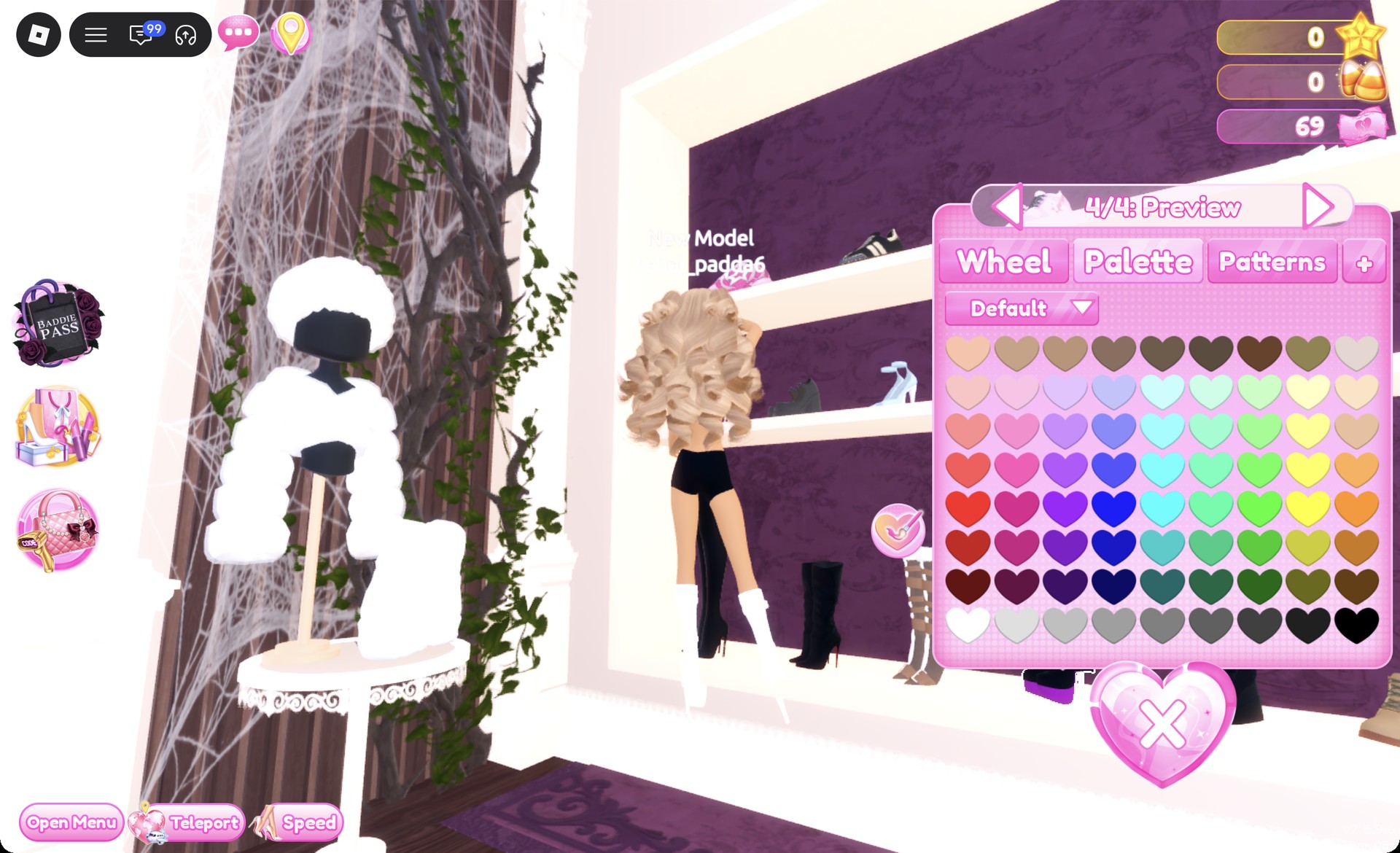
| Shoes | Shoe shelf, bottom row | Black lace-up platform boots with bows |
The skin swatch is a natural tan. The hair card shows big, long, bouncy curls that are dark brown by default, and its panel reads “1/2”. For Look 1, set both parts to row 1, column 2 for light ash-honey blonde curls.
To pick the face, scroll through the Feminine cards until you reach row four. Choose the card in the center: it shows blue eyes, bold lashes, pink-and-yellow shadow, glossy rose lips, and tiny gems dotted over the nose and cheeks.
The boots have purple soles, and their panel opens on “1/4: Preview”. Set parts 1 to 3 to white (column 1, row 8). Step to “4/4” and set it to hot pink (column 2, row 5). The result is white platform boots with pink details.
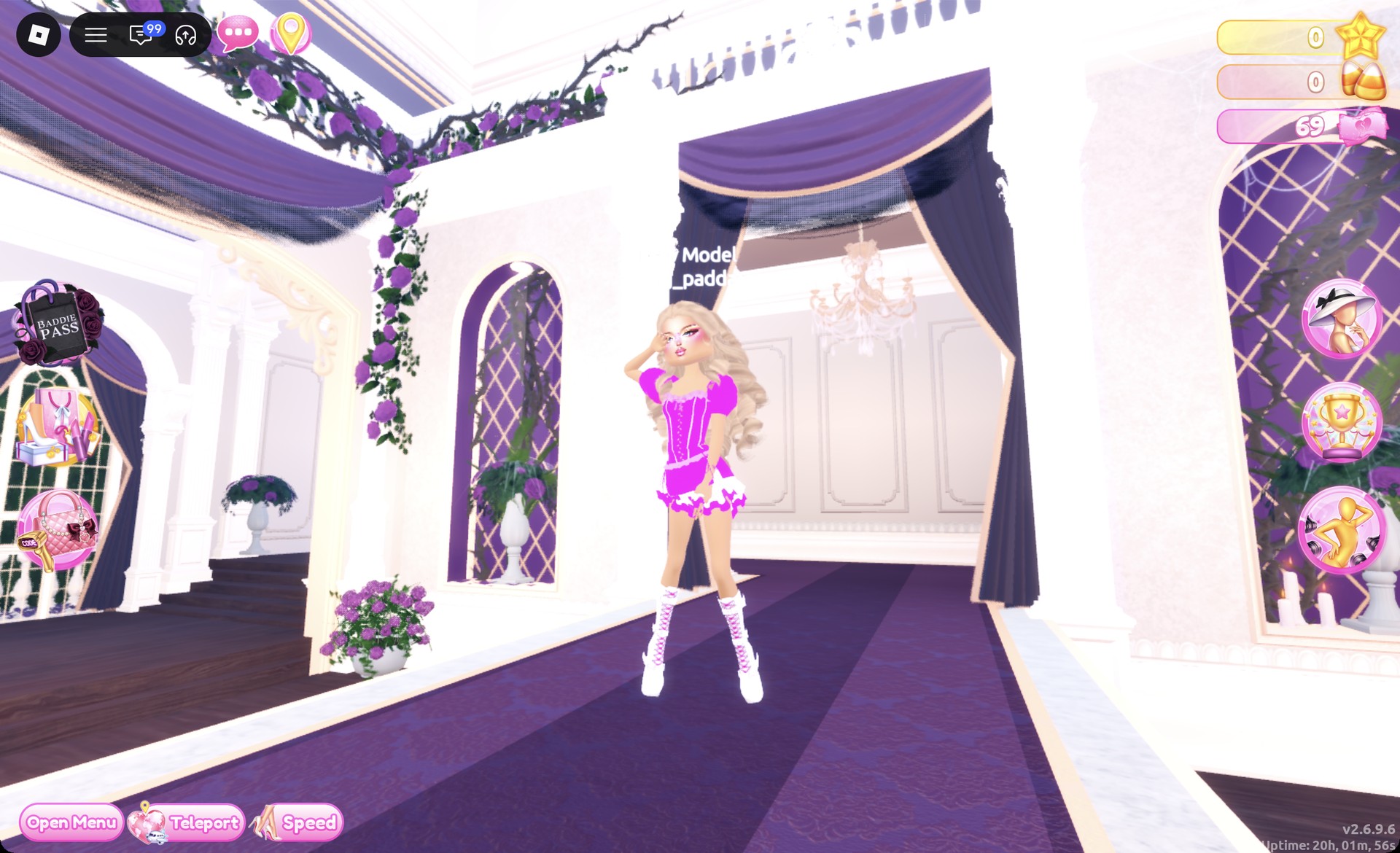
Look 1: Hot pink glitter corset dress
Go to the Dressing Room and find the lower party-dress shelf. The corset puff dress on the left mannequin is made of three separate pieces. Recolor and put on each one.
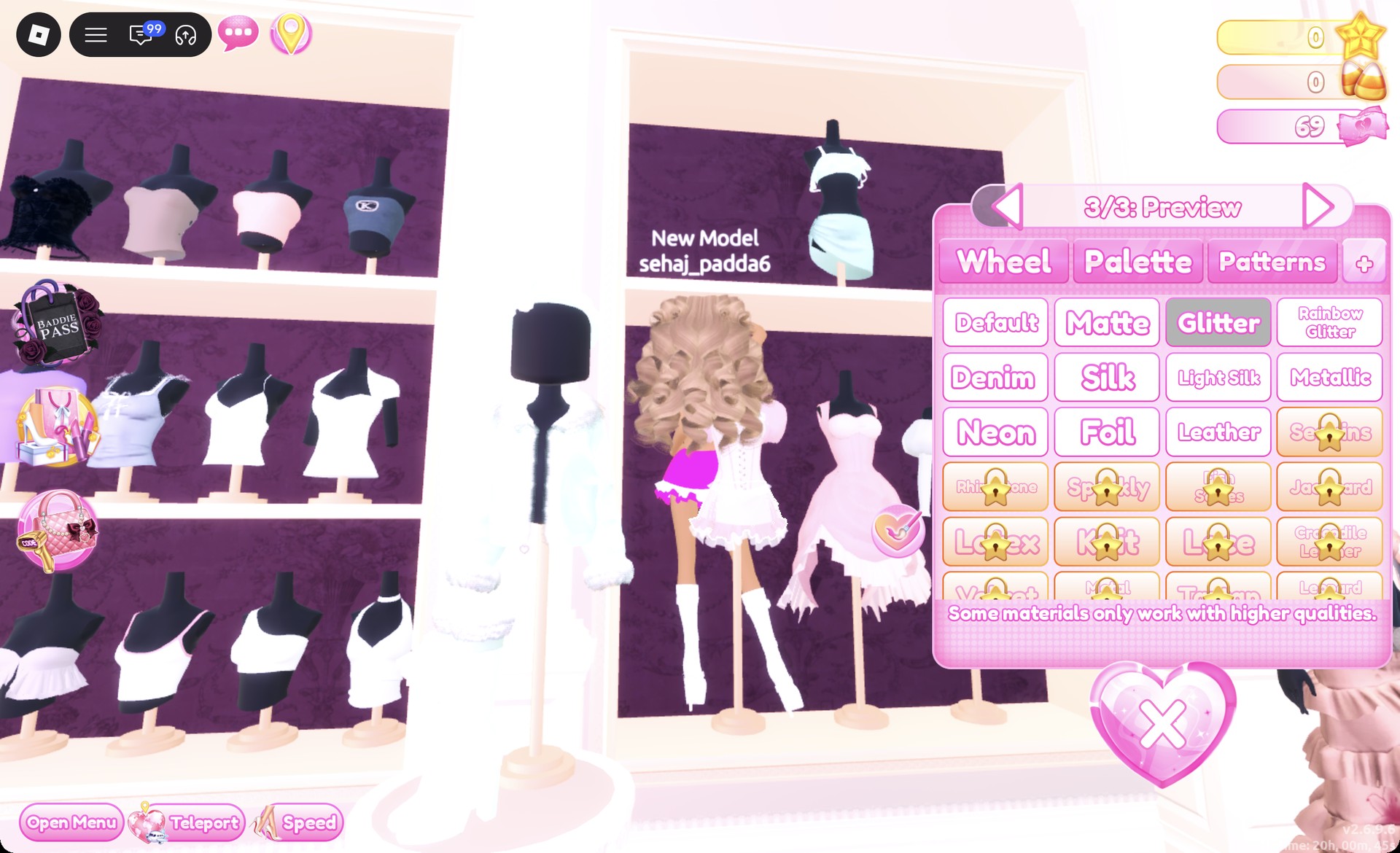
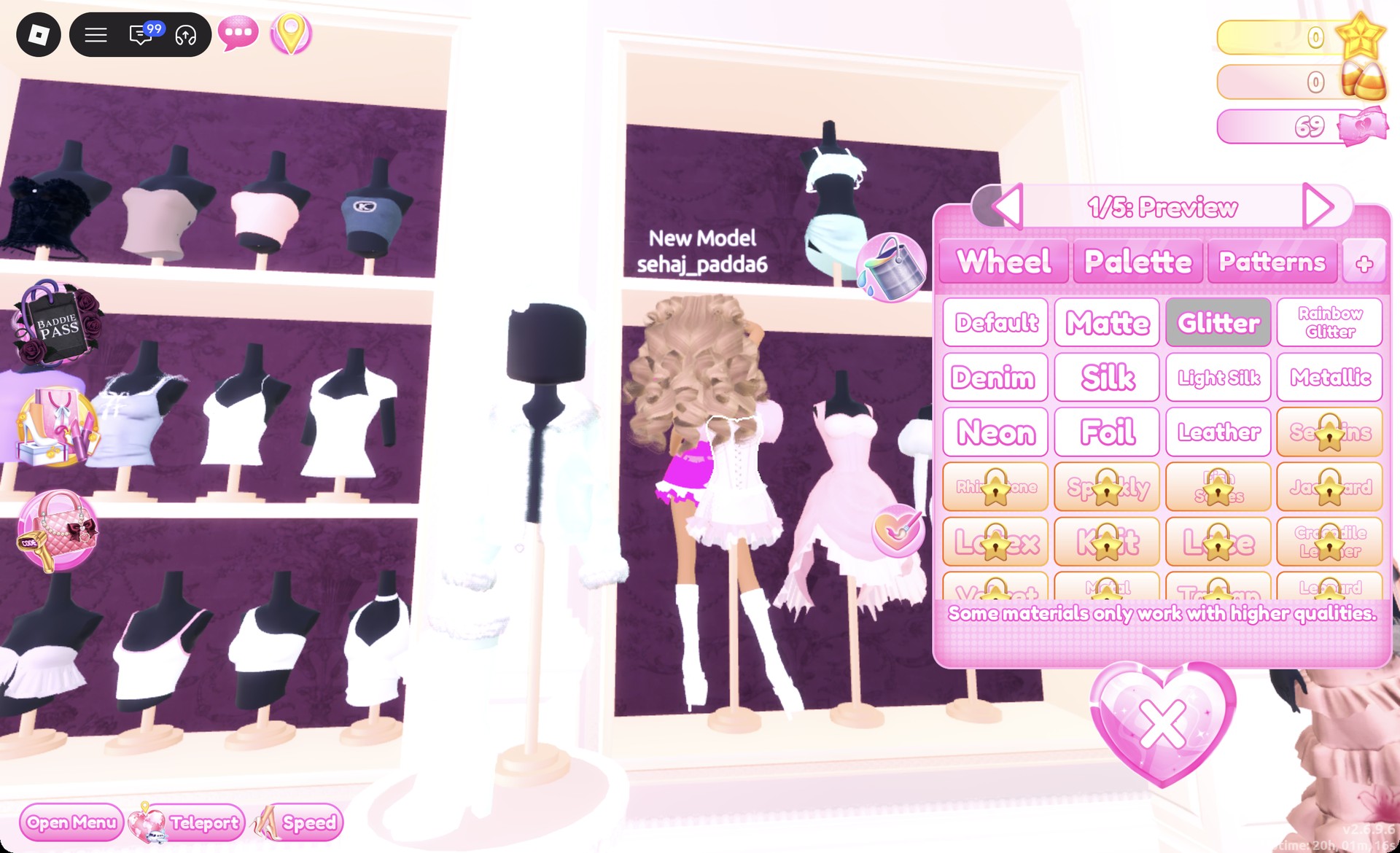
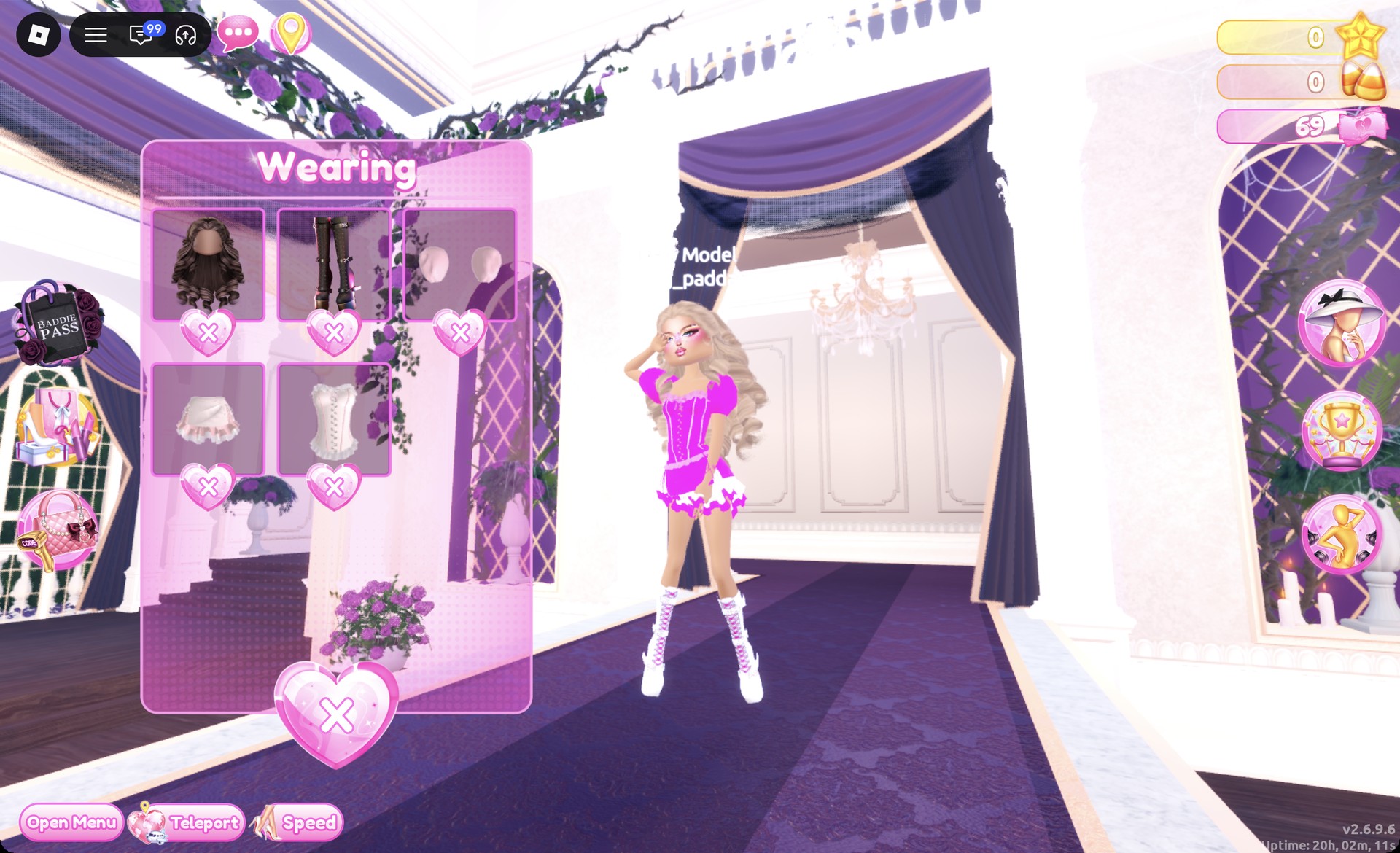
Open the Wearing panel to check the result. It should list the hair, boots, sleeves, skirt and corset.
Then teleport to the Freeplay Runway.
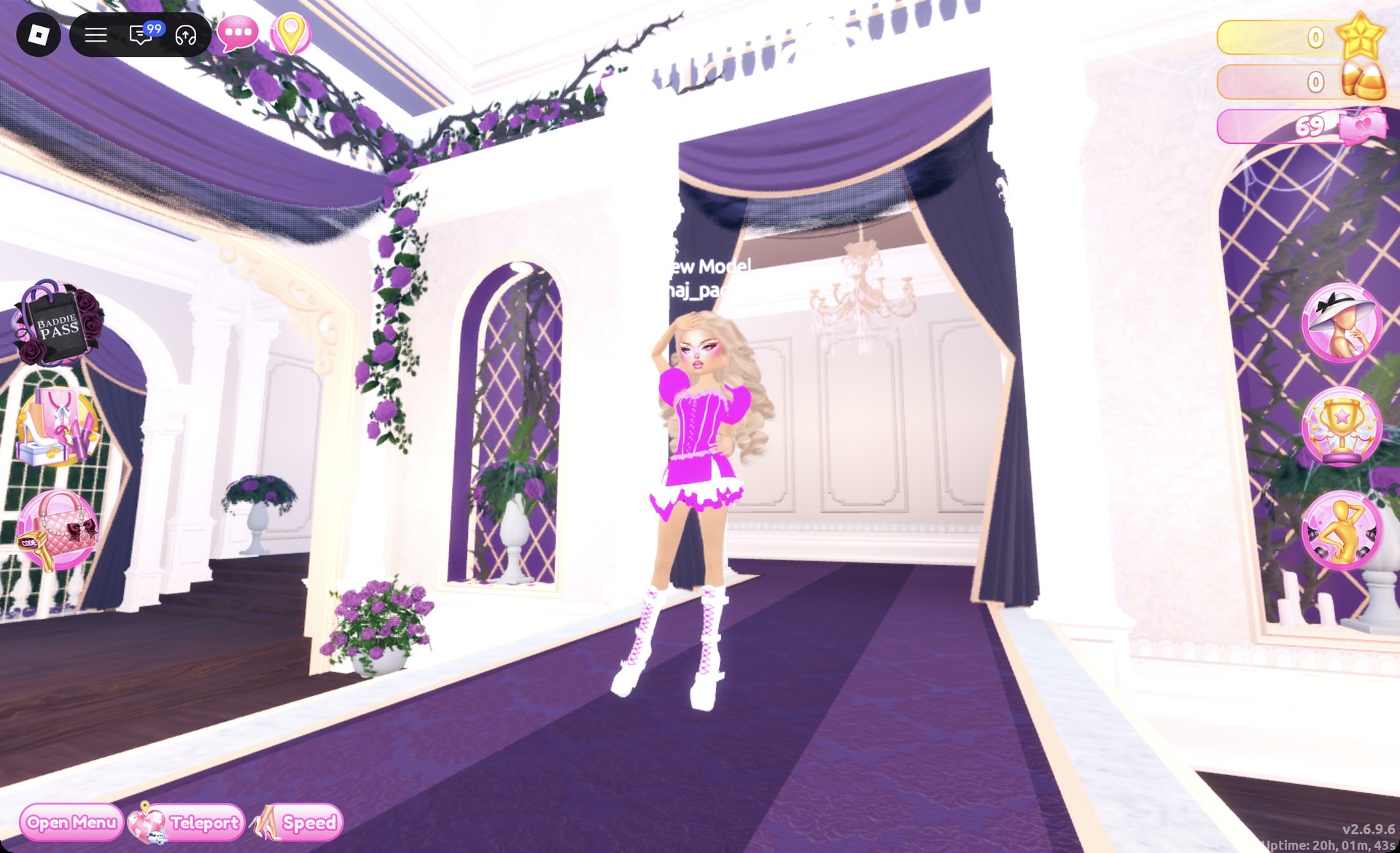
The Sparkle pose suits this look.
Look 2: Pink bandeau with a denim mini
For this outfit, use the two-piece set displayed on the upper shelf of the same party-dress unit. Retain the base look’s skin, hair, face, and boots.
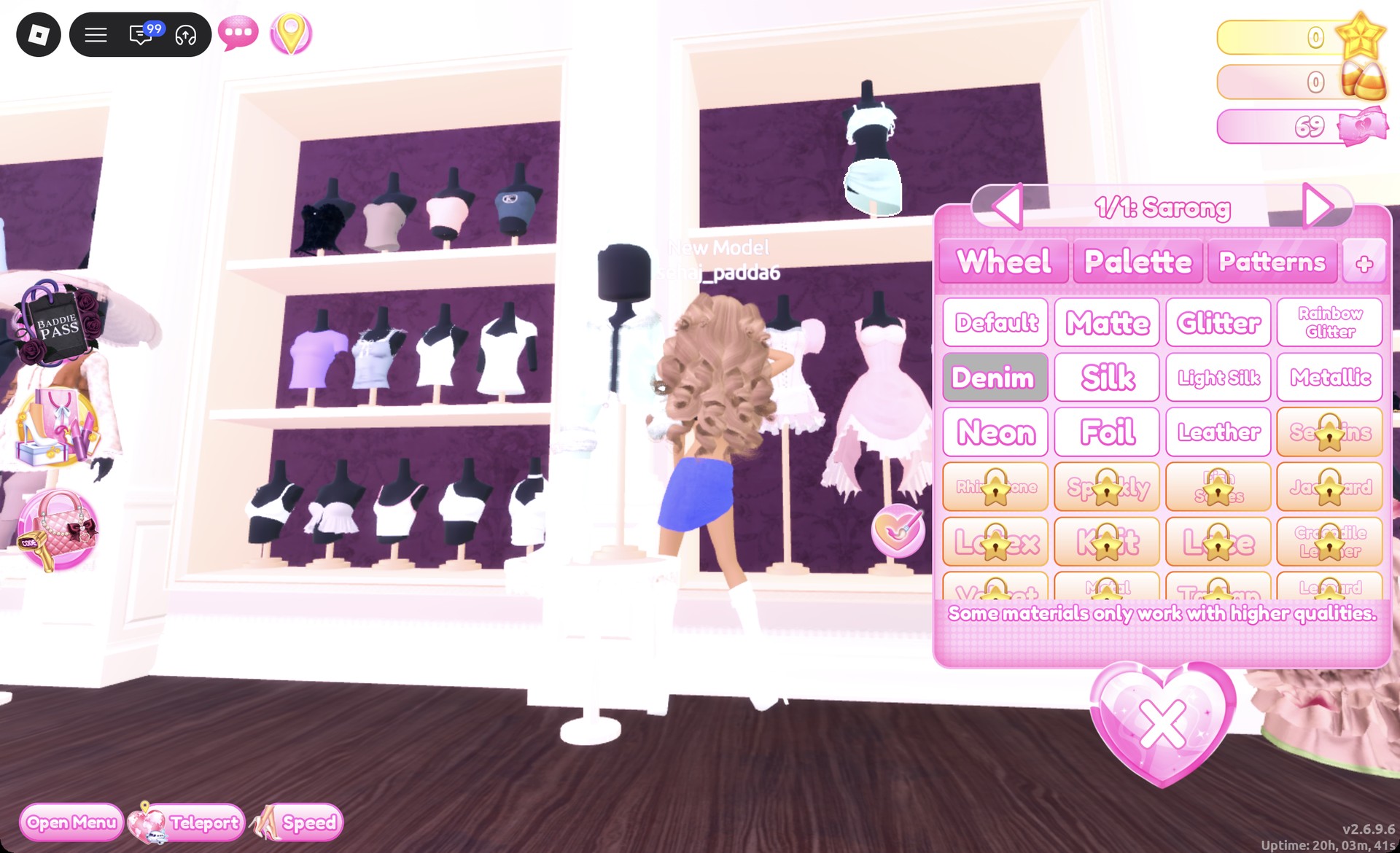
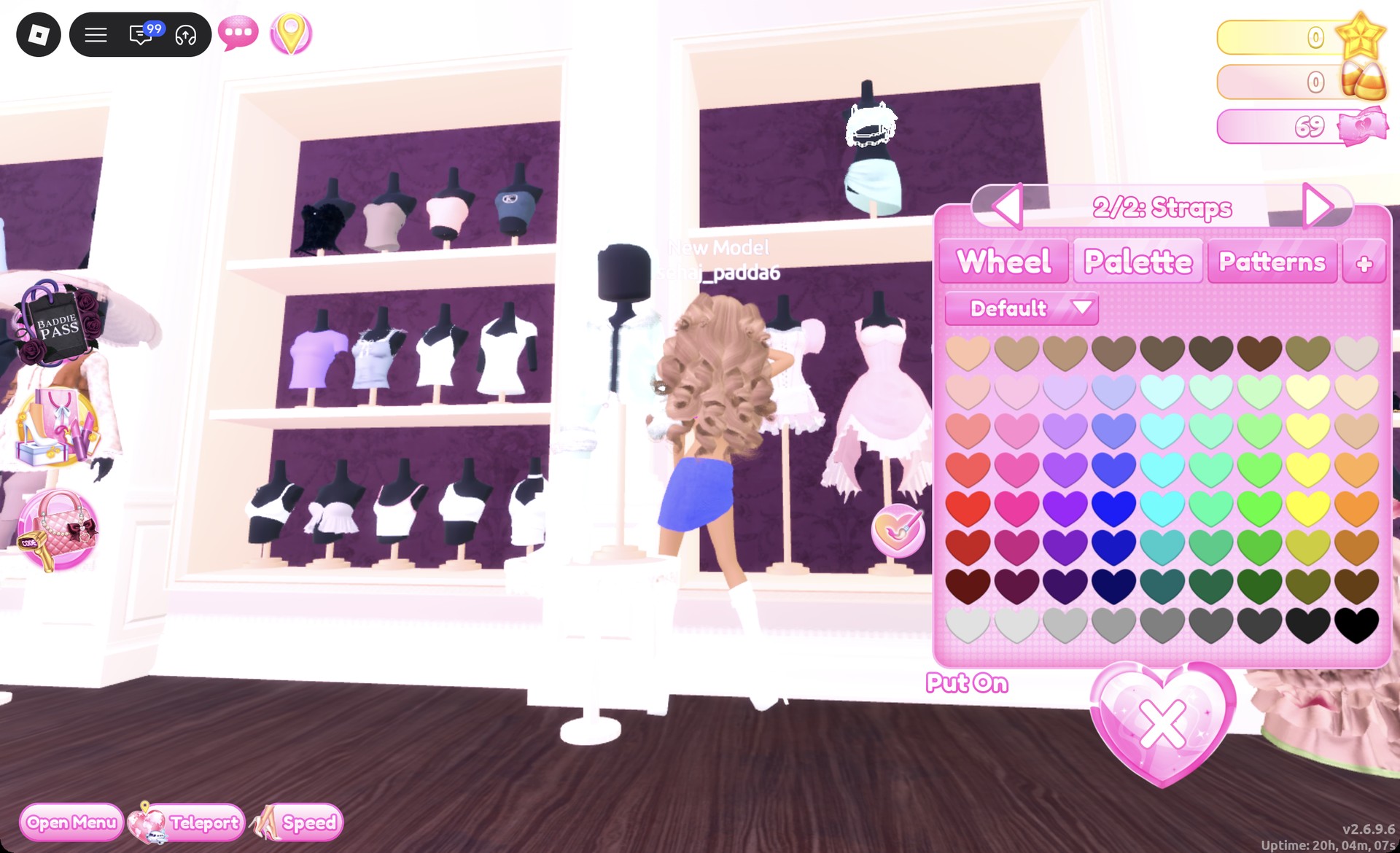
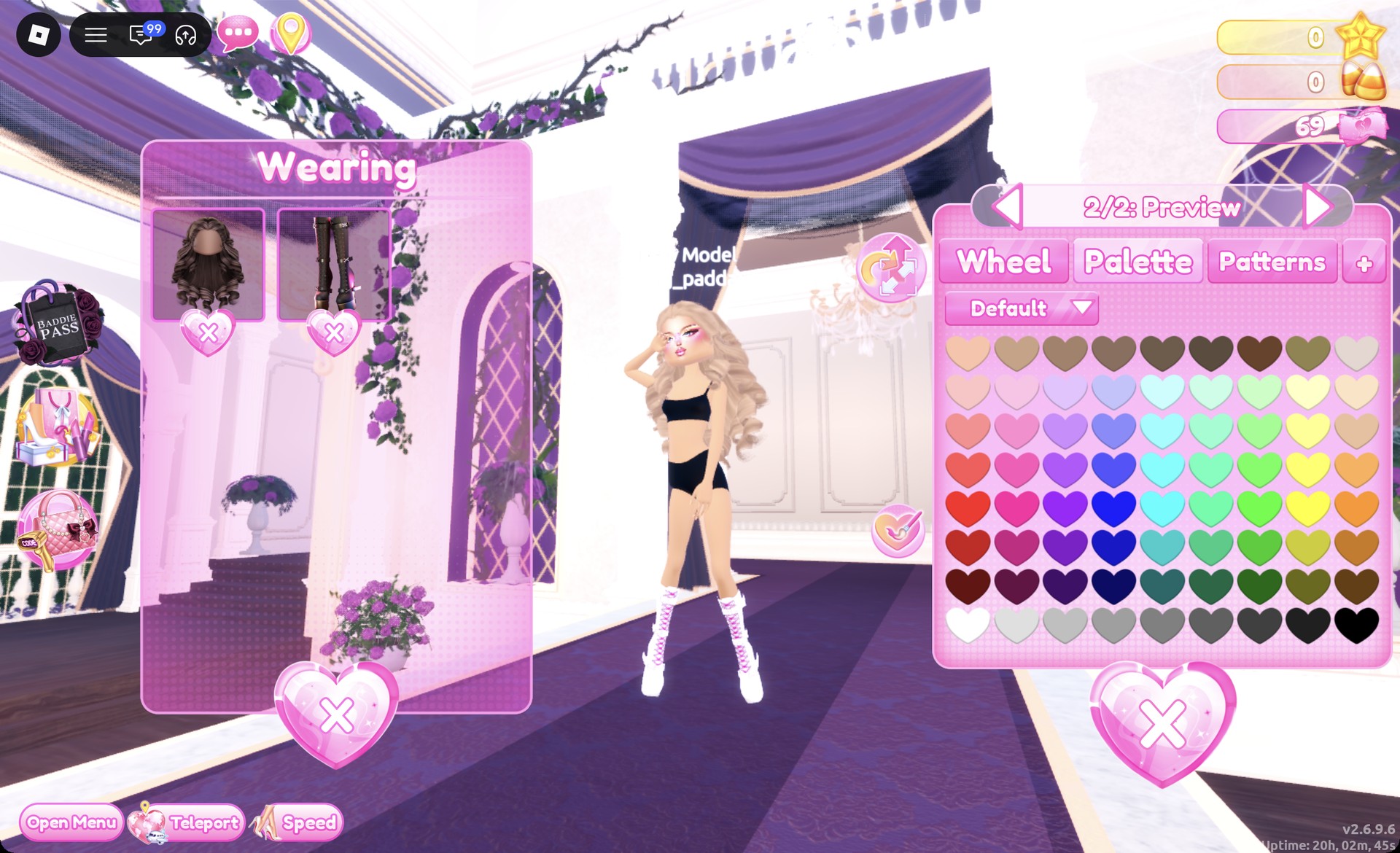
The Wearing panel should now list the hair, boots, skirt and top.
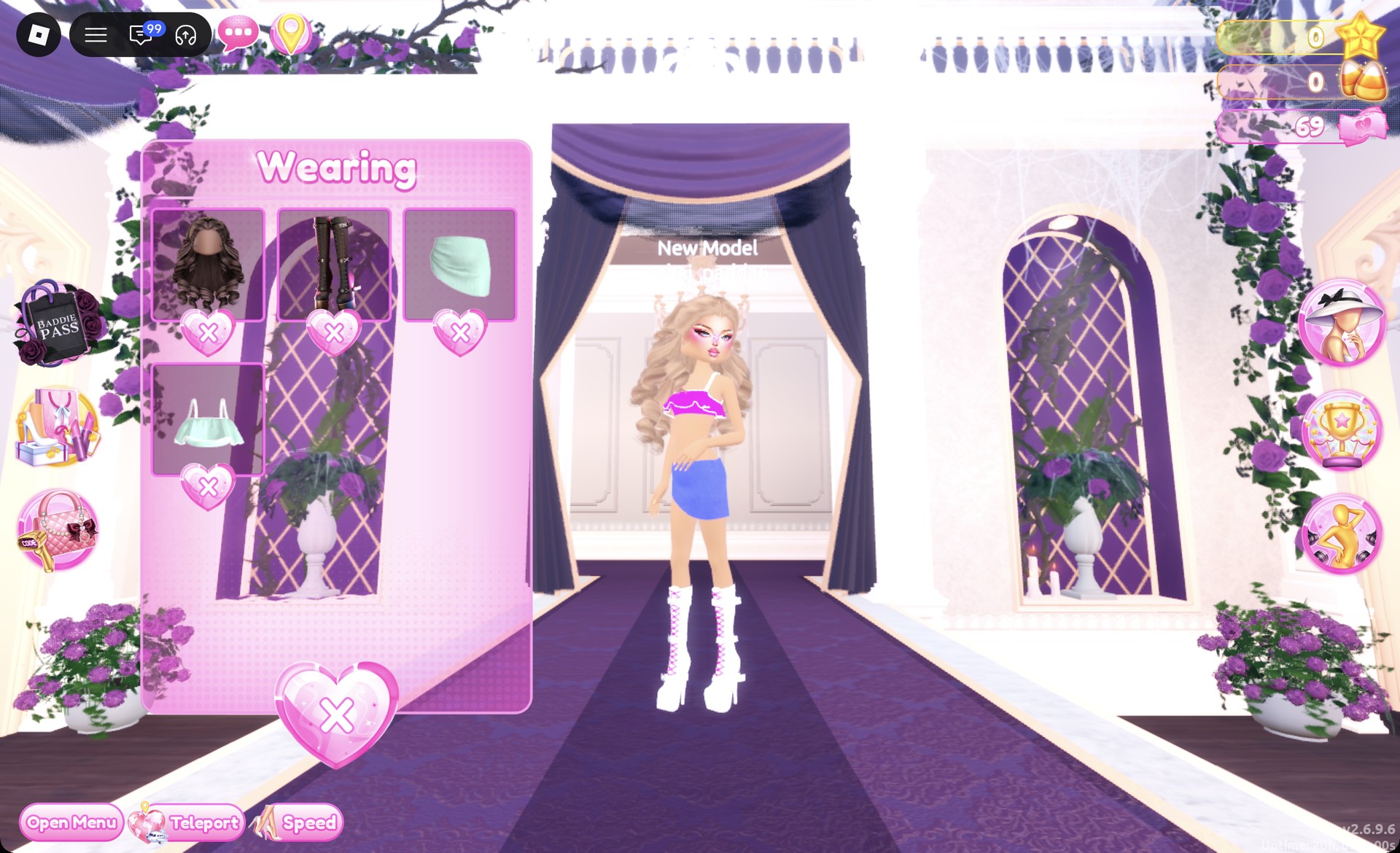
On the Freeplay Runway, the outfit shows a hot pink ruffled bandeau, a light denim mini and white platform boots.
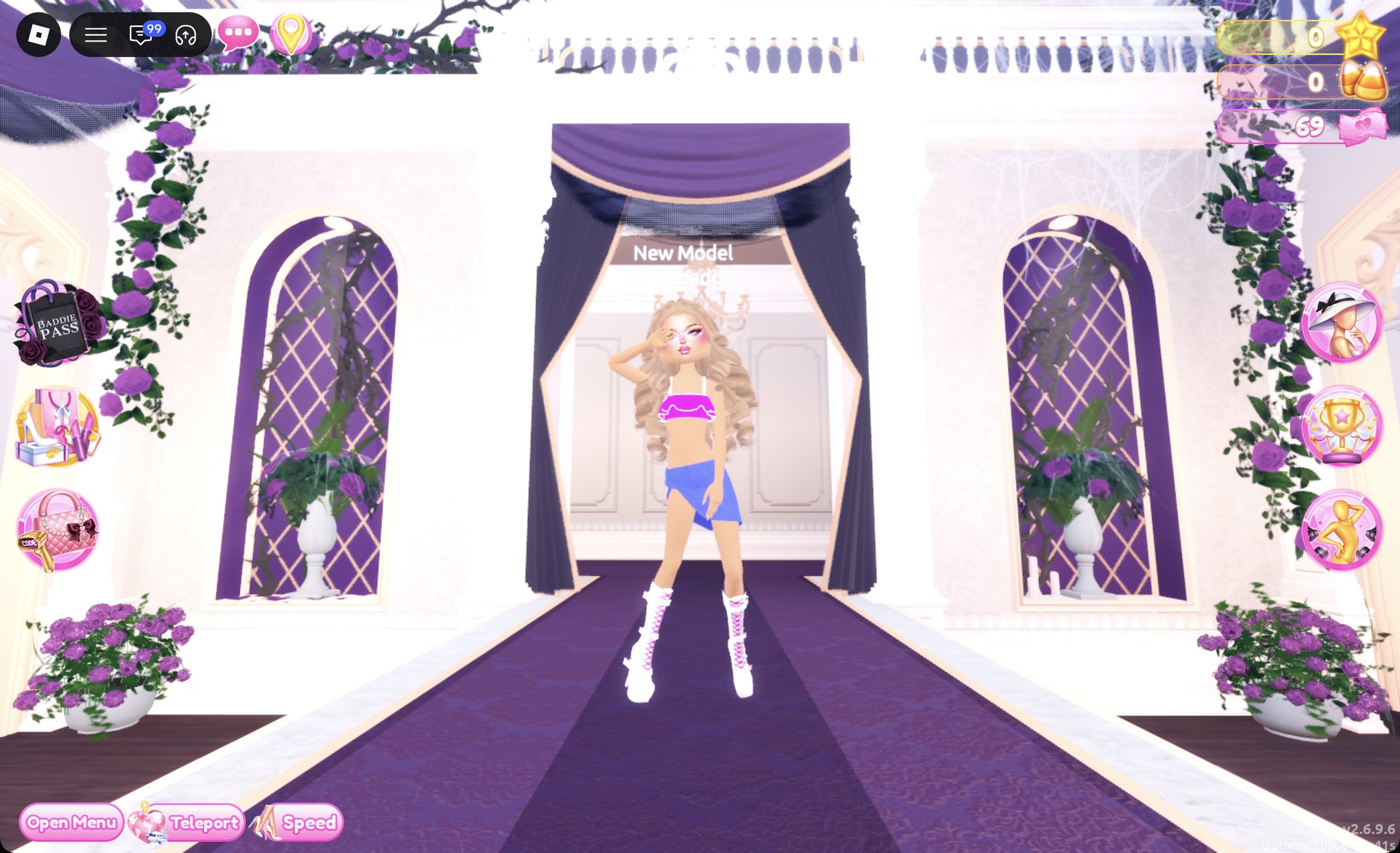
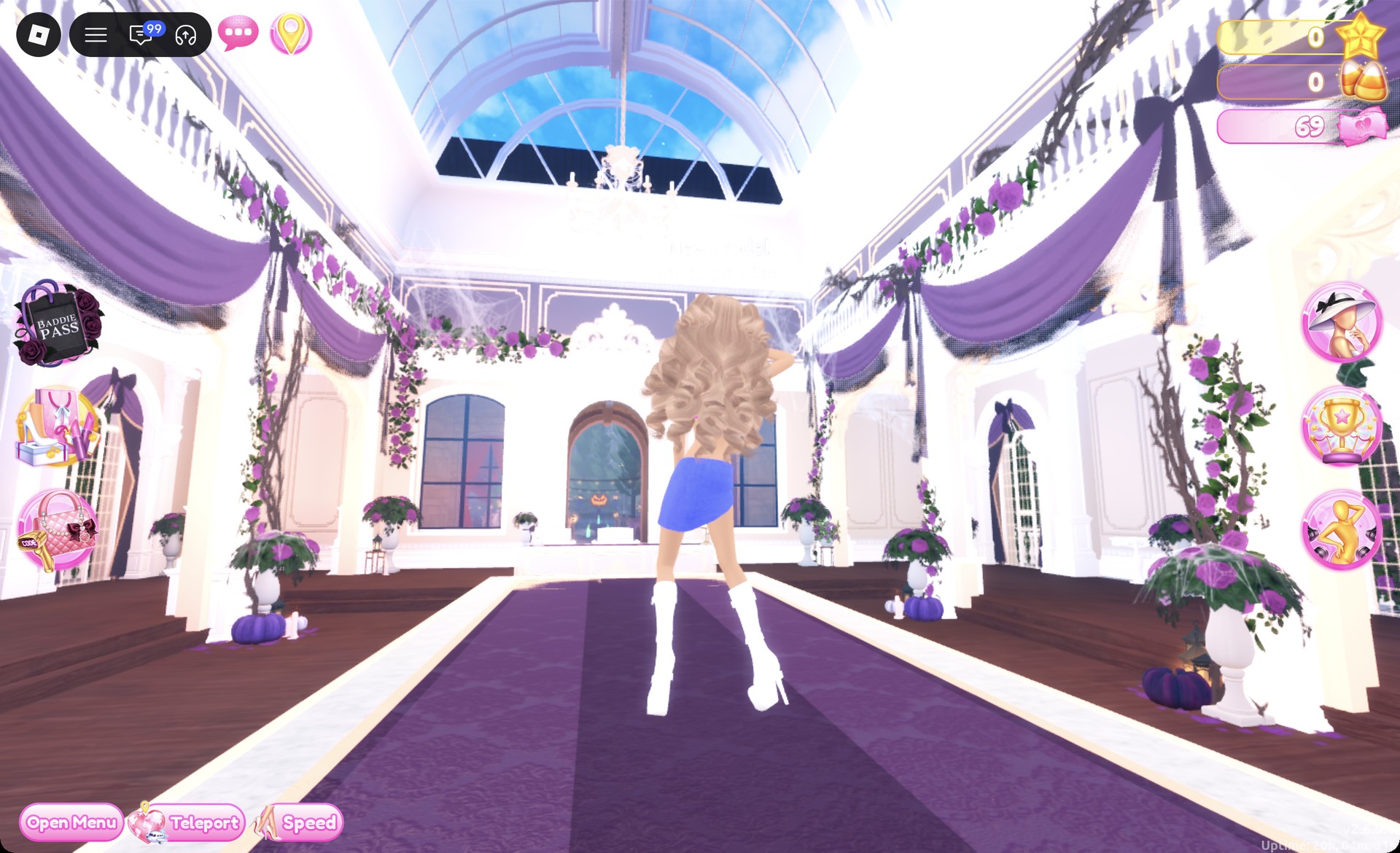
From behind, the big honey curls cover the top, and the denim mini and white boots show below. The Dazzle pose suits this look.
More pink and street-style theme ideas
Gyaru DTI FAQ
What is Gyaru in DTI?
Gyaru is a Japanese street fashion style: tanned skin, big light-colored curls, heavy glittery eye makeup, lots of pink, mini skirts and platform boots. Both looks above follow it.
How do I do Gyaru without VIP?
You don’t need VIP. Every piece, color and material in both looks is free, and neither outfit requires Robux.
How do I change skin tone?
Walk into one of the curtained booths under the “Skin Tones” sign near the shoe shelf. Press E and pick a tone on the Skin tab. For Gyaru, the third swatch in the third row gives a natural tan.
What hair and makeup work for Gyaru?
Use big honey-blonde curls from the Wavy tab in Lana’s Salon. Pair them with the pink glitter face card with gems, found in the fourth row of the vanity’s Feminine tab.