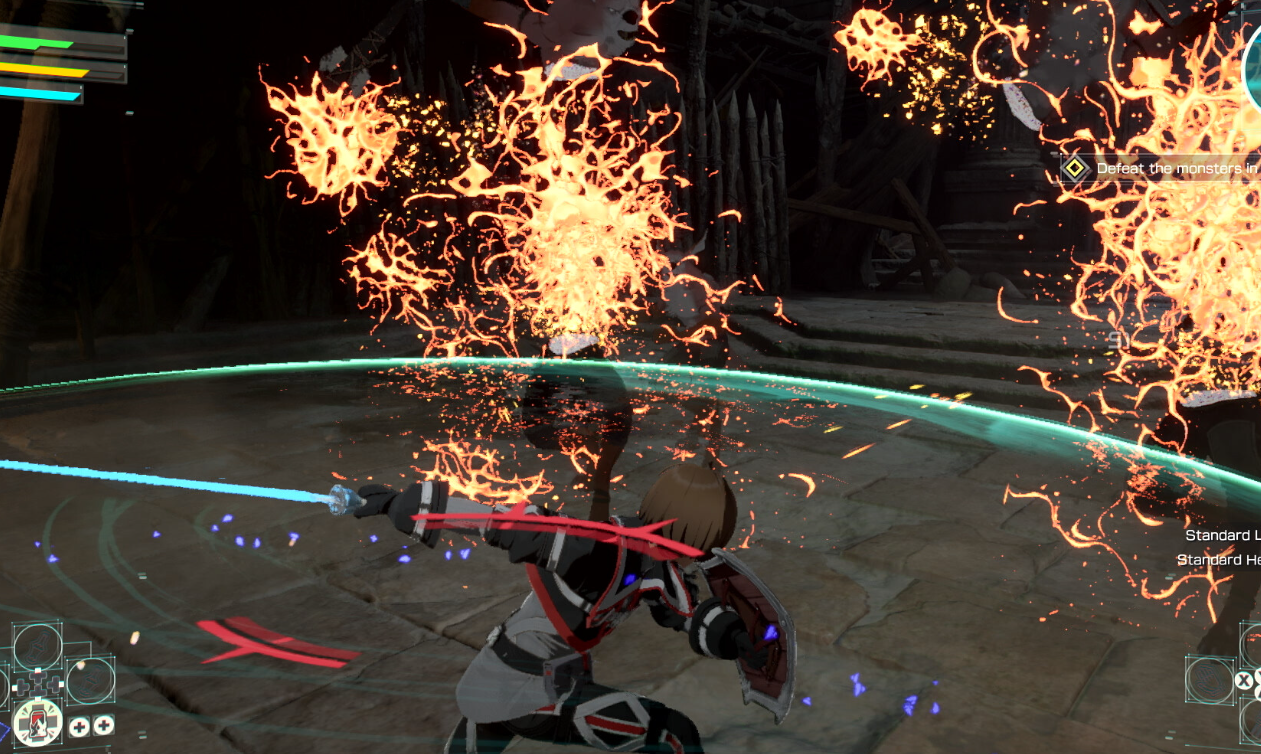
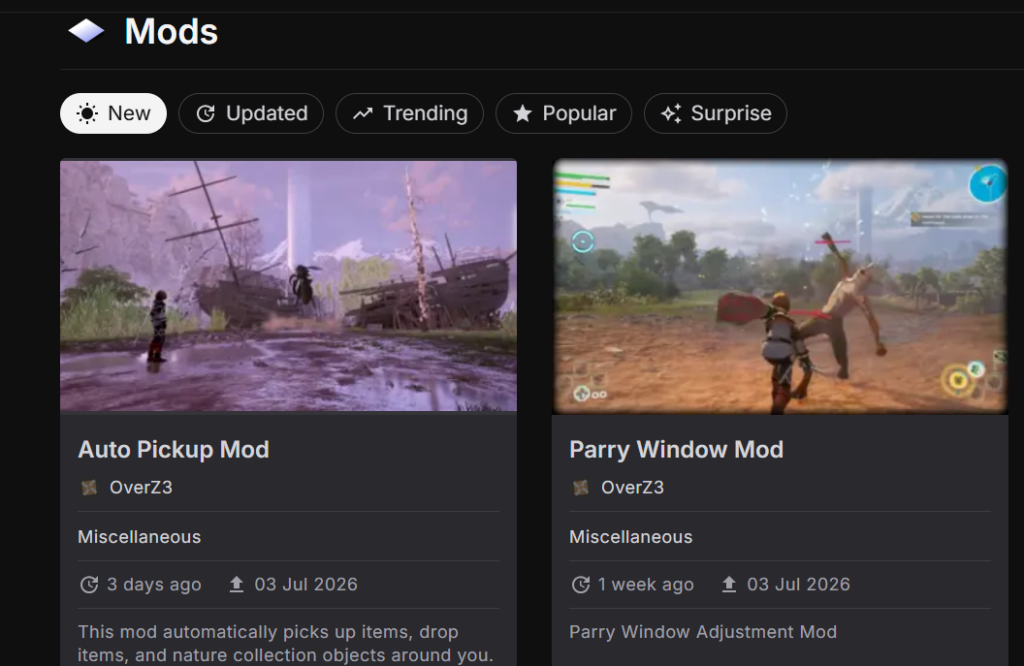
Mods for Echoes of Aincrad are already appearing online now that the game is out, and they center on the PC build rather than the console versions. The active hosting home is Nexus Mods, where a small but growing set of files has started to collect under the game’s page.
Quick answer: Get Echoes of Aincrad mods from the game’s Nexus Mods page, which currently lists 16 mods across 31 files, all filed under the Miscellaneous category. They install into the Steam (PC) version by placing the mod files in the game directory as each mod’s own instructions describe.

Where Echoes of Aincrad mods are hosted right now
Two community sites are associated with the game, but only one of them currently holds any files. Nexus Mods carries the working library, while the AyakaMods listing exists but shows nothing to download yet.
| Site | Mods available | Notes |
|---|---|---|
| Nexus Mods | 16 mods, 31 files | All under the Miscellaneous category |
| AyakaMods | 0 mods | Page exists with no files posted |
You can browse the full collection on the Echoes of Aincrad page at Nexus Mods. New files were being added in early July, so the count changes as more creators upload.
What is available so far
Every current file sits inside a single grouping. The game’s mod categories break down into one main game slot with no files and a Miscellaneous slot that holds the entire active library.
| Category | Files |
|---|---|
| Echoes Of Aincrad (main) | 0 files |
| Miscellaneous | 16 files |
Because the game is a single-player action JRPG, mods here alter your own offline experience rather than any shared online play. That keeps the focus on personal tweaks and quality-of-life changes instead of multiplayer content.
Which platform supports mods
Echoes of Aincrad launched on PlayStation 5, Xbox Series X|S, and Steam. Mods apply to the Steam (PC) copy, since that is where you can reach the game files directly. The PlayStation and Xbox versions do not accept these downloads.
Always match a mod to your installed game version. A file built for an earlier build can fail to load or cause crashes after the game updates.
How to install a mod on the Steam version
How to confirm a mod is working
A successful install shows up in-game as the specific change the mod describes, whether that is a visual swap, an interface tweak, or altered behavior. If the mod page lists an expected result, compare it against what you see after loading a save.
When a mod does not take effect, the usual causes are a wrong install path, files left inside the archive without extraction, or a mismatch between the mod and your current game version. Fix those first before trying a different file.
The library is still early and sits in one category for now, so expect the selection to expand as more creators post to the game’s page. Checking back for newly added files is the simplest way to see what is available at any given moment.