
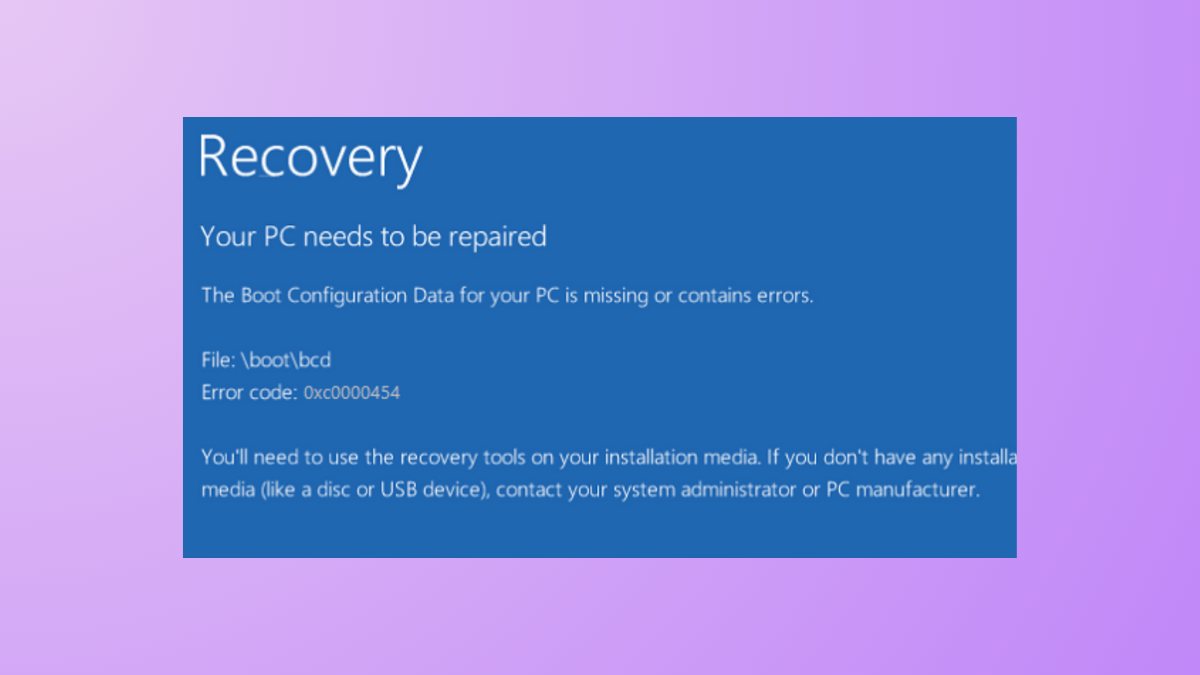
“The Boot Configuration Data for your PC is missing or contains errors. File: \boot\bcd Error code: 0xc0000454” — this message signals that Windows Boot Manager cannot locate or properly read the Boot Configuration Data (BCD) during startup. This error, which often references insufficient NVRAM resources, prevents your system from booting and leaves you stuck at a blue recovery screen. Addressing this issue requires targeted troubleshooting steps to repair or rebuild the BCD and restore normal startup.
Run Automatic Startup Repair
F12, Esc, or F2 depending on your device) to select the USB device as the boot source.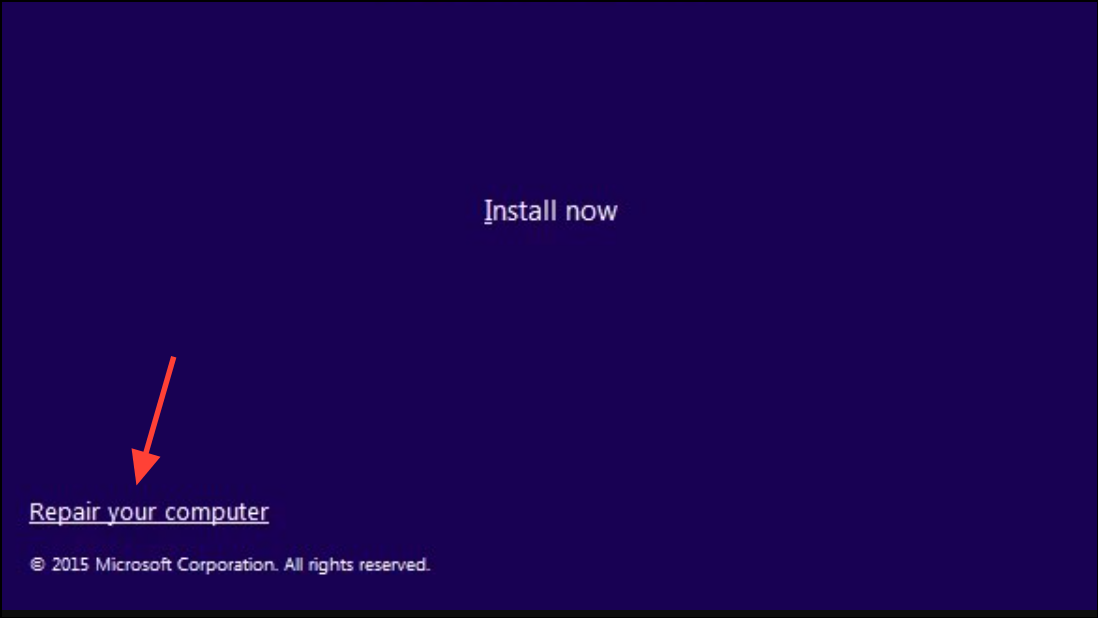
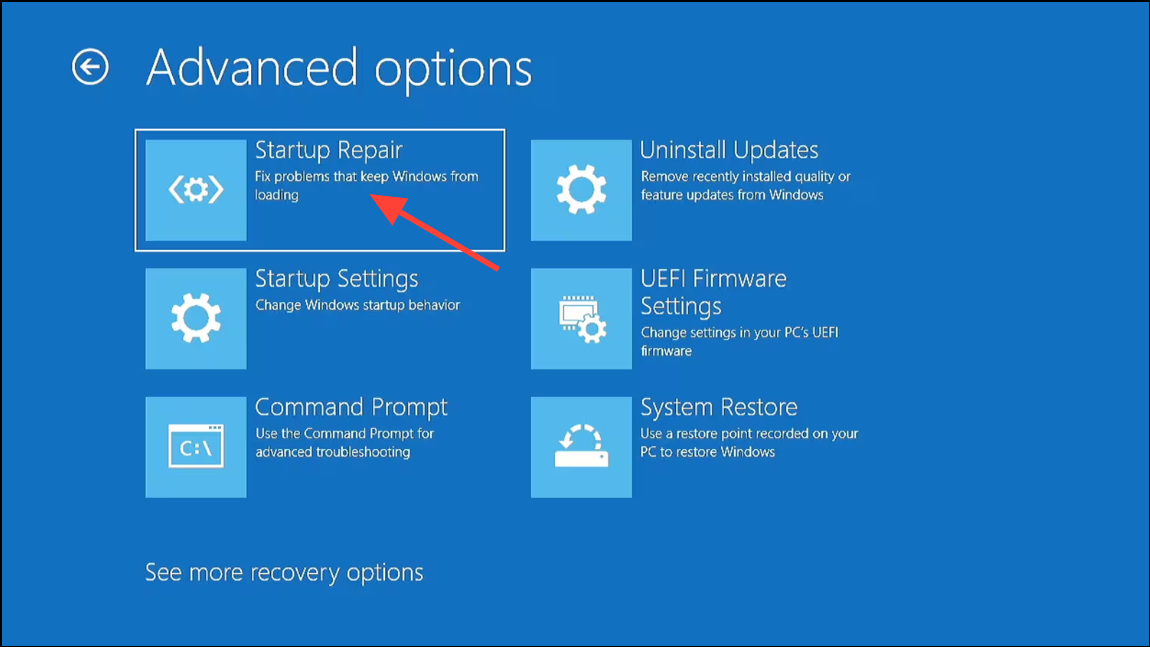
Rebuild Boot Configuration Data (BCD)
Corrupted or missing BCD files are a primary cause of error 0xc0000454. Rebuilding the BCD can restore the boot loader and resolve the startup problem.
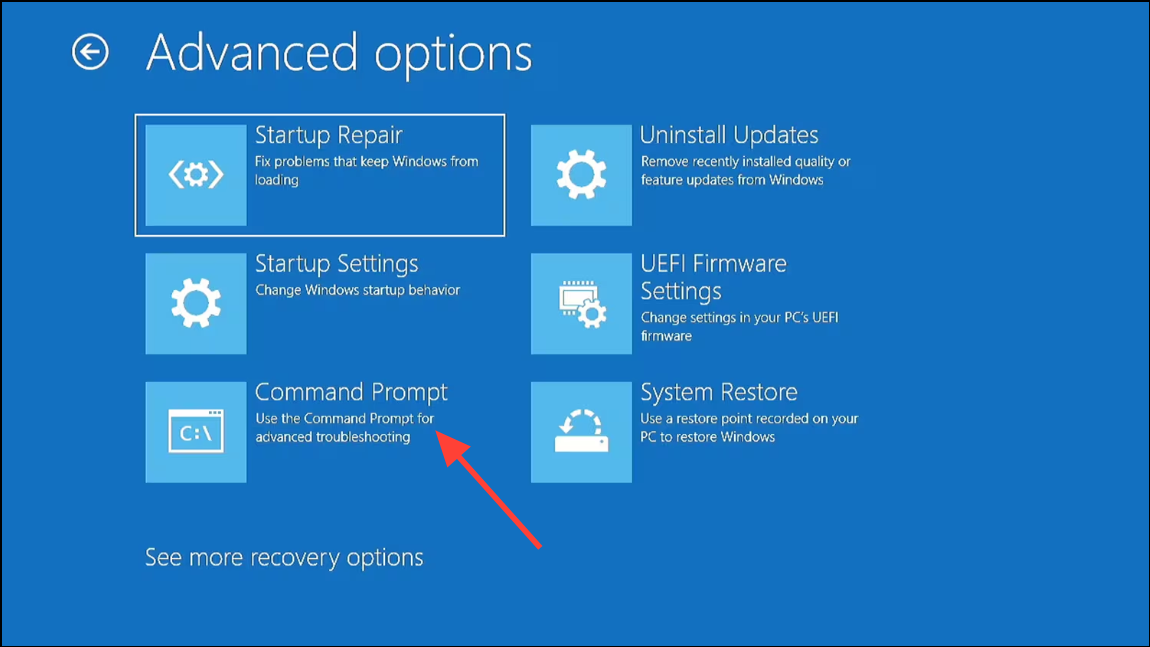
bootrec /fixmbr
bootrec /fixboot
bootrec /scanos
bootrec /rebuildbcd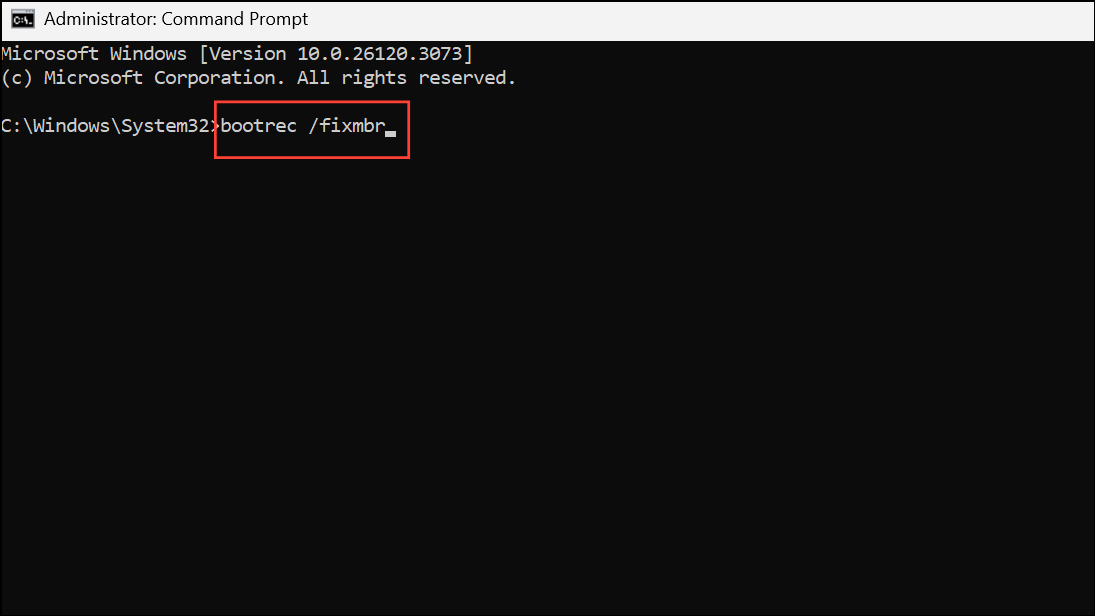
Y and press Enter. These commands repair the Master Boot Record, fix boot sectors, scan for installed operating systems, and rebuild the BCD file.Reset BIOS to Default Settings
The BIOS (Basic Input/Output System) controls hardware initialization and boot order. Incorrect BIOS settings or firmware corruption can prevent the system from reading the BCD, resulting in error 0xc0000454. Resetting the BIOS to its factory defaults often resolves such conflicts.
F2, F10, Del, or as indicated on your screen) before the Windows logo appears. This opens the BIOS setup utility.After resetting the BIOS, attempt to boot into Windows 11. If the error remains, consider the next method.
Disable Secure Boot in BIOS
Secure Boot is a UEFI feature that validates the integrity of the operating system loader. In rare cases, Secure Boot may block access to the BCD or interfere with custom boot repairs. Temporarily disabling Secure Boot can allow system recovery tools to function correctly.
Additional Tips and Data Protection
Before performing any major repair, it is strongly recommended to back up important files if possible. If you cannot boot into Windows, consider using a bootable recovery tool or connecting your drive to another computer to copy essential data. Addressing BCD errors promptly minimizes the risk of data loss and restores normal system operation.
Resolving error 0xc0000454 on Windows 11 requires methodical troubleshooting, but following these steps will restore your system’s ability to boot and help you avoid further disruptions.



