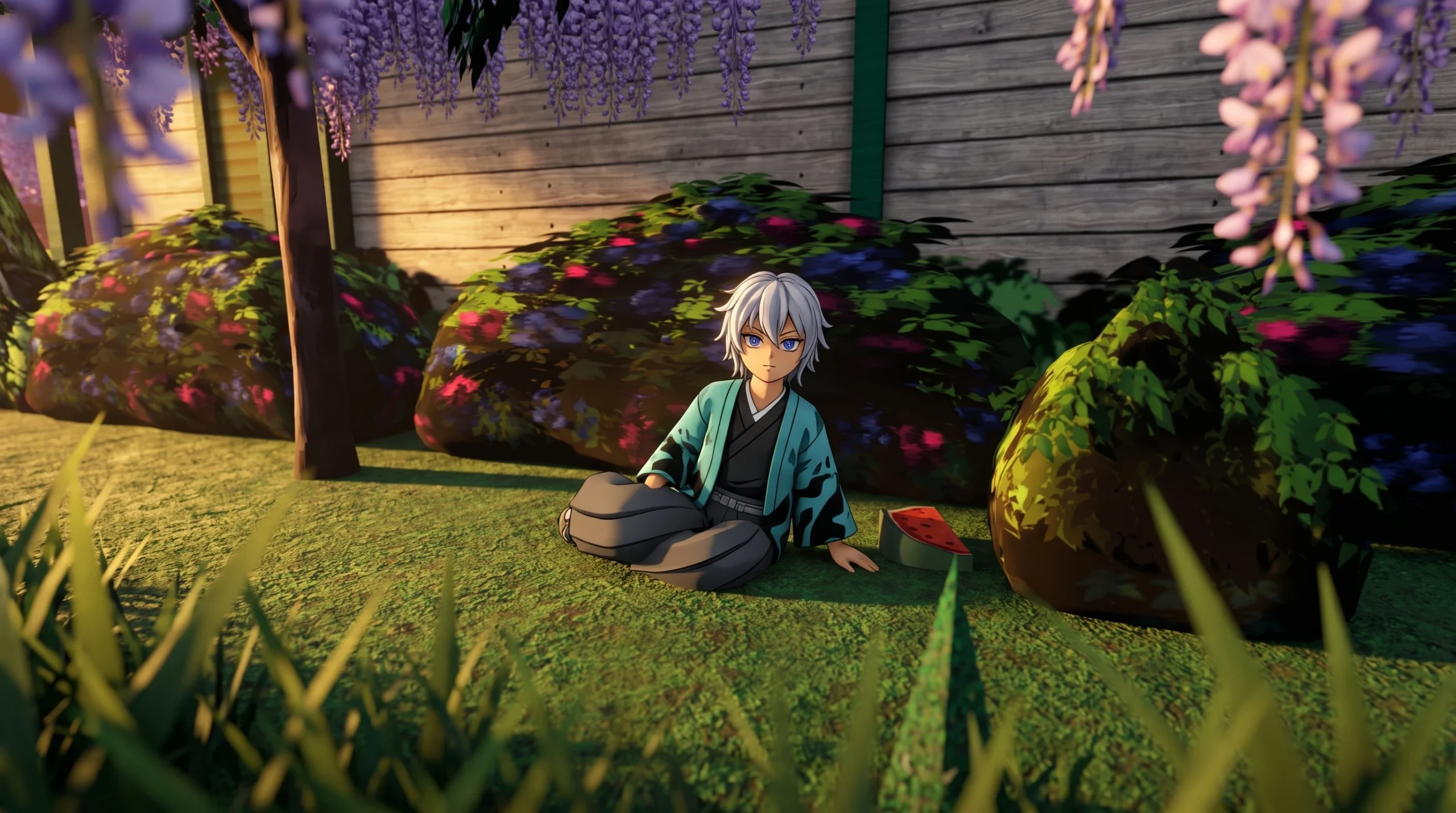
The Summer 2026 badge is the newest seasonal reward in DEMON SLAYER 3D RP, the Roblox roleplay experience by Harino Studios. It was added on June 14th, 2026, and it is claimed by finding a single flower inside one of the game’s teleport locations. No combat, morphs, or purchases are required.
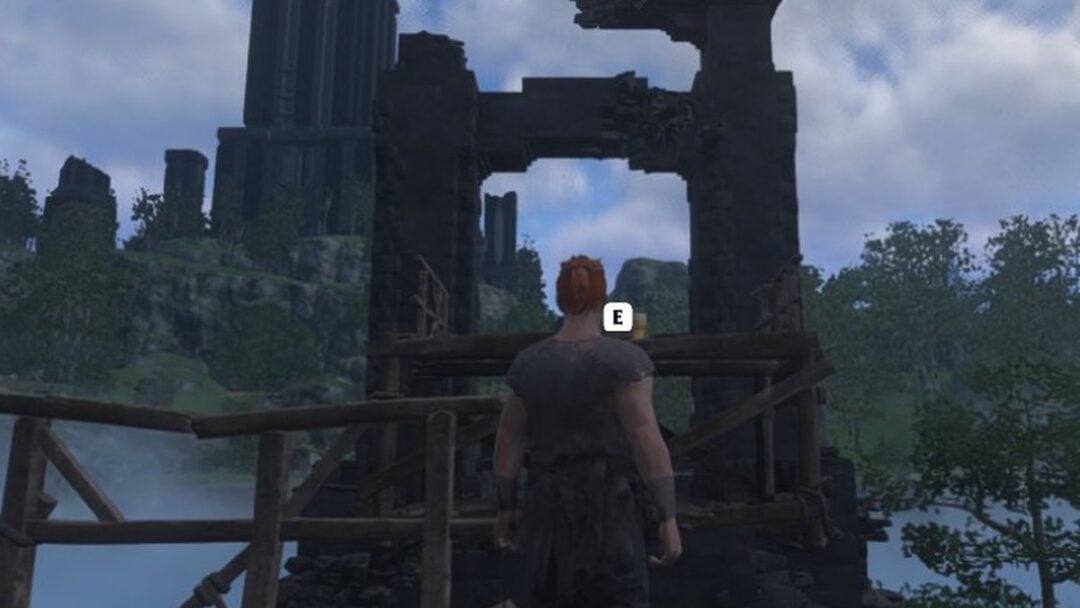
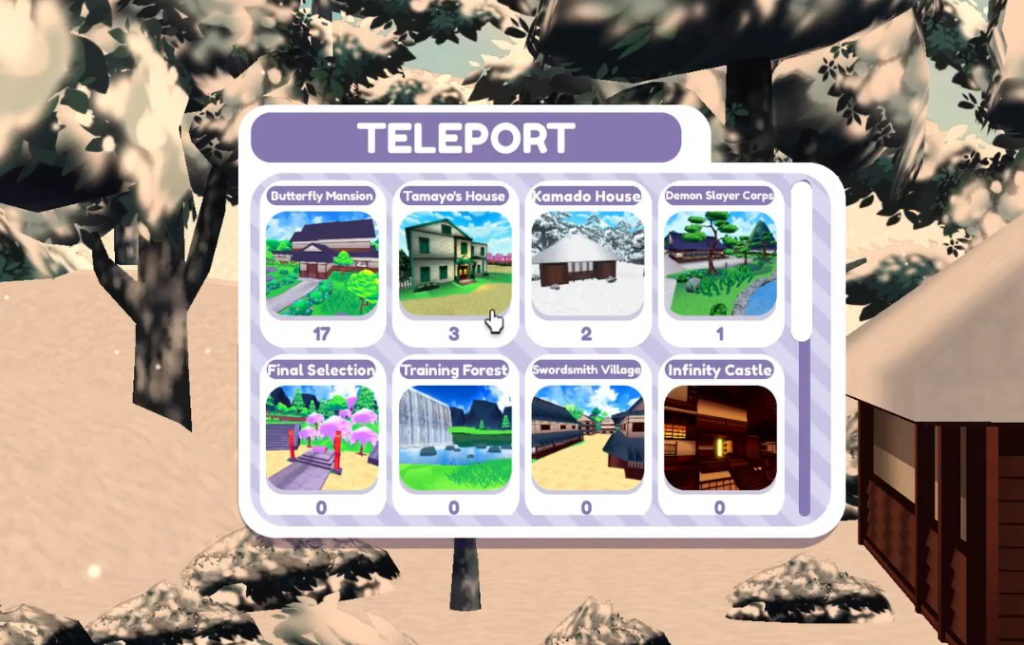
Quick answer: Open the map menu, teleport to Douma’s Room, follow the wooden walkways over the water, and click the pink-and-yellow flower floating beside a wooden pillar. The badge pops the moment you interact with it.
What you need before starting
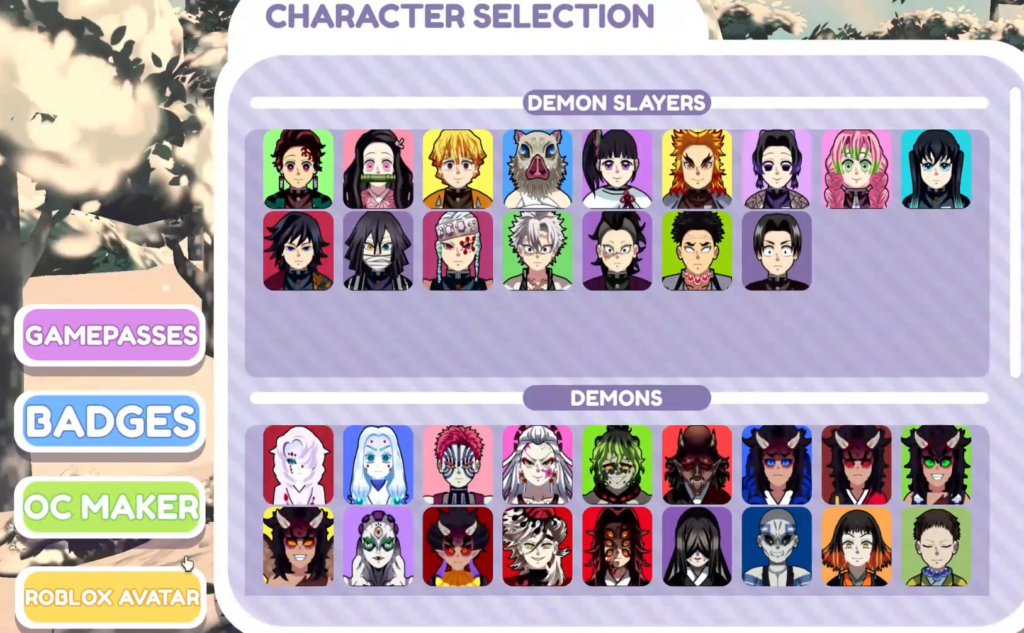
The requirements are minimal. You only need to be inside a live server with access to the teleport menu.
| Detail | Info |
|---|---|
| Badge name | Summer 2026 |
| Location | Douma’s Room (teleport menu) |
| Method | Click the floating flower over the water |
| Character needed | Any |
| Cost | Free |
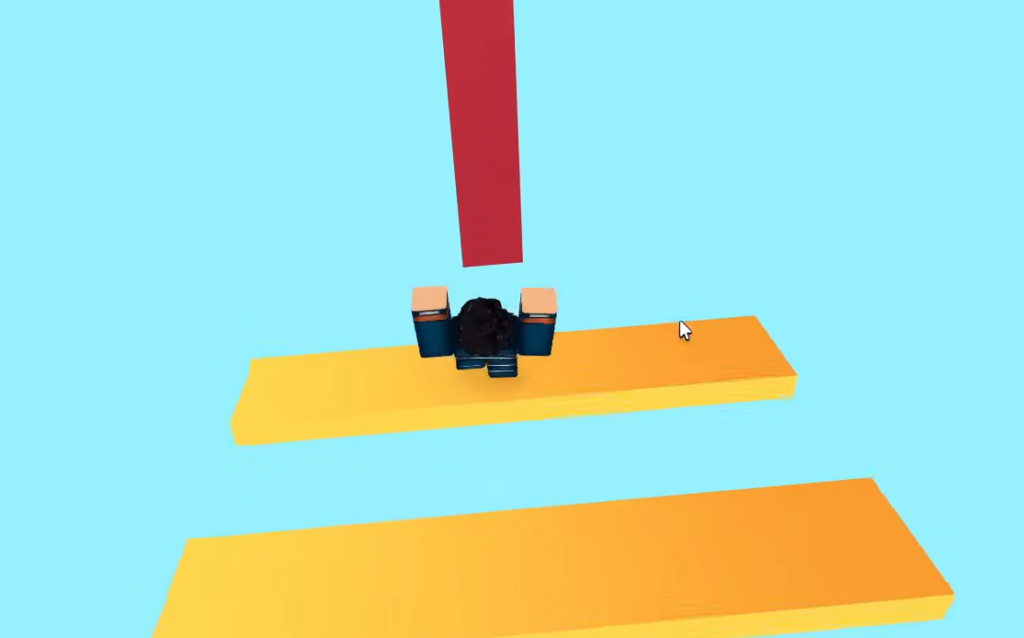
How to reach the flower in Douma’s Room
How to confirm the badge unlocked
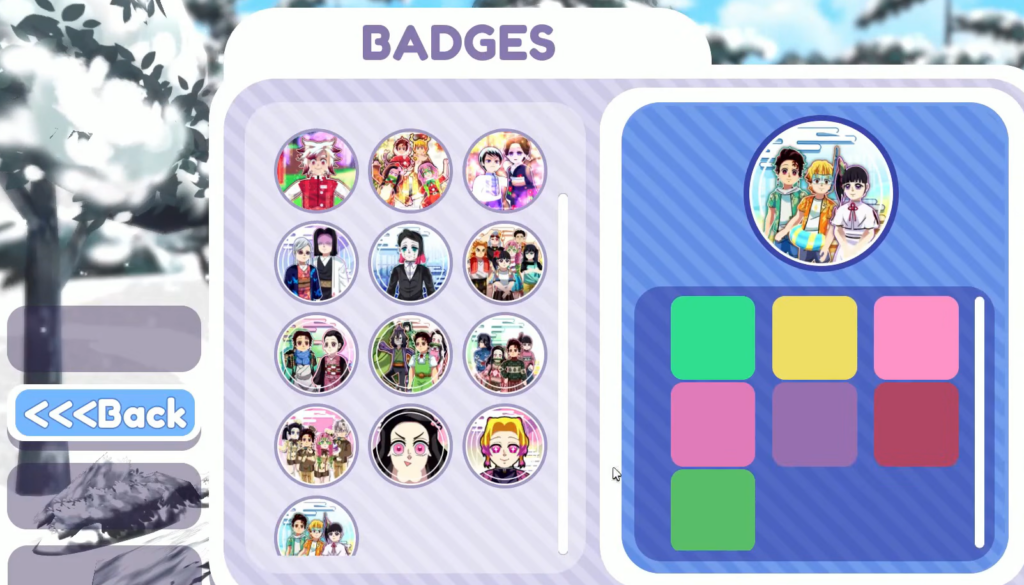
A “Badge Awarded” notification appears in the bottom-right corner of the screen the instant you click the flower. You can also verify it by opening the main menu and checking the BADGES tab, where the newly earned badge will be listed. Once it shows there, the badge is permanently tied to your account.
If the badge does not pop
A few simple things stop the unlock from registering.
- You clicked near the flower but not on it. Move closer and click the flower model itself.
- You already own the badge. It only awards once per account, so it will not fire a second time.
- You are still on the walkway. Drop into the water so you are level with the floating flower before interacting.
- Roblox badge servers are lagging. Rejoin the server and try the click again.
Because the Summer 2026 badge is tied to a fixed object in Douma’s Room, the route stays the same on every server. Once the notification confirms the award, you can teleport anywhere else and keep playing without losing it.