
Running Openshift Local on Windows 11 often defaults to installing all files on the C-drive, which can quickly consume valuable space and impact system performance. Allocating Openshift Local to a different drive streamlines storage management and prevents your primary system partition from filling up. This approach is especially helpful for systems with limited SSD capacity or when you want to separate development environments from core OS files.
Installing Openshift Local to a Non-C Drive Location
D:\Downloads).D:\OpenshiftLocal or any other location you prefer. This helps keep all related files organized and makes it easier to manage or remove them later.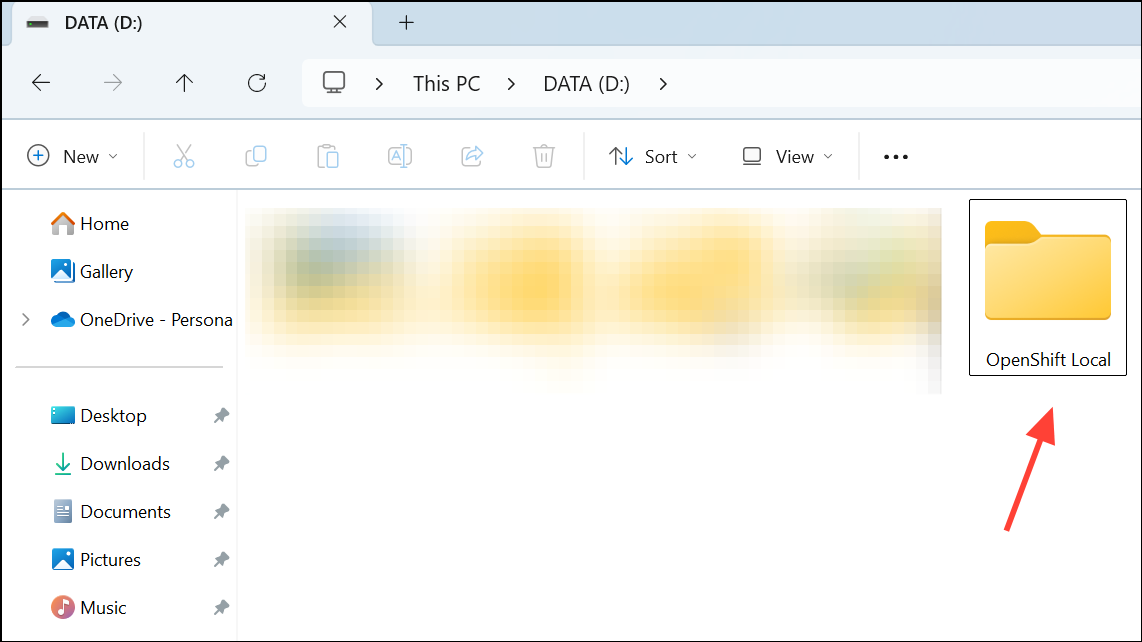
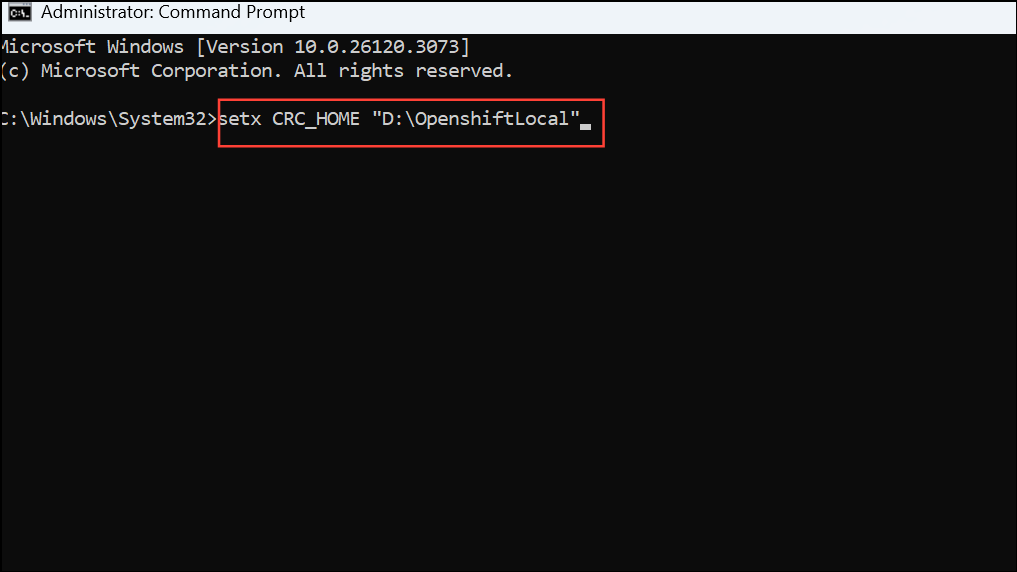
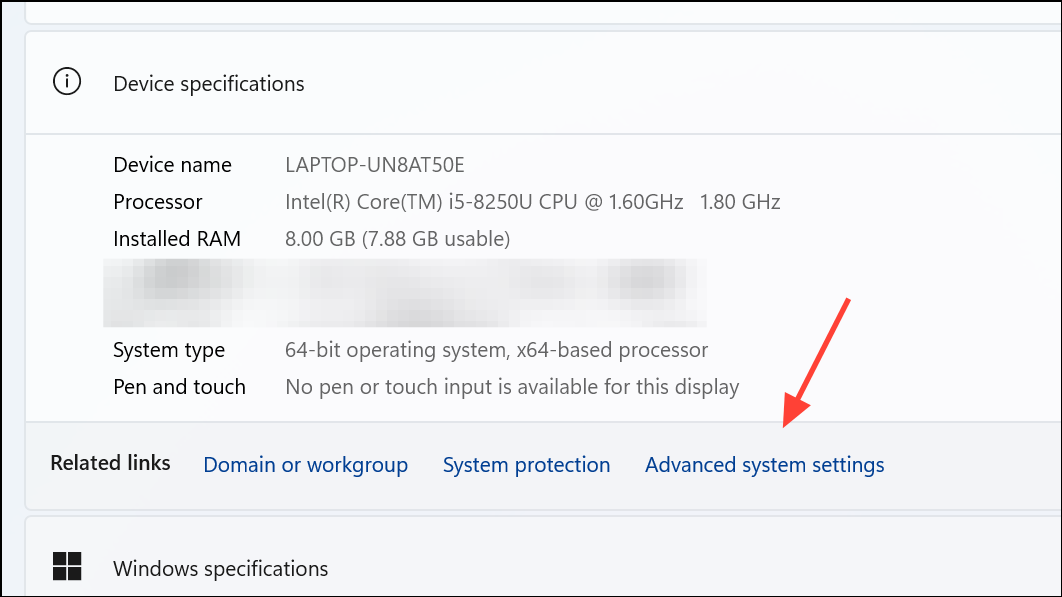
setx CRC_HOME "D:\OpenshiftLocal"This ensures all Openshift Local configuration and cache files are written to the specified folder instead of the user profile or C-drive by default.
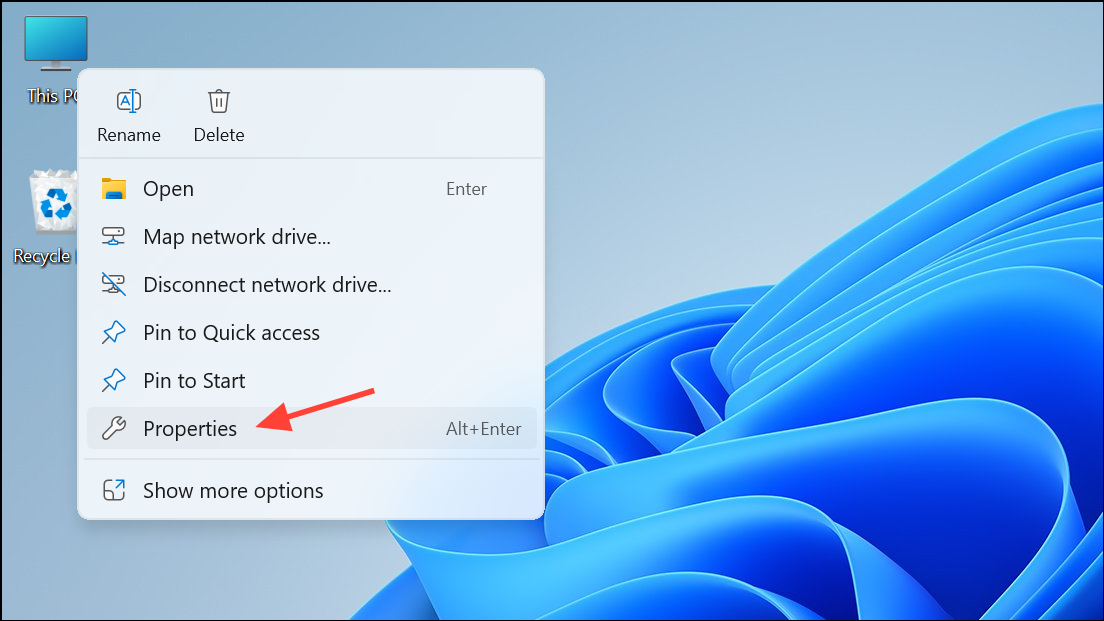
D:\OpenshiftLocal folder in the ‘Path’ variable under your user account.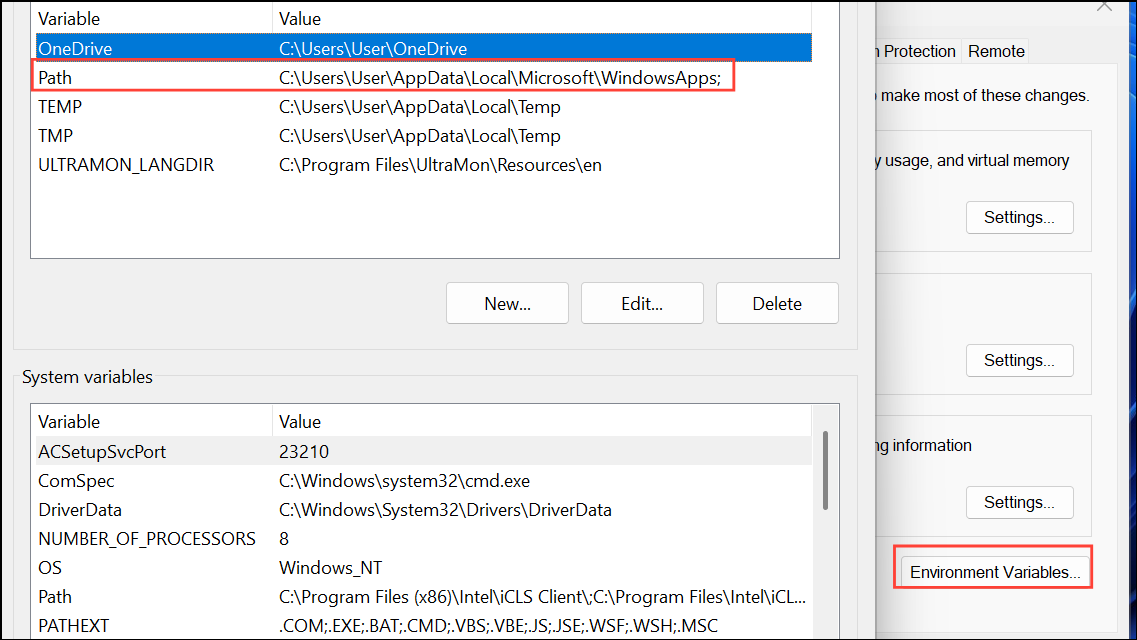
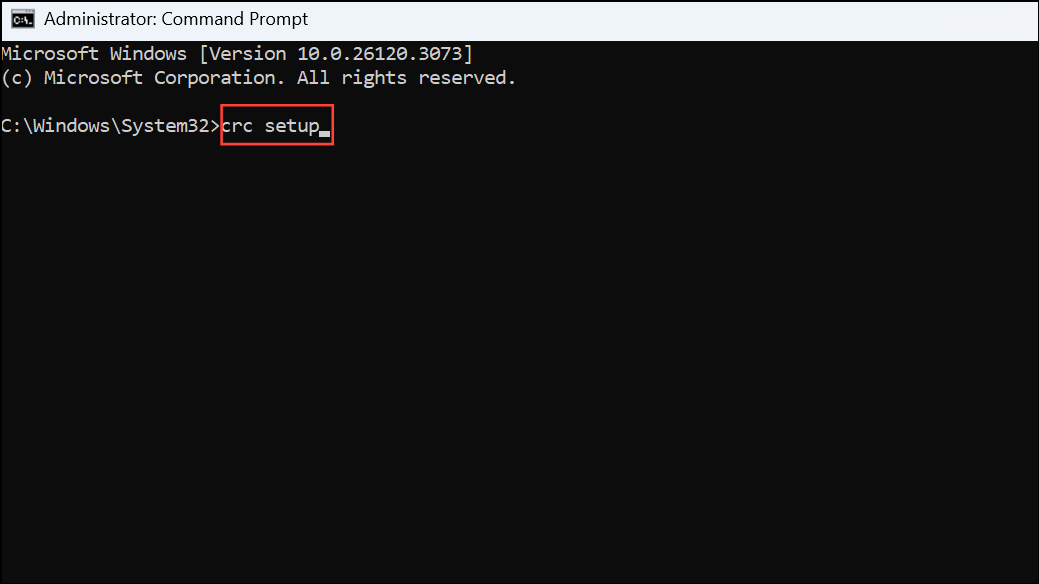
crc setupThis command prepares the environment and downloads required components into your specified folder, not on the C-drive.
crc start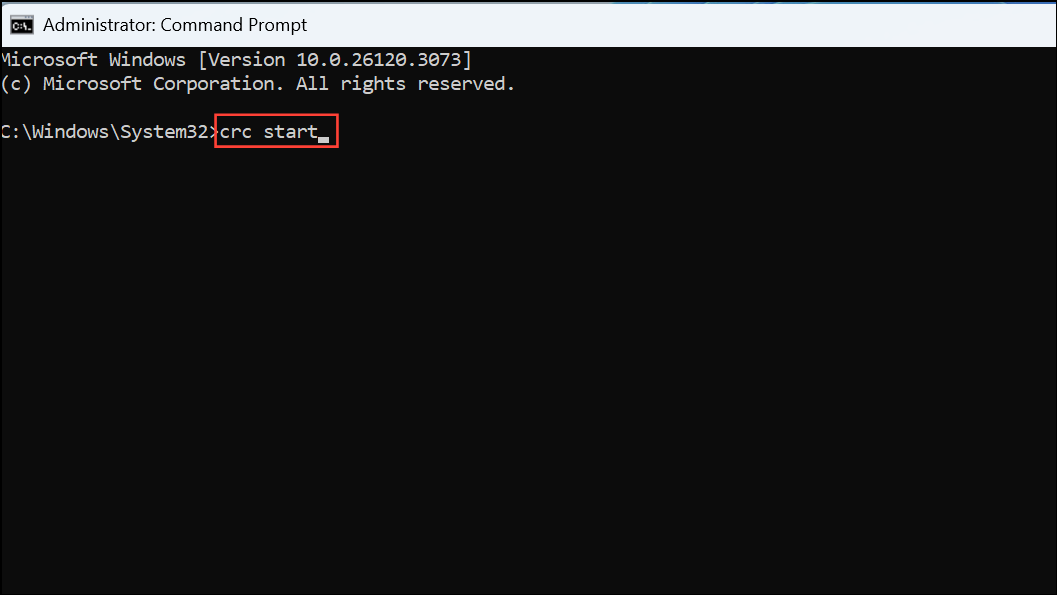
Follow any prompts to provide your pull secret and complete the setup process. All runtime files and caches will be stored on your selected drive, keeping your C-drive free from large files.
Alternative Method: Using Symbolic Links
When an application does not offer a custom install location, you can redirect storage using symbolic links. This method works by tricking Windows into thinking files are on the C-drive, when they are actually stored elsewhere.
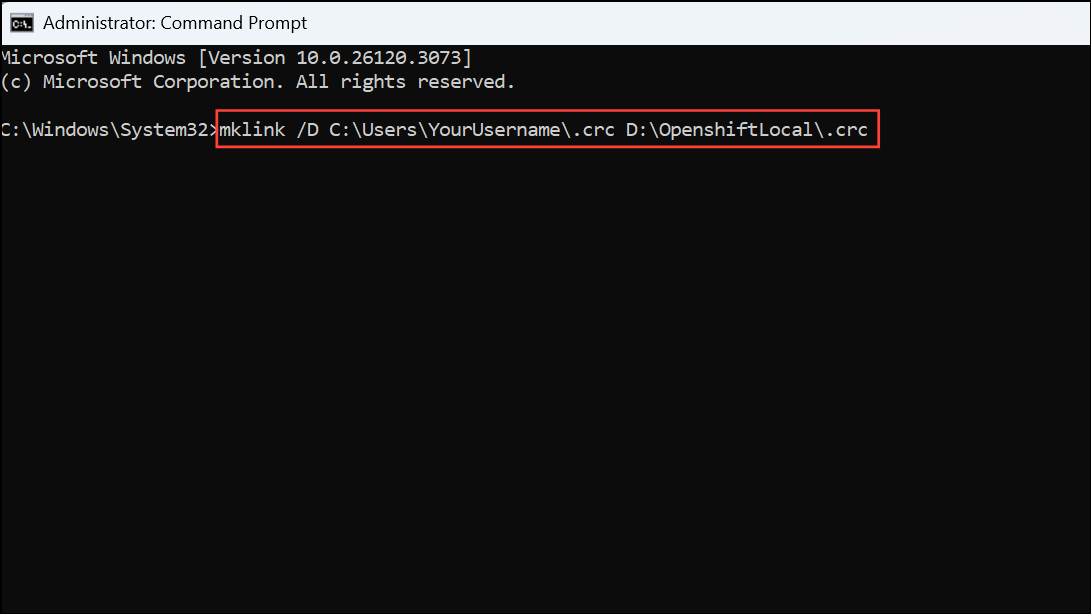
C:\Users\YourUsername\.crc) to your preferred drive, such as D:\OpenshiftLocal\.crc.mklink /D C:\Users\YourUsername\.crc D:\OpenshiftLocal\.crcThis command creates a directory link, so any files written to C:\Users\YourUsername\.crc are actually stored on your D-drive. This method is useful if Openshift Local does not respect the CRC_HOME variable or if certain components always default to the user profile directory.
Allocating Openshift Local to a different drive on Windows 11 reduces C-drive usage and makes managing large development environments simpler. For future updates or troubleshooting, check Openshift Local documentation for any changes in supported environment variables or installation practices.



