
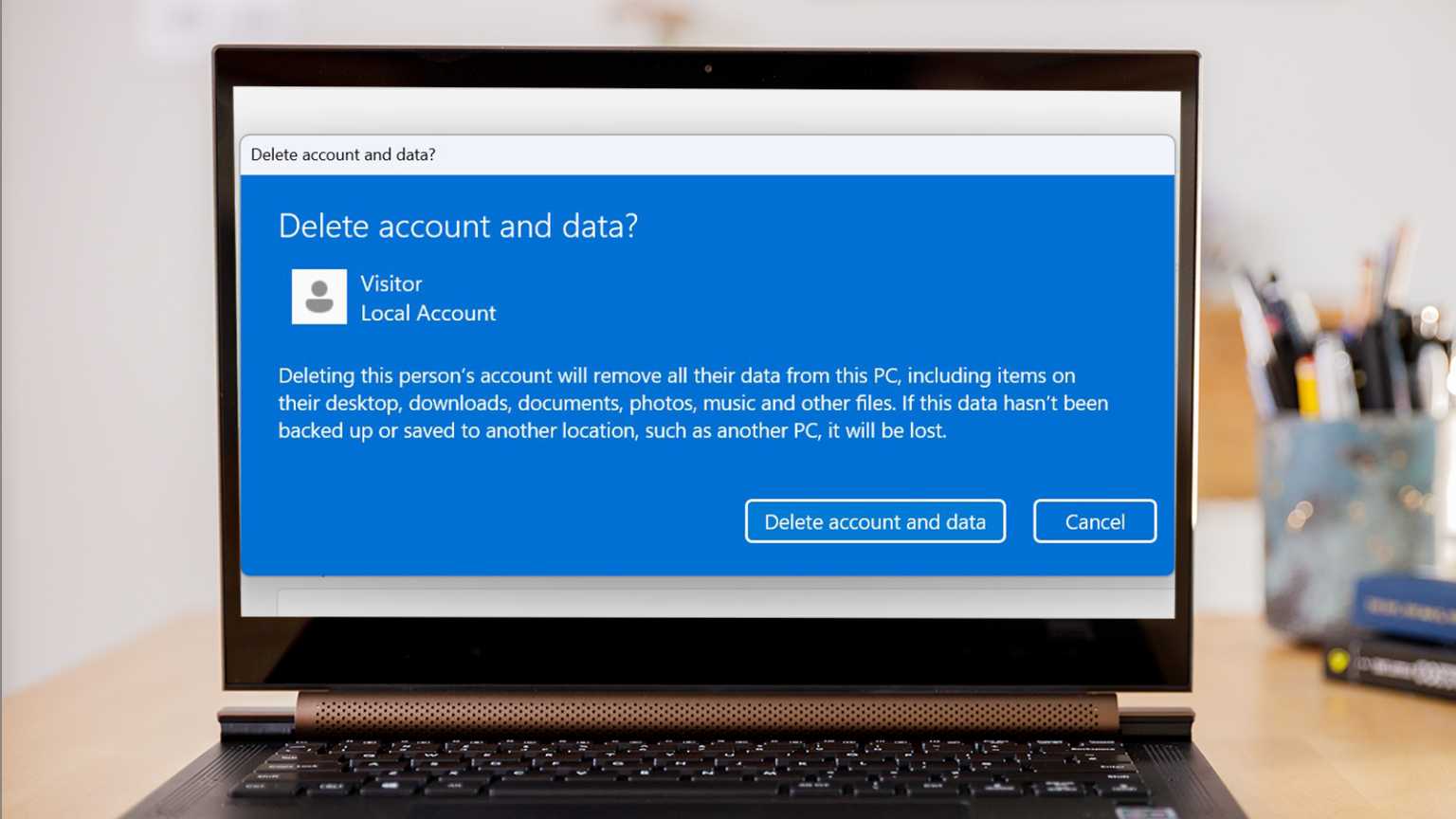
Disabling a user account on Windows 11 quickly restricts access for specific users without permanently deleting their data or profile. This is particularly useful if you temporarily need to restrict someone’s access without losing their files or settings, such as when employees leave temporarily or for security reasons. Follow the steps below to disable user accounts effectively.
Method 1: Disable a User Account Using Computer Management
Windows key + X and select Computer Management from the list.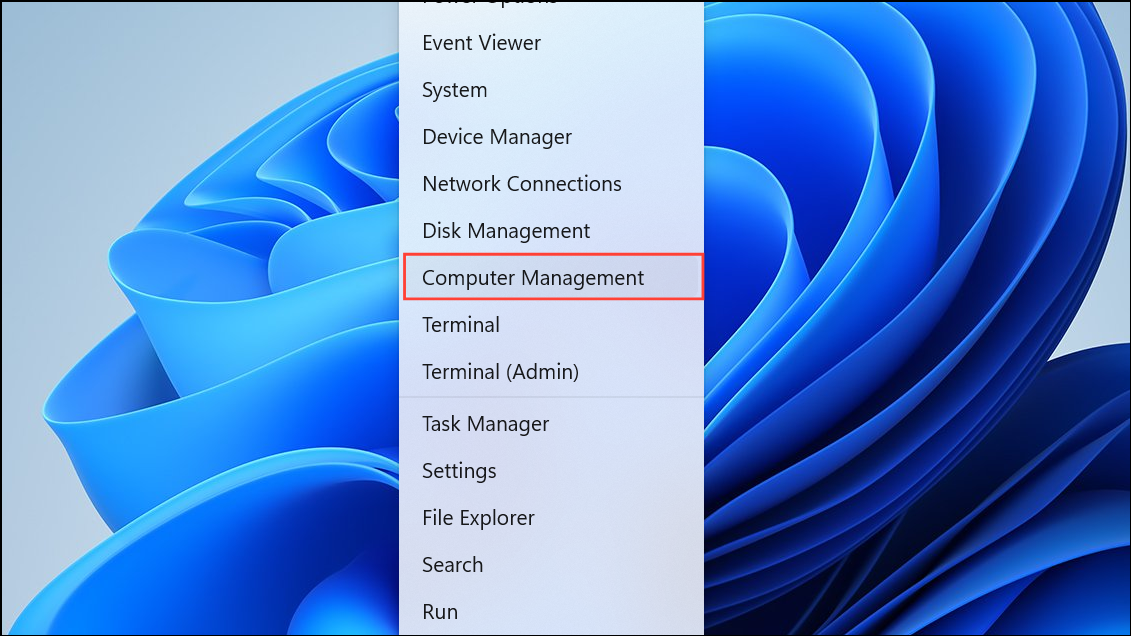
After completing these steps, the user account is disabled and the user will no longer be able to log in until the account is re-enabled.
Method 2: Disable a User Account Using Command Prompt
If you prefer using command-line tools, Windows 11 allows you to disable user accounts quickly using Command Prompt.
cmd, then right-clicking Command Prompt and selecting Run as administrator.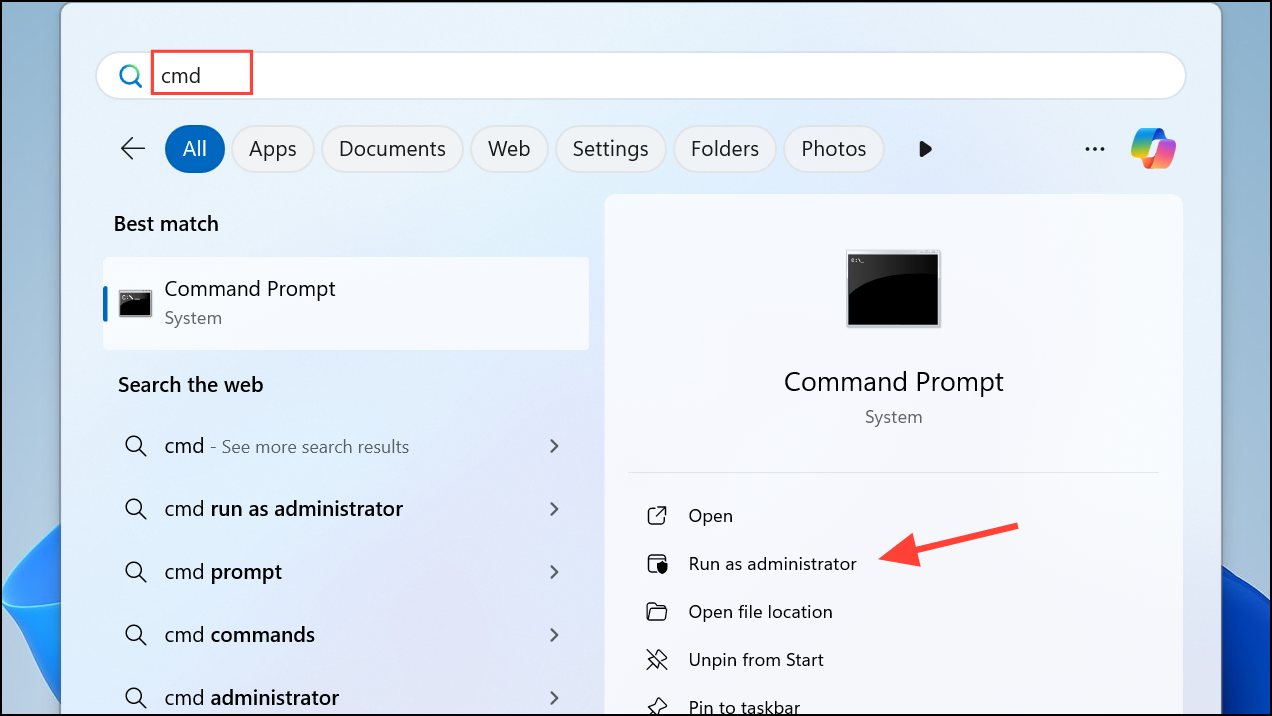
username with the actual username you wish to disable:net user username /active:no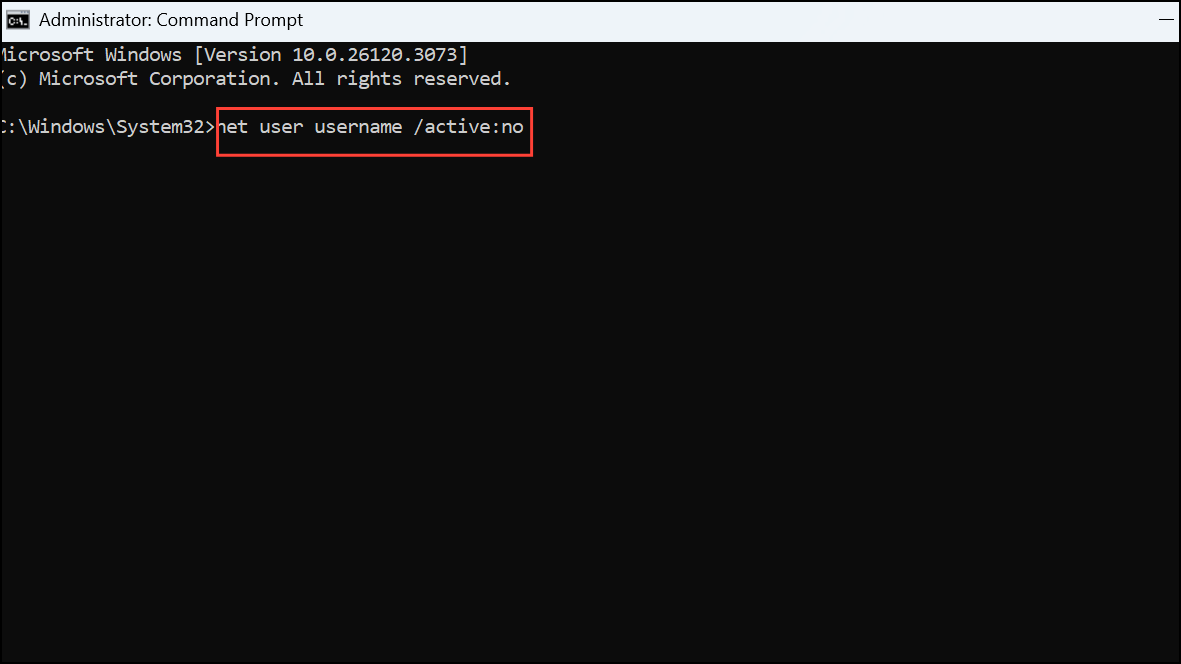
Press Enter to execute the command. You will see a confirmation message indicating the command completed successfully.
To verify the account is disabled, you can run the following command:
net user username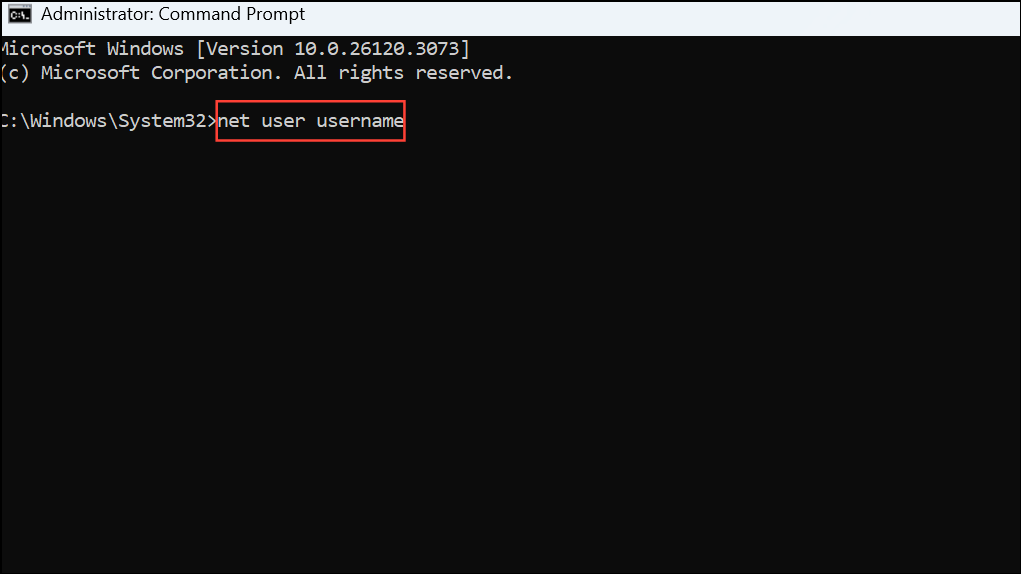
Look for the line that says Account active; it should indicate No.
Method 3: Disable a User Account Using PowerShell
Windows PowerShell provides another quick and efficient way to disable user accounts.
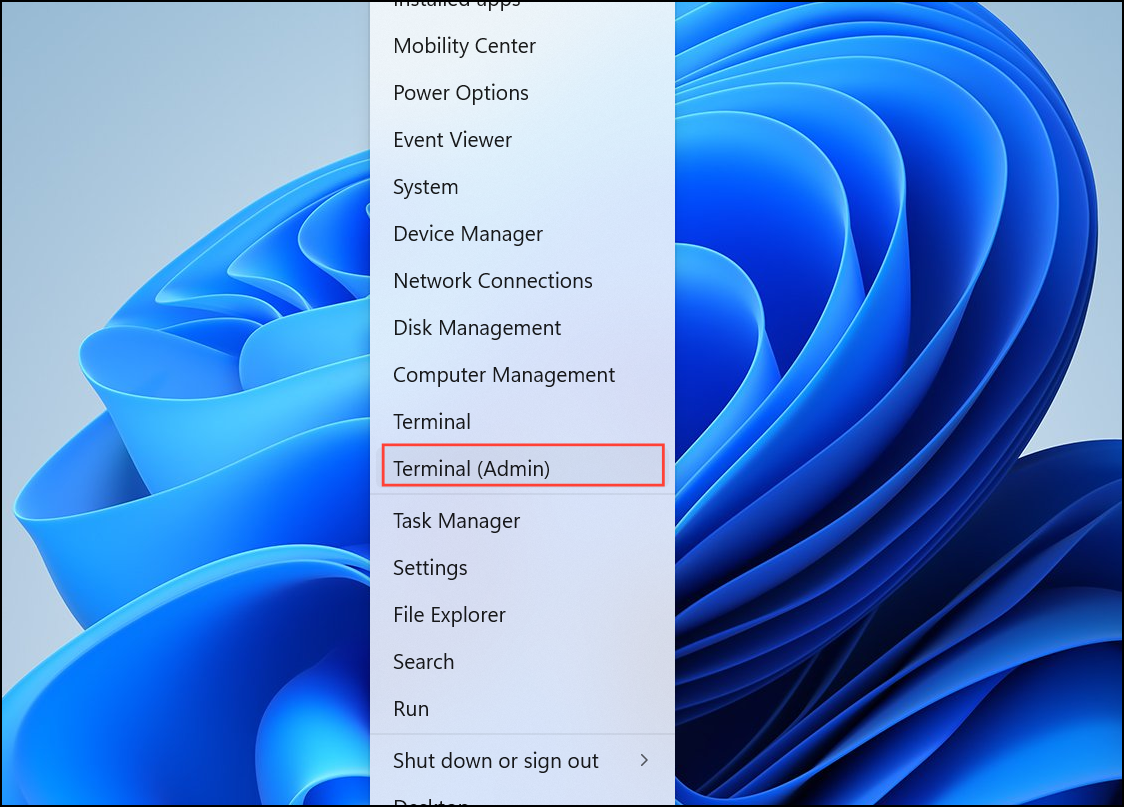
username with the name of the account you wish to disable:Disable-LocalUser -Name "username"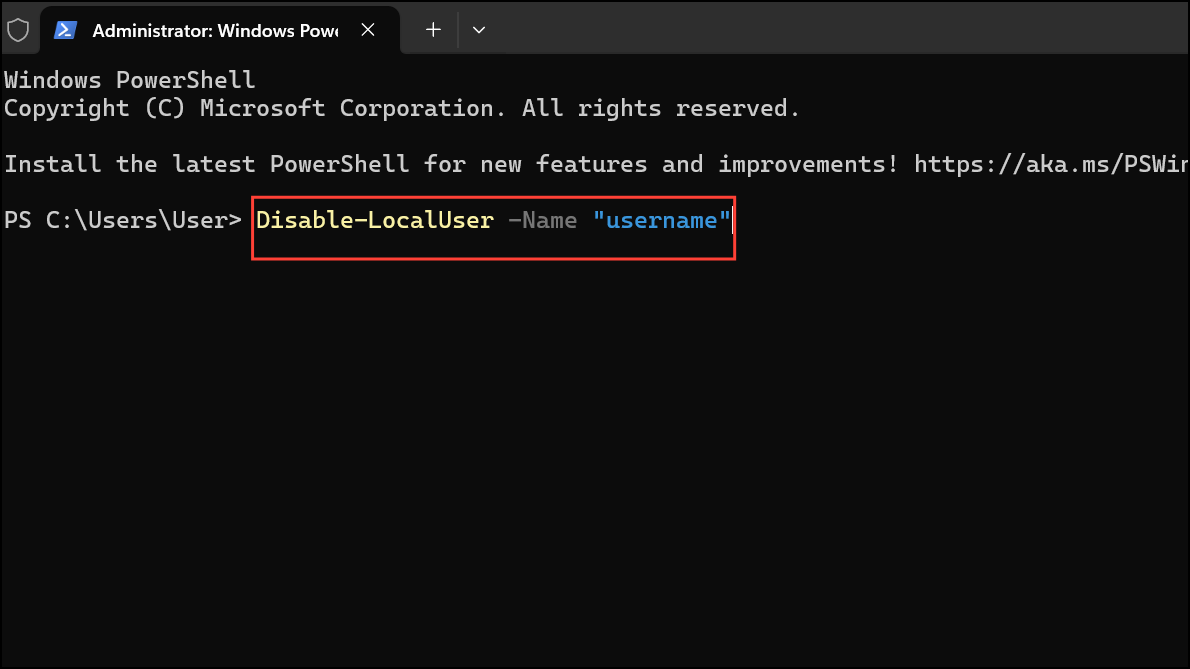
Press Enter to run the command. The selected user account will now be disabled.
To confirm the account has been disabled, use the following command:
Get-LocalUser -Name "username"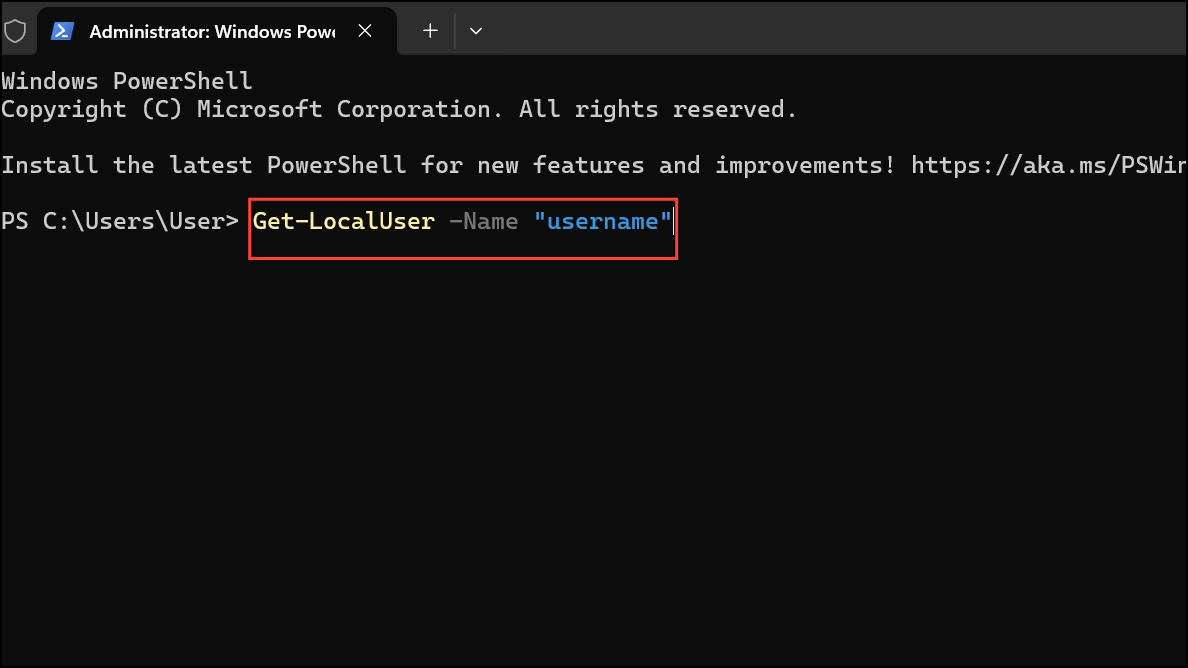
The output will show Enabled: False, confirming the account is disabled.
Disabling user accounts in Windows 11 is straightforward, and you can easily reactivate them later if needed. Choose the method that best fits your workflow and manage user account access efficiently.



