
Windows 11 typically requires users to sign in with a Microsoft account during the initial setup, but there are reliable ways to bypass this requirement. Using a local account instead of a Microsoft account helps protect your privacy, avoids unwanted synchronization of settings, and keeps your data local. Here are detailed methods to set up Windows 11 without a Microsoft account.
Method 1: Using Command Prompt During Setup
The most reliable way to bypass the Microsoft account requirement is by using a simple command during the Windows 11 setup process. Here’s how you can do it:
Shift + F10 to open the Command Prompt.oobe\bypassnro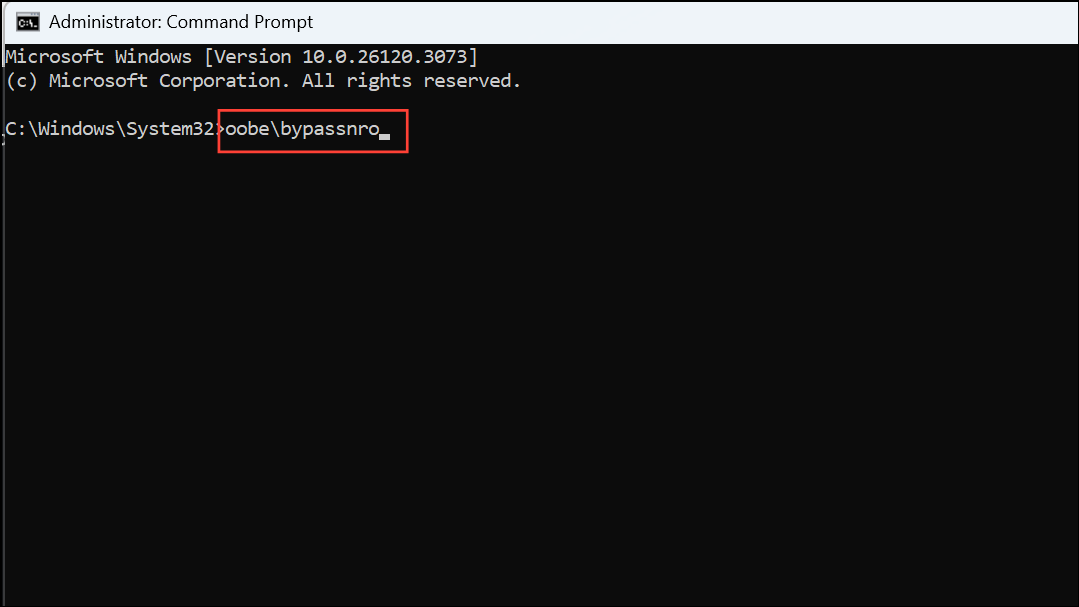
This command instructs Windows to bypass the online account requirement. Your PC will restart automatically after entering this command.
Shift + F10 to open Command Prompt. Type the following command to disconnect your PC from the internet and press Enter:ipconfig /release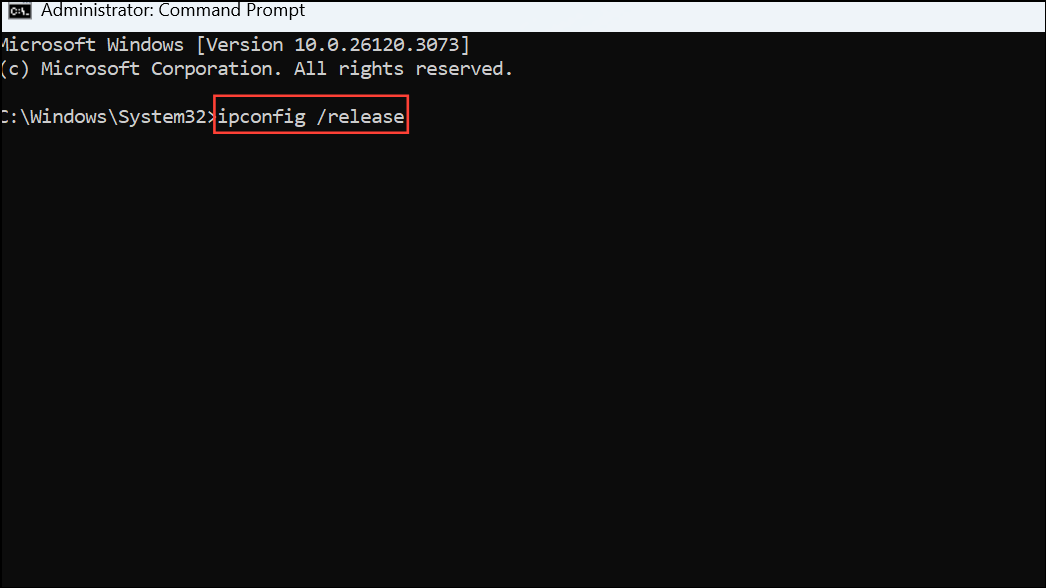
Close the Command Prompt window and continue the setup.
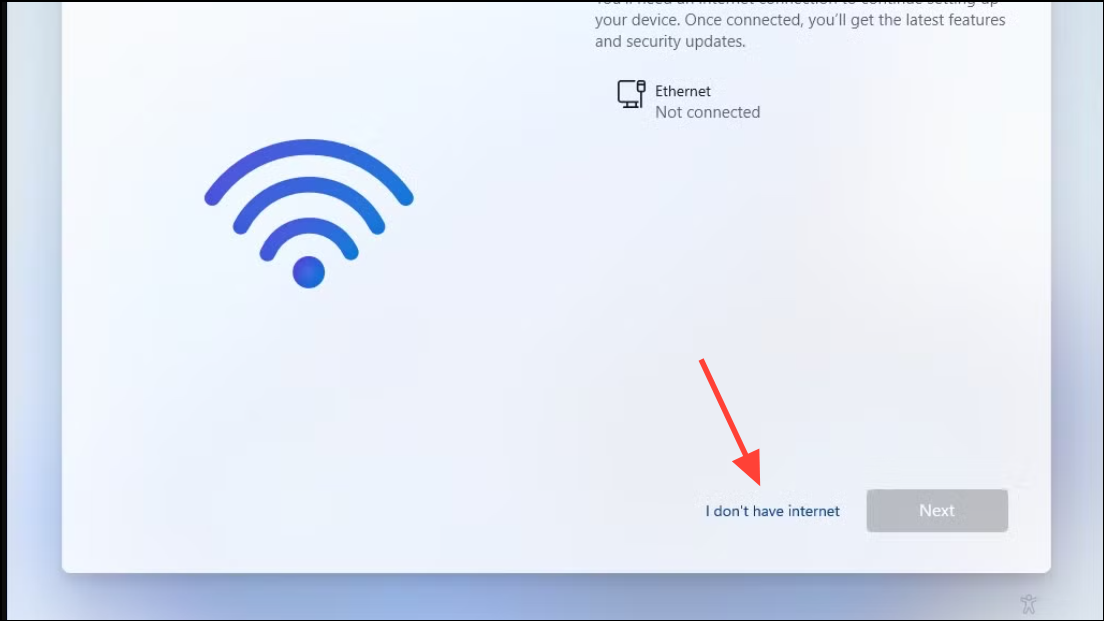
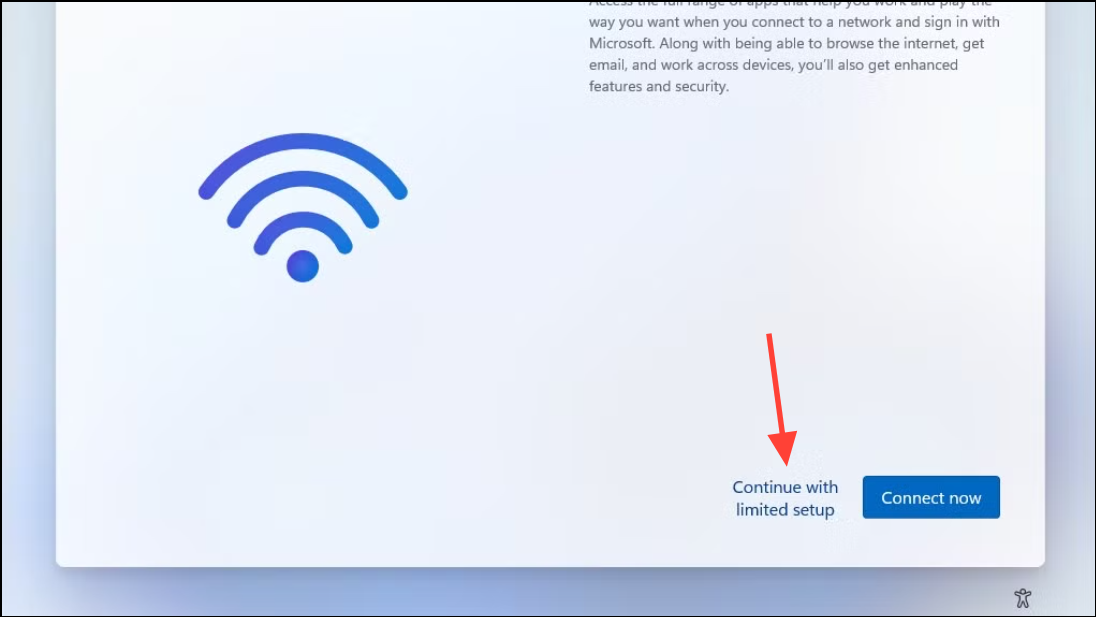
This method ensures you can set up Windows 11 without needing a Microsoft account or internet connection at initial setup.
Method 2: Creating a Windows 11 USB Installer with Rufus
If you prefer a more streamlined method, using the Rufus tool to create a custom USB installer is another reliable approach. Rufus allows you to remove the Microsoft account requirement from the Windows 11 installation media itself. Here’s how:
This method offers a convenient, pre-configured approach to installing Windows 11 without any need for manual commands during setup.
Alternative Method: Converting an Existing Microsoft Account to a Local Account
If you have already installed Windows 11 with a Microsoft account and wish to switch to a local account, you can easily convert your existing account:
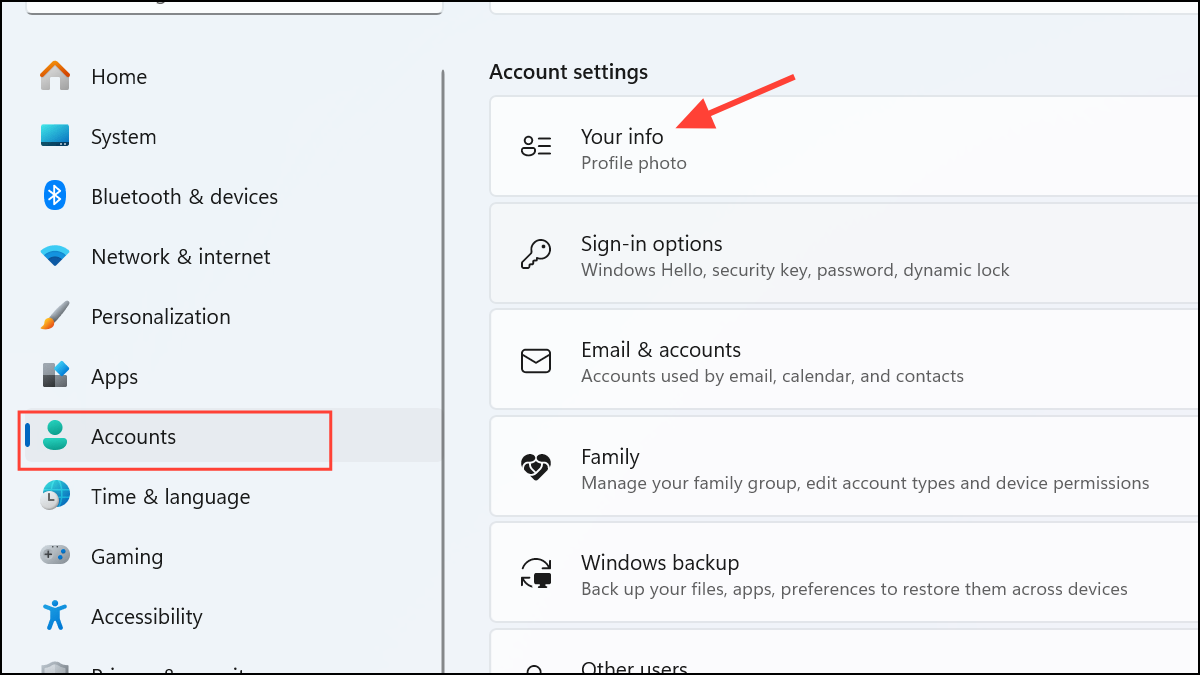
Please note, if you’re using BitLocker encryption, ensure you back up your recovery key before switching to a local account to avoid losing access to your encrypted drive.
These methods help you successfully set up Windows 11 without needing a Microsoft account, providing greater control over your privacy and setup preferences. Choose the method that best suits your needs and enjoy a more customized Windows experience.



