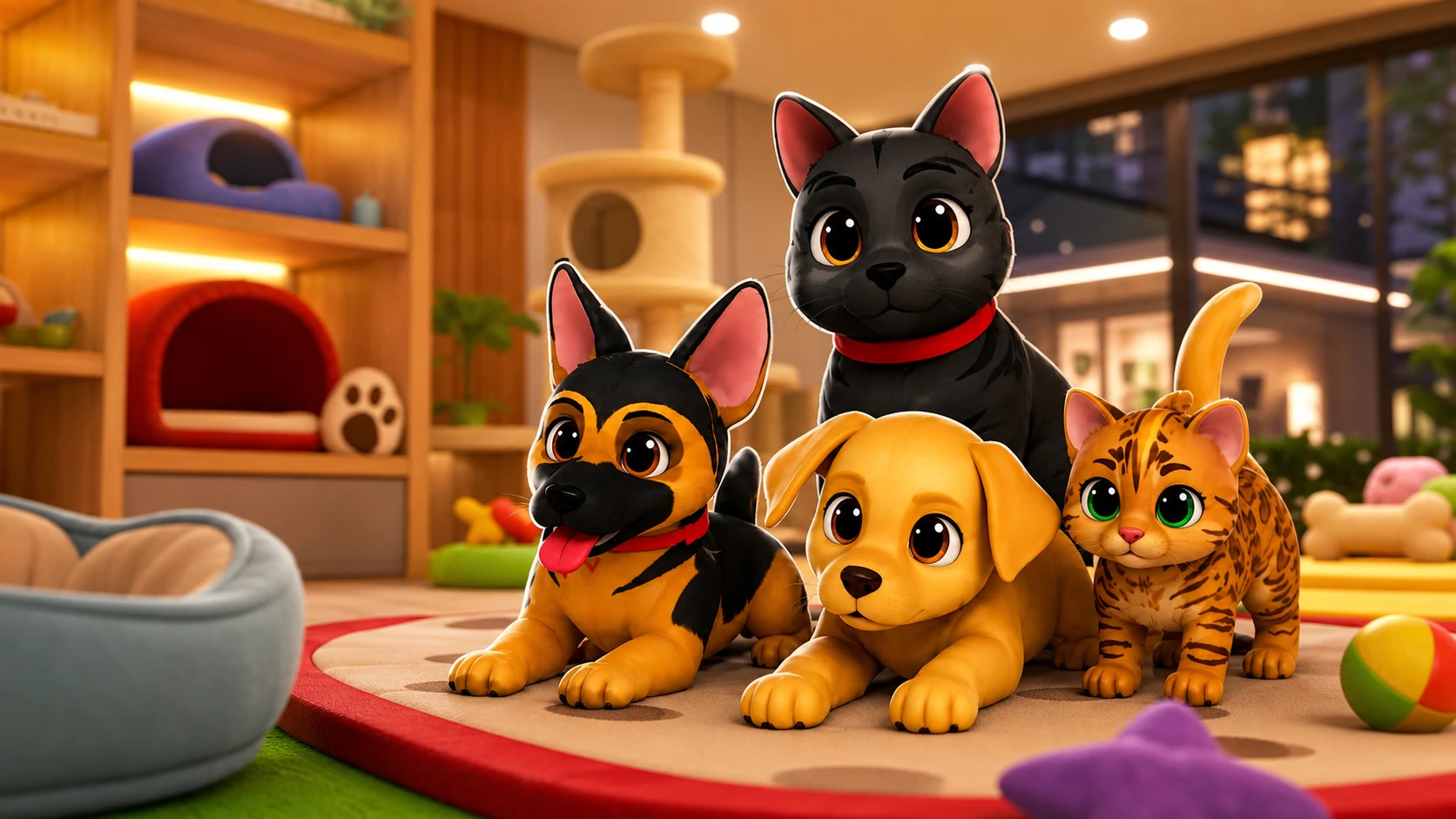
Pets in Brookhaven RP are companions you can carry, pet, feed, and have follow you around town. You adopt them at the Pet Adoption Center, and most of the starter animals cost nothing at all. A separate set of breeds sits behind a one-time purchase called the House Pets Gamepass.
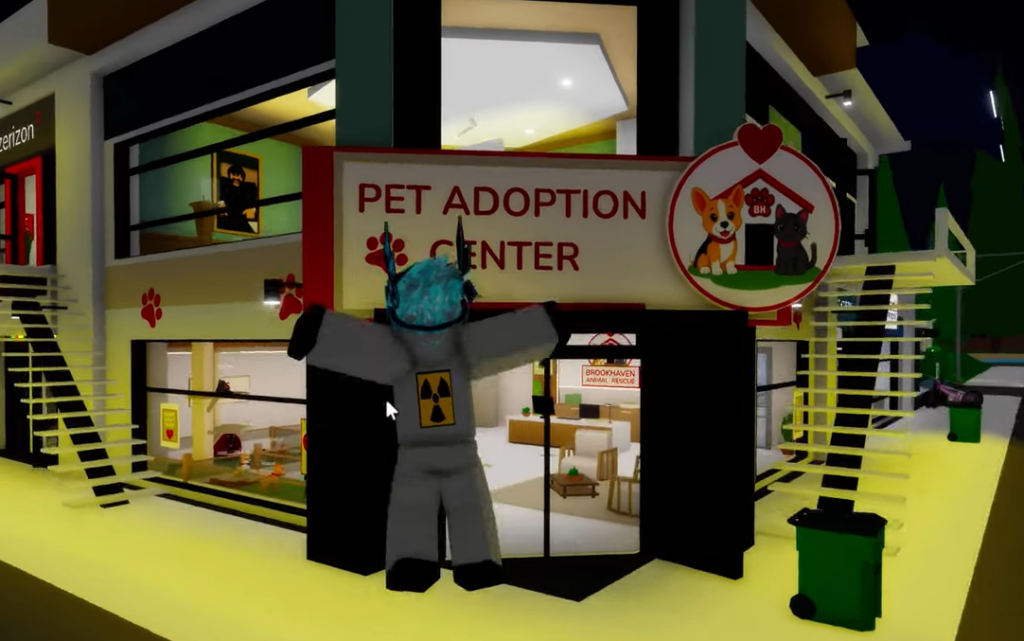
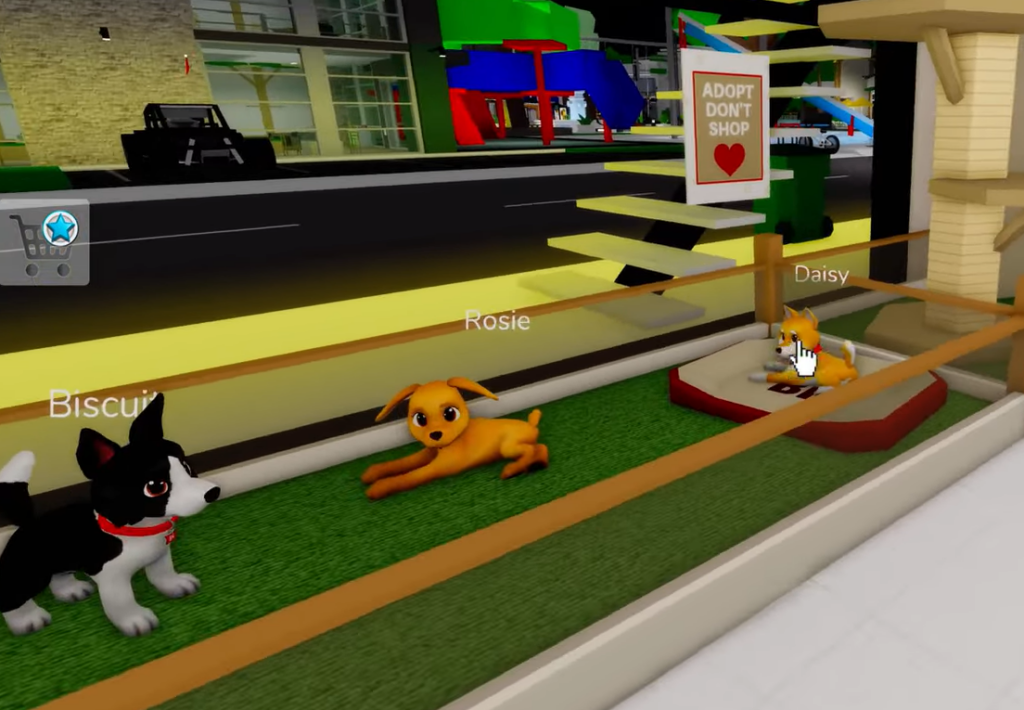
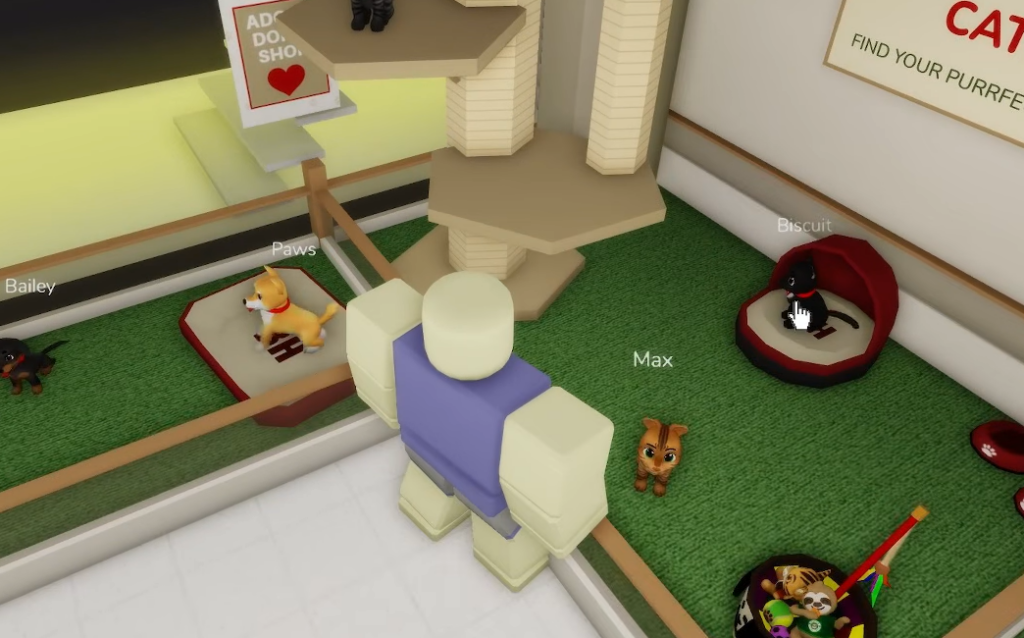
Quick answer: Go to the Pet Adoption Center (the Brookhaven Animal Rescue building), walk up to the pet pens, and click a free pet to adopt it instantly. Clicking a premium breed instead opens a prompt to buy the House Pets Gamepass for 799 Robux.
Where to find the Pet Adoption Center
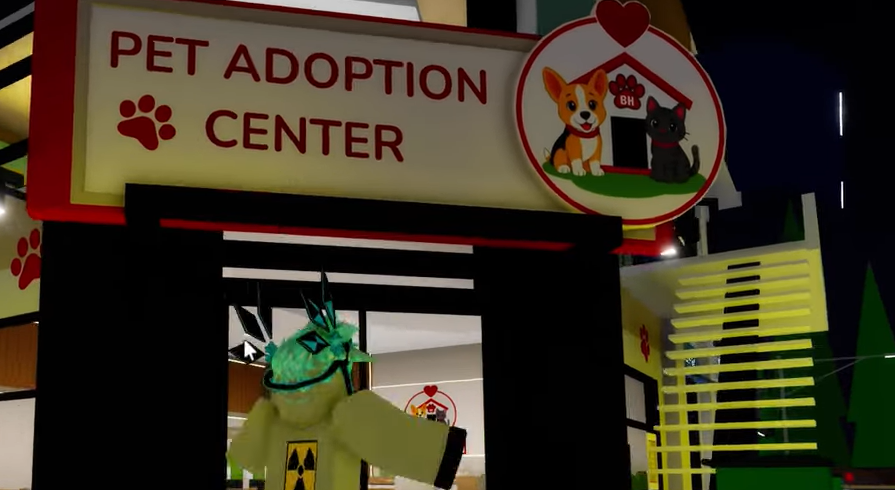
The Adoption Center sits near the Museum, alongside the new Pet Hospital and Post Office added in the pets update. The building itself is the Brookhaven Animal Rescue. You can also reach it by heading up the staircase between Starbrooks Coffee and Rock Star, where a door marked Animal Rescue leads inside.
Inside, you’ll find a mini playground area for the animals and an office table with adoption paperwork. The pens along the front hold the pets you can actually take home. You can play Brookhaven RP on Roblox if you haven’t joined a server yet.
How to adopt a free pet
House Pets Gamepass: premium breeds
The premium animals are locked behind the House Pets Gamepass, a one-time purchase of 799 Robux. Clicking one of these breeds brings up the message “You need the House Pets Gamepass to use this!” followed by an “Unlock House Pets?” prompt. Buying the gamepass unlocks the full set of extra breeds on your account.
| Pet type | How to get | Cost |
|---|---|---|
| Free adoption pets (includes Coco the black cat) | Click the pet in the Adoption Center pen | Free |
| Shiba Inu | House Pets Gamepass | 799 Robux (one-time) |
| Golden Retriever | House Pets Gamepass | 799 Robux (one-time) |
| German Shepherd | House Pets Gamepass | 799 Robux (one-time) |
| Dachshund | House Pets Gamepass | 799 Robux (one-time) |
| Bengal | House Pets Gamepass | 799 Robux (one-time) |
The gamepass is a single unlock rather than a per-pet cost, so it covers every breed included in the House Pets set.
What pets can do
The updated companions are more than decoration. You can carry them, pet them, feed them, and have them follow you as you move through town. The pets update also added new cats and dogs, along with new tools and props built around caring for them.
For full pet-owner roleplay, the update introduced dedicated locations near the Museum. The Adoption Center is where you pick up an animal, the Pet Hospital handles surgery and consultations, and the Post Office rounds out the neighborhood.
If a pet won’t equip
If nothing appears after you click a pet, the most common cause is that you selected a premium breed without owning the House Pets Gamepass. Those animals show the “You need the House Pets Gamepass to use this!” message and won’t attach to your character until the pass is purchased.
Some pens may also be marked “Coming Soon,” meaning that breed isn’t available to adopt yet. Stick to the free pets in the open pens, and confirm the animal is following you before you leave the building. Once it’s trailing your character and you can carry, pet, or feed it, the adoption is confirmed.