Storage in Pokopia has always been messy because ordinary chests stay tied to the town you built them in. The Portal Pod fixes that. It is a linked storage machine introduced with the Bubbly Basin content, and once you own a pair, the same items become reachable from anywhere you travel.
Quick answer: Pick up both Portal Pods in the underwater house at the far northeast corner of Bubbly Basin, place at least two of them anywhere, then store an item in one to have it appear inside the other.
What the Portal Pod does in Pokopia
The Portal Pod is a shared storage container. Whatever you drop inside one pod can be pulled from any other pod, no matter which region you are standing in. That removes the need to fast travel between worlds just to grab a key item from a specific chest.
The catch is simple. A single Portal Pod behaves like a normal large chest. The linked behavior only kicks in when you have two or more of them placed, since the connection happens between pods.
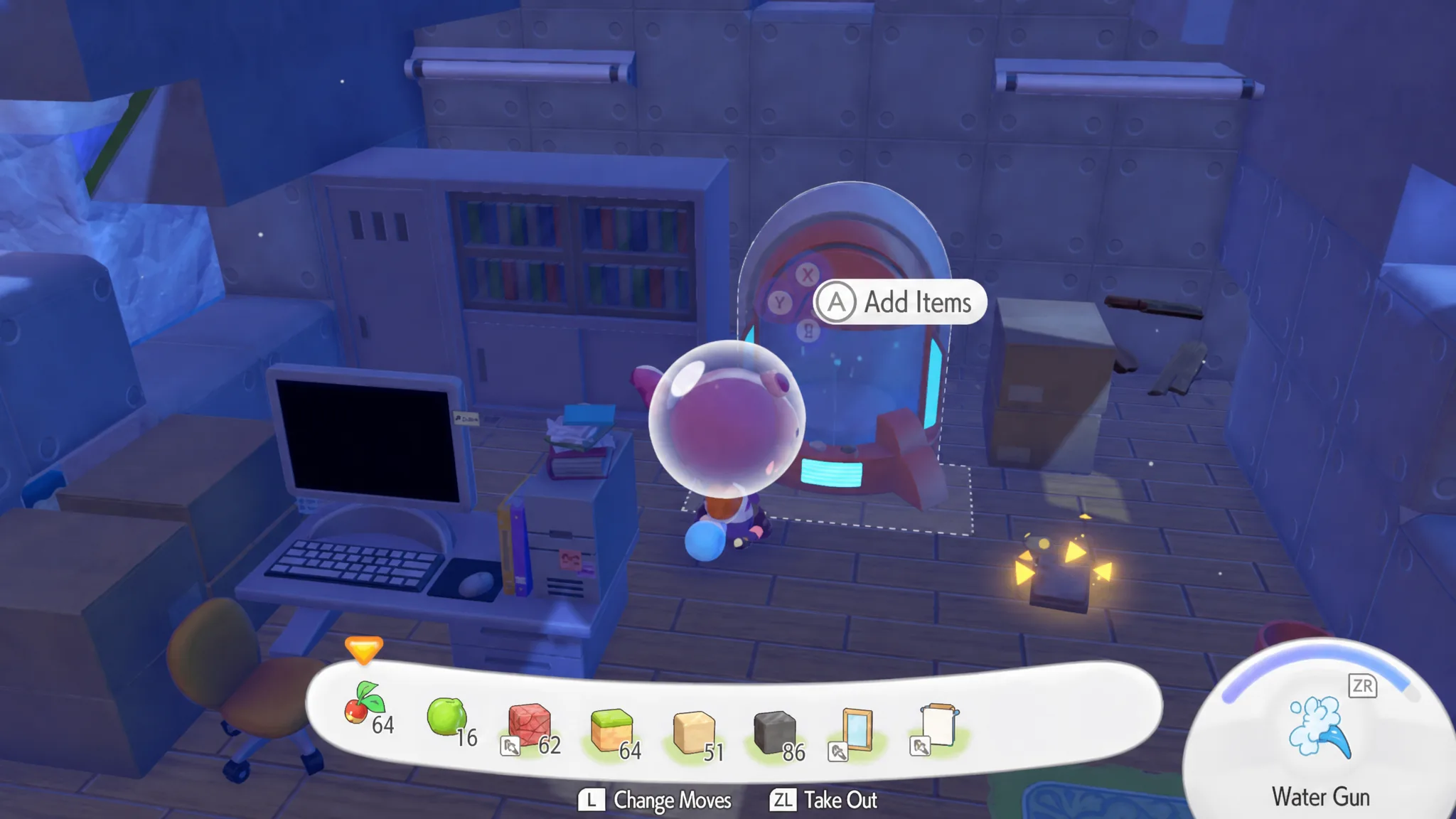
Portal Pod location in Bubbly Basin
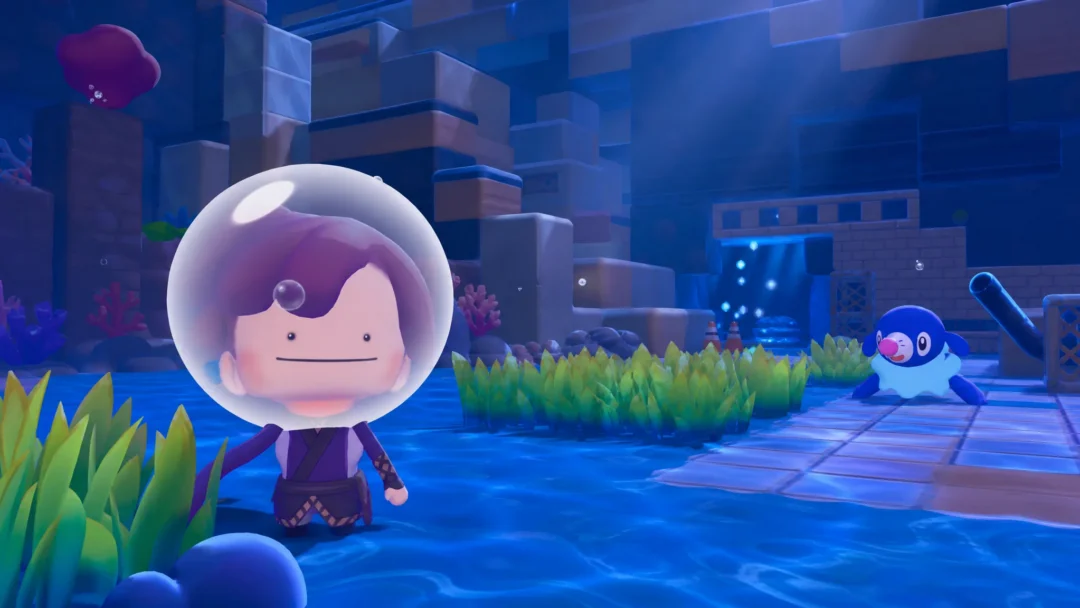
The fastest way to get started is to collect the two free pods sitting in Bubbly Basin. Both are in the same spot near the upper northeast corner of the region, so you only need to make one trip.
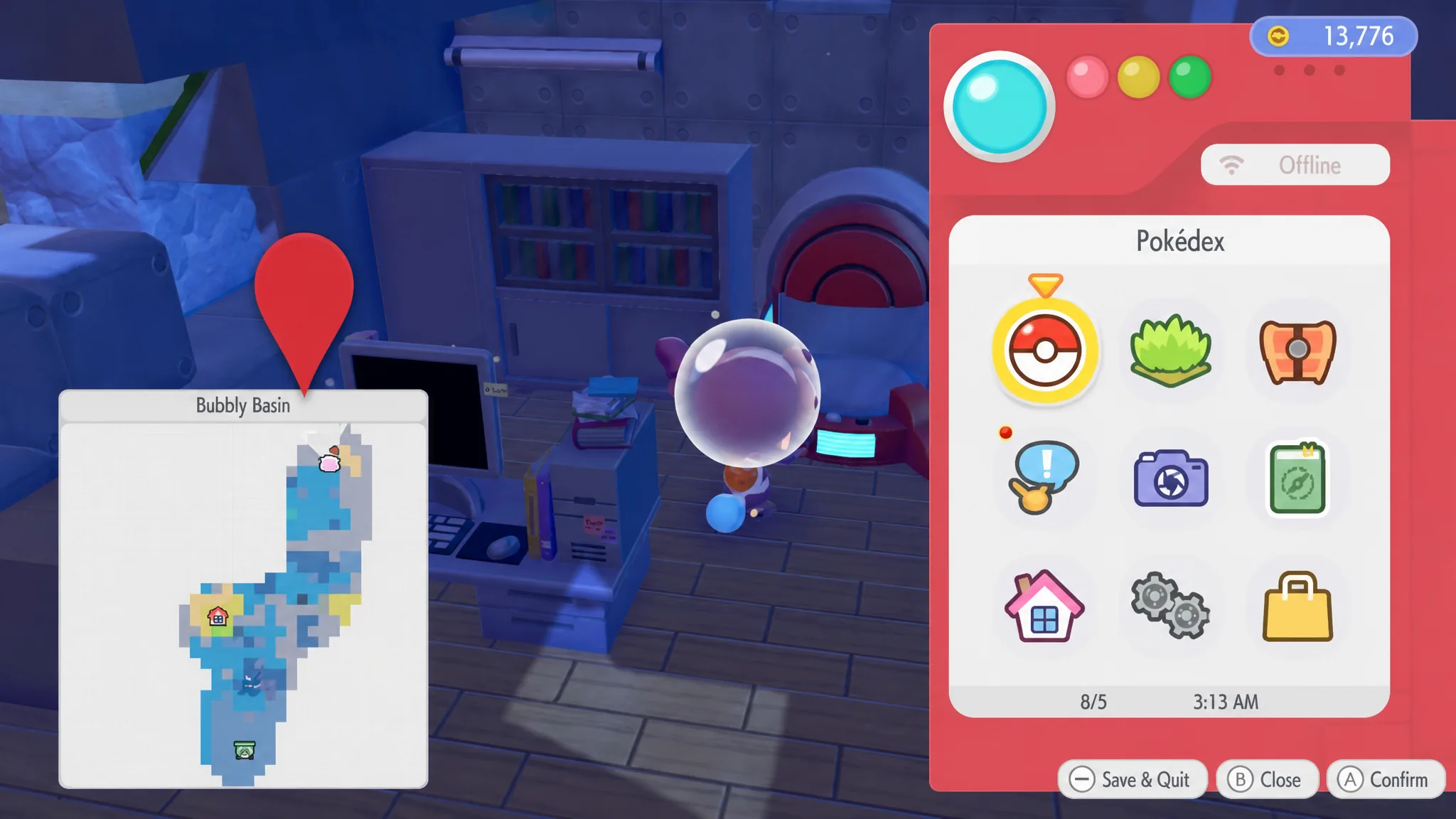
Other ways to get more Portal Pods
Two pods are enough to start using linked storage, but you can build up a larger network. There are two additional methods once you own at least one pod.
| Method | Requirement | Cost |
|---|---|---|
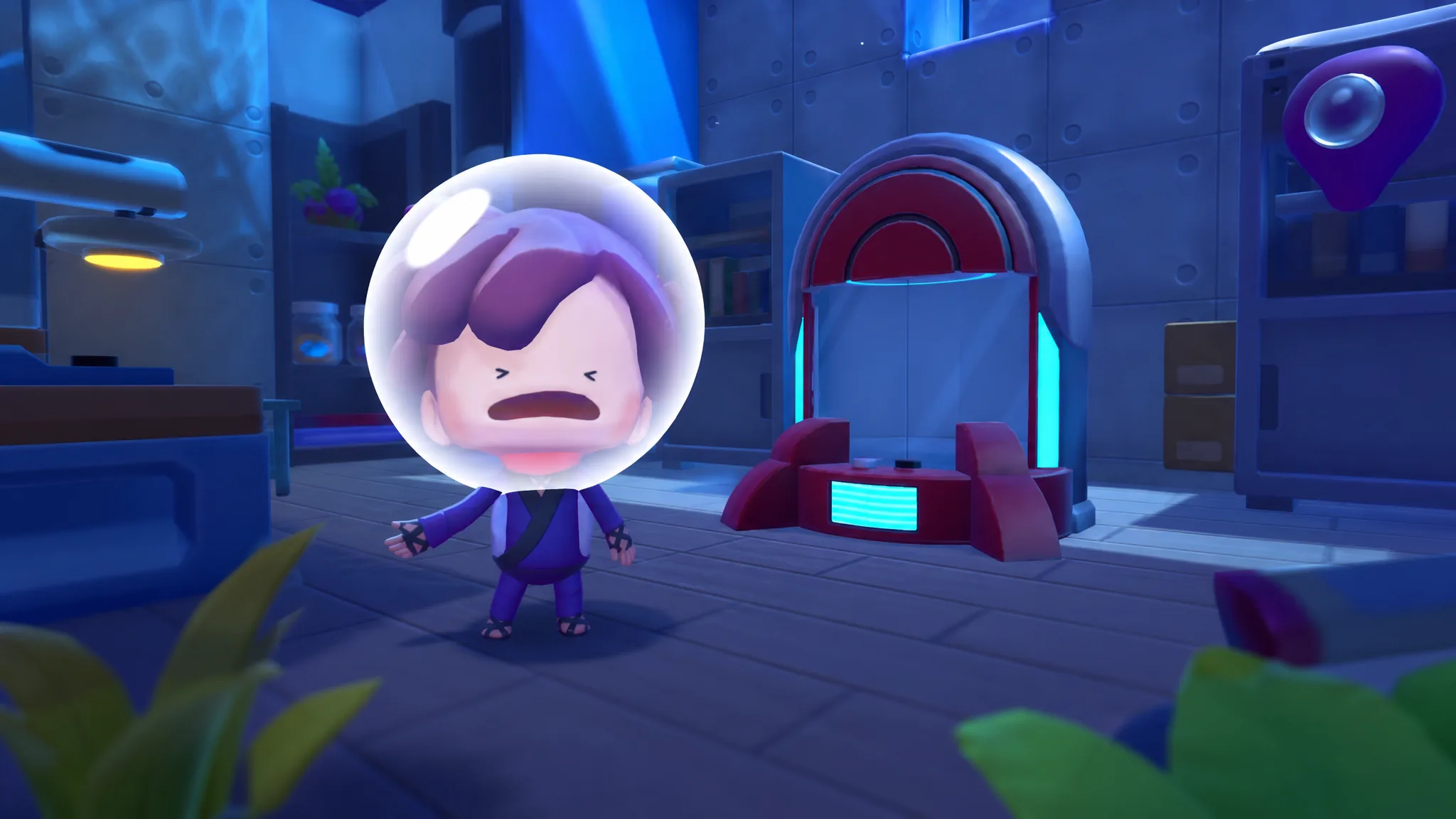
| Copy at a Pokémon Center | Place a Portal Pod, take a photo with it, then use the machine on the left side of the room and pick “Make copy” | 5 rare Pokémetal Ingots per copy |
| Buy the recipe | Raise Palette Town’s environment level until the recipe appears in the shop | 3,000 Coins |
The copy option can be repeated as many times as you like, so it is the most reliable way to expand your storage network once you have Pokémetal Ingots to spend.
How to use the Portal Pod
Note: If a stored item does not show up in a second pod, you almost certainly have only one pod placed. The shared inventory needs at least two pods active before it connects.
Spread pods across the regions you visit most, and you will always have quick access to the materials you need without hauling everything between separate chests. With storage sorted, it becomes far easier to gather the many key items required to set up habitats for the Pokémon living in Bubbly Basin.