Daily Activity is Aniimo’s set of repeatable daily tasks that hand out companion EXP, player (Safaris) EXP, catching items, and eggs. It sits in the same tab as your other routine goals, and clearing it takes only a few minutes once you know exactly what each task wants.
Quick answer: Finish the five daily tasks — Log In, spend 60 Primegy, catch 5 Aniimos, take one Aniimo photo, and collect 50 Season Stamps — to earn 700 activity points, then claim the reward packs unlocked at 500 points.
Unlock Daily Activity through the Institute Guide
Daily Activity becomes available within roughly the first thirty minutes of play. It opens once you defeat and catch the Alpha Aniimo Turbo during the main quest. Completing that fight unlocks the Institute Guide.
Open the Institute Guide by pressing F4 or clicking the fourth icon on the top-right of the screen. The Daily Activity tab is the first thing you see inside, listing every daily task and your current activity point total.
All daily missions and activity points
There are five daily tasks. Completing all of them awards 700 activity points, which is comfortably above the 500 needed to claim every reward.
| Mission | Requirement | Activity points |
|---|---|---|
| Log In | Log into the game | 100 |
 Primegy Primegy | Spend 60 Primegy | 200 |
| Catch 5 Aniimos | Catch any 5 Aniimos | 100 |
| Film | Take a photo featuring an Aniimo | 100 |
| Stamps | Collect 50 Season Stamps | 200 |
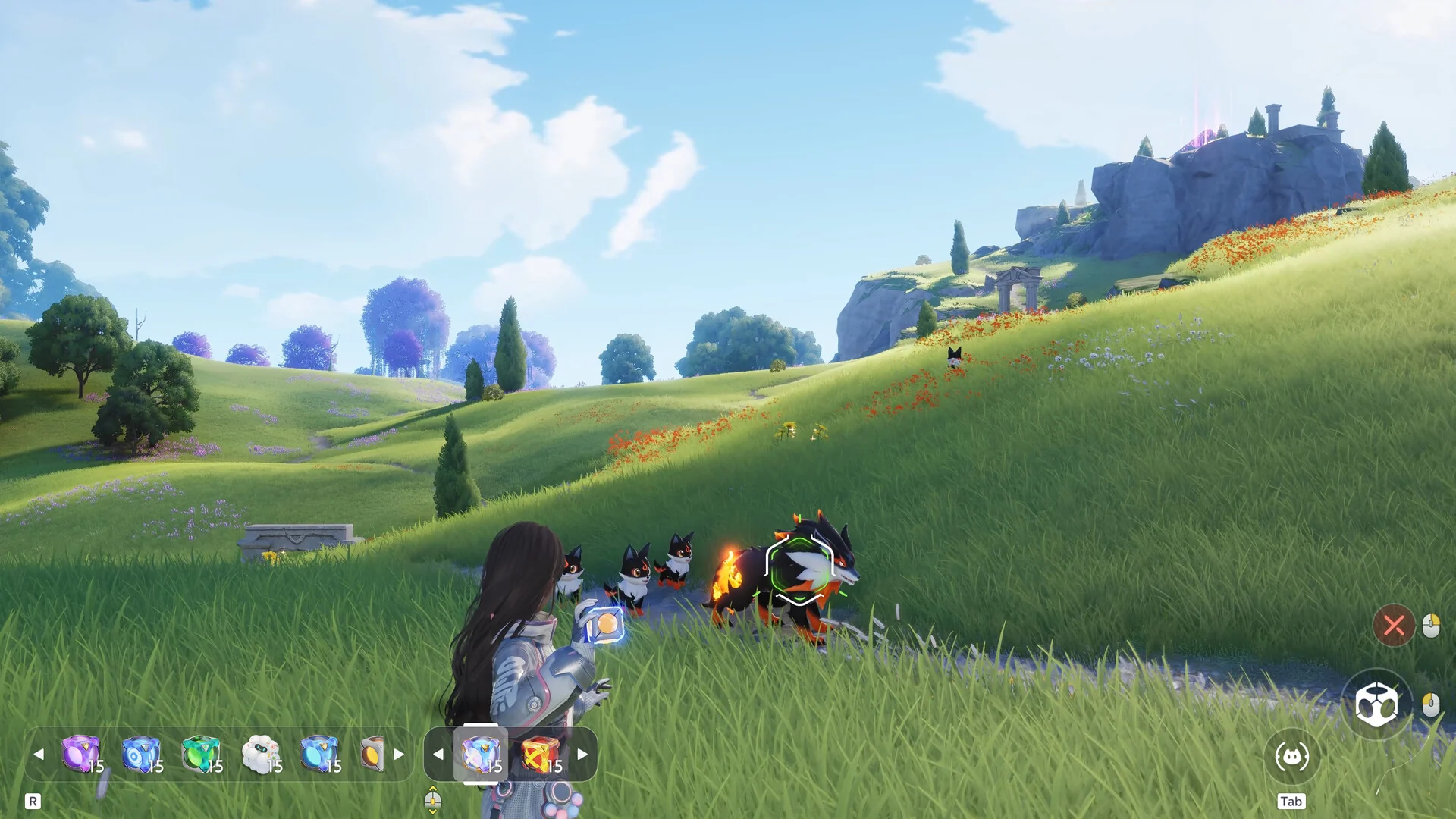
The Log In task clears itself the moment you sign in. Catch 5 Aniimos accepts any five captures, and catching the same species repeatedly still counts toward the goal. The Film task only needs a single picture: press F7 to enter Photo Mode and snap any shot with an Aniimo in frame.
Spending 60 Primegy
Primegy is a renewable energy currency that recovers at a rate of 1 point every six minutes. The quickest way to burn through 60 of it is by challenging and catching Alpha Aniimos, which draw from your Primegy pool.

Collecting 50 Season Stamps
Season Stamps come from the Stamp Rush event rather than from combat directly. You gather Stamp Points by taking part in a handful of activities, then the 50-stamp daily task ticks up as you earn them.
- Wild Surge: trigger a Wild Surge and claim its Bloom Rewards.
- Defeat Alphas: take down Alpha Aniimos.
- Holo-Battle Sim: clear themed Holo-Battle Sim stages.
- Star-Crossed Tea Party: rest at the party held nightly from 18:00 to 02:00 at ChillBeanz in Astra.
Stamp Rush refreshes weekly, and each week you can earn up to 1,000 Stamp Points. That weekly pool comfortably covers the 50 stamps the daily task asks for.
Daily Activity rewards at 500 points
Once your total reaches 500 activity points, five reward packs open up for collection in the Daily Activity tab. Every pack also carries 600 Safaris (player) EXP.
| Reward pack | Contents |
|---|---|
| First Activity Stamp Gift Pack | 10 Windborn Stamps, 300 Companion EXP, 600 Safaris EXP |
| Activity EXP Gift Pack | 10 Growth Fruits, 400 Companion EXP, 600 Safaris EXP |
| Activity Catch Gift Pack | 10 Aniipod Hyper, 500 Companion EXP, 600 Safaris EXP |
| Activity Glimmer Gift Pack | 30 Glimmer, 600 Safaris EXP |
| Active Aniimo Egg Pack | Incredible Egg, 600 Safaris EXP |
Because clearing all five tasks gives 700 points, you can miss one of the smaller tasks and still hit the 500 threshold to collect everything.
Daily Activity reset time by server
Daily Activity refreshes every day at 4:00 AM server time. The exact moment depends on which region your account plays on.
| Server | Reset time |
|---|---|
| APAC (Asia and Pacific) | 4:00 AM UTC+8 |
| Europe | 4:00 AM UTC+1 |
| America | 4:00 AM UTC-5 |
After the reset lands, all five tasks return to zero and the reward packs become claimable again for the new day. You will know the loop worked when the Daily Activity tab shows fresh, unclaimed tasks and your point total drops back to 0, ready to build toward 500 once more.