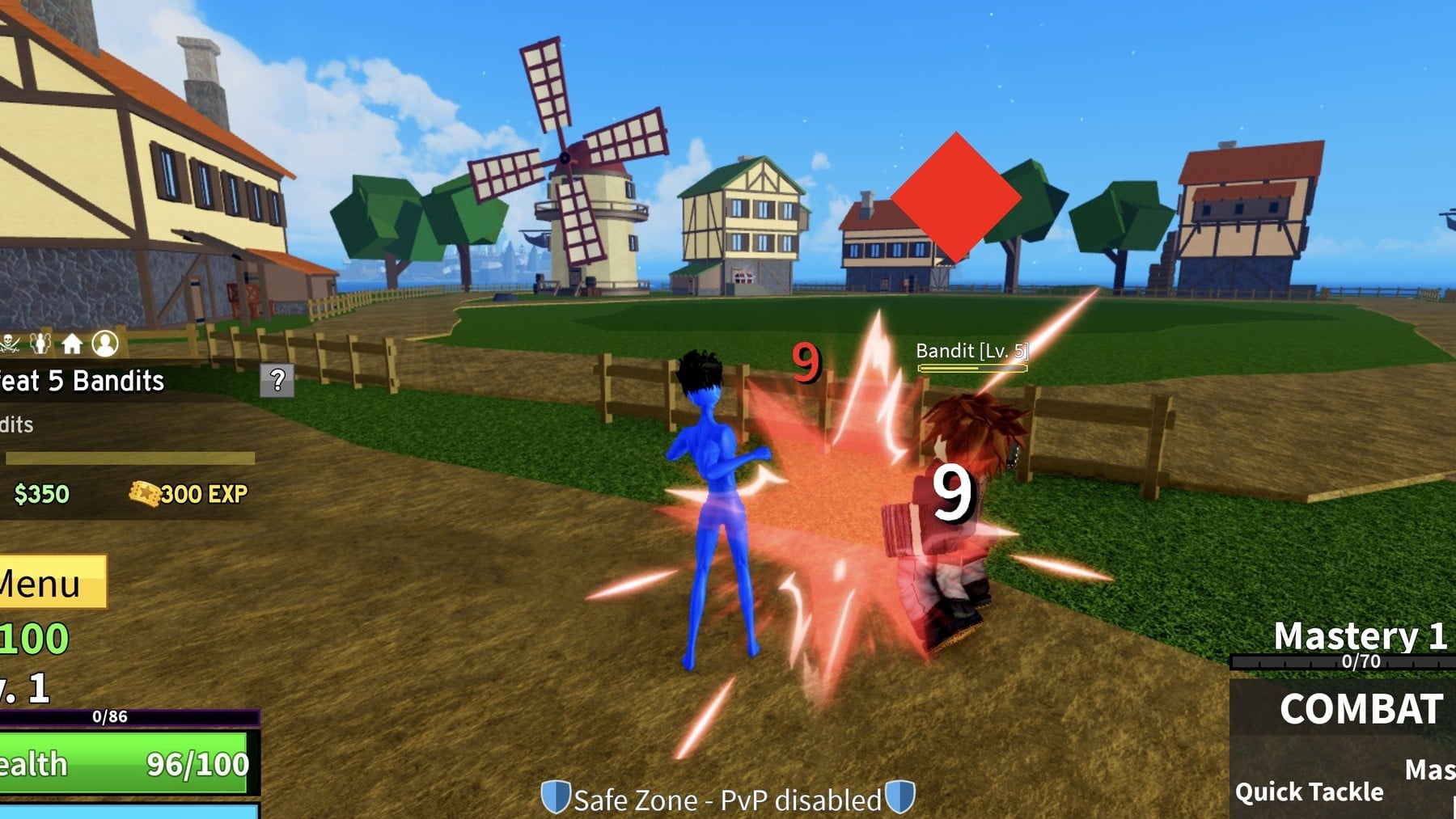
Quick answer: Pick a side, punch five Bandits with Combat for $350 and 300 EXP, then keep farming Bandits until you have $1,000 for a Katana or Cutlass from the Sword Dealer.
Pirates or Marines: what the Pick A Side screen offers
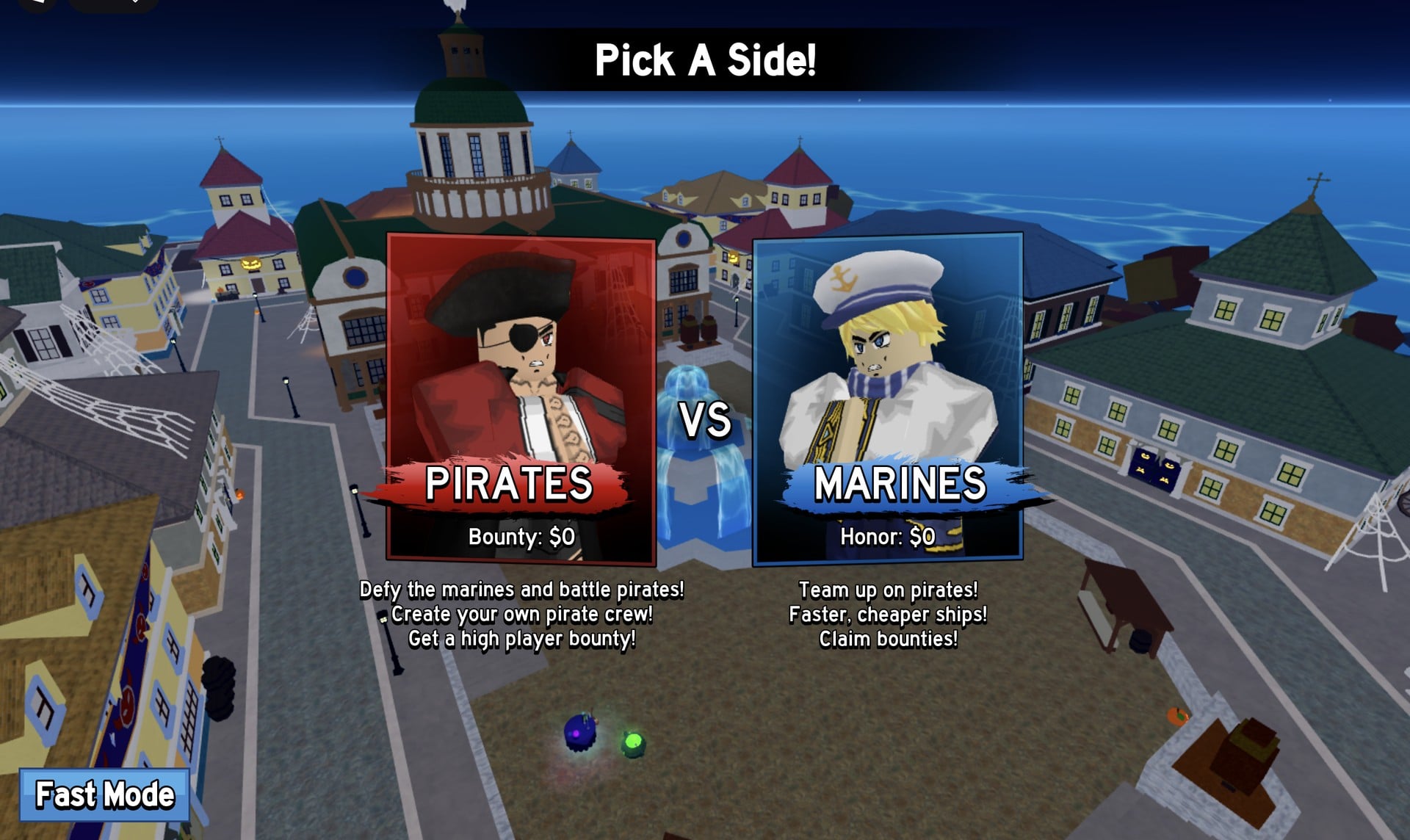
The very first thing Blox Fruits shows is a “Pick A Side!” screen with two cards. The Pirates card shows Bounty: $0, and the Marines card shows Honor: $0. Each card lists three lines that sum up what the side is for.
| Side | Starting value | Card lines |
|---|---|---|
| PIRATES | Bounty: $0 | “Defy the marines and battle pirates!”, “Create your own pirate crew!”, “Get a high player bounty!” |
| MARINES | Honor: $0 | “Team up on pirates!”, “Faster, cheaper ships!”, “Claim bounties!” |
In short: , Pirates lean toward running a crew and building a bounty, while Marines get faster, cheaper ships and claim bounties. The same screen also has a “Fast Mode” button in the bottom-left corner. The walkthrough below follows the Pirates side.
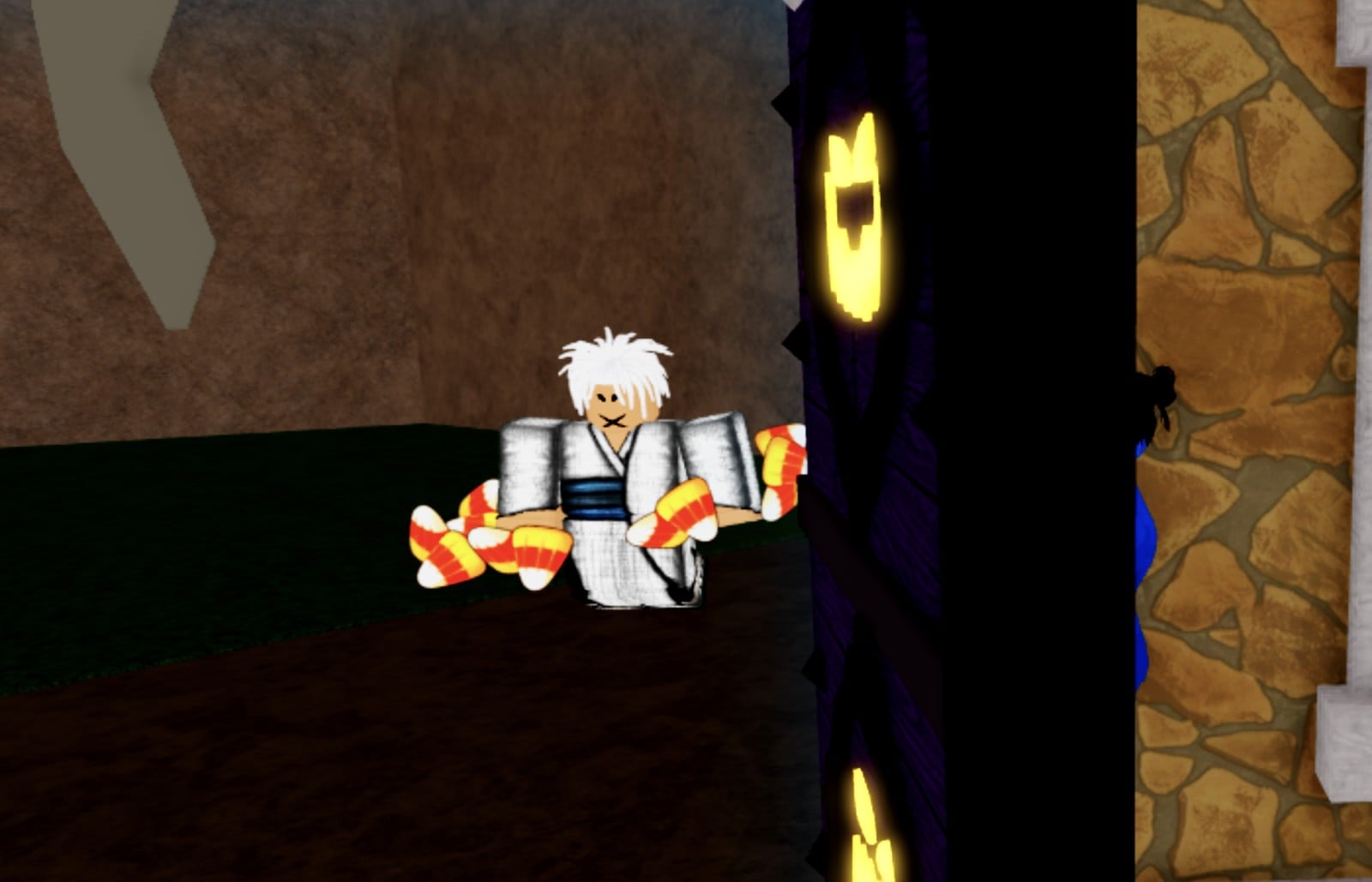
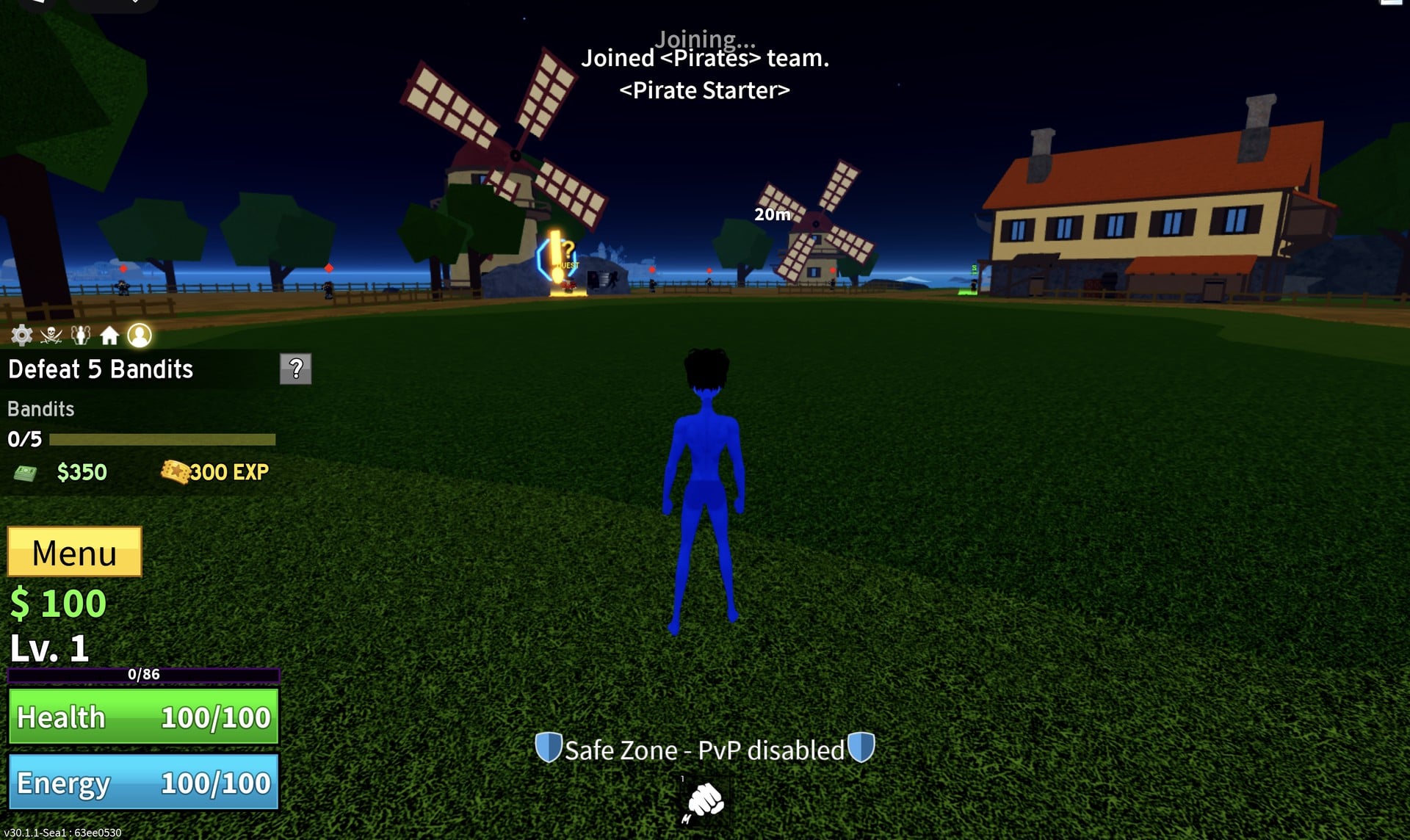
Blox Fruits first quest walkthrough: Defeat 5 Bandits
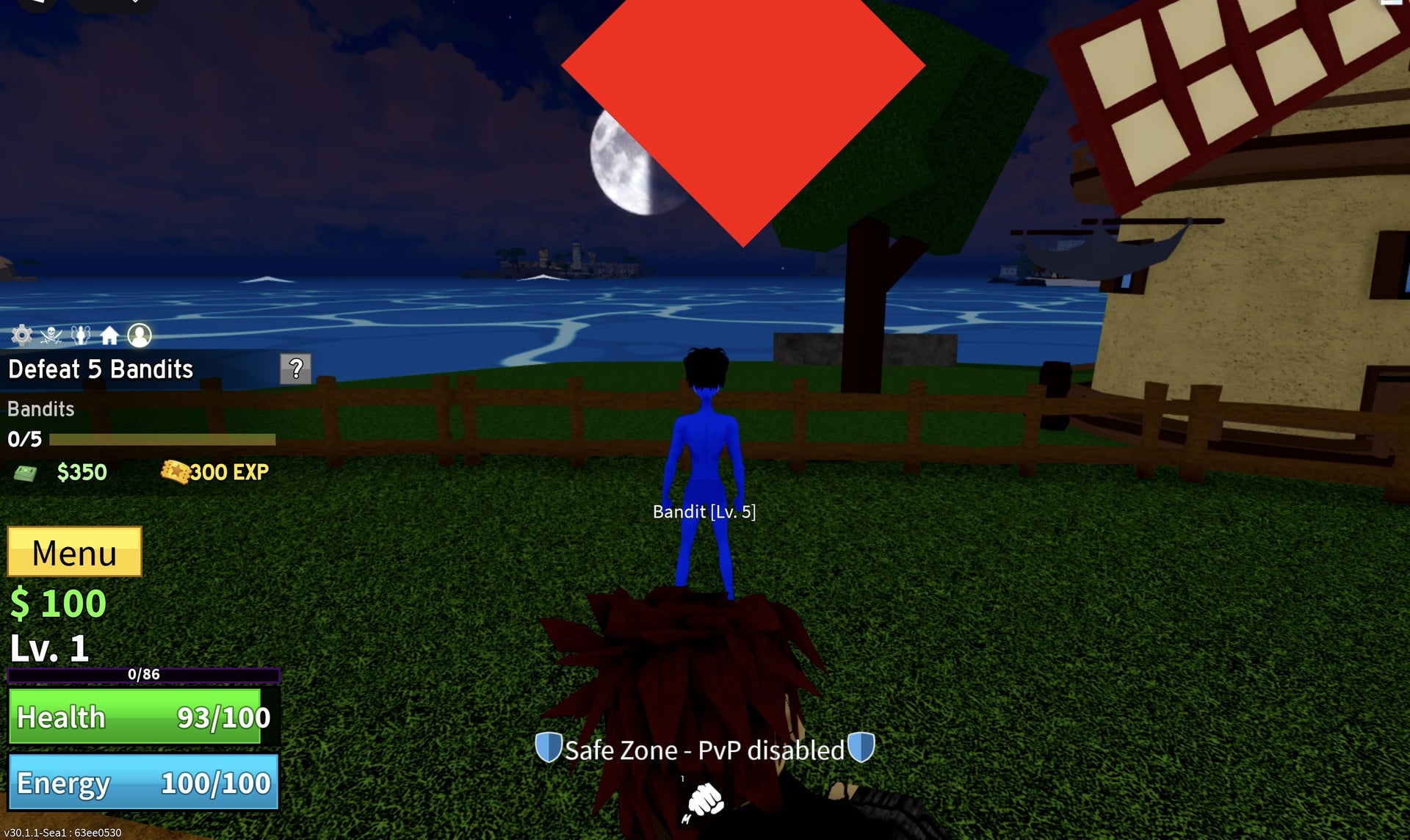
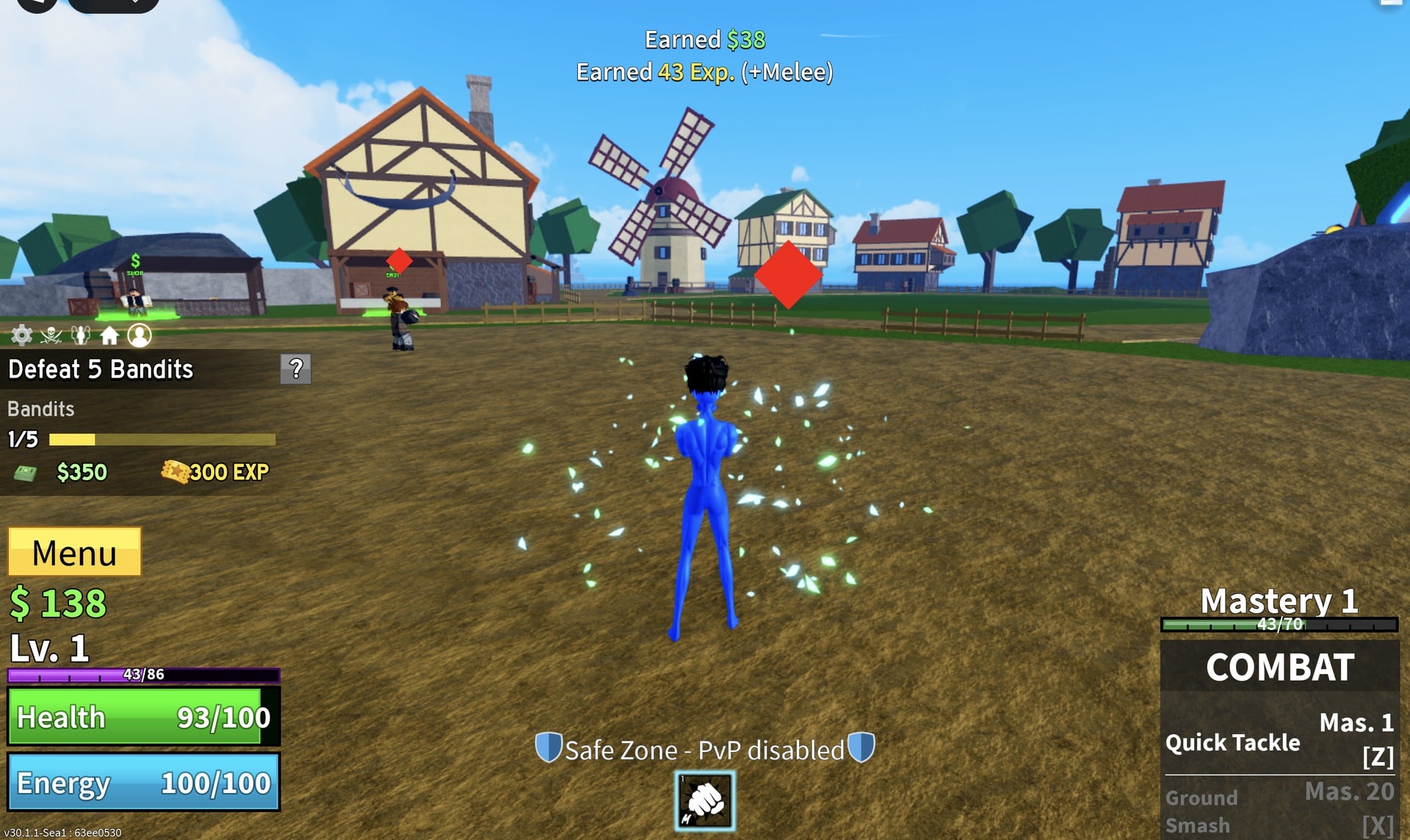
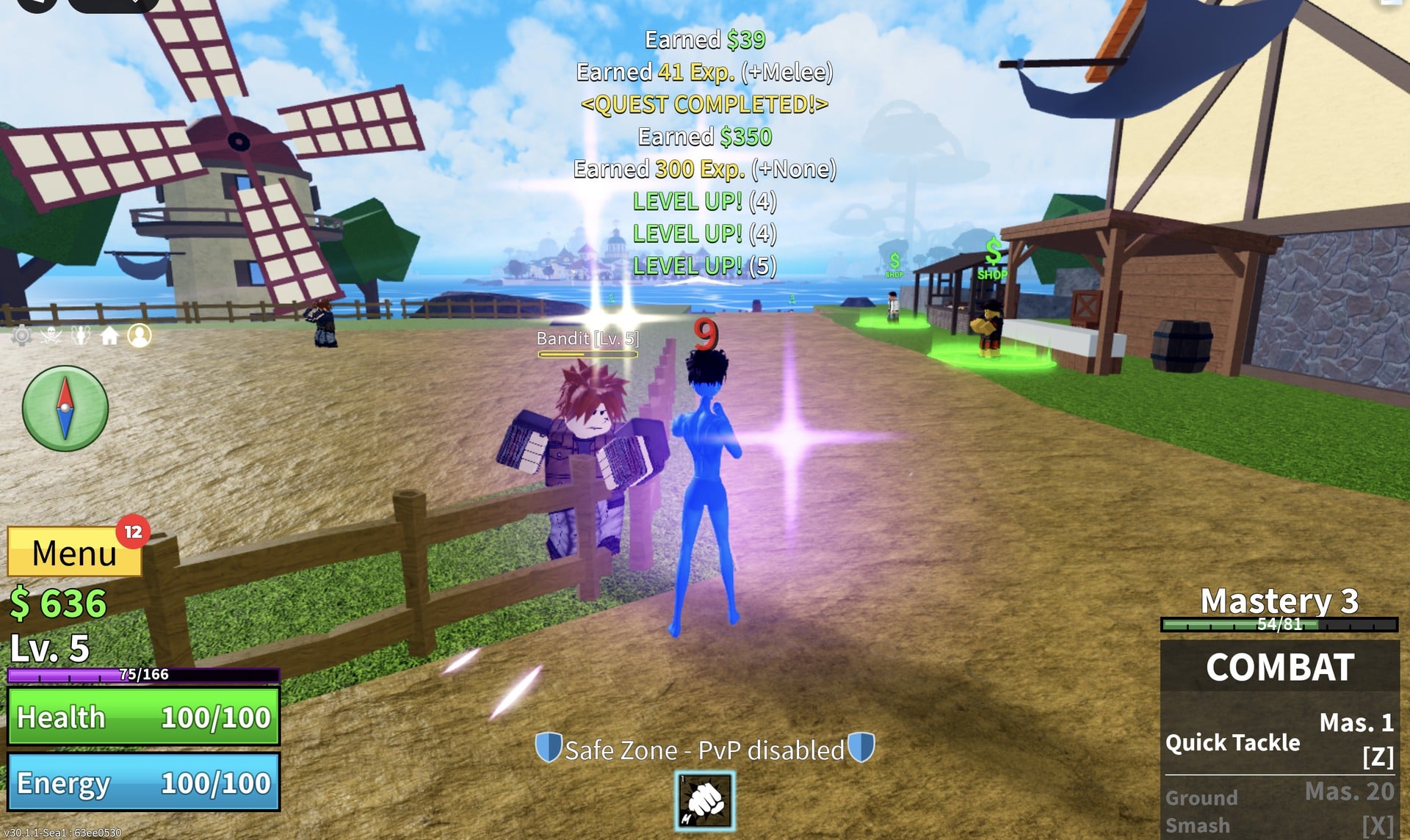
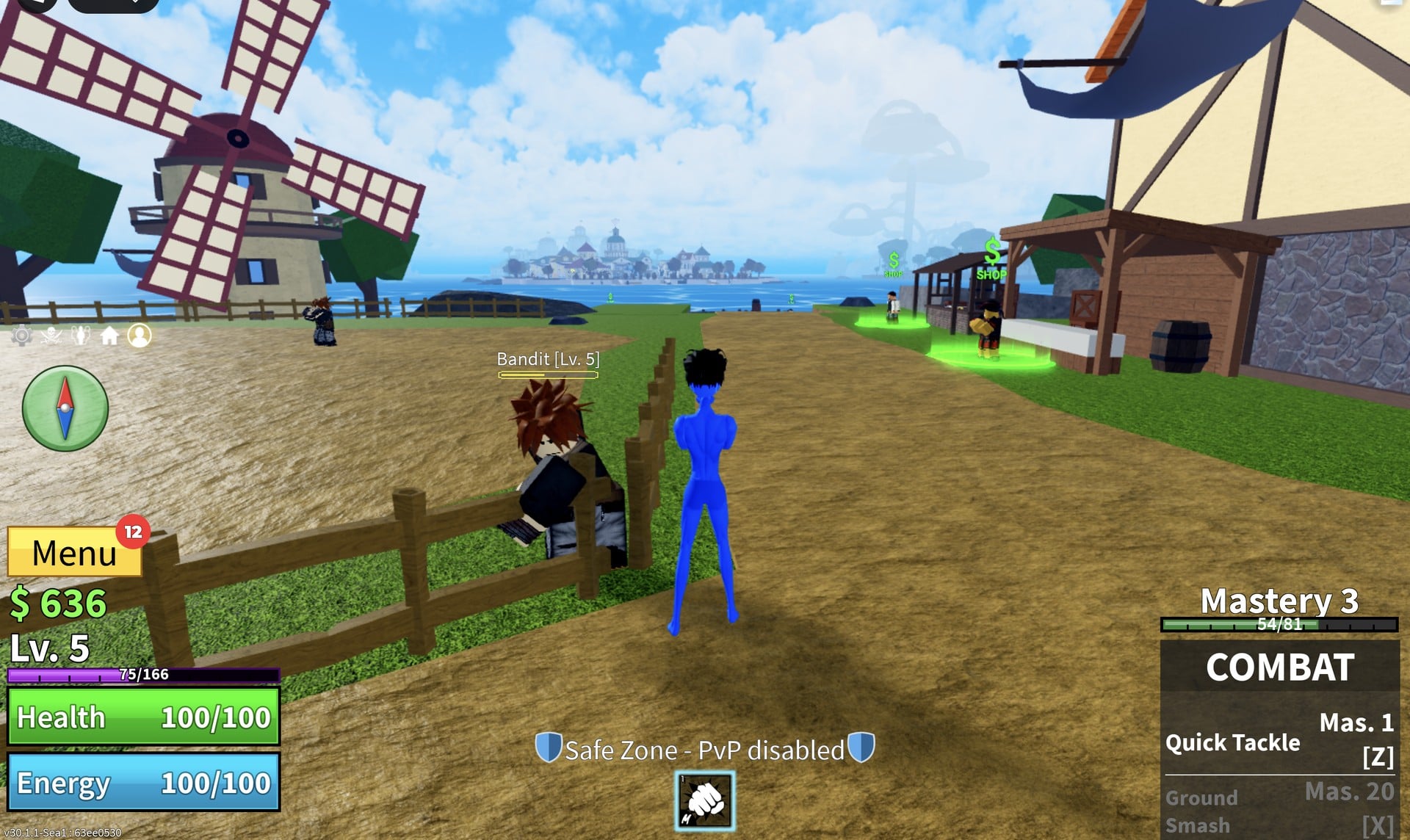
Two other changes show up on the HUD once the quest is done. A compass appears on the left side, and the Menu button gains a red badge showing 12, which is the number of unspent stat points waiting for you.
Combat moves: Quick Tackle and Ground Smash
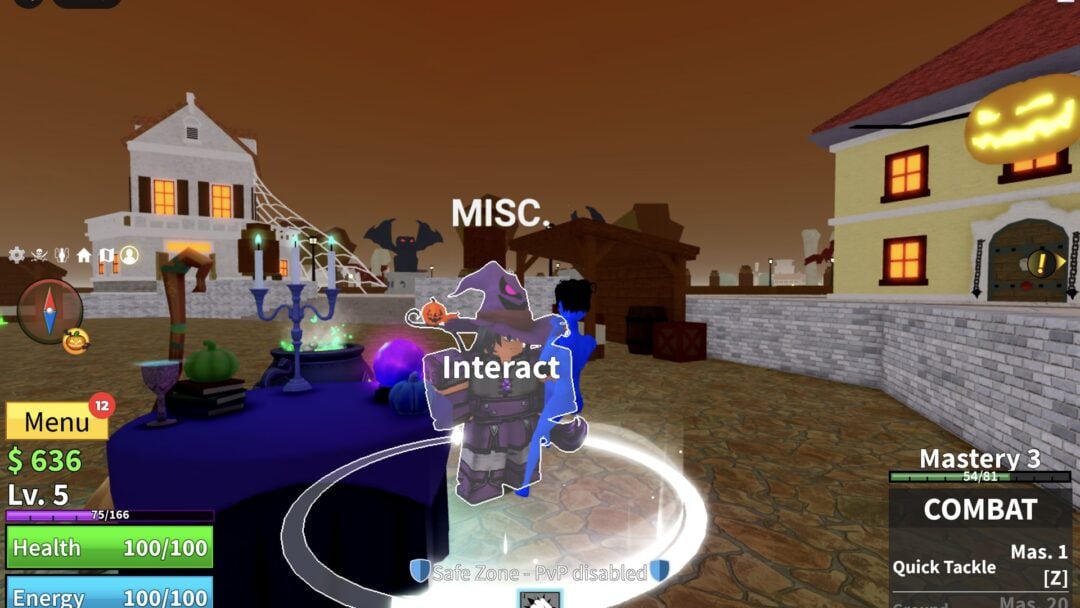
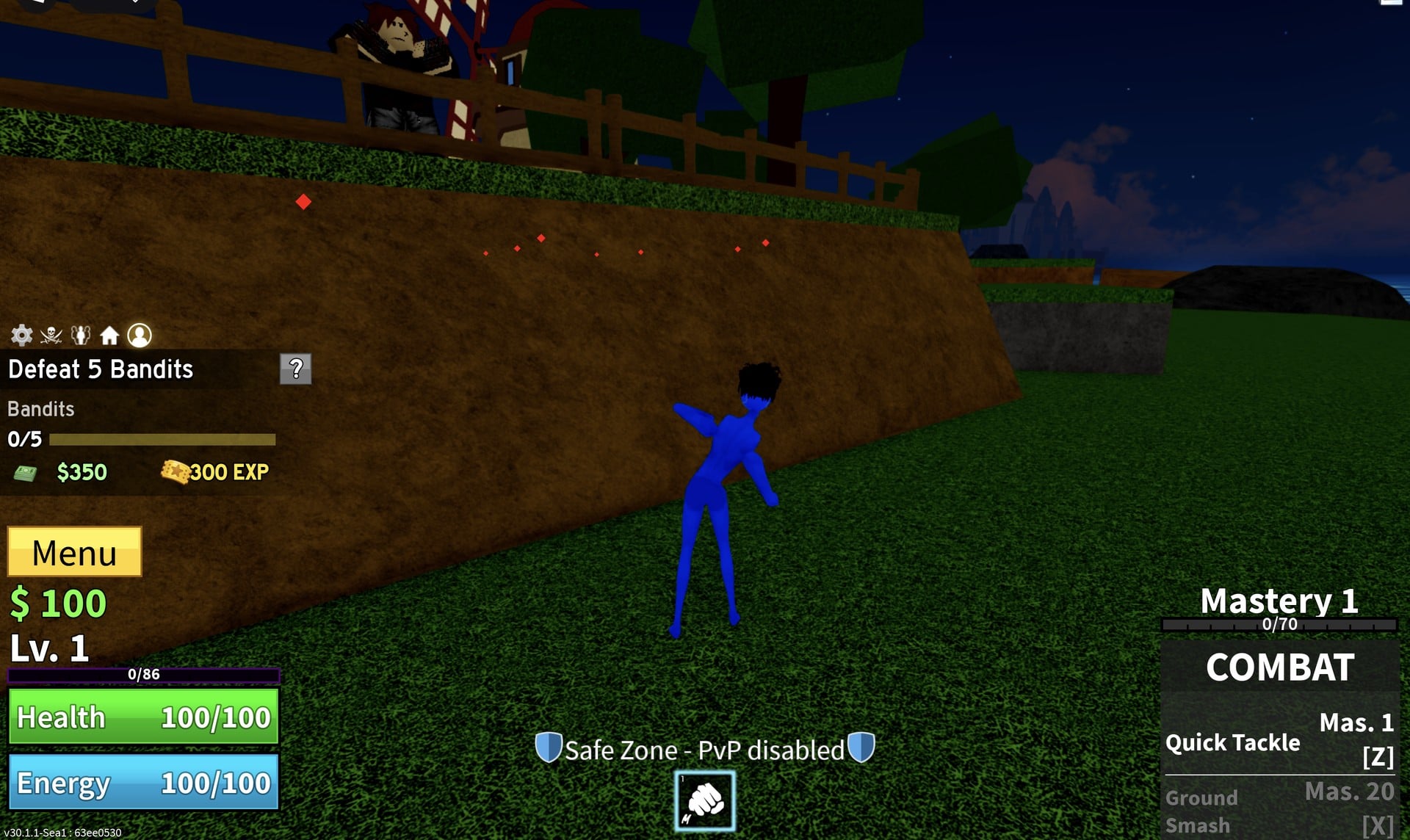
Your fists come with two moves listed on the COMBAT panel. One is ready right away, and the other is locked behind Combat mastery, which rises as you fight with your fists.
| Move | Key | Mastery needed |
|---|---|---|
| Quick Tackle | Z | Mas. 1 (usable at once) |
| Ground Smash | X | Mas. 20 |
Ground Smash stays greyed out on the panel until Combat reaches mastery 20. Since the first quest only takes Combat to Mastery 3, expect to keep using your fists for a while before it opens up.
How to spend your stat points in Blox Fruits
Levelling up gives you stat points to spend, and the red number on the Menu button tells you how many are waiting. Select Menu to reveal four choices: Stats, Items, Close and Shop.
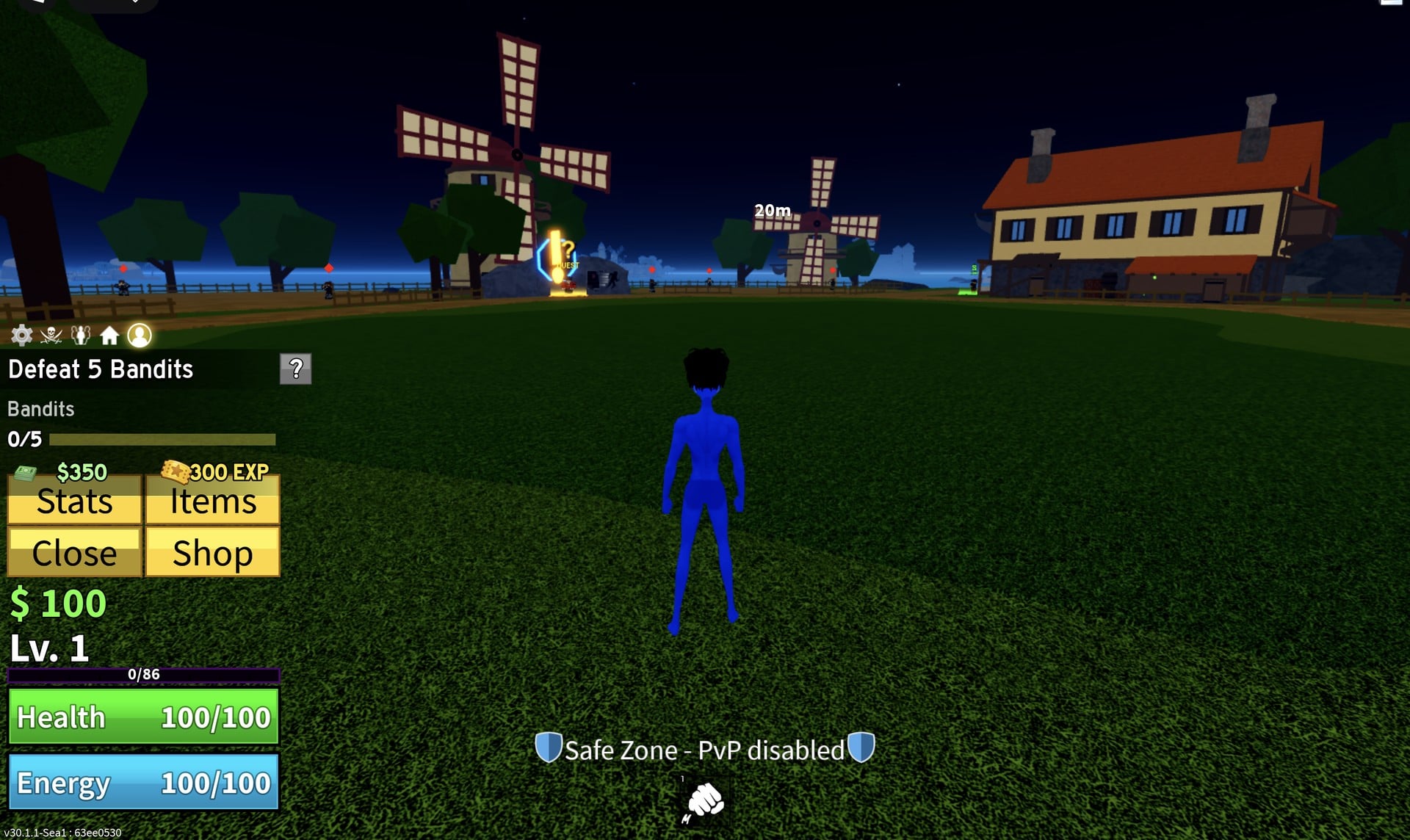
What the Stats panel shows
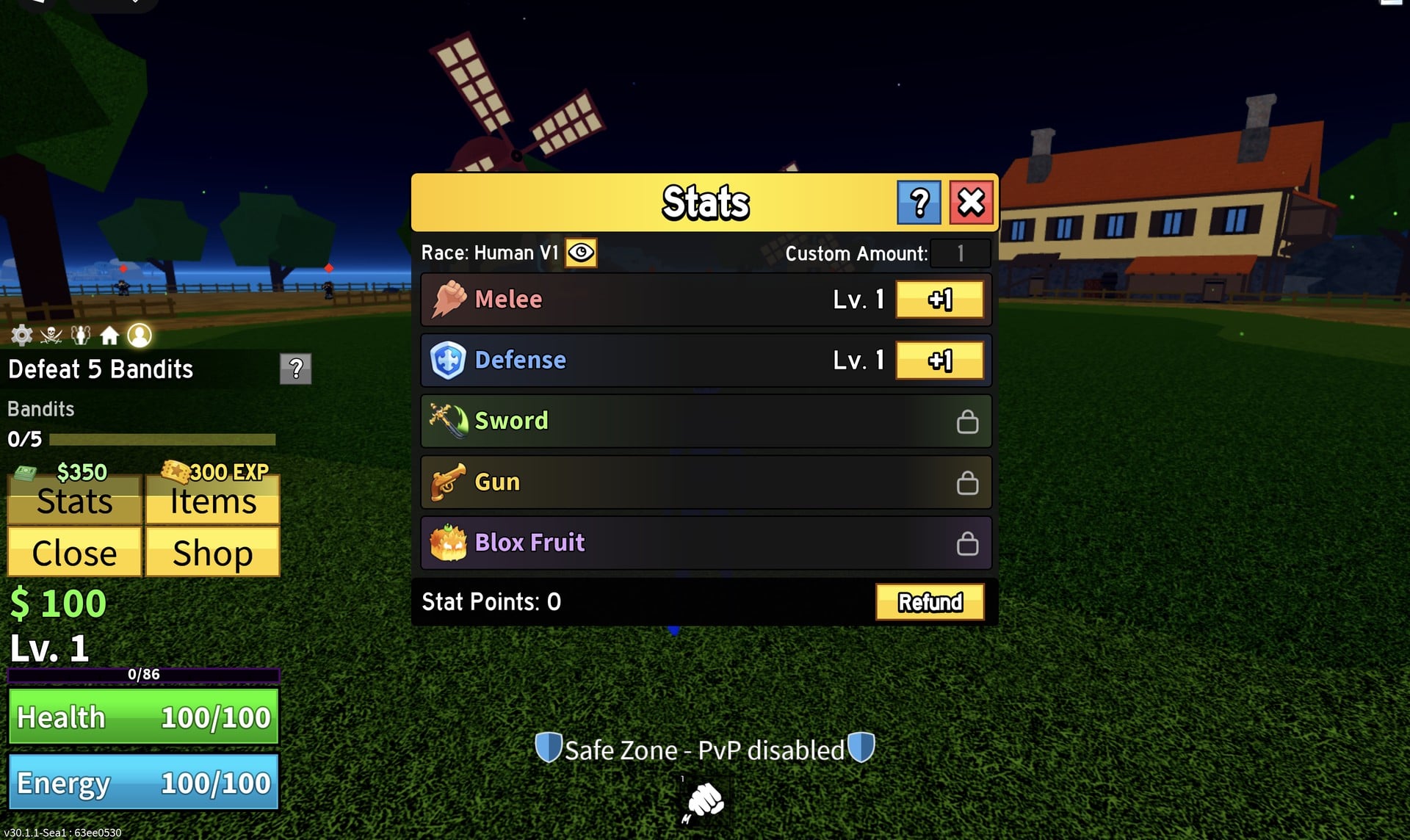
Click Stats in the expanded Menu to open the panel. The top line reads “Race: Human V1” with an eye icon beside it, and a “Custom Amount:” box on the right is set to 1. Below that sit five rows, Melee, Defense, Sword, Gun and Blox Fruit, each with its own level. The bottom line shows your unspent “Stat Points” next to a yellow “Refund” button.
On our Lv. 5 character, which had not bought a sword, gun or fruit yet, only Melee and Defense had +1 buttons. Sword, Gun and Blox Fruit showed a padlock instead of a button, so the 12 points could only go into those first two rows.
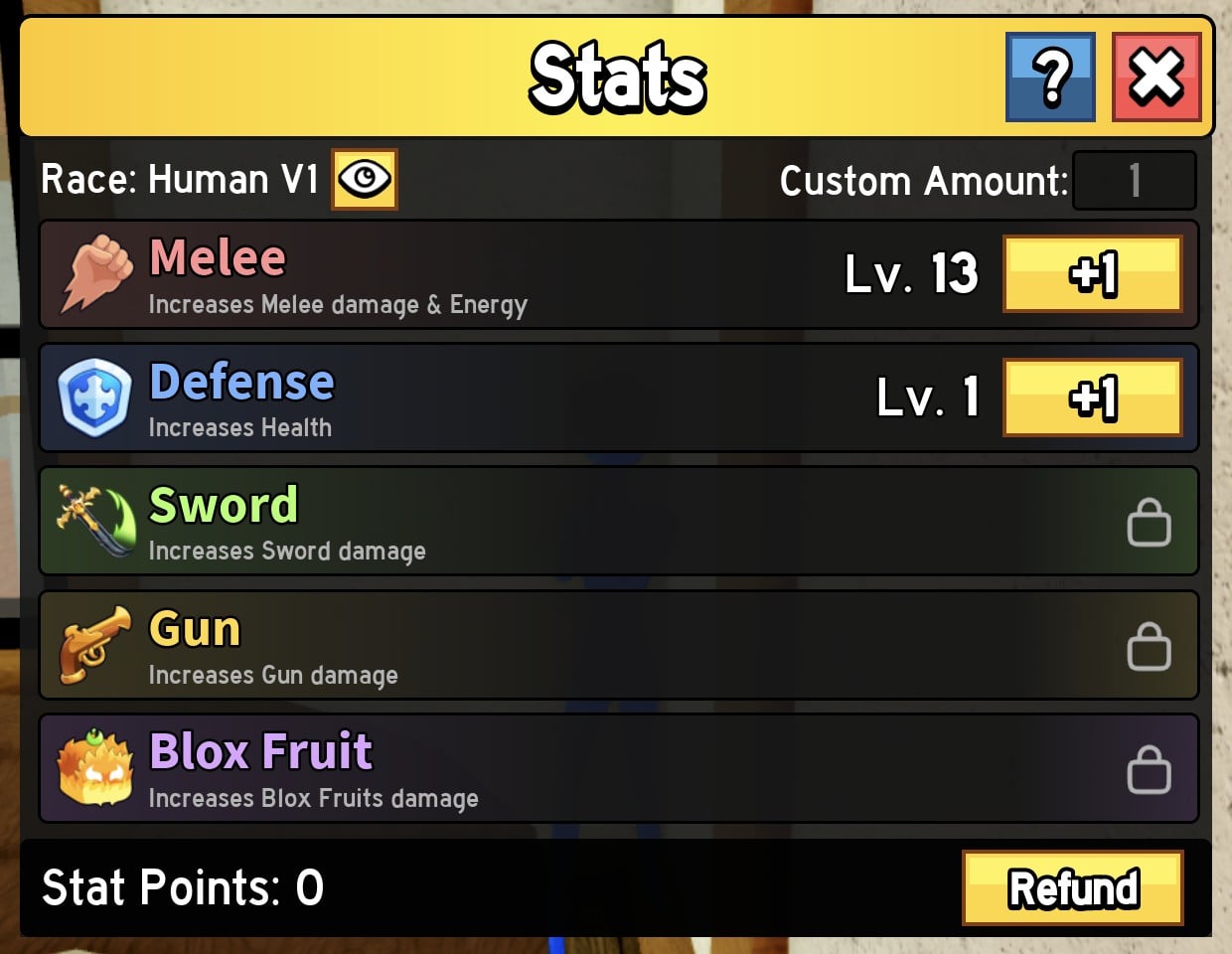
What each stat does
The blue “?” button at the top of the panel adds a one-line description under every stat. This is the full list as the game words it:
| Stat | In-game description |
|---|---|
| Melee | Increases Melee damage & Energy |
| Defense | Increases Health |
| Sword | Increases Sword damage |
| Gun | Increases Gun damage |
| Blox Fruit | Increases Blox Fruits damage |
Melee is the only stat whose description names two effects, and the Energy part shows up on the HUD as soon as you spend a point, as the walkthrough below shows.
How to spend your stat points: 12 points into Melee
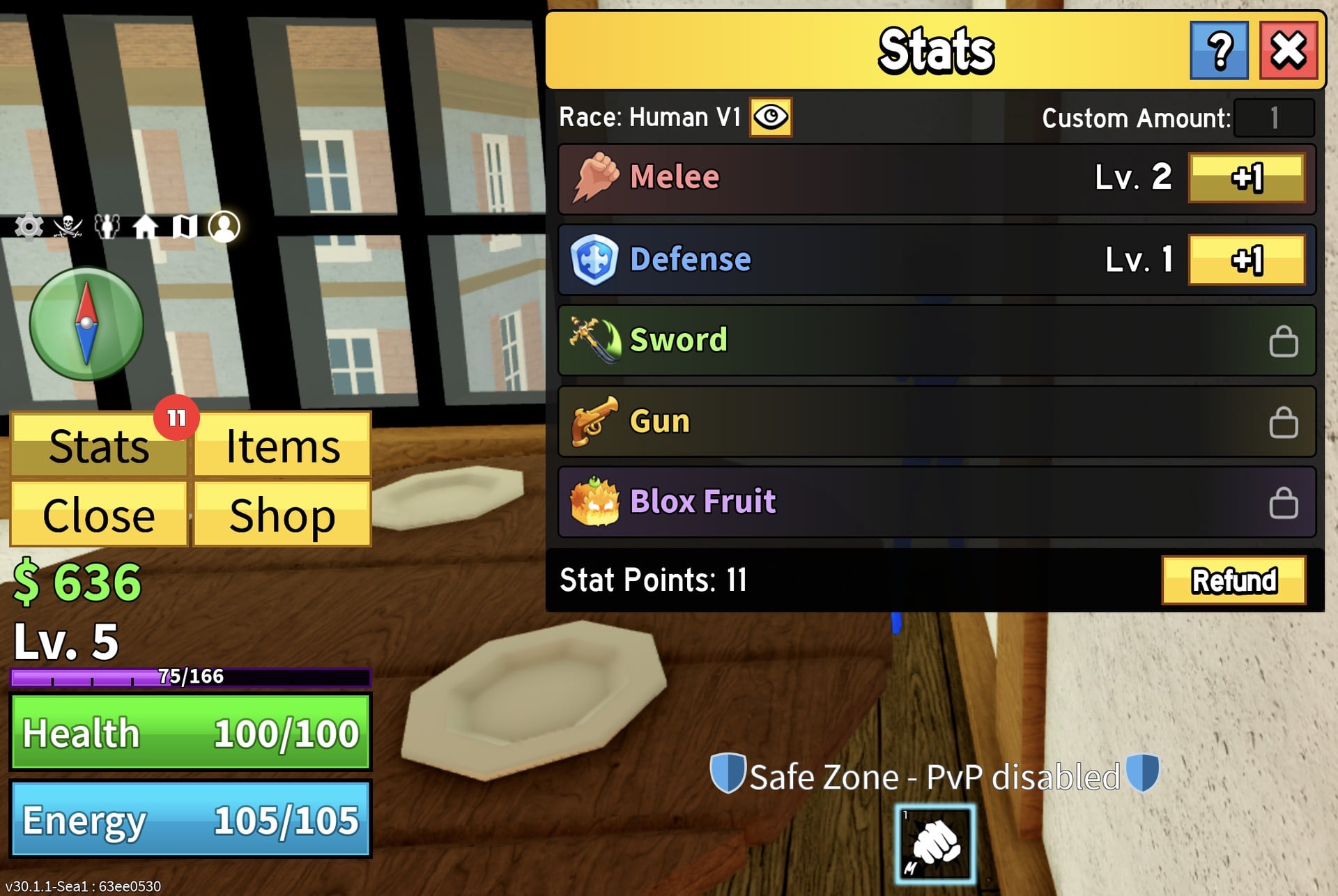
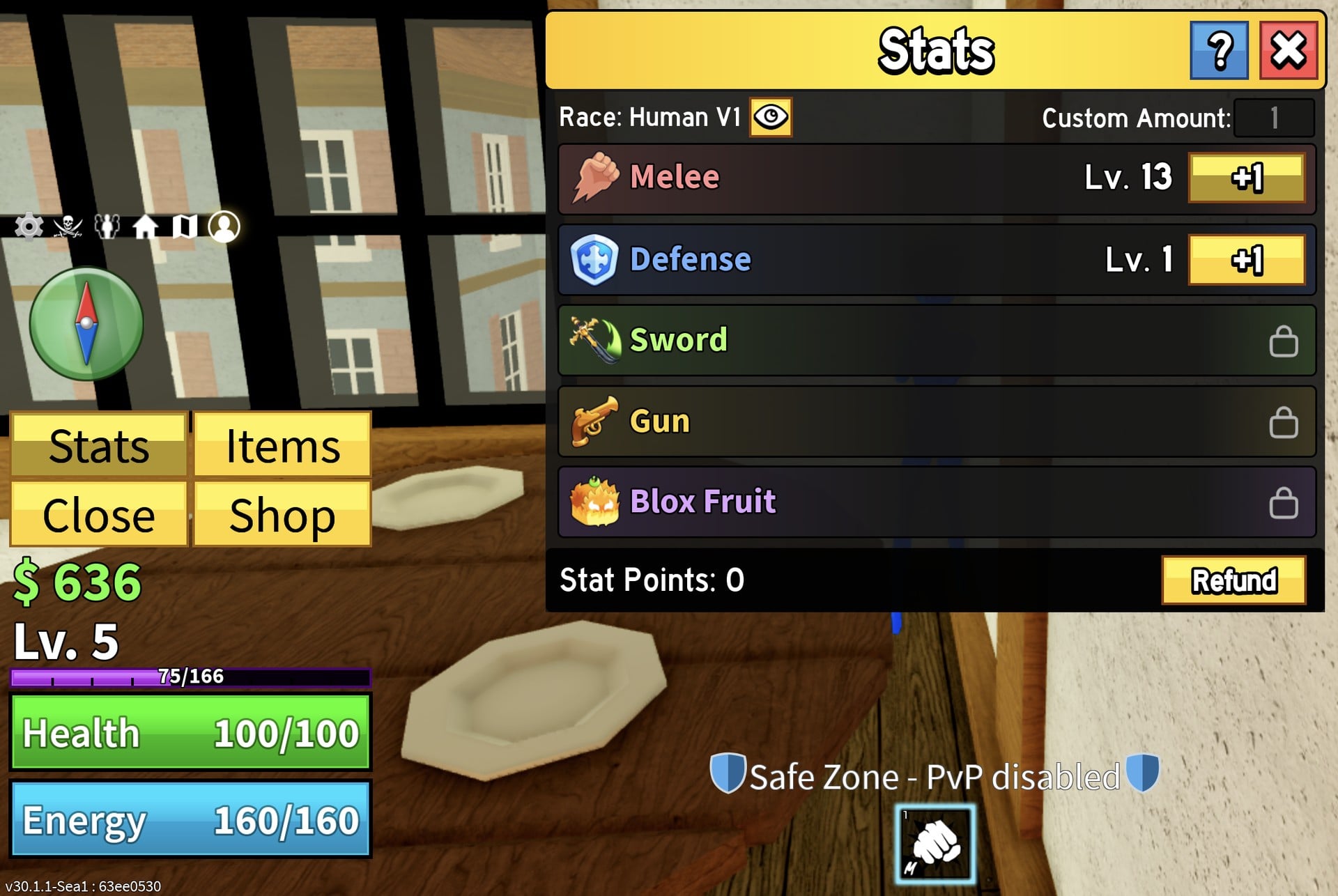
| Read-out | Before (12 points unspent) | After 12 points in Melee |
|---|---|---|
| Melee | Lv. 1 | Lv. 13 |
| Defense | Lv. 1 | Lv. 1 |
| Stat Points | 12 | 0 |
| Health | 100/100 | 100/100 |
| Energy | 100/100 | 160/160 |
One point added 5 Energy and twelve added 60. Defense is described as increasing Health, but we put no points into it, so we have no Health numbers to show for it.
Note: We clicked +1 every time and left Custom Amount at 1, so we have not seen how the box behaves with a bigger number. We also did not measure damage before and after, and we did not press Refund, so what it does or costs is not covered here. Nothing in the panel names a “best” split, and we have not tested builds, so treat the walkthrough as how the menu works rather than a recommendation.
Items and Shop
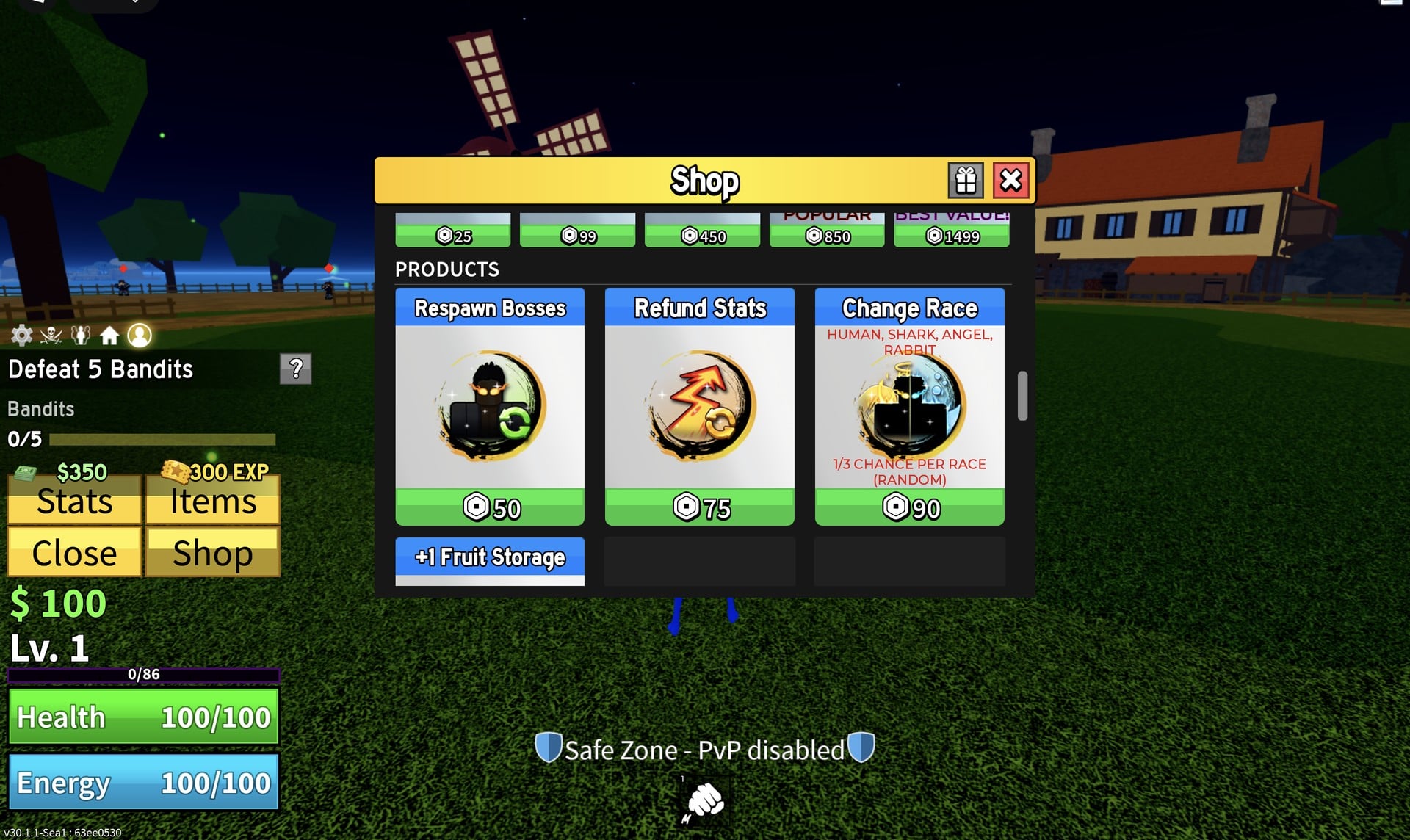
Four sections are available in Items: Backpack, Treasure, Wardrobe and Build. On a new character, the panel reads “No Items Found”. Choose Shop to enter the Robux store, where fruits, bundles and Products—including Respawn Bosses, Refund Stats and Change Race—are sold. Every price there is in Robux, not the $ you earn in game.
Sword Dealer: how to get your first sword
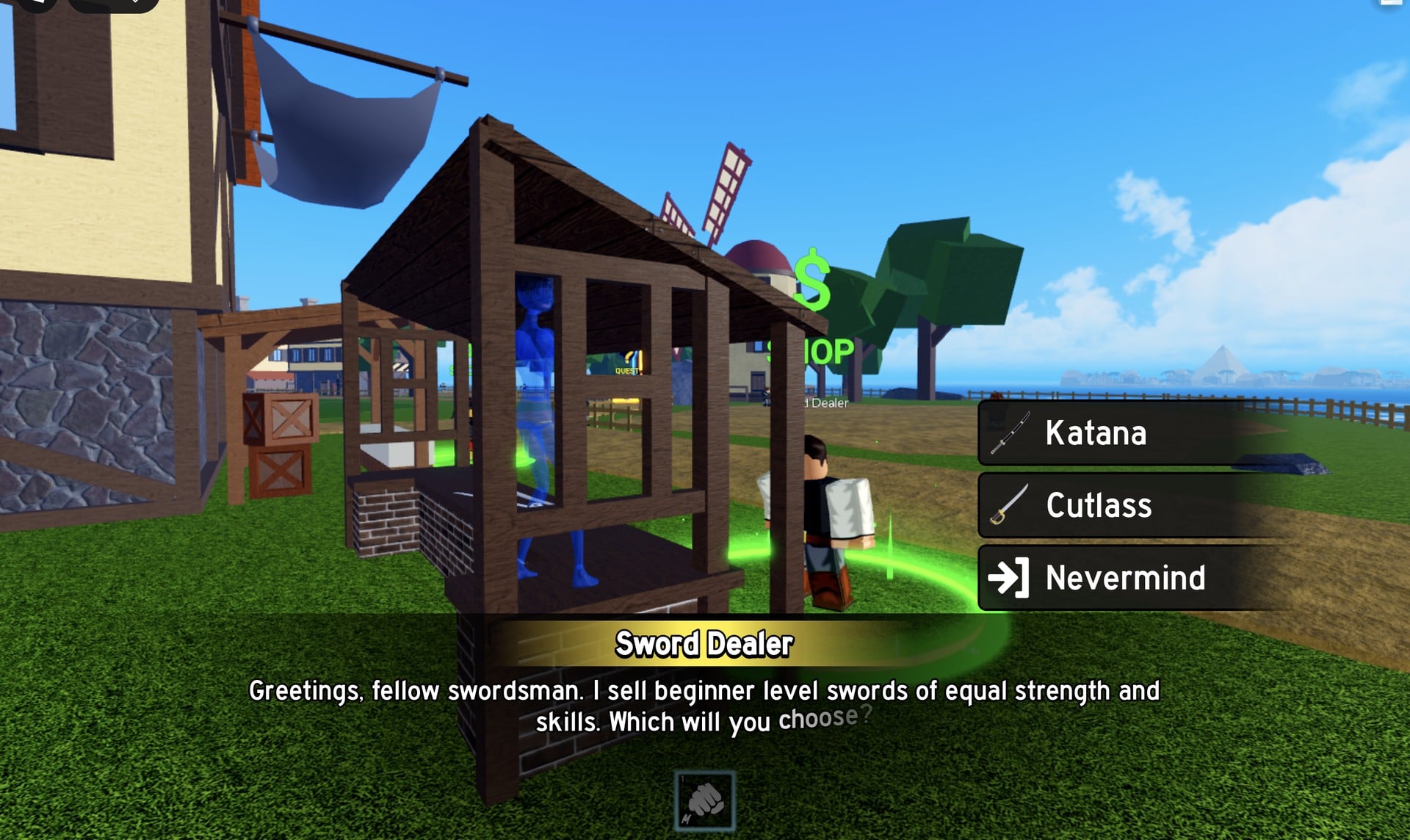
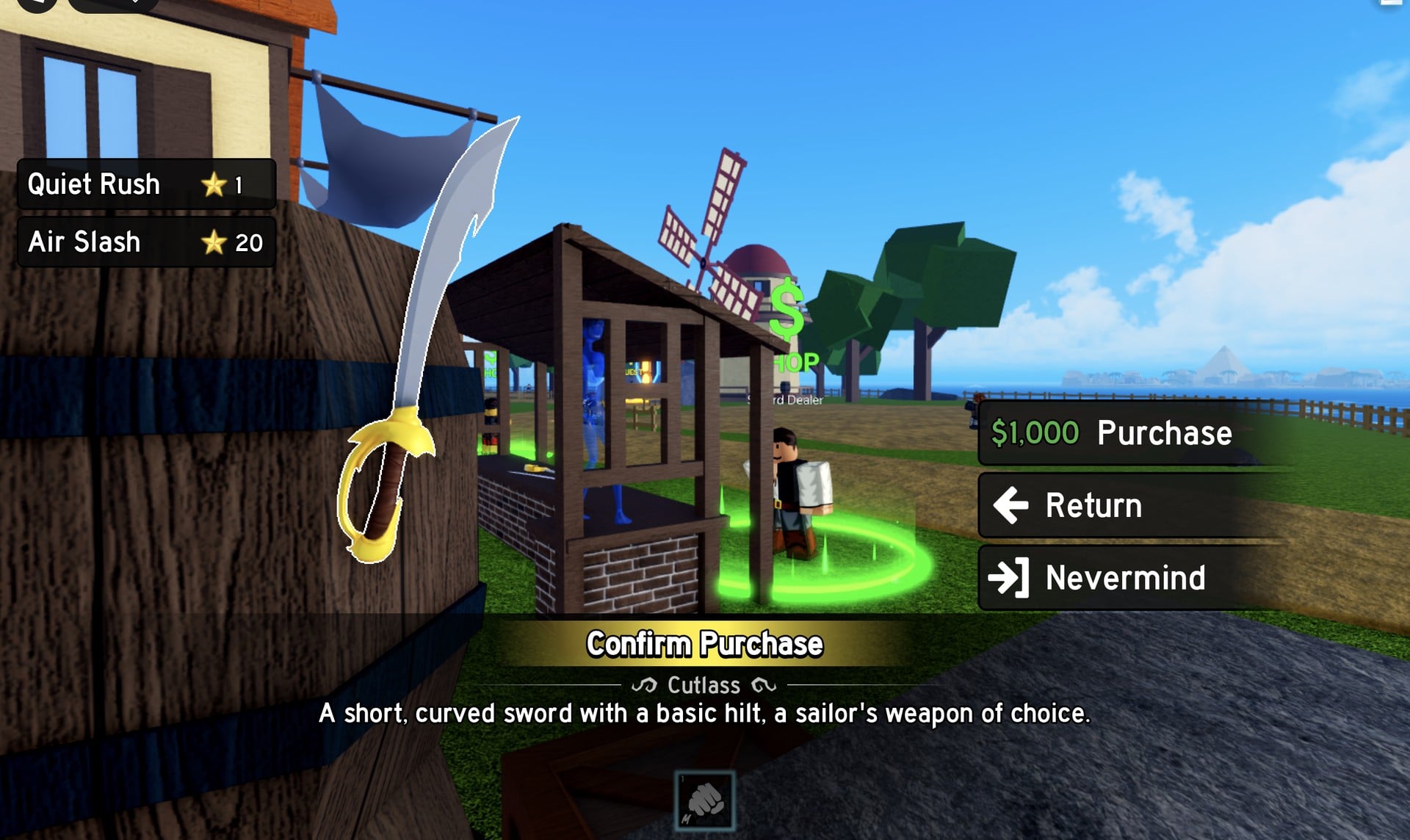
The Sword Dealer runs a stall in the starter town by the windmill, with a green “$ SHOP” sign above it. Walk up and talk to him, and he opens with “Greetings, fellow swordsman. I sell beginner level swords of equal strength and skills. Which will you choose?” The options are Katana, Cutlass and Nevermind.
| Sword | Price | Moves |
|---|---|---|
| Katana | $1,000 | Quiet Rush (1), Air Slash (20) |
| Cutlass | $1,000 | Quiet Rush (1), Air Slash (20) |
Katana is described as “A katana made out of regular steel, something a beginner samurai would pick.” Cutlass is described as “A short, curved sword with a basic hilt, a sailor’s weapon of choice.” Both cost the same and list the same two moves, which matches the dealer’s promise of equal strength and skills. The choice comes down to which one you like the look of.
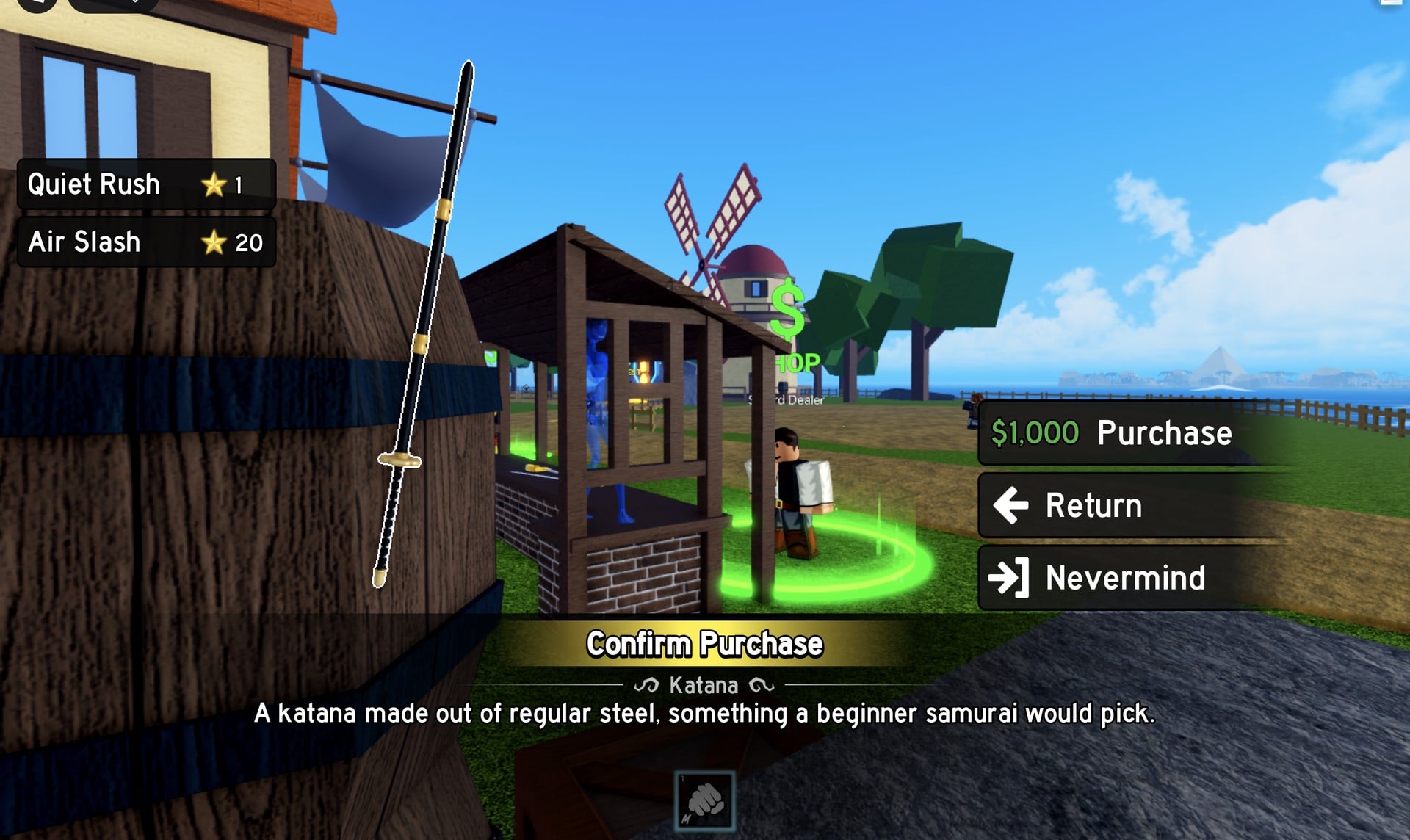
The $636 you hold after the first quest is not enough, since either sword costs $1,000. Keep defeating Bandits around the windmills until your money reaches that amount, then return to the stall.
A stall labelled Fruit Dealer stands right next to the Sword Dealer. We did not open it on this run, so its stock and prices are not covered here.
Locked buttons and Settings on a new account
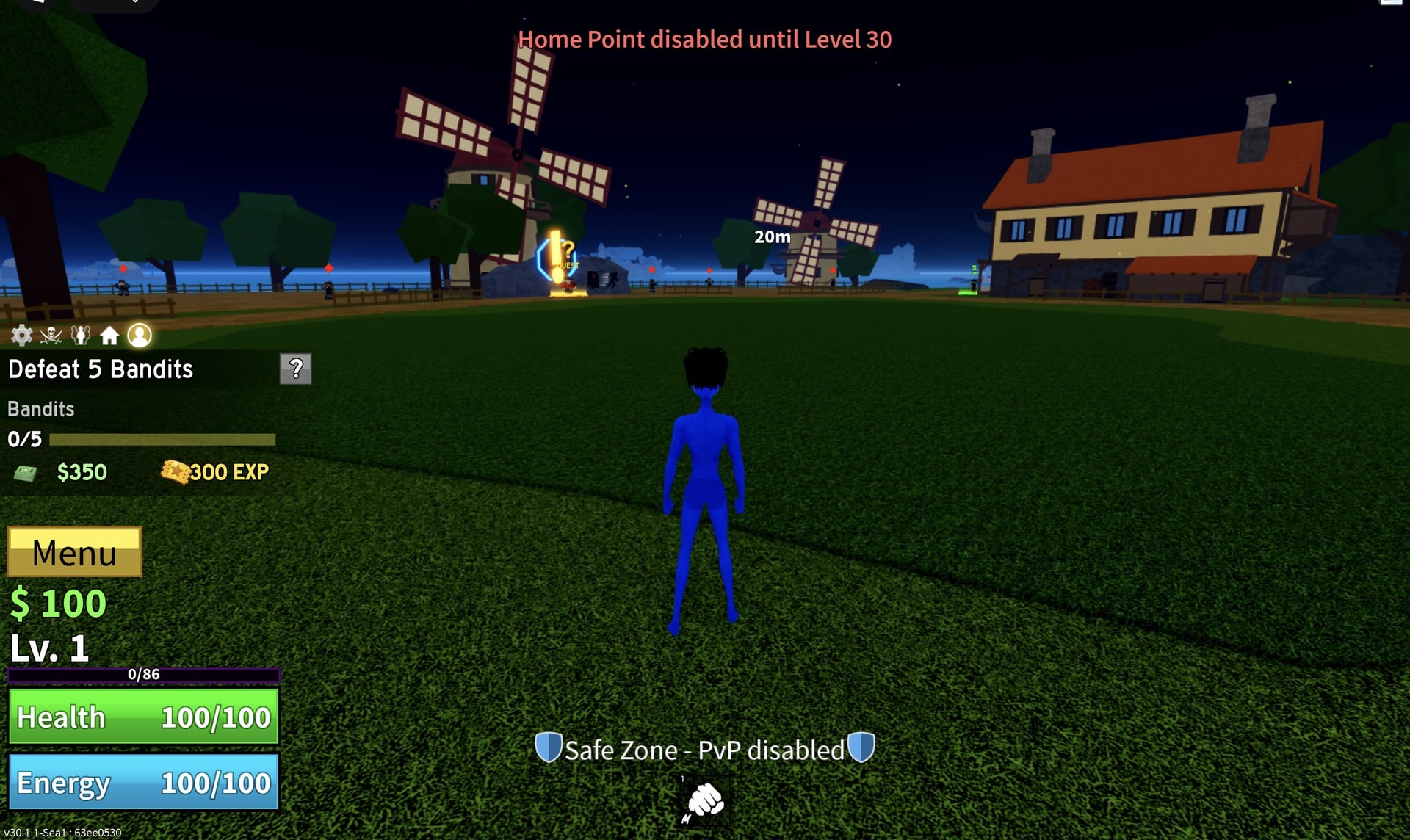
A couple of HUD buttons do nothing useful yet. Create Crew shows “Level 300+ required”, and the Home Point button shows “Home Point disabled until Level 30”. Leave them for later.
Open Settings with the gear icon. The options include Background Music, followed by Ally VFX; Camera Shake and Damage Counter are also available, along with Fast Mode, Reduce Motion, and Redeem DLC Code. For a less busy fight screen, Camera Shake and Reduce Motion are the relevant toggles.
Not seen yet
This guide stops at level 5 on the Pirate Starter island. Not covered yet: the Marines start, the Refund button, how the Sword, Gun and Blox Fruit stats open up, the Fruit Dealer’s stock, the next quest after Defeat 5 Bandits, and sailing to other islands. The starter town also has Halloween decorations up right now; for the event itself, see our Blox Fruits Halloween update guide.
Blox Fruits beginner FAQ
Should I pick Pirates or Marines?
Go by what each card offers. Pirates can create their own crew and chase a high player bounty. Marines get faster, cheaper ships and claim bounties.
What should I put my first stat points into?
On a new character only Melee and Defense take points; Sword, Gun and Blox Fruit stay padlocked. Melee raises Melee damage and Energy (our 12 points took Energy from 100/100 to 160/160), and Defense raises Health. We have not tested builds, so this guide does not pick a split for you.
How do I reset my stats?
In Stats, you’ll find a Refund button. The Robux shop also offers Refund Stats as a product under Products. We used neither on this run, so spend your first points with care.
How do I unlock Ground Smash?
Raise Combat to mastery 20 by fighting with your fists. The move is marked Mas. 20 on the COMBAT panel and stays greyed out until then.
Where do I get my first sword?
Buy it from the Sword Dealer under the green “$ SHOP” sign by the windmill in the starter town. The Katana and Cutlass each cost $1,000 and share the same moves, Quiet Rush and Air Slash.