
Category
Communication
-

How to Fix Outlook Not Responding, Crashing, Freezing, or Hanging
Detailed steps to resolve Outlook issues such as freezing, not responding, crashing, or hanging, with proven fixes and troubleshooting methods for all recent versions.
-

How to Print Outlook Email, Calendar, and Contacts
Detailed steps for printing emails, calendars, and contacts in Outlook, covering both desktop and web versions.
-

How to Fix “Sorry, We’re Having Trouble Opening This Item” Error in Outlook
Resolve Outlook’s persistent item opening error with proven solutions addressing data file issues, add-ins, cache, and profile problems.
-

How to Fix Outlook Email Stuck in Inbox and Needs Manual Sending
Targeted solutions to resolve Outlook emails that remain in the Outbox or Inbox until you manually trigger sending.
-
How to Fix Auto Archive Not Working or Missing in Outlook
Resolve Outlook AutoArchive issues with detailed solutions to restore automatic email archiving and keep your mailbox organized.
-
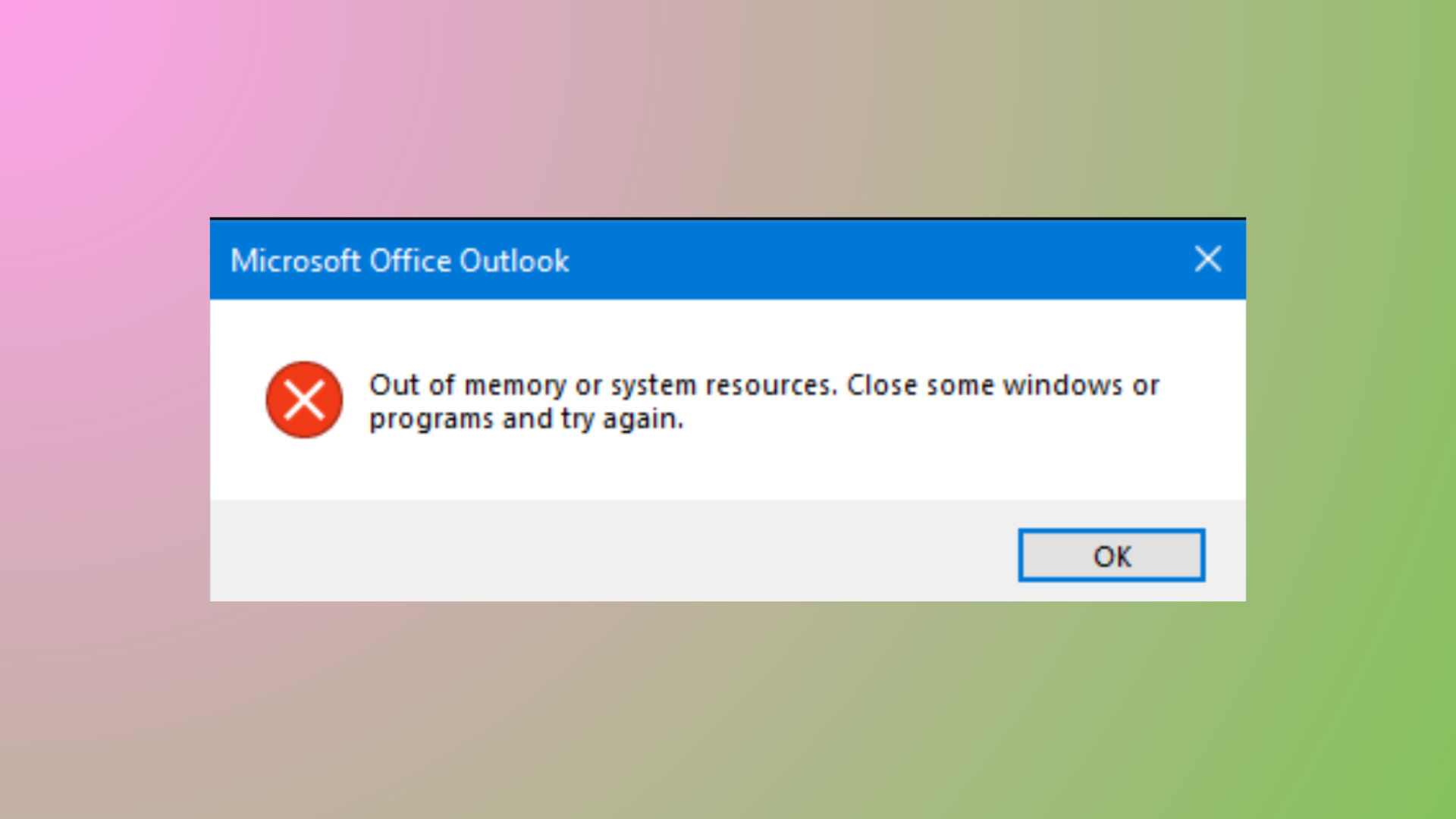
How to Fix Outlook Out of Memory or System Resources Error
Resolve the Outlook “Out of Memory or System Resources” error by reducing mailbox size, repairing data files, adjusting registry settings, and optimizing system memory…
-
How to Print an Email from the New Outlook App
Detailed instructions for printing emails, attachments, and specific content using the latest Outlook app across Windows, web, and mobile platforms.
-

How to Fix Microsoft Teams Error Code 500
Resolve Microsoft Teams Error 500 with detailed instructions for clearing credentials, checking your network, and troubleshooting persistent login issues.
-
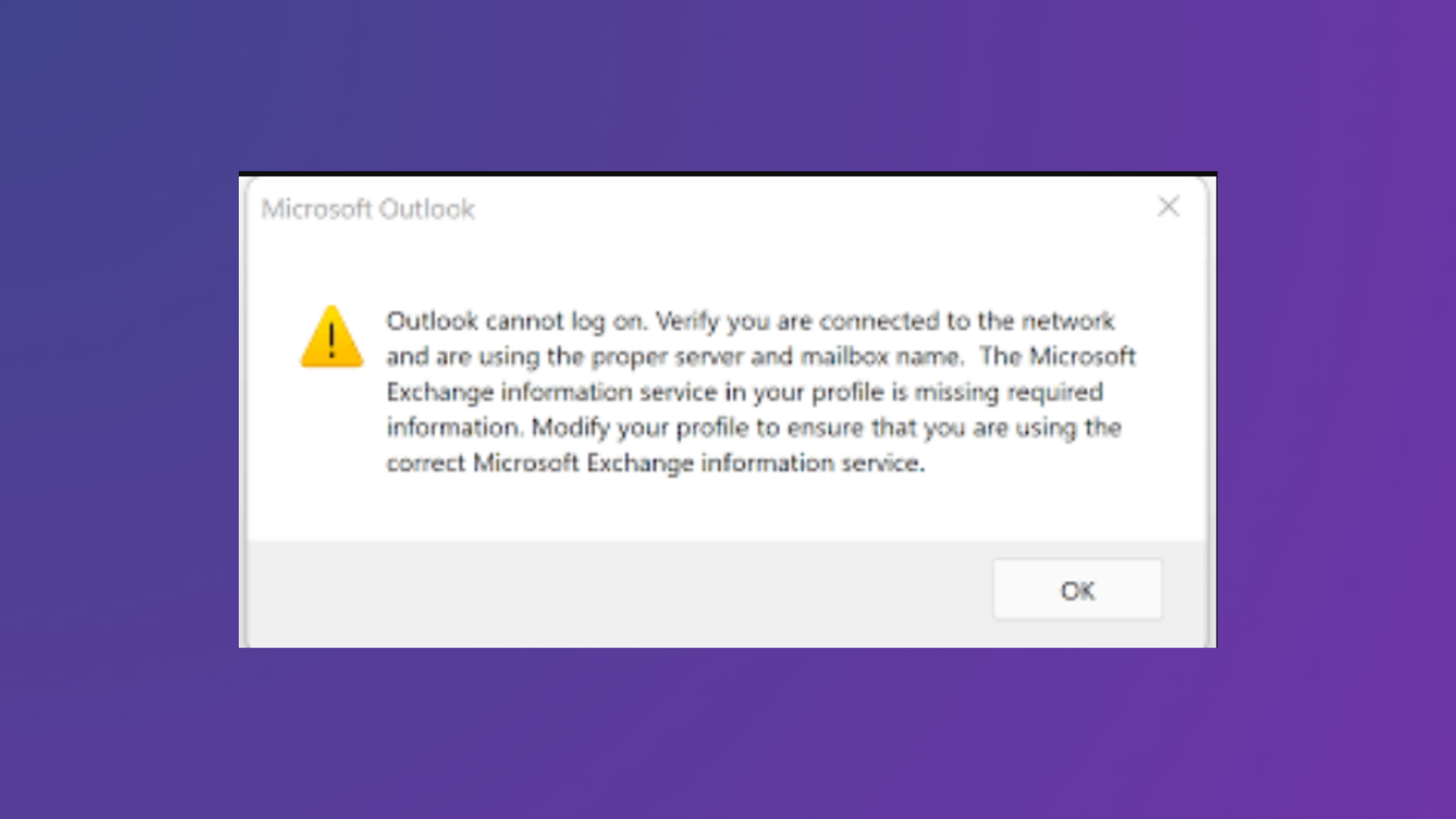
How to Fix Outlook Cannot Log On Verify You Are Connected to the Network Error
Comprehensive solutions to resolve the “Outlook cannot log on. Verify you are connected to the network and are using the proper server and mailbox…
-
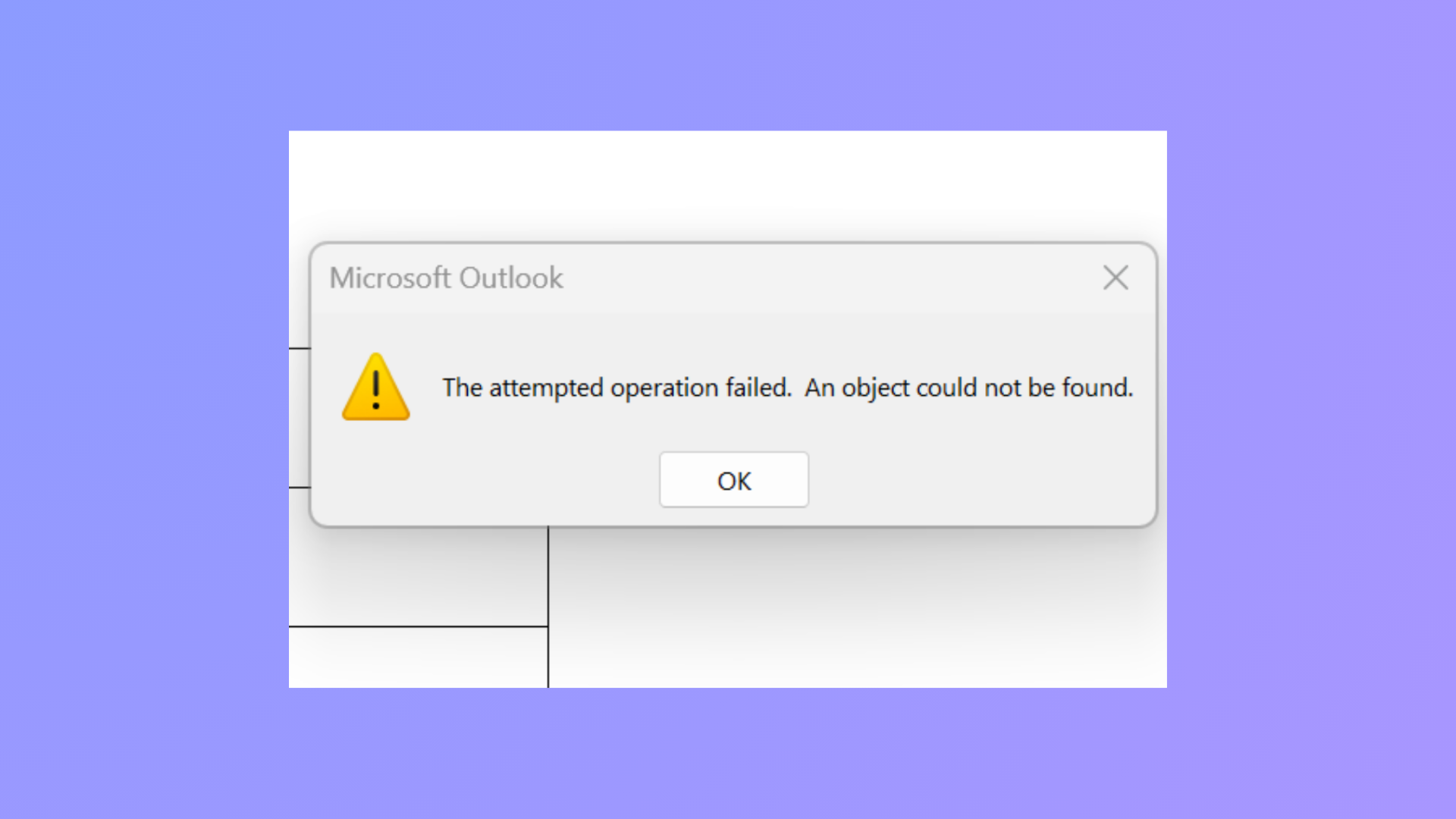
How to Fix the Attempted Operation Failed Outlook Attachment Error
Resolve the “The attempted operation failed. An object could not be found.” error in Outlook and restore normal attachment functionality using proven troubleshooting steps.