
Category
Mac
macOS, MacBook, Apple Watch, iCloud — the Apple ecosystem outside iPhone.
-

How to Change Screen Awake Duration on Apple Watch
Reduce or increase the screen wake duration of your Apple Watch according to your preference right from your Apple Watch or from the Watch…
-
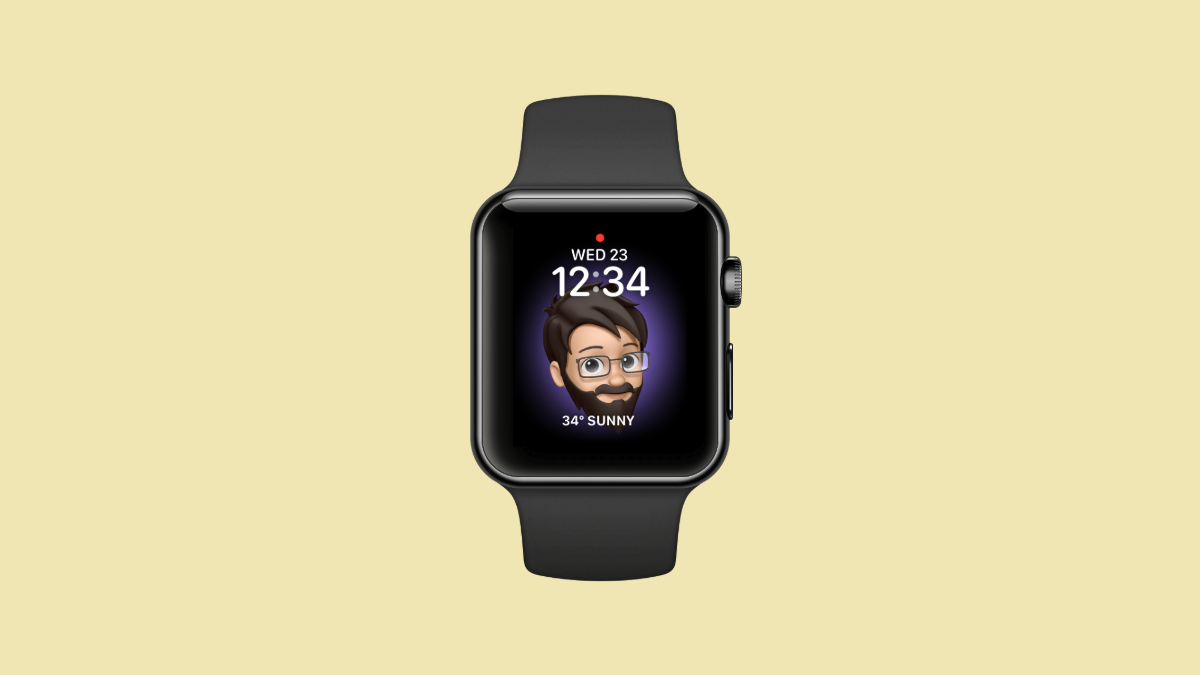
How to Make your Memoji an Apple Watch Face
Love your Memoji? Make it your Apple Watch face and wear it on your wrist.
-
How to Take a Screenshot on Apple Watch
A simple step-by-step guide to enable the screenshot functionality and take screenshots on your Apple Watch.
-

How to Make a Picture on Your iPhone an Apple Watch Face
Quickly set a picture in your iPhone’s gallery as an Apple Watch face with these simple instructions.
-
How to Manually Refresh iMessage on Mac When it is Not Syncing
Two simple methods to manually refresh iMessage on your macOS device when it is not syncing properly with your other Apple devices.
-
How to use your Apple Watch Handsfree
A step-by-step guide to enable Assistive Touch on your Apple Watch and use it completely hands-free if and when needed.
-
How to Uninstall Google Chrome on Mac
A simple, step-by-step guide to uninstall Google Chrome and its support files completely from your macOS device.
-

How to Make Microsoft Edge Your Default Browser on Windows and Mac
Easily make Microsoft Edge the default browser on your Windows or Mac computer with these simple instructions.
-
How to Use OBS Studio on Mac to Record Screen
Record your MacBook screen in a few simple steps using the OBS Studio.
-
How to Enable and Use Content Caching on Mac
Upgrade your Apple devices faster without using additional cellular data or bandwidth with the help of Content Caching on your MacBook.