
Category
Apps
Productivity tools, Microsoft Office, communication apps, and browsers.
-
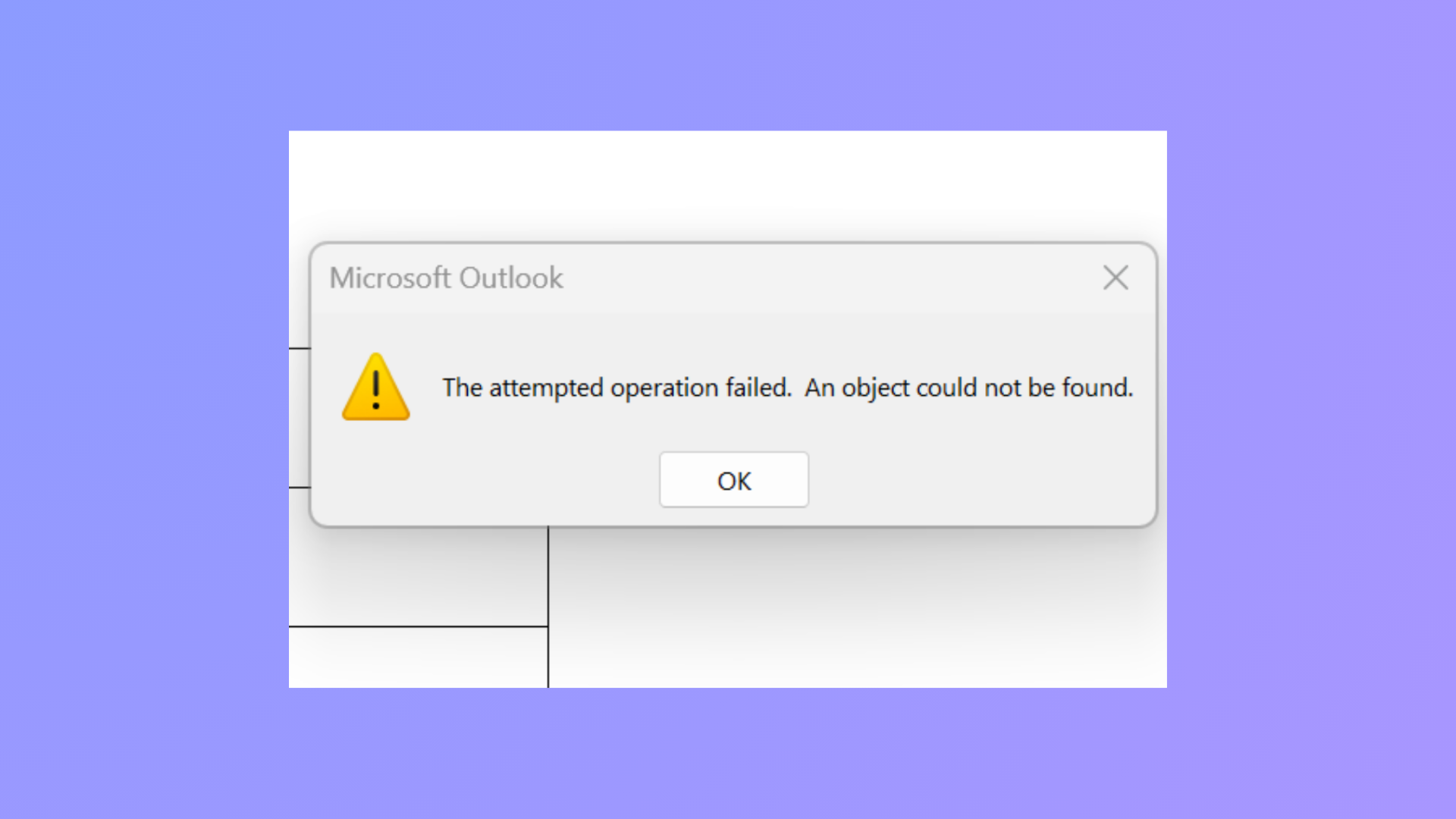
How to Fix the Attempted Operation Failed Outlook Attachment Error
Resolve the “The attempted operation failed. An object could not be found.” error in Outlook and restore normal attachment functionality using proven troubleshooting steps.
-
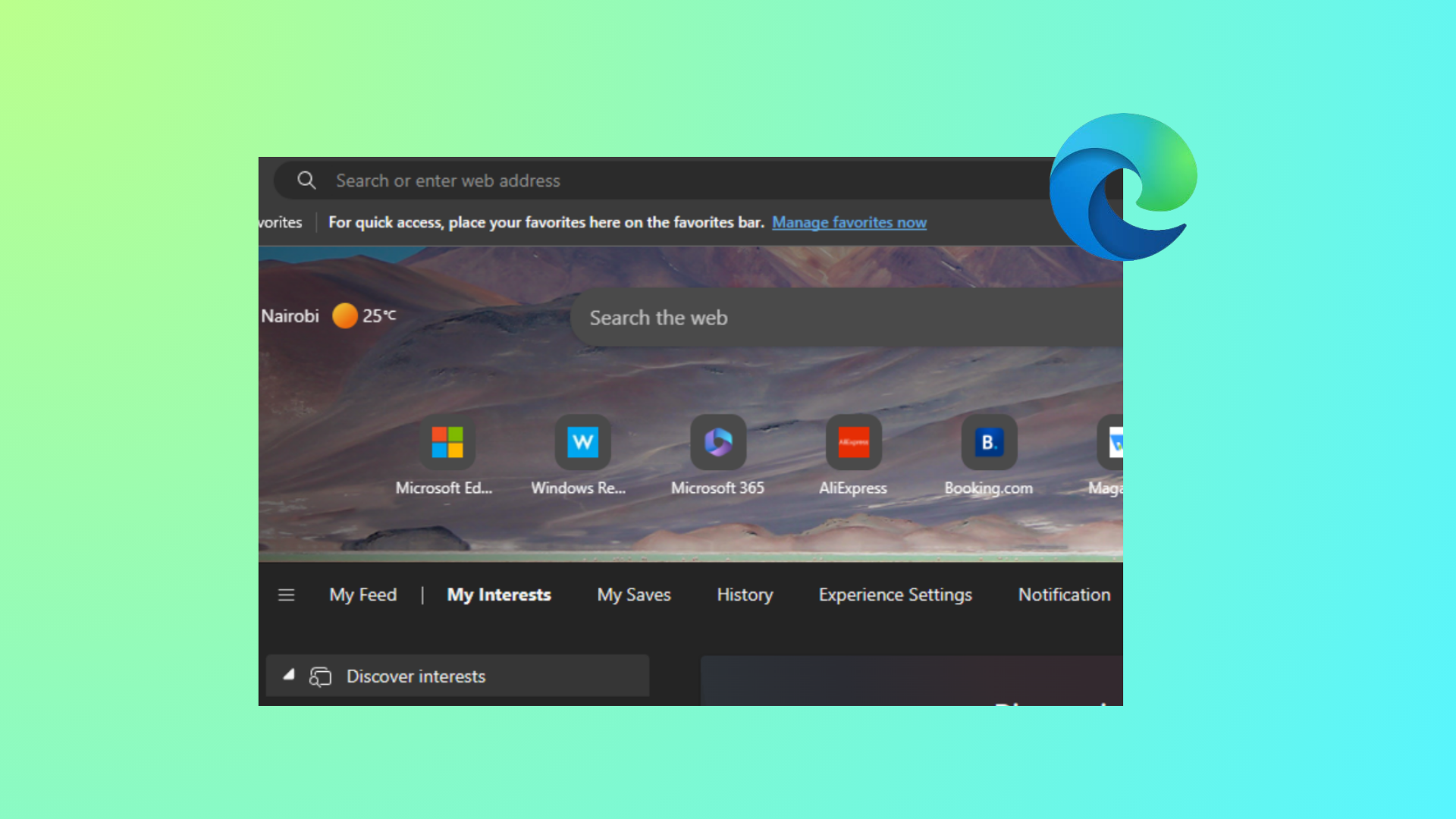
How to Hide Quick Links on New Tab Page in Microsoft Edge
Learn effective methods to remove or disable Quick Links from the Edge New Tab page for individual users and across all users using browser…
-
How to Fix Outlook Error Code 3399811147
Resolve Outlook error code 3399811147 by addressing cached credentials, account configuration conflicts, and Windows authentication service issues with these clear solutions.
-
Import Libraries in Python
Use reliable import patterns, install missing packages, and avoid common pitfalls when working with modules and packages.
-
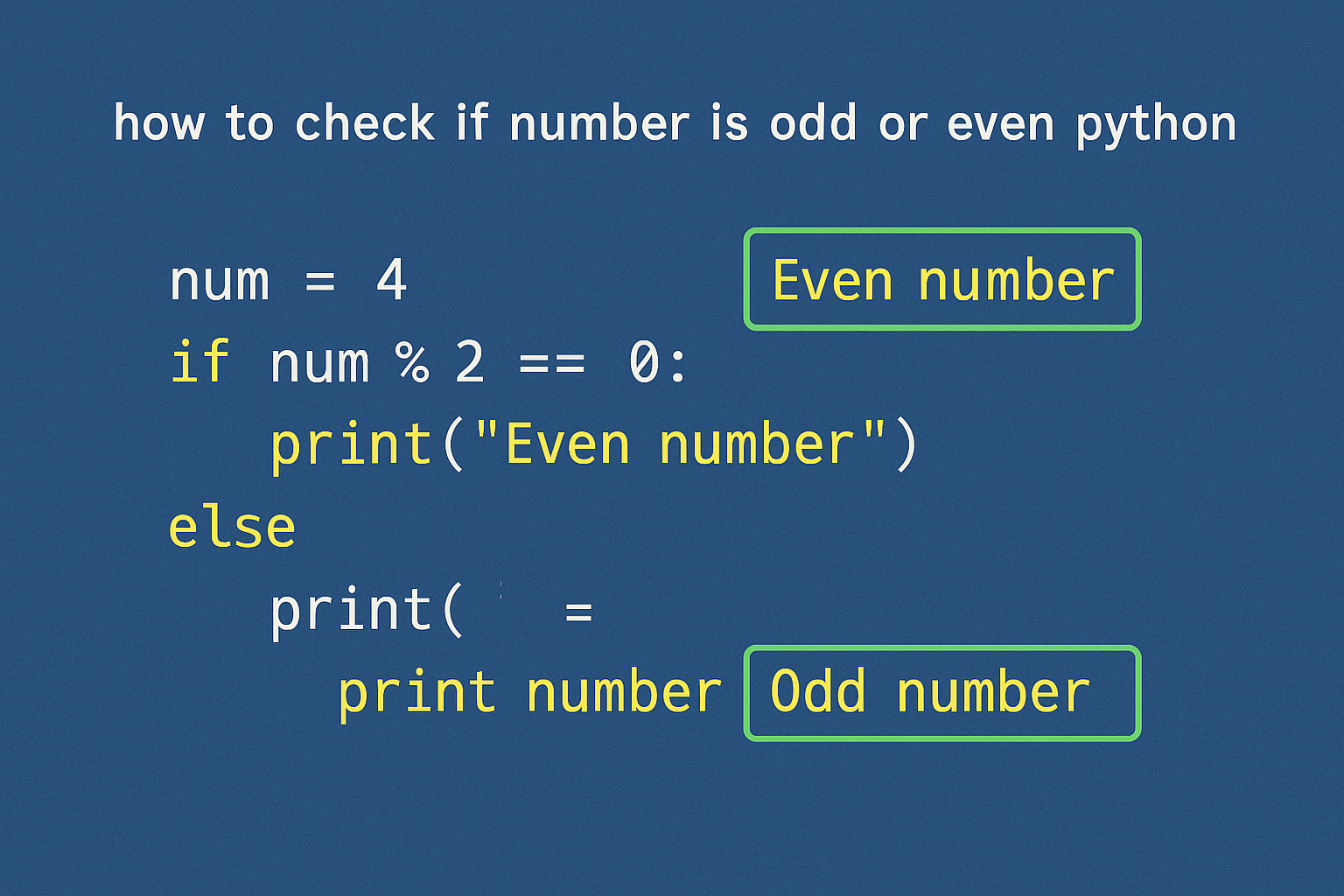
Check If a Number Is Odd or Even in Python
Use the modulo operator or a bitwise check to determine parity for single values and sequences.
-
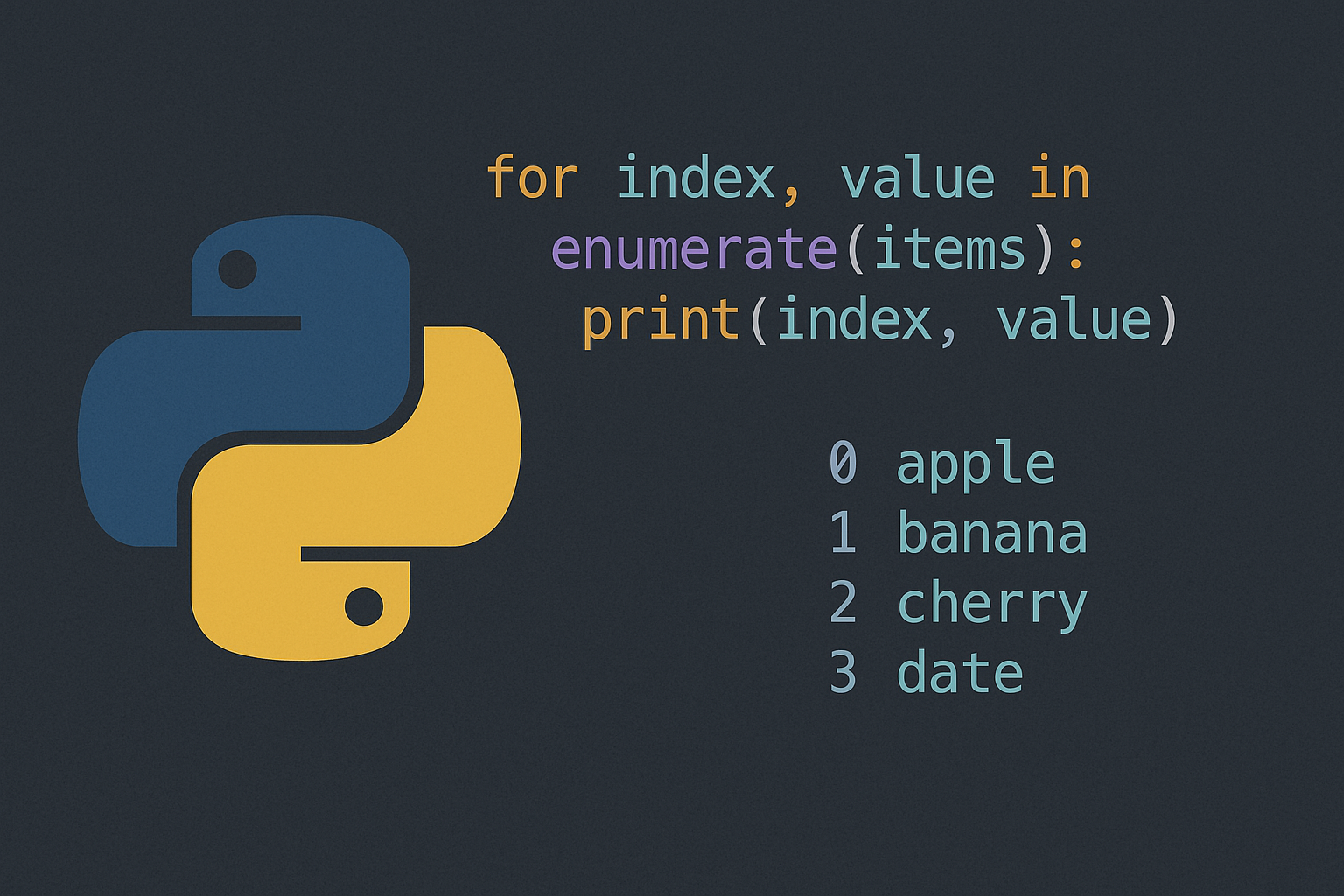
What Is Python’s enumerate() Function and How Do You Use It?
A quick guide to looping with a counter the Pythonic way, with practical examples and gotchas.
-
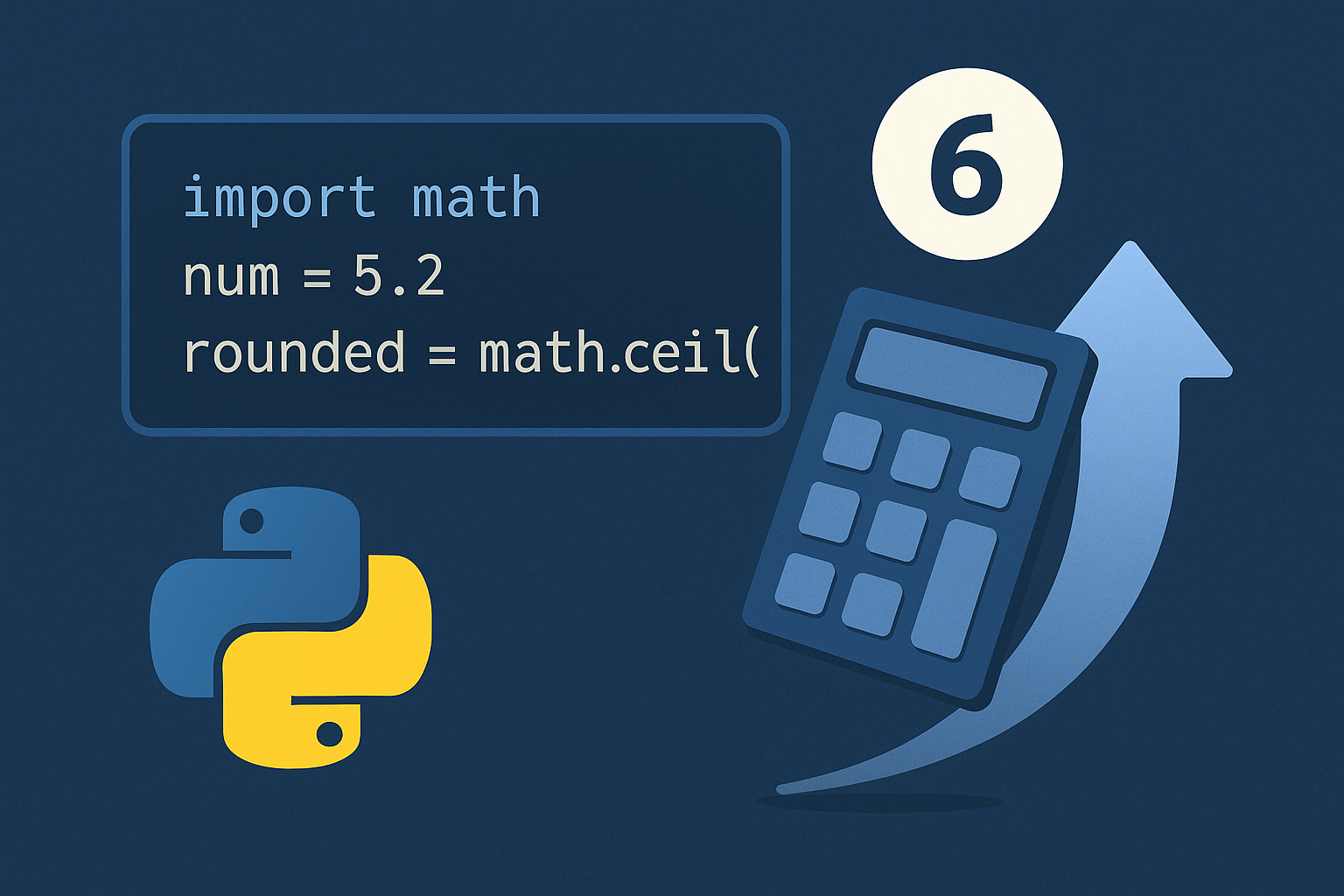
How to Round Up Numbers in Python
Use math.ceil() for single values, a scale-and-ceil pattern for decimal places, Decimal for exact finance-style rules, and NumPy for arrays.
-
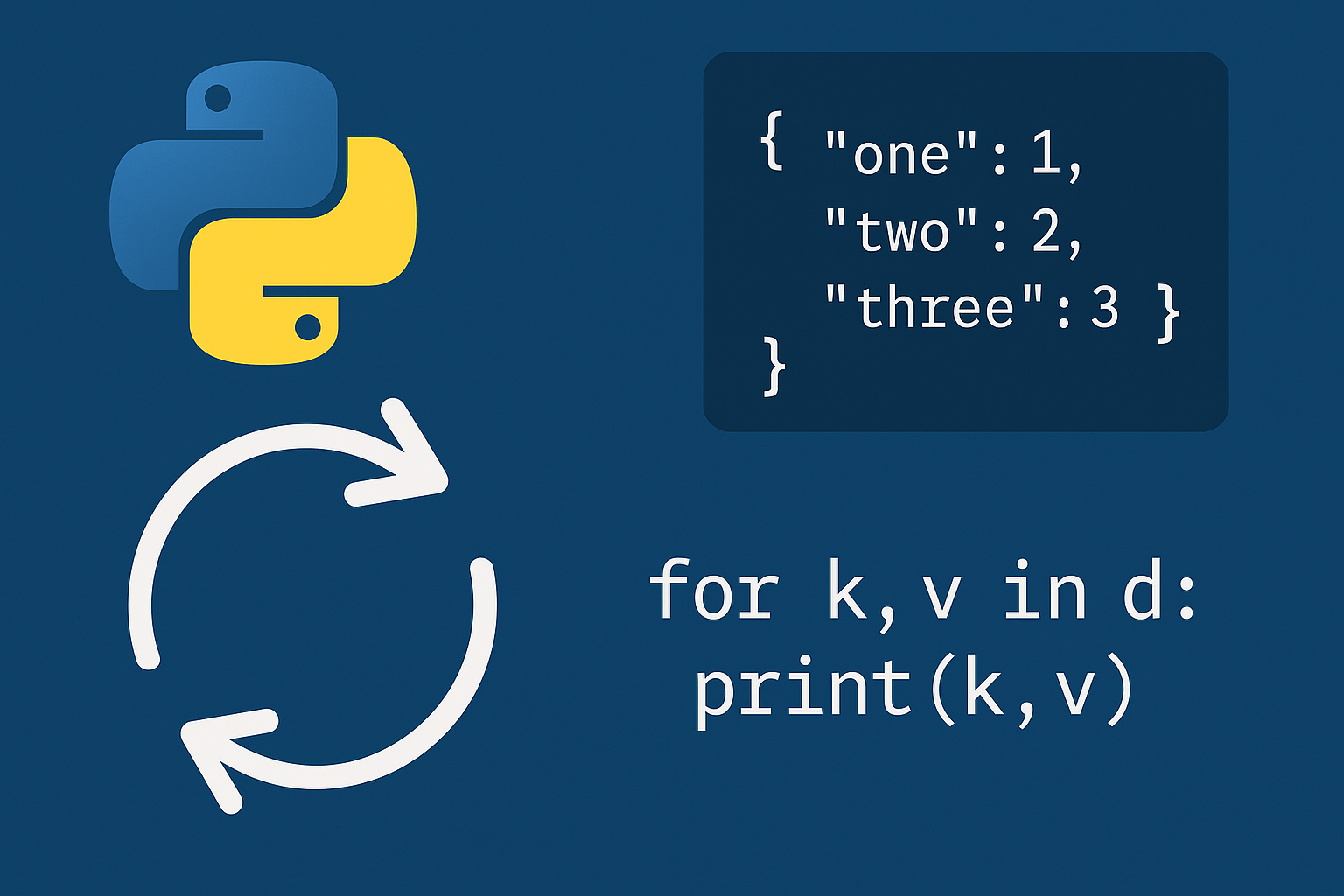
Loop Through a Dictionary in Python
Use direct, sorted, and safe mutation loops to process keys, values, and key–value pairs reliably.
-
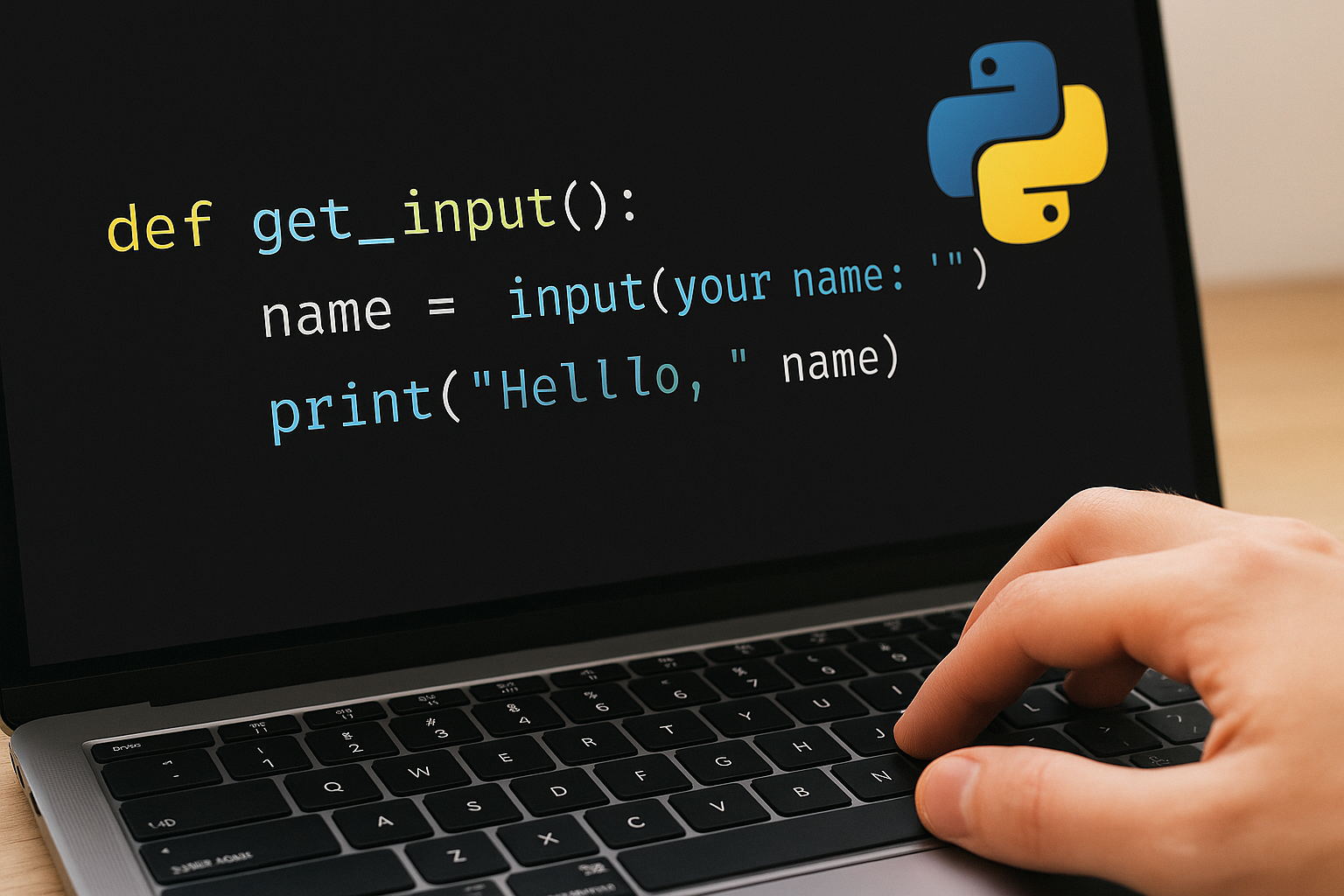
Get User Input in Python
Use input(), type conversion, and validation patterns to collect strings, numbers, and lists.
-

Pause Execution in Python With time.sleep()
Use time.sleep(), asyncio.sleep(), and event- or GUI-friendly timers to delay work without stalling the wrong parts of your program.