
Category
Apps
Productivity tools, Microsoft Office, communication apps, and browsers.
-

How to Prevent Zoom Bombing
With the increasing reliance on video conferencing tools like Zoom, ensuring the security of meetings has become crucial. Uninvited guests disrupting meetings, known as…
-

How Does Zoom Attention Tracking Works
Zoom has a secret feature to enable hosts and co-hosts of a Zoom meeting to keep track of the attendees’ attention in a meeting.…
-

What are Commands in Microsoft Teams and How to Use Them
Microsoft Teams is equipped with numerous features designed to enhance teamwork and streamline communication within organizations. One such powerful feature is the use of…
-

How to Use Snap Camera Face Filters in Microsoft Teams, Google Meet, and Zoom
Getting bored of long video meetings in Microsoft Teams or Zoom, and looking for ways to make them more fun? Well, you just stumbled…
-

How to Lock a Zoom Meeting
Are you hosting a Zoom meeting and need a private moment with key participants before others join? Zoom provides a feature that allows hosts…
-
Microsoft Teams Keyboard Shortcuts for Windows, Web, and Mac
A lot of organizations are moving to collaboration tools for working, leaving mails behind. Microsoft Teams is one such collaboration tool that many organizations…
-

How to Turn Apps and Files into Tabs in Microsoft Teams
Microsoft Teams has become a cornerstone for collaboration in many organizations, offering a streamlined interface and a plethora of features designed to enhance productivity.…
-
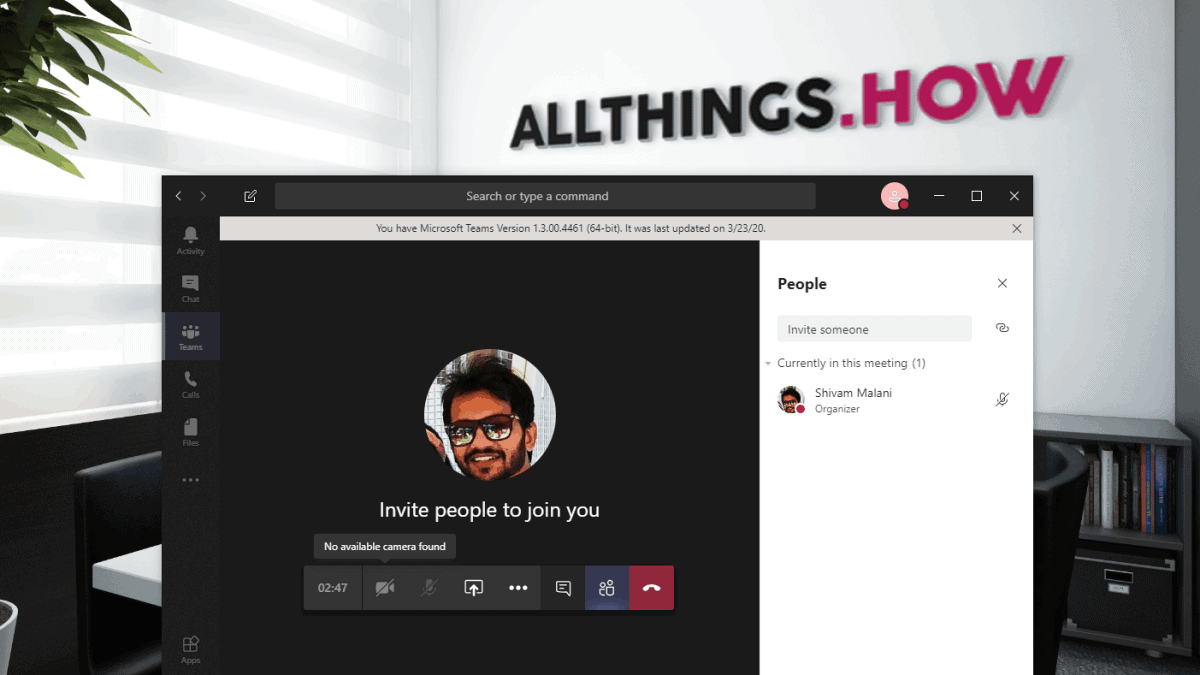
How to Fix Microsoft Teams Camera Not Working Problem
Learn how to fix Microsoft Teams camera not working issue with these simple solutions, ensuring seamless video conferences and collaboration.
-
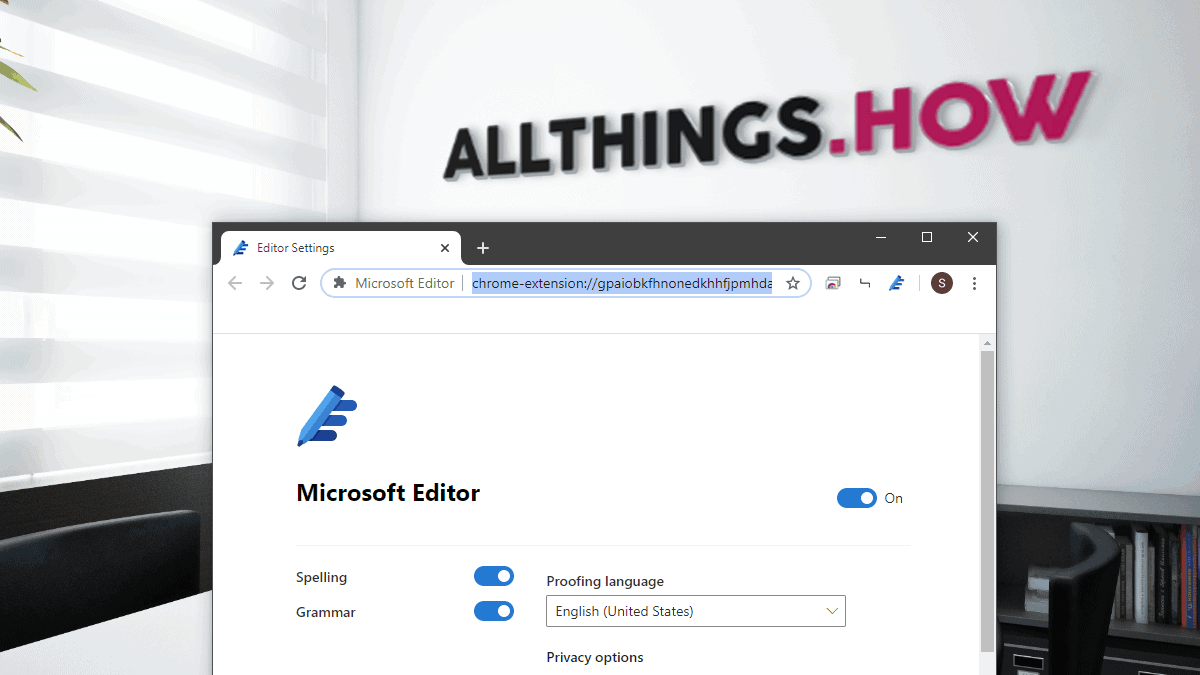
How to Download Microsoft Editor Extension for Chrome and Edge
Microsoft Editor is an AI-powered assistant designed to enhance your writing by providing real-time suggestions for spelling, grammar, and style across various web platforms.…
-
How to Remove Someone from Microsoft Teams
Microsoft Teams has become an essential tool for organizations facilitating remote collaboration. It allows teams to coordinate and work efficiently within dedicated spaces. While…